




What is this?
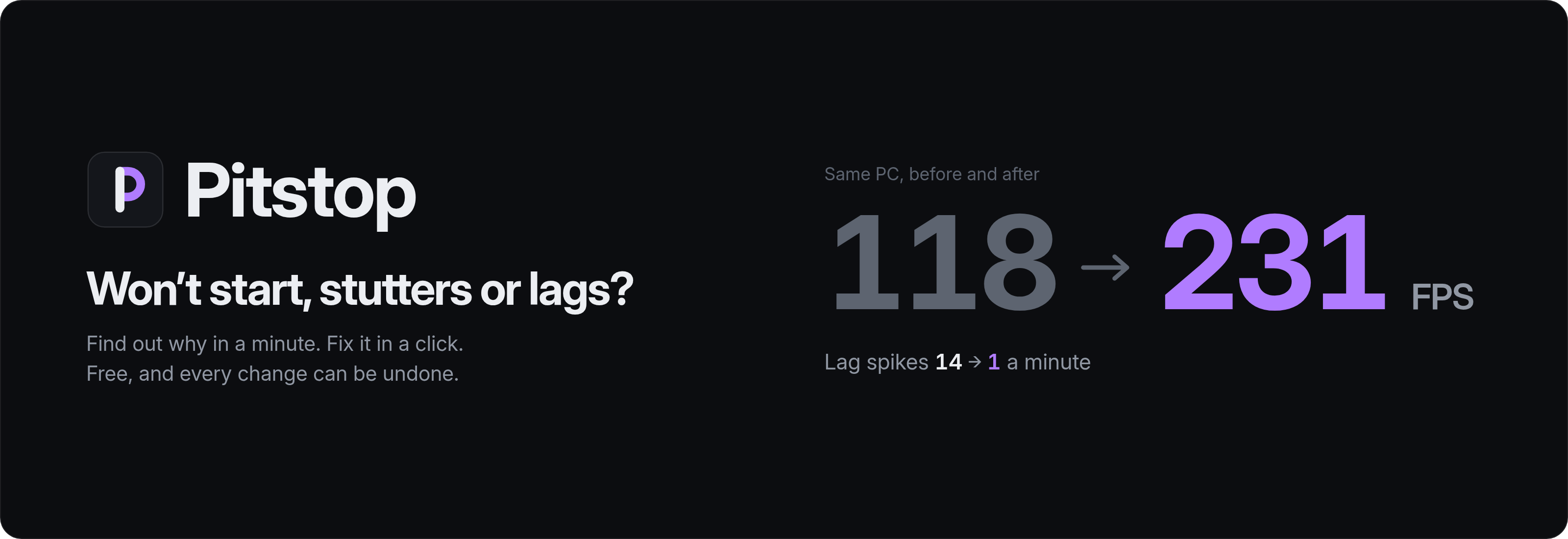
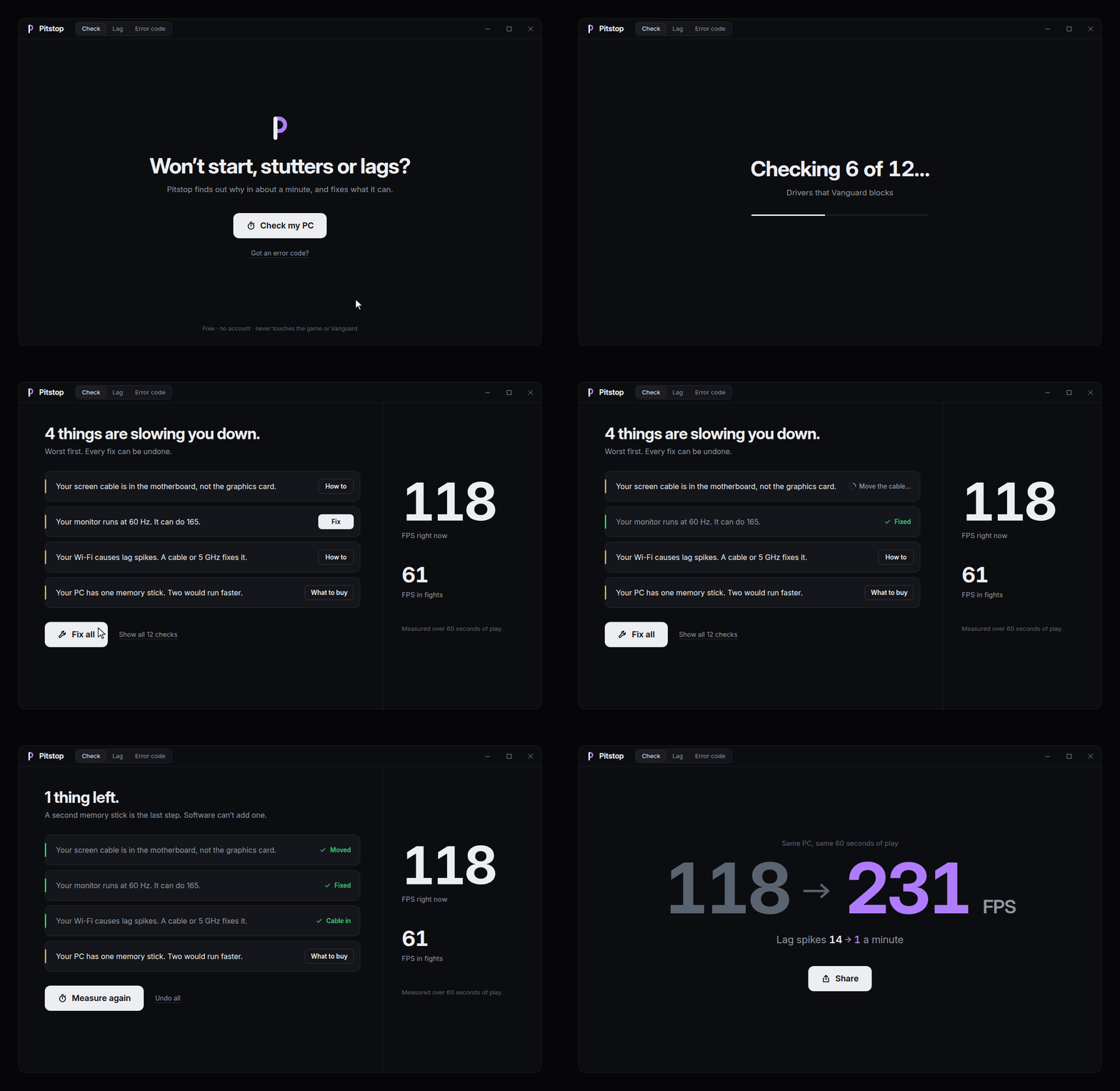
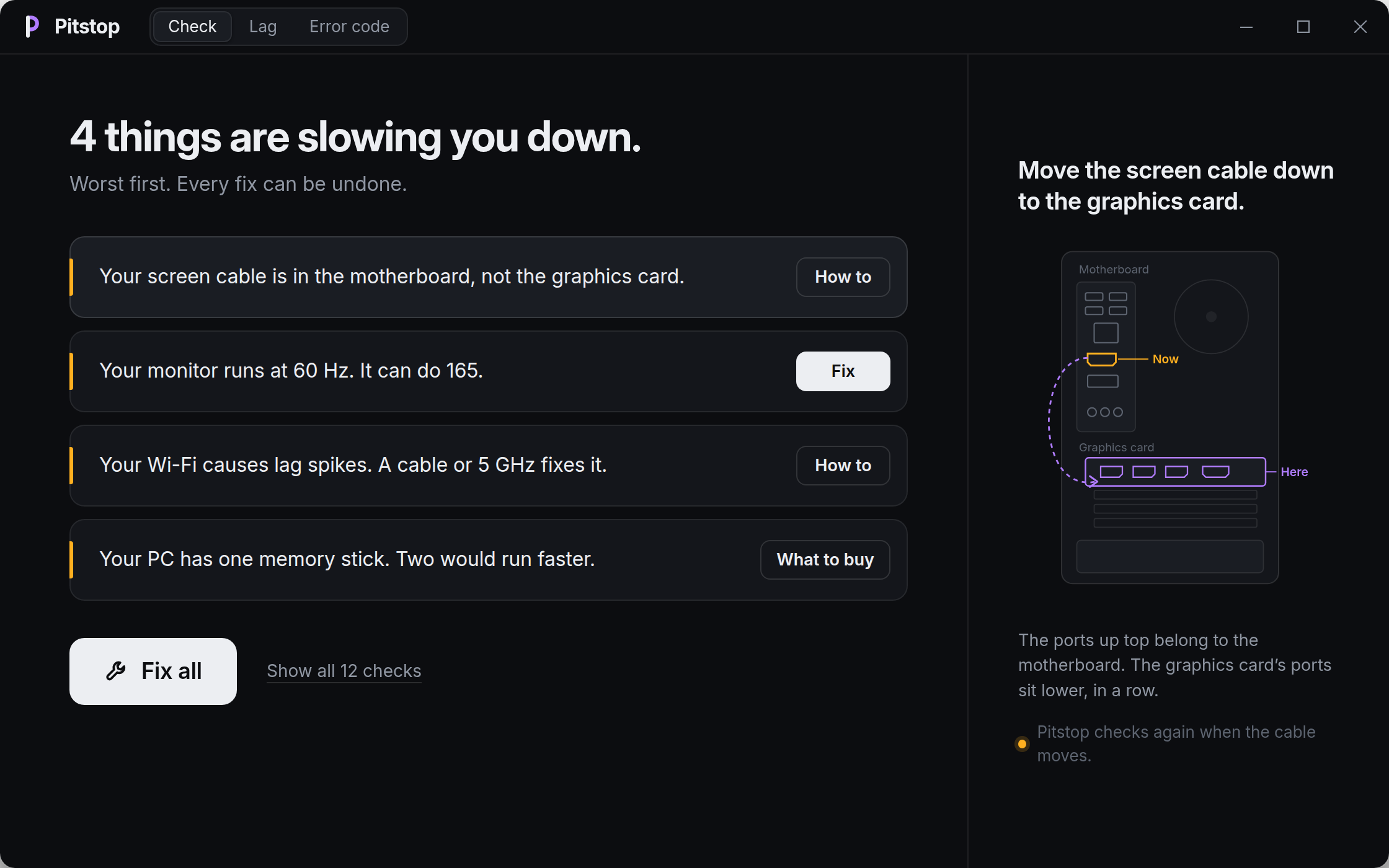
 A one-button Windows app that finds out why a game stutters, lags or won't start, measures it with PresentMon, explains it in plain words and can undo every change in one click.
Is it a library or a standalone program?A standalone Windows desktop app built with Tauri. It ships as a zip with Main.exe, with no installer and no admin rights needed.
A standalone Windows desktop app built with Tauri. It ships as a zip with Main.exe, with no installer and no admin rights needed.How do I get it running?Download pc-game-fps-doctor.zip, unpack the whole folder and start Main.exe. Keep Pitstop next to it, since the two ship together.
Download pc-game-fps-doctor.zip, unpack the whole folder and start Main.exe. Keep Pitstop next to it, since the two ship together.Do I need anything installed first?No, to run the zip you need nothing else. Building from source needs Rust 1.85 or newer and the Tauri prerequisites.
No, to run the zip you need nothing else. Building from source needs Rust 1.85 or newer and the Tauri prerequisites.Is it safe to use with VALORANT and Vanguard?The README says it never touches the game, Vanguard or Windows security. It can't lift a hardware ban, and nobody can promise a specific FPS gain.
The README says it never touches the game, Vanguard or Windows security. It can't lift a hardware ban, and nobody can promise a specific FPS gain.Which Windows versions does it support?Windows 10 and 11 only. It changes Windows settings and does not target macOS or Linux.
Windows 10 and 11 only. It changes Windows settings and does not target macOS or Linux.Does it need internet?The FPS and error-code checks run locally. The lag check measures public stand-in hosts in each server city, so that part needs internet.
The FPS and error-code checks run locally. The lag check measures public stand-in hosts in each server city, so that part needs internet.Does it collect anything about me?No. The README lists it as free with no account, no ads and no telemetry.
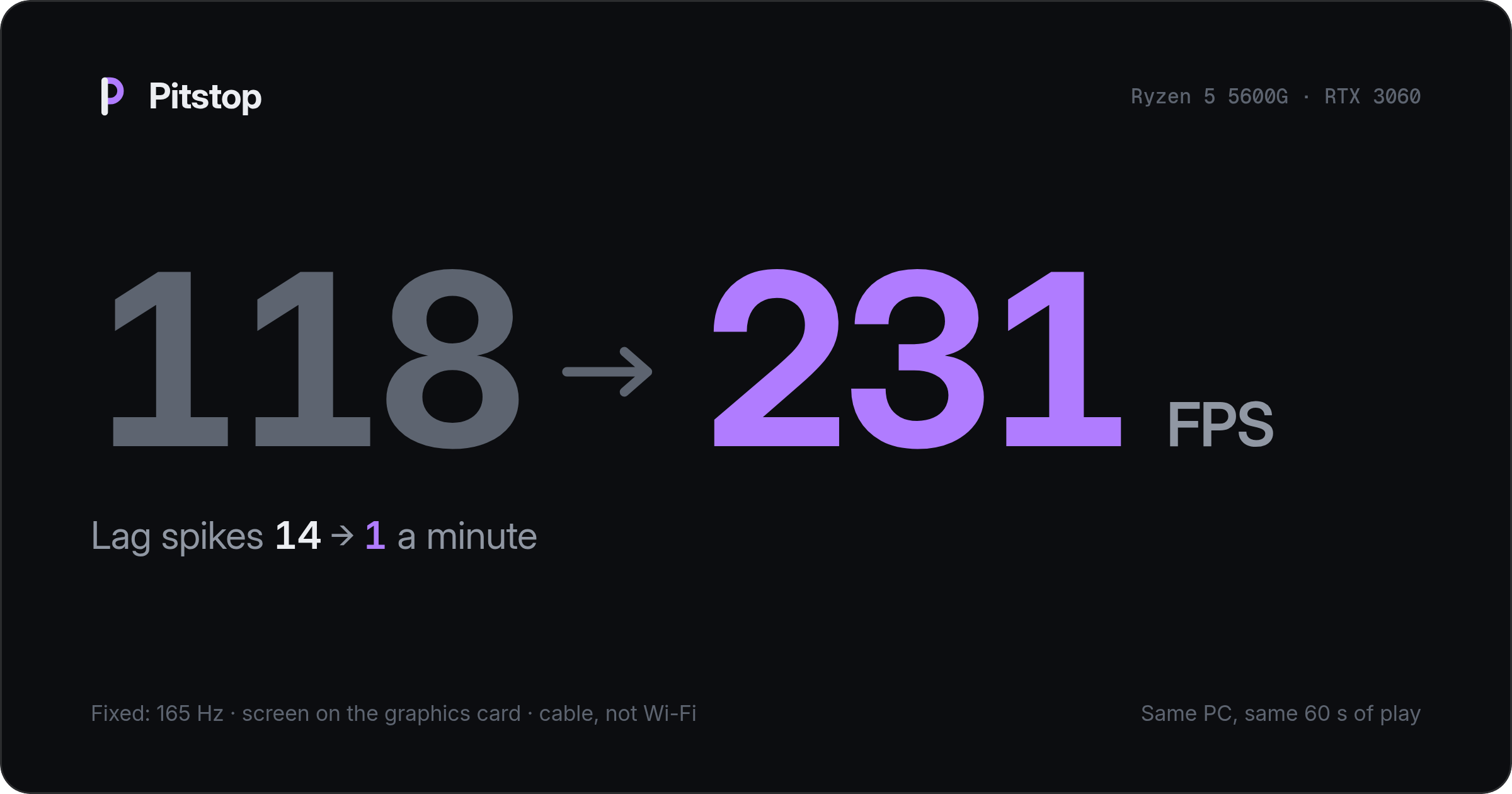
No. The README lists it as free with no account, no ads and no telemetry.How does Pitstop measure FPS without touching the game?It runs a 60-second PresentMon capture that reads Windows event tracing and never injects into the game. The 1% low is what the README calls FPS in fights.
It runs a 60-second PresentMon capture that reads Windows event tracing and never injects into the game. The 1% low is what the README calls FPS in fights.Is it a free alternative to Hone or Razer Cortex?For VALORANT, yes, but it works differently. It measures first, fixes only what it found and undoes any of it in one click, instead of applying a long list of tweaks.
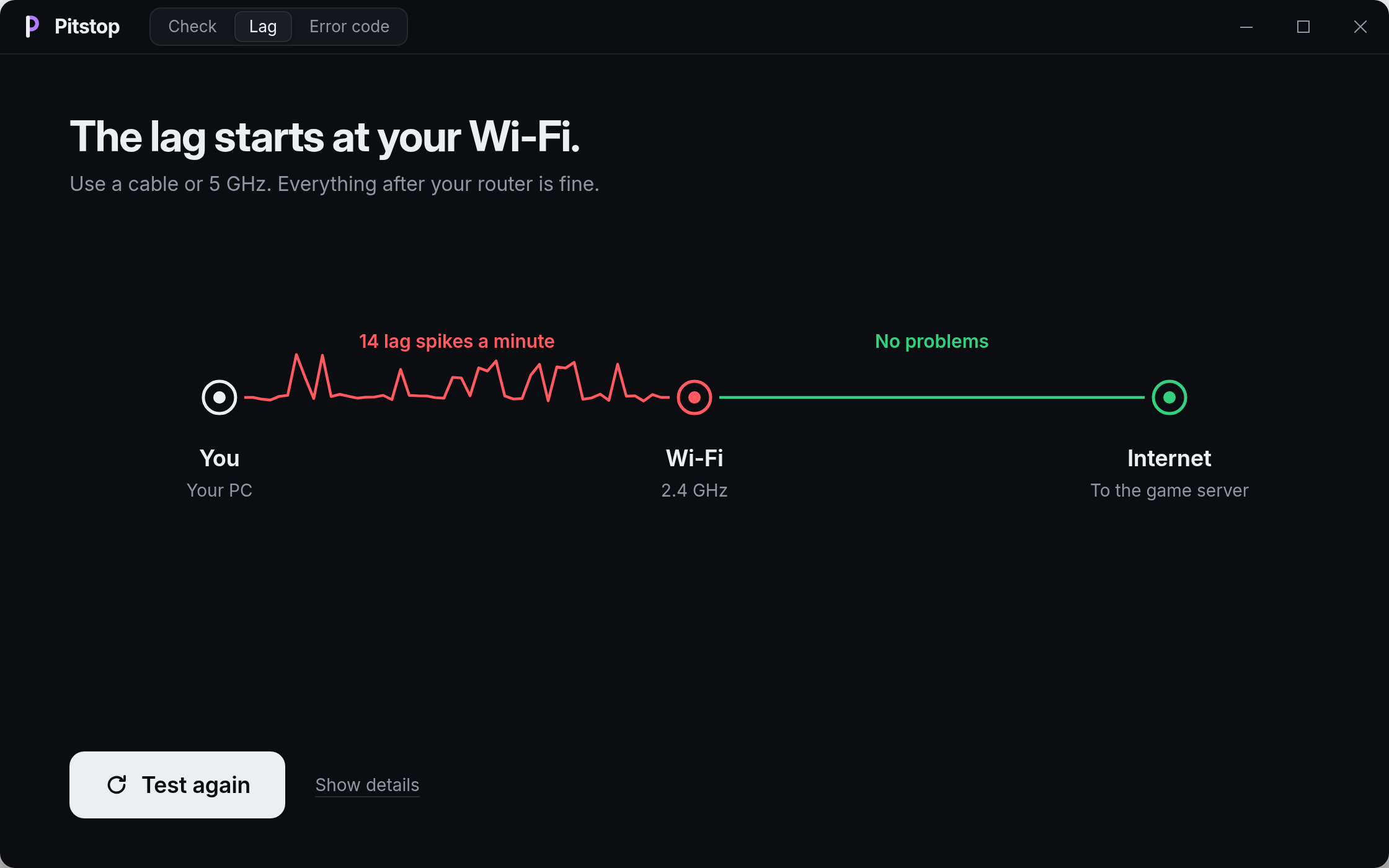
For VALORANT, yes, but it works differently. It measures first, fixes only what it found and undoes any of it in one click, instead of applying a long list of tweaks.What does the lag check actually tell me?It measures latency, jitter and loss at each hop, gives a bufferbloat grade from A to F, and lists the apps using the connection. One sentence says whether the lag starts at your Wi-Fi, router or internet.
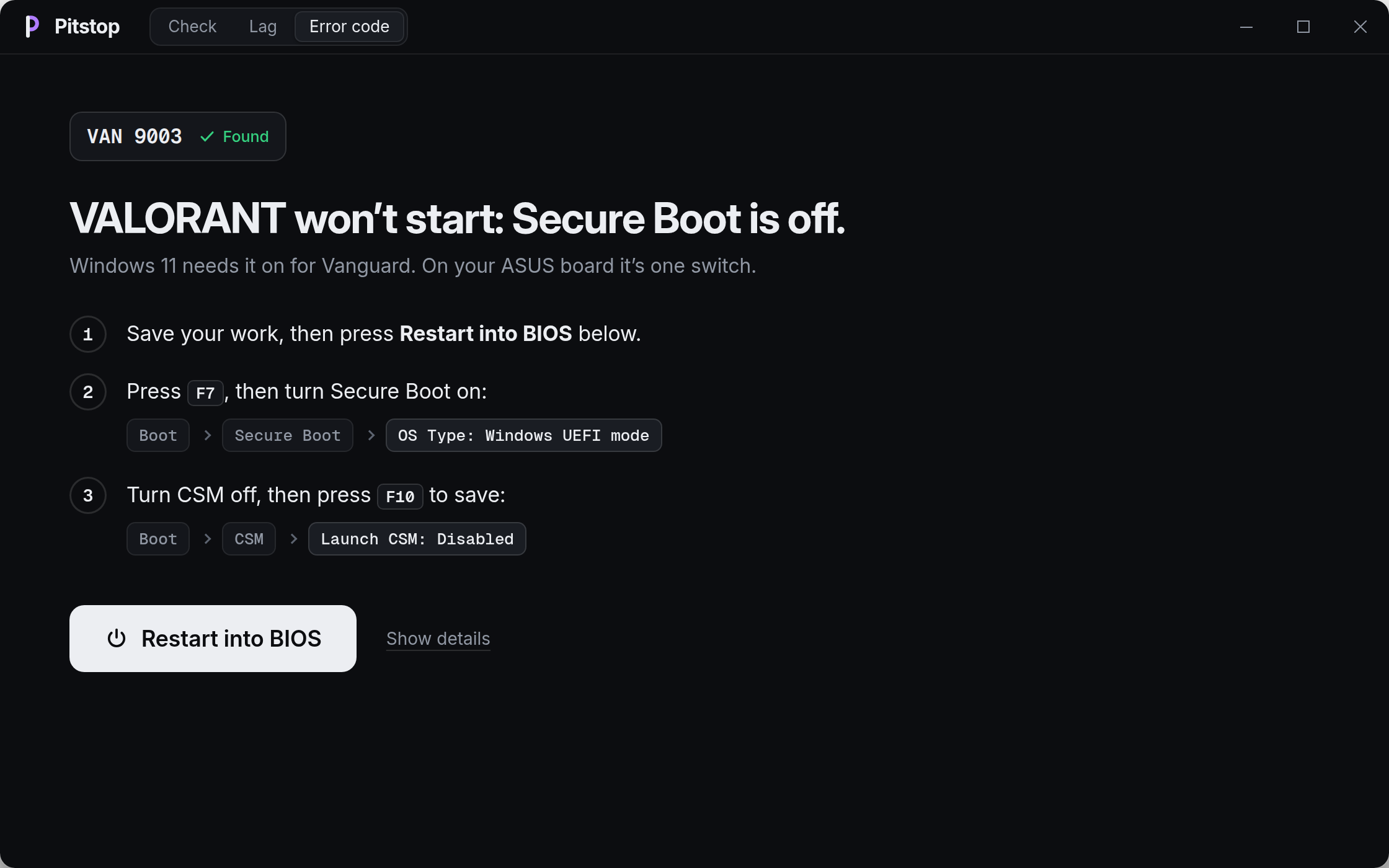
It measures latency, jitter and loss at each hop, gives a bufferbloat grade from A to F, and lists the apps using the connection. One sentence says whether the lag starts at your Wi-Fi, router or internet.Can Pitstop lift a VAN 152 ban?No. VAN 152 is a hardware ban, typically about 4 months, and no tool can lift it. The FAQ warns that HWID spoofers get the PC banned again.
No. VAN 152 is a hardware ban, typically about 4 months, and no tool can lift it. The FAQ warns that HWID spoofers get the PC banned again.What are similar projects?gping, game-ping-multipath-router, Atlas, nmap, rea, deno, impeccable, bun
gping, game-ping-multipath-router, Atlas, nmap, rea, deno, impeccable, bunWhich topics is it in?rust, javascript, windows
rust, javascript, windows