7.1K ·GitHub
Что это такое?
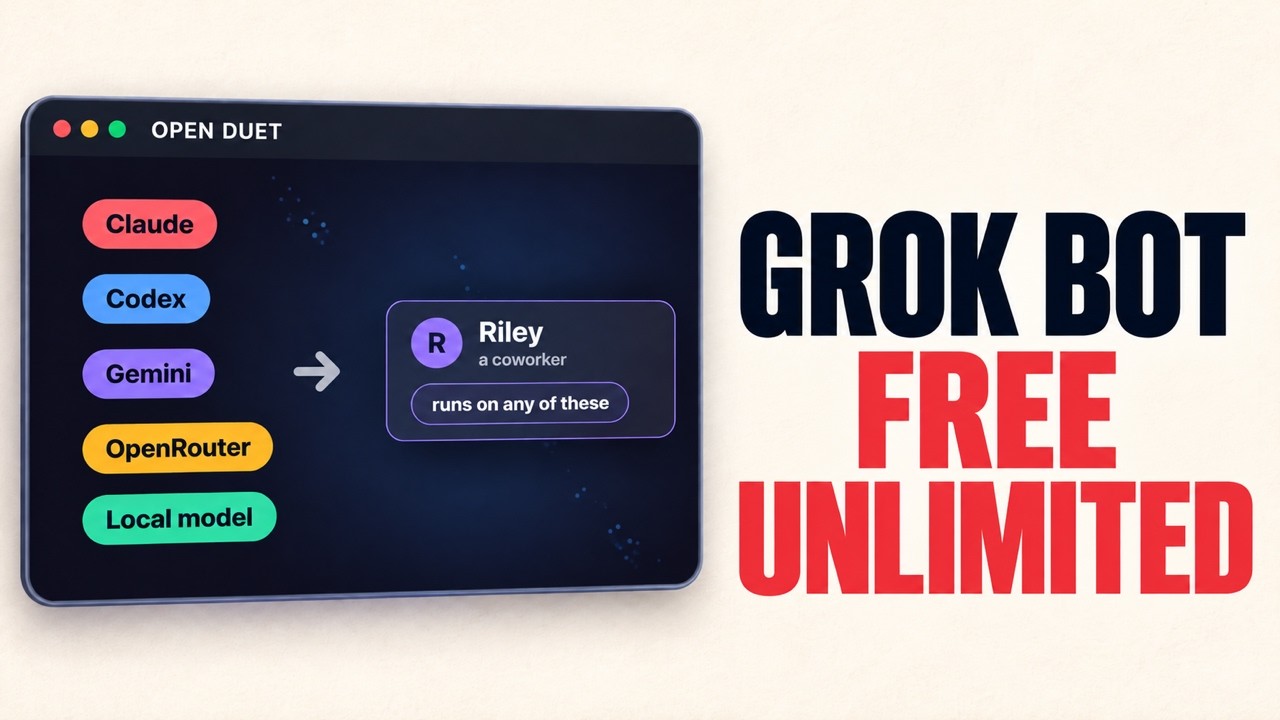
 Опенсорсное рабочее пространство для AI-агентов, которое размещается у вас самого, — альтернатива платным продуктам вроде OpenAI Dots, Claude Cowork, Grok Bot и ChatGPT agent. Прототип заточен под сценарии работы с кодинг-агентами: запуск задач Claude Code из Telegram или браузера, проверка рискованных действий и планирование повторяющихся промптов.
Это облачный сервис, куда надо регистрироваться, или я запускаю его сам?Вы запускаете его сами: бэкенд на FastAPI, веб-интерфейс на Next.js и опциональный Telegram-бот — все они используют один и тот же API, песочницу и учётные данные каждого пользователя.
Вы запускаете его сами: бэкенд на FastAPI, веб-интерфейс на Next.js и опциональный Telegram-бот — все они используют один и тот же API, песочницу и учётные данные каждого пользователя.Как его запустить?Заполните backend/.env, затем запустите ./scripts/dev.sh из корня репозитория — он поднимает Postgres через Docker, ставит зависимости, накатывает миграции и запускает API, Telegram-бота и веб-интерфейс (на Windows работает Git Bash). Ctrl+C останавливает всё, кроме Postgres.
Заполните backend/.env, затем запустите ./scripts/dev.sh из корня репозитория — он поднимает Postgres через Docker, ставит зависимости, накатывает миграции и запускает API, Telegram-бота и веб-интерфейс (на Windows работает Git Bash). Ctrl+C останавливает всё, кроме Postgres.Что нужно иметь, чтобы всё реально заработало?Локально: uv, Node.js 20.9+, Docker для Postgres (или экспериментальный режим SQLite) и Bash. Из аккаунтов: API-ключ 'Boat' для создания песочниц, а также Claude, привязанный через его OAuth-вход, — это пока единственный поддерживаемый агент. Токен Telegram-бота нужен только для бота или привязки: гостевой режим веб-интерфейса работает и без него.
Локально: uv, Node.js 20.9+, Docker для Postgres (или экспериментальный режим SQLite) и Bash. Из аккаунтов: API-ключ 'Boat' для создания песочниц, а также Claude, привязанный через его OAuth-вход, — это пока единственный поддерживаемый агент. Токен Telegram-бота нужен только для бота или привязки: гостевой режим веб-интерфейса работает и без него.Насколько это сырое, раз это прототип?Совсем раннее: в README написано 'Prototype / active development' и советует перед запуском для других прочитать раздел Known limitations. Там же прямо сказано, что возможности отличаются от платных сервисов — это не замена функция в функцию.
Совсем раннее: в README написано 'Prototype / active development' и советует перед запуском для других прочитать раздел Known limitations. Там же прямо сказано, что возможности отличаются от платных сервисов — это не замена функция в функцию.Как хранятся мои токены и записи о задачах?Учётные данные шифруются ключом Fernet, который вы генерируете сами, а записи о песочницах, задачах, разрешениях и расписаниях лежат в вашем собственном PostgreSQL.
Учётные данные шифруются ключом Fernet, который вы генерируете сами, а записи о песочницах, задачах, разрешениях и расписаниях лежат в вашем собственном PostgreSQL.Агент умеет искать в интернете?По желанию — включите PARALLELSEARCHENABLED=true, и новые задачи Claude получат бесплатный веб-поиск Parallel и загрузку страниц через MCP. Аккаунт Parallel или API-ключ не нужны, но для лёгкого использования действуют лимиты, и по умолчанию функция выключена; вызовы инструментов вы подтверждаете через обычные запросы разрешений.
По желанию — включите PARALLELSEARCHENABLED=true, и новые задачи Claude получат бесплатный веб-поиск Parallel и загрузку страниц через MCP. Аккаунт Parallel или API-ключ не нужны, но для лёгкого использования действуют лимиты, и по умолчанию функция выключена; вызовы инструментов вы подтверждаете через обычные запросы разрешений.Чем это лучше, чем платить за один из таких агентов?Смысл в том, что вы получаете прозрачное рабочее пространство под своим контролем: кодинг-задачи с видимыми шагами подтверждения и локальный контроль над приложением и его данными. В README честно говорится, что возможности отличаются от платных сервисов, а не повторяют их один в один.
Смысл в том, что вы получаете прозрачное рабочее пространство под своим контролем: кодинг-задачи с видимыми шагами подтверждения и локальный контроль над приложением и его данными. В README честно говорится, что возможности отличаются от платных сервисов, а не повторяют их один в один.Работает ли веб-интерфейс без Telegram?Да — можно продолжить как гость с локальным id, бот не нужен, а позже можно привязать аккаунт Telegram, отправив боту команду /link. Есть один нюанс: расписания, созданные в браузере, используют ваш часовой пояс, а созданные в Telegram — всегда UTC.
Да — можно продолжить как гость с локальным id, бот не нужен, а позже можно привязать аккаунт Telegram, отправив боту команду /link. Есть один нюанс: расписания, созданные в браузере, используют ваш часовой пояс, а созданные в Telegram — всегда UTC.Какие есть похожие проекты?AnyModelBot, magentic-ui, Agentlas-OS, taskuary, useagent, agenticos, qwen-code, mindshub
AnyModelBot, magentic-ui, Agentlas-OS, taskuary, useagent, agenticos, qwen-code, mindshubВ каких он темах?ai-workspace, claude-cowork, grok-bot, computer-use-agent, self-hosted-ai, telegram-bot, open-source-alternative, human-in-the-loop, computer-use, ai-assistant, fastapi, telegram
ai-workspace, claude-cowork, grok-bot, computer-use-agent, self-hosted-ai, telegram-bot, open-source-alternative, human-in-the-loop, computer-use, ai-assistant, fastapi, telegram