






这是什么?
 Notepads 是一款现代化的轻量级 Windows 文本编辑器,设计极简,定位是记事本的替代品,追求极致速度,人人都能轻松上手。
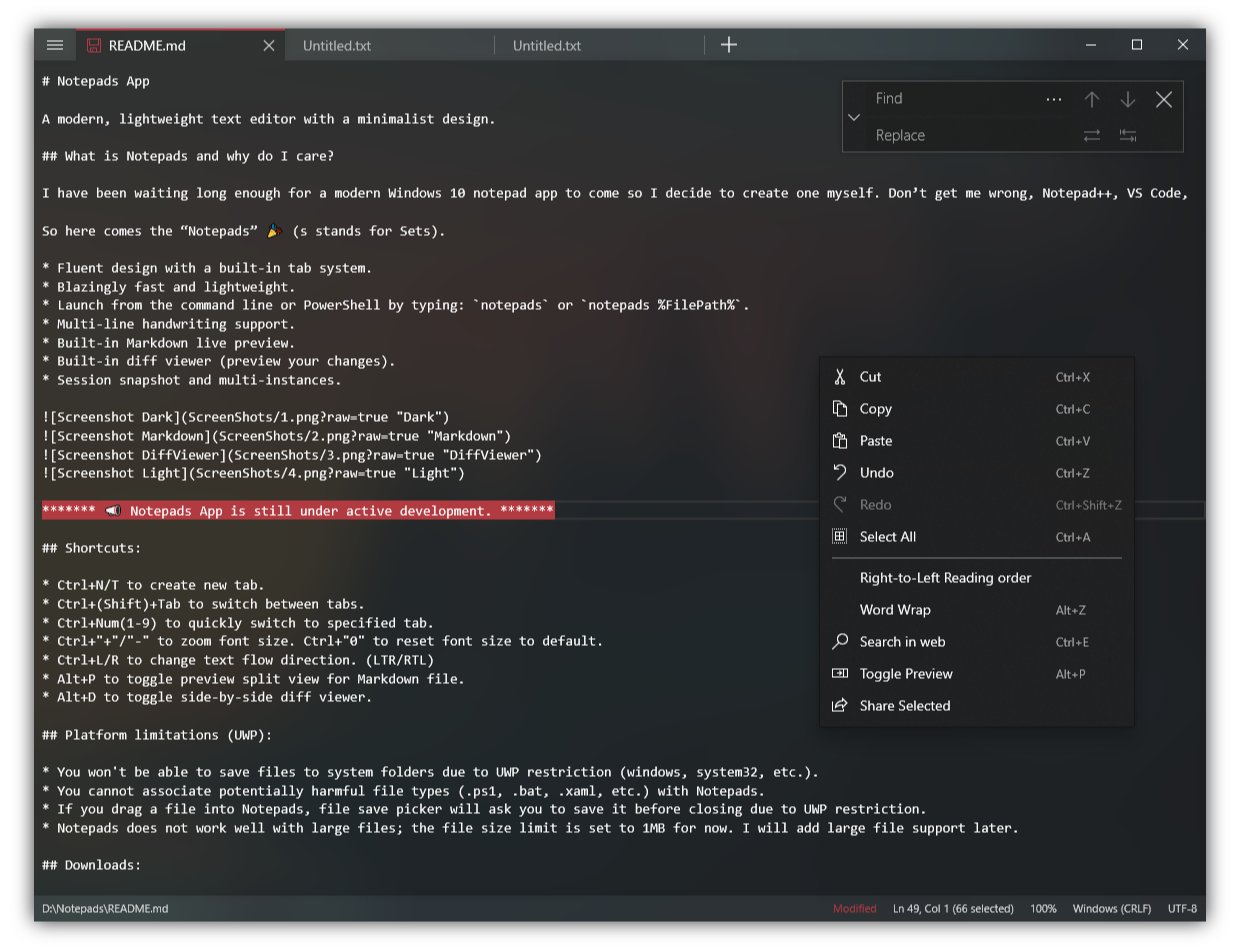
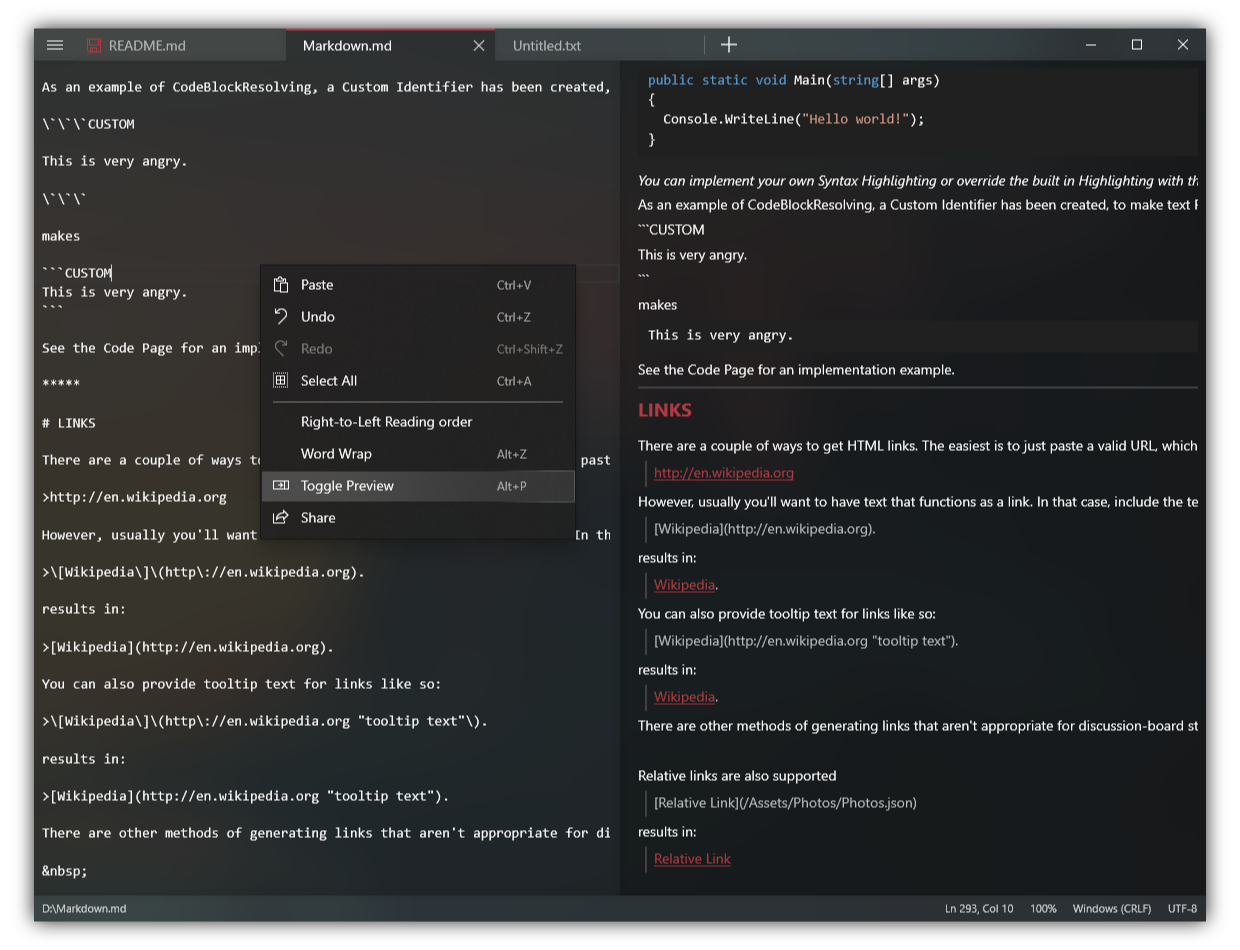
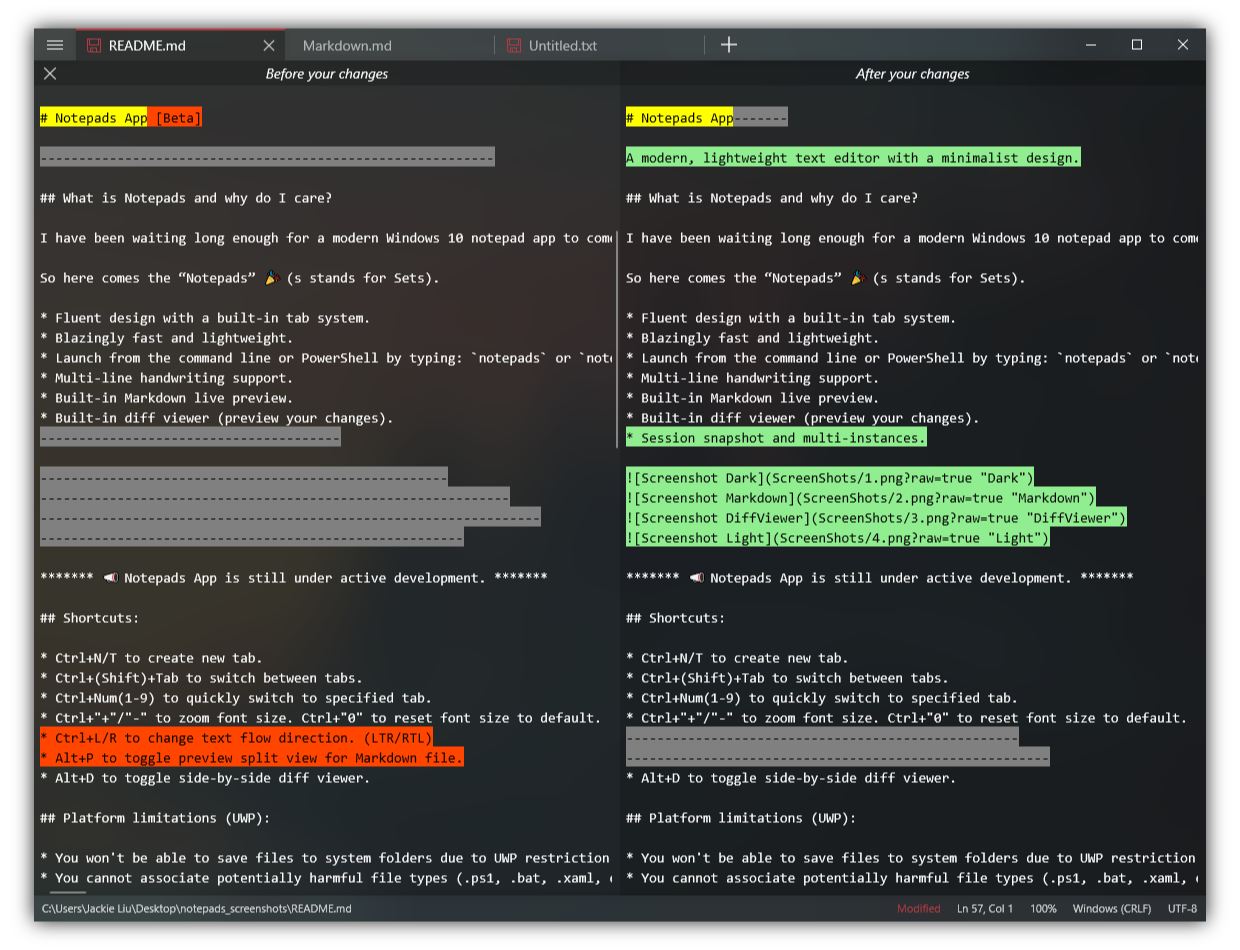
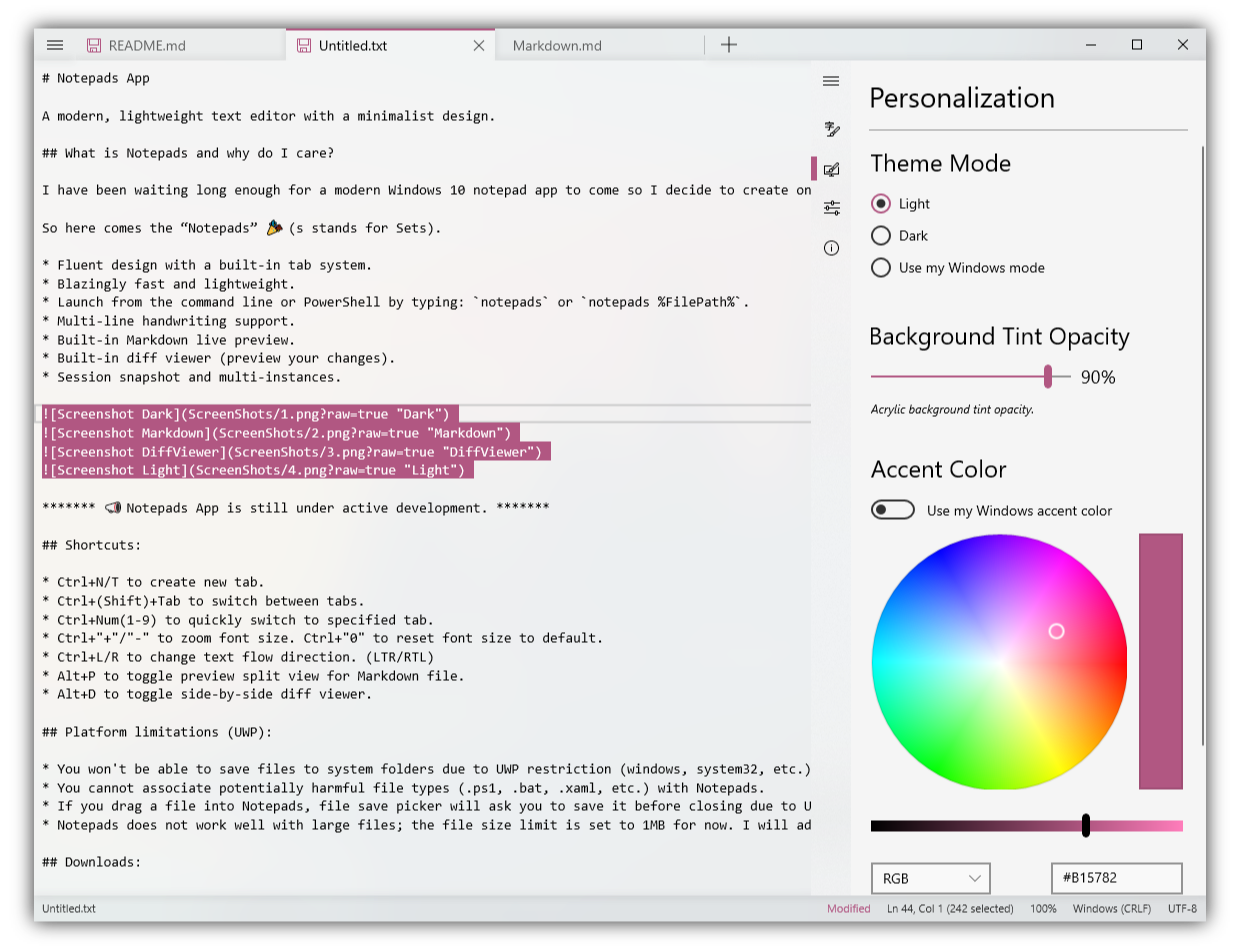
Notepads 是一款现代化的轻量级 Windows 文本编辑器,设计极简,定位是记事本的替代品,追求极致速度,人人都能轻松上手。它和 Windows 自带的记事本有什么不同?它保留了记事本般的简洁,同时加入现代 Fluent 界面,内置多标签页、Markdown 实时预览、并排对比查看器、多行手写输入和会话快照。
它保留了记事本般的简洁,同时加入现代 Fluent 界面,内置多标签页、Markdown 实时预览、并排对比查看器、多行手写输入和会话快照。怎么安装和启动?可以从 Microsoft Store 免费获取,或通过 Windows Package Manager 安装。然后在终端或 PowerShell 里输入 'notepads' 启动,也可以用 'notepads %FilePath%' 直接打开文件。
可以从 Microsoft Store 免费获取,或通过 Windows Package Manager 安装。然后在终端或 PowerShell 里输入 'notepads' 启动,也可以用 'notepads %FilePath%' 直接打开文件。换用它之前有什么需要注意的限制吗?有几个 UWP 的限制:不能把文件保存到系统文件夹,不能把 .cmd 或 .bat 文件关联到它,而且大文件有上限——目前限制为 1MB。
有几个 UWP 的限制:不能把文件保存到系统文件夹,不能把 .cmd 或 .bat 文件关联到它,而且大文件有上限——目前限制为 1MB。macOS 或 Linux 上也能用吗,还是只有 Windows 版?只有 Windows 版:它是一款 UWP 应用,定位是现代化的 Windows 10 记事本,没有 Mac 或 Linux 版本。
只有 Windows 版:它是一款 UWP 应用,定位是现代化的 Windows 10 记事本,没有 Mac 或 Linux 版本。它会收集我的数据吗?它不收集用户信息,不追踪 IP,也不记录你的输入内容和文件。不过它使用 AppCenter 分析服务收集基础使用数据,外加少量遥测数据来排查运行时错误。
它不收集用户信息,不追踪 IP,也不记录你的输入内容和文件。不过它使用 AppCenter 分析服务收集基础使用数据,外加少量遥测数据来排查运行时错误。它是免费的吗?我能看源代码吗?它是免费的,并且基于 MIT 许可证 100% 开源,你可以查看代码,也可以构建自己的版本。
它是免费的,并且基于 MIT 许可证 100% 开源,你可以查看代码,也可以构建自己的版本。作者为什么不直接用 Notepad++ 或 VS Code,而要自己开发这个?他也用那些编辑器,但觉得它们对于快速记笔记、改配置文件来说太笨重,也不够顺眼。Notepads 是他打造的一款 win32 记事本替代品,现代、极速、人人都喜欢。
他也用那些编辑器,但觉得它们对于快速记笔记、改配置文件来说太笨重,也不够顺眼。Notepads 是他打造的一款 win32 记事本替代品,现代、极速、人人都喜欢。有哪些值得记住的快捷键?Alt+P 切换分屏 Markdown 预览,Alt+D 打开并排对比查看器,Ctrl+N 或 Ctrl+T 新建标签页,Ctrl+1-9 直接跳转到对应标签页。Ctrl+加号/减号缩放,Ctrl+0 恢复默认缩放。
Alt+P 切换分屏 Markdown 预览,Alt+D 打开并排对比查看器,Ctrl+N 或 Ctrl+T 新建标签页,Ctrl+1-9 直接跳转到对应标签页。Ctrl+加号/减号缩放,Ctrl+0 恢复默认缩放。除了英文,还有其他语言版本吗?有——社区贡献者已将它翻译成 20 多种语言,包括中文、日语、德语、法语、西班牙语、俄语、韩语、葡萄牙语和土耳其语。
有——社区贡献者已将它翻译成 20 多种语言,包括中文、日语、德语、法语、西班牙语、俄语、韩语、葡萄牙语和土耳其语。What are similar projects?calculator, DeskBox, vim, Bulk-Crap-Uninstaller, Files, DevToys, notepad-plus-plus, NanaZip
calculator, DeskBox, vim, Bulk-Crap-Uninstaller, Files, DevToys, notepad-plus-plus, NanaZipWhich topics is it in?fluent, text-editor, windows-10, note-taking, dotnet, c#, editor, app, windows-app, utility, markdown, productivity
fluent, text-editor, windows-10, note-taking, dotnet, c#, editor, app, windows-app, utility, markdown, productivity