






What is this?
 Notepads is a modern, lightweight text editor for Windows with a minimalist design — a notepad replacement built to be blazingly fast and appealing to everyone.
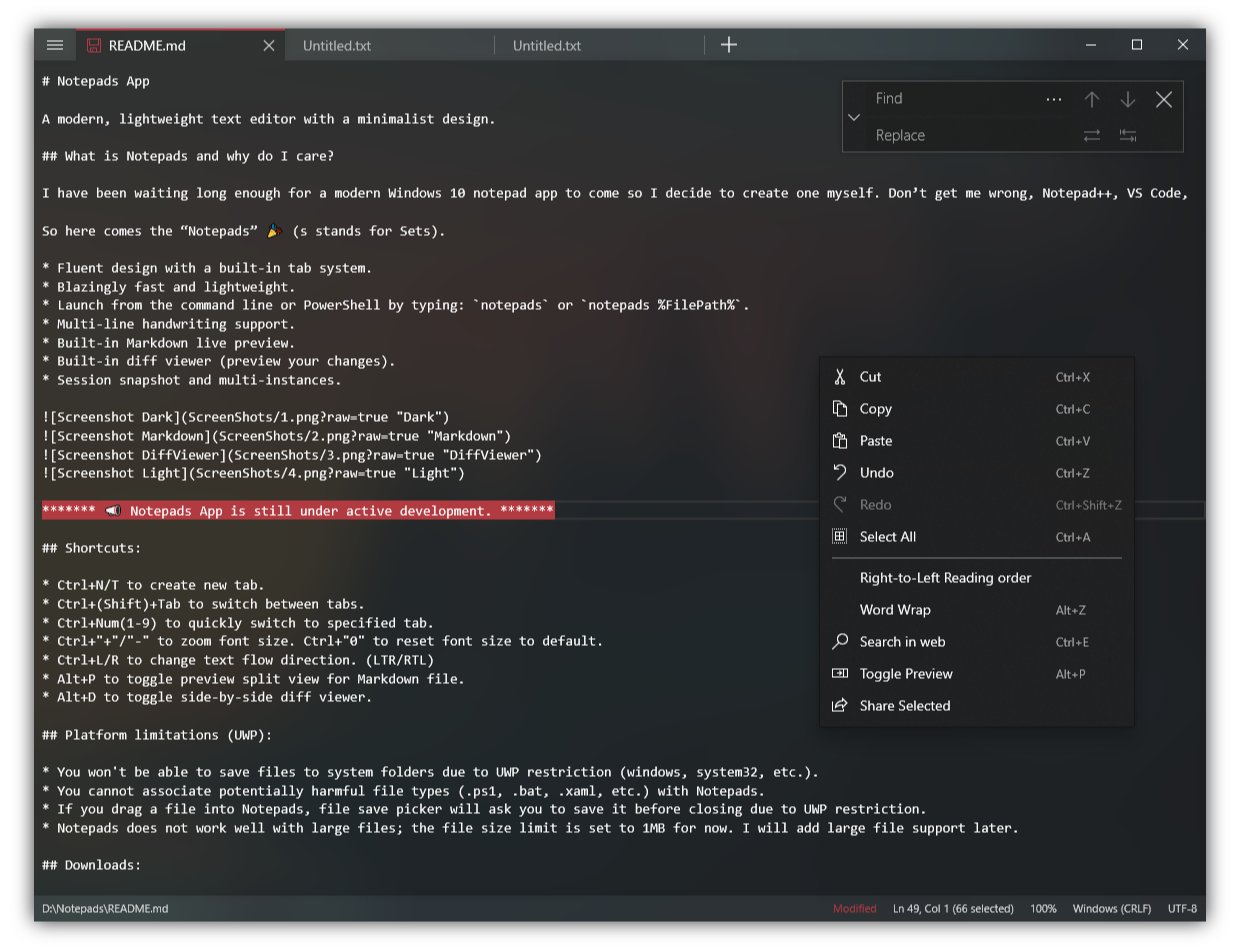
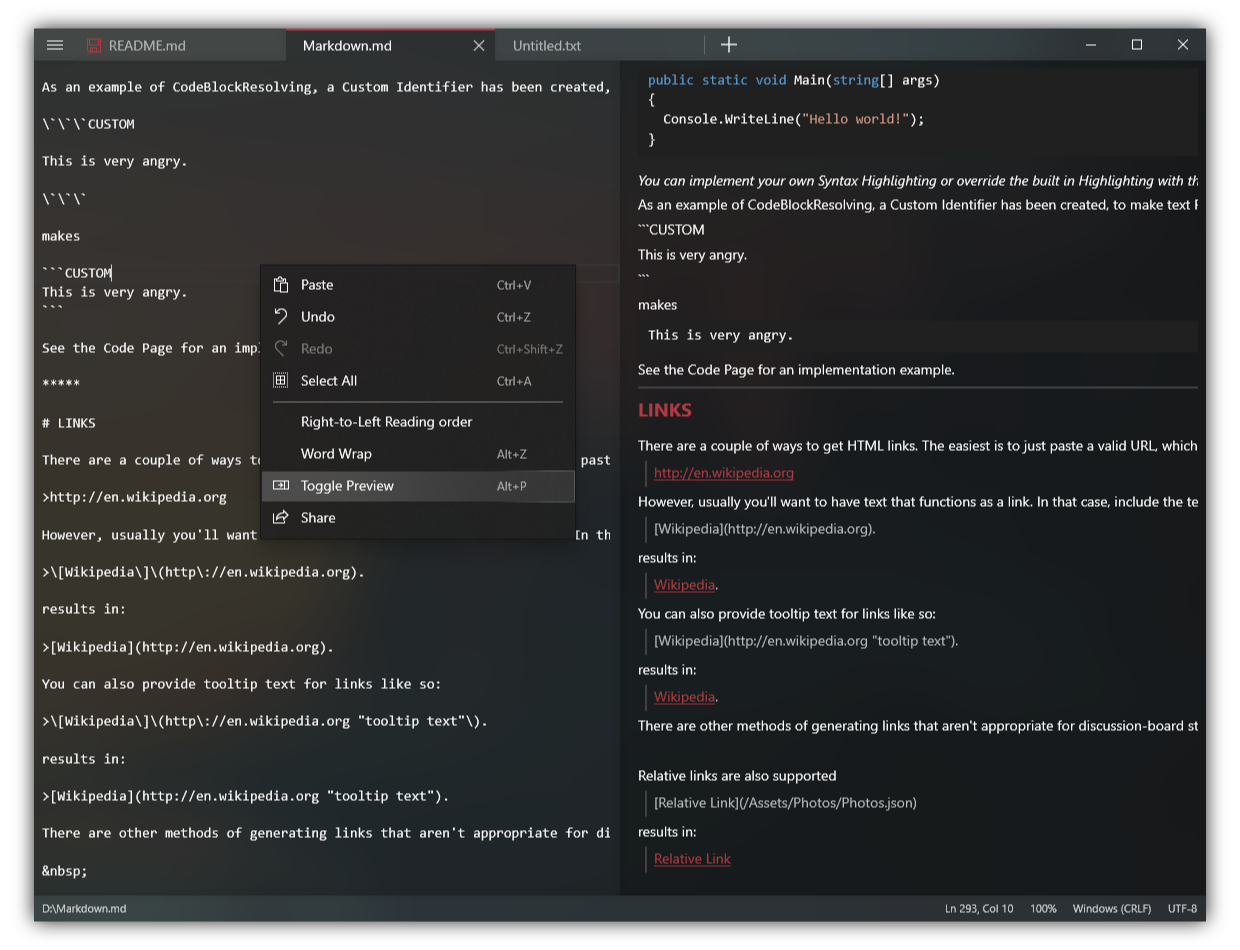
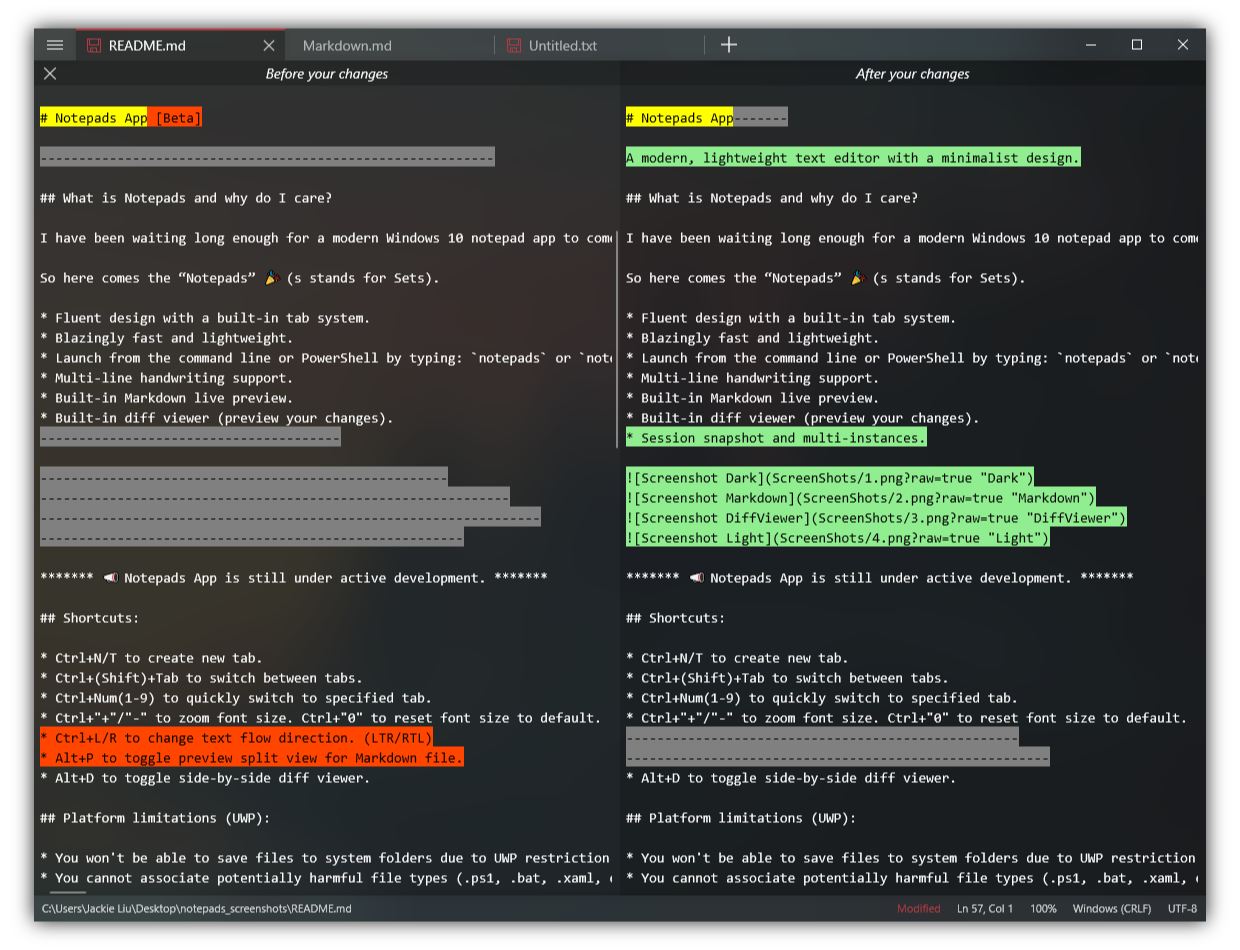
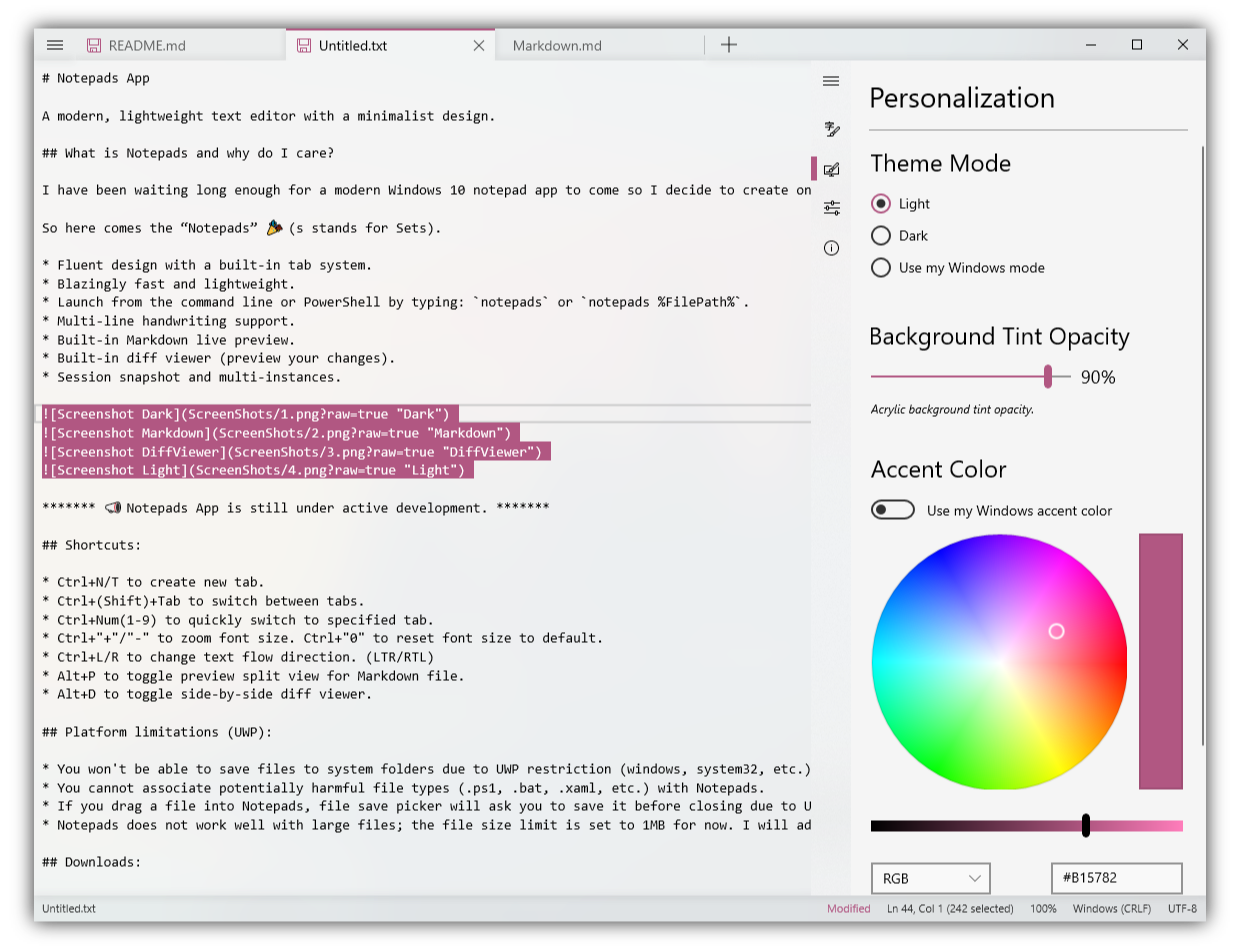
Notepads is a modern, lightweight text editor for Windows with a minimalist design — a notepad replacement built to be blazingly fast and appealing to everyone.How is it different from the plain Windows Notepad?It keeps the notepad simplicity but adds a modern Fluent UI with a built-in tab system, Markdown live preview, a side-by-side diff viewer, multi-line handwriting and session snapshots.
It keeps the notepad simplicity but adds a modern Fluent UI with a built-in tab system, Markdown live preview, a side-by-side diff viewer, multi-line handwriting and session snapshots.How do I install and launch it?Get it for free from the Microsoft Store or install it through the Windows Package Manager. Then launch it from a terminal or PowerShell with 'notepads' or open a file directly with 'notepads %FilePath%'.
Get it for free from the Microsoft Store or install it through the Windows Package Manager. Then launch it from a terminal or PowerShell with 'notepads' or open a file directly with 'notepads %FilePath%'.Are there any limitations I should know about before switching?A few UWP restrictions: you cannot save files into system folders, cannot associate .cmd or .bat files with it, and large files are capped — the size limit is 1MB for now.
A few UWP restrictions: you cannot save files into system folders, cannot associate .cmd or .bat files with it, and large files are capped — the size limit is 1MB for now.Does it run on macOS or Linux too, or is it Windows-only?Windows-only: it is a UWP app built as a modern Windows 10 notepad, so there is no Mac or Linux version.
Windows-only: it is a UWP app built as a modern Windows 10 notepad, so there is no Mac or Linux version.Does it collect any of my data?It does not collect user information, track your IP, or record your typings or files. It does use the AppCenter analytics service for basic usage data plus minimal telemetry to debug runtime errors.
It does not collect user information, track your IP, or record your typings or files. It does use the AppCenter analytics service for basic usage data plus minimal telemetry to debug runtime errors.Is it free, and can I look at the source code?It is free and 100% open source under the MIT license, so you can review the code or build your own version.
It is free and 100% open source under the MIT license, so you can review the code or build your own version.Why did the author build this instead of using Notepad++ or VS Code?He uses those editors too but finds them too heavy or less appealing for quick notes and config-file edits. Notepads is his take on a win32 notepad replacement that is modern, blazingly fast and appeals to everyone.
He uses those editors too but finds them too heavy or less appealing for quick notes and config-file edits. Notepads is his take on a win32 notepad replacement that is modern, blazingly fast and appeals to everyone.Which keyboard shortcuts are worth knowing?Alt+P toggles the split-view Markdown preview, Alt+D opens the side-by-side diff viewer, Ctrl+N or Ctrl+T creates a new tab, and Ctrl+1-9 jumps straight to a tab. Ctrl+plus/minus zooms, Ctrl+0 resets zoom.
Alt+P toggles the split-view Markdown preview, Alt+D opens the side-by-side diff viewer, Ctrl+N or Ctrl+T creates a new tab, and Ctrl+1-9 jumps straight to a tab. Ctrl+plus/minus zooms, Ctrl+0 resets zoom.Is it available in languages other than English?Yes — community contributors have localized it into more than 20 languages, including Chinese, Japanese, German, French, Spanish, Russian, Korean, Portuguese and Turkish.
Yes — community contributors have localized it into more than 20 languages, including Chinese, Japanese, German, French, Spanish, Russian, Korean, Portuguese and Turkish.What are similar projects?calculator, DeskBox, vim, Bulk-Crap-Uninstaller, Files, DevToys, notepad-plus-plus, NanaZip
calculator, DeskBox, vim, Bulk-Crap-Uninstaller, Files, DevToys, notepad-plus-plus, NanaZipWhich topics is it in?fluent, text-editor, windows-10, note-taking, dotnet, c#, editor, app, windows-app, utility, markdown, productivity
fluent, text-editor, windows-10, note-taking, dotnet, c#, editor, app, windows-app, utility, markdown, productivity