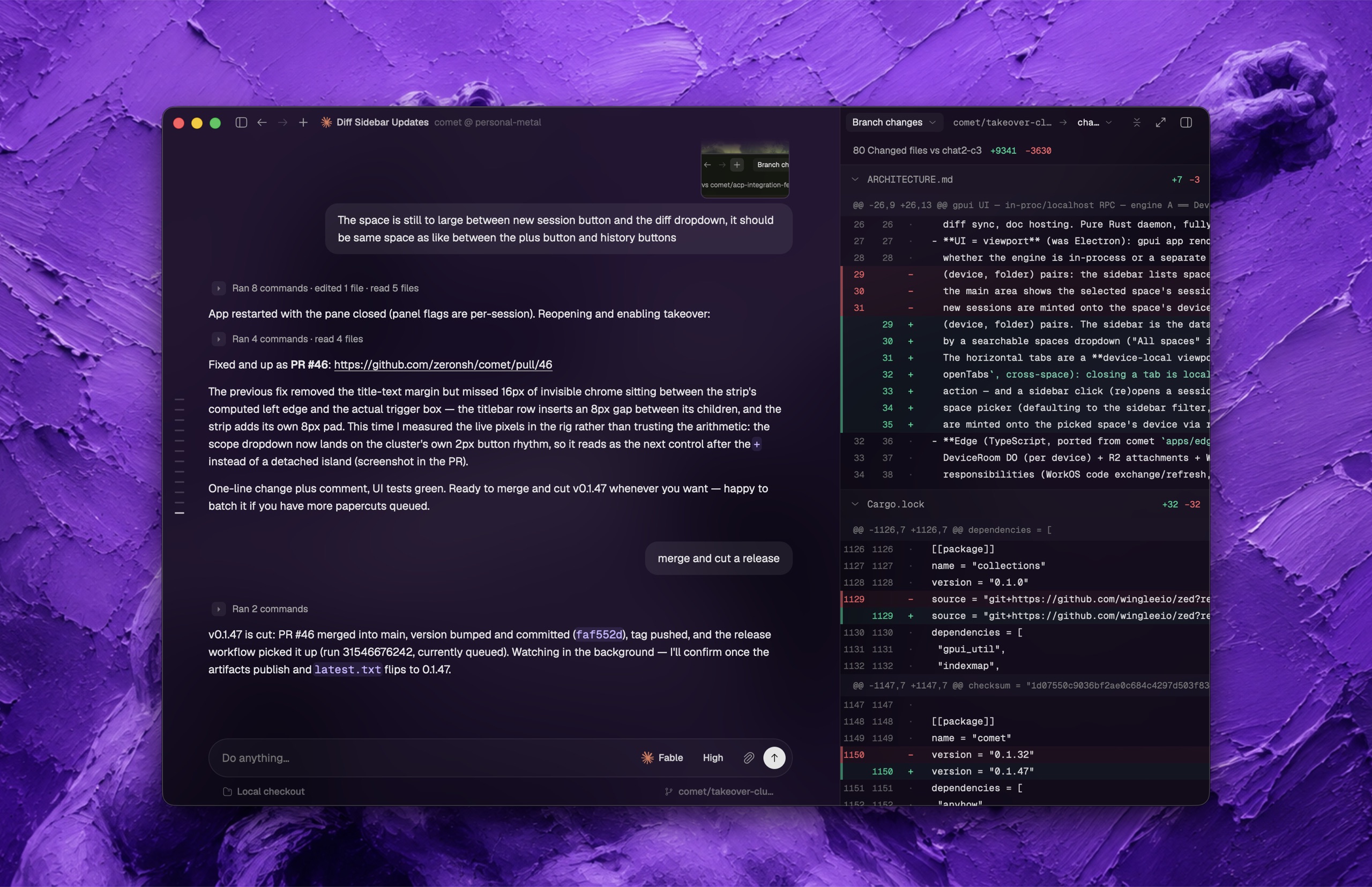

这是什么?
 Zeron 是一个原生桌面控制平面,让你在一个应用里运行、监控和切换多个编程智能体(Claude Code、Codex、Cursor、Devin、Grok、Hermes、Pi、Antigravity),每台设备默认把会话保留在本地。
Zeron 是一个原生桌面控制平面,让你在一个应用里运行、监控和切换多个编程智能体(Claude Code、Codex、Cursor、Devin、Grok、Hermes、Pi、Antigravity),每台设备默认把会话保留在本地。这是桌面应用,还是更像后台服务?两者都是:每台设备运行一个小型后台引擎(守护进程)来在本地存储智能体会话,并配套桌面界面;安装器会让这个守护进程在重启后继续运行。
两者都是:每台设备运行一个小型后台引擎(守护进程)来在本地存储智能体会话,并配套桌面界面;安装器会让这个守护进程在重启后继续运行。Zeron 怎么安装和运行?在 Linux 上,安装器会立即启动守护进程,无需任何配置。在 macOS 上,使用桌面版发布包或从源码构建,再运行 zeron daemon install 注册 launchd 服务。在 Windows 上,解压便携版 ZIP 并运行 zeron.exe。
在 Linux 上,安装器会立即启动守护进程,无需任何配置。在 macOS 上,使用桌面版发布包或从源码构建,再运行 zeron daemon install 注册 launchd 服务。在 Windows 上,解压便携版 ZIP 并运行 zeron.exe。使用它需要账号或联网吗?不需要——全新安装以纯本地模式启动,无需账号,也无需联网。Linux 桌面端的侧边栏浏览器确实需要先安装 Linux 浏览器运行时。
不需要——全新安装以纯本地模式启动,无需账号,也无需联网。Linux 桌面端的侧边栏浏览器确实需要先安装 Linux 浏览器运行时。在本地模式和同步模式之间切换有什么要注意的?有——登录会改变引擎下次启动时加载的配置档案,所以切换前必须先停掉守护进程;而且在引擎占用数据目录期间,zeron login 和 zeron logout 会拒绝执行。
有——登录会改变引擎下次启动时加载的配置档案,所以切换前必须先停掉守护进程;而且在引擎占用数据目录期间,zeron login 和 zeron logout 会拒绝执行。合上笔记本后,智能体还能在服务器上继续运行吗?可以——启用同步后,VPS 这类全天候在线的机器可以在你合上笔记本后继续运行智能体,你还能从另一台已同步的设备操控它们。
可以——启用同步后,VPS 这类全天候在线的机器可以在你合上笔记本后继续运行智能体,你还能从另一台已同步的设备操控它们。启用同步后,其他设备能看到什么?登录同一同步账号的设备会被授予对工作区的完全远程访问权限:它们可以列出、读取和写入其中的文件,启用“显示被忽略的文件”后甚至会暴露 .env 这类 gitignore 文件(不过 .git 始终被排除在外)。登录绝不会上传你已有的本地会话。
登录同一同步账号的设备会被授予对工作区的完全远程访问权限:它们可以列出、读取和写入其中的文件,启用“显示被忽略的文件”后甚至会暴露 .env 这类 gitignore 文件(不过 .git 始终被排除在外)。登录绝不会上传你已有的本地会话。Zeron 能控制哪些编程智能体?Claude Code、Codex、Cursor、Devin、Grok、Hermes、Pi 和 Antigravity。
Claude Code、Codex、Cursor、Devin、Grok、Hermes、Pi 和 Antigravity。我能从另一台设备操控智能体会话吗?可以——两台设备登录同一同步账号后,你可以在一台设备上启动智能体,再从另一台设备查看或操控它。
可以——两台设备登录同一同步账号后,你可以在一台设备上启动智能体,再从另一台设备查看或操控它。如果我为了同步而登录,已有的本地会话会被上传吗?不会。登录不会上传、移动或导入已有的本地会话;它们仍保留在本地配置档案之下,切回纯本地模式时会重新出现。
不会。登录不会上传、移动或导入已有的本地会话;它们仍保留在本地配置档案之下,切回纯本地模式时会重新出现。What are similar projects?happy, hapi, ai-manager, foreman, token-monitor, codex-host, agents, backpass
happy, hapi, ai-manager, foreman, token-monitor, codex-host, agents, backpassWhich topics is it in?gpui, pi-coding-agent, hermes, remote-access, sync, vps, antigravity, grok, coding-agents, agent-orchestration, cursor, local-first
gpui, pi-coding-agent, hermes, remote-access, sync, vps, antigravity, grok, coding-agents, agent-orchestration, cursor, local-first