





What is this?
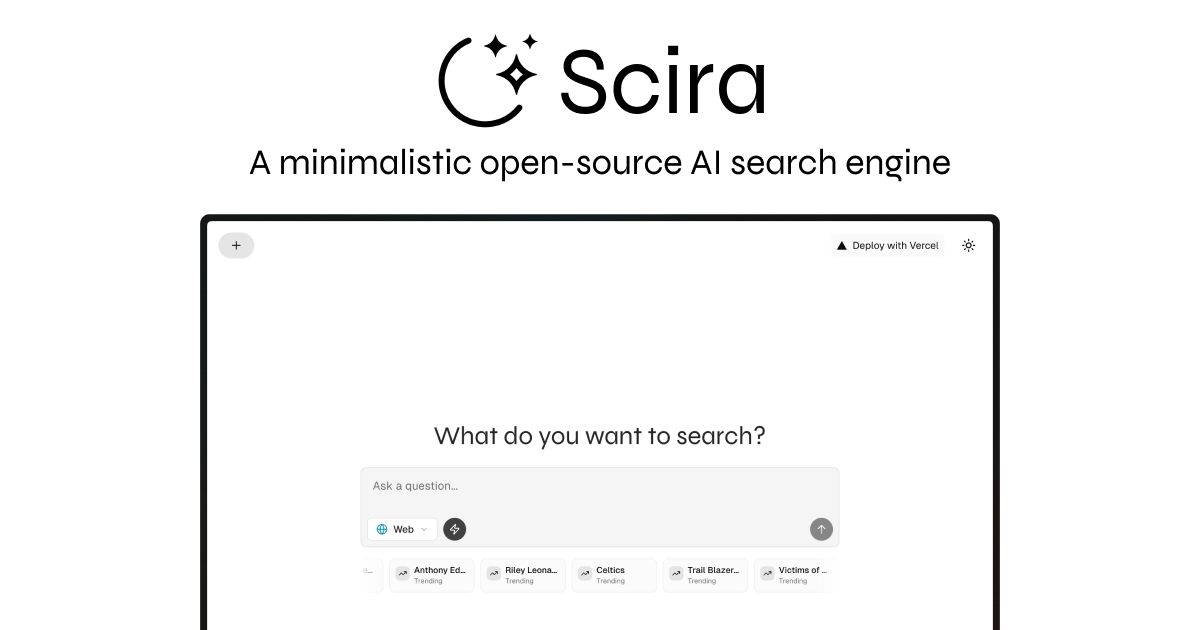
 Scira (formerly MiniPerplx) is an AI-powered search engine that plans a research strategy, retrieves information from the web and many other sources, and answers questions with clickable inline citations.
Scira (formerly MiniPerplx) is an AI-powered search engine that plans a research strategy, retrieves information from the web and many other sources, and answers questions with clickable inline citations.Is this just a chat wrapper or does it actually search the web?It is a full agentic platform: it breaks your question into sub-tasks, searches live sources via tools like Exa, Firecrawl, Tavily and Parallel, cross-checks evidence, and returns a grounded answer with sources you can click to verify.
It is a full agentic platform: it breaks your question into sub-tasks, searches live sources via tools like Exa, Firecrawl, Tavily and Parallel, cross-checks evidence, and returns a grounded answer with sources you can click to verify.How do I run this myself?Run it with Docker Compose (create a .env from .env.example, then docker-compose up), or build/run the Docker image directly, or run it locally with Node.js by copying .env.example to .env.local, installing dependencies, and running the dev server.
Run it with Docker Compose (create a .env from .env.example, then docker-compose up), or build/run the Docker image directly, or run it locally with Node.js by copying .env.example to .env.local, installing dependencies, and running the dev server.Which API keys do I need before I can use it?At minimum you need OpenAI and Anthropic API keys, plus an Exa key if you want the web search feature; many other optional tools (Firecrawl, Tavily, CoinGecko, Spotify, TMDB, etc.) need their own keys for extra search modes.
At minimum you need OpenAI and Anthropic API keys, plus an Exa key if you want the web search feature; many other optional tools (Firecrawl, Tavily, CoinGecko, Spotify, TMDB, etc.) need their own keys for extra search modes.Are all 17 search modes free to use?No — several modes like Connectors, Memory, Voice, and XQL are marked Pro-only, so the full feature set requires a paid plan even though the code itself is open source.
No — several modes like Connectors, Memory, Voice, and XQL are marked Pro-only, so the full feature set requires a paid plan even though the code itself is open source.Is there a hosted version or must I self-host?There is a hosted version at scira.ai, and since it's AGPL-3.0 you can also self-host it yourself and bring your own models.
There is a hosted version at scira.ai, and since it's AGPL-3.0 you can also self-host it yourself and bring your own models.What's the catch with the AGPL-3.0 license?AGPL-3.0 means if you run a modified version as a network service, you must also release your source code, which is stricter than a permissive license like MIT.
AGPL-3.0 means if you run a modified version as a network service, you must also release your source code, which is stricter than a permissive license like MIT.Can I set Scira as my default browser search engine?Yes, the README gives step-by-step instructions for adding Scira as a custom search engine in Chrome using the hosted URL and a shortcut like 'sh'.
Yes, the README gives step-by-step instructions for adding Scira as a custom search engine in Chrome using the hosted URL and a shortcut like 'sh'.What makes the Extreme mode different from the regular Web mode?Extreme mode is a deep-research agent that performs multi-step planning across multiple sources and includes code execution with artifact storage, going further than a single-pass web search.
Extreme mode is a deep-research agent that performs multi-step planning across multiple sources and includes code execution with artifact storage, going further than a single-pass web search.How many AI models can I choose from?Scira supports dozens of models across providers including xAI Grok, OpenAI GPT, Anthropic Claude, Google Gemini, Qwen, Mistral, DeepSeek, GLM, Cohere, Kimi, Minimax, and more.
Scira supports dozens of models across providers including xAI Grok, OpenAI GPT, Anthropic Claude, Google Gemini, Qwen, Mistral, DeepSeek, GLM, Cohere, Kimi, Minimax, and more.Can it read PDFs or analyze uploaded files?Yes, you can upload a PDF or other files and the file query search tool performs semantic search over documents like PDF, CSV, DOCX, and Excel using Cohere embeddings and reranking.
Yes, you can upload a PDF or other files and the file query search tool performs semantic search over documents like PDF, CSV, DOCX, and Excel using Cohere embeddings and reranking.What are similar projects?sim, chatbot, Vane, rankme.fast, next-ai-draw-io, LibreChat, NextChat, FastGPT
sim, chatbot, Vane, rankme.fast, next-ai-draw-io, LibreChat, NextChat, FastGPTWhich topics is it in?search-engine, vercel, tailwindcss, multimodal, nextjs, agpl, chatbot, pdf, rag, deepseek, gemini, generative-ai
search-engine, vercel, tailwindcss, multimodal, nextjs, agpl, chatbot, pdf, rag, deepseek, gemini, generative-ai