


















What is this?
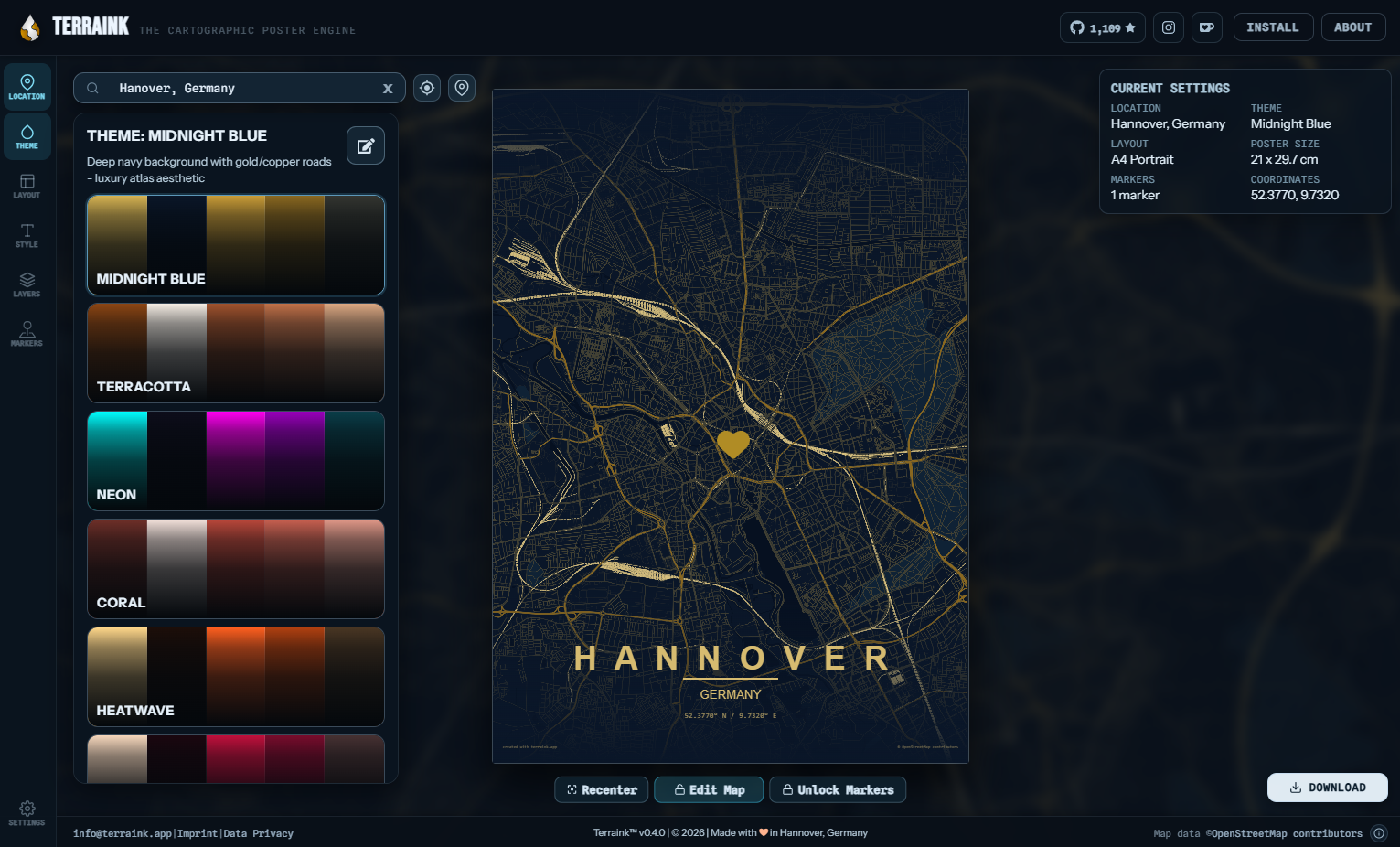
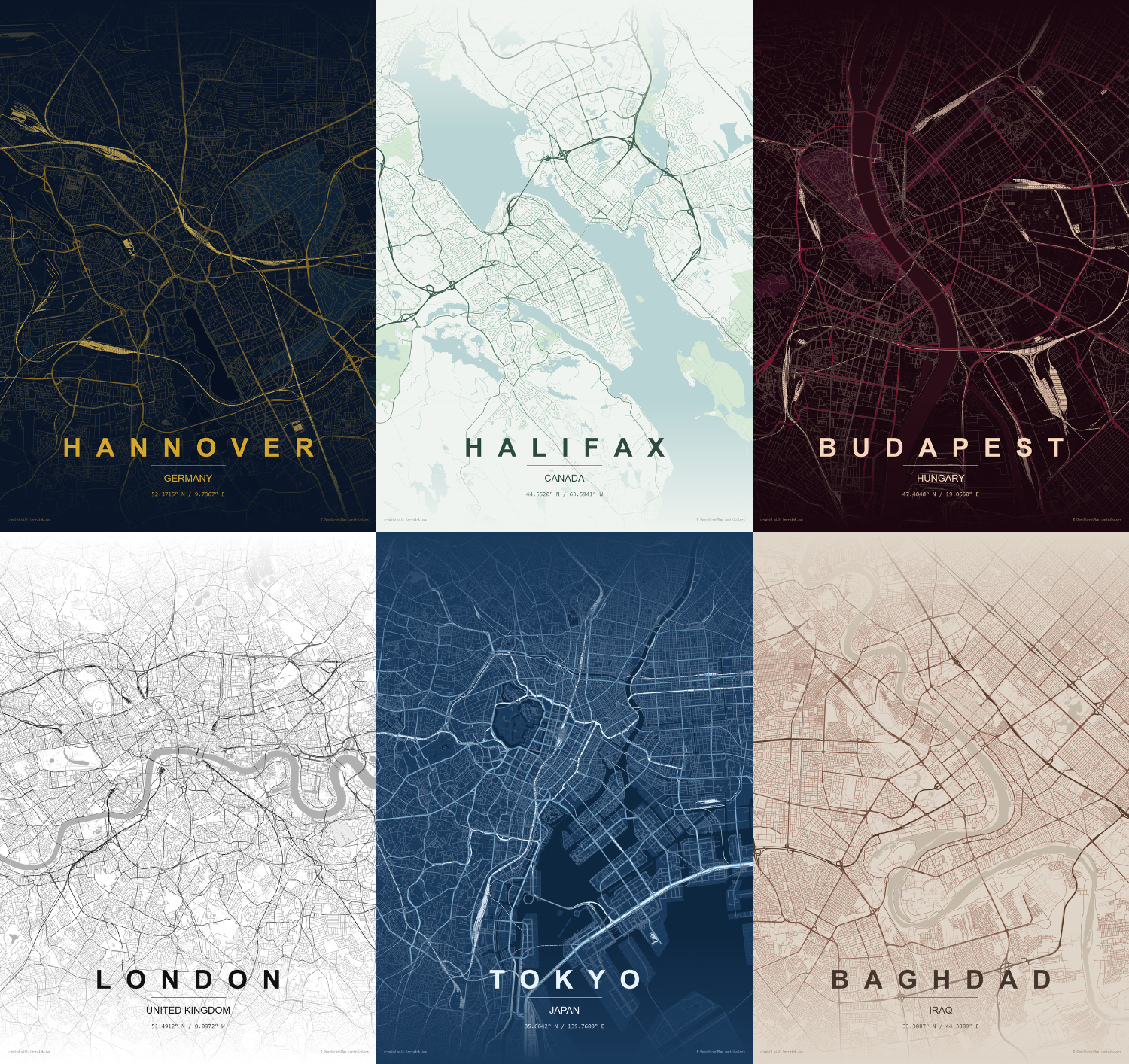
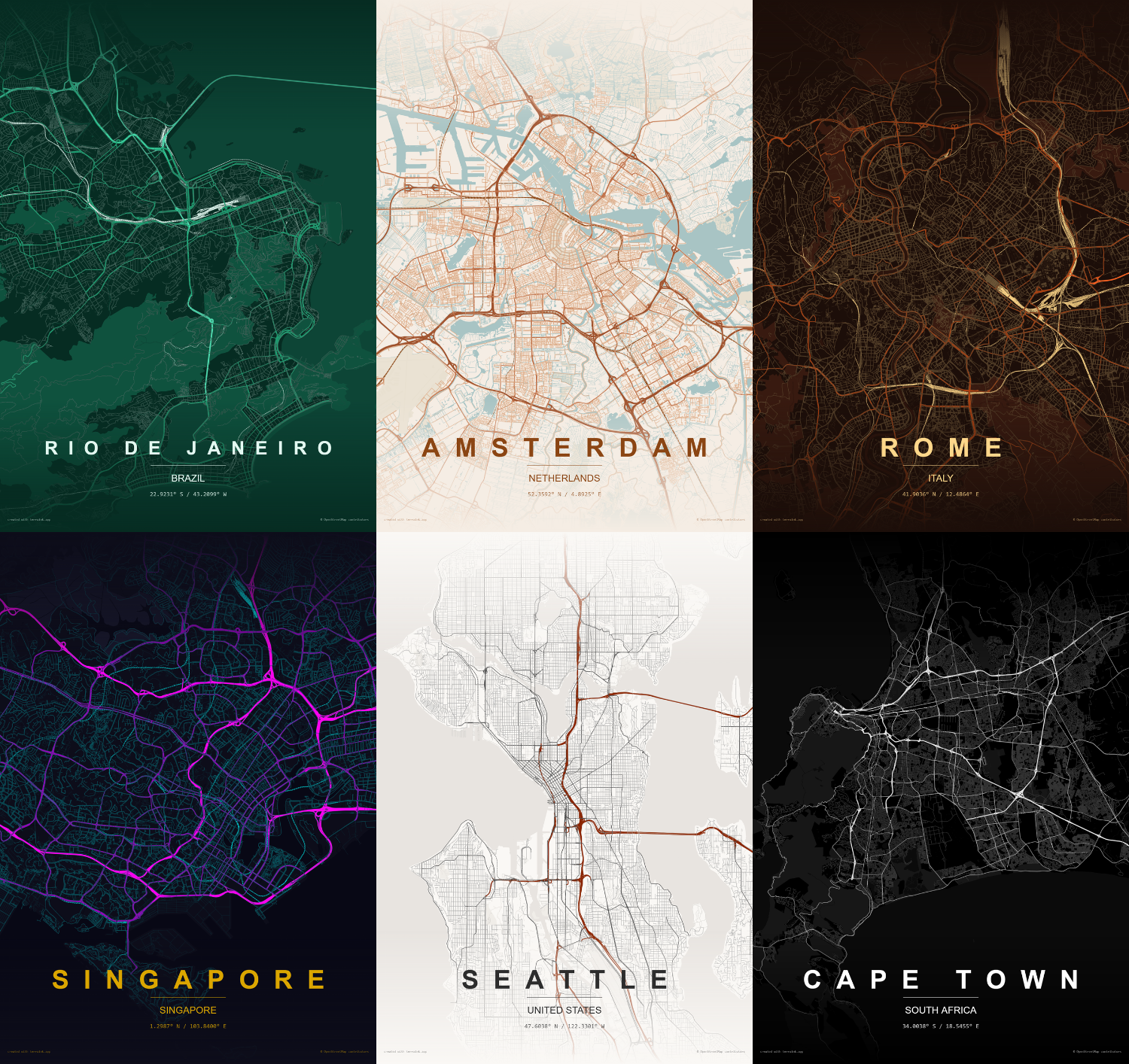
 Terraink is a cartographic poster engine that generates unique, customizable map posters for any city or location in the world using real OpenStreetMap data.
Terraink is a cartographic poster engine that generates unique, customizable map posters for any city or location in the world using real OpenStreetMap data.Is this a desktop app or a web app I host myself?It is a self-hosted web app built with Bun, React, and TypeScript that you deploy and open in a browser to design posters.
It is a self-hosted web app built with Bun, React, and TypeScript that you deploy and open in a browser to design posters.How do I get it running?Copy .env.example to .env, then build and run it with Docker Compose, which serves the app on an exposed port by default (changeable via APPPORT).
Copy .env.example to .env, then build and run it with Docker Compose, which serves the app on an exposed port by default (changeable via APPPORT).What do I need before deploying it?Docker and Docker Compose for self-hosting, or Bun if you want to build and run it manually with 'bunx --bun vite'; environment variables are optional for local use.
Docker and Docker Compose for self-hosting, or Bun if you want to build and run it manually with 'bunx --bun vite'; environment variables are optional for local use.Any catch with the license if I self-host it?As of April 2026 all new code is under AGPL-3.0 with trademark protections on the Terraink name, so if you deploy or modify it you must comply with AGPL-3.0, including preserving license and copyright notices.
As of April 2026 all new code is under AGPL-3.0 with trademark protections on the Terraink name, so if you deploy or modify it you must comply with AGPL-3.0, including preserving license and copyright notices.What customization options does it offer for a poster?You can pick from dozens of curated themes or build custom color palettes, control which map layers (roads, water, parks, building footprints) are shown and styled, and set city/country labels in one of nine bundled typefaces.
You can pick from dozens of curated themes or build custom color palettes, control which map layers (roads, water, parks, building footprints) are shown and styled, and set city/country labels in one of nine bundled typefaces.What formats can I export a poster in?High-resolution posters can be exported as PNG, PDF, or layered SVG at any defined dimension, ready for printing.
High-resolution posters can be exported as PNG, PDF, or layered SVG at any defined dimension, ready for printing.What powers the map rendering and search?Map data comes from OpenStreetMap via OpenMapTiles tiles hosted on OpenFreeMap, rendered with MapLibre GL JS, with geocoding handled by Nominatim.
Map data comes from OpenStreetMap via OpenMapTiles tiles hosted on OpenFreeMap, rendered with MapLibre GL JS, with geocoding handled by Nominatim.Why was Terraink built?It was inspired by the MIT-licensed MapToPoster project by Ankur Gupta but is an independent reimplementation from scratch using Bun, React, and TypeScript that has since evolved well beyond the original concept.
It was inspired by the MIT-licensed MapToPoster project by Ankur Gupta but is an independent reimplementation from scratch using Bun, React, and TypeScript that has since evolved well beyond the original concept.What are similar projects?maptoposter, map-to-poster, rankme.fast, documenso, osiris, convert, github-release-monitor, open-pencil-cloud
maptoposter, map-to-poster, rankme.fast, documenso, osiris, convert, github-release-monitor, open-pencil-cloudWhich topics is it in?poster, openstreetmap, png, webapp, wallpaper, geospatial, maps, generative-art, creative-tools, reactjs, typography, bun
poster, openstreetmap, png, webapp, wallpaper, geospatial, maps, generative-art, creative-tools, reactjs, typography, bun