5.6K ·GitHub
What is this?
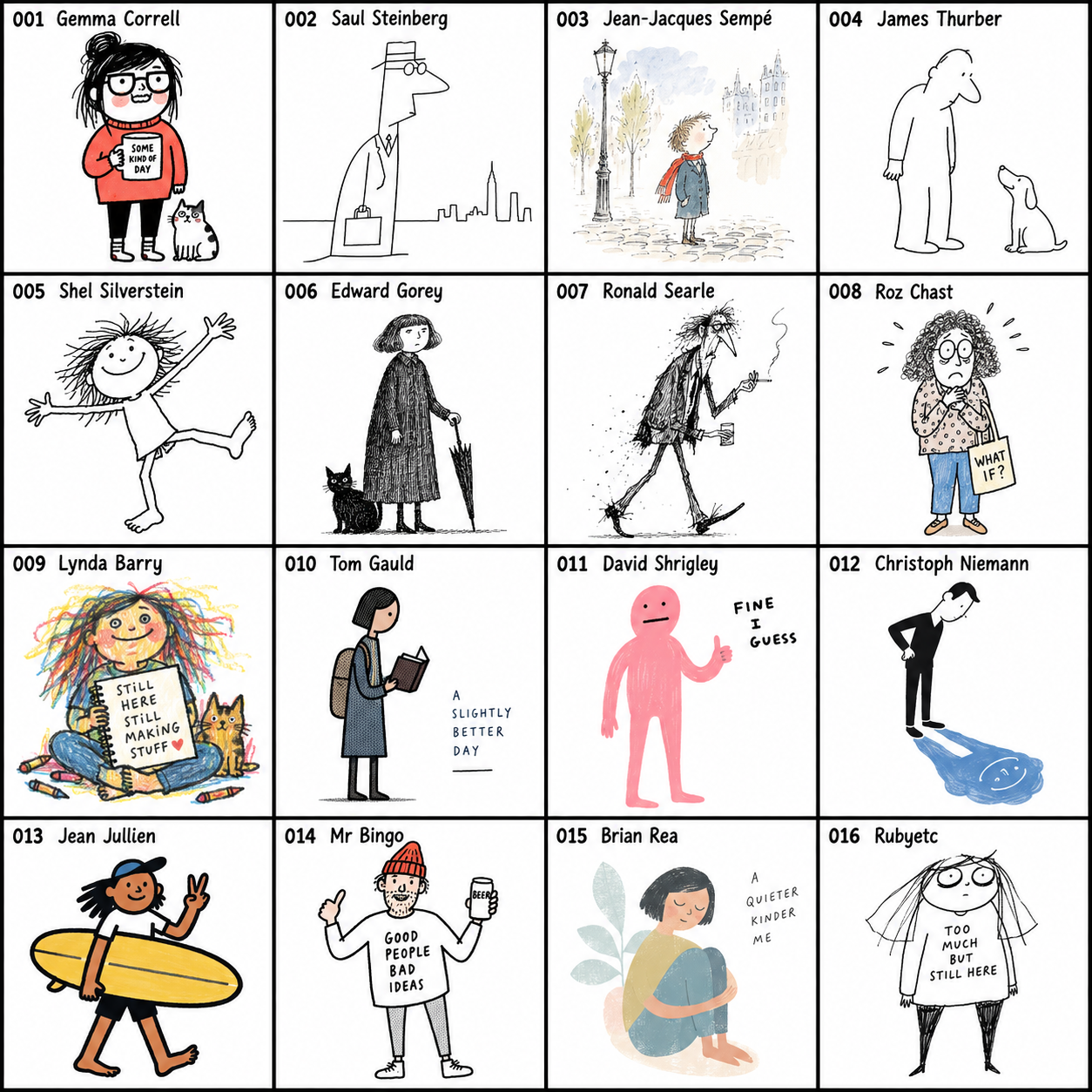
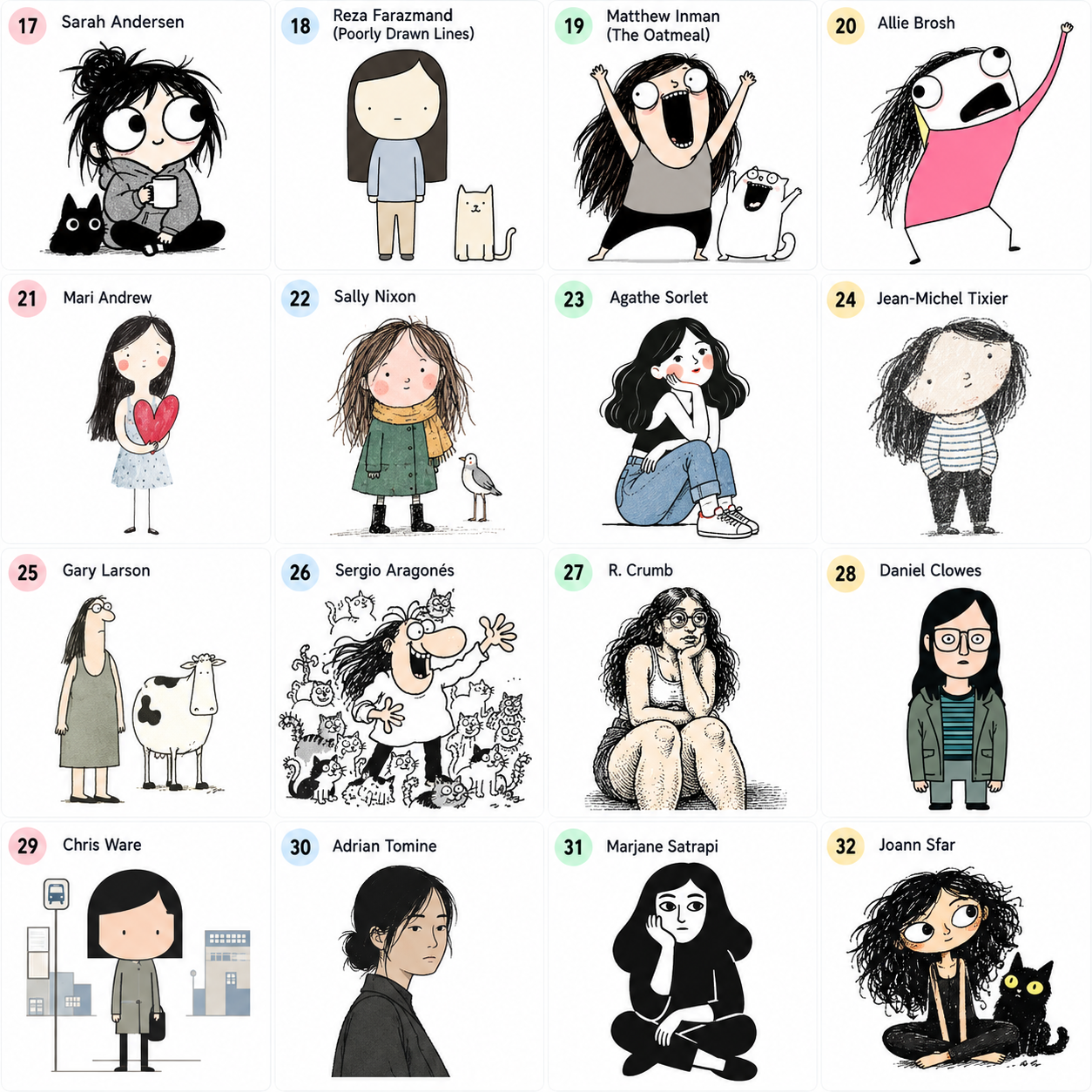
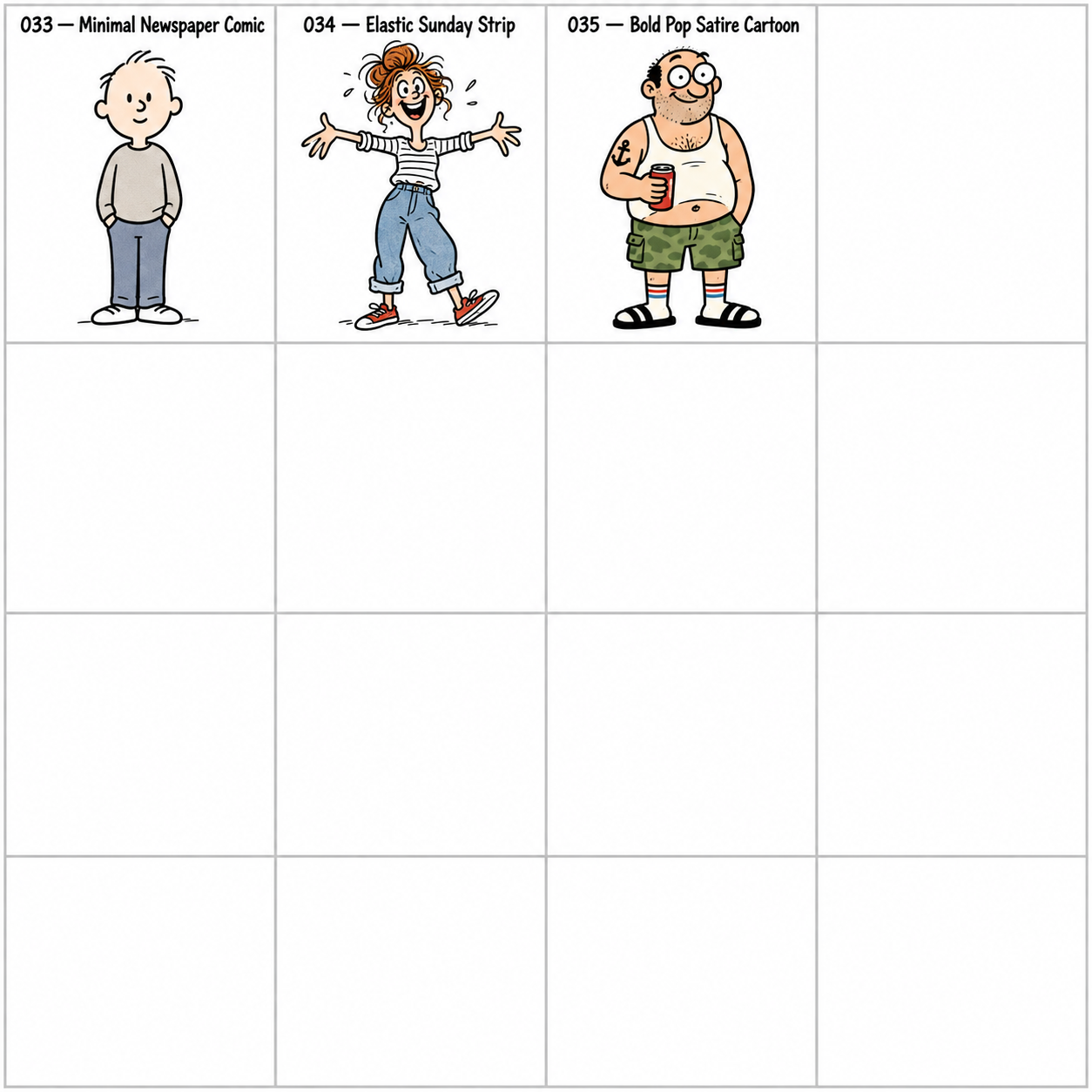
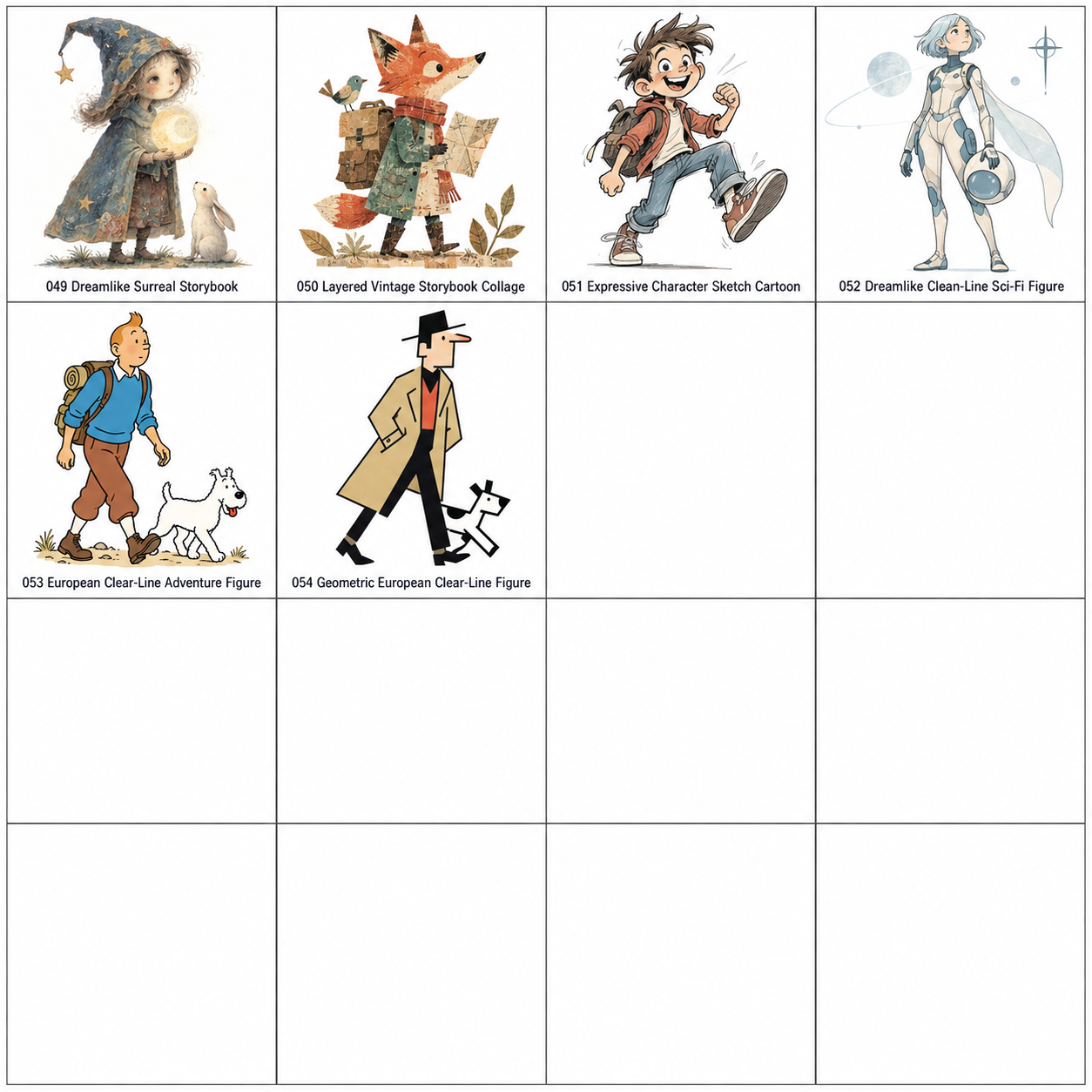
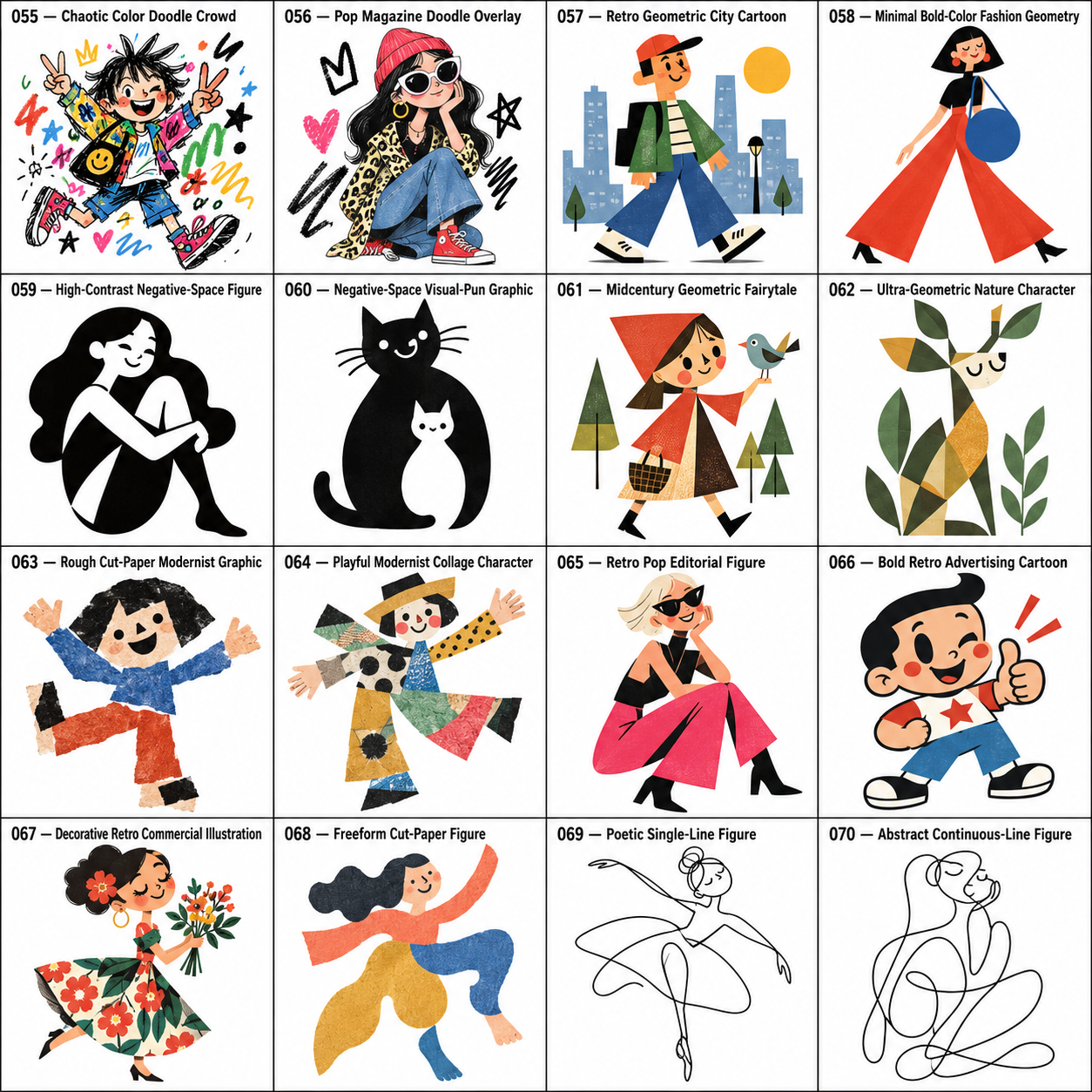
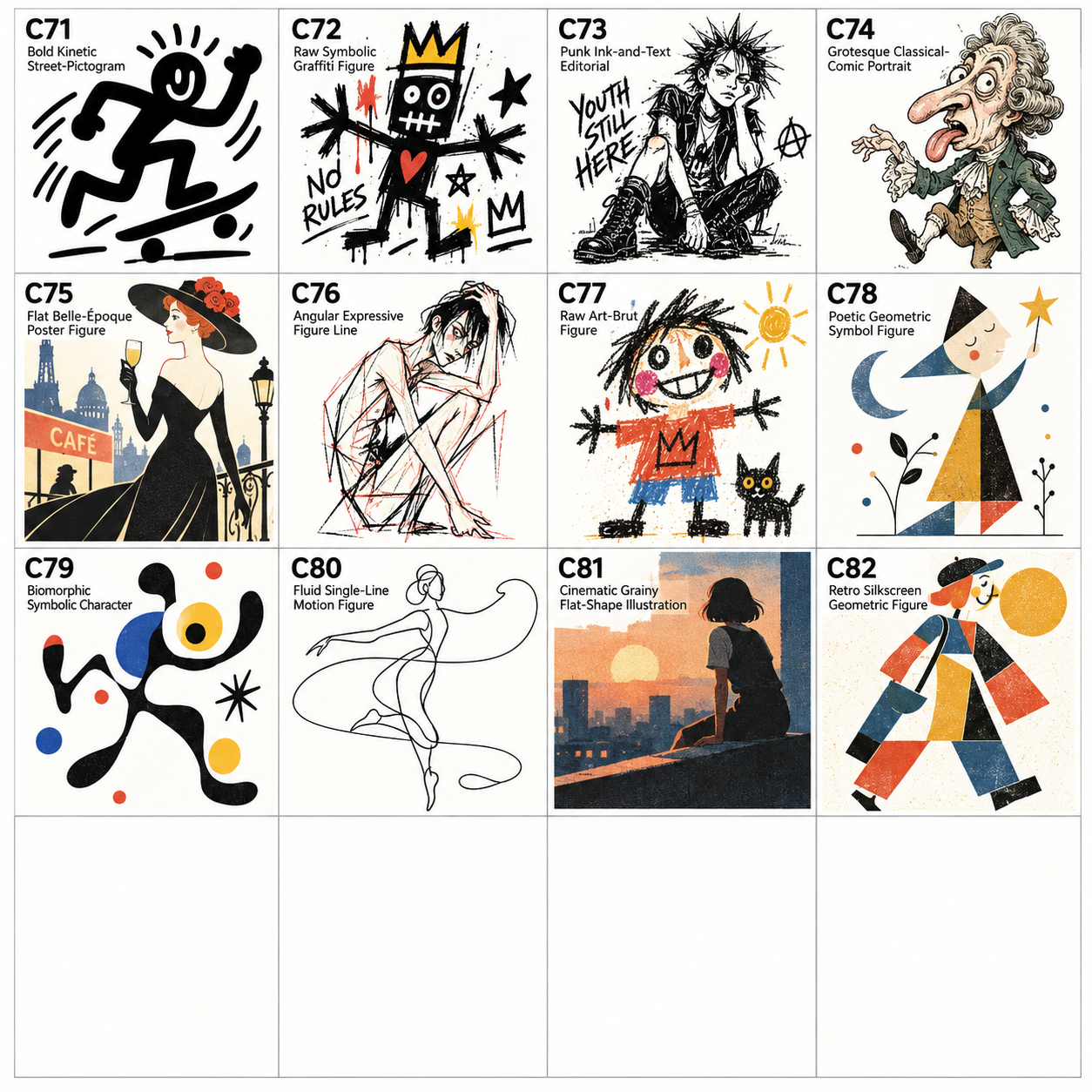
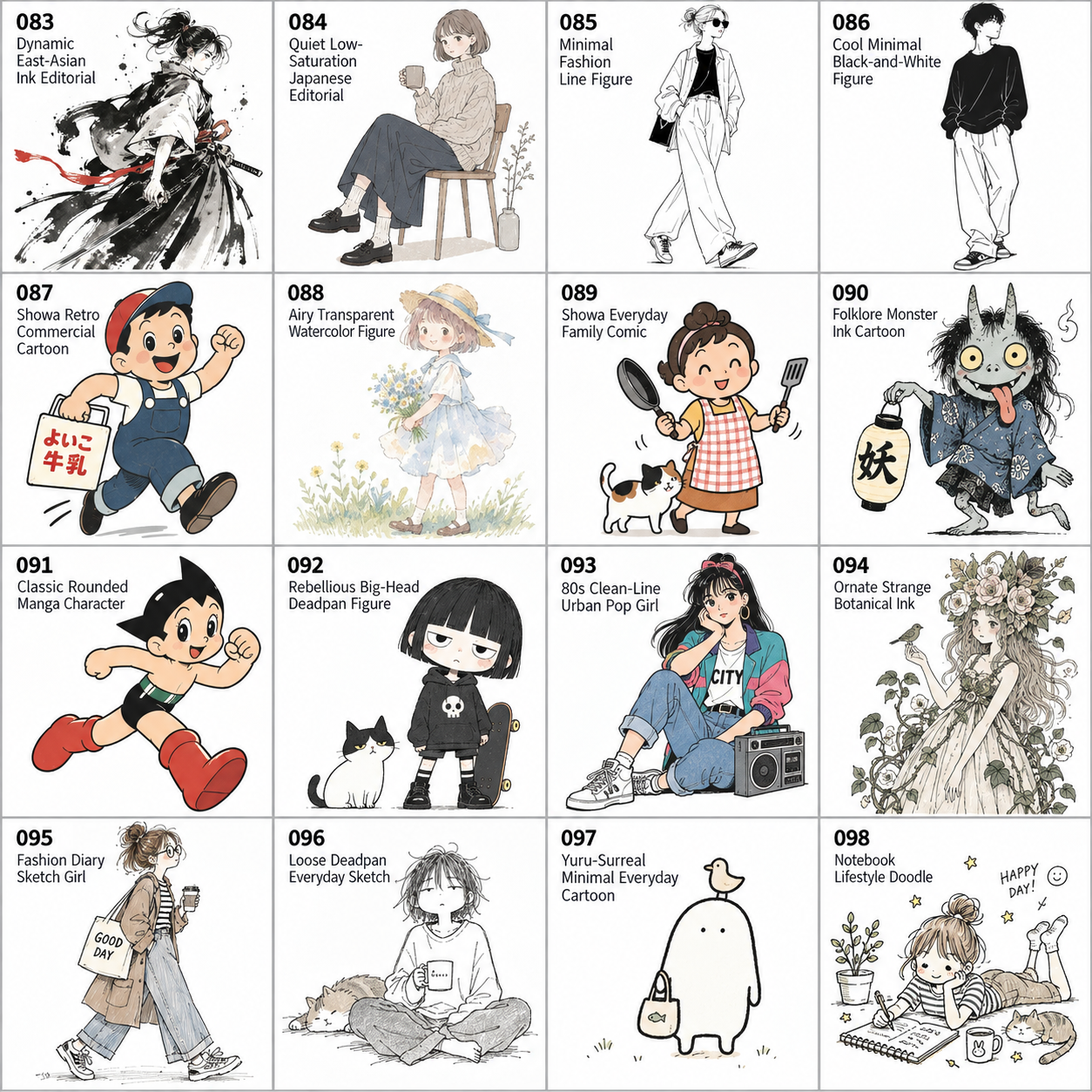
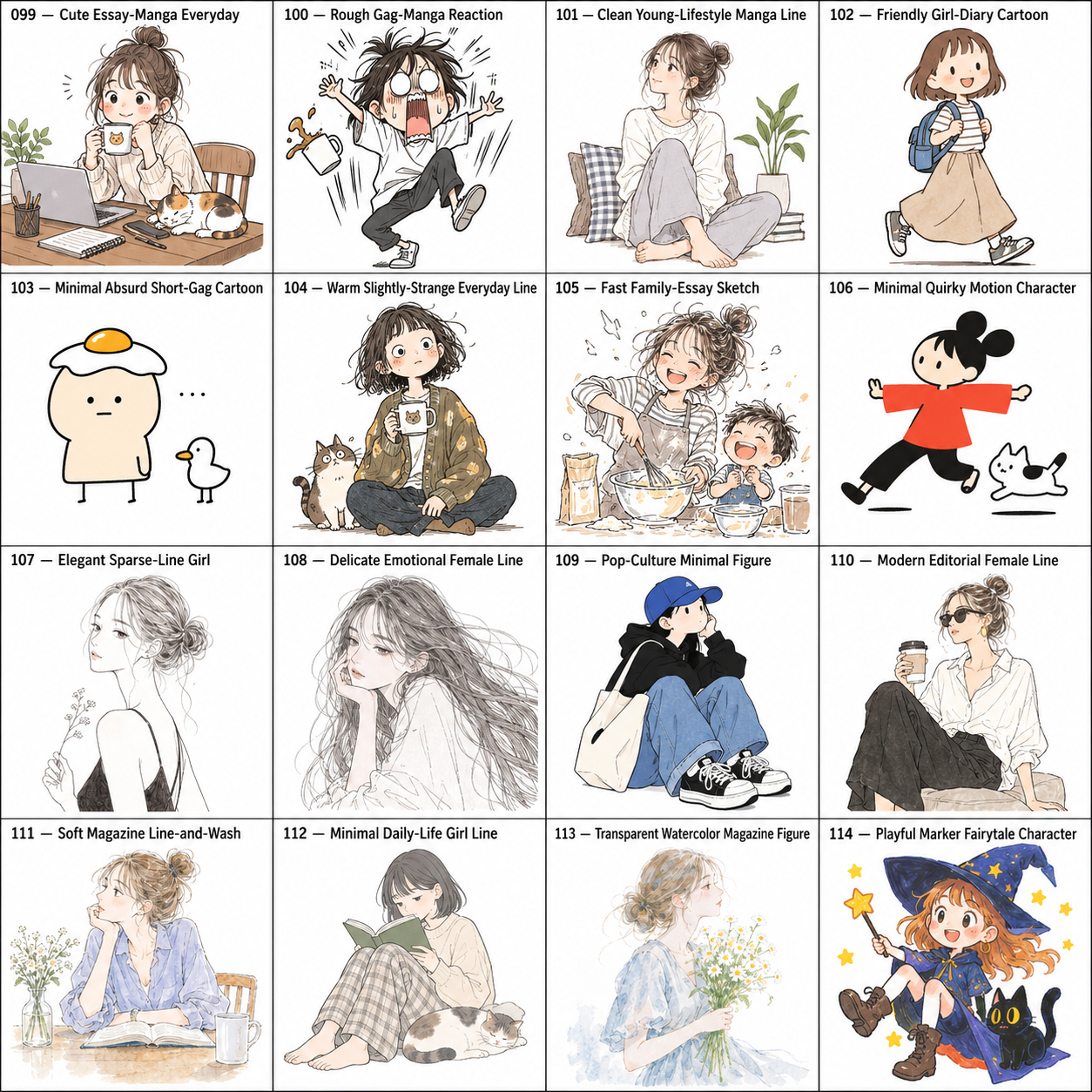
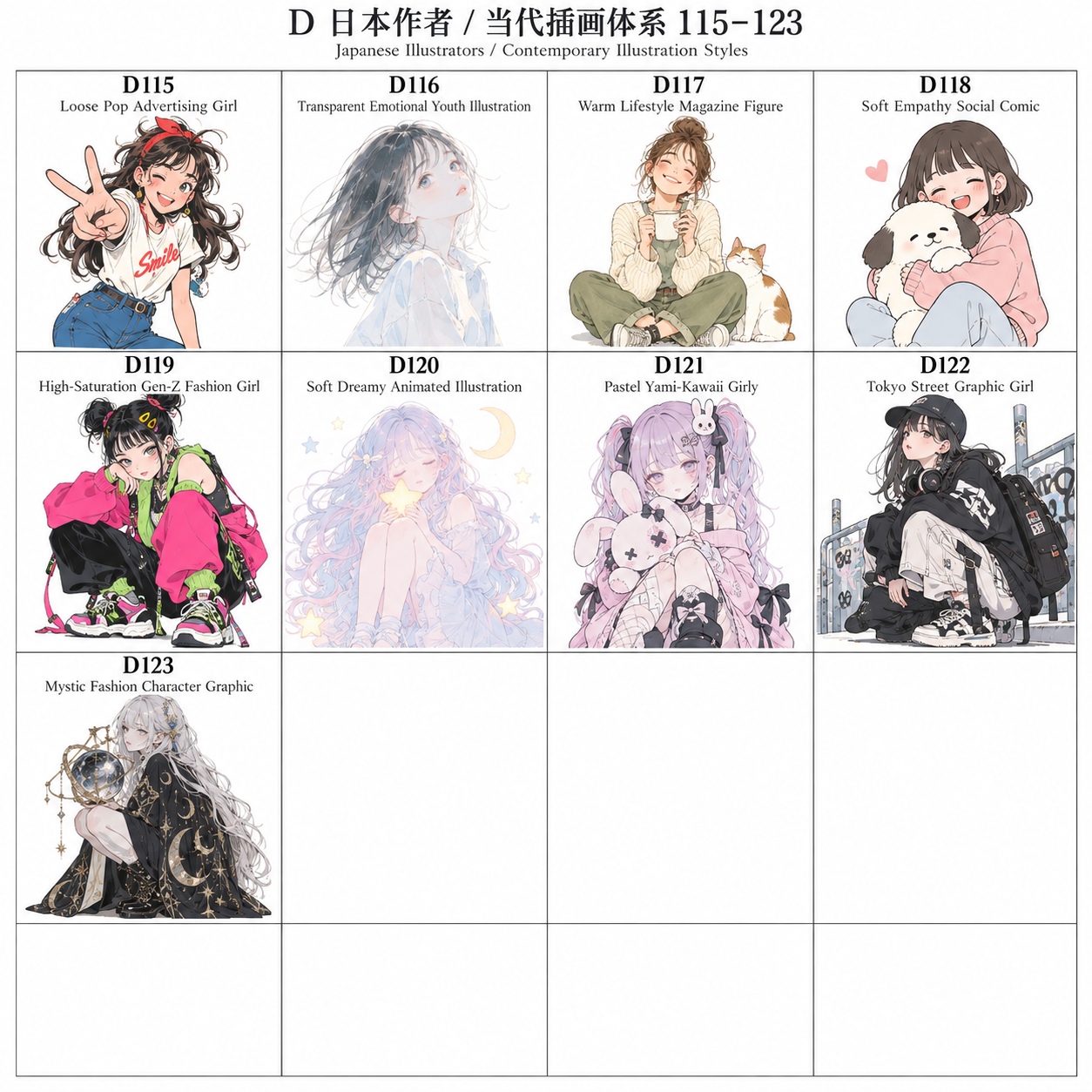
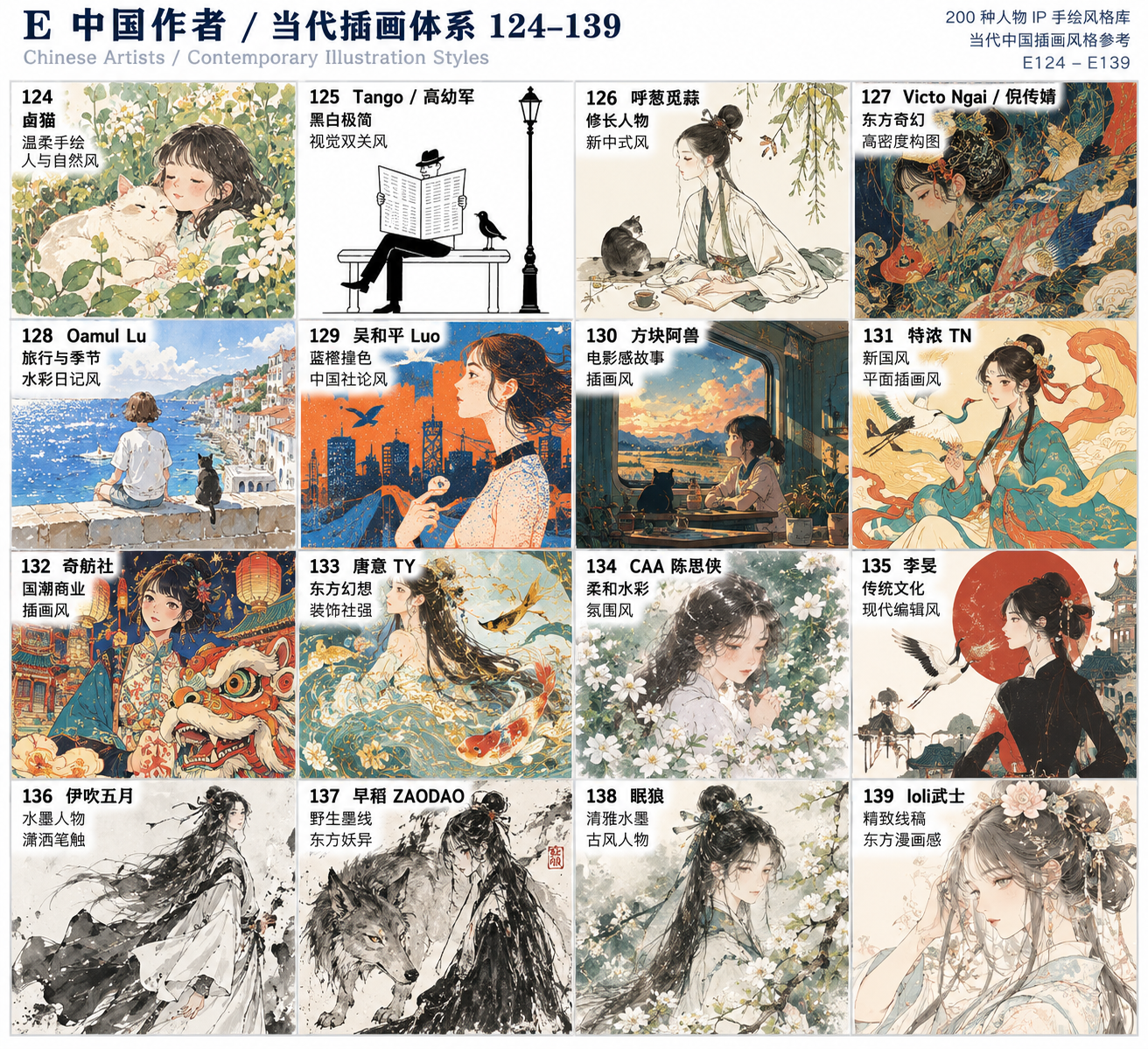
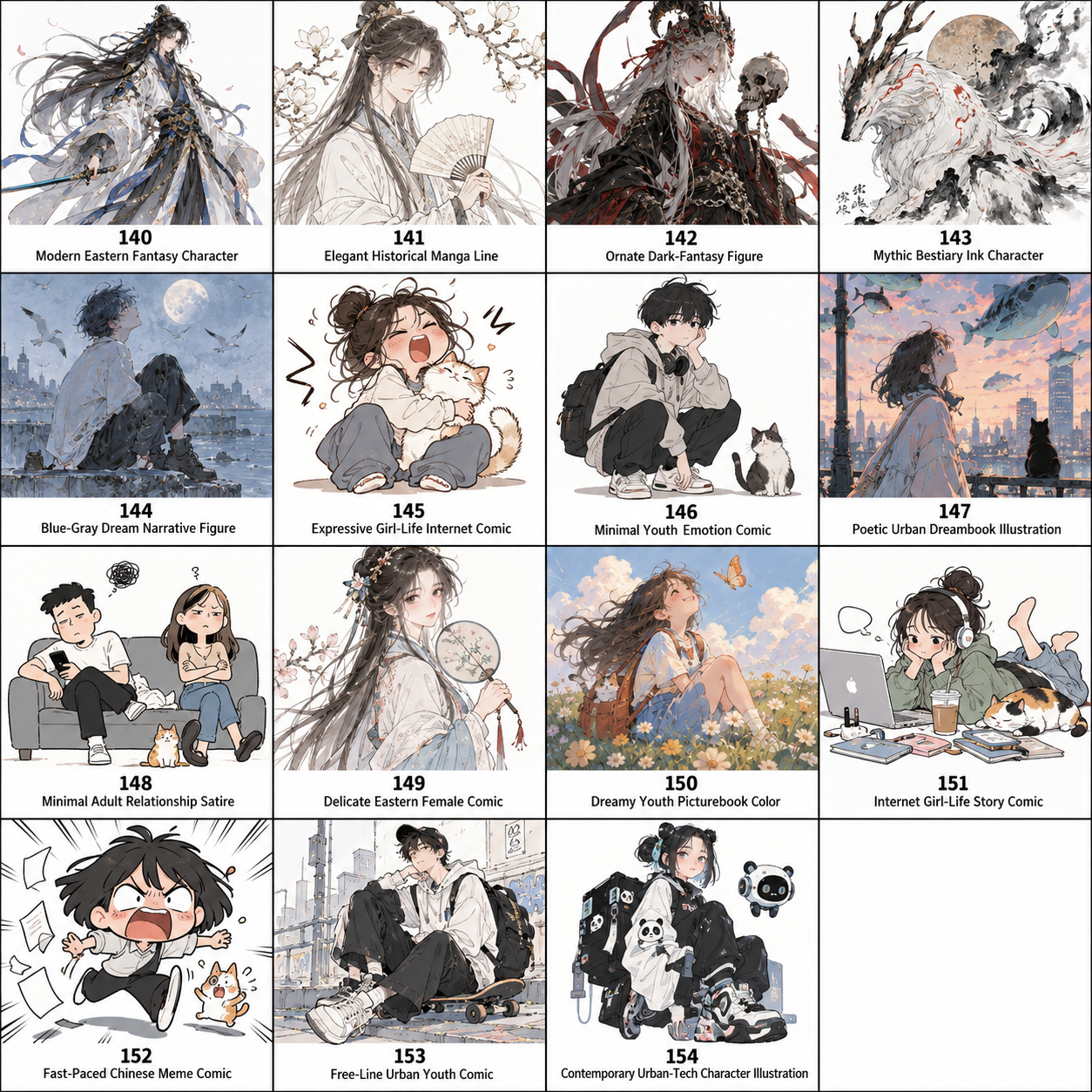
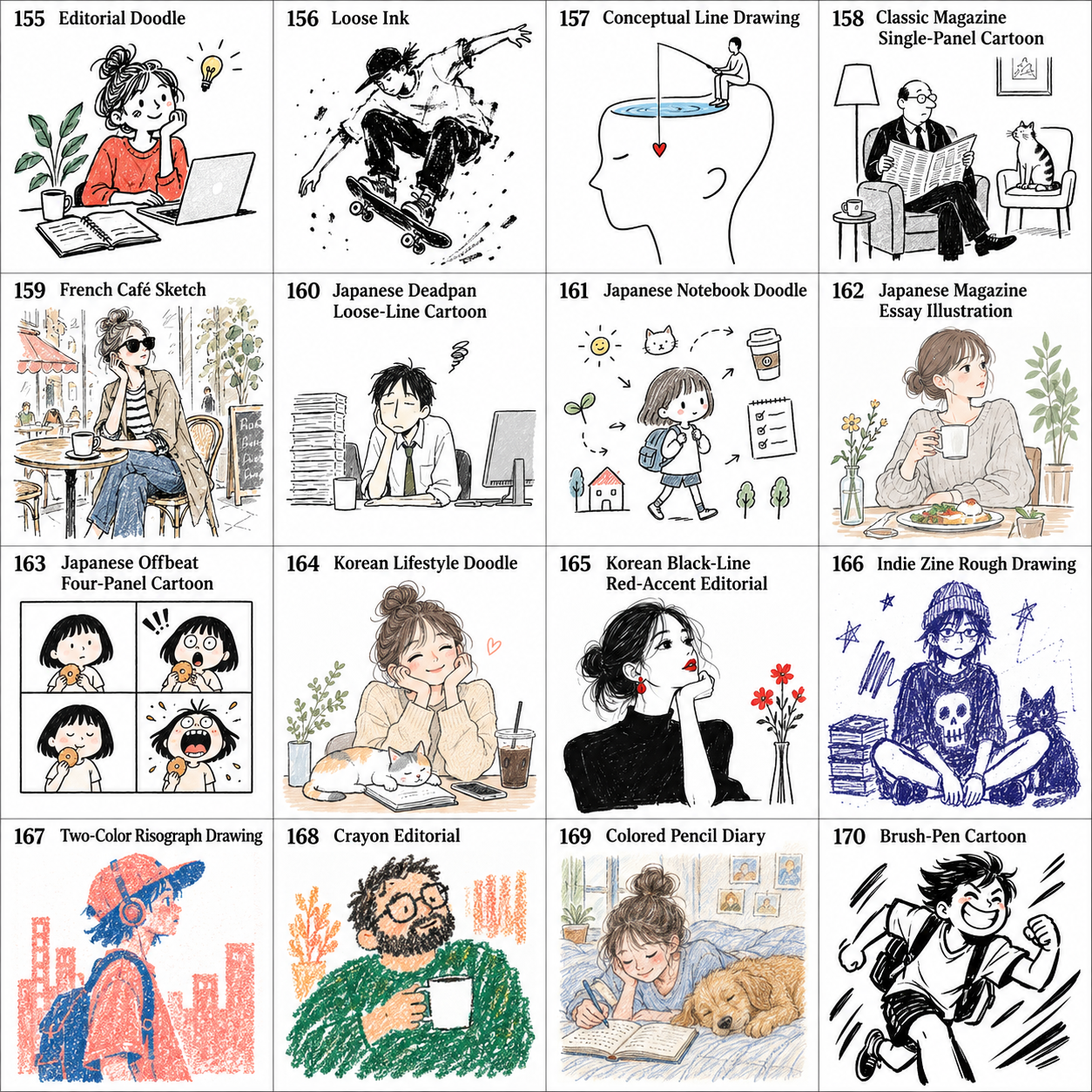
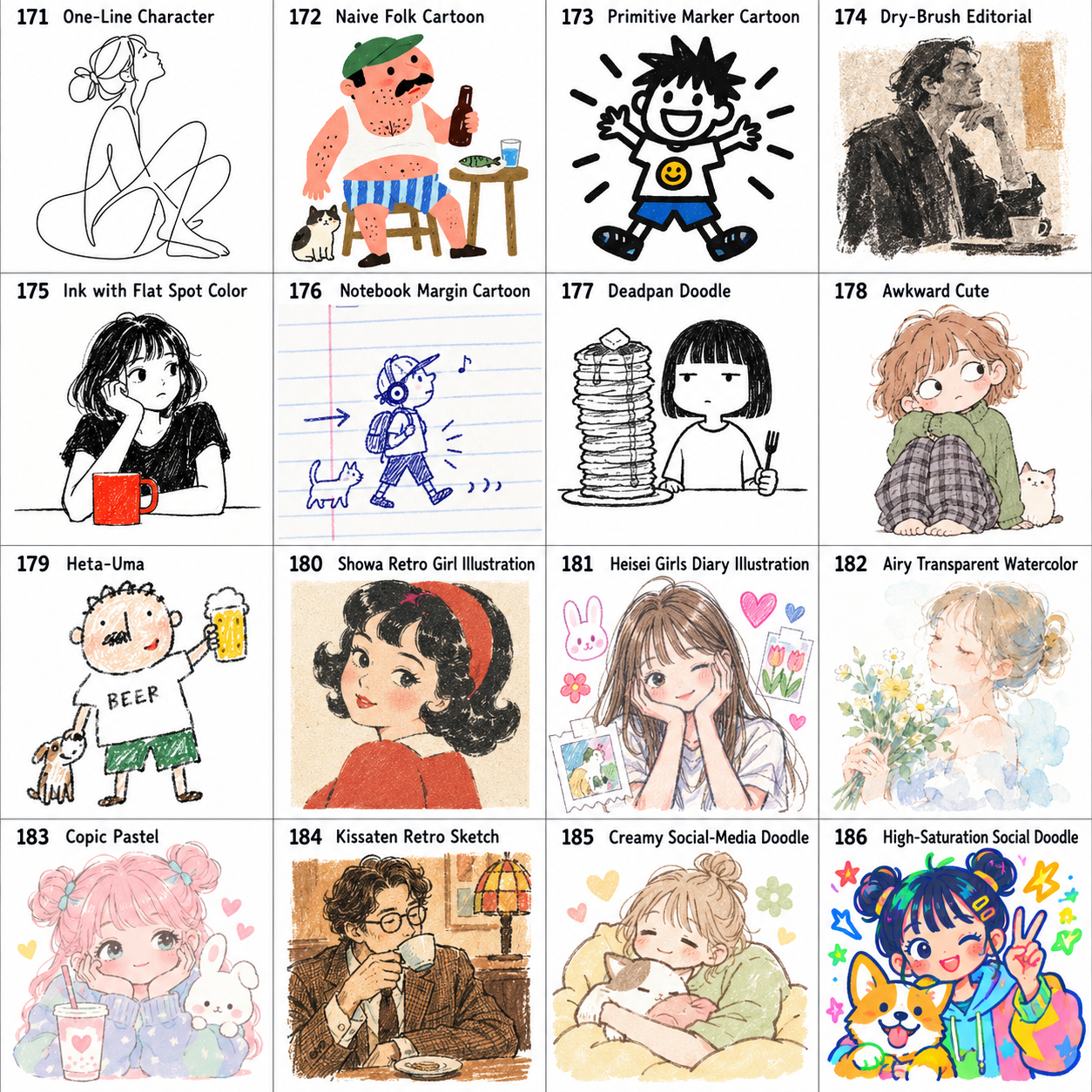
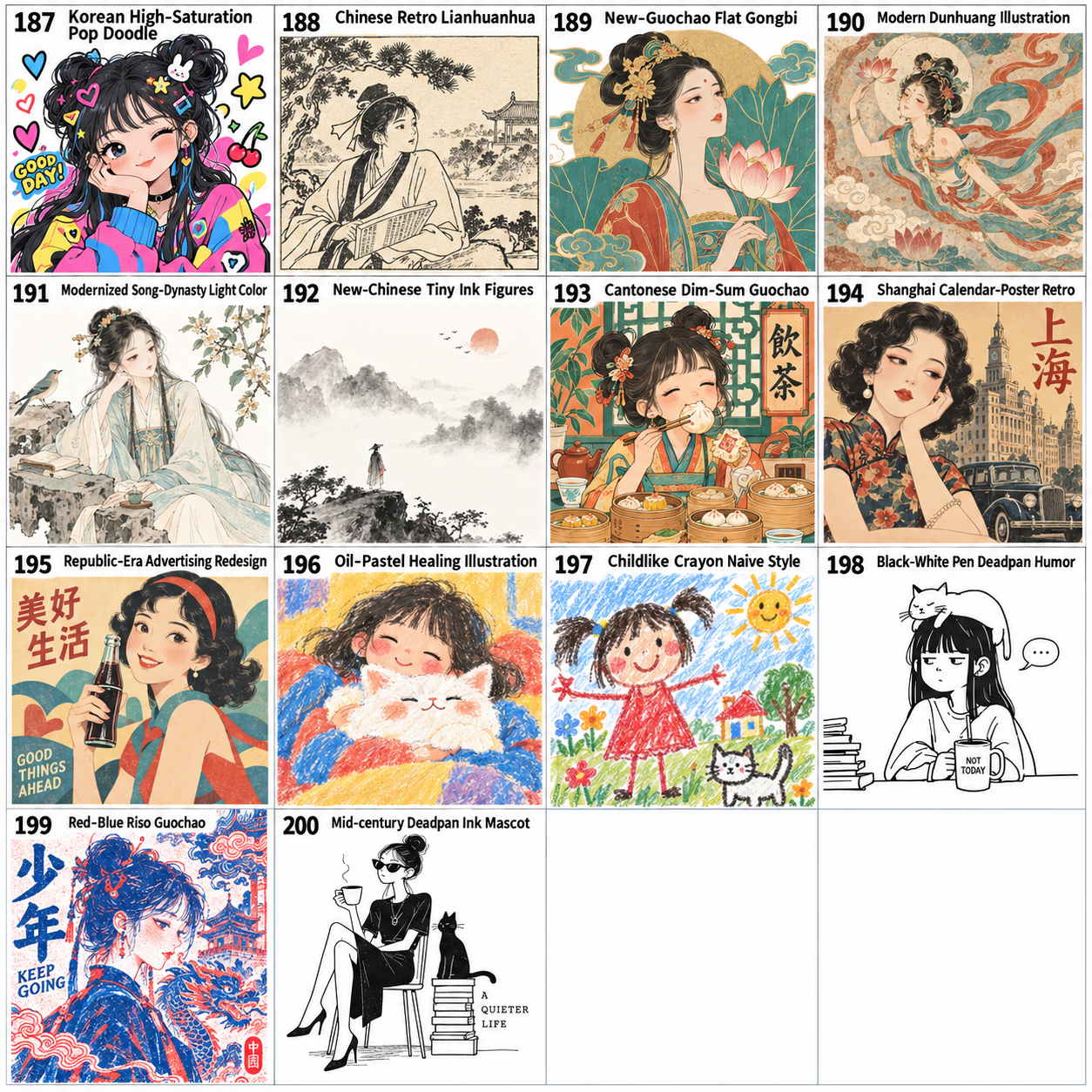
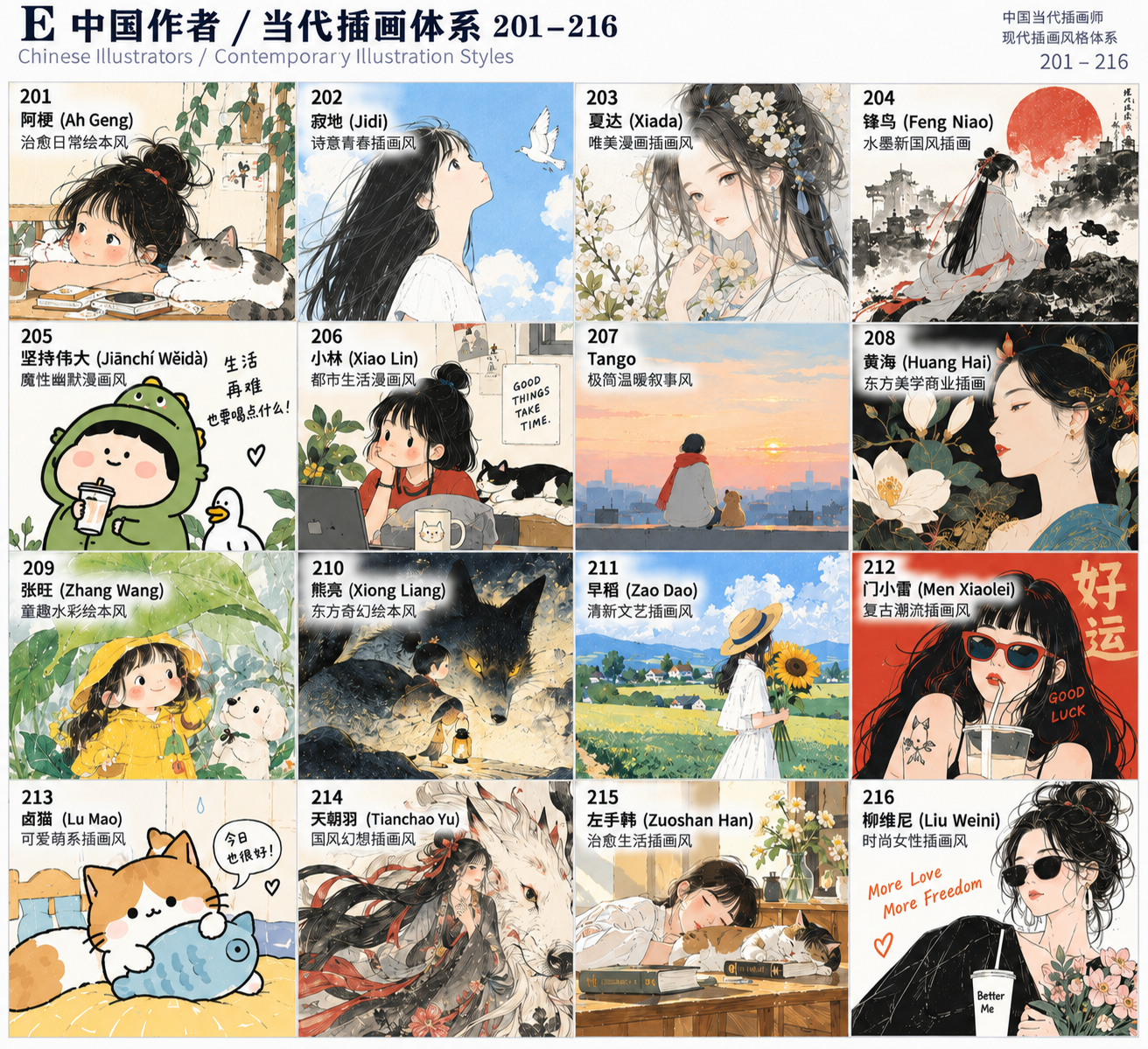
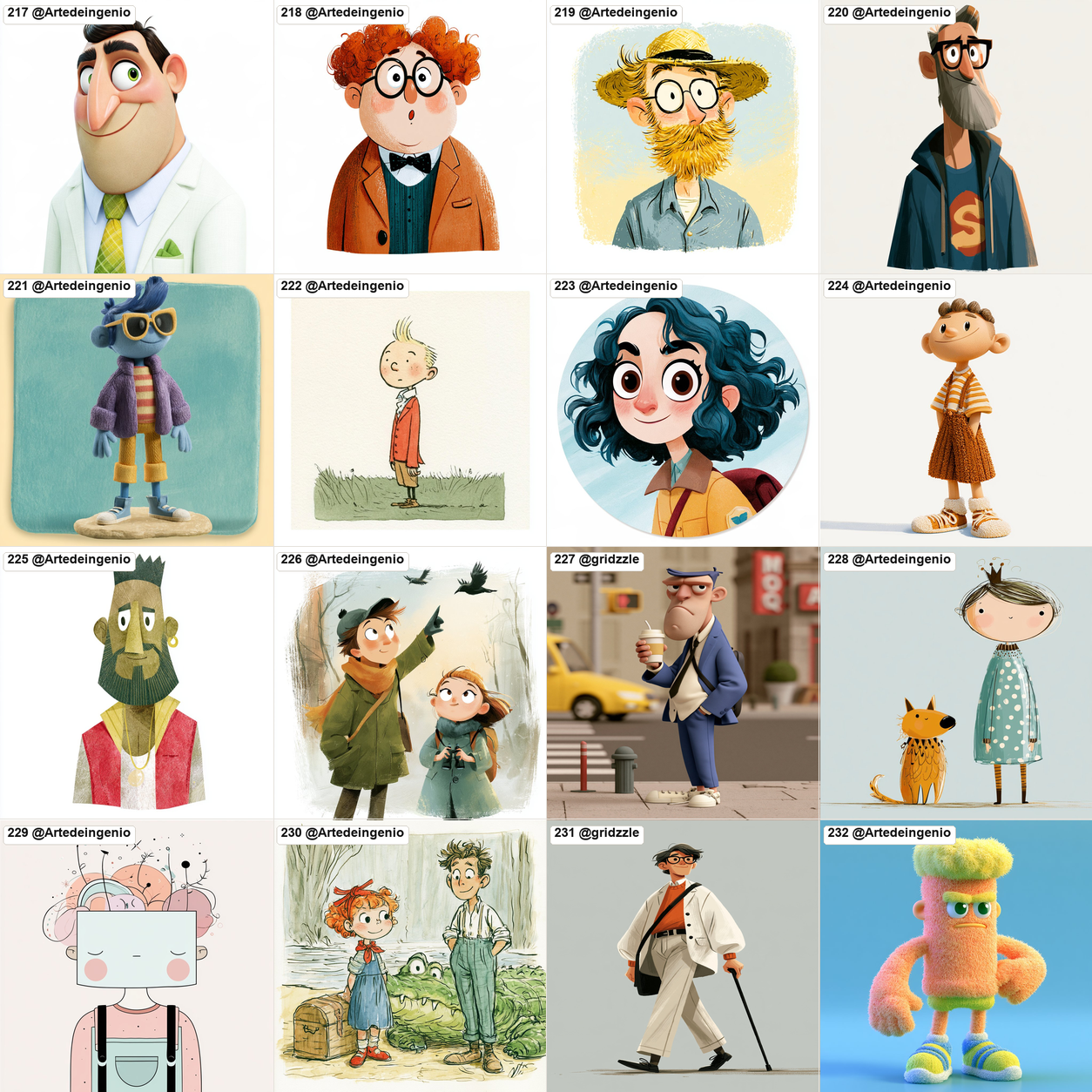
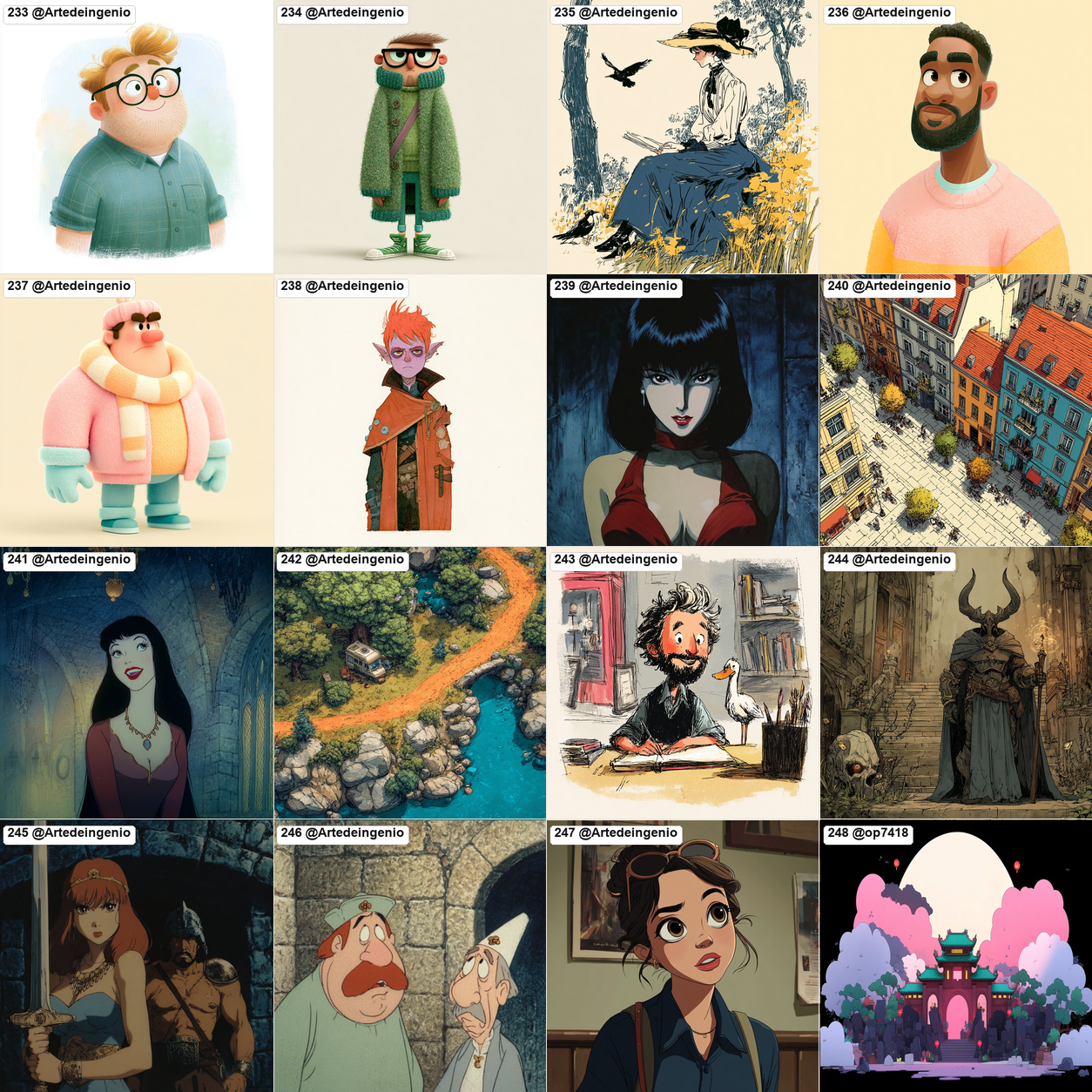
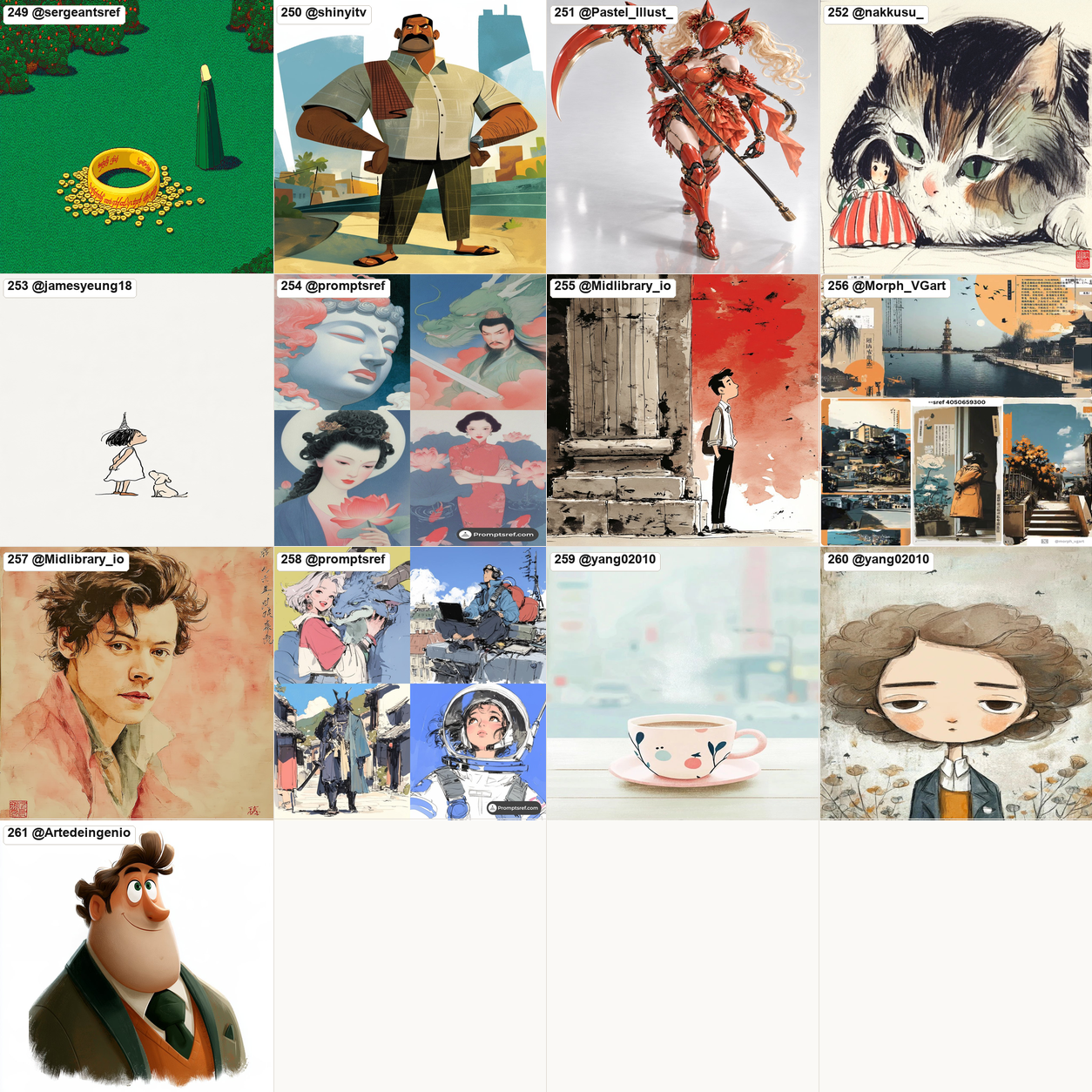
 A Skill that catalogs 261 numbered hand-drawn illustration styles; you pick a number, tell it your subject, and it returns a bilingual (Chinese and English) prompt with the style name baked in, ready to paste into any image-generating AI.
A Skill that catalogs 261 numbered hand-drawn illustration styles; you pick a number, tell it your subject, and it returns a bilingual (Chinese and English) prompt with the style name baked in, ready to paste into any image-generating AI.Is this an app I run, or just a reference I browse?It is not an image generator itself; it is an Agent Skill paired with a numbered style gallery. You look through the gallery, remember a number, and the Skill turns that number plus your topic into a ready-to-use prompt.
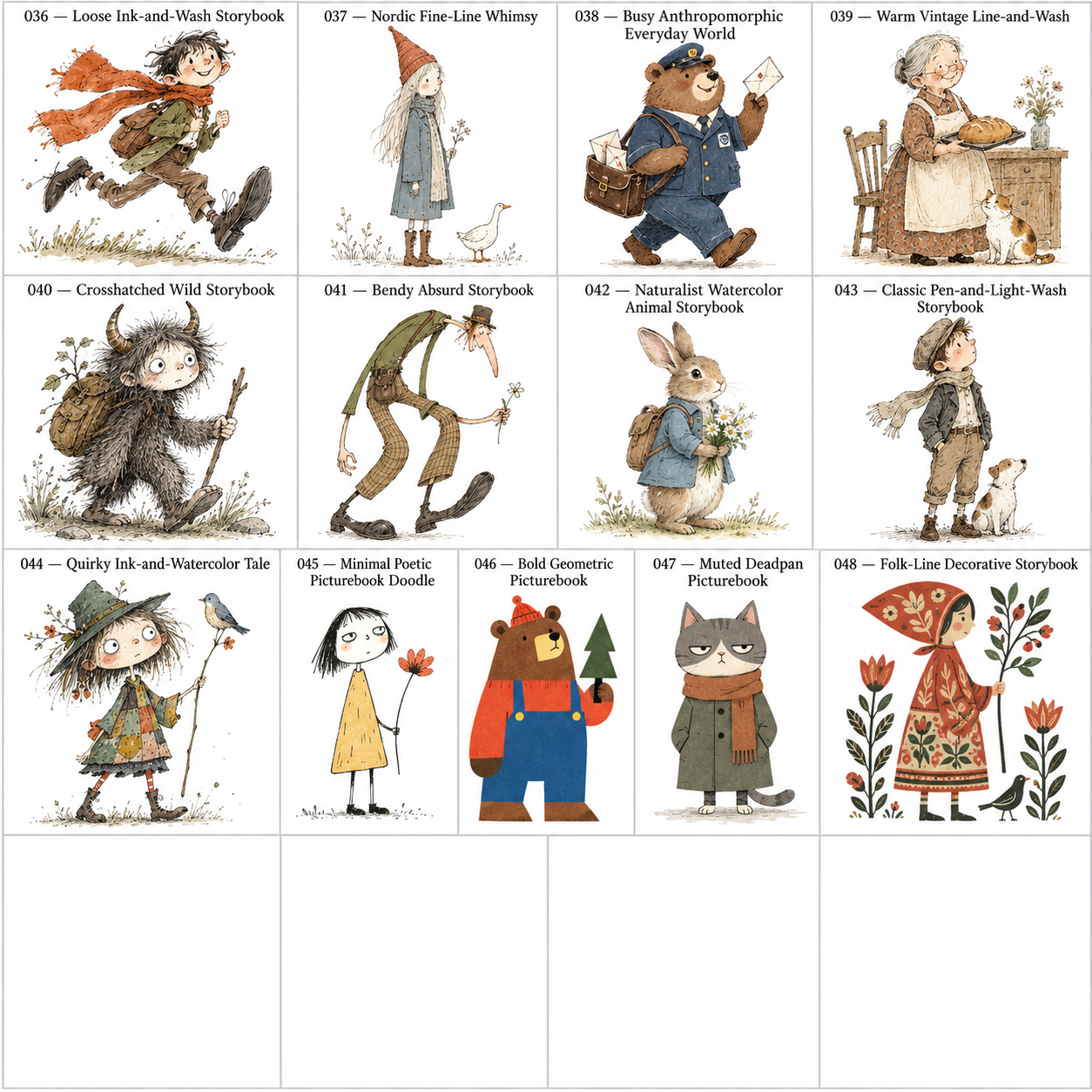
It is not an image generator itself; it is an Agent Skill paired with a numbered style gallery. You look through the gallery, remember a number, and the Skill turns that number plus your topic into a ready-to-use prompt.How do I actually get a prompt out of it?Open the numbered gallery, note a style number you like (e.g. 041), then give the Skill the number plus your topic, like '041号风格,主题:秋天的第一杯奶茶', and it returns a Chinese/English prompt with the style name included, which you copy into your image AI.
Open the numbered gallery, note a style number you like (e.g. 041), then give the Skill the number plus your topic, like '041号风格,主题:秋天的第一杯奶茶', and it returns a Chinese/English prompt with the style name included, which you copy into your image AI.Do I need a specific image-generation AI to use the prompts?No particular model is required — the prompts are meant to be pasted into whichever text-to-image AI you already use. The Skill just checks whether that model can trigger the style from its name alone before deciding whether to attach a reference image.
No particular model is required — the prompts are meant to be pasted into whichever text-to-image AI you already use. The Skill just checks whether that model can trigger the style from its name alone before deciding whether to attach a reference image.Will the AI always nail the exact style?Not guaranteed by name alone. If the target model can't reliably activate a style from its name, the Skill falls back to sending that style's single reference image, and styles without strong distinguishing features get a reference image from the start.
Not guaranteed by name alone. If the target model can't reliably activate a style from its name, the Skill falls back to sending that style's single reference image, and styles without strong distinguishing features get a reference image from the start.Who is this aimed at?Creators who can't describe an art style in words, and people making WeChat ('公众号'), Xiaohongshu, short-video, or brand content who want their images to keep a consistent visual look.
Creators who can't describe an art style in words, and people making WeChat ('公众号'), Xiaohongshu, short-video, or brand content who want their images to keep a consistent visual look.How are the 261 styles grouped?They fall into seven loose groups: A international editorial/humorous (001–035), B international picture-book/narrative (036–054), C modern graphic/stylized figures (055–082), D contemporary Japanese illustration (083–123), E contemporary Chinese illustration (124–154), F general web/media/regional styles (155–200), and G newly added illustration styles (201–261).
They fall into seven loose groups: A international editorial/humorous (001–035), B international picture-book/narrative (036–054), C modern graphic/stylized figures (055–082), D contemporary Japanese illustration (083–123), E contemporary Chinese illustration (124–154), F general web/media/regional styles (155–200), and G newly added illustration styles (201–261).Why does the author single out gpt-image-2?The author has already tested which styles gpt-image-2 can reproduce from the style name alone and uses it as the first model for the activate-by-name vs send-reference-image logic that guides prompt generation.
The author has already tested which styles gpt-image-2 can reproduce from the style name alone and uses it as the first model for the activate-by-name vs send-reference-image logic that guides prompt generation.Are new reference images added over time?Yes, newly imported styles are stored under images/individual/ in batches of 200 numbers (e.g. 001–200, then 201–400), with each style's single reference image and its 2x2 grid kept together in the same folder.
Yes, newly imported styles are stored under images/individual/ in batches of 200 numbers (e.g. 001–200, then 201–400), with each style's single reference image and its 2x2 grid kept together in the same folder.What are similar projects?muyang-illustration-skills, ian-xiaohei-illustrations, awesome-gpt-image-2-5-prompts, deepseek-whale-girl, photo-abstract-editorial, God-minmax-H3, kid-papercraft, gathered-scenes-zine-skill
muyang-illustration-skills, ian-xiaohei-illustrations, awesome-gpt-image-2-5-prompts, deepseek-whale-girl, photo-abstract-editorial, God-minmax-H3, kid-papercraft, gathered-scenes-zine-skillWhich topics is it in?illustration, gallery, ai-art, prompt-library, bilingual, creative-tools, prompt, text-to-image, content-creation, agent-skill, claude-skills, image-generation
illustration, gallery, ai-art, prompt-library, bilingual, creative-tools, prompt, text-to-image, content-creation, agent-skill, claude-skills, image-generation