











204 ·GitHub
What is this?
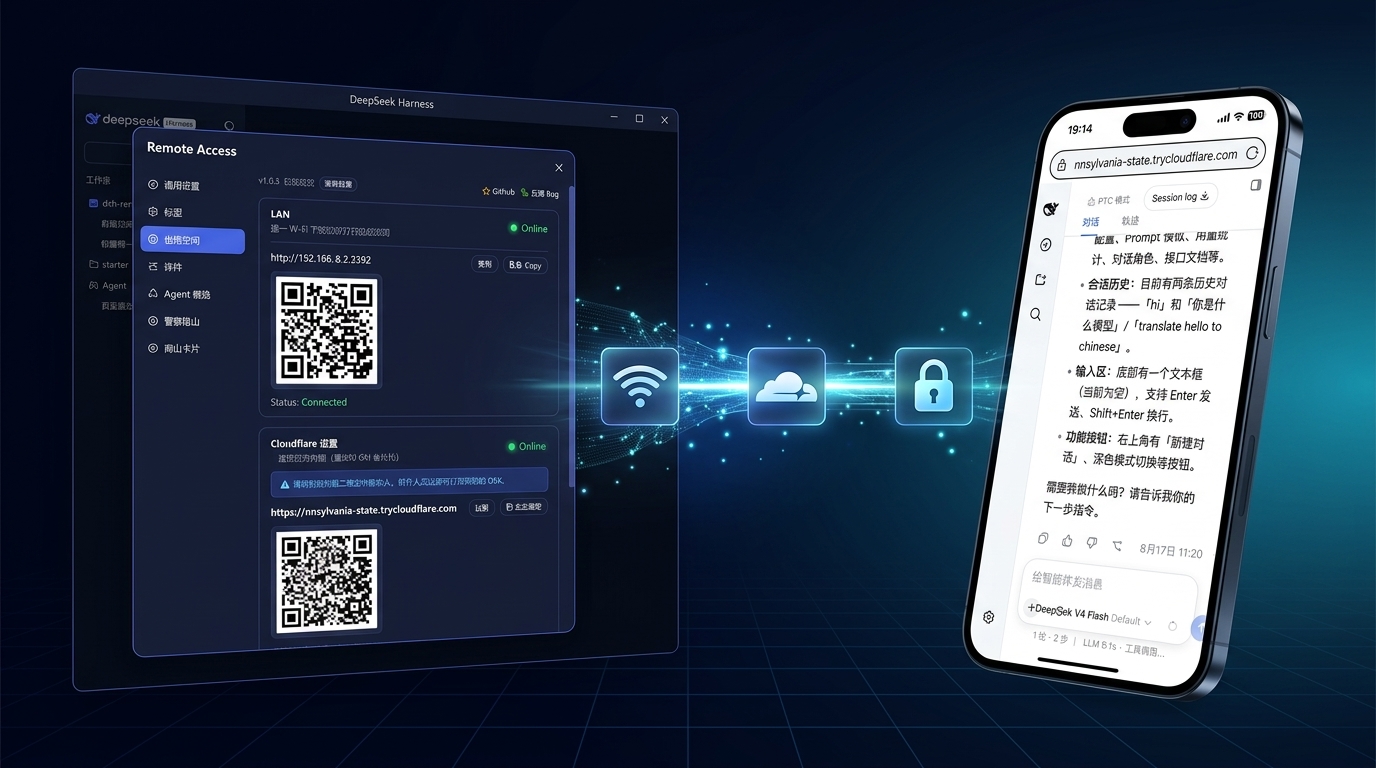
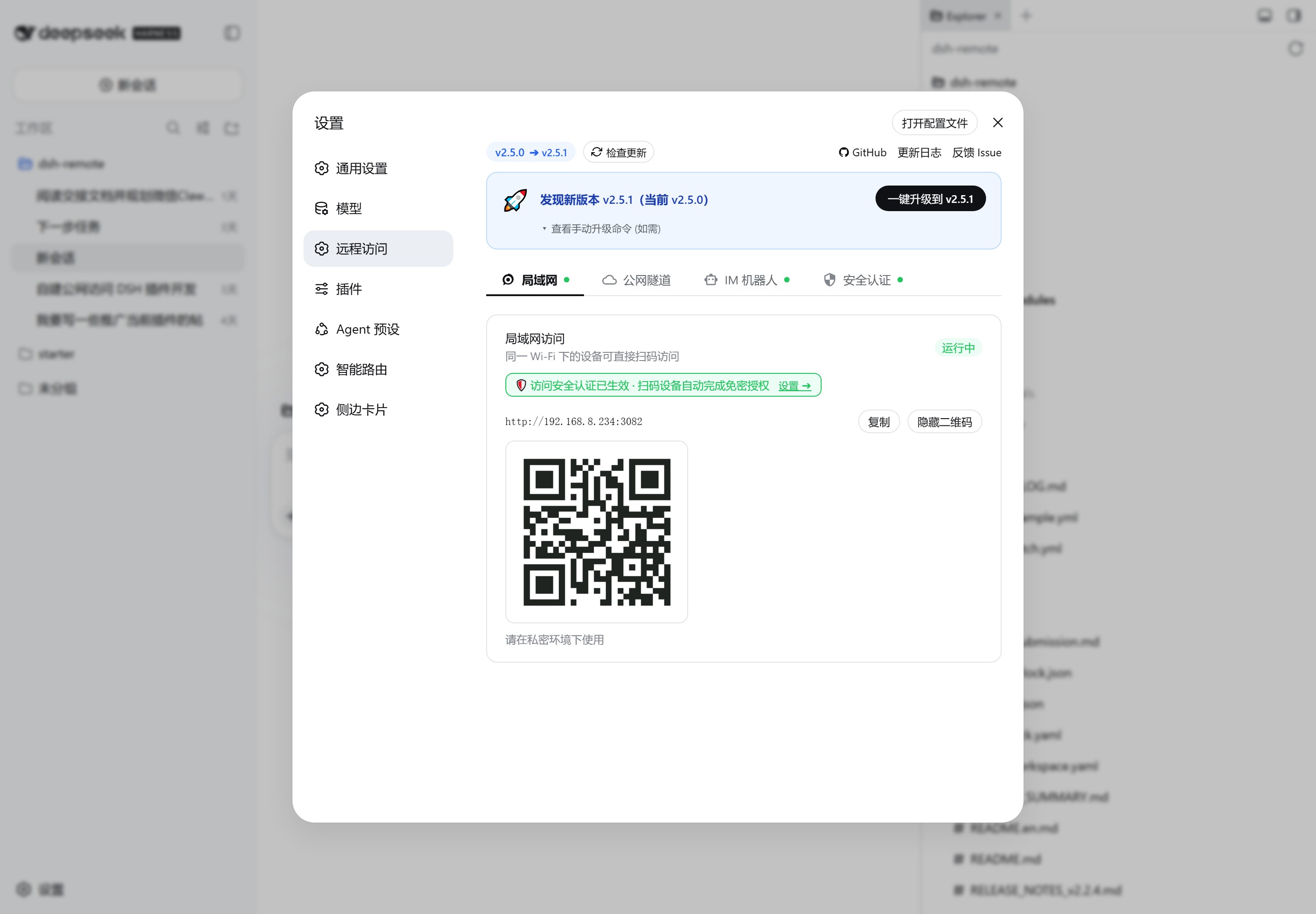
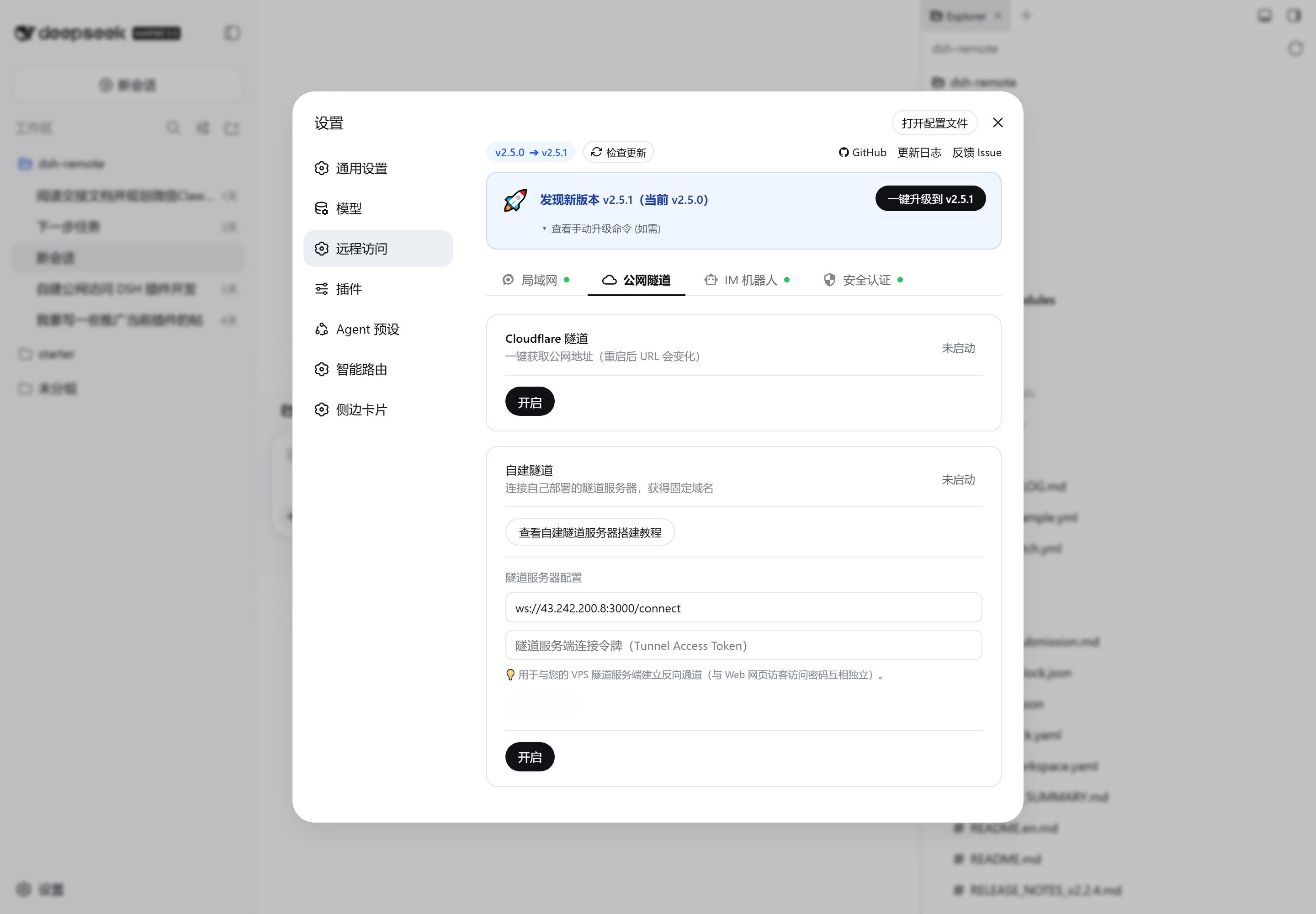
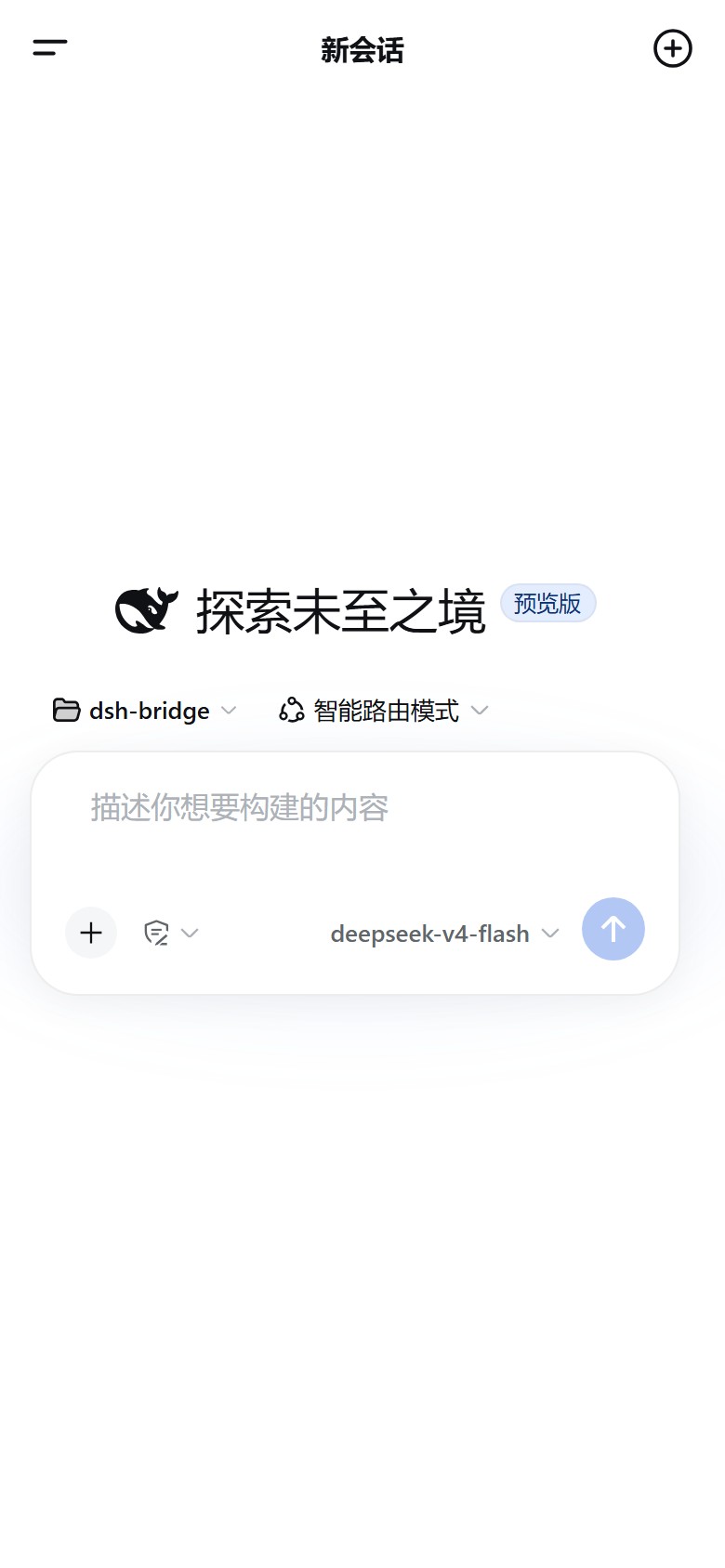
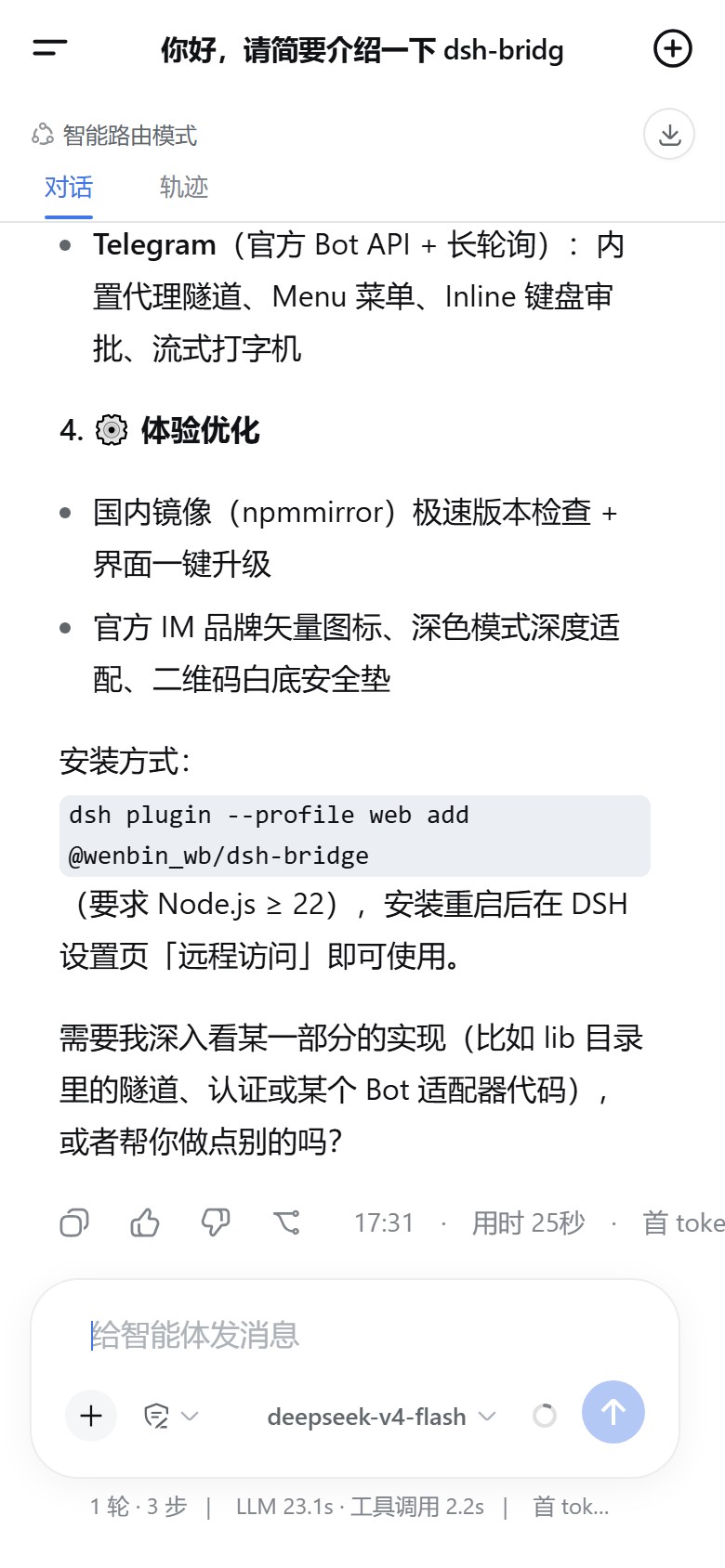
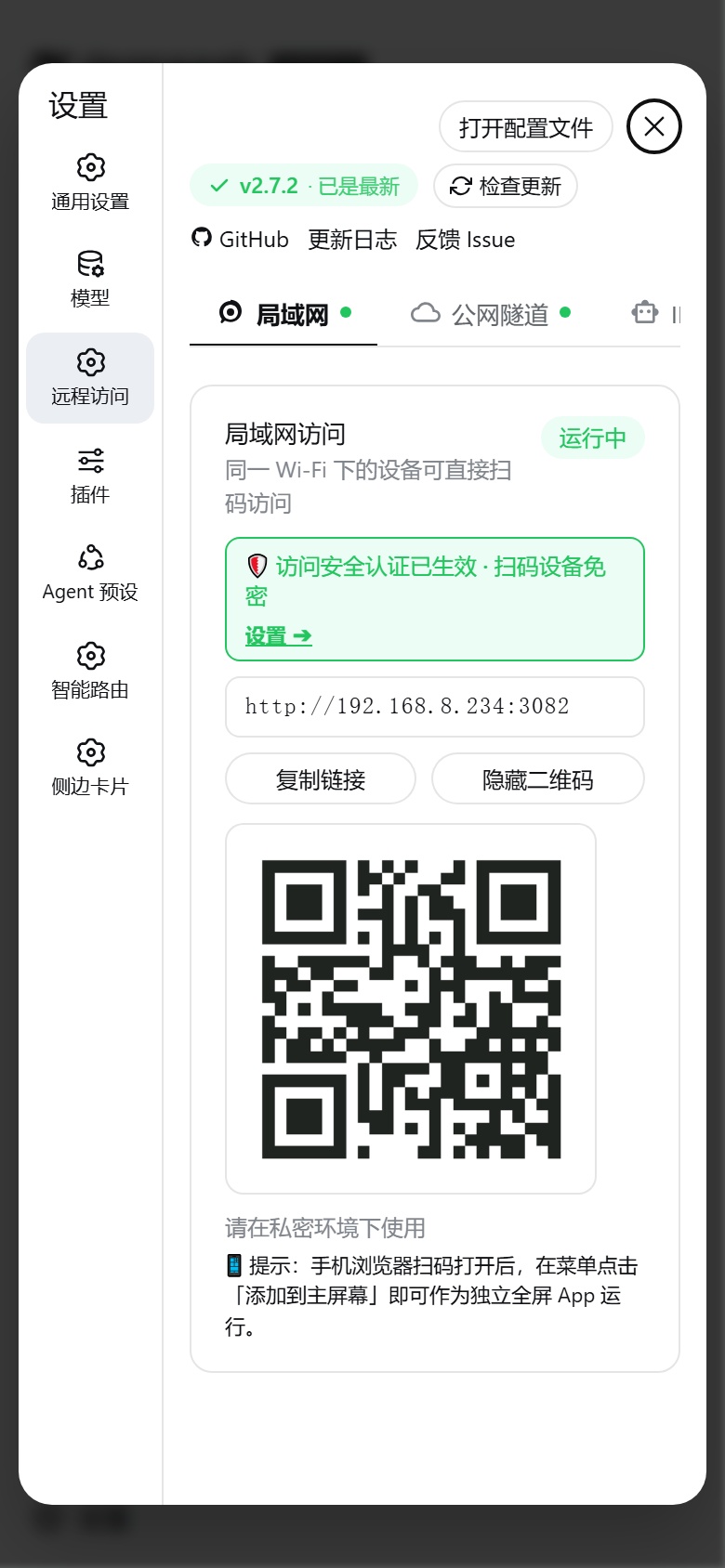
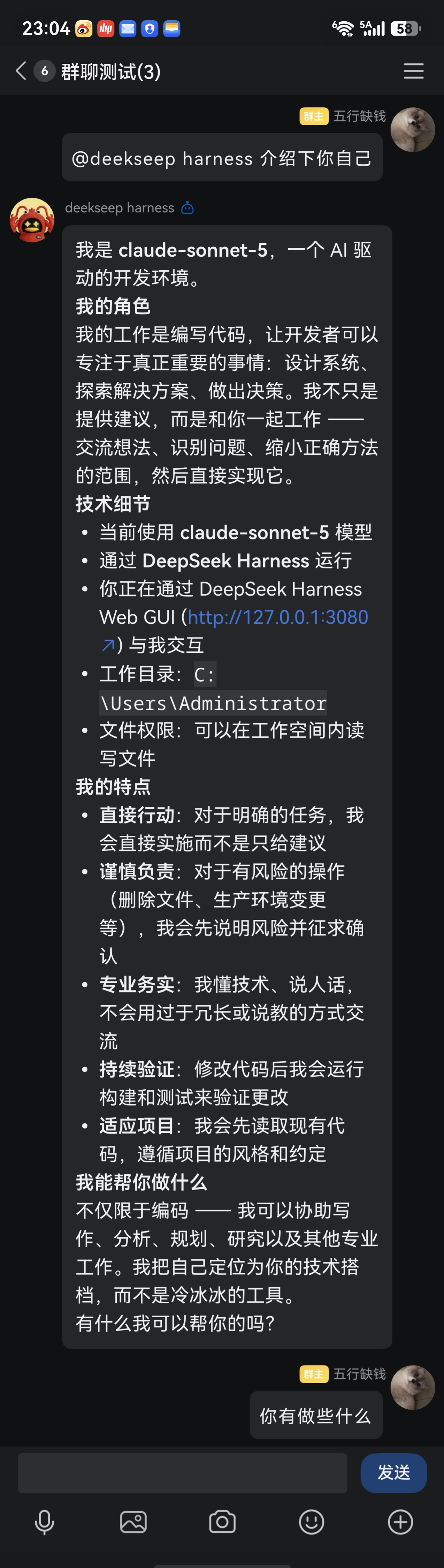
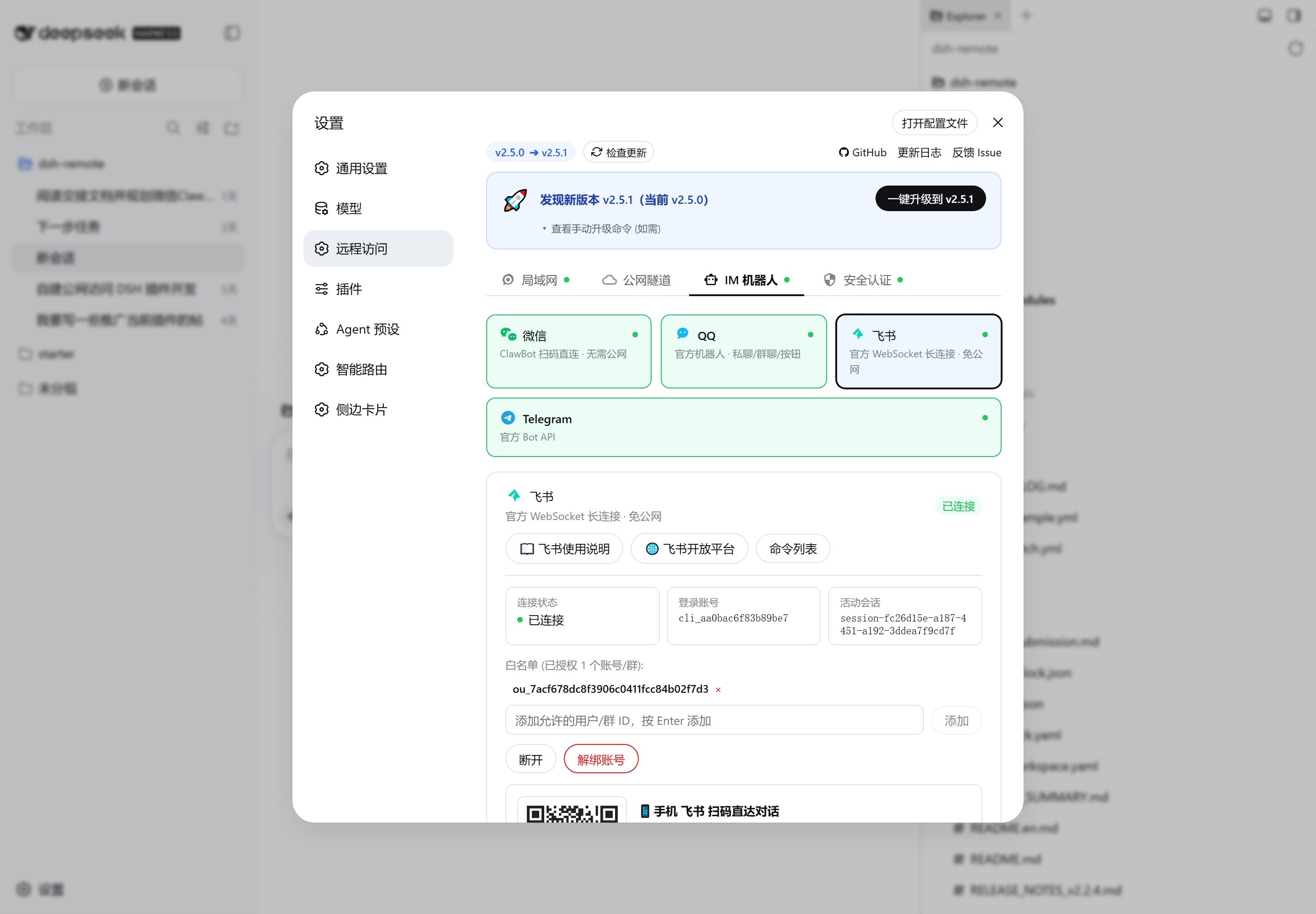
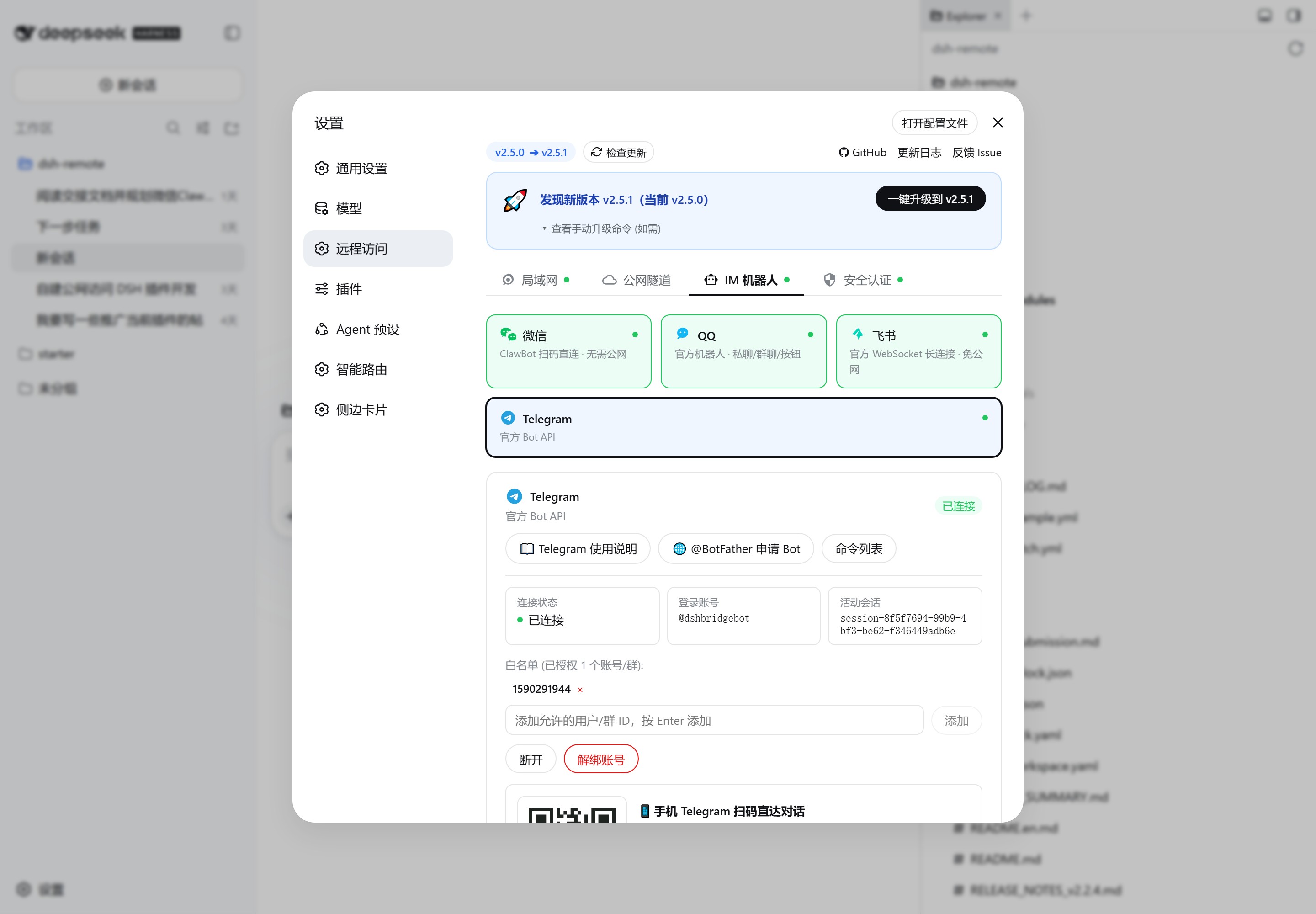
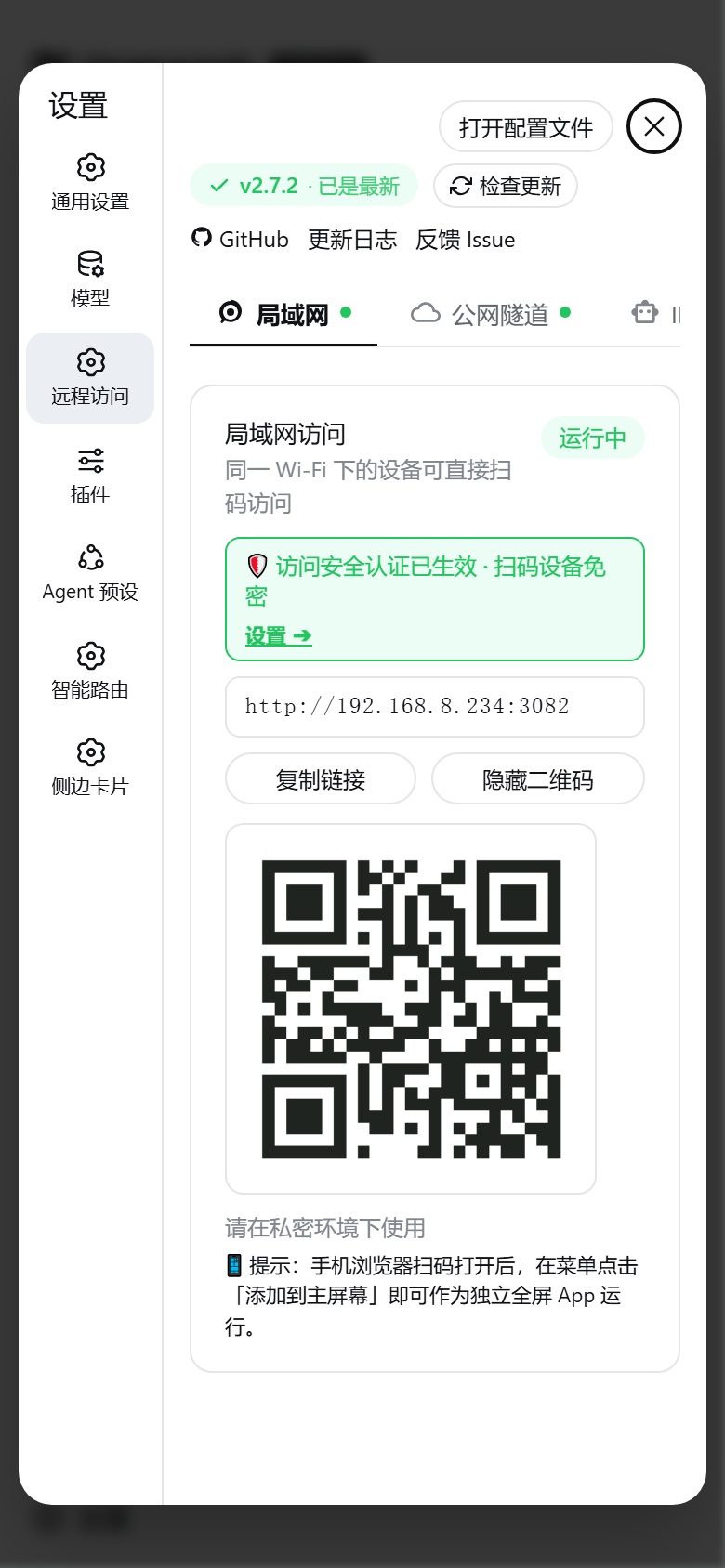
 dsh-bridge lets you keep using DeepSeek Harness (DSH) from your phone or any device by scanning a QR code, even when you are away from the computer running it. It adds LAN access, public tunnels, and IM bot control on top of your local DSH instance.
dsh-bridge lets you keep using DeepSeek Harness (DSH) from your phone or any device by scanning a QR code, even when you are away from the computer running it. It adds LAN access, public tunnels, and IM bot control on top of your local DSH instance.Is this a standalone app or does it plug into something else?It is a plugin that extends DeepSeek Harness with multi-channel remote access and a security gate; it has no independent use without a running DSH instance.
It is a plugin that extends DeepSeek Harness with multi-channel remote access and a security gate; it has no independent use without a running DSH instance.How do I get it running?Install dsh-bridge as a DSH plugin, then start DeepSeek Harness and open its settings panel to the 'Remote Access' section to turn on LAN access, tunnels, and bots.
Install dsh-bridge as a DSH plugin, then start DeepSeek Harness and open its settings panel to the 'Remote Access' section to turn on LAN access, tunnels, and bots.What do I need installed before this works?You need Node.js ^22.19.0 or >=24.0.0 and a working 'dsh' CLI command, since the plugin only runs inside an existing DeepSeek Harness setup.
You need Node.js ^22.19.0 or >=24.0.0 and a working 'dsh' CLI command, since the plugin only runs inside an existing DeepSeek Harness setup.Is the self-hosted tunnel mode secure by default?No. The self-hosted WebSocket tunnel does not independently authenticate public HTTP/WebSocket traffic, so anyone who knows the tunnel URL can reach your DSH unless you manually enable the plugin's access password or token.
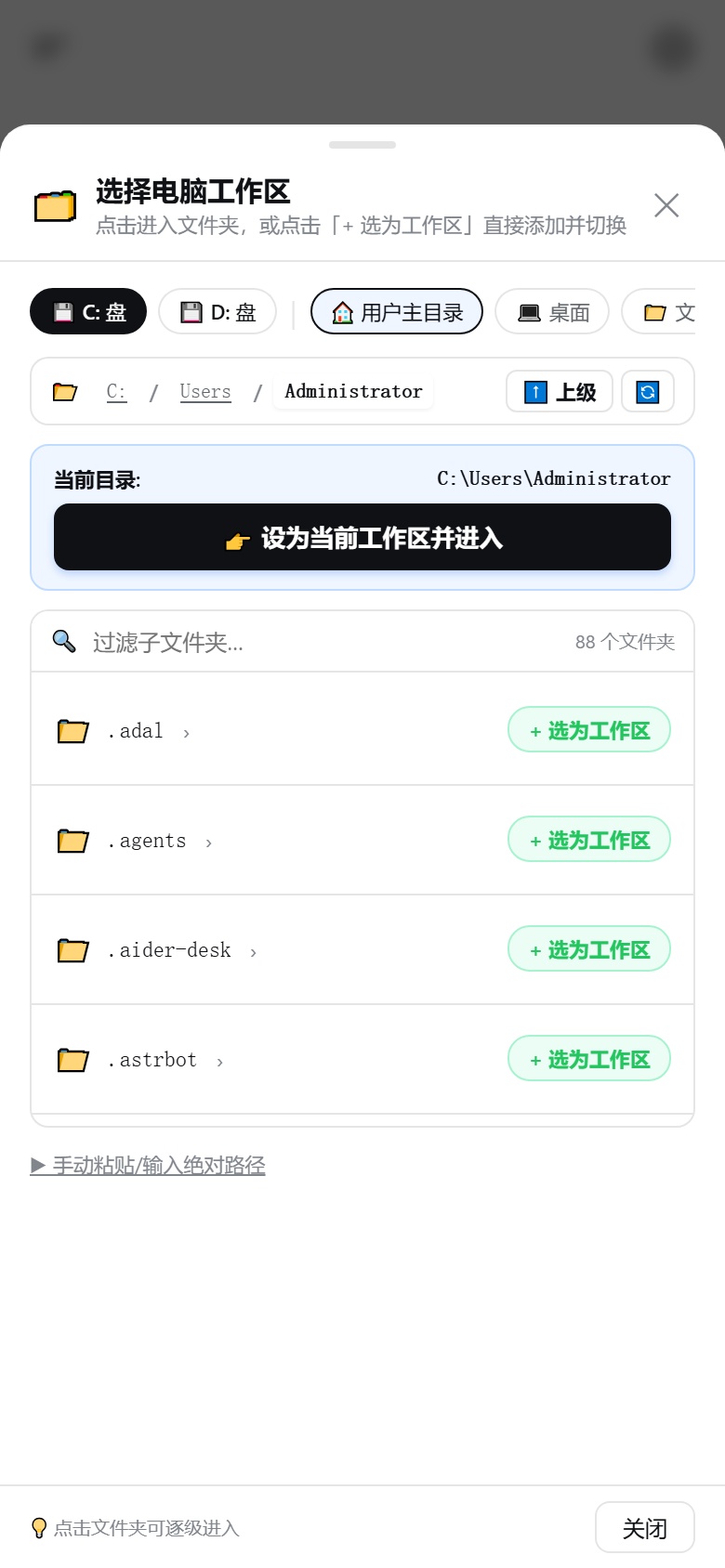
No. The self-hosted WebSocket tunnel does not independently authenticate public HTTP/WebSocket traffic, so anyone who knows the tunnel URL can reach your DSH unless you manually enable the plugin's access password or token.Does it work on Windows and macOS, not just Linux?Yes, it handles Windows drive letters (C:, D:) and common folders for the workspace picker, and auto-manages macOS Gatekeeper quarantine for the Cloudflare binary, alongside Linux support.
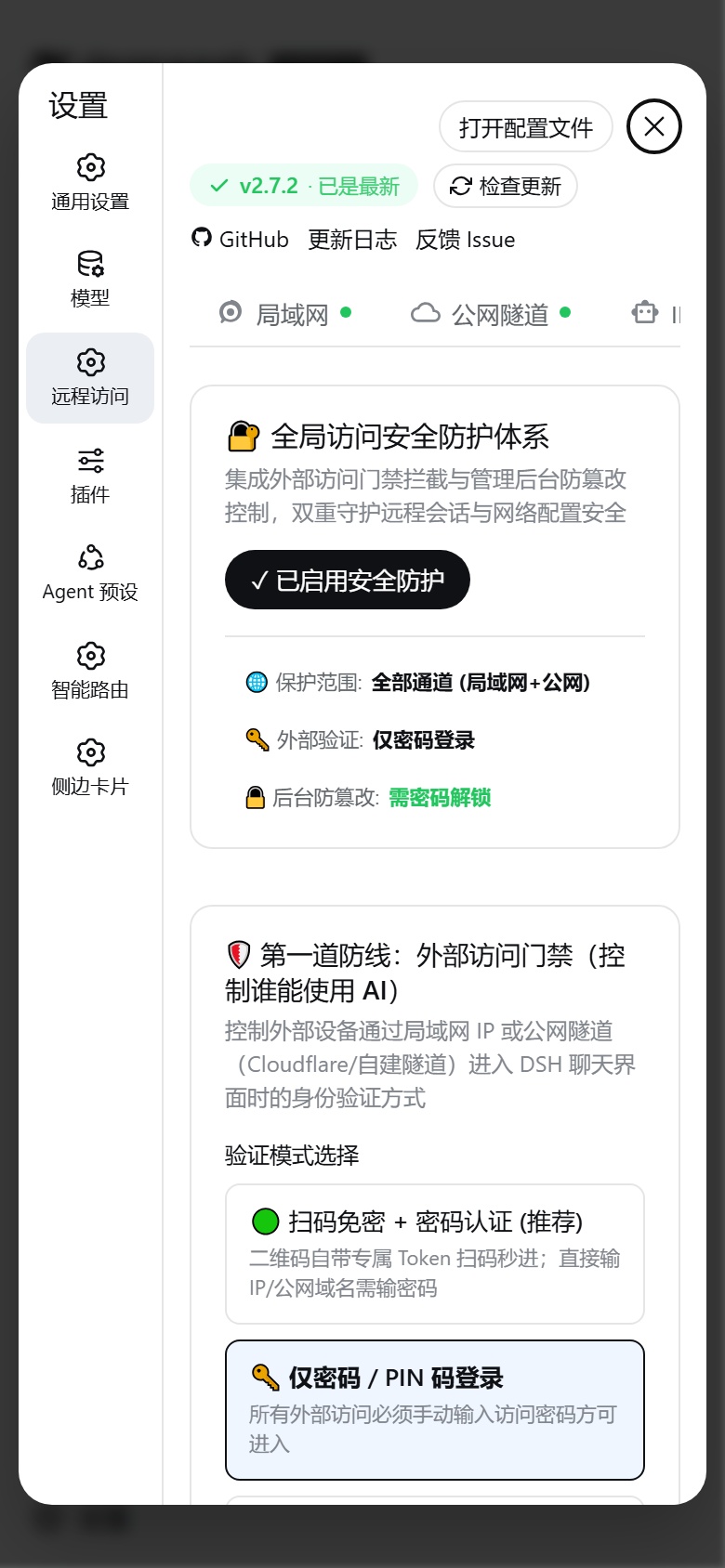
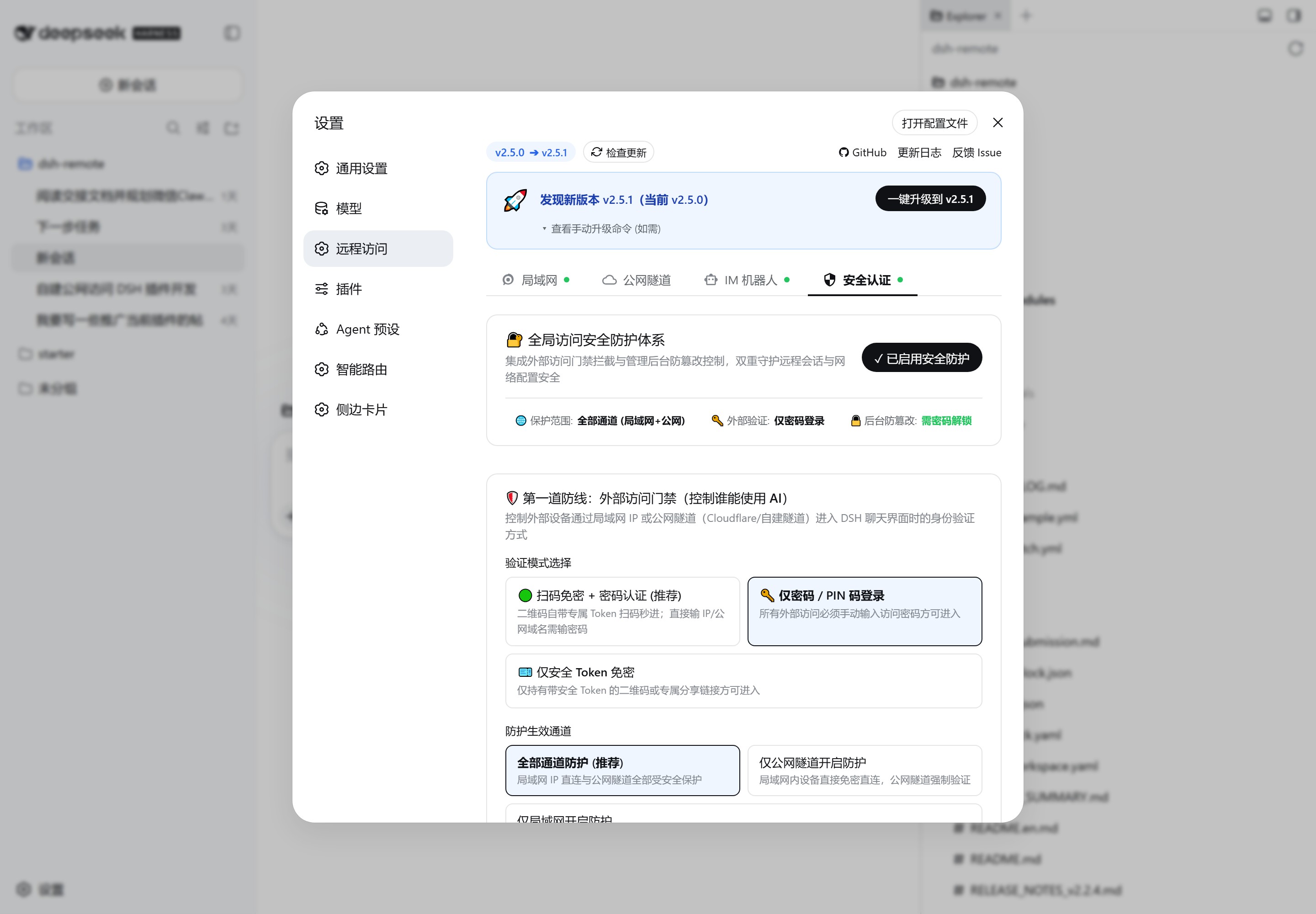
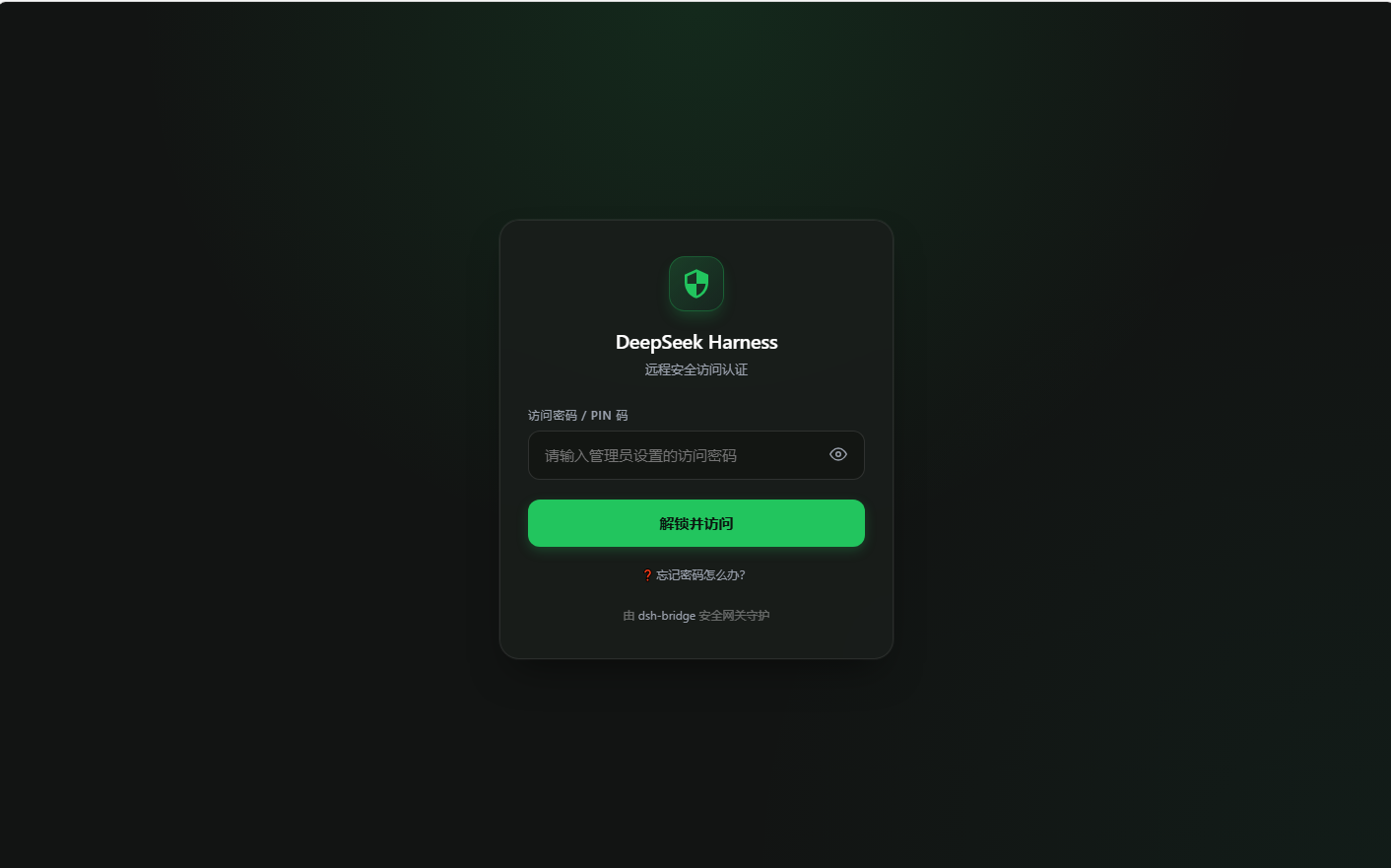
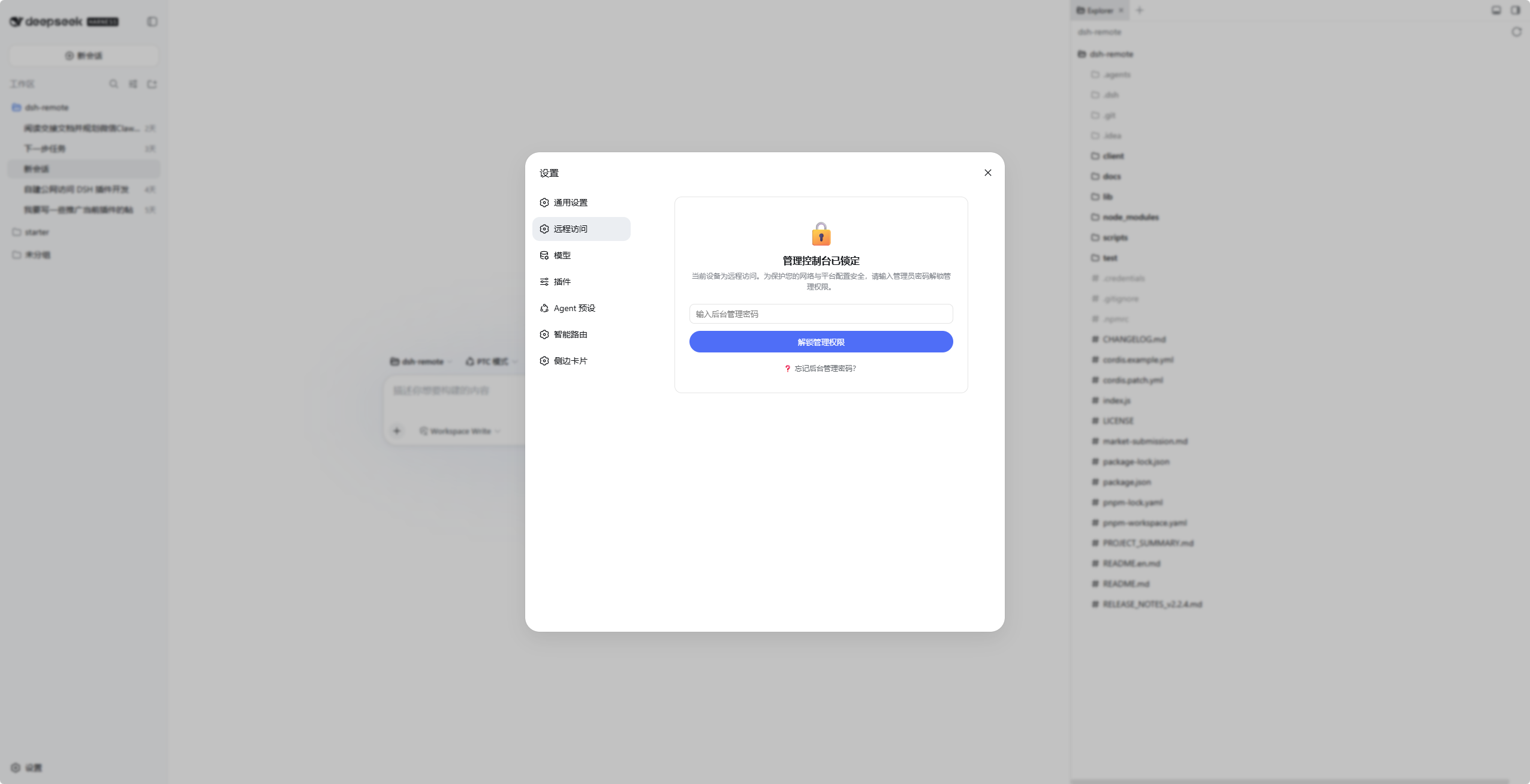
Yes, it handles Windows drive letters (C:, D:) and common folders for the workspace picker, and auto-manages macOS Gatekeeper quarantine for the Cloudflare binary, alongside Linux support.How is remote access protected from strangers?A QR-embedded 256-bit token lets your own devices in password-free, an access password gates everyone else, and a separate admin password protects the settings panel so visitors can never change your config.
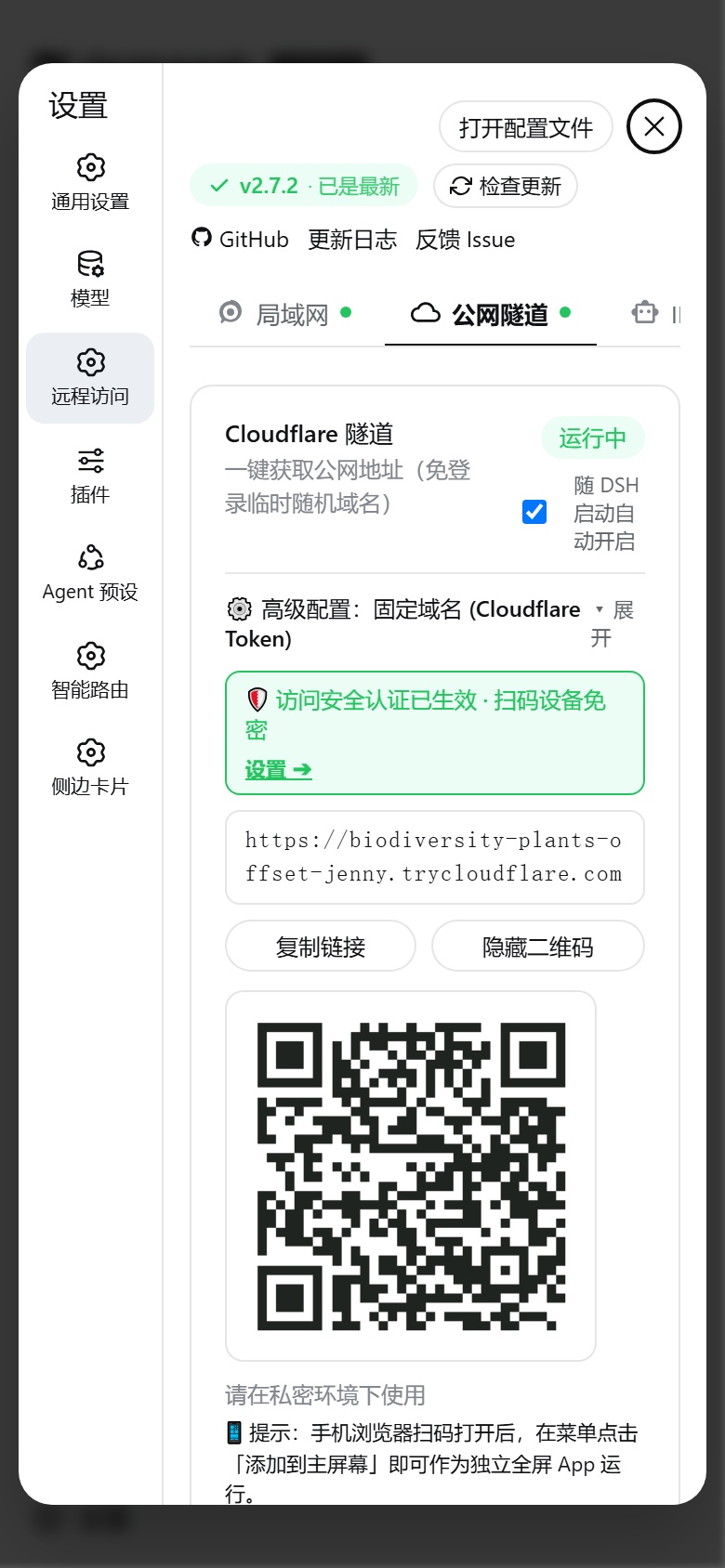
A QR-embedded 256-bit token lets your own devices in password-free, an access password gates everyone else, and a separate admin password protects the settings panel so visitors can never change your config.Can I get a permanent public URL instead of a random temporary one?Yes, binding a Cloudflare Token with your own domain gives a fixed URL that never changes and can auto-restart with DSH, for free.
Yes, binding a Cloudflare Token with your own domain gives a fixed URL that never changes and can auto-restart with DSH, for free.Does it automatically pick the right network interface?Yes, it detects physical Wi-Fi, Ethernet, and virtual adapters like WSL, VMware, and Docker, lets you pick one from a dropdown, and remembers your choice.
Yes, it detects physical Wi-Fi, Ethernet, and virtual adapters like WSL, VMware, and Docker, lets you pick one from a dropdown, and remembers your choice.What happens if I lock myself out of the admin settings?The host machine (127.0.0.1) always has top-level privilege and can never be locked out, and there's a one-line terminal command (reset-auth) that instantly clears passwords in an emergency.
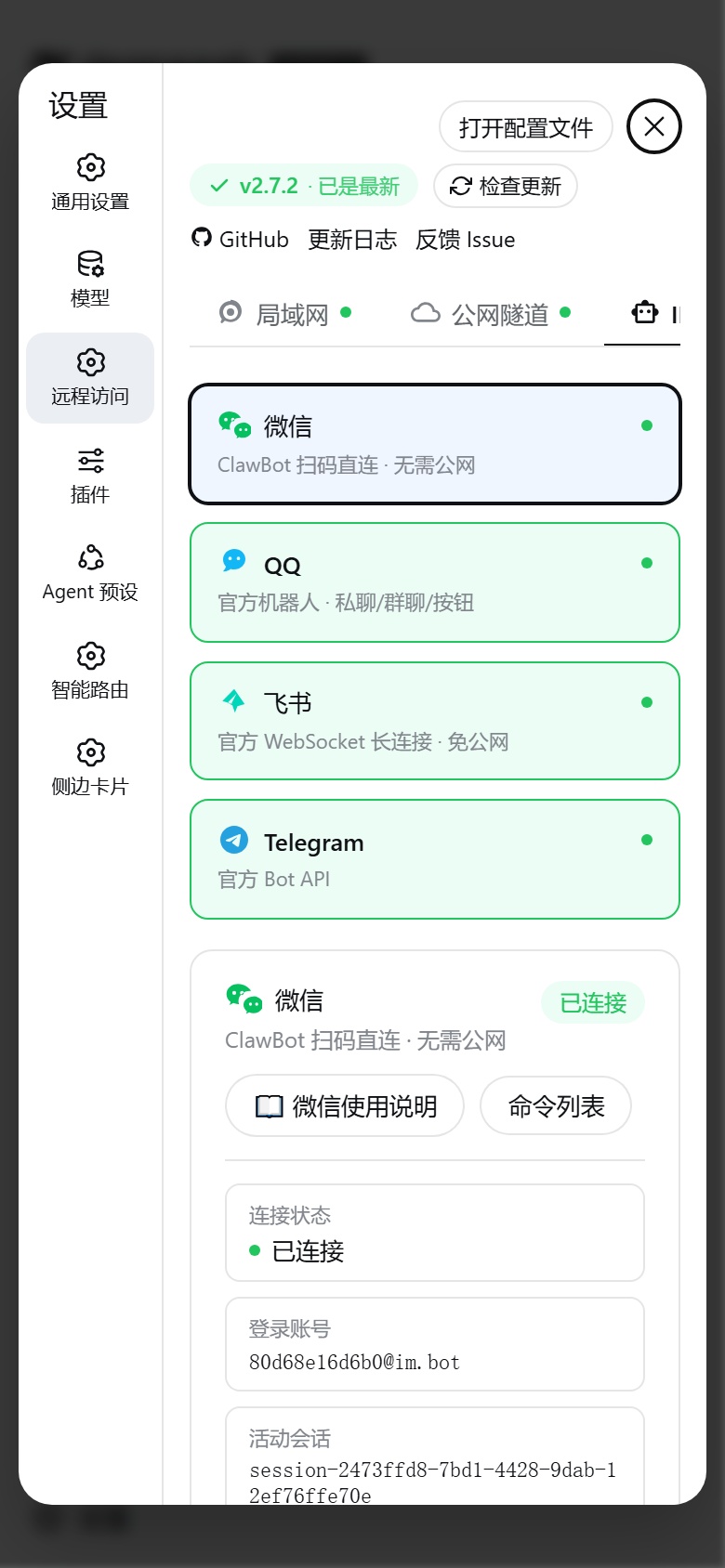
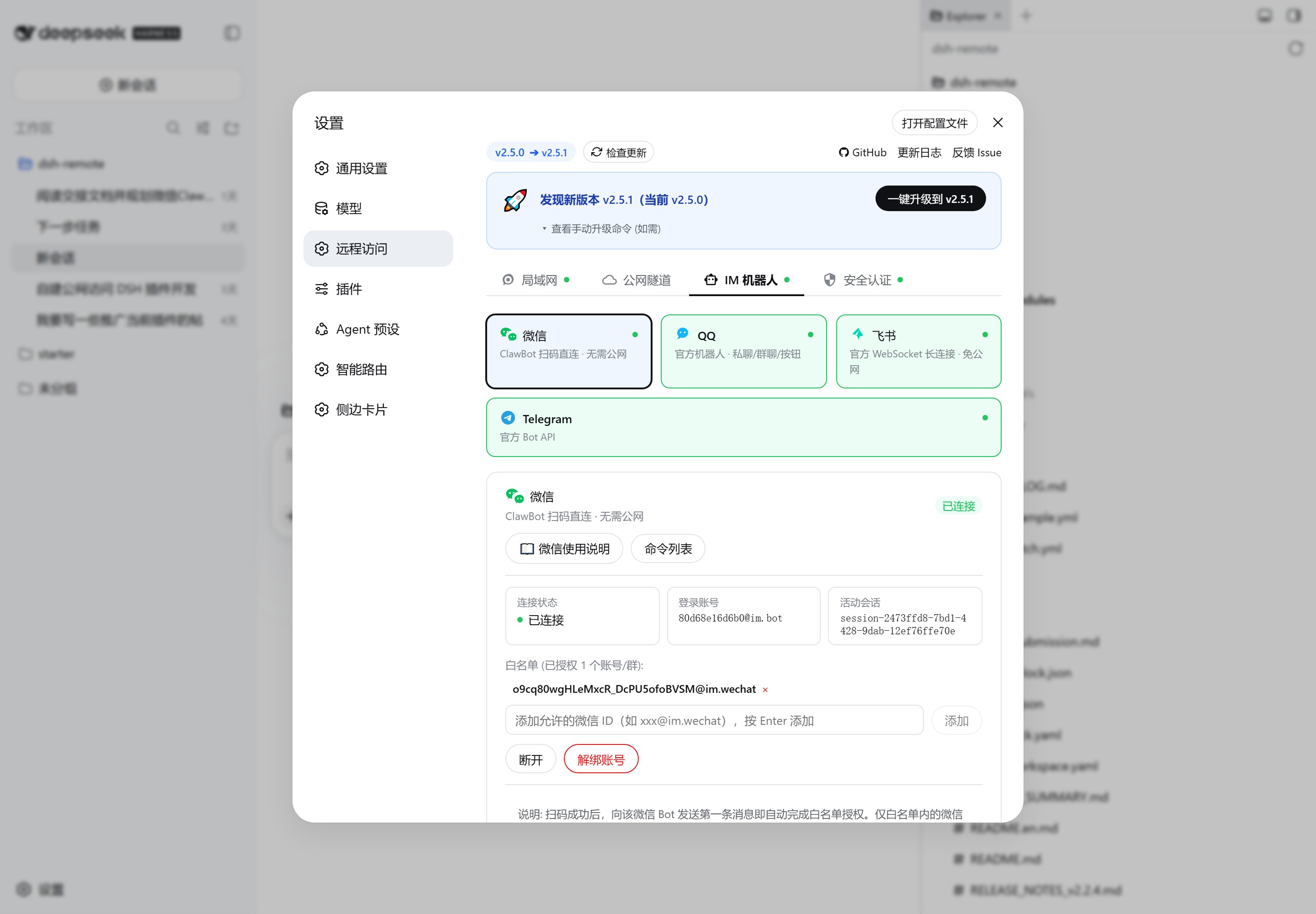
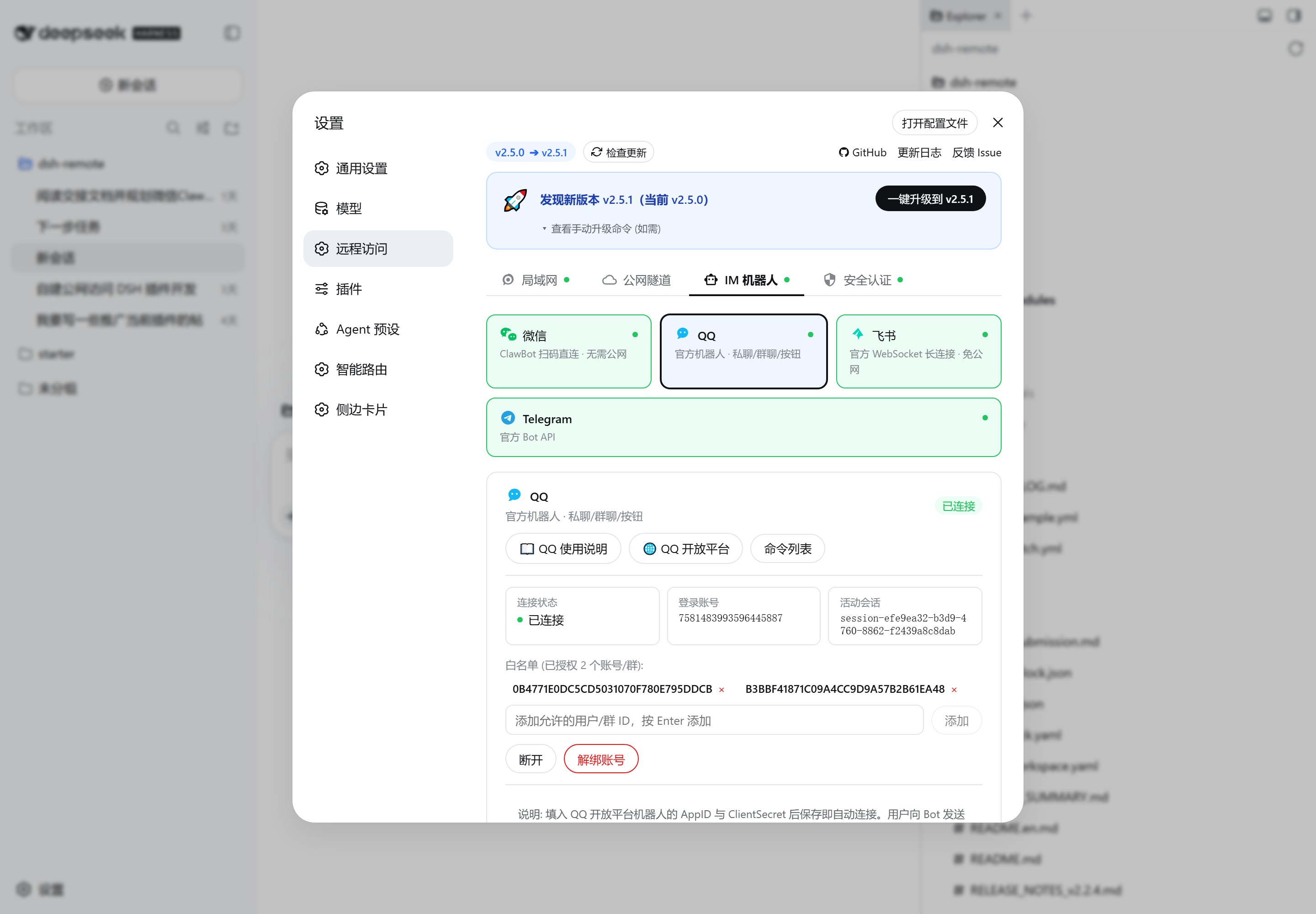
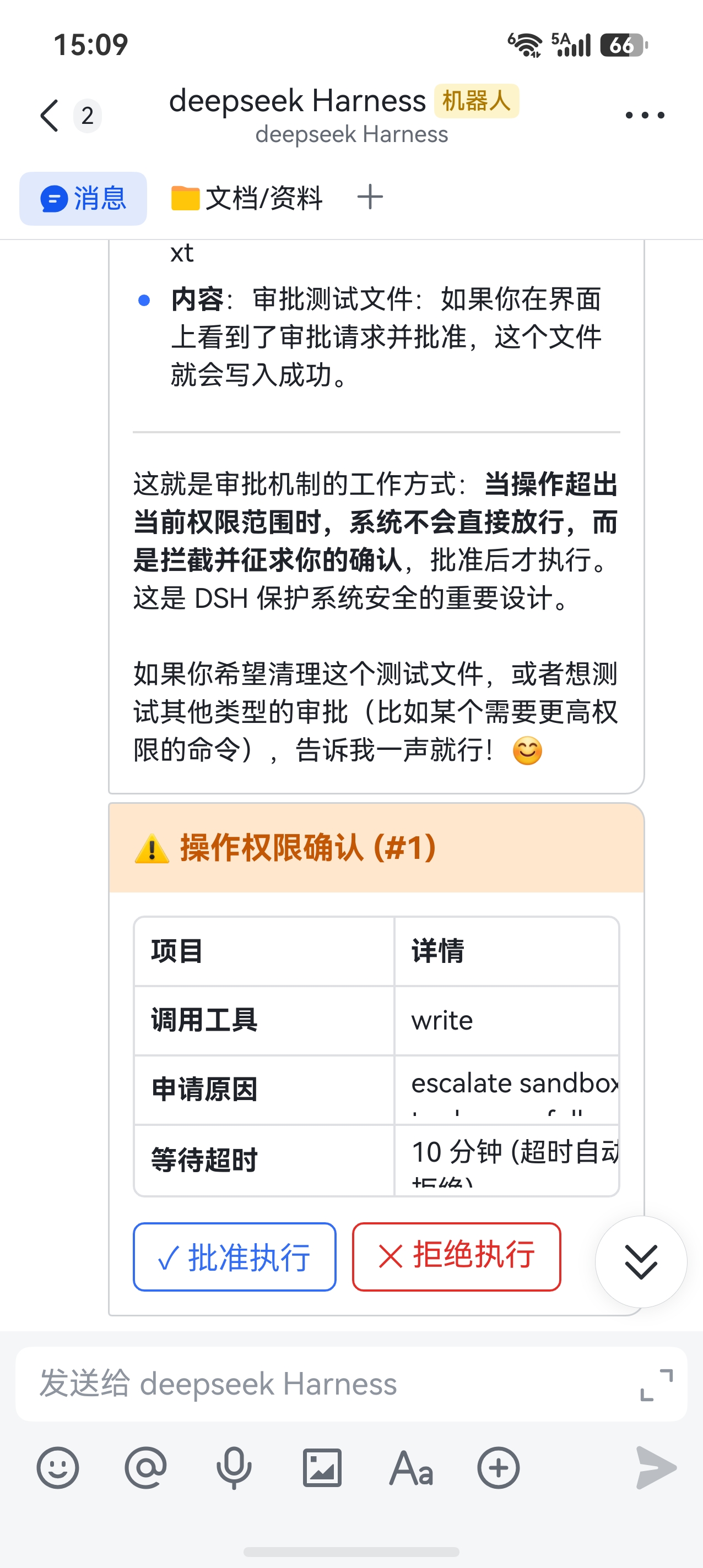
The host machine (127.0.0.1) always has top-level privilege and can never be locked out, and there's a one-line terminal command (reset-auth) that instantly clears passwords in an emergency.What can I do from the IM bots besides chatting?Slash commands let you list and switch sessions, register new workspaces, approve or deny sensitive actions, stop running tasks, and check system status directly from WeChat, QQ, Feishu, or Telegram.
Slash commands let you list and switch sessions, register new workspaces, approve or deny sensitive actions, stop running tasks, and check system status directly from WeChat, QQ, Feishu, or Telegram.What are similar projects?dsh-remote-web-gateway, dsh-mobile, dsh-pocket, dsh-im, antigravity_phone_chat, NewYork, RVG, dsh-our-free-model
dsh-remote-web-gateway, dsh-mobile, dsh-pocket, dsh-im, antigravity_phone_chat, NewYork, RVG, dsh-our-free-modelWhich topics is it in?qq-bot, wechat-bot, cloudflare-tunnel, feishu, telegram-bot, remote-control, remote-access, qr-code, tunnel, pwa, dsh, dsh-plugin
qq-bot, wechat-bot, cloudflare-tunnel, feishu, telegram-bot, remote-control, remote-access, qr-code, tunnel, pwa, dsh, dsh-plugin