


Что это такое?
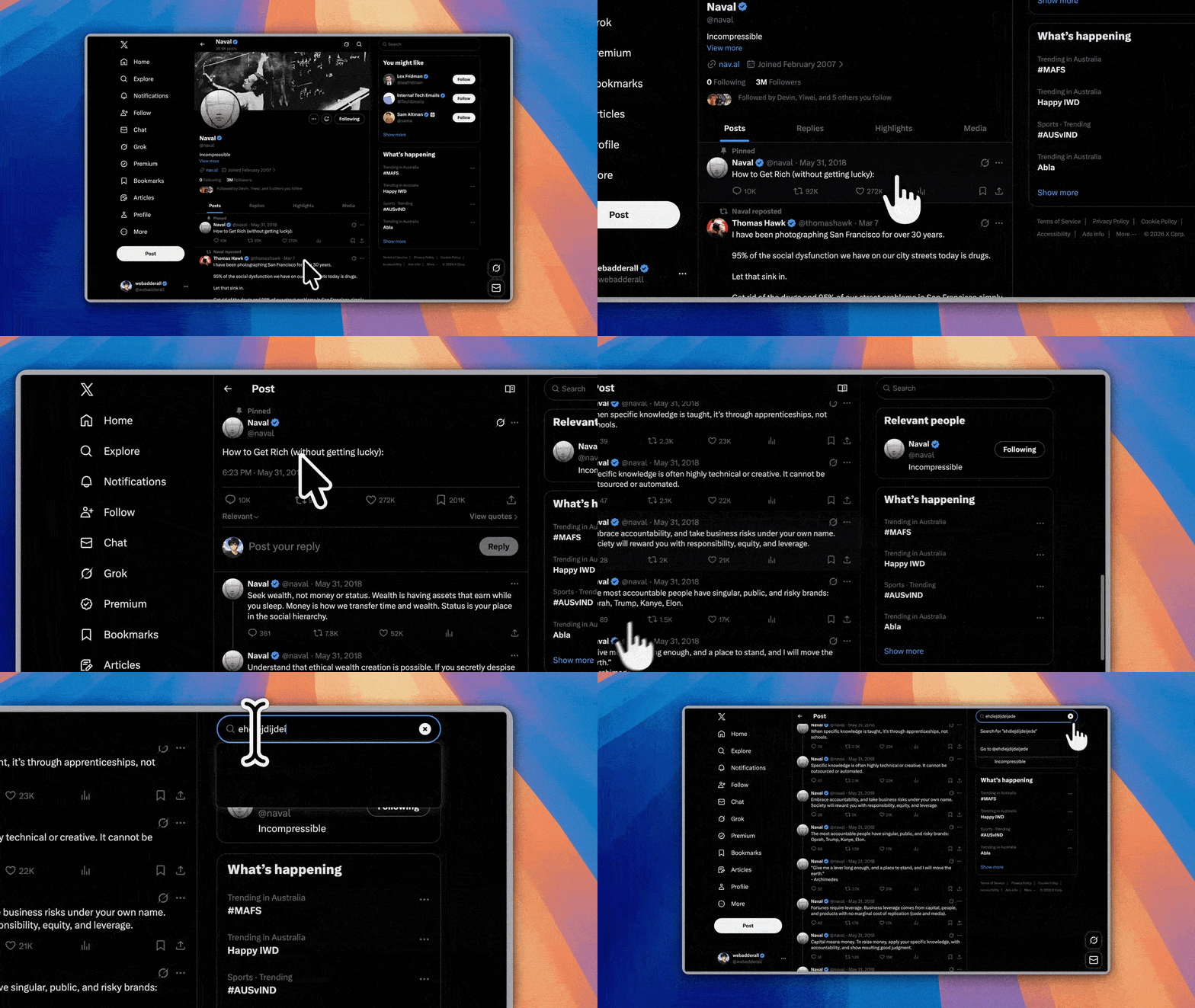
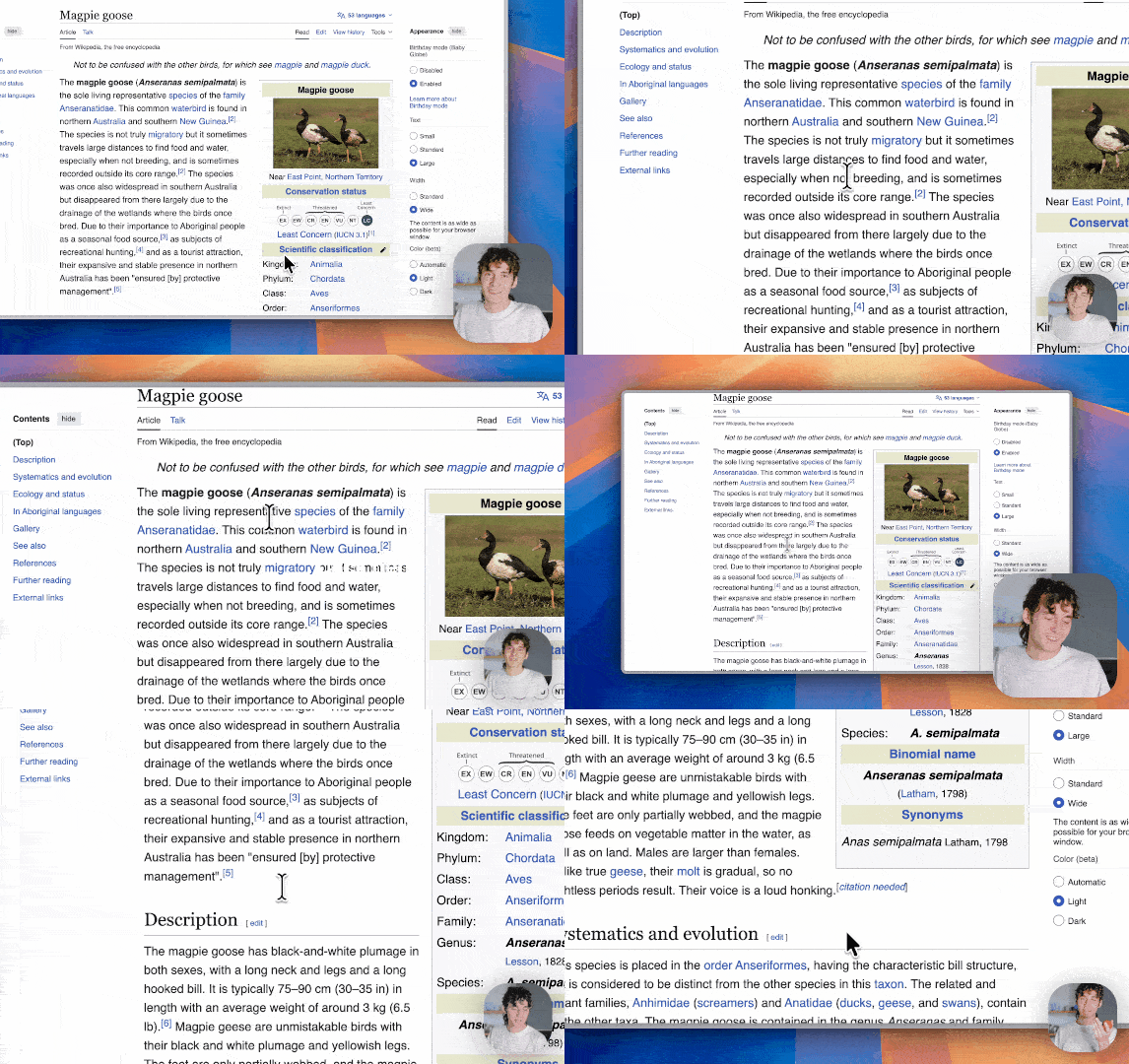
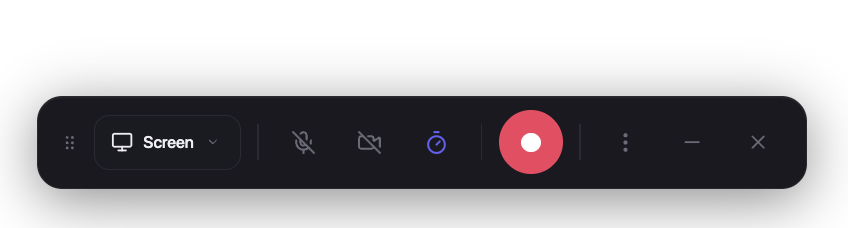
 Recordly — опенсорсное настольное приложение для записи и редактирования видео с экрана со встроенными инструментами динамической подачи: автоувеличение, красивая подсветка курсора и стильные рамки. Создано для обучающих видео, демо и презентаций продукта.
Recordly — опенсорсное настольное приложение для записи и редактирования видео с экрана со встроенными инструментами динамической подачи: автоувеличение, красивая подсветка курсора и стильные рамки. Создано для обучающих видео, демо и презентаций продукта.То есть это программа, которую я ставлю на компьютер, а не сайт?Именно так — настольное приложение на Electron со вспомогательными модулями захвата под каждую платформу. Работает на macOS 14.0+, Windows 10 (сборка 19041+) и современных дистрибутивах Linux.
Именно так — настольное приложение на Electron со вспомогательными модулями захвата под каждую платформу. Работает на macOS 14.0+, Windows 10 (сборка 19041+) и современных дистрибутивах Linux.Как установить его на свой компьютер?Скачайте готовую сборку с GitHub или в Arch Linux/Manjaro установите пакет recordly-bin из AUR. Можно также собрать из исходников с помощью npm (npm run build:mac, build:win или build:linux).
Скачайте готовую сборку с GitHub или в Arch Linux/Manjaro установите пакет recordly-bin из AUR. Можно также собрать из исходников с помощью npm (npm run build:mac, build:win или build:linux).Нужна ли моей системе что-то особенное, чтобы запись шла нормально?Да: на macOS нужна версия 14.0+ для записи звука через ScreenCaptureKit, на Windows — сборка 19041+ для встроенного помощника Windows Graphics Capture, а системный звук в Linux обычно требует PipeWire.
Да: на macOS нужна версия 14.0+ для записи звука через ScreenCaptureKit, на Windows — сборка 19041+ для встроенного помощника Windows Graphics Capture, а системный звук в Linux обычно требует PipeWire.Мой настоящий курсор мыши не будет виден в записи?Зависит от системы: на macOS он аккуратно исключается через ScreenCaptureKit, на Windows нужны версия 19041+ и встроенный помощник, а на Linux скрытие курсора вообще не поддерживается — в экспортированном видео могут быть видны и настоящий курсор, и стилизованная подсветка от Recordly.
Зависит от системы: на macOS он аккуратно исключается через ScreenCaptureKit, на Windows нужны версия 19041+ и встроенный помощник, а на Linux скрытие курсора вообще не поддерживается — в экспортированном видео могут быть видны и настоящий курсор, и стилизованная подсветка от Recordly.Оно правда бесплатное? Нет ли подвоха в лицензии?Бесплатное, но распространяется под лицензией AGPL 3.0 — это строгая copyleft-лицензия: если вы измените программу и будете предлагать её как сервис, исходники ваших изменений нужно опубликовать на тех же условиях.
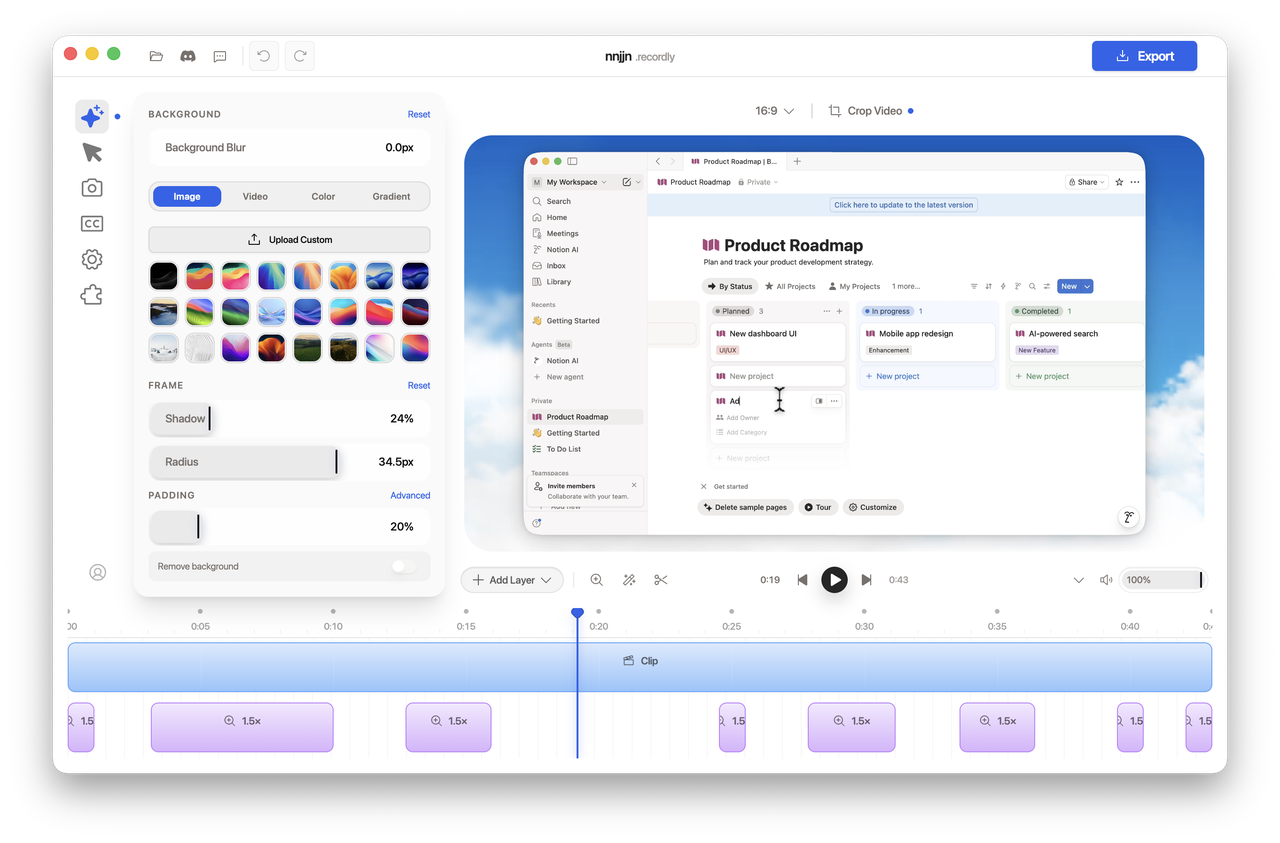
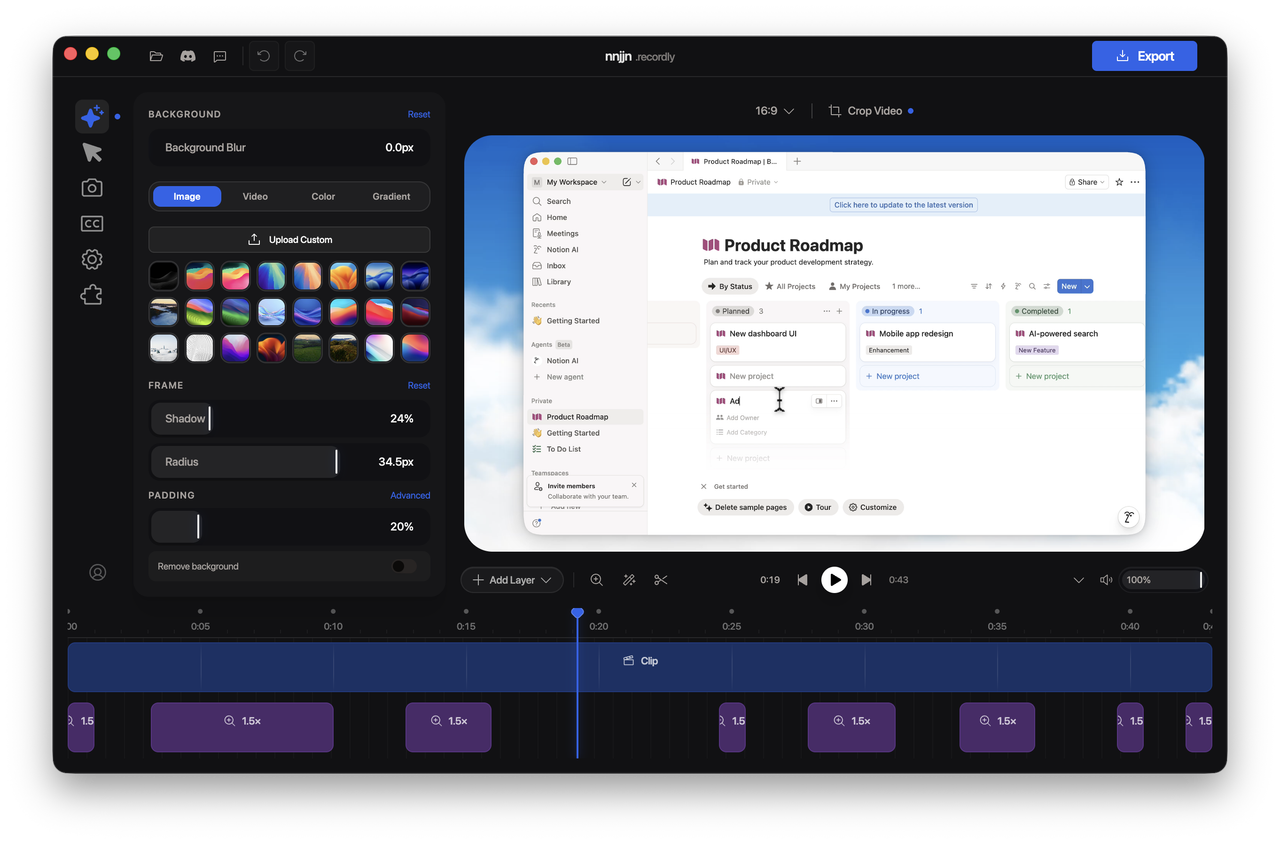
Бесплатное, но распространяется под лицензией AGPL 3.0 — это строгая copyleft-лицензия: если вы измените программу и будете предлагать её как сервис, исходники ваших изменений нужно опубликовать на тех же условиях.Что он делает, чтобы видео само по себе выглядело аккуратно?Он предлагает зум в зависимости от активности курсора, сглаживает курсор эффектами вроде motion blur и отскока при клике, а результат оформляет — обои, градиенты, размытие, отступы и тени. Можно также добавить всплывающее окно с веб-камерой, которое реагирует на зум.
Он предлагает зум в зависимости от активности курсора, сглаживает курсор эффектами вроде motion blur и отскока при клике, а результат оформляет — обои, градиенты, размытие, отступы и тени. Можно также добавить всплывающее окно с веб-камерой, которое реагирует на зум.Можно ли отредактировать запись после того, как я закончу съёмку?Да — таймлайн с перетаскиванием позволяет вырезать фрагменты, задавать области зума, ускорять и замедлять участки, добавлять текстовые и графические пометки, дополнительное аудио и обрезку кадра. Работа сохраняется в файлы проектов .recordly, которые можно открыть позже.
Да — таймлайн с перетаскиванием позволяет вырезать фрагменты, задавать области зума, ускорять и замедлять участки, добавлять текстовые и графические пометки, дополнительное аудио и обрезку кадра. Работа сохраняется в файлы проектов .recordly, которые можно открыть позже.В какие форматы можно экспортировать?MP4 для обычного видео и GIF для лёгкого обмена и зацикленных роликов. Есть выбор качества, настройки частоты кадров и зацикливания GIF, готовые размеры и управление соотношением сторон и разрешением.
MP4 для обычного видео и GIF для лёгкого обмена и зацикленных роликов. Есть выбор качества, настройки частоты кадров и зацикливания GIF, готовые размеры и управление соотношением сторон и разрешением.Могу ли я добавить в Recordly новые функции?Да — есть общественный Marketplace с расширениями, которые любой может создать и опубликовать: звуки кликов курсора, рамки устройств, макеты браузера, обои, хуки рендеринга, панели настроек и другое.
Да — есть общественный Marketplace с расширениями, которые любой может создать и опубликовать: звуки кликов курсора, рамки устройств, макеты браузера, обои, хуки рендеринга, панели настроек и другое.What are similar projects?openscreen, ScreenToGif, Captura, screenity, ShareX, Kap, scrcpy, Cap
openscreen, ScreenToGif, Captura, screenity, ShareX, Kap, scrcpy, CapWhich topics is it in?pixijs, screencast, screen-recorder, video-editor, screen-recording, webcam, gif, screen-capture, video-editing, video-processing, electron, agpl
pixijs, screencast, screen-recorder, video-editor, screen-recording, webcam, gif, screen-capture, video-editing, video-processing, electron, agpl