



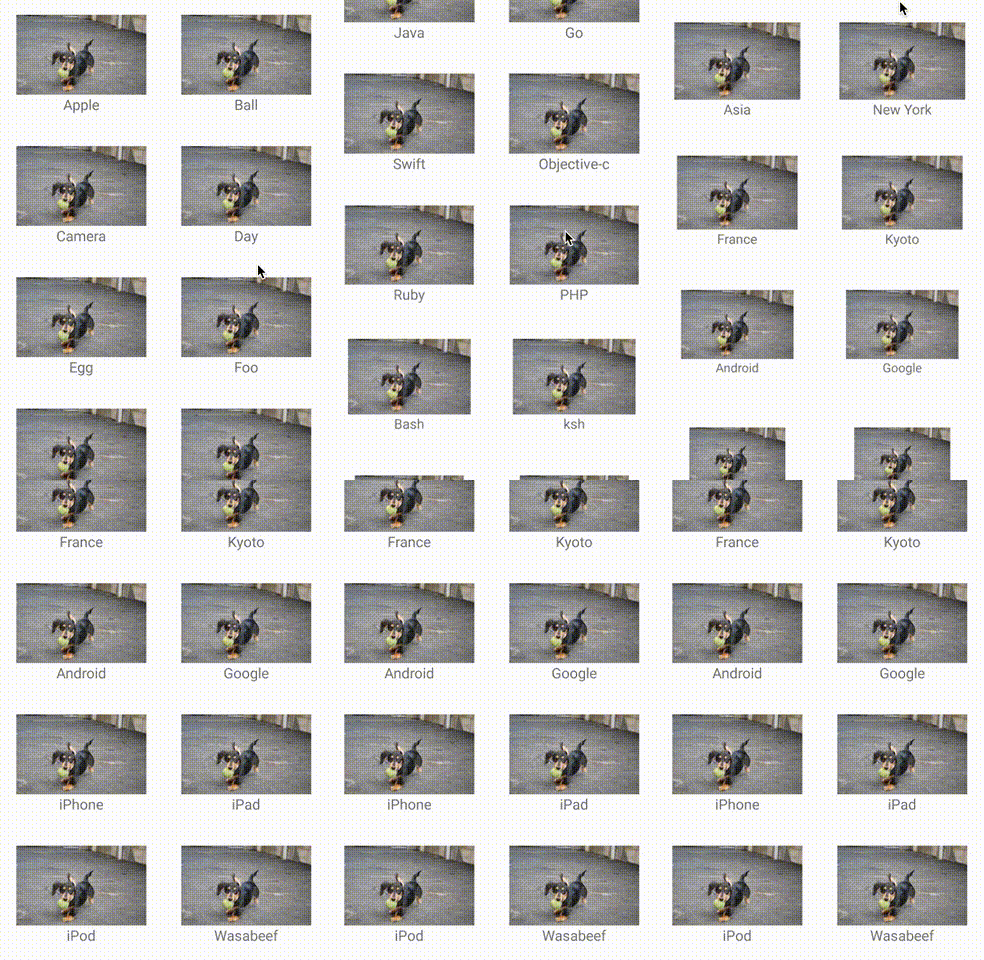



recyclerview-animators README

The project's README from github.com/wasabeef/recyclerview-animators. As one markdown file: README.md.

RecyclerView Animators

Android Arsenal License Maven Central

RecyclerView Animators is an Android library that allows developers to easily create RecyclerView with animations.

Please feel free to use this.

Features

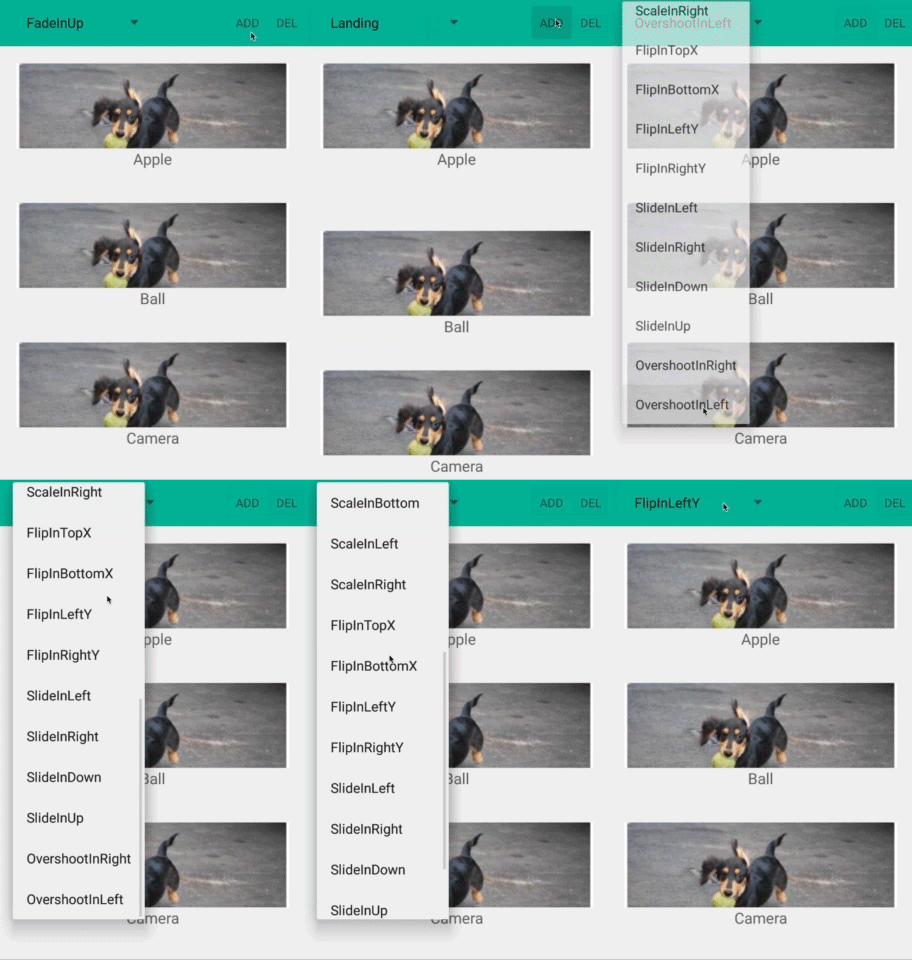
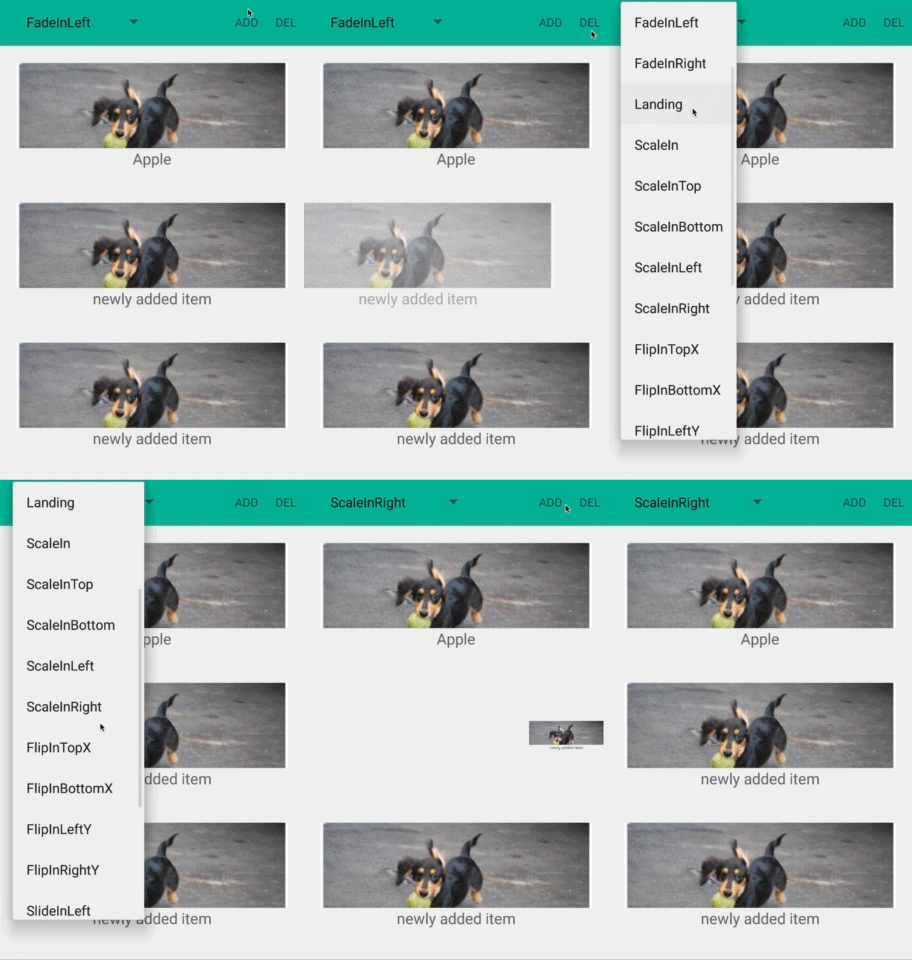
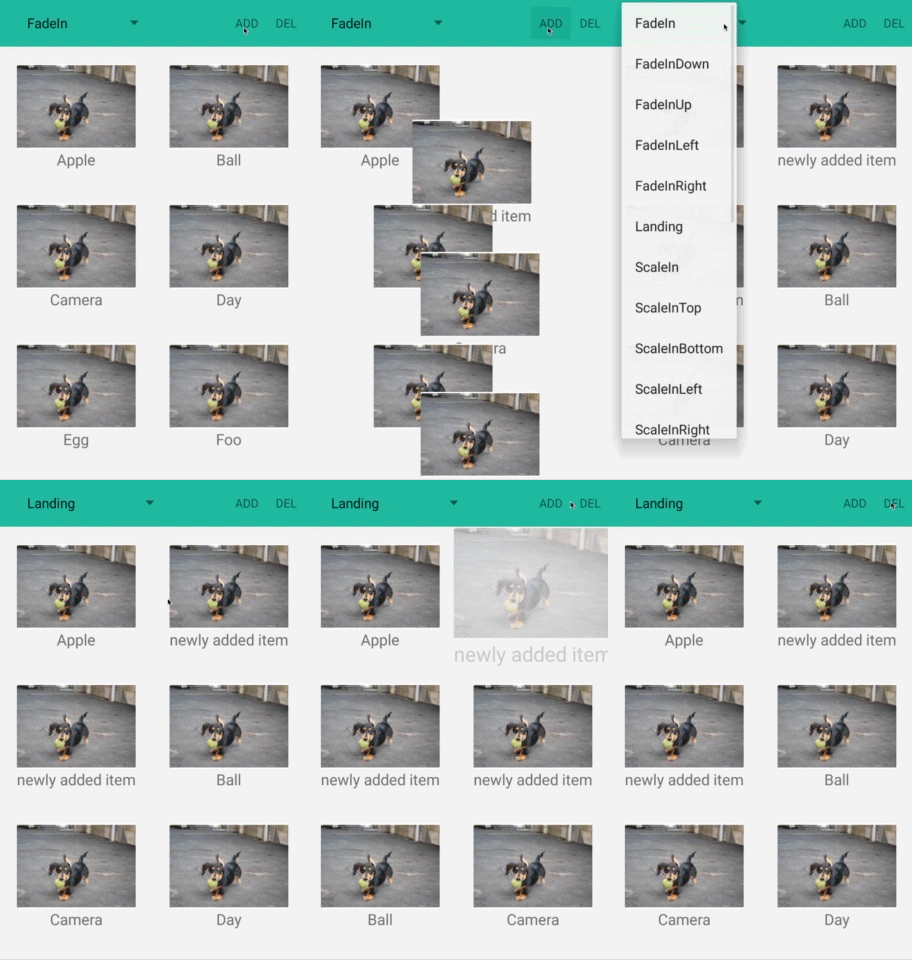
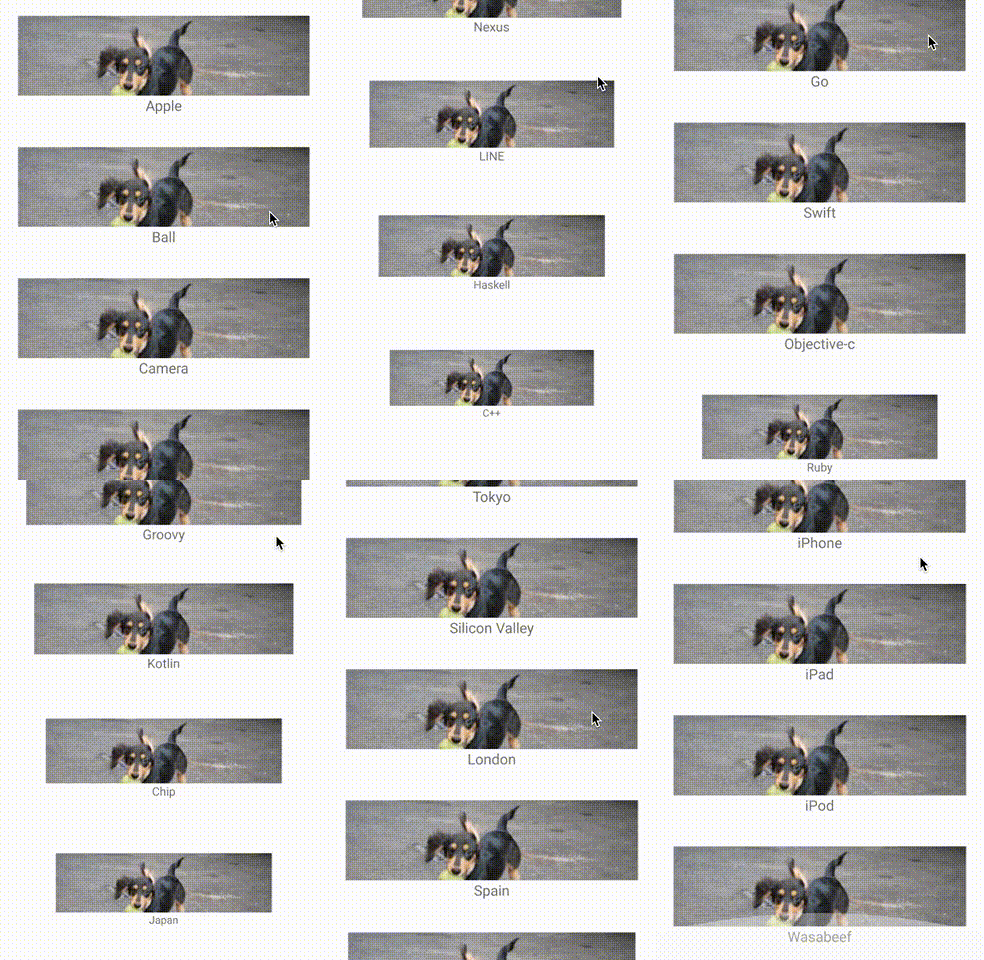
Demo

ItemAnimator

Adapters

How do I use it?

Setup

Gradle

On your module's build.gradle file add this implementation statement to the dependencies section:

dependencies {
  // Kotlin
  implementation 'jp.wasabeef:recyclerview-animators:4.0.2'
}

Also make sure that the repositories section includes not only "mavenCentral()" but also a maven section with the "google()" endpoint.

repositories {
  google()
  mavenCentral()
  jcenter()
}

ItemAnimator

Step 1

Set RecyclerView ItemAnimator.

val recyclerView = findViewById<RecyclerView>(R.id.list)
recyclerView.itemAnimator = SlideInLeftAnimator()
val recyclerView = findViewById<RecyclerView>(R.id.list)
recyclerView.itemAnimator = SlideInUpAnimator(OvershootInterpolator(1f))

Step 2

Please use the following
notifyItemChanged(int)
notifyItemInserted(int)
notifyItemRemoved(int)
notifyItemRangeChanged(int, int)
notifyItemRangeInserted(int, int)
notifyItemRangeRemoved(int, int)

If you want your animations to work, do not rely on calling notifyDataSetChanged(); as it is the RecyclerView's default behavior, animations are not triggered to start inside this method.

fun remove(position: Int) {
  dataSet.removeAt(position)
  notifyItemRemoved(position)
}

fun add(text: String, position: Int) {
  dataSet.add(position, text)
  notifyItemInserted(position)
}

Advanced Step 3

You can change the durations.

recyclerView.itemAnimator?.apply {
  addDuration = 1000
  removeDuration = 100
  moveDuration = 1000
  changeDuration = 100
}

Advanced Step 4

Change the interpolator.

recyclerView.itemAnimator = SlideInLeftAnimator().apply {
  setInterpolator(OvershootInterpolator())
}

Advanced Step 5

By implementing AnimateViewHolder, you can override preset animation. So, custom animation can be set depending on view holder.

class MyViewHolder(itemView: View) : RecyclerView.ViewHolder(itemView), AnimateViewHolder {

  override fun preAnimateRemoveImpl(holder: RecyclerView.ViewHolder) {
    // do something
  }

  override fun animateRemoveImpl(holder: RecyclerView.ViewHolder, listener: ViewPropertyAnimatorListener) {
    itemView.animate().apply {
      translationY(-itemView.height * 0.3f)
      alpha(0f)
      duration = 300
      setListener(listener)
    }.start()
  }

  override fun preAnimateAddImpl(holder: RecyclerView.ViewHolder) {
    itemView.setTranslationY(-itemView.height * 0.3f)
    itemView.setAlpha(0f)
  }

  override fun animateAddImpl(holder: RecyclerView.ViewHolder, listener: ViewPropertyAnimatorListener) {
    itemView.animate().apply {
      translationY(0f)
      alpha(1f)
      duration = 300
      setListener(listener)
    }.start()
  }
}

Animators

Cool

LandingAnimator

Scale

ScaleInAnimator, ScaleInTopAnimator, ScaleInBottomAnimator
ScaleInLeftAnimator, ScaleInRightAnimator

Fade

FadeInAnimator, FadeInDownAnimator, FadeInUpAnimator
FadeInLeftAnimator, FadeInRightAnimator

Flip

FlipInTopXAnimator, FlipInBottomXAnimator
FlipInLeftYAnimator, FlipInRightYAnimator

Slide

SlideInLeftAnimator, SlideInRightAnimator, OvershootInLeftAnimator, OvershootInRightAnimator
SlideInUpAnimator, SlideInDownAnimator

RecyclerView.Adapter

Step 1

Set RecyclerView ItemAnimator.

val recyclerView = findViewById<RecyclerView>(R.id.list)
recyclerView.adapter = AlphaInAnimationAdapter(MyAdapter())

Java

RecyclerView recyclerView = findViewById(R.id.list);
recyclerView.setAdapter(new AlphaInAnimationAdapter(MyAdapter());

Advanced Step 2

recyclerView.adapter = AlphaInAnimationAdapter(MyAdapter()).apply {
  // Change the durations.
  setDuration(1000)
  // Change the interpolator.
  setInterpolator(vershootInterpolator())
  // Disable the first scroll mode.
  setFirstOnly(false)
}

Java

AlphaInAnimationAdapter alphaInAnimationAdapter = new AlphaInAnimationAdapter(new MyAdapter());
alphaInAnimationAdapter.setDuration(1000);
alphaInAnimationAdapter.setInterpolator(new OvershootInterpolator());
alphaInAnimationAdapter.setFirstOnly(false);

Advanced Step 3

Multiple Animations

val alphaAdapter = AlphaInAnimationAdapter(MyAdapter())
recyclerView.adapter = ScaleInAnimationAdapter(alphaAdapter)

Java

recyclerView.setAdapter(new ScaleInAnimationAdapter(alphaInAnimationAdapter));

Adapters

Alpha

AlphaInAnimationAdapter

Scale

ScaleInAnimationAdapter

Slide

SlideInBottomAnimationAdapter
SlideInRightAnimationAdapter, SlideInLeftAnimationAdapter

Applications using RecyclerView Animators

Please ping me or send a pull request if you would like to be added here.

Icon Application
Ameba Ownd
QuitNow!
AbemaTV
CL

Developed By

Daichi Furiya (Wasabeef) - [email protected]

Follow me on Twitter

Contributions

Any contributions are welcome!

Contributers

Thanks

License

Copyright 2020 Daichi Furiya / Wasabeef

Licensed under the Apache License, Version 2.0 (the "License");
you may not use this file except in compliance with the License.
You may obtain a copy of the License at

   http://www.apache.org/licenses/LICENSE-2.0

Unless required by applicable law or agreed to in writing, software
distributed under the License is distributed on an "AS IS" BASIS,
WITHOUT WARRANTIES OR CONDITIONS OF ANY KIND, either express or implied.
See the License for the specific language governing permissions and
limitations under the License.

recyclerview-animators (wasabeef/recyclerview-animators)

Searching Database…

这是什么?RecyclerView Animators 是一个 Android 库,让你可以轻松为 RecyclerView 中的列表项添加动画,既可以通过 ItemAnimator 实现添加和删除动画,也可以通过包装 Adapter 实现列表项出现时的动画。
这是独立应用,还是需要添加到我项目中的库?它是一个 Kotlin/Java 库,需要作为 Gradle 依赖添加到现有的 Android 应用中,并不是独立应用。
我该如何把它添加到我的项目中?在模块的 build.gradle 的 dependencies 中添加 implementation 语句,并确保 repositories 部分包含 mavenCentral() 和 google() 仓库。
除了常规的 Android/Gradle 配置,还需要其他东西吗?不需要额外的特殊工具,只要是标准的 Android Gradle 项目并配置了 mavenCentral() 和 google() 仓库即可。
调用 notifyDataSetChanged() 会触发动画吗?不会。你必须使用细粒度的 notify 方法,例如 notifyItemChanged/Inserted/Removed(或其范围版本);notifyDataSetChanged() 是 RecyclerView 自带的整体刷新方法,不会触发这些动画。
两种应用动画的方式有哪些,ItemAnimator 还是 Adapter?你可以在 RecyclerView 上设置自定义的 ItemAnimator(如 ScaleInAnimator、FadeInAnimator、FlipInTopXAnimator、SlideInLeftAnimator),用于添加和删除时的过渡动画;也可以用 Adapter 装饰器(如 AlphaInAnimationAdapter、ScaleInAnimationAdapter、SlideInBottomAnimationAdapter)包装你的 RecyclerView.Adapter,用于列表项出现时的动画。
我可以自定义动画时长或插值器吗?可以,ItemAnimator 使用的动画时长和插值器都可以修改。
我可以不用预设,而是编写完全自定义的动画吗?可以。通过在你的 ViewHolder 上实现 AnimateViewHolder,你可以覆盖预设动画,并为每个 ViewHolder 定义自定义动画。
谁在使用这个库?Ameba Ownd、QuitNow! 和 AbemaTV 等应用被列为使用 RecyclerView Animators 的应用。
Creator
wasabeef
Size
66.2 MB
Stars
11.5K
Updated
CommitFeb 14
Age
11y
Commits · 90 Days