








11.5K ·GitHub
What is this?
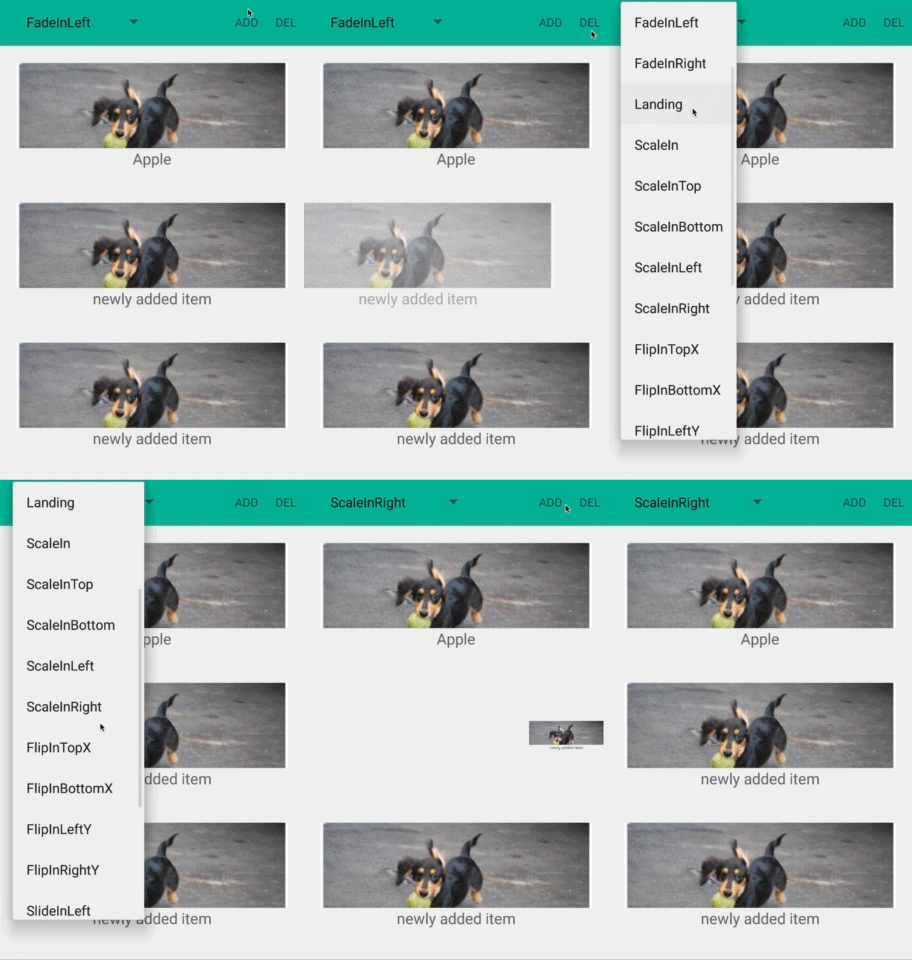
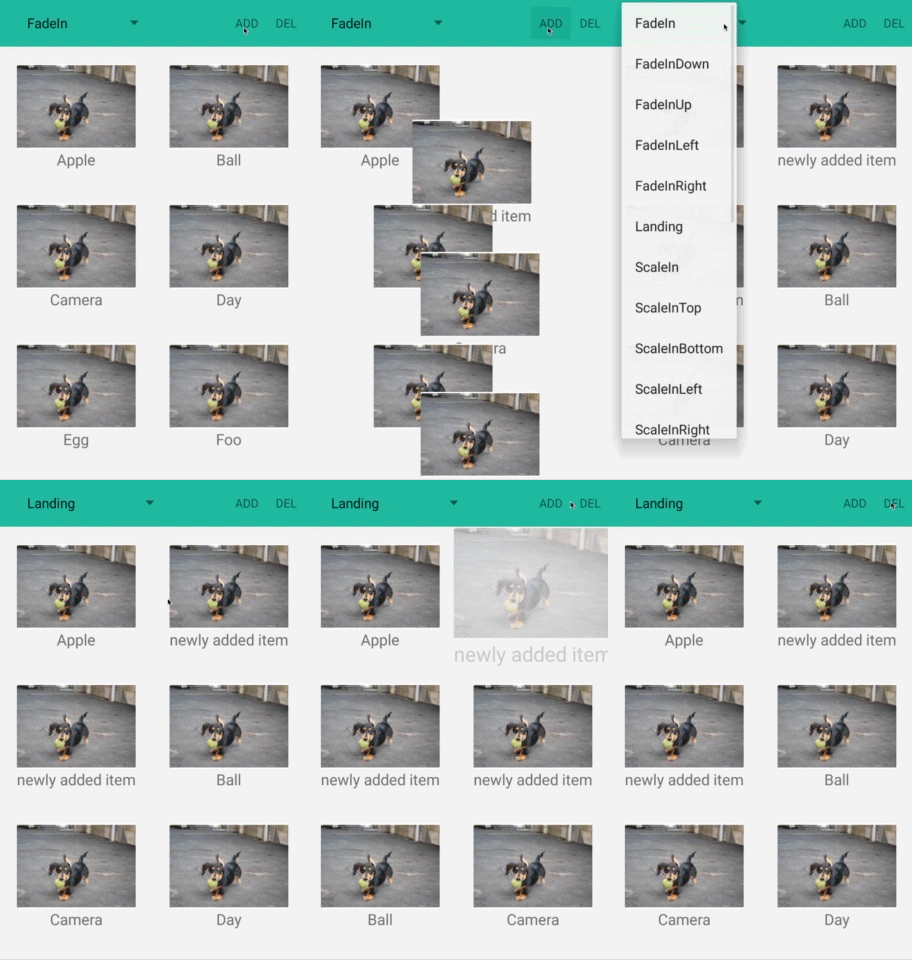
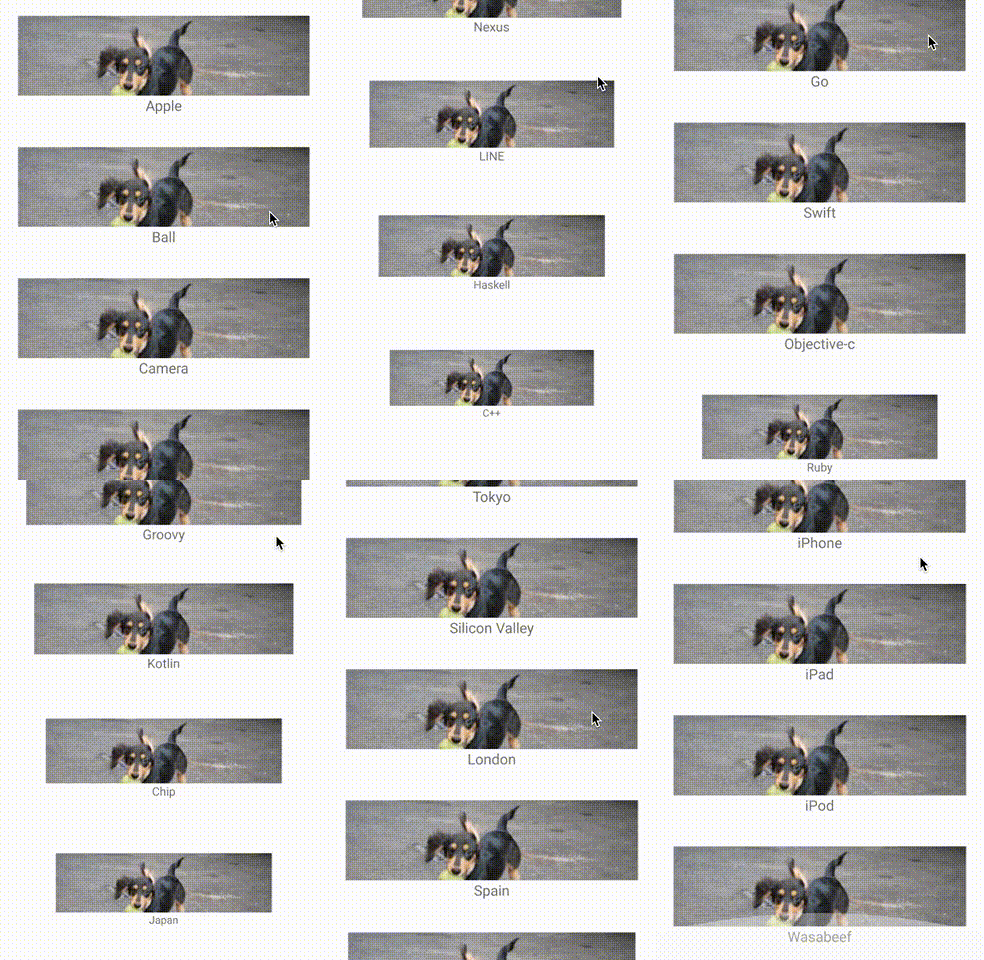
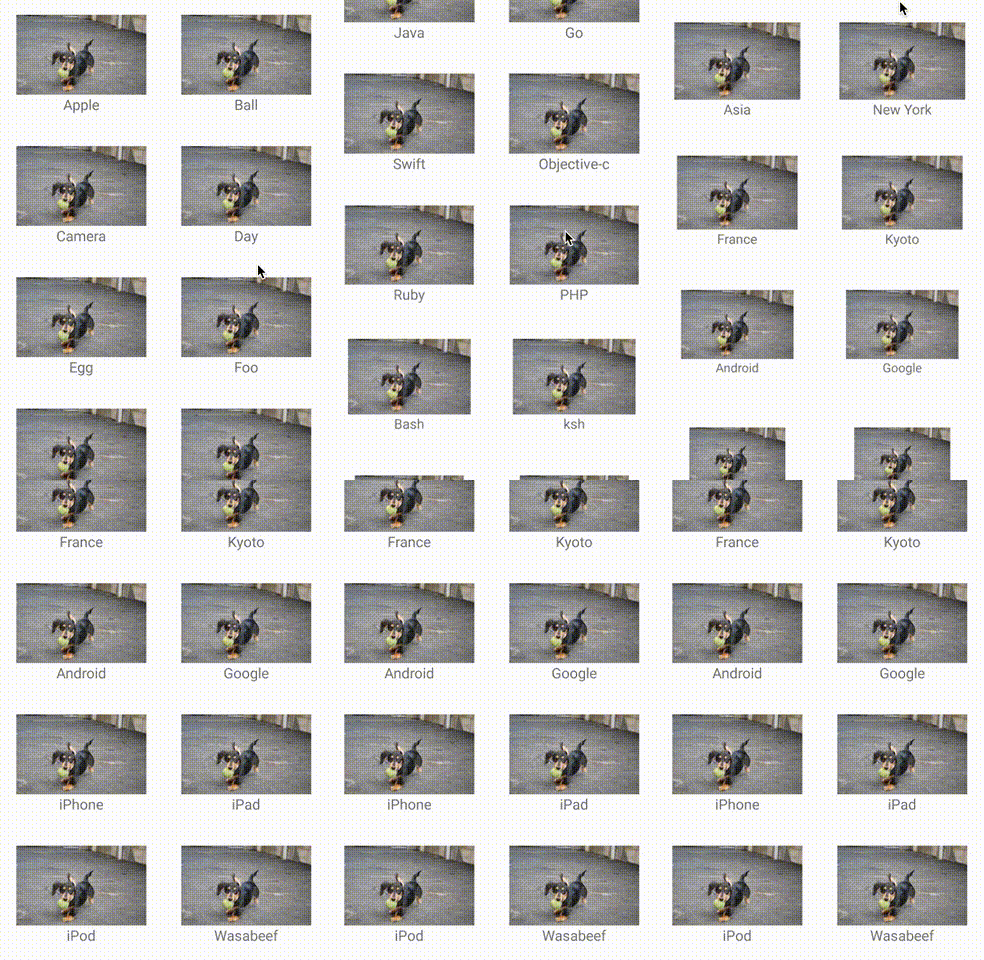
 RecyclerView Animators is an Android library that lets you easily add animations to items in a RecyclerView, both for the ItemAnimator (add/remove animations) and for item appearance animations via wrapped Adapters.
RecyclerView Animators is an Android library that lets you easily add animations to items in a RecyclerView, both for the ItemAnimator (add/remove animations) and for item appearance animations via wrapped Adapters.Is this a standalone app or a library I add to my project?It's a Kotlin/Java library you add as a Gradle dependency to an existing Android app; it's not a standalone application.
It's a Kotlin/Java library you add as a Gradle dependency to an existing Android app; it's not a standalone application.How do I add it to my project?Add the implementation statement to your module's build.gradle dependencies, and make sure your repositories section includes mavenCentral() and the google() endpoint.
Add the implementation statement to your module's build.gradle dependencies, and make sure your repositories section includes mavenCentral() and the google() endpoint.Do I need anything beyond a normal Android/Gradle setup?No special tooling is required beyond a standard Android Gradle project with mavenCentral() and google() repositories configured.
No special tooling is required beyond a standard Android Gradle project with mavenCentral() and google() repositories configured.Does calling notifyDataSetChanged() trigger the animations?No. You must use granular notify methods like notifyItemChanged/Inserted/Removed (or their range variants); calling notifyDataSetChanged() is RecyclerView's default and won't trigger the animations.
No. You must use granular notify methods like notifyItemChanged/Inserted/Removed (or their range variants); calling notifyDataSetChanged() is RecyclerView's default and won't trigger the animations.What two ways can I apply animations, ItemAnimator or Adapter?You can set a custom ItemAnimator (like ScaleInAnimator, FadeInAnimator, FlipInTopXAnimator, SlideInLeftAnimator) on the RecyclerView for add/remove transitions, or wrap your RecyclerView.Adapter with an Adapter decorator (like AlphaInAnimationAdapter, ScaleInAnimationAdapter, SlideInBottomAnimationAdapter) for item appearance animations.
You can set a custom ItemAnimator (like ScaleInAnimator, FadeInAnimator, FlipInTopXAnimator, SlideInLeftAnimator) on the RecyclerView for add/remove transitions, or wrap your RecyclerView.Adapter with an Adapter decorator (like AlphaInAnimationAdapter, ScaleInAnimationAdapter, SlideInBottomAnimationAdapter) for item appearance animations.Can I customize the animation duration or interpolator?Yes, both the animation duration and the interpolator used by the ItemAnimator can be changed.
Yes, both the animation duration and the interpolator used by the ItemAnimator can be changed.Can I write a fully custom animation instead of using the presets?Yes, by implementing AnimateViewHolder on your view holder you can override the preset animation and define custom animations per view holder.
Yes, by implementing AnimateViewHolder on your view holder you can override the preset animation and define custom animations per view holder.Who uses this library?Apps like Ameba Ownd, QuitNow!, and AbemaTV are listed as applications using RecyclerView Animators.
Apps like Ameba Ownd, QuitNow!, and AbemaTV are listed as applications using RecyclerView Animators.What are similar projects?BaseRecyclerViewAdapterHelper, MPAndroidChart, MaterialDrawer, banner, material-dialogs, uCrop, AndroidViewAnimations, GSYVideoPlayer
BaseRecyclerViewAdapterHelper, MPAndroidChart, MaterialDrawer, banner, material-dialogs, uCrop, AndroidViewAnimations, GSYVideoPlayerWhich topics is it in?android-library, kotlin, ui-components, animation, java, mobile, android, gui, apache-2.0, library, developer-tools, open-source
android-library, kotlin, ui-components, animation, java, mobile, android, gui, apache-2.0, library, developer-tools, open-source