
What is this?
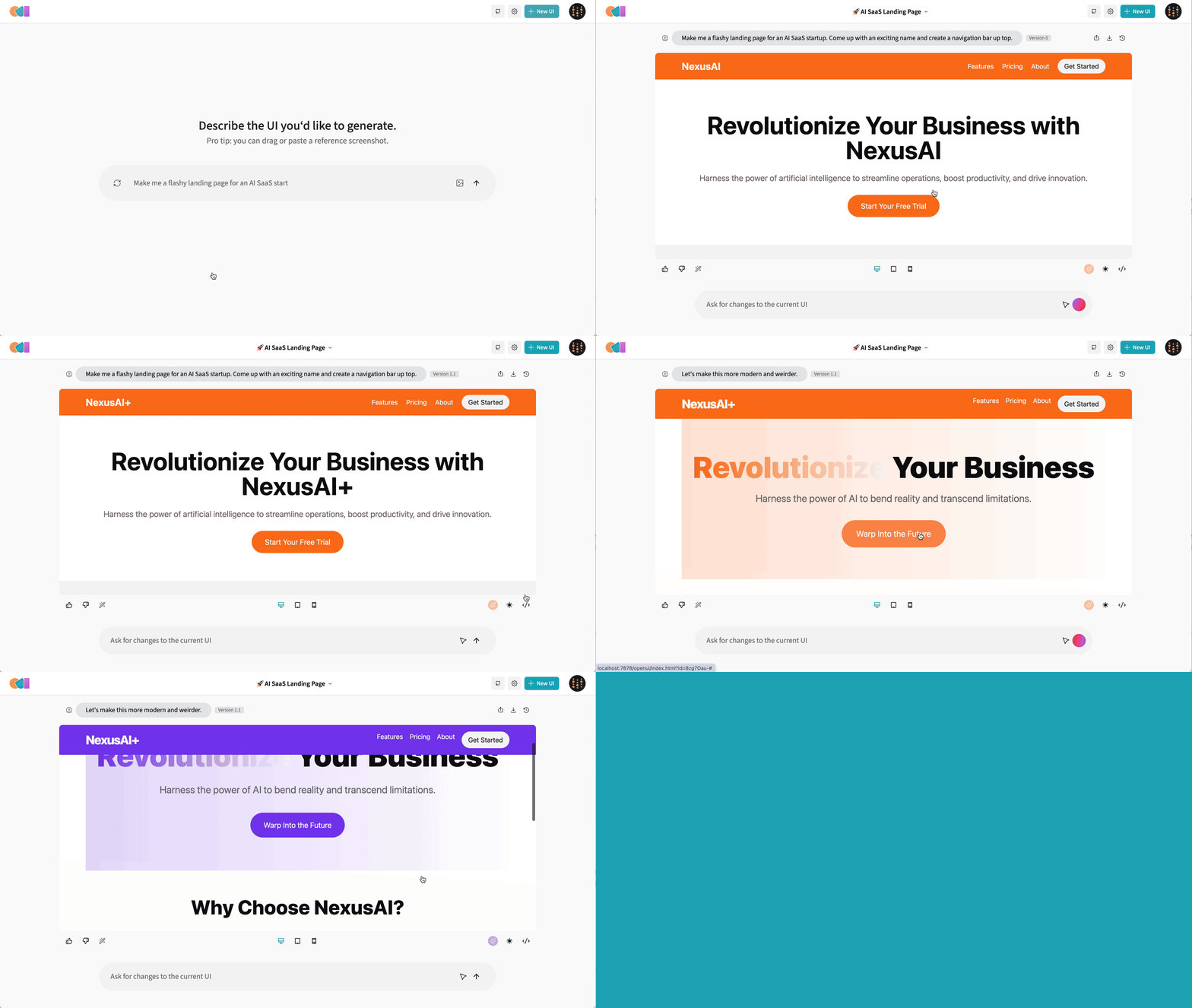
 OpenUI is an open-source tool from W&B that turns a text description into live-rendered UI: describe a component, watch it render, ask for changes, and convert the result to React, Svelte, Web Components and more.
OpenUI is an open-source tool from W&B that turns a text description into live-rendered UI: describe a component, watch it render, ask for changes, and convert the result to React, Svelte, Web Components and more.Is it a hosted site like v0, or something I run myself?Both. There's a hosted live demo for a quick look, and the preferred way to self-host is Docker — you get a web app you open in your browser on a local port.
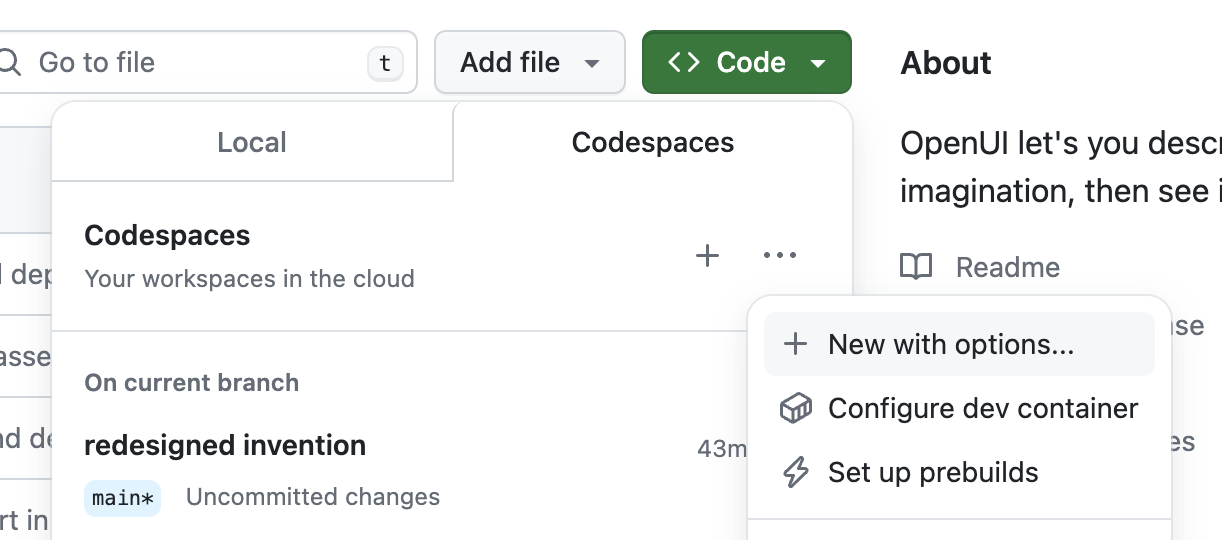
Both. There's a hosted live demo for a quick look, and the preferred way to self-host is Docker — you get a web app you open in your browser on a local port.How do I get it running on my machine?Docker first: run the OpenUI container with your provider API keys forwarded from your shell environment. From source you need git and uv installed; a dev container and Codespace setup are documented too.
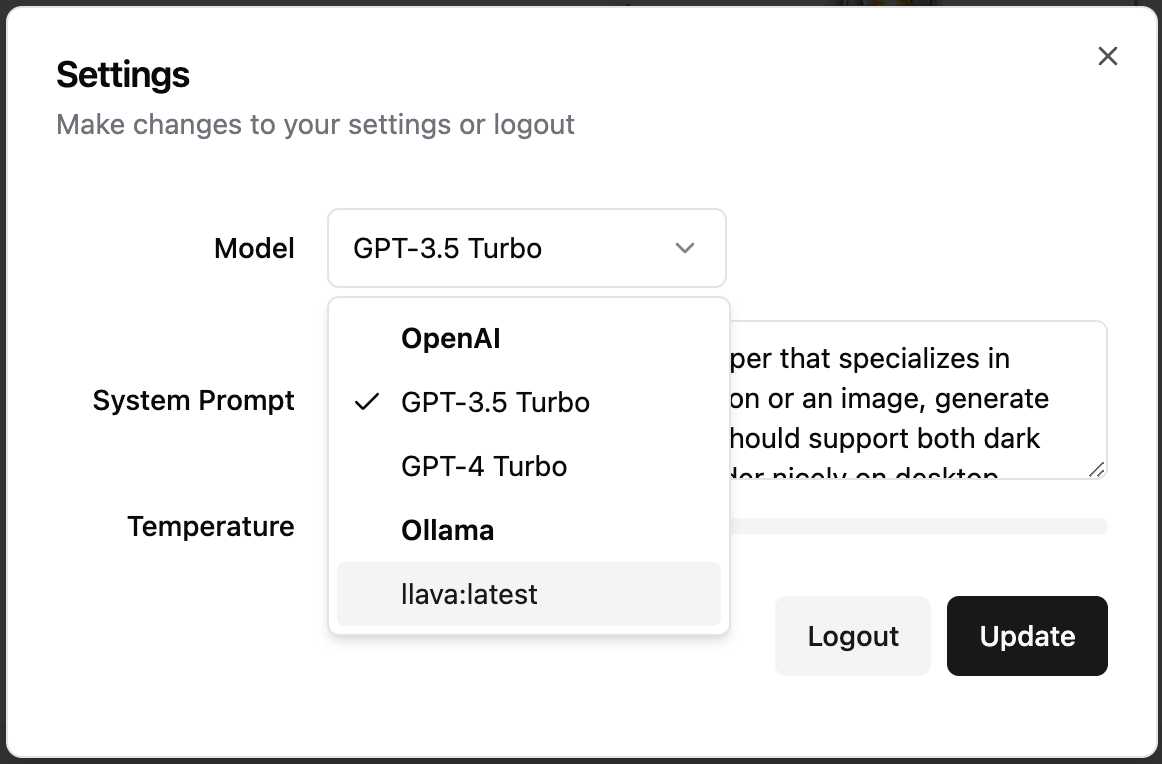
Docker first: run the OpenUI container with your provider API keys forwarded from your shell environment. From source you need git and uv installed; a dev container and Codespace setup are documented too.Do I need an OpenAI key, or can I plug in other models?Any provider works: OpenAI, Groq, and everything LiteLLM supports (Gemini, Anthropic, Cohere, Mistral, OpenAI-compatible endpoints), plus local Ollama models. You only set the env var for the provider you pick.
Any provider works: OpenAI, Groq, and everything LiteLLM supports (Gemini, Anthropic, Cohere, Mistral, OpenAI-compatible endpoints), plus local Ollama models. You only set the env var for the provider you pick.Any gotchas before I commit to it?The author admits it's 'not as polished' as v0, and the all-local Docker Compose setup is flagged as likely very slow — on a Mac, run Ollama natively to take advantage of M1/M2 instead.
The author admits it's 'not as polished' as v0, and the all-local Docker Compose setup is flagged as likely very slow — on a Mac, run Ollama natively to take advantage of M1/M2 instead.Can it run fully local, without my prompts leaving the machine?Yes — point it at Ollama and use local models like Llava. When OpenUI runs in Docker and can't reach your local Ollama, set the OLLAMA_HOST variable to your Ollama host and port.
Yes — point it at Ollama and use local models like Llava. When OpenUI runs in Docker and can't reach your local Ollama, set the OLLAMA_HOST variable to your Ollama host and port.How is it different from v0?Same describe-and-render idea, but OpenUI is open source (Apache-2.0) and runs against any LiteLLM-supported provider or a local Ollama model instead of a single vendor. The author jokes it's simply 'not as polished'.
Same describe-and-render idea, but OpenUI is open source (Apache-2.0) and runs against any LiteLLM-supported provider or a local Ollama model instead of a single vendor. The author jokes it's simply 'not as polished'.What can it convert my design into?Besides iterating in the chat, you can ask OpenUI to convert the generated HTML into React, Svelte, Web Components and other targets.
Besides iterating in the chat, you can ask OpenUI to convert the generated HTML into React, Svelte, Web Components and other targets.Why did W&B build this?It's a tool W&B uses internally to test and prototype their next-generation tooling for building powerful applications on top of LLMs.
It's a tool W&B uses internally to test and prototype their next-generation tooling for building powerful applications on top of LLMs.Can I try it without installing anything?Yes — there's a hosted live demo, and a Gitpod environment that installs and launches Open UI automatically; set OPENAI_API_KEY in your Gitpod account if you want OpenAI models.
Yes — there's a hosted live demo, and a Gitpod environment that installs and launches Open UI automatically; set OPENAI_API_KEY in your Gitpod account if you want OpenAI models.What are similar projects?openpencil, quivr, screenshot-to-code, boardui, casbin-gateway, evenfire, get-it, LangBot
openpencil, quivr, screenshot-to-code, boardui, casbin-gateway, evenfire, get-it, LangBotWhich topics is it in?webcomponents, web-components, svelte, code-generation, tailwindcss, openai-compatible, ollama, gemini, generative-ai, anthropic, html, ui
webcomponents, web-components, svelte, code-generation, tailwindcss, openai-compatible, ollama, gemini, generative-ai, anthropic, html, ui