





Что это такое?
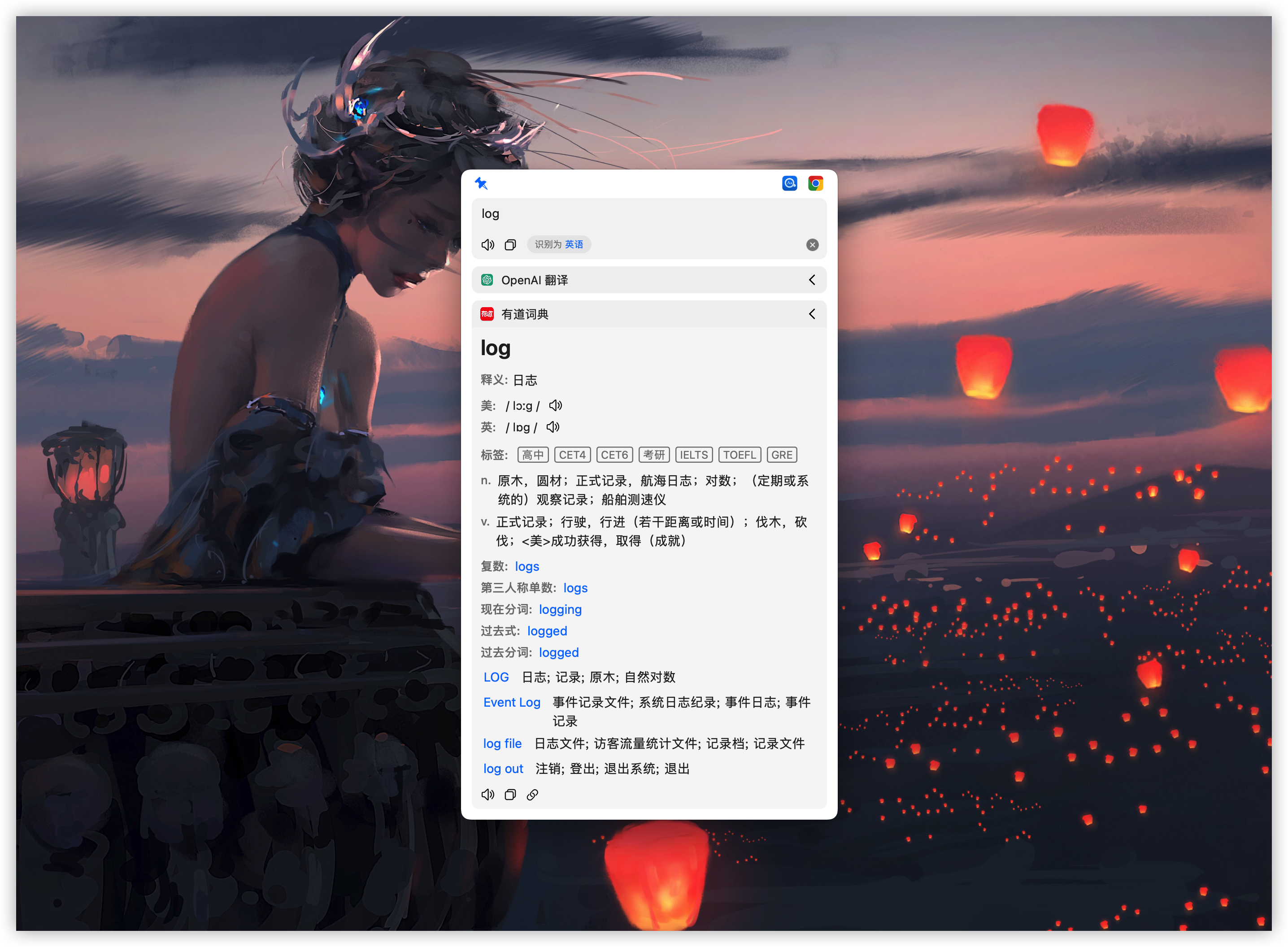
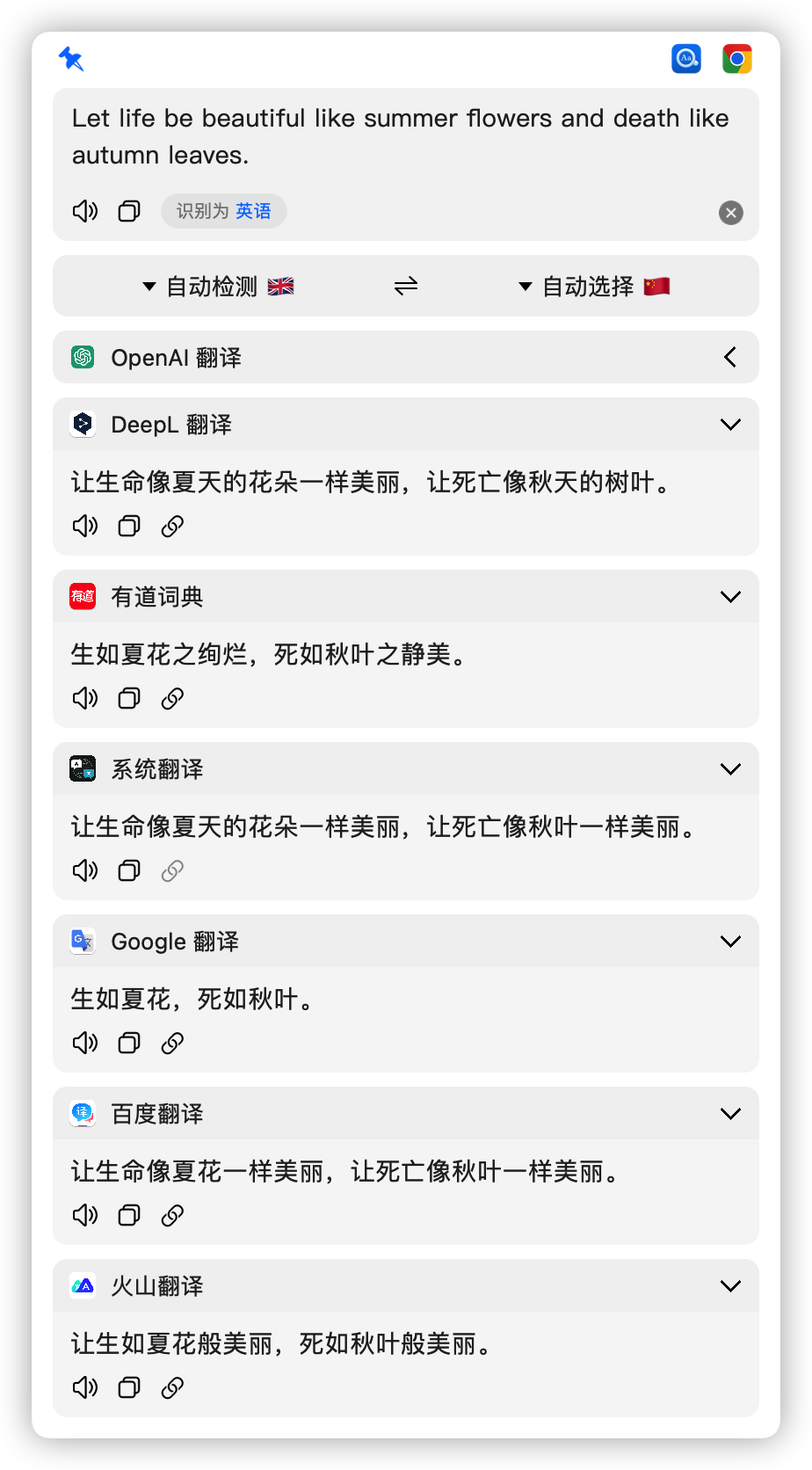
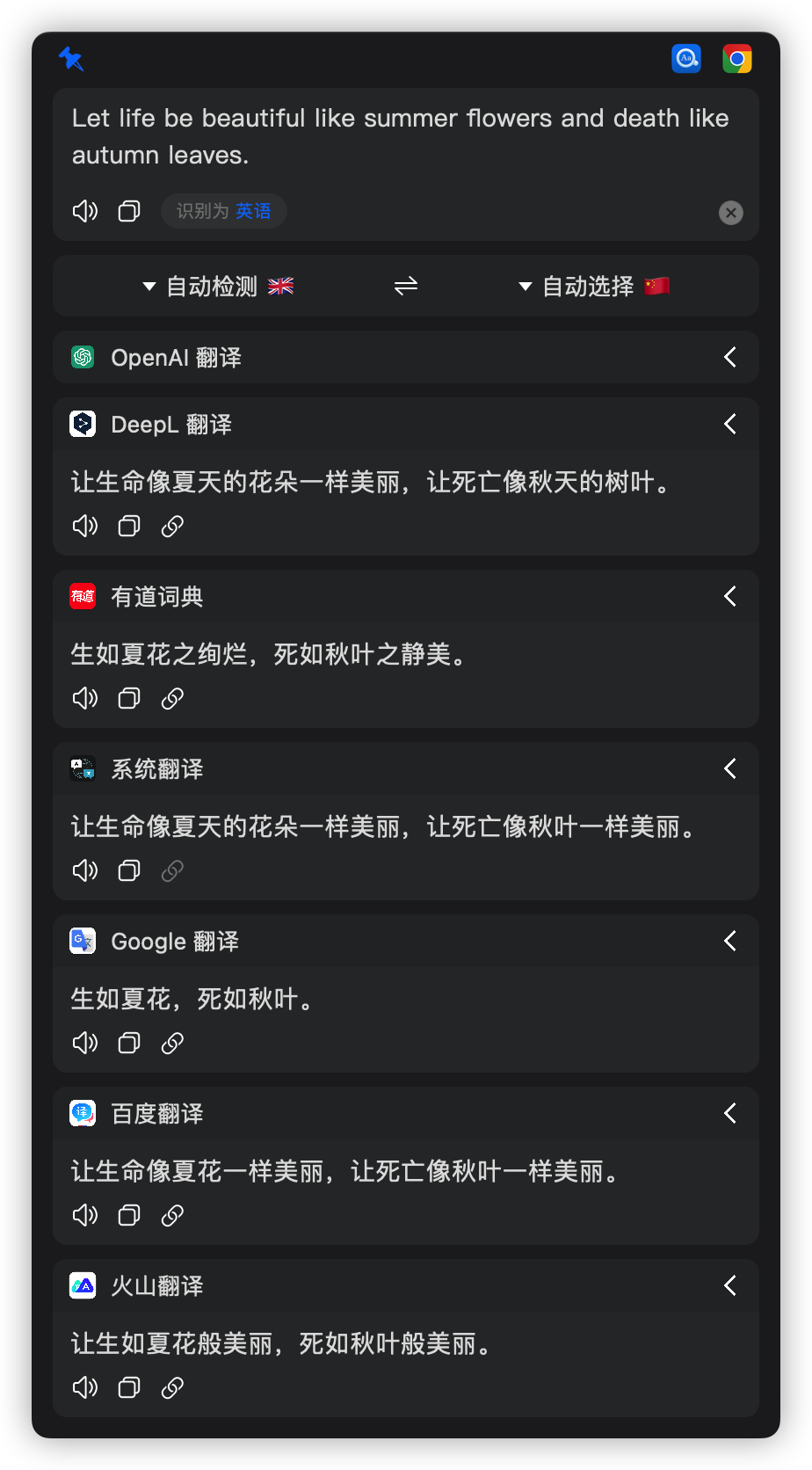
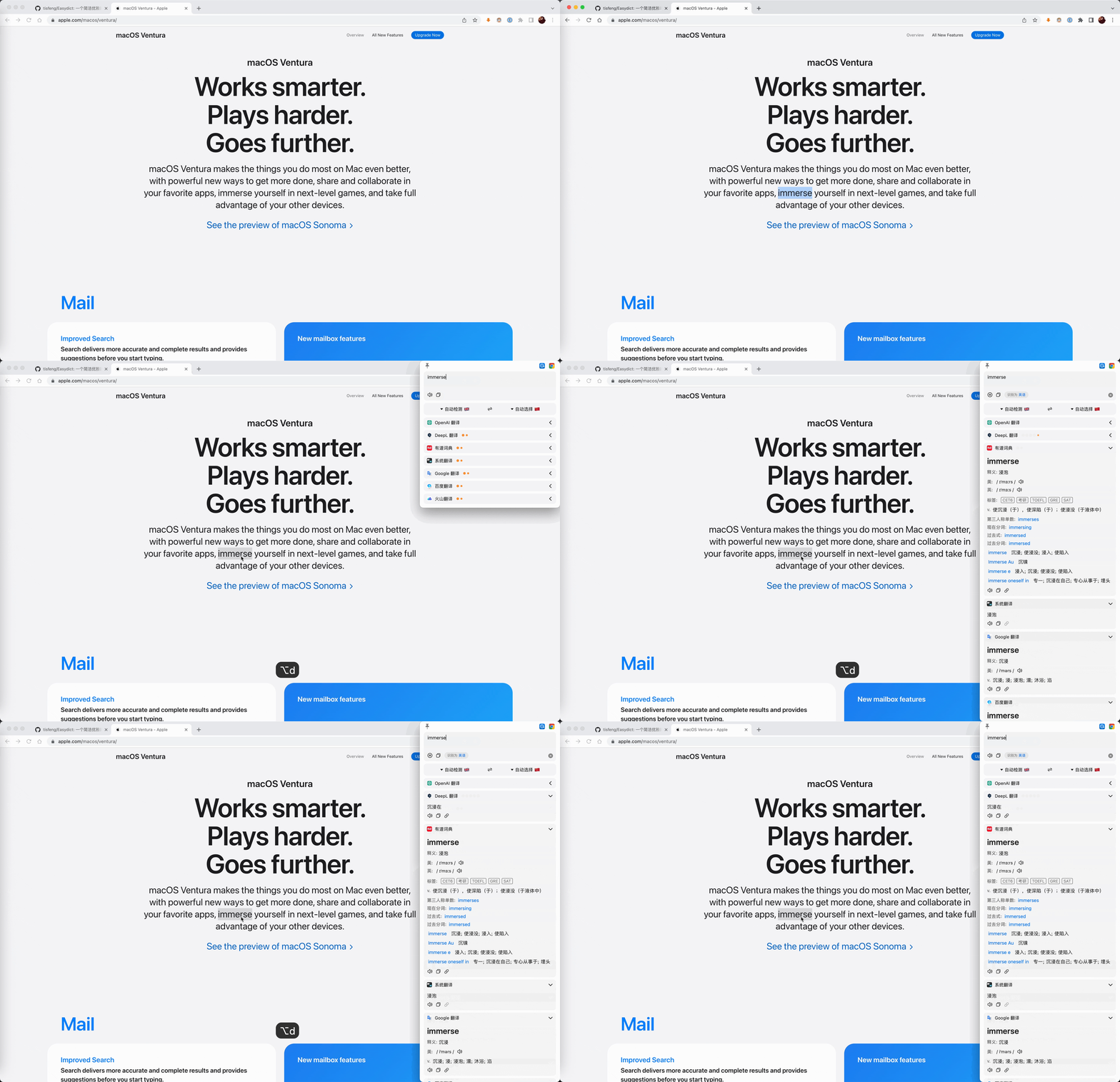
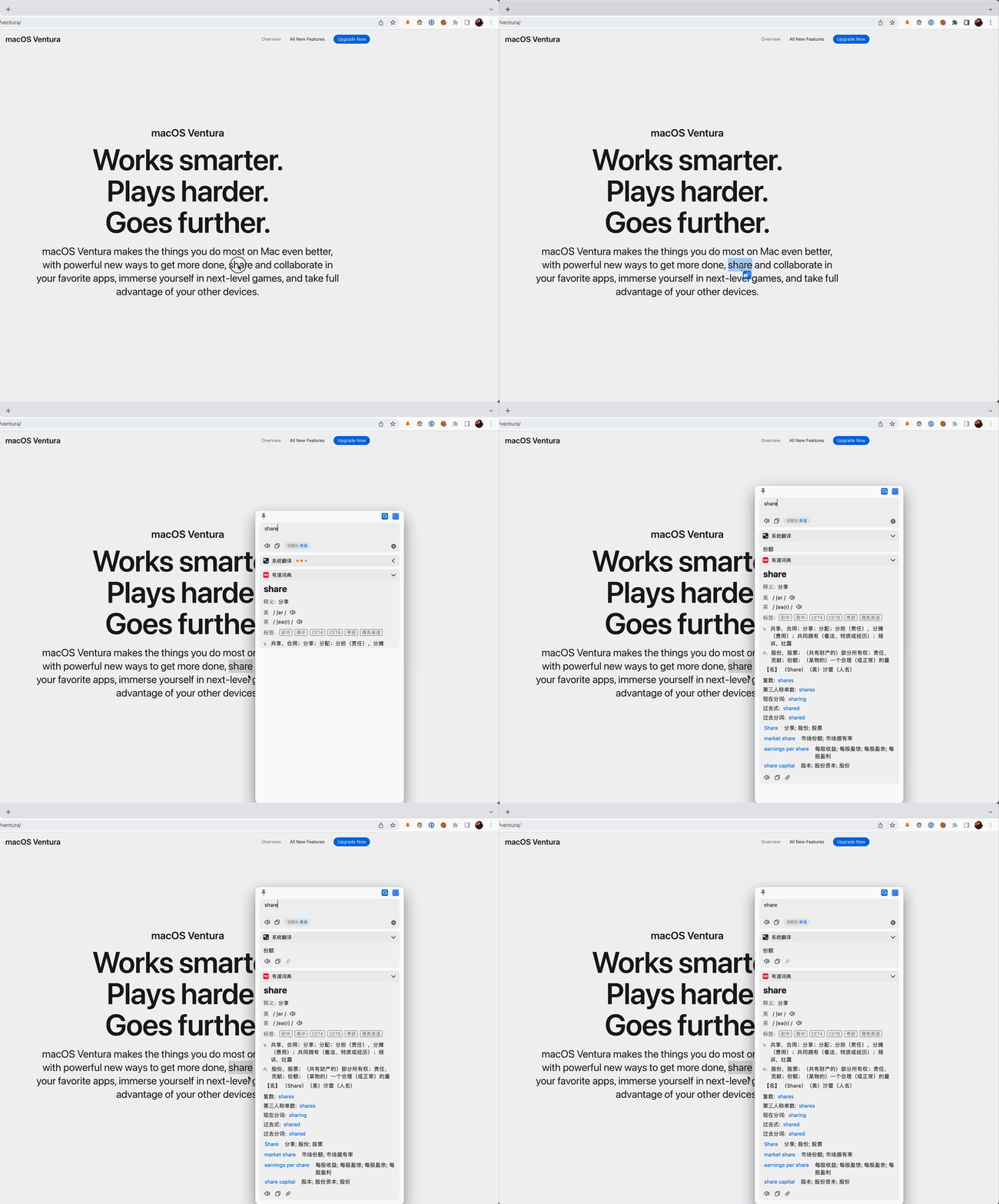
 Easydict — это приложение для macOS, которое ищет определения слов и переводит текст, собирая результаты сразу из нескольких словарных и переводческих сервисов.
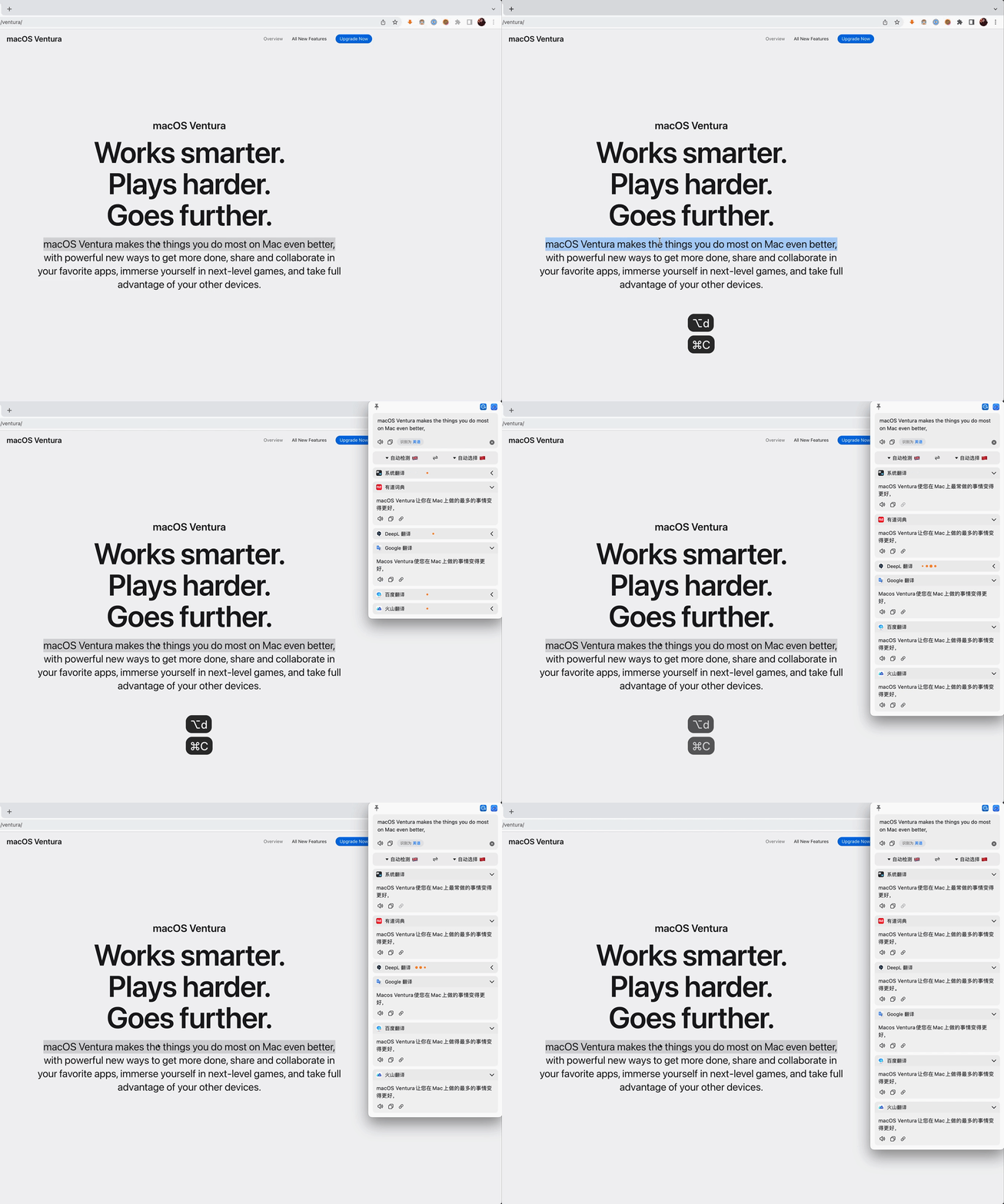
Easydict — это приложение для macOS, которое ищет определения слов и переводит текст, собирая результаты сразу из нескольких словарных и переводческих сервисов.Это словарь или переводчик?И то, и другое сразу: оно одновременно обращается к 20+ сервисам — словарным, переводческим, ИИ и локальным моделям — и показывает их результаты рядом.
И то, и другое сразу: оно одновременно обращается к 20+ сервисам — словарным, переводческим, ИИ и локальным моделям — и показывает их результаты рядом.Для каких переводческих сервисов нужны аккаунты?Для начала ничего не нужно, так как Apple Dictionary и Apple Translate работают сразу после установки. Но для использования таких сервисов, как OpenAI, Gemini, Claude, DeepSeek или DeepL, нужны соответствующие API-ключи.
Для начала ничего не нужно, так как Apple Dictionary и Apple Translate работают сразу после установки. Но для использования таких сервисов, как OpenAI, Gemini, Claude, DeepSeek или DeepL, нужны соответствующие API-ключи.Насколько быстро мейнтейнер отвечает на задачи?Мейнтейнер занят и в основном разбирает задачи по выходным, при этом PR с исправлениями багов обрабатываются в первую очередь; некоторые сообщения могут остаться без быстрого ответа.
Мейнтейнер занят и в основном разбирает задачи по выходным, при этом PR с исправлениями багов обрабатываются в первую очередь; некоторые сообщения могут остаться без быстрого ответа.Работает ли это на старых версиях macOS?Текущий релиз требует macOS 13.0 или новее; тем, у кого старая система, стоит использовать более раннюю версию 2.7.2.
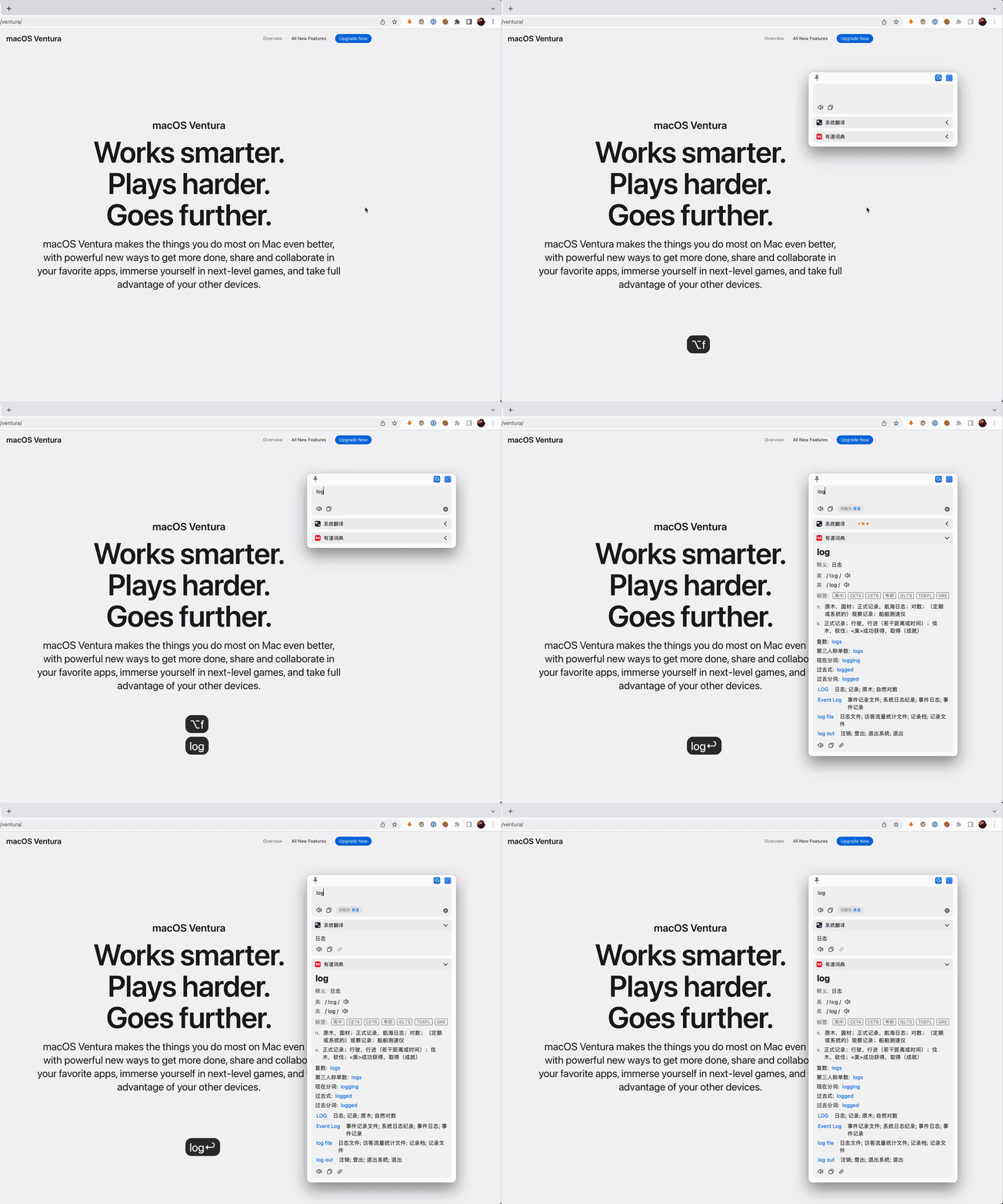
Текущий релиз требует macOS 13.0 или новее; тем, у кого старая система, стоит использовать более раннюю версию 2.7.2.Как запустить перевод, не открывая окно приложения?Можно использовать горячие клавиши: Option+A для перевода введённого текста, Option+D после выделения текста, Option+S для перевода скриншота или Option+Shift+S для тихого OCR скриншота, который сразу копирует результат в буфер обмена.
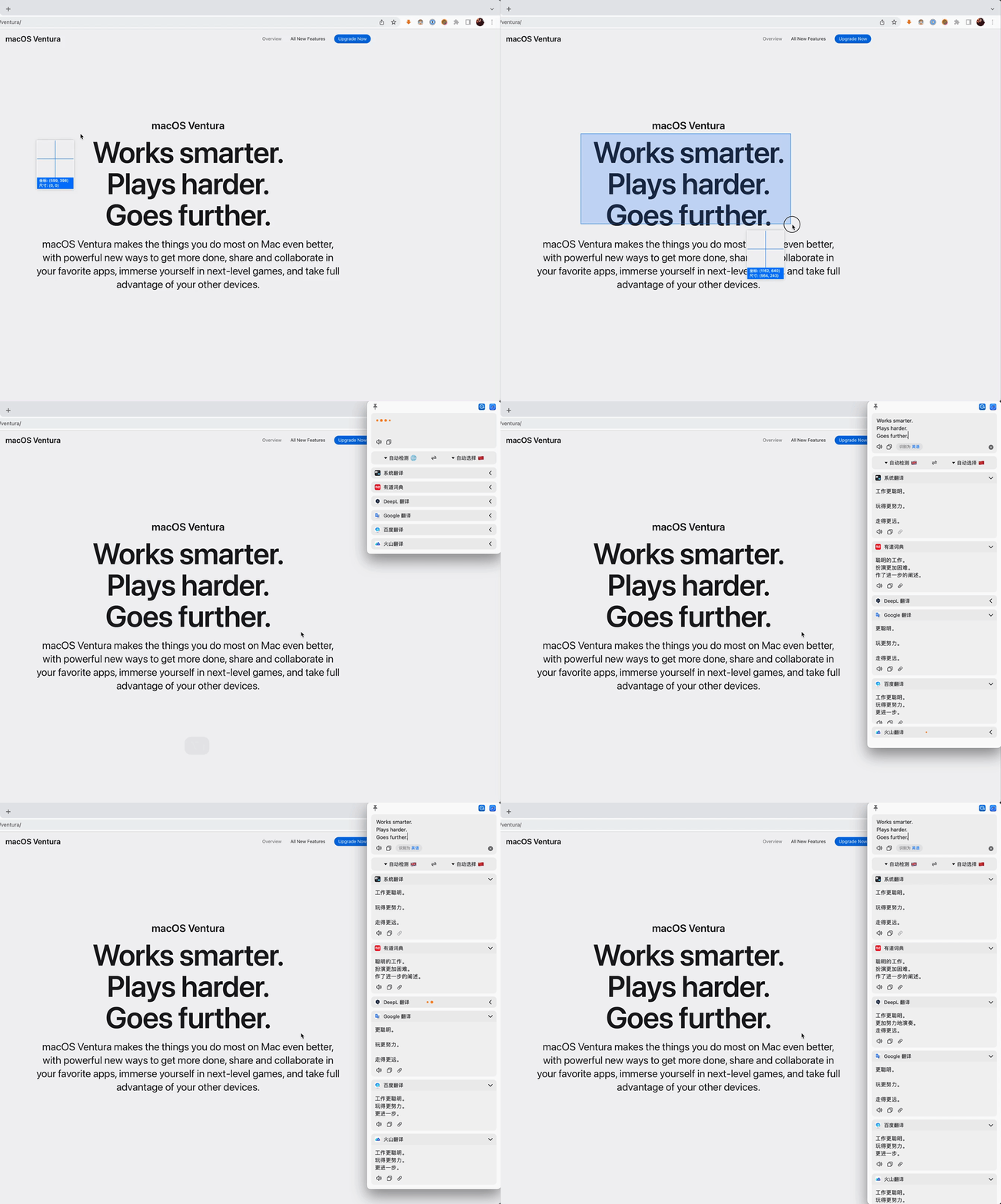
Можно использовать горячие клавиши: Option+A для перевода введённого текста, Option+D после выделения текста, Option+S для перевода скриншота или Option+Shift+S для тихого OCR скриншота, который сразу копирует результат в буфер обмена.Поддерживается ли OCR для перевода скриншотов?Да, есть как режим перевода скриншота, так и режим тихого OCR скриншота, который копирует распознанный текст прямо в буфер обмена.
Да, есть как режим перевода скриншота, так и режим тихого OCR скриншота, который копирует распознанный текст прямо в буфер обмена.Что вдохновило создание Easydict?Идею подсказали saladict и Bob; первая версия построена на основе Bob (GPL-3.0), и многие функции и элементы интерфейса взяты из Bob.
Идею подсказали saladict и Bob; первая версия построена на основе Bob (GPL-3.0), и многие функции и элементы интерфейса взяты из Bob.Между how many languages можно переводить?Easydict поддерживает 52 языка перевода для выбора.
Easydict поддерживает 52 языка перевода для выбора.What are similar projects?pot-desktop, kiss-translator, LunaTranslator, zotero-pdf-translate, chatbox, nextai-translator, TranslationPlugin, read-frog
pot-desktop, kiss-translator, LunaTranslator, zotero-pdf-translate, chatbox, nextai-translator, TranslationPlugin, read-frog