


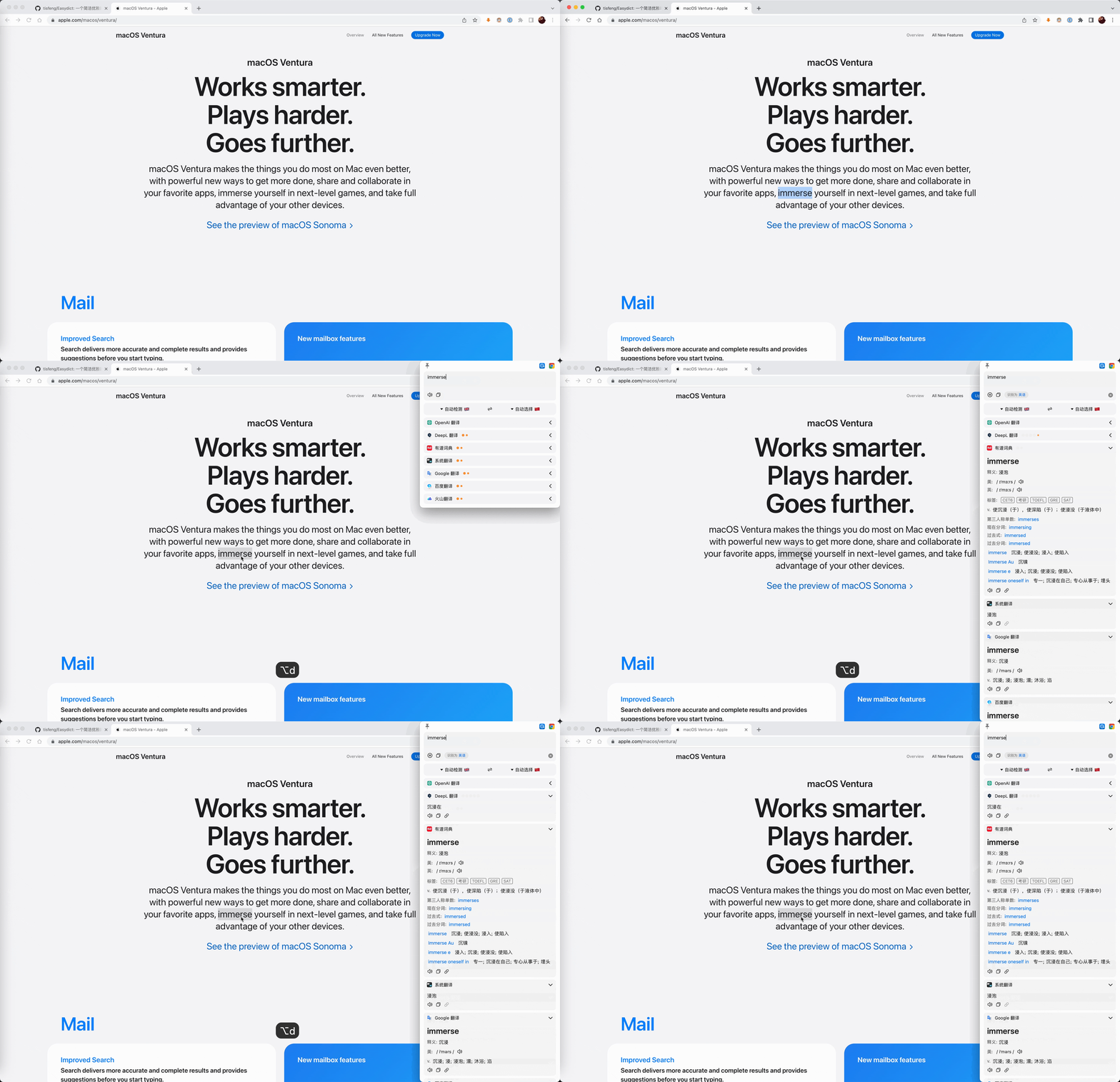
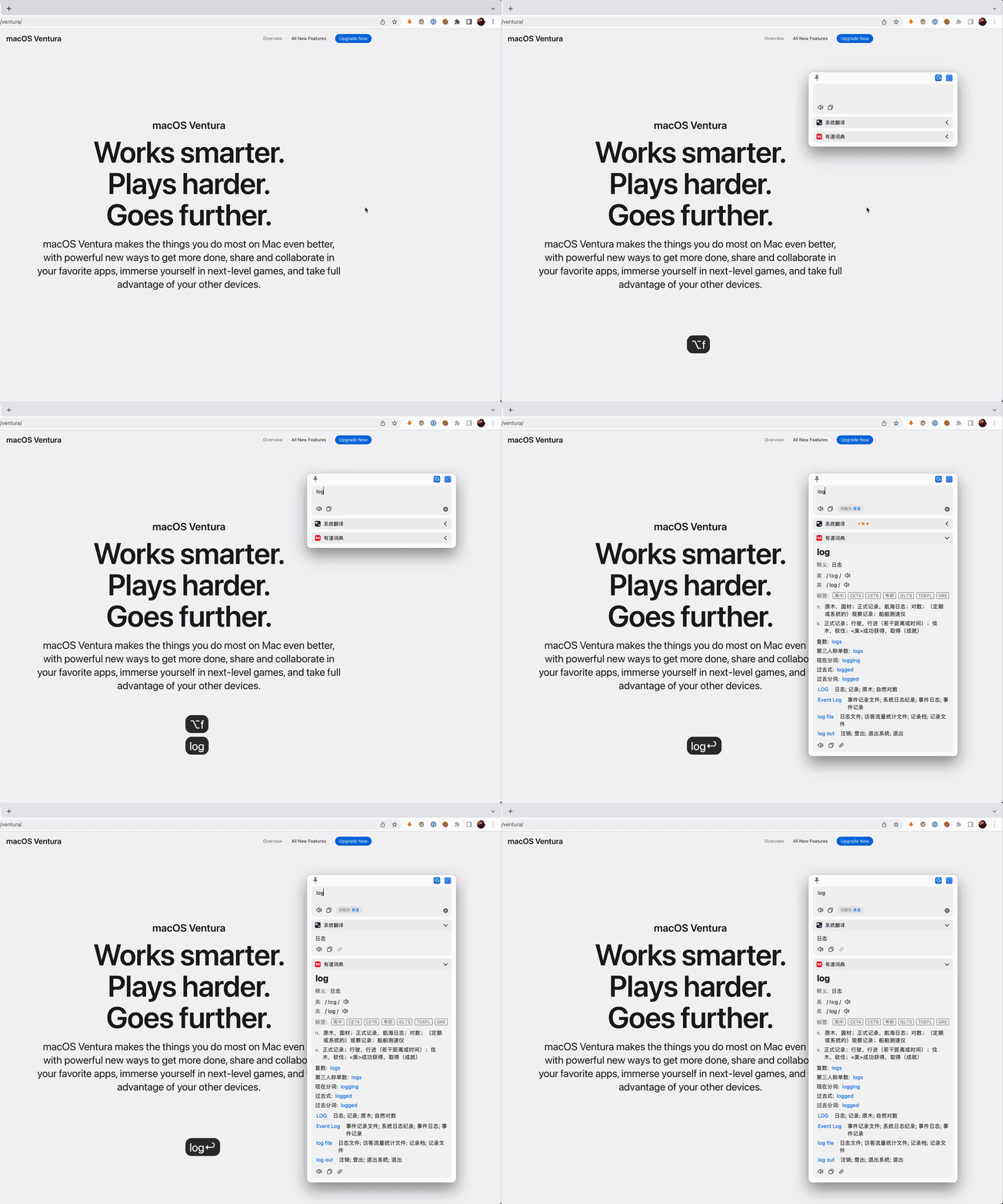
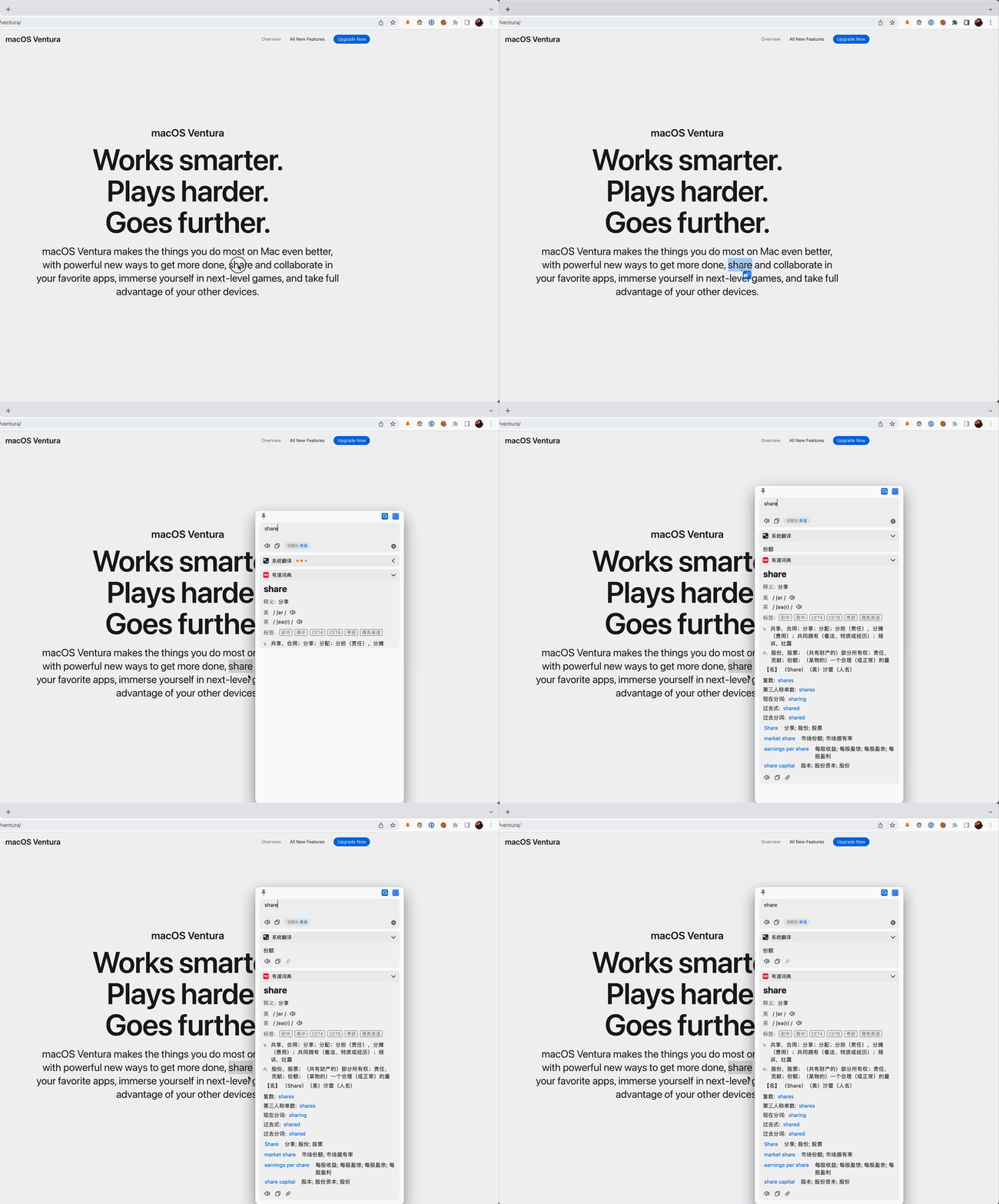
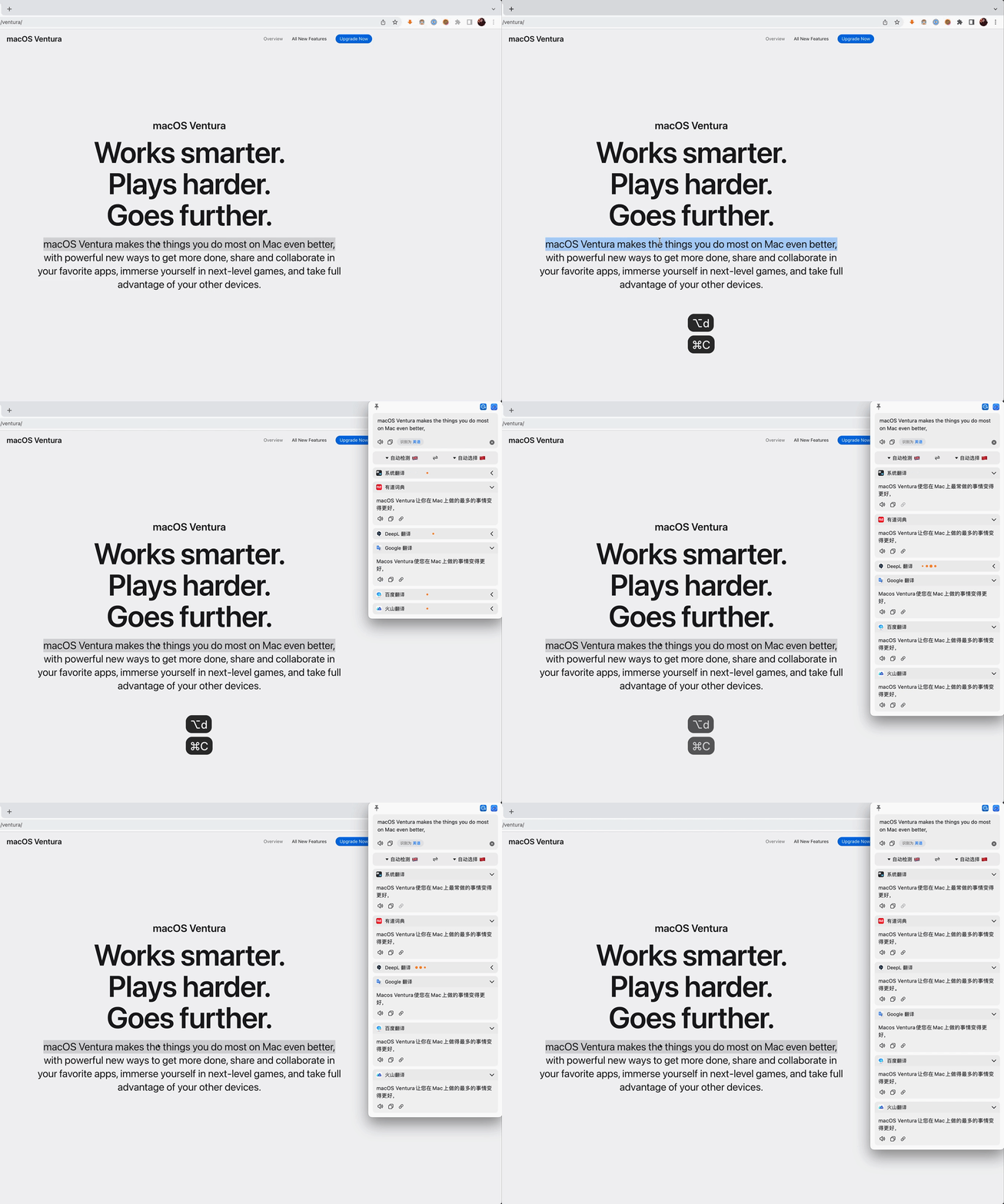



What is this?
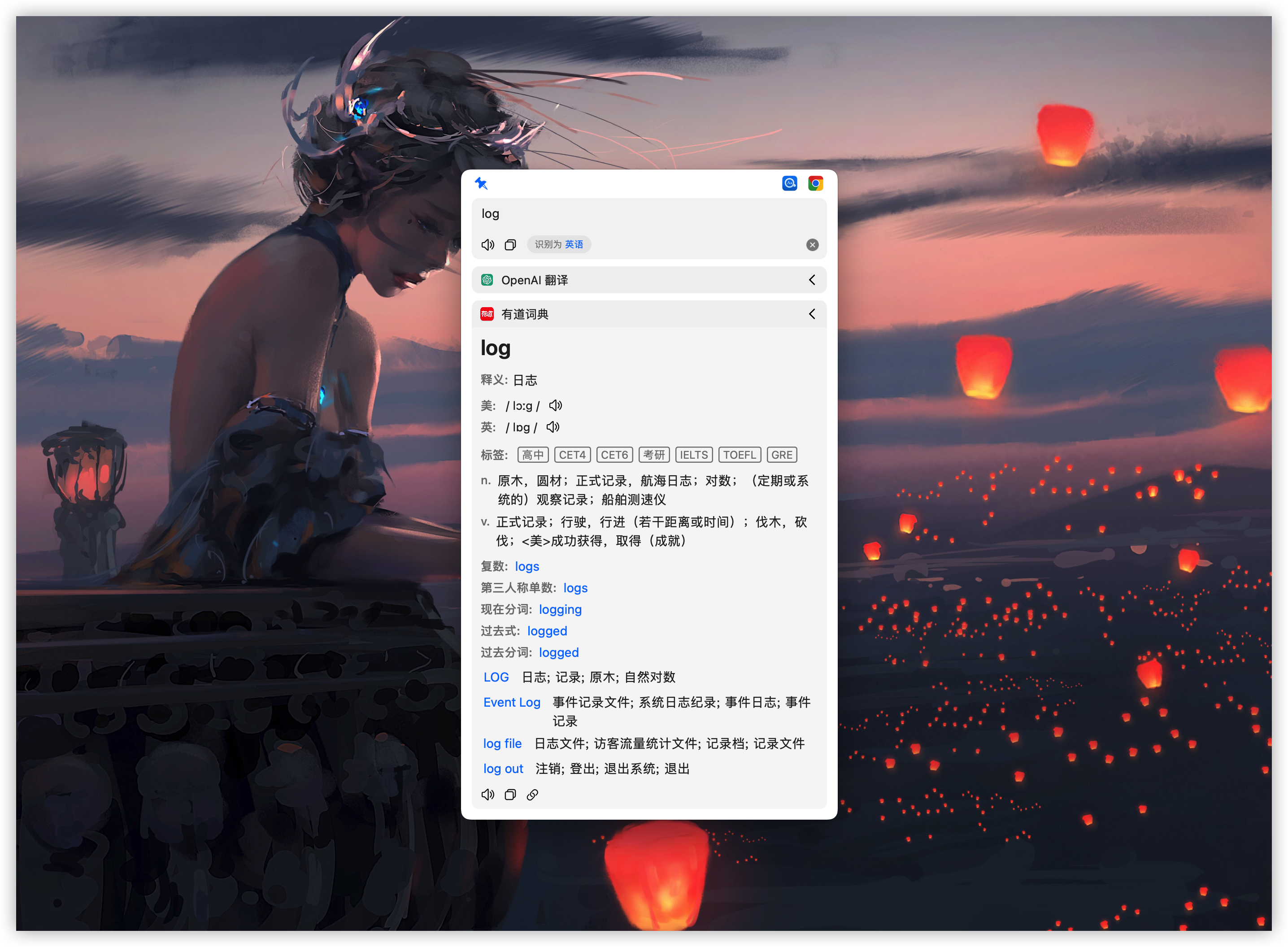
 Easydict is a macOS app for looking up word definitions and translating text, pulling results from multiple dictionary and translation services at once.
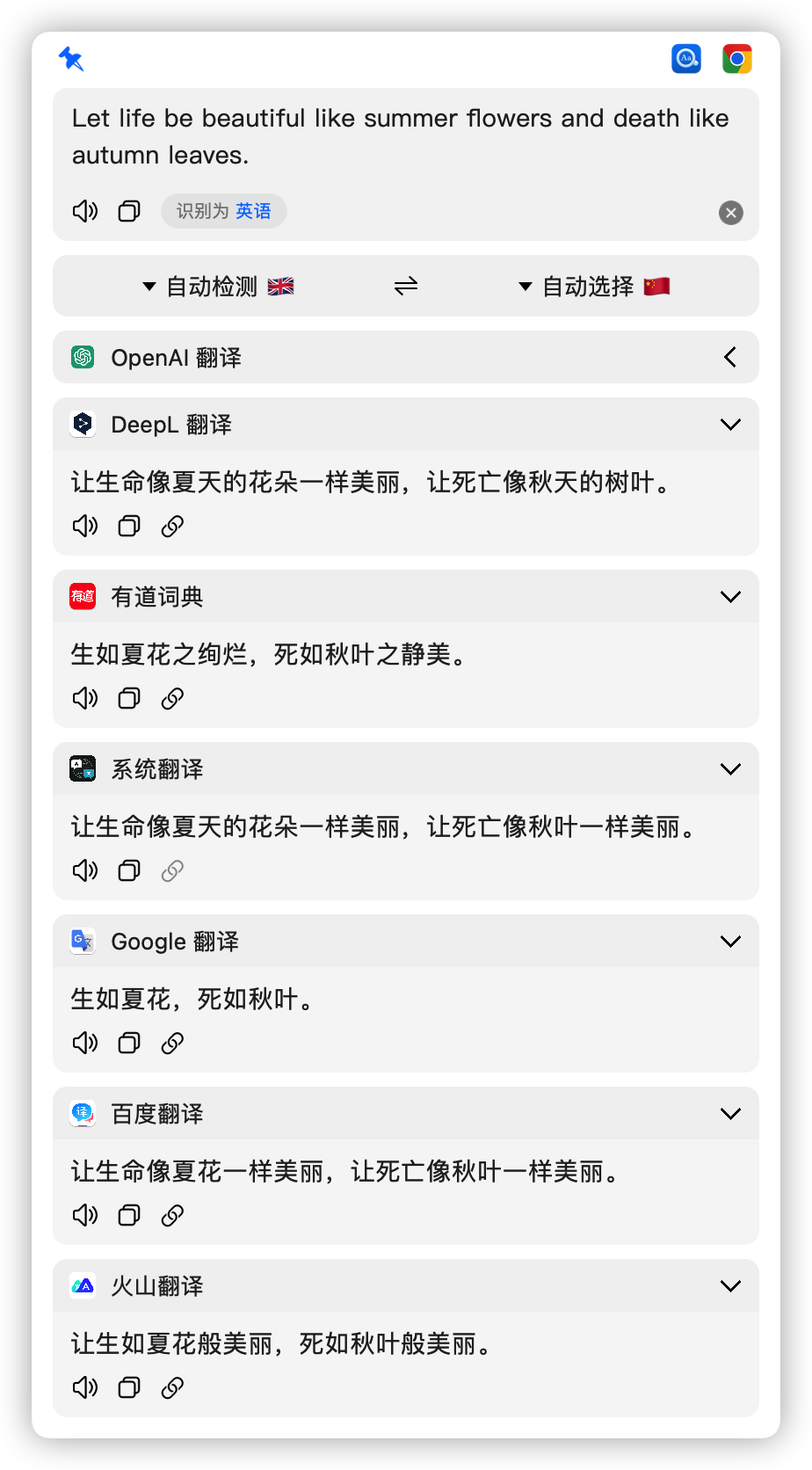
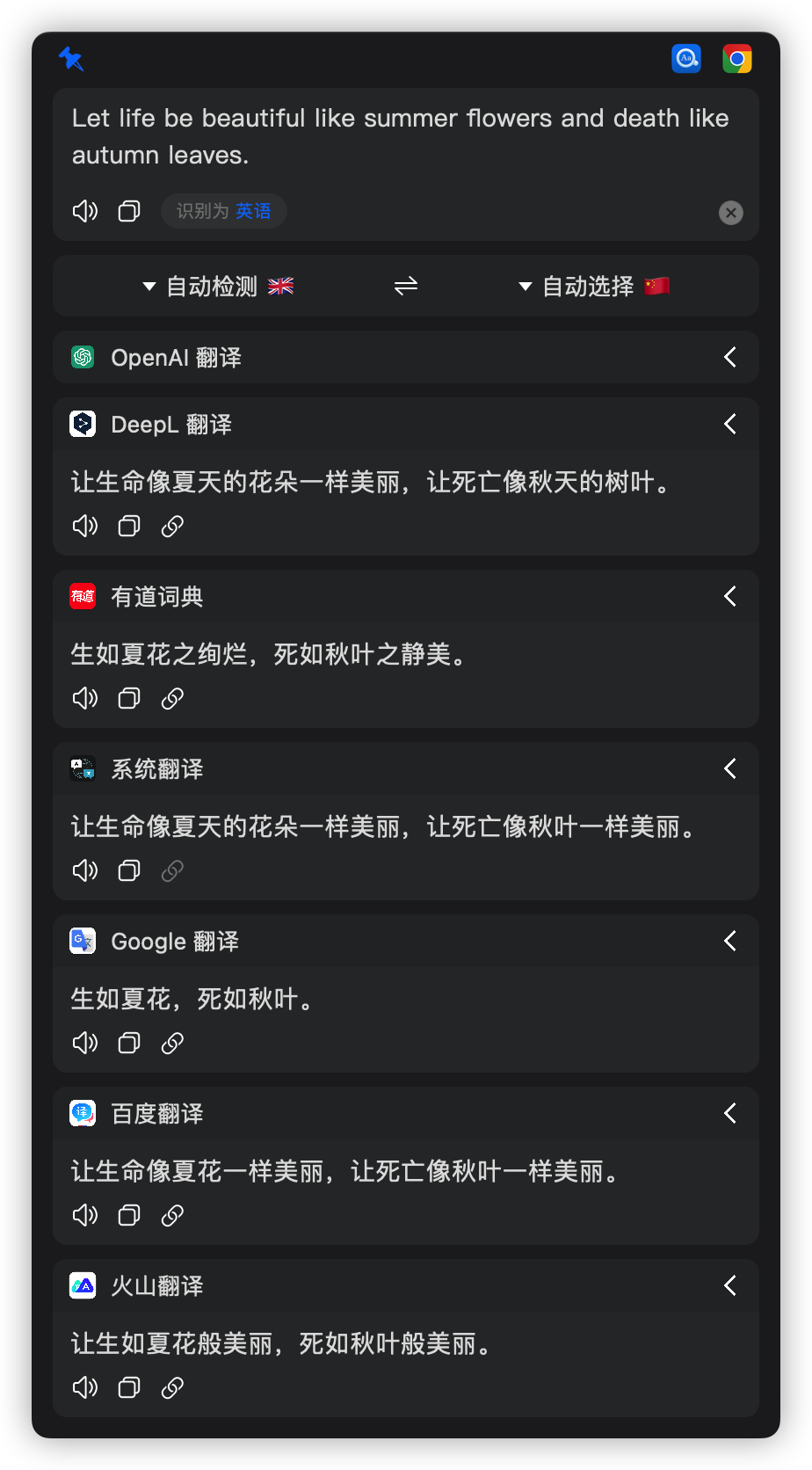
Easydict is a macOS app for looking up word definitions and translating text, pulling results from multiple dictionary and translation services at once.Is this a dictionary or a translator?Both at once: it queries 20+ dictionary, translation, AI and local-model services simultaneously and shows their results side by side.
Both at once: it queries 20+ dictionary, translation, AI and local-model services simultaneously and shows their results side by side.Which translation services do I need accounts for?None are required to start since Apple Dictionary and Apple Translate work out of the box, but to use services like OpenAI, Gemini, Claude, DeepSeek or DeepL you need their respective API keys.
None are required to start since Apple Dictionary and Apple Translate work out of the box, but to use services like OpenAI, Gemini, Claude, DeepSeek or DeepL you need their respective API keys.How responsive is the maintainer to issues?The maintainer is busy and mostly triages issues on weekends, with bugfix PRs getting priority; some messages may go unanswered promptly.
The maintainer is busy and mostly triages issues on weekends, with bugfix PRs getting priority; some messages may go unanswered promptly.Does it work on older macOS versions?The current release needs macOS 13.0 or later; people on older systems should stick to the older 2.7.2 release.
The current release needs macOS 13.0 or later; people on older systems should stick to the older 2.7.2 release.How do I trigger a translation without opening the app window?You can use shortcuts: press the default Option+A for input translate, Option+D after selecting text, Option+S for screenshot translate, or Option+Shift+S for silent screenshot OCR that copies results straight to the clipboard.
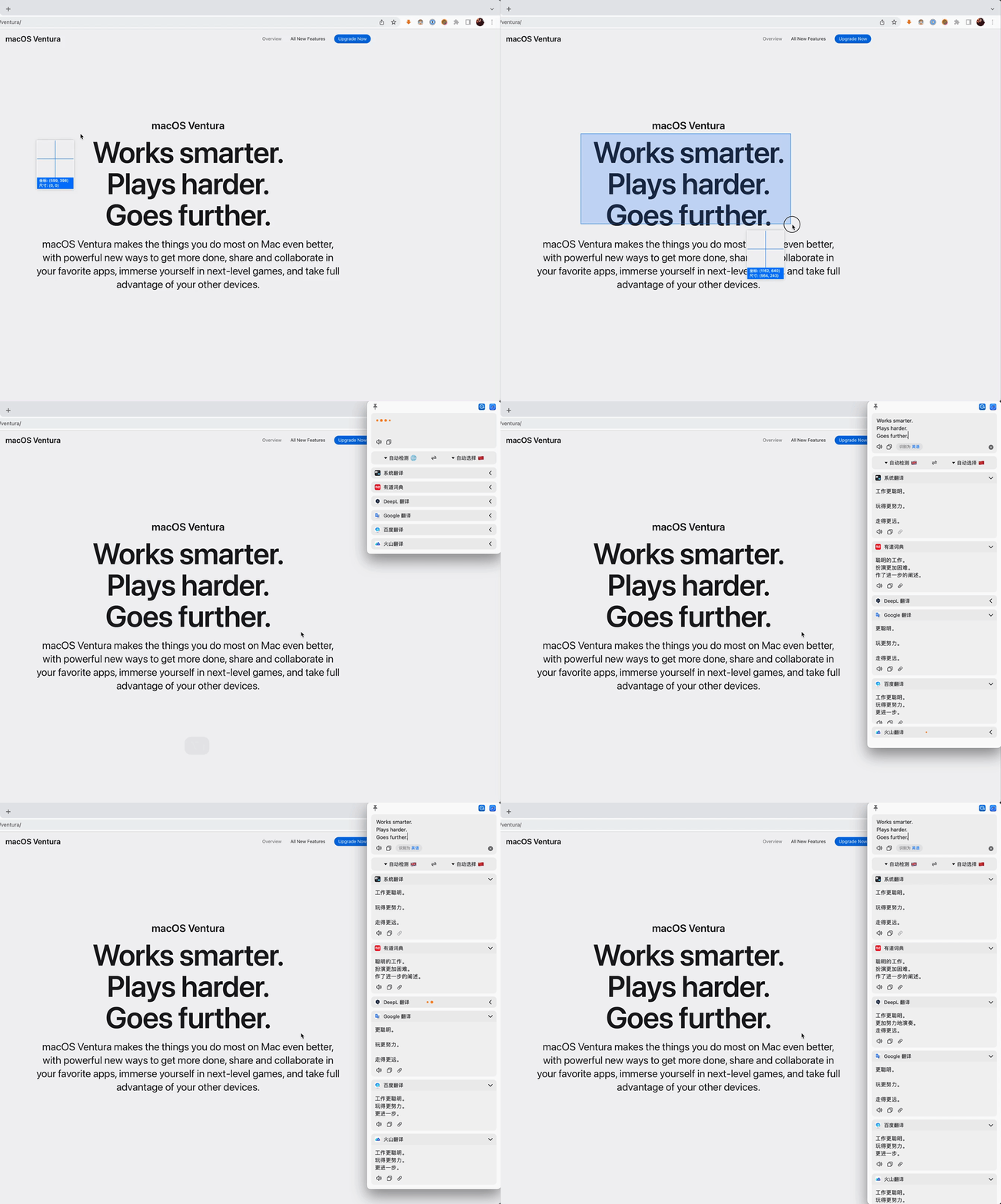
You can use shortcuts: press the default Option+A for input translate, Option+D after selecting text, Option+S for screenshot translate, or Option+Shift+S for silent screenshot OCR that copies results straight to the clipboard.Does it support OCR for translating screenshots?Yes, it has both a screenshot translate mode and a silent screenshot OCR mode that copies recognized text directly to the clipboard.
Yes, it has both a screenshot translate mode and a silent screenshot OCR mode that copies recognized text directly to the clipboard.What inspired Easydict?It was inspired by saladict and Bob, with the initial version built on Bob (GPL-3.0), and many of its features and UI elements are referenced from Bob.
It was inspired by saladict and Bob, with the initial version built on Bob (GPL-3.0), and many of its features and UI elements are referenced from Bob.How many languages can it translate between?Easydict supports 52 selectable translation languages.
Easydict supports 52 selectable translation languages.What are similar projects?pot-desktop, kiss-translator, LunaTranslator, zotero-pdf-translate, chatbox, nextai-translator, TranslationPlugin, read-frog
pot-desktop, kiss-translator, LunaTranslator, zotero-pdf-translate, chatbox, nextai-translator, TranslationPlugin, read-frog