
Что это такое?
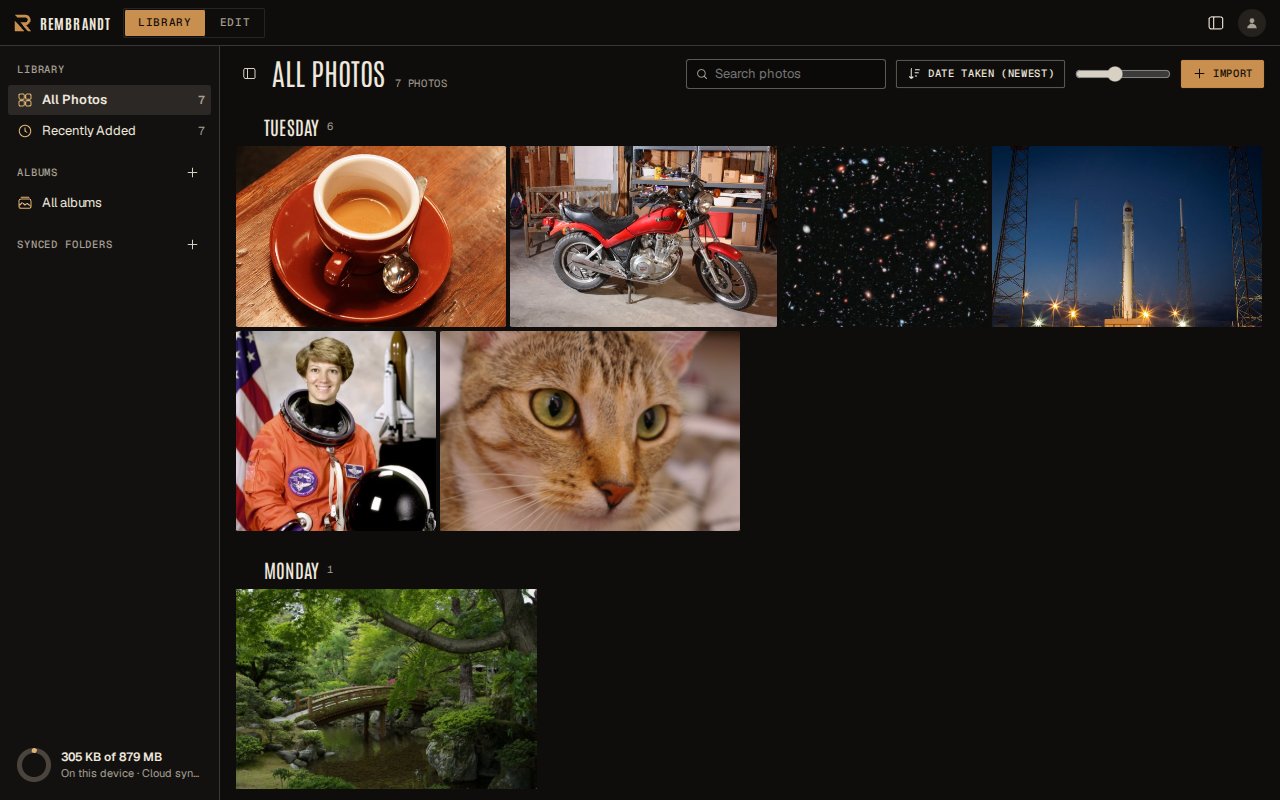
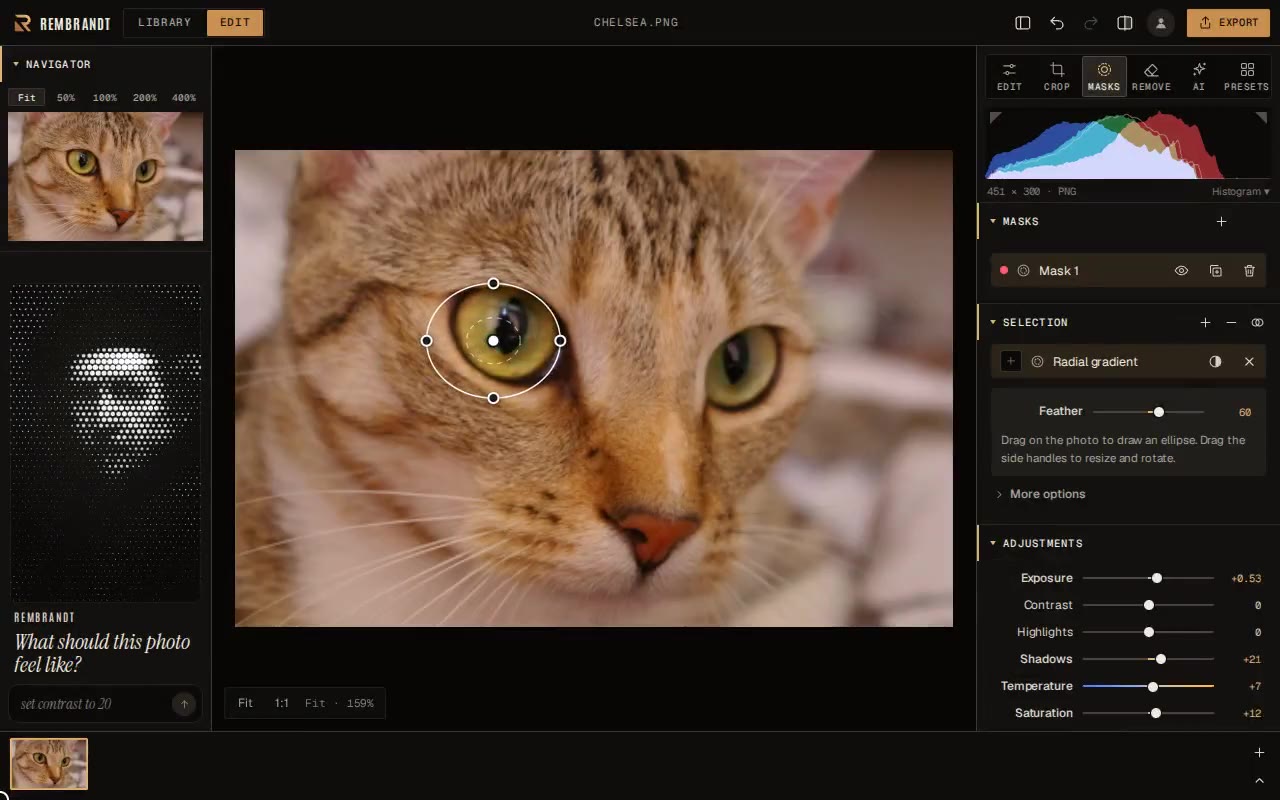
 Rembrandt — это бесплатный неразрушающий RAW-редактор и фотобиблиотека для macOS, Windows и Linux, из того же семейства, что Lightroom Classic, с ИИ-инструментами, работающими прямо на устройстве, без аккаунта, подписки и слежки.
Rembrandt — это бесплатный неразрушающий RAW-редактор и фотобиблиотека для macOS, Windows и Linux, из того же семейства, что Lightroom Classic, с ИИ-инструментами, работающими прямо на устройстве, без аккаунта, подписки и слежки.Это RAW-редактор вроде Lightroom или пиксельный редактор вроде Photoshop?Это неразрушающий RAW-конвертер и фотобиблиотека в одном семействе с Lightroom Classic, а не послойный пиксельный редактор вроде Photoshop или GIMP и не генеративный ИИ, который придумывает новый контент.
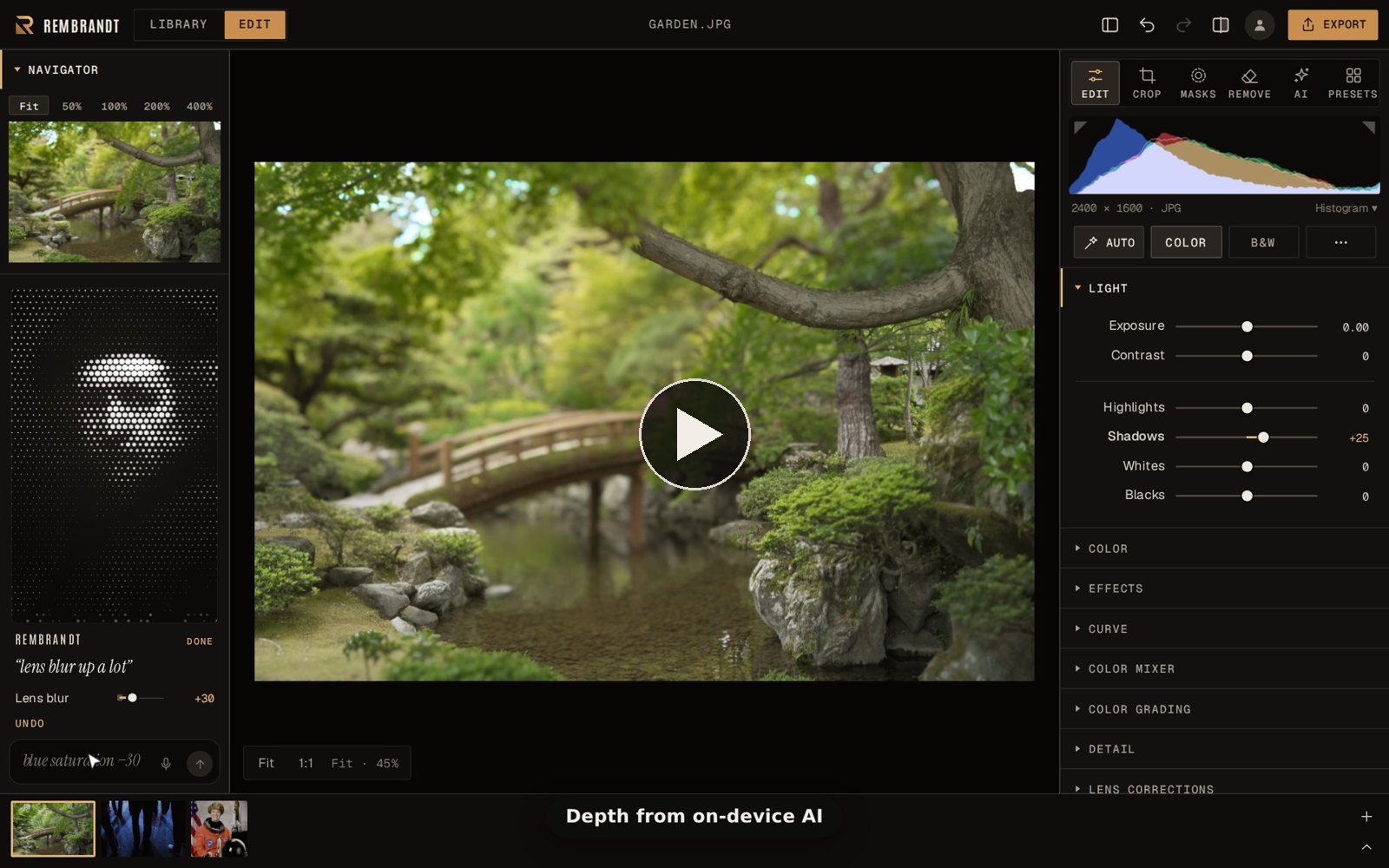
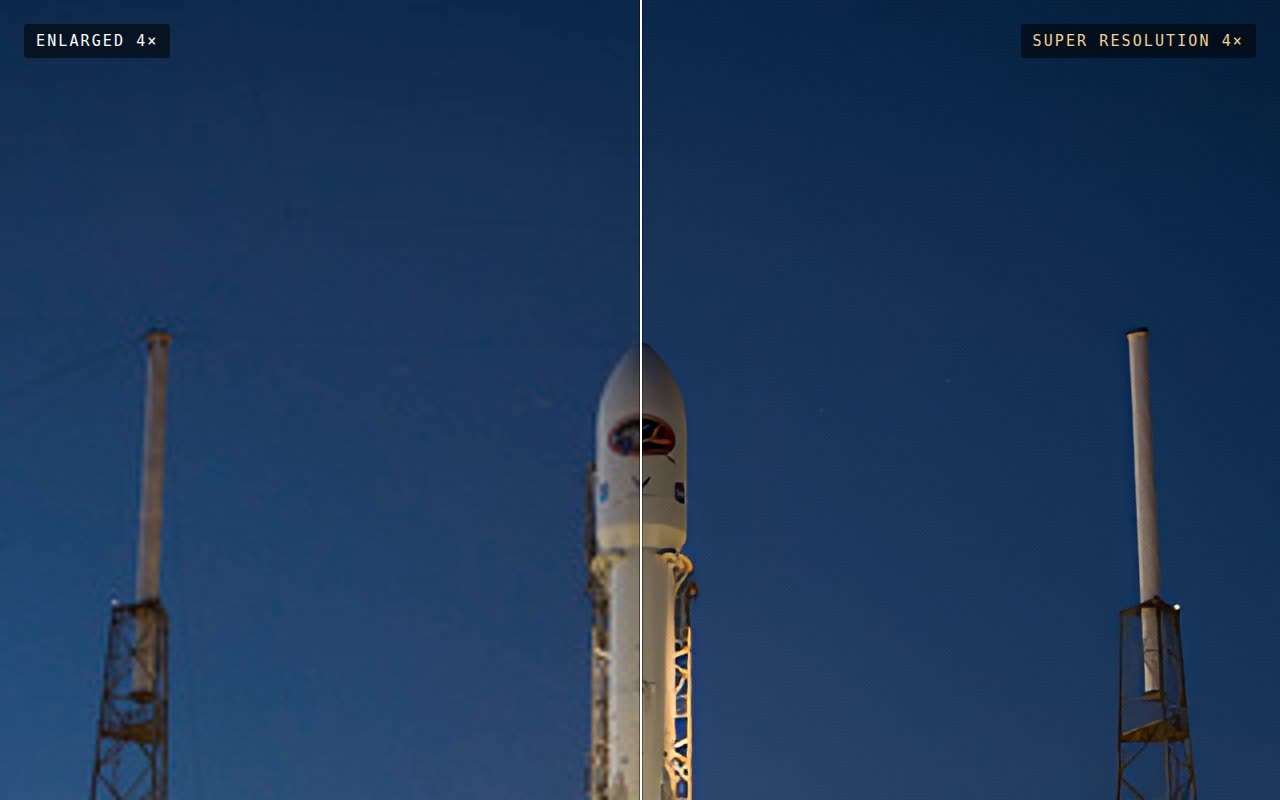
Это неразрушающий RAW-конвертер и фотобиблиотека в одном семействе с Lightroom Classic, а не послойный пиксельный редактор вроде Photoshop или GIMP и не генеративный ИИ, который придумывает новый контент.Нужна ли мощная видеокарта для ИИ-функций?Super Resolution, AI Denoise, Refocus и замена фона работают на вашей видеокарте (Metal на Apple silicon), обрабатывая изображение небольшими фрагментами в фоне или за ночь, чтобы редактирование не блокировалось.
Super Resolution, AI Denoise, Refocus и замена фона работают на вашей видеокарте (Metal на Apple silicon), обрабатывая изображение небольшими фрагментами в фоне или за ночь, чтобы редактирование не блокировалось.Чего ещё не хватает по сравнению с Lightroom?Модули Print, Book, Slideshow и Map, подключение камеры для съёмки (tethered capture) и экосистема плагинов пока не реализованы; а отслеживаемая папка (watched folder) в большинстве случаев заменяет подключение камеры.
Модули Print, Book, Slideshow и Map, подключение камеры для съёмки (tethered capture) и экосистема плагинов пока не реализованы; а отслеживаемая папка (watched folder) в большинстве случаев заменяет подключение камеры.Где на самом деле хранятся мои фото и правки?Оригиналы никогда не изменяются; правки сохраняются в стандартные XMP-файлы рядом с каждым фото, которые читают Lightroom и darktable, и всё остаётся на вашем компьютере, если вы не включите необязательную платную синхронизацию Cloud sync.
Оригиналы никогда не изменяются; правки сохраняются в стандартные XMP-файлы рядом с каждым фото, которые читают Lightroom и darktable, и всё остаётся на вашем компьютере, если вы не включите необязательную платную синхронизацию Cloud sync.Позволяет ли лицензия GPL продавать его в магазинах приложений?Да — Rembrandt распространяется по GPL-3.0-or-later (той же лицензии, что darktable) с дополнительным разрешением на распространение через магазины приложений; если вы распространяете изменённую версию, вы должны открыть её исходный код на тех же условиях.
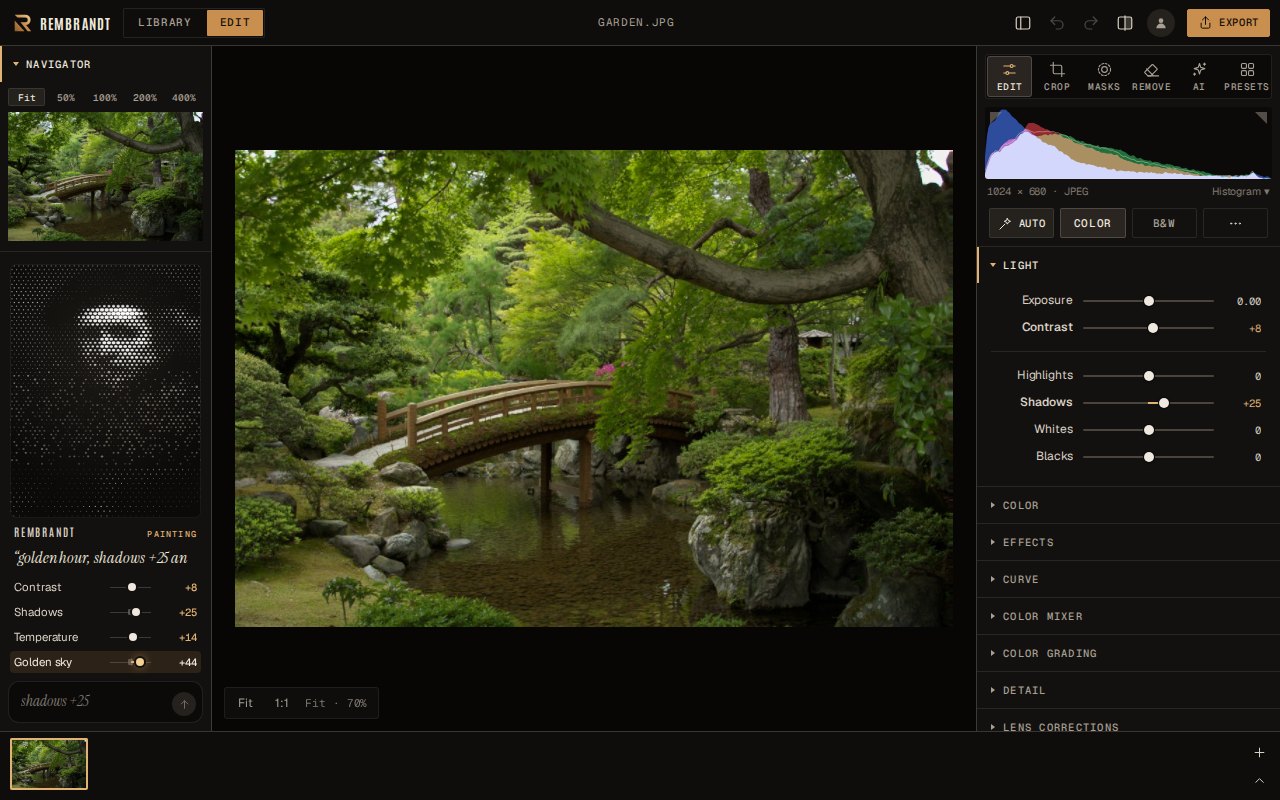
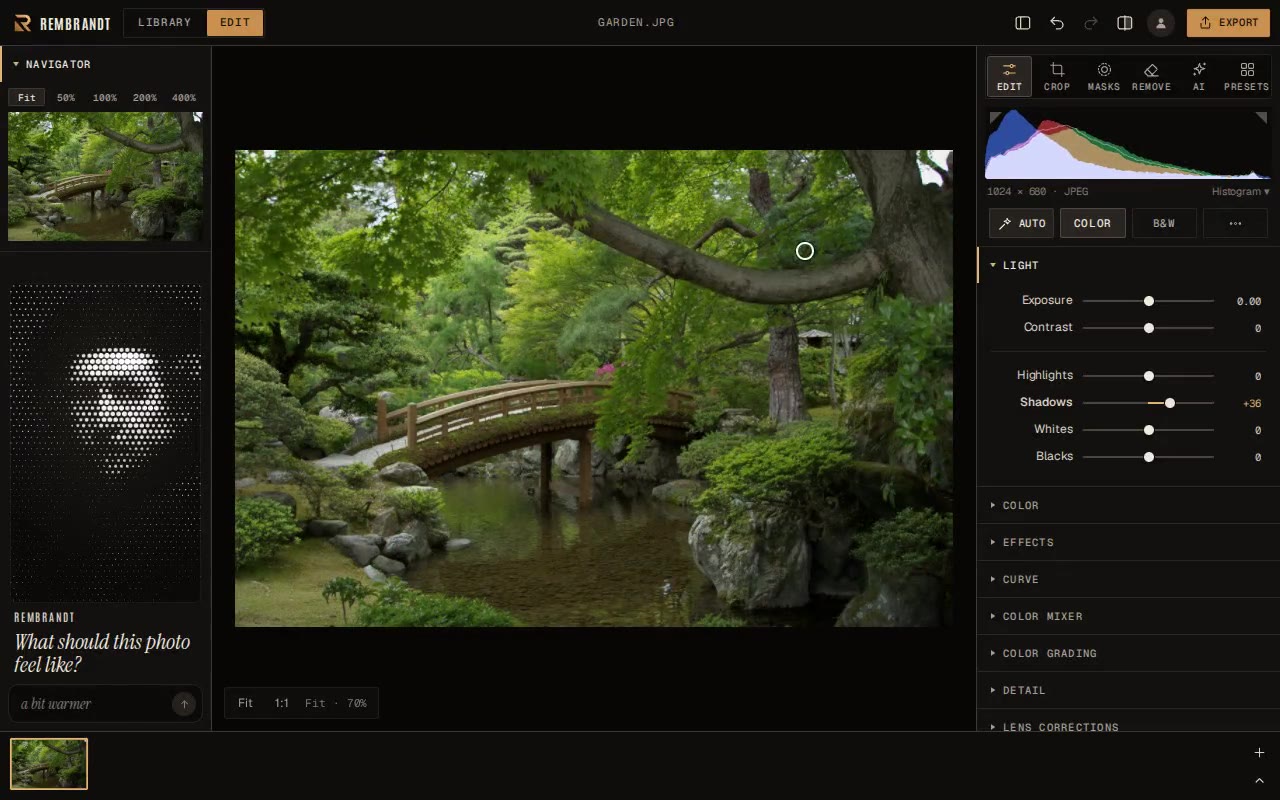
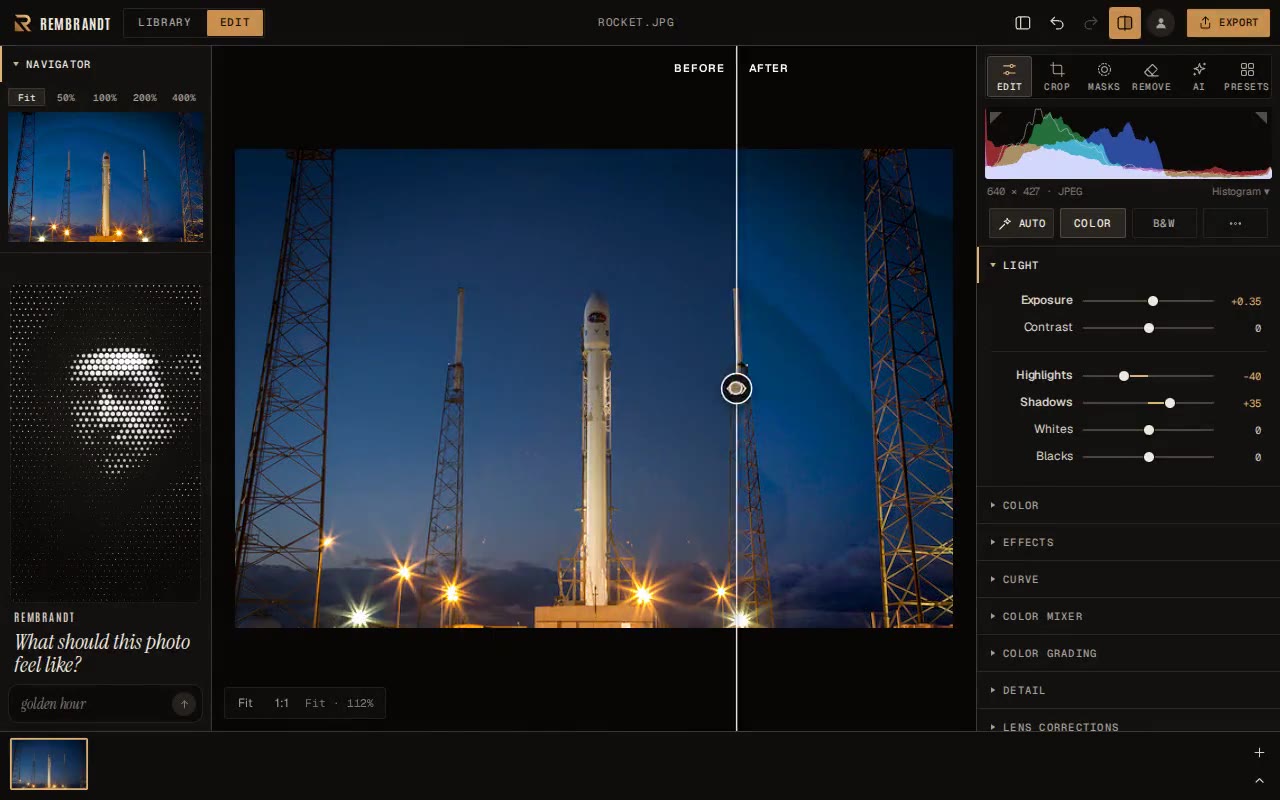
Да — Rembrandt распространяется по GPL-3.0-or-later (той же лицензии, что darktable) с дополнительным разрешением на распространение через магазины приложений; если вы распространяете изменённую версию, вы должны открыть её исходный код на тех же условиях.Как работает функция редактирования «просьба словами»?Вы вводите или произносите естественные команды вроде «golden hour, shadows +25», и Rembrandt двигает соответствующие ползунки; он понимает термины редактирования через встроенный словарь, а не универсальную языковую модель, и работает полностью на устройстве.
Вы вводите или произносите естественные команды вроде «golden hour, shadows +25», и Rembrandt двигает соответствующие ползунки; он понимает термины редактирования через встроенный словарь, а не универсальную языковую модель, и работает полностью на устройстве.Можно ли развернуть его у себя и редактировать фото из браузера?Да, небольшой бинарник без зависимостей для Linux/macOS раздаёт выбранную папку с фотографиями, запускается при входе в систему и выводит приватную ссылку, которую можно открыть в любом браузере; добавьте --lan, чтобы заходить с других устройств в вашей сети.
Да, небольшой бинарник без зависимостей для Linux/macOS раздаёт выбранную папку с фотографиями, запускается при входе в систему и выводит приватную ссылку, которую можно открыть в любом браузере; добавьте --lan, чтобы заходить с других устройств в вашей сети.Чем он отличается от darktable и написанного на Rust LightCraft?Rembrandt заимствует у darktable конвейер обработки scene-referred, но стремится быть понятным за пять минут благодаря меньшему числу более широких настроек. По сравнению с LightCraft он поставляется с работающими ИИ-масками на устройстве, AI Denoise, Super Resolution и Refocus, плюс поддержкой LibRaw для более чем 1000 камер.
Rembrandt заимствует у darktable конвейер обработки scene-referred, но стремится быть понятным за пять минут благодаря меньшему числу более широких настроек. По сравнению с LightCraft он поставляется с работающими ИИ-масками на устройстве, AI Denoise, Super Resolution и Refocus, плюс поддержкой LibRaw для более чем 1000 камер.Окажусь ли я привязан к Rembrandt, как только начну редактировать?Нет — правки хранятся в открытых XMP-файлах, которые читают Lightroom и darktable, а оригиналы никогда не изменяются, так что ваша библиотека останется пригодной, даже если Rembrandt исчезнет.
Нет — правки хранятся в открытых XMP-файлах, которые читают Lightroom и darktable, а оригиналы никогда не изменяются, так что ваша библиотека останется пригодной, даже если Rembrandt исчезнет.What are similar projects?lightcraft, darktable, photosuite, rawmakase, photocraft, lap, autoshade, travel-memory-sticker-card
lightcraft, darktable, photosuite, rawmakase, photocraft, lap, autoshade, travel-memory-sticker-cardWhich topics is it in?photography, alternative, photos, omarchy, image-editing, tauri, wasm, image-processing, cpp, c++, local-first, gplv3
photography, alternative, photos, omarchy, image-editing, tauri, wasm, image-processing, cpp, c++, local-first, gplv3