




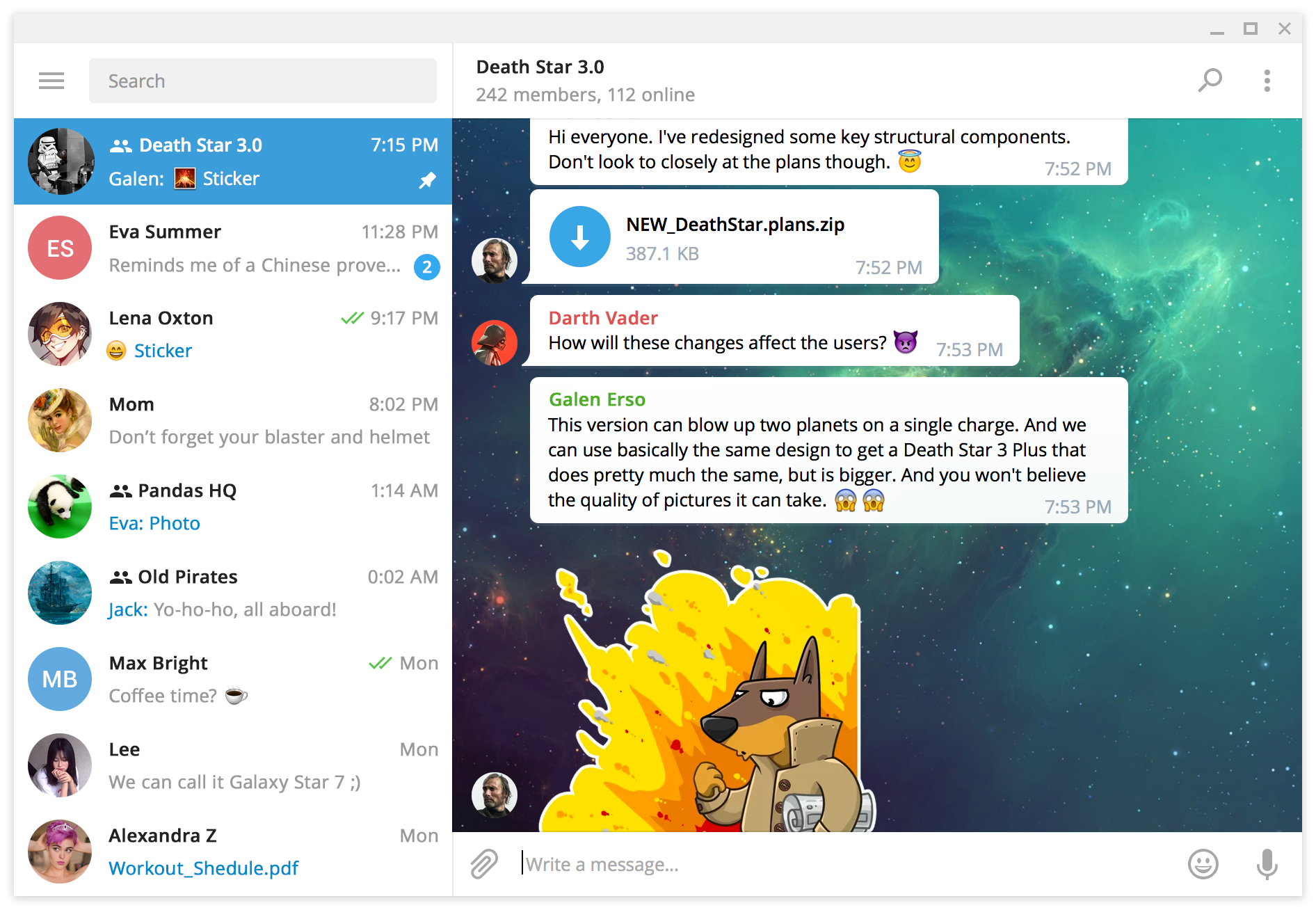

这是什么?
 这是 Telegram Desktop,即 Telegram 聊天软件的官方桌面客户端。这个仓库包含它的完整源代码和编译说明,使用 C++ 编写。
这是 Telegram Desktop,即 Telegram 聊天软件的官方桌面客户端。这个仓库包含它的完整源代码和编译说明,使用 C++ 编写。我是从这个仓库安装 Telegram,还是说它只是给开发者用的?如果你只是想用这个软件,直接下载现成的版本就行。这个仓库本身是源代码和编译说明——面向想自己编译客户端或想了解它如何运作的人。
如果你只是想用这个软件,直接下载现成的版本就行。这个仓库本身是源代码和编译说明——面向想自己编译客户端或想了解它如何运作的人。我怎么把这个软件装到电脑上?下载适合你操作系统的版本:支持 Windows 7 及以上系统的便携版 Windows 版本(32 位和 64 位)、macOS 10.13 及以上版本、静态编译的 64 位 Linux 版本,或者 Linux 上的 Snap 和 Flatpak 包。
下载适合你操作系统的版本:支持 Windows 7 及以上系统的便携版 Windows 版本(32 位和 64 位)、macOS 10.13 及以上版本、静态编译的 64 位 Linux 版本,或者 Linux 上的 Snap 和 Flatpak 包。它能在较旧的 Mac 或较旧的 Linux 发行版上运行吗?最新版本需要较新的系统:Mac 方面要求 macOS 10.13 及以上。对于较旧的机器,最后支持的版本是 4.9.9,它仍然支持 macOS 10.12 以及带 glibc 的 Linux。
最新版本需要较新的系统:Mac 方面要求 macOS 10.13 及以上。对于较旧的机器,最后支持的版本是 4.9.9,它仍然支持 macOS 10.12 以及带 glibc 的 Linux。连接安全吗——客户端用什么和 Telegram 通信?它基于 Telegram API 和 MTProto 安全协议构建,与 Telegram 官方客户端使用的安全协议相同。
它基于 Telegram API 和 MTProto 安全协议构建,与 Telegram 官方客户端使用的安全协议相同。代码可以自由使用和修改吗?可以——源代码以 GPLv3 加 OpenSSL 例外条款发布,你可以在这些条款下学习、修改和重新分发它。
可以——源代码以 GPLv3 加 OpenSSL 例外条款发布,你可以在这些条款下学习、修改和重新分发它。有不用安装就能运行的 Windows 版本吗?有——32 位和 64 位的 Windows 版本都是便携版,无需经过安装程序就能直接运行 Telegram Desktop。
有——32 位和 64 位的 Windows 版本都是便携版,无需经过安装程序就能直接运行 Telegram Desktop。既然可以直接下载 Telegram,我为什么还要打开这个仓库?可以自己编译官方客户端、阅读一个成熟桌面聊天软件是如何编写的,或者修复一个缺陷并提交修改——完整的源代码和编译说明都在这里。
可以自己编译官方客户端、阅读一个成熟桌面聊天软件是如何编写的,或者修复一个缺陷并提交修改——完整的源代码和编译说明都在这里。What are similar projects?tiled, chat, Qv2ray, pcsx2, penguin-mail, ytDownloader, moonlight-qt, Signal-Desktop
tiled, chat, Qv2ray, pcsx2, penguin-mail, ytDownloader, moonlight-qt, Signal-Desktop