Turn your data into AI workflows and custom apps that 100% fit your business
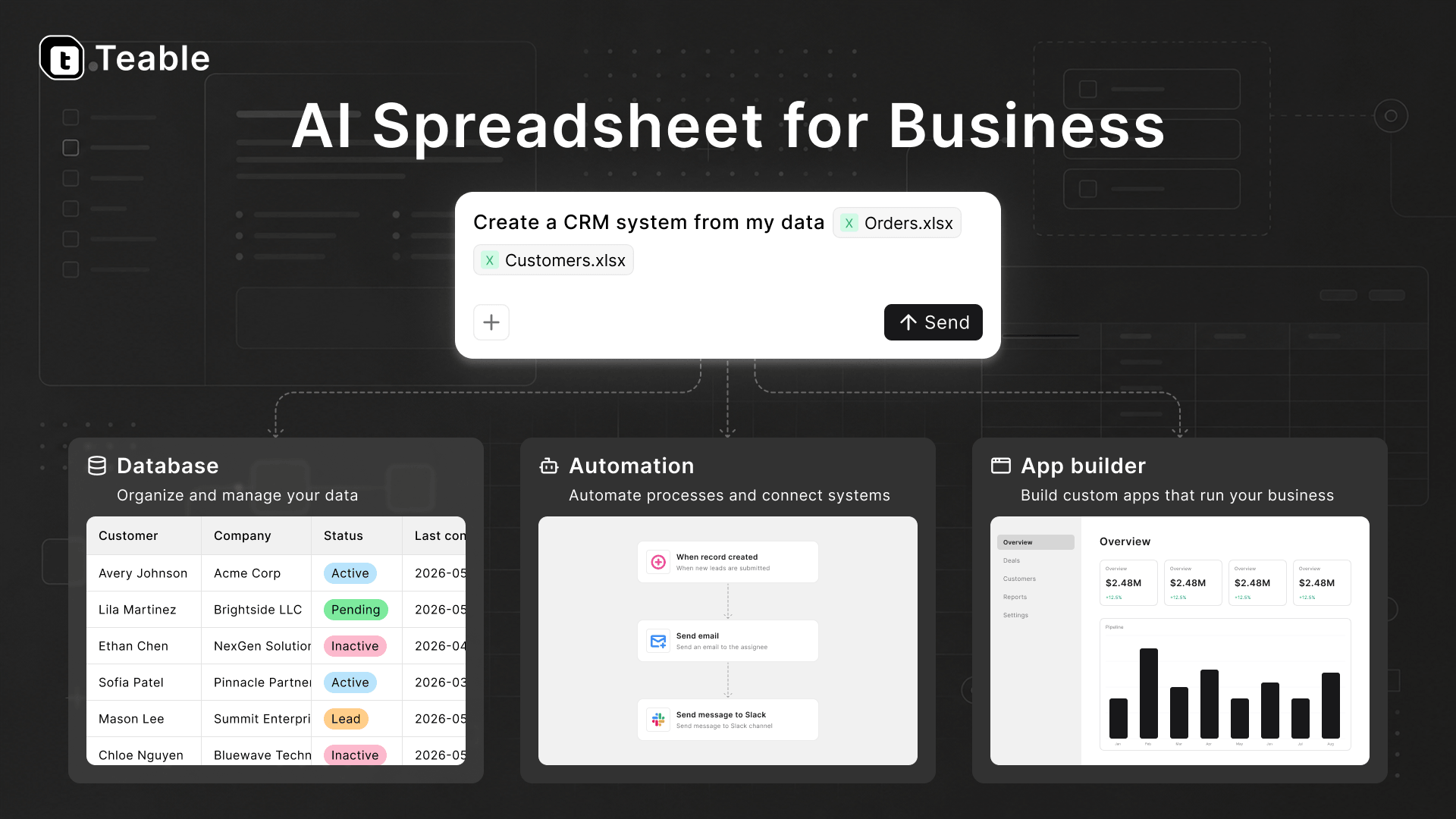
One platform where data management, AI workflows, and app building come together — spreadsheet-simple on the surface, real PostgreSQL underneath. Agents work inside your live data and real processes, so what they build lands seamlessly and fits your business exactly. In the cloud or fully self-hosted.
Try out Teable using our hosted version at teable.ai
Want to see it in action? Try Teable on our hosted cloud at teable.ai.
Deploying it yourself? Start from the Deployment guide — standalone in minutes, or the full AI platform on your own machines.
Four platforms in one
AI chat, App Builder, and app deployments are part of Teable, not bolt-ons.
Self-hosting Teable deploys four platforms in one:
A secure, scalable agent sandbox — every AI session runs in its own isolated container, started on demand and gone when the session ends.
A resource-efficient app deployment platform — every app your team builds and publishes runs as its own lightweight, long-lived container.
An AI workflow engine — automations triggered by record changes, schedules, and webhooks, with AI steps, running right where your data lives.
A full-featured database collaboration platform on PostgreSQL — tables, views, permissions, and API.
Self-hosting wraps your own compute into an agent-ready, fully controlled
productivity environment — putting AI in the hands of everyone on your team.
See Architecture for how the
pieces fit together.
✨Features
🤖 AI-native
AI Chat — ask, analyze, and operate on your data in natural language.
App Builder — describe the app you need; an agent builds it in an isolated sandbox and deploys it to its own URL in one click.
AI automations — react to record changes, schedules, and webhooks, with AI steps doing the reasoning.
AI field filling — generate and enrich field values in bulk.
🍺 Everything you need, out of the box
Grid, Form, Kanban, Gallery, and Calendar views; formulas, field conversion,
filtering, grouping, sorting, and aggregation; comments, record history,
undo/redo, and real-time collaboration; attachments preview, batch editing,
import/export, search, validation, charts, plugins, SQL query — and millions
of rows without breaking a sweat.
More features land all the time — see the Changelog.
Deploy
Three ways to run Teable — pick by what you need (full comparison in the
Deployment guide):
Prefer not to deploy by hand? Hand teableio/teable-deployment
to your AI agent (Claude Code, Codex, …) together with a domain, a DNS token,
and access to the target machine or cluster — it can take the deployment end
to end.
Already running standalone Teable? The runtime plane installs next to it and
your data stays in place: migration guide.
Development
1. Initialize
# Enabling the Help Management Package Manager
corepack enable

# Install project dependencies
pnpm install
2. Initialize Postgres
make switch-db-mode
3. Custom Environment Variables(Optional)
cd apps/nextjs-app
cp .env.development .env.development.local
4. Run Dev Server
you just need to start backend, it will start next server for frontend automatically, file change will be auto reload
cd apps/nestjs-backend
pnpm dev
Why Teable?
Software should fit the work — not the other way around. Every team knows
the compromise: you have a concrete business need, you search for an app, and
it covers 70% of it. So you bend your process around the tool, or you file a
ticket and wait quarters for custom development. The work adapts to the
software, when it should be the software adapting to the work.
AI only changes this if it reaches the real workflow. A wave of AI tools
can now generate an app on demand — but each one is built in a vacuum: an
empty database, no knowledge of how your team actually operates, one more
island to integrate and maintain. The demo impresses; the workflow stays the
same.
Teable puts the agent where the work already happens. Your data, apps,
automations, permissions, and collaborators live here, on a real PostgreSQL —
and the AI operates all of it. Chat acts on live data. Automations reason
over records as they change. App Builder ships working systems wired to the
same database your team already uses — so what gets built is never another
silo, but a precise extension of the workflow it came from. AI lands in the
work seamlessly, and what it builds fits the business exactly.
And it's an architecture an IT team can say yes to. Self-hosting Teable
packages your own compute into an agent-ready platform for the whole team:
every AI session confined to an isolated sandbox, every app shipped as a
standard container, everything resting on PostgreSQL and HTTP APIs, with your
own models and keys, on your own infrastructure. Full AI capability, full
control — neither traded for the other.
The result is a different way of building: business systems shaped precisely
to your business, delivered in days instead of quarters, evolving as fast as
the work itself — by everyone on the team, not just the people who code.
License
This repository is the Teable Community Edition: free for self-hosting under
the AGPL-3.0 license (packages under packages/ are MIT). See
./LICENSE for details.
The official image ghcr.io/teableio/teable
ships the complete product: free to run, with paid plans unlocking AI features
and advanced enterprise capabilities in place — activate with a license
key, no image swap, no migration. See pricing and
subscribe & activate.
teable (teableio/teable)
Choose a tag and it will appear here. With no tags selected, all catalog projects are shown.
Searching Database…
Choose a tag and it will appear here. With no tags selected, all catalog projects are shown.





 一款面向企业的 AI 电子表格——表面上是简单的表格,底层是真正的 PostgreSQL 数据库,在实时数据之上还提供 AI 对话、应用搭建器和自动化功能。