


Что это такое?
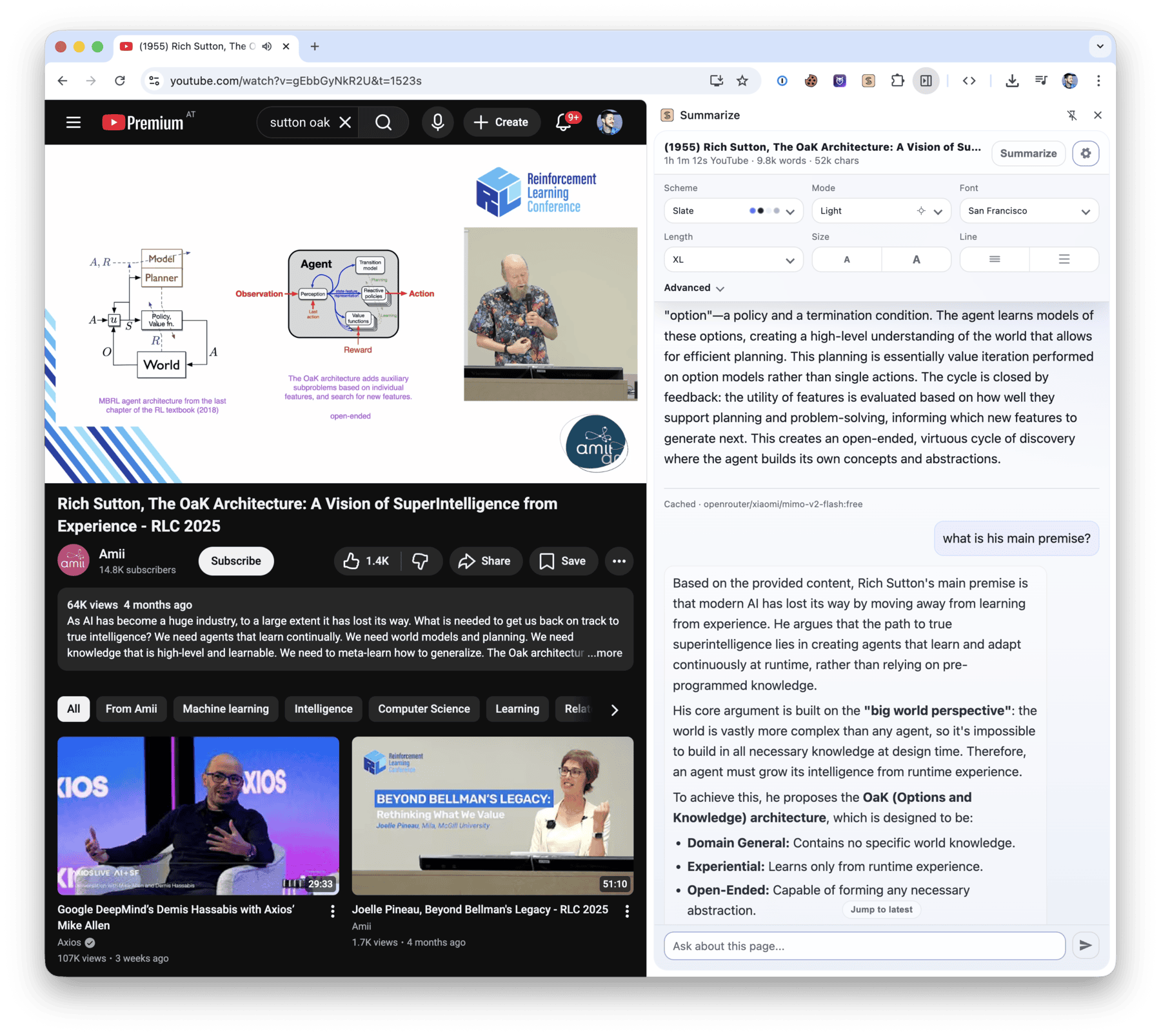
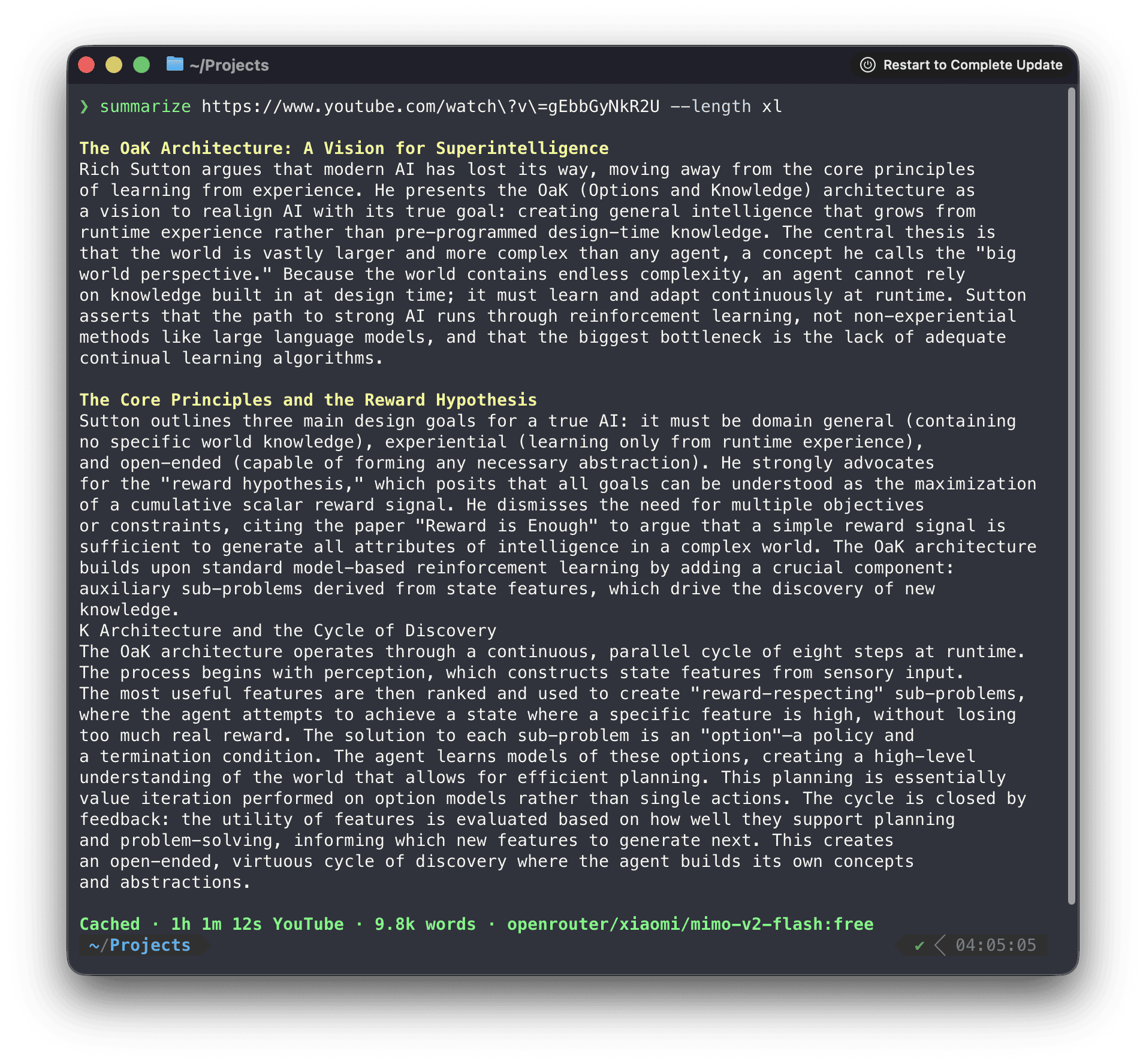
 Summarize — это утилита командной строки и расширение для браузера, которые извлекают чистый текст и создают краткое изложение веб-страниц, файлов, видео на YouTube, подкастов и другого аудио или видео.
Summarize — это утилита командной строки и расширение для браузера, которые извлекают чистый текст и создают краткое изложение веб-страниц, файлов, видео на YouTube, подкастов и другого аудио или видео.Это утилита командной строки (CLI), расширение для браузера или и то, и другое?И то, и другое: CLI на Node.js и расширение для боковой панели Chrome, также поддерживается боковая панель Firefox.
И то, и другое: CLI на Node.js и расширение для боковой панели Chrome, также поддерживается боковая панель Firefox.Как установить и начать пользоваться?Запустите один раз без установки через npx или установите CLI через npm или Homebrew; отдельные архивы для macOS также доступны в разделе GitHub Releases.
Запустите один раз без установки через npx или установите CLI через npm или Homebrew; отдельные архивы для macOS также доступны в разделе GitHub Releases.Что мне нужно перед запуском?Для пакета npm нужен Node.js версии 24 или новее; для простого извлечения содержимого ключ API не нужен, но для краткого изложения на основе модели требуется настроенный провайдер (ключ API, Ollama, OpenRouter или утилита командной строки для программирования с выполненной авторизацией, например Codex, Claude или Gemini).
Для пакета npm нужен Node.js версии 24 или новее; для простого извлечения содержимого ключ API не нужен, но для краткого изложения на основе модели требуется настроенный провайдер (ключ API, Ollama, OpenRouter или утилита командной строки для программирования с выполненной авторизацией, например Codex, Claude или Gemini).Нужны ли дополнительные инструменты для работы с медиа, чтобы всё работало полностью?Встроенный путь на основе WebAssembly FFmpeg обрабатывает распространённые медиафайлы без установки чего-либо, но нативные ffmpeg, yt-dlp и tesseract расширяют поддержку кодеков, слайдов YouTube и OCR.
Встроенный путь на основе WebAssembly FFmpeg обрабатывает распространённые медиафайлы без установки чего-либо, но нативные ffmpeg, yt-dlp и tesseract расширяют поддержку кодеков, слайдов YouTube и OCR.Работает ли расширение вне Chrome?Расширение из Chrome Web Store выполняет локальную транскрибацию и обработку слайдов прямо в браузере; необязательный вспомогательный демон добавляет модели для CLI, нативные медиаинструменты, OCR, общие кэши и поддержку медиа в Firefox.
Расширение из Chrome Web Store выполняет локальную транскрибацию и обработку слайдов прямо в браузере; необязательный вспомогательный демон добавляет модели для CLI, нативные медиаинструменты, OCR, общие кэши и поддержку медиа в Firefox.Где хранятся мои настройки и ключи?Настройки, включая параметры провайдера, хранятся локально в файле ~/.summarize/config.json; флаги командной строки имеют приоритет.
Настройки, включая параметры провайдера, хранятся локально в файле ~/.summarize/config.json; флаги командной строки имеют приоритет.Как программа выбирает, какую расшифровку или субтитры использовать для YouTube и подкастов?Сначала она использует уже опубликованные расшифровки и субтитры подкастов, а настроенную транскрибацию применяет, только если их нет.
Сначала она использует уже опубликованные расшифровки и субтитры подкастов, а настроенную транскрибацию применяет, только если их нет.Можно ли использовать это в своём коде вместо CLI?Да, пакет @steipete/summarize-core открывает логику извлечения содержимого и промптов для программного использования без зависимостей от CLI.
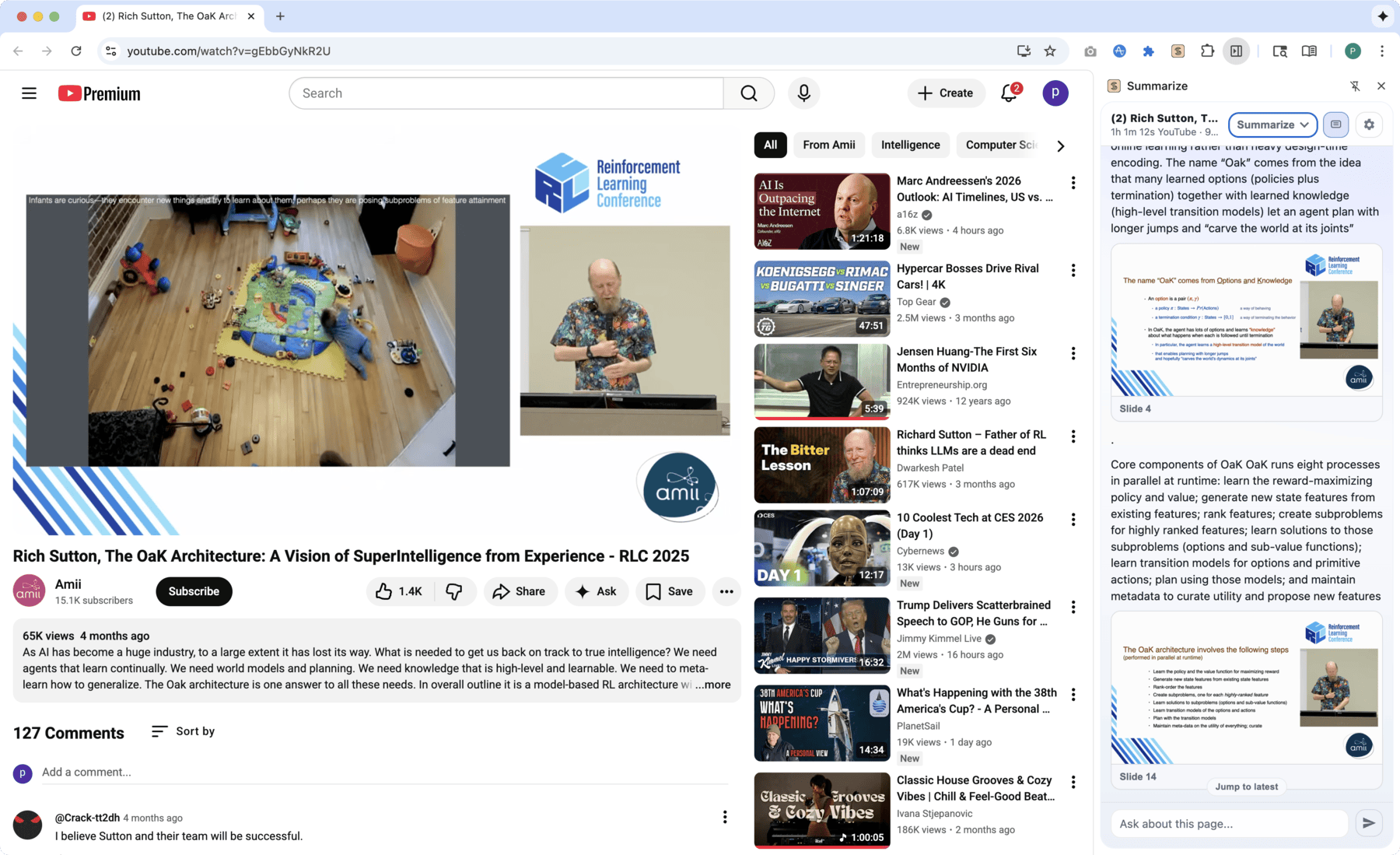
Да, пакет @steipete/summarize-core открывает логику извлечения содержимого и промптов для программного использования без зависимостей от CLI.Может ли оно делать краткое изложение слайдов видео, а не только расшифровок?Да, флаг --slides создаёт кадры видео по сценам с необязательным OCR и выводом с временными метками.
Да, флаг --slides создаёт кадры видео по сценам с необязательным OCR и выводом с временными метками.Как связать расширение для браузера с CLI?Скопируйте токен сопряжения, который показывает расширение, и выполните соответствующую команду CLI, чтобы подключить установленный CLI к вспомогательному демону.
Скопируйте токен сопряжения, который показывает расширение, и выполните соответствующую команду CLI, чтобы подключить установленный CLI к вспомогательному демону.What are similar projects?open-codesign, opencodex, repomix, qiaomu-clipper, autoclip, karakeep, aichat, chubbyskills
open-codesign, opencodex, repomix, qiaomu-clipper, autoclip, karakeep, aichat, chubbyskillsWhich topics is it in?podcast, transcription, firefox-extension, openrouter, github-copilot, youtube, chrome-extension, ocr, openai-compatible, ollama, pdf, gemini
podcast, transcription, firefox-extension, openrouter, github-copilot, youtube, chrome-extension, ocr, openai-compatible, ollama, pdf, gemini