







 Windows
 macOS
macOS Linux
Linux Docker
What is this?
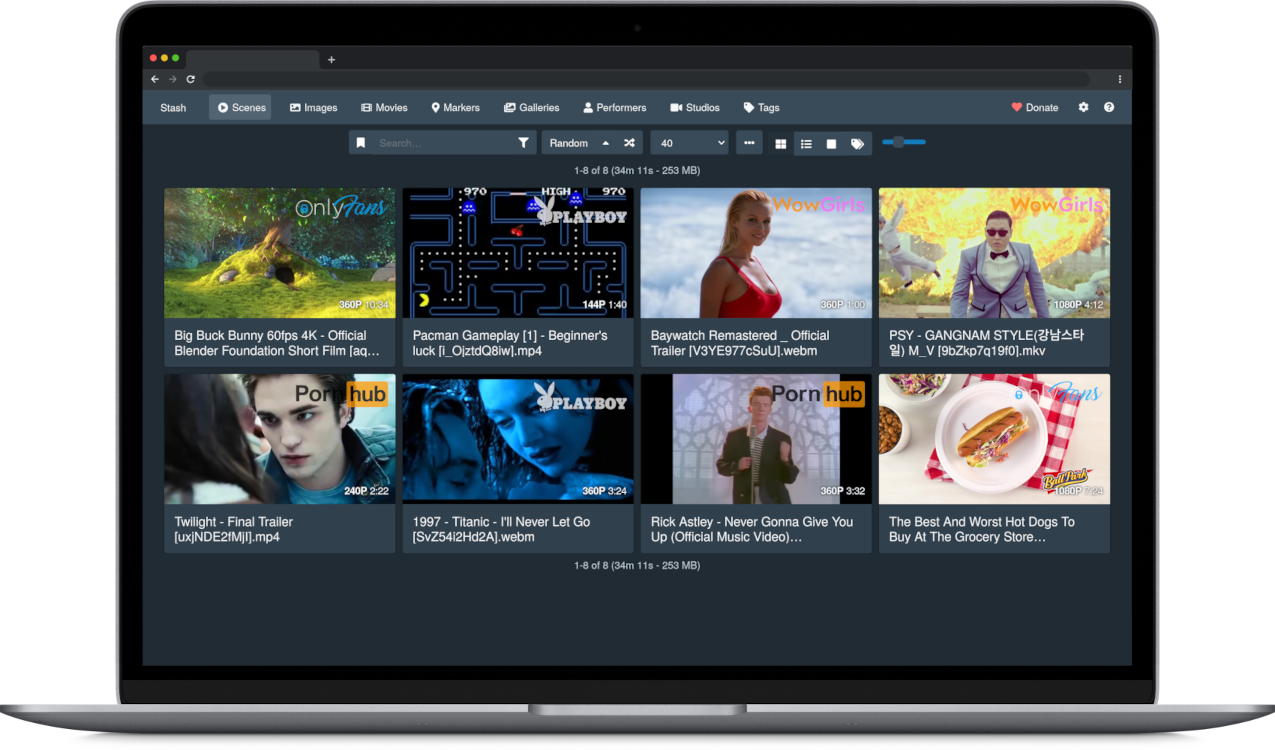
 Stash is a self-hosted webapp written in Go that organizes and serves your personal video/image collection (SFW or NSFW), pulling in metadata like performers, tags, and studios from online scrapers.
Stash is a self-hosted webapp written in Go that organizes and serves your personal video/image collection (SFW or NSFW), pulling in metadata like performers, tags, and studios from online scrapers.Is this a desktop program or something I run as a server and open in a browser?It runs as a local server you launch (native binary or Docker), and you interact with it through a web browser interface rather than a native desktop window.
It runs as a local server you launch (native binary or Docker), and you interact with it through a web browser interface rather than a native desktop window.How do I get Stash running?Download the prebuilt binary for Windows, macOS, or Linux from the Releases page, or deploy it with the provided docker-compose.yml; once running, open the web UI and point it at your media folders to scan them.
Download the prebuilt binary for Windows, macOS, or Linux from the Releases page, or deploy it with the provided docker-compose.yml; once running, open the web UI and point it at your media folders to scan them.Do I need to install FFmpeg myself?Stash requires FFmpeg, but if it is missing Stash will prompt you to download a copy during setup; Linux users are advised to install it via their distro's package manager instead.
Stash requires FFmpeg, but if it is missing Stash will prompt you to download a copy during setup; Linux users are advised to install it via their distro's package manager instead.Are there OS version requirements I should know about before installing?Yes: since v0.27.0 Stash dropped support for Windows 7/8/Server 2008/2012 (Windows 10 or Server 2016+ required), and since v0.32.0 it requires macOS 12 Monterey or later.
Yes: since v0.27.0 Stash dropped support for Windows 7/8/Server 2008/2012 (Windows 10 or Server 2016+ required), and since v0.32.0 it requires macOS 12 Monterey or later.How does Stash figure out performers, tags, and studios for my files?It uses scrapers that pull metadata from sites and databases, with StashDB (a crowd-sourced community database run on the open-source stash-box software) as the main canonical source, plus several other community-run stash-box instances for niche content.
It uses scrapers that pull metadata from sites and databases, with StashDB (a crowd-sourced community database run on the open-source stash-box software) as the main canonical source, plus several other community-run stash-box instances for niche content.Can I add more scrapers or extend Stash beyond what's built in?Yes, community-maintained scrapers, plugins, and themes can be downloaded and installed directly from within Stash's Settings menu, or found in the CommunityScrapers repository.
Yes, community-maintained scrapers, plugins, and themes can be downloaded and installed directly from within Stash's Settings menu, or found in the CommunityScrapers repository.What file types does Stash actually organize?Stash supports a wide variety of both video and image formats, letting you tag content and browse statistics across performers, tags, and studios.
Stash supports a wide variety of both video and image formats, letting you tag content and browse statistics across performers, tags, and studios.Is there an in-app help if I get stuck?Yes, pressing Shift+? inside the app opens an in-app manual, and there's also an official documentation site, FAQ, and community wiki.
Yes, pressing Shift+? inside the app opens an in-app manual, and there's also an official documentation site, FAQ, and community wiki.What are similar projects?livego, amane, mediamtx, go2rtc, livekit, ffmpeg-libav-tutorial, ConvertX, moviepy
livego, amane, mediamtx, go2rtc, livekit, ffmpeg-libav-tutorial, ConvertX, moviepyWhich topics is it in?media-server, metadata, media, graphql, video-processing, ffmpeg, image-processing, json, golang, video, hacktoberfest, plugin
media-server, metadata, media, graphql, video-processing, ffmpeg, image-processing, json, golang, video, hacktoberfest, plugin