







 Claude Code
 Muse
Muse DeepSeek Harness
 ZCode
ZCode OpenClaude
 Pi
Pi oh-my-pi
 Freebuff
 Droid
Droid Kilocode
这是什么?
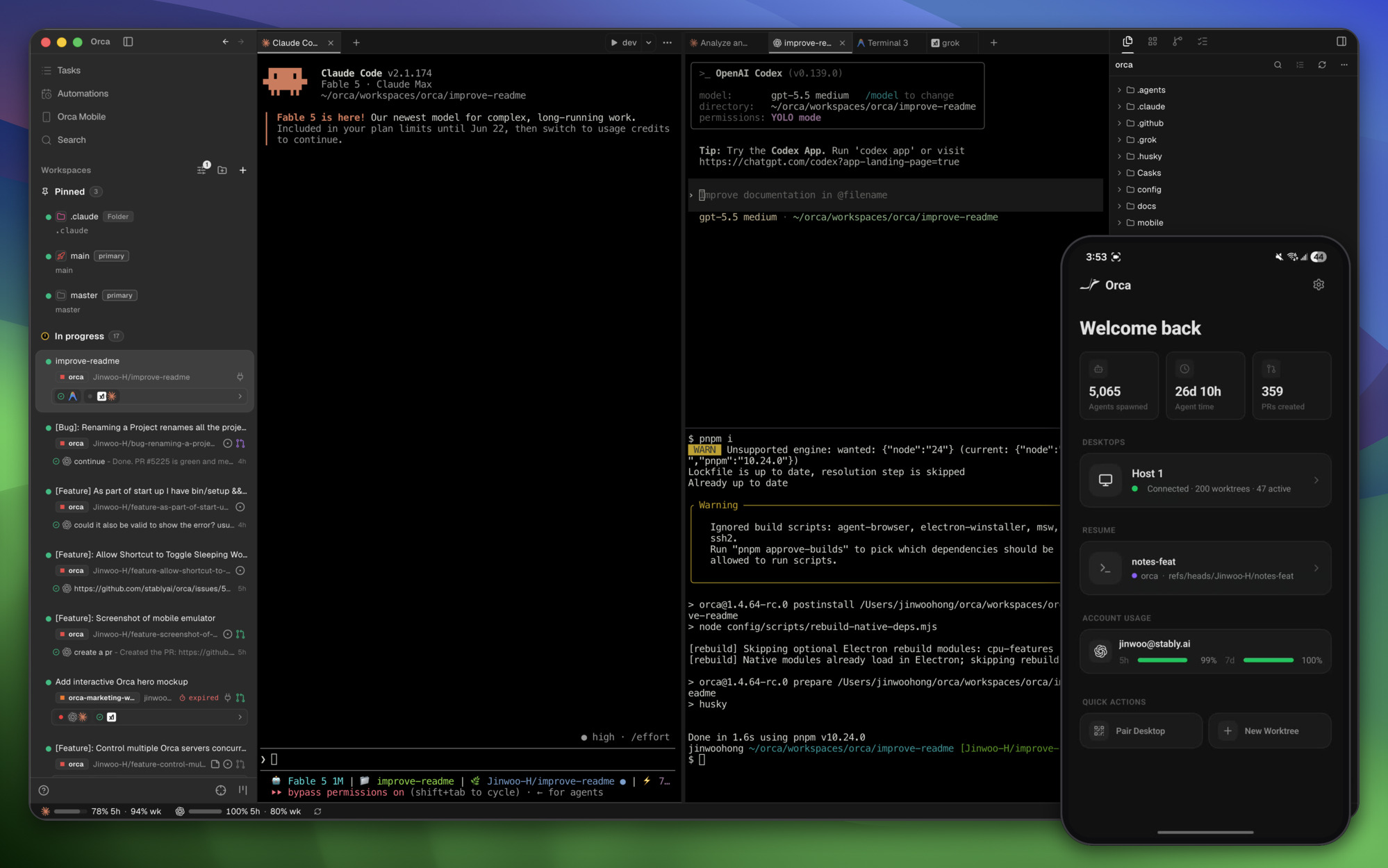
 Orca 是一个 AI 编排器(ADE),用于同时运行一组并行的编程智能体,例如 Claude Code、Codex、OpenCode 或 Pi。每个智能体都有自己的 git worktree,并且全部可以在同一个地方统一管理。
Orca 是一个 AI 编排器(ADE),用于同时运行一组并行的编程智能体,例如 Claude Code、Codex、OpenCode 或 Pi。每个智能体都有自己的 git worktree,并且全部可以在同一个地方统一管理。这是桌面版 IDE,还是只是个命令行封装?它是一款完整的桌面应用,支持 macOS、Windows 和 Linux,自带终端、浏览器和 worktree 界面,还配有一个配套命令行工具(orca worktree create、snapshot、click、fill),以及用于远程监控智能体的 iOS 和 Android 移动应用。
它是一款完整的桌面应用,支持 macOS、Windows 和 Linux,自带终端、浏览器和 worktree 界面,还配有一个配套命令行工具(orca worktree create、snapshot、click、fill),以及用于远程监控智能体的 iOS 和 Android 移动应用。怎么安装 Orca?可以从 onOrca.dev 下载桌面版,也可以直接下载对应平台的安装包(macOS Apple Silicon/Intel、Windows .exe、Linux AppImage),或者通过包管理器安装。移动端配套应用可以在 App Store/TestFlight 获取,Android 版则提供 APK 安装包。
可以从 onOrca.dev 下载桌面版,也可以直接下载对应平台的安装包(macOS Apple Silicon/Intel、Windows .exe、Linux AppImage),或者通过包管理器安装。移动端配套应用可以在 App Store/TestFlight 获取,Android 版则提供 APK 安装包。Orca 支持哪些编程智能体?凡是能在终端里运行的命令行智能体都可以用,包括 Claude Code、Codex、Grok、Cursor、GitHub Copilot、OpenCode、Pi、Devin、Goose 和 Cline。每个智能体都需要你自己的订阅或账号。
凡是能在终端里运行的命令行智能体都可以用,包括 Claude Code、Codex、Grok、Cursor、GitHub Copilot、OpenCode、Pi、Devin、Goose 和 Cline。每个智能体都需要你自己的订阅或账号。安装时有什么需要留意的地方吗?如果要在 Linux 服务器上以无界面方式运行 Orca,需要参考专门的 'orca serve' 无头模式指南,而不是常规的桌面版安装方法。另外,Android 配套应用只能以 APK 直接安装,不在 Play 商店发布。
如果要在 Linux 服务器上以无界面方式运行 Orca,需要参考专门的 'orca serve' 无头模式指南,而不是常规的桌面版安装方法。另外,Android 配套应用只能以 APK 直接安装,不在 Play 商店发布。Orca 会把我的数据发送到别处吗?Orca 默认会收集匿名使用遥测数据,但会公开文档,说明具体收集了哪些内容以及如何退出。
Orca 默认会收集匿名使用遥测数据,但会公开文档,说明具体收集了哪些内容以及如何退出。什么是 Design Mode?Design Mode 让你在真实的 Chromium 窗口里点击任意界面元素,然后把它的 HTML、CSS 以及裁剪后的截图直接发送到智能体的提示词中。
Design Mode 让你在真实的 Chromium 窗口里点击任意界面元素,然后把它的 HTML、CSS 以及裁剪后的截图直接发送到智能体的提示词中。我能在远程服务器上而不是自己的笔记本上运行智能体吗?可以。SSH Worktrees 让你在远程机器上运行智能体,同时支持完整的文件编辑、git 和终端操作,并内置自动重连和端口转发。
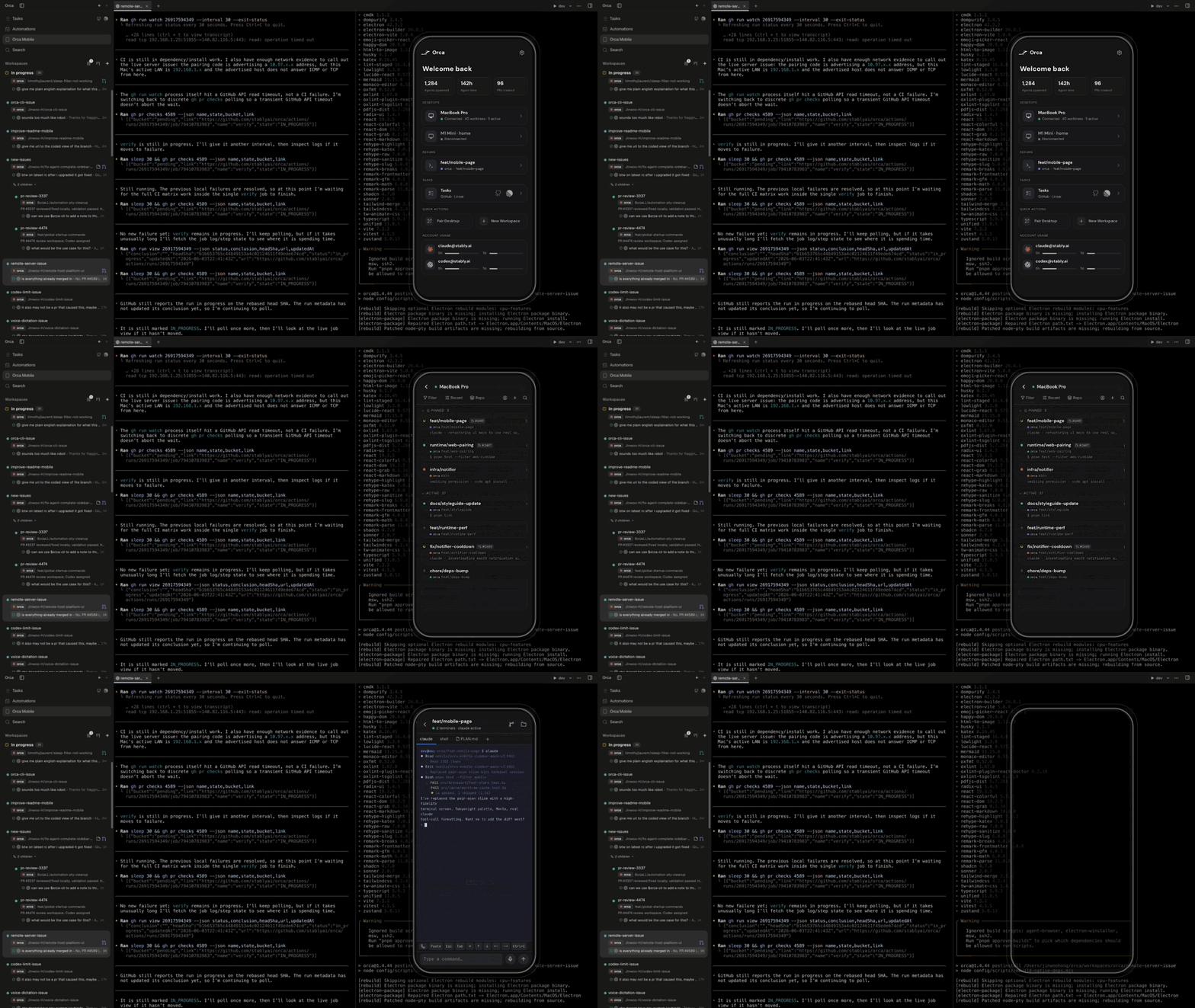
可以。SSH Worktrees 让你在远程机器上运行智能体,同时支持完整的文件编辑、git 和终端操作,并内置自动重连和端口转发。移动端配套应用具体能做什么?它与你桌面端的 Orca 配对,智能体完成任务时会通知你,还可以让你用手机发送后续指令。
它与你桌面端的 Orca 配对,智能体完成任务时会通知你,还可以让你用手机发送后续指令。Orca 如何帮我对比不同智能体的输出?Parallel Worktrees 会把同一个提示词分发给多个智能体,每个智能体都在各自独立的 git worktree 中运行,方便你比较结果并合并最优的那个。
Parallel Worktrees 会把同一个提示词分发给多个智能体,每个智能体都在各自独立的 git worktree 中运行,方便你比较结果并合并最优的那个。Which topics is it in?ade, ghostty, grok-bot, worktrees, muse, parallel-agents, pi, bot, hermes-agent, computer-use, runtime, devtools
ade, ghostty, grok-bot, worktrees, muse, parallel-agents, pi, bot, hermes-agent, computer-use, runtime, devtools