
24.4K ·GitHub
Что это такое?
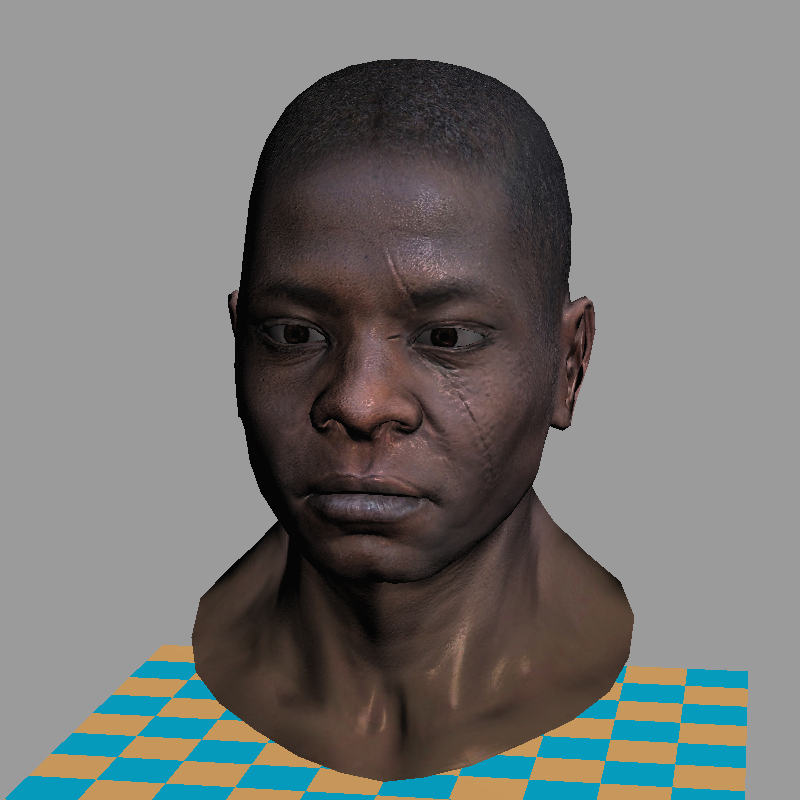
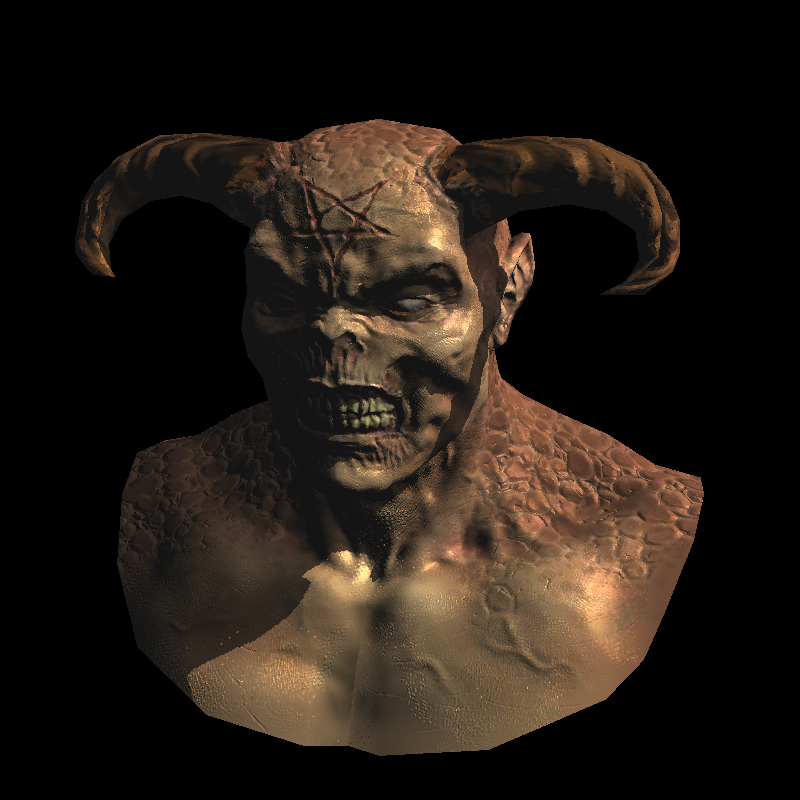
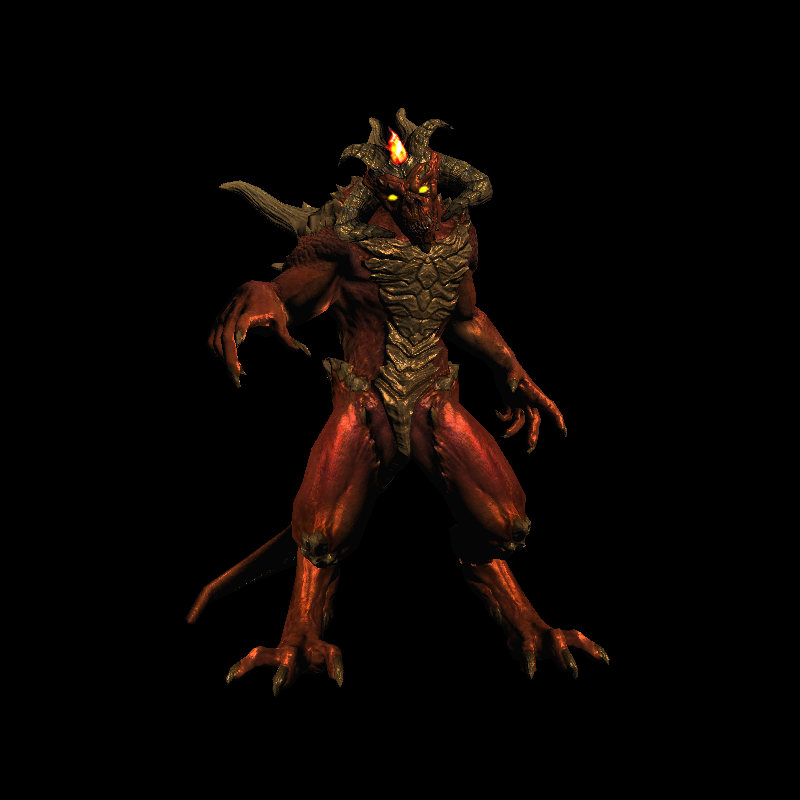
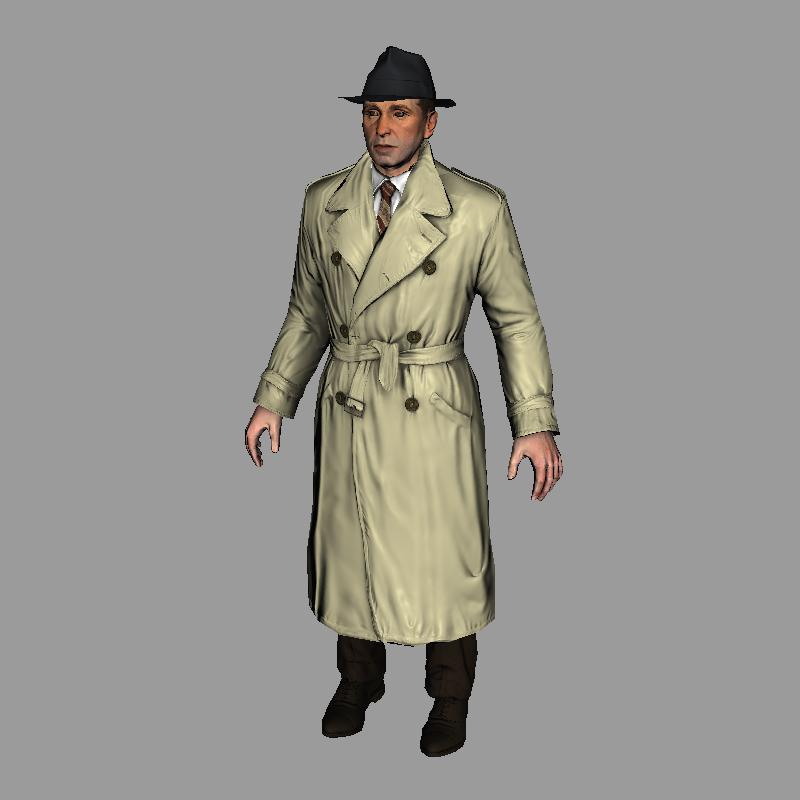
 Это «tinyrenderer» — практический курс по компьютерной графике, в котором вы с нуля пишете программный 3D-рендерер примерно на 500 строках C++ и понимаете, как на самом деле устроены OpenGL, Vulkan, Metal и DirectX.
Это «tinyrenderer» — практический курс по компьютерной графике, в котором вы с нуля пишете программный 3D-рендерер примерно на 500 строках C++ и понимаете, как на самом деле устроены OpenGL, Vulkan, Metal и DirectX.Это готовый рендерер или курс, по которому я занимаюсь?Это учебный проект, а не библиотека: вы проходите 14 коротких конспектов лекций и пишете код рендерера сами, используя эталонный код автора только как ориентир, а не как готовое решение для запуска.
Это учебный проект, а не библиотека: вы проходите 14 коротких конспектов лекций и пишете код рендерера сами, используя эталонный код автора только как ориентир, а не как готовое решение для запуска.Как начать курс?Возьмите минимальный стартовый код, который предоставляет автор (один класс для работы с TGA и пустой буфер кадра 64x64), и идите по конспектам лекций шаг за шагом, самостоятельно реализуя на C++ рисование линий, растеризацию треугольников, затенение и остальное.
Возьмите минимальный стартовый код, который предоставляет автор (один класс для работы с TGA и пустой буфер кадра 64x64), и идите по конспектам лекций шаг за шагом, самостоятельно реализуя на C++ рисование линий, растеризацию треугольников, затенение и остальное.Нужны ли мне графические библиотеки, чтобы пройти курс?Нет, сторонние и графические библиотеки не используются: всё, от установки пикселя до рисования линий и треугольников, реализуется вручную на обычном C++, а для загрузки и сохранения изображений есть только небольшой встроенный класс для TGA.
Нет, сторонние и графические библиотеки не используются: всё, от установки пикселя до рисования линий и треугольников, реализуется вручную на обычном C++, а для загрузки и сохранения изображений есть только небольшой встроенный класс для TGA.Есть ли у рендерера окно или графический интерфейс, с которым можно работать?Нет, графического интерфейса вообще нет: каждый запуск只 вычисляет пиксели и записывает на диск статичное изображение в формате TGA, без живого превью и интерактивности.
Нет, графического интерфейса вообще нет: каждый запуск只 вычисляет пиксели и записывает на диск статичное изображение в формате TGA, без живого превью и интерактивности.Для кого этот курс?Он рассчитан на программистов, которые хотят понимать устройство 3D-графики изнутри, а не просто пользоваться API; автор отмечает, что студентам обычно нужно от 10 до 20 часов программирования, чтобы получить работающий рендерер.
Он рассчитан на программистов, которые хотят понимать устройство 3D-графики изнутри, а не просто пользоваться API; автор отмечает, что студентам обычно нужно от 10 до 20 часов программирования, чтобы получить работающий рендерер.Какие темы охватывает курс из 14 частей?Курс идёт от алгоритма Брезенхэма для отрисовки линий и растеризации треугольников через барицентрические координаты, отсечение невидимых граней, работу с камерой, затенение, нормал-маппинг в касательном пространстве, карты теней и непрямое и мультяшное освещение.
Курс идёт от алгоритма Брезенхэма для отрисовки линий и растеризации треугольников через барицентрические координаты, отсечение невидимых граней, работу с камерой, затенение, нормал-маппинг в касательном пространстве, карты теней и непрямое и мультяшное освещение.Зачем писать программный рендерер вместо того, чтобы просто использовать OpenGL?По мнению автора, понимание того, как работают растеризация и затенение изнутри, необходимо, чтобы потом писать эффективные реальные GPU-приложения.
По мнению автора, понимание того, как работают растеризация и затенение изнутри, необходимо, чтобы потом писать эффективные реальные GPU-приложения.В каком формате сохраняются изображения?Изображения сохраняются в формате TGA: автор выбрал его, потому что это один из самых простых форматов, который при этом поддерживает данные RGB, RGBA и оттенки серого.
Изображения сохраняются в формате TGA: автор выбрал его, потому что это один из самых простых форматов, который при этом поддерживает данные RGB, RGBA и оттенки серого.Можно ли просто взять исходный код, который предоставляет автор?Можно, но автор прямо не рекомендует этого делать: смысл курса в том, чтобы вы сами написали около 500 строк, а не копировали готовый рендерер.
Можно, но автор прямо не рекомендует этого делать: смысл курса в том, чтобы вы сами написали около 500 строк, а не копировали готовый рендерер.What are similar projects?LearnOpenGL, 3d-game-shaders-for-beginners, bgfx, filament, Vulkan, assimp, blender, Hazel
LearnOpenGL, 3d-game-shaders-for-beginners, bgfx, filament, Vulkan, assimp, blender, HazelWhich topics is it in?rendering-engine, images, shader, 3d-graphics, engine, fun, shaders, opengl, computer-graphics, c-plus-plus, rendering, course
rendering-engine, images, shader, 3d-graphics, engine, fun, shaders, opengl, computer-graphics, c-plus-plus, rendering, course