





6.8K ·GitHub
What is this?
 SpotiFLAC Mobile is an open-source Android and iOS app for downloading music in lossless FLAC quality from multiple sources, with a Flutter UI and a Go backend, no ads and no subscription.
SpotiFLAC Mobile is an open-source Android and iOS app for downloading music in lossless FLAC quality from multiple sources, with a Flutter UI and a Go backend, no ads and no subscription.Is there a desktop version too, or is this mobile-only?This is the mobile (Android/iOS) app; a separate project called SpotiFLAC Desktop handles lossless FLAC downloads on Windows, macOS and Linux, and there's also a Python module maintained by a community contributor.
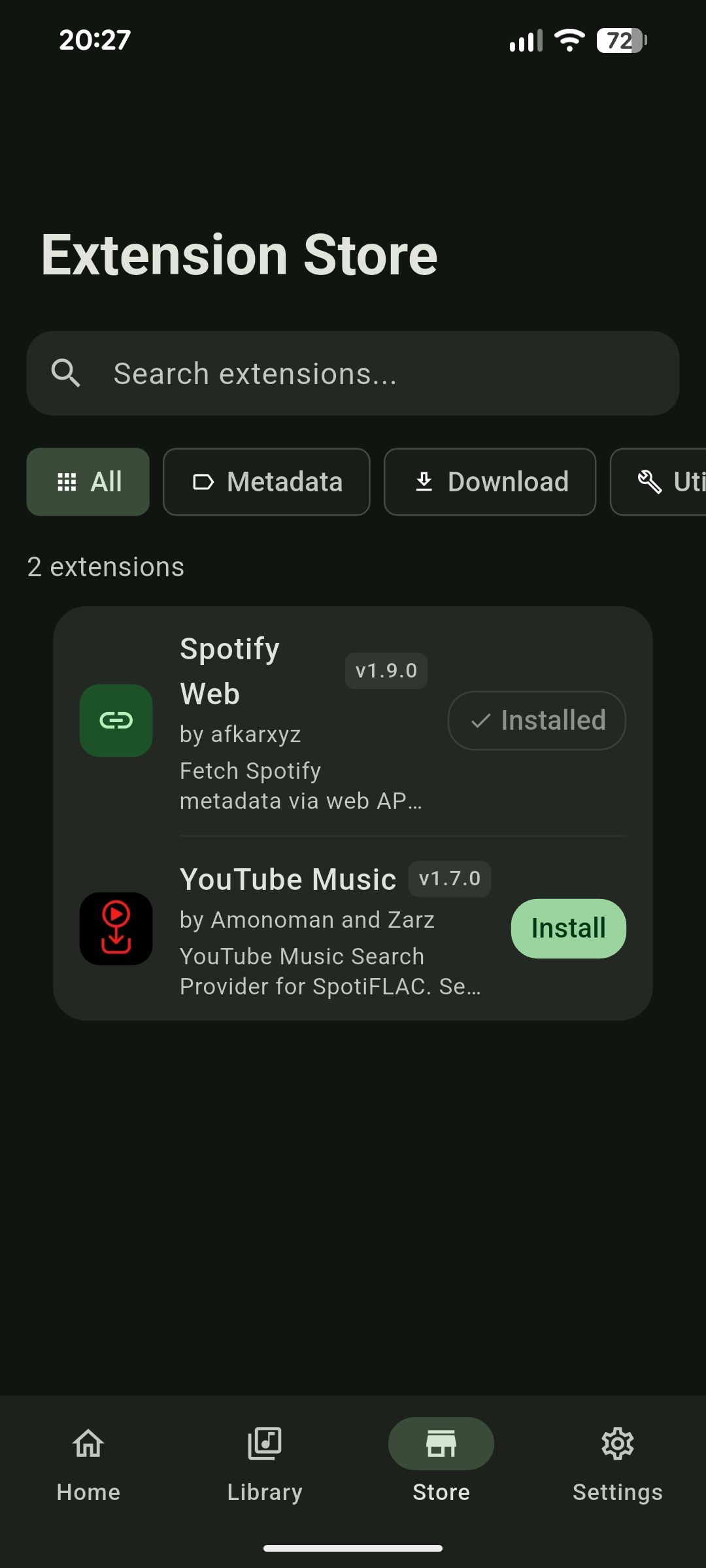
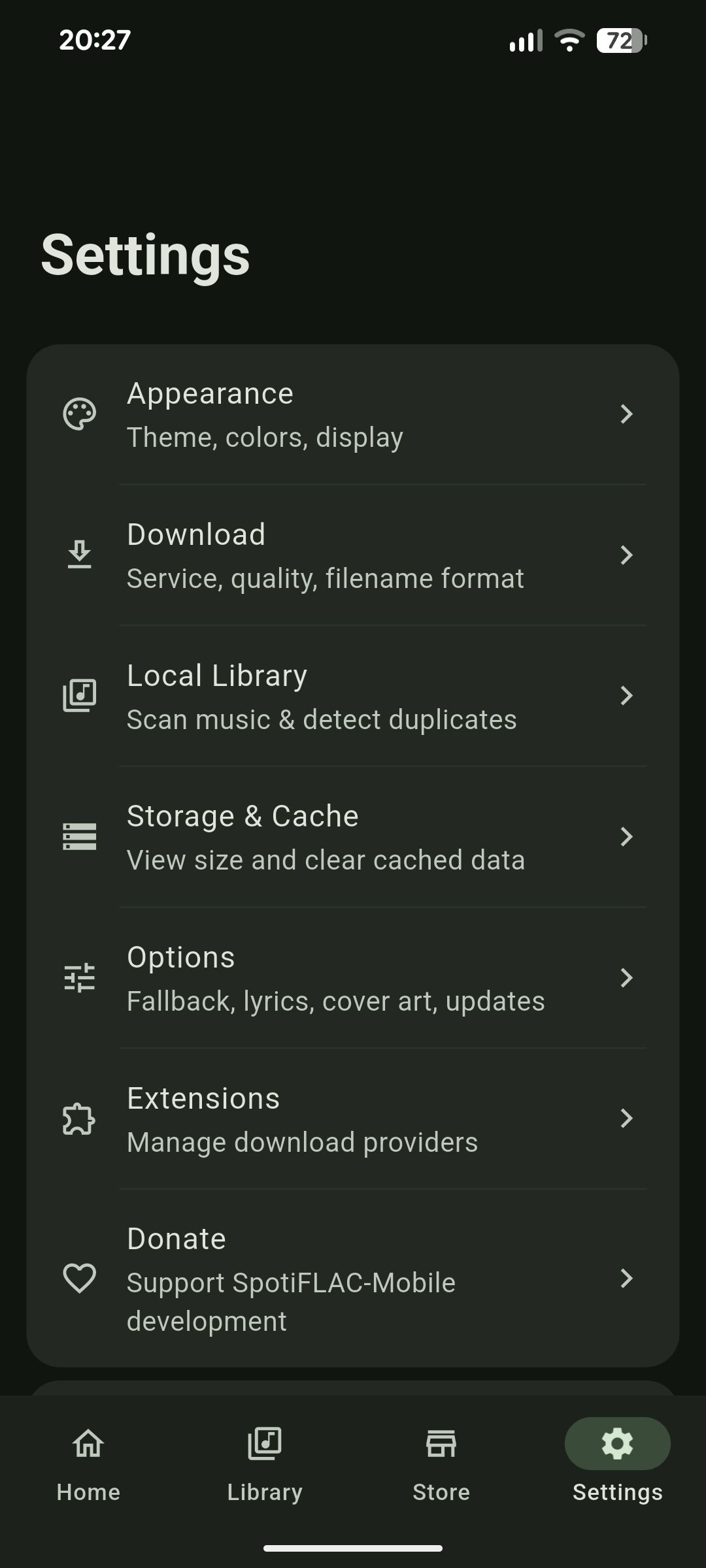
This is the mobile (Android/iOS) app; a separate project called SpotiFLAC Desktop handles lossless FLAC downloads on Windows, macOS and Linux, and there's also a Python module maintained by a community contributor.How do I get music sources working in the app?Open the Store tab, enter an Extension Repository URL on first launch, then browse and install download extensions with one tap (or sideload a .spotiflac-ext file via Settings > Extensions).
Open the Store tab, enter an Extension Repository URL on first launch, then browse and install download extensions with one tap (or sideload a .spotiflac-ext file via Settings > Extensions).Do I need to install anything before I can download songs?Yes - the app has no built-in music source; extensions that provide downloads are hosted independently and must be installed from a repository URL before search and downloads work.
Yes - the app has no built-in music source; extensions that provide downloads are hosted independently and must be installed from a repository URL before search and downloads work.Does downloading always work?No - a track can fail with 'Song not found' if it isn't available from your enabled providers, and the quality you get depends on what the installed extension's source offers.
No - a track can fail with 'Song not found' if it isn't available from your enabled providers, and the quality you get depends on what the installed extension's source offers.How do I install it on iOS since it's not on the App Store?iOS users sideload the app by adding the official source to AltStore or SideStore, which also delivers in-app updates afterward.
iOS users sideload the app by adding the official source to AltStore or SideStore, which also delivers in-app updates afterward.Is it legal and safe to use?The project is MIT licensed and open source so its code and build workflows can be inspected, but it explicitly disclaims hosting any copyrighted content and says the app is provided for educational and research purposes, leaving legal use up to the user.
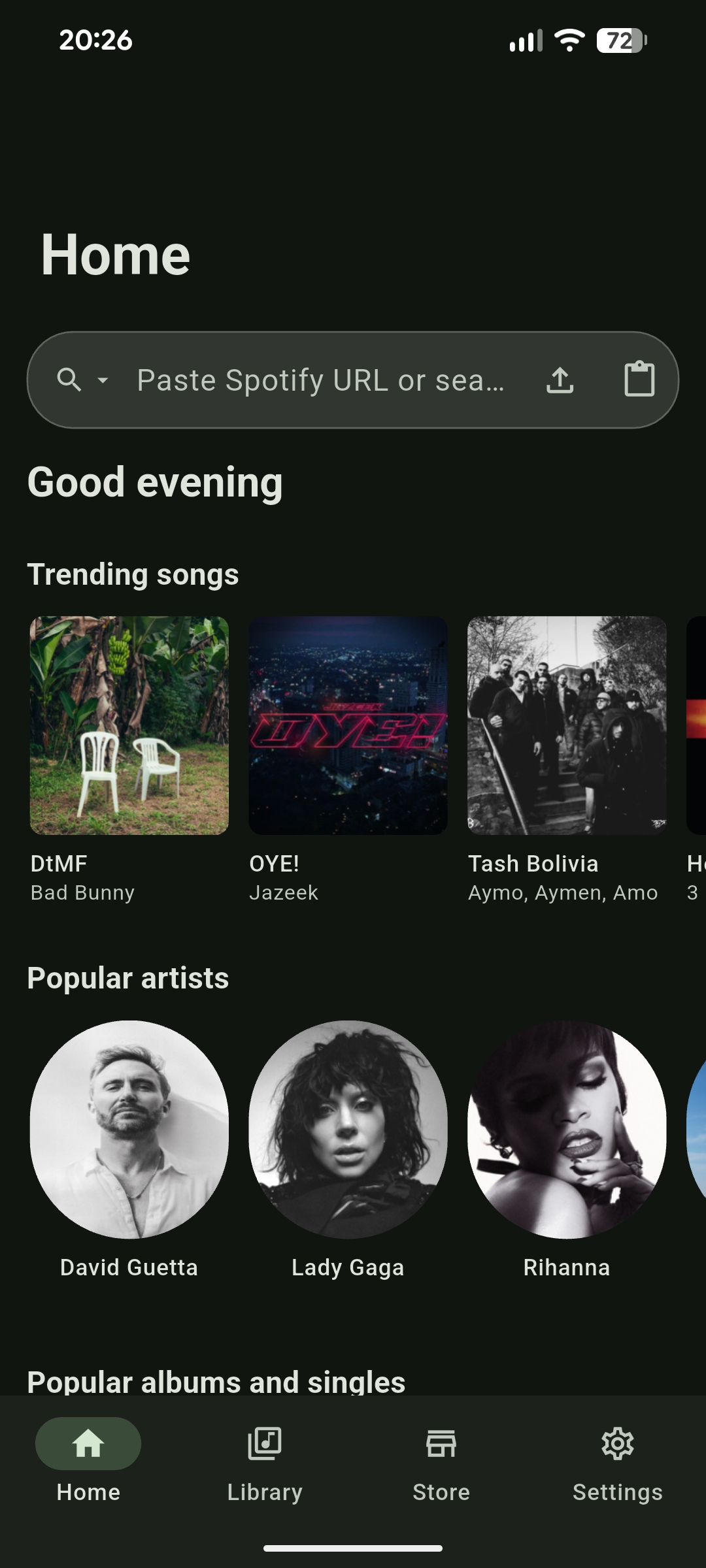
The project is MIT licensed and open source so its code and build workflows can be inspected, but it explicitly disclaims hosting any copyrighted content and says the app is provided for educational and research purposes, leaving legal use up to the user.Can I download entire playlists, not just single tracks?Yes - paste a playlist URL into the search bar and the app queues every track in it for download.
Yes - paste a playlist URL into the search bar and the app queues every track in it for download.Why might downloads fail in my country?Some countries block the streaming service APIs the extensions rely on, so the FAQ suggests connecting through a VPN to a different region if downloads keep failing.
Some countries block the streaming service APIs the extensions rely on, so the FAQ suggests connecting through a VPN to a different region if downloads keep failing.What happens if a music source stops working?Since sources live in independently hosted extensions rather than inside the app, the community can fix or replace a broken provider without waiting for an app update.
Since sources live in independently hosted extensions rather than inside the app, the community can fix or replace a broken provider without waiting for an app update.What are similar projects?spotube, openspot-music-app, SpotiFLAC, SpotiFLAC-Next, BitChord, mangayomi, venera, dart_simple_live
spotube, openspot-music-app, SpotiFLAC, SpotiFLAC-Next, BitChord, mangayomi, venera, dart_simple_liveWhich topics is it in?lossless, flac, music-downloader, piracy, extension, dart, flutter, downloader, music, censorship-circumvention, app, mobile-app
lossless, flac, music-downloader, piracy, extension, dart, flutter, downloader, music, censorship-circumvention, app, mobile-app