
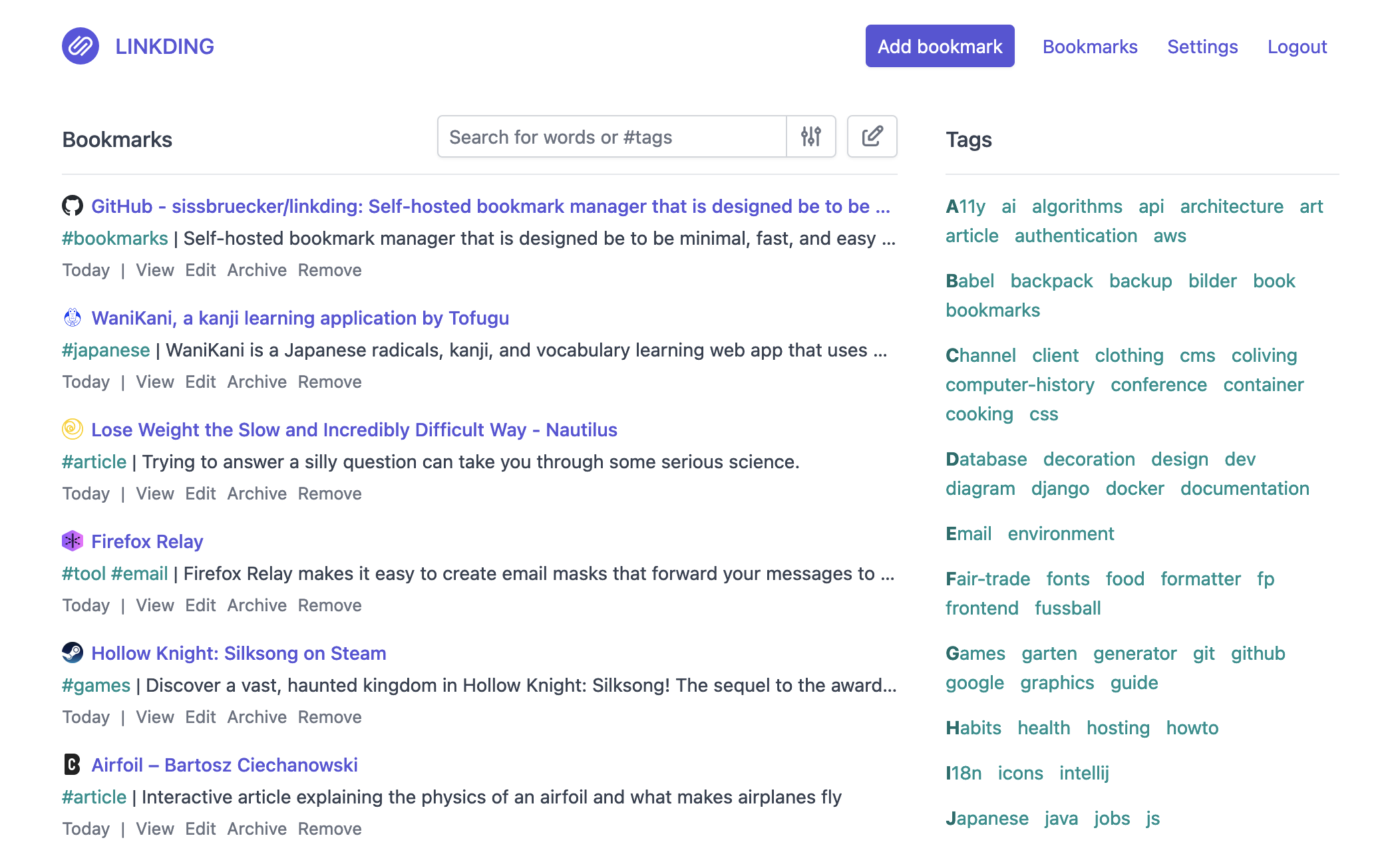

What is this?
 Linkding is a self-hosted bookmark manager built to be minimal, fast, and quick to set up with Docker, so you keep full control of your own bookmarks instead of relying on a third-party service.
Linkding is a self-hosted bookmark manager built to be minimal, fast, and quick to set up with Docker, so you keep full control of your own bookmarks instead of relying on a third-party service.Is this a web app I run myself, or something installed on my device?It's a self-hosted web application built on Django that you run on your own server; the Firefox/Chrome extensions and bookmarklet are just lightweight clients that send bookmarks into it.
It's a self-hosted web application built on Django that you run on your own server; the Firefox/Chrome extensions and bookmarklet are just lightweight clients that send bookmarks into it.How do I get it running?You deploy linkding with Docker on your own server (or use a managed hosting option), then optionally install the matching browser extension to save bookmarks directly from Firefox or Chrome.
You deploy linkding with Docker on your own server (or use a managed hosting option), then optionally install the matching browser extension to save bookmarks directly from Firefox or Chrome.Do I need anything beyond Docker to run it?For normal use, just Docker (or Docker Compose) on your server is enough. Building from source yourself requires Python 3.13, uv, and Node.js.
For normal use, just Docker (or Docker Compose) on your server is enough. Building from source yourself requires Python 3.13, uv, and Node.js.Where does my bookmark data actually live?Since linkding is self-hosted, all your bookmarks, tags, and archived pages stay on the server you run it on rather than in a third-party cloud.
Since linkding is self-hosted, all your bookmarks, tags, and archived pages stay on the server you run it on rather than in a third-party cloud.Can it keep working copies of pages in case links go dead?Yes, linkding can automatically archive bookmarked pages either as a local HTML file or by submitting them to the Internet Archive.
Yes, linkding can automatically archive bookmarked pages either as a local HTML file or by submitting them to the Internet Archive.What happens to titles and icons when I save a URL?linkding automatically fetches and stores the title, description, and favicon of each bookmarked site for you.
linkding automatically fetches and stores the title, description, and favicon of each bookmarked site for you.Can other people see or use my bookmarks?You can share individual bookmarks with other users or with guests, and the app supports SSO via OIDC or an authentication proxy for access control.
You can share individual bookmarks with other users or with guests, and the app supports SSO via OIDC or an authentication proxy for access control.Can I bring in bookmarks from another bookmark manager?Yes, linkding supports import and export of bookmarks in the standard Netscape HTML format used by most browsers and bookmark tools.
Yes, linkding supports import and export of bookmarks in the standard Netscape HTML format used by most browsers and bookmark tools.What are similar projects?karakeep, omnivore, edgeever, docs, memos, ArchiveBox, planka, linkwarden
karakeep, omnivore, edgeever, docs, memos, ArchiveBox, planka, linkwardenWhich topics is it in?bookmarks, progressive-web-app, django, admin, oidc, firefox-extension, pwa, note-taking, chrome-extension, browser-extension, docker-compose, rest-api
bookmarks, progressive-web-app, django, admin, oidc, firefox-extension, pwa, note-taking, chrome-extension, browser-extension, docker-compose, rest-api