








Что это такое?
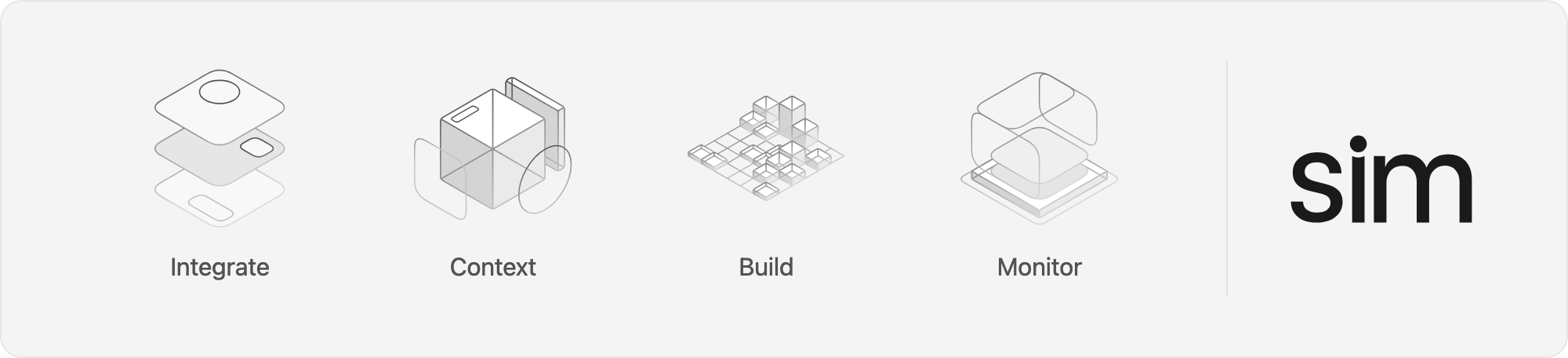
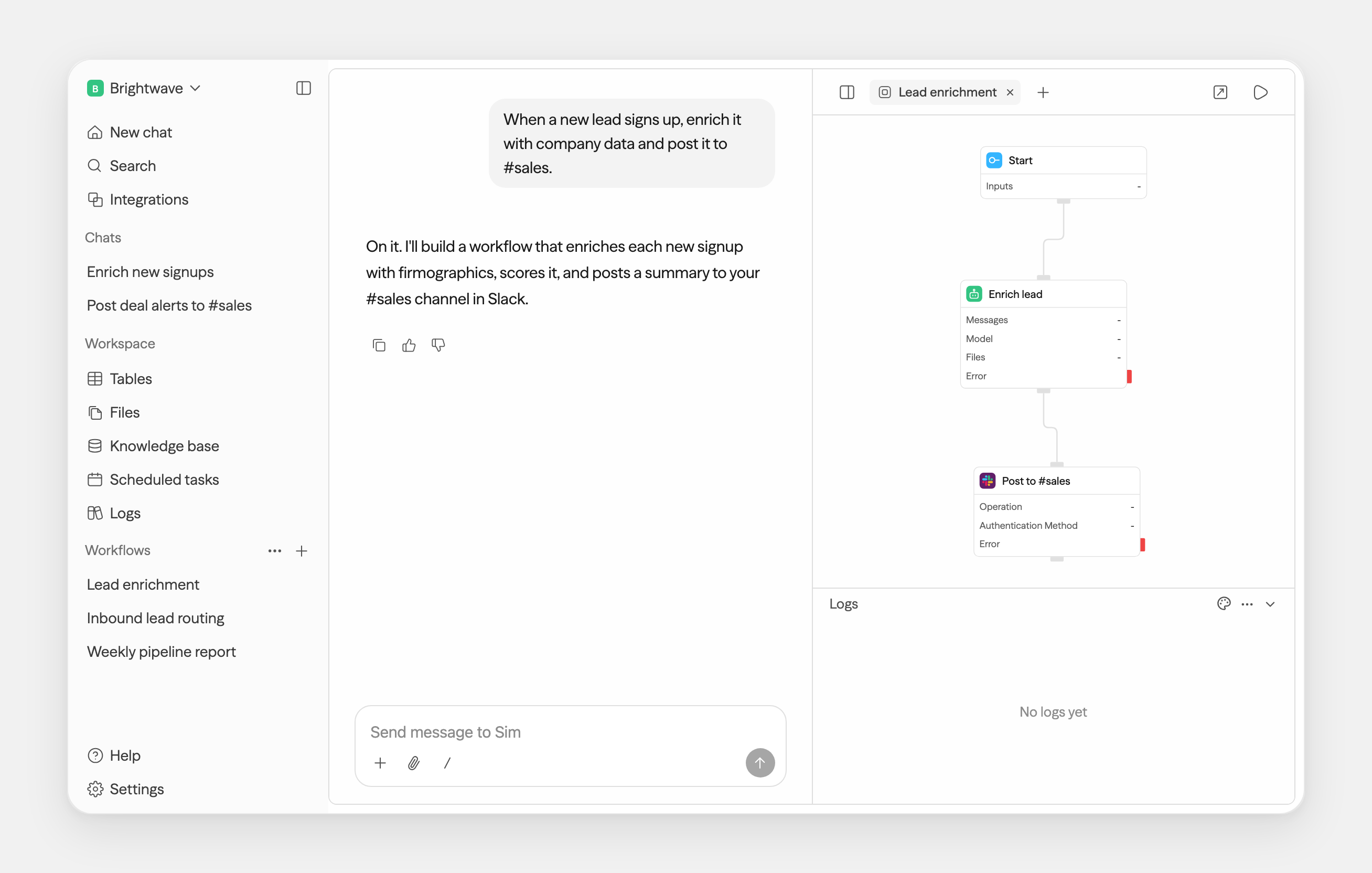
 Sim — это общее рабочее пространство для создания, развёртывания и мониторинга AI-агентов и рабочих процессов, которым пользуются более 100 000 разработчиков. Агентов можно собирать визуально, в чате или с помощью кода.
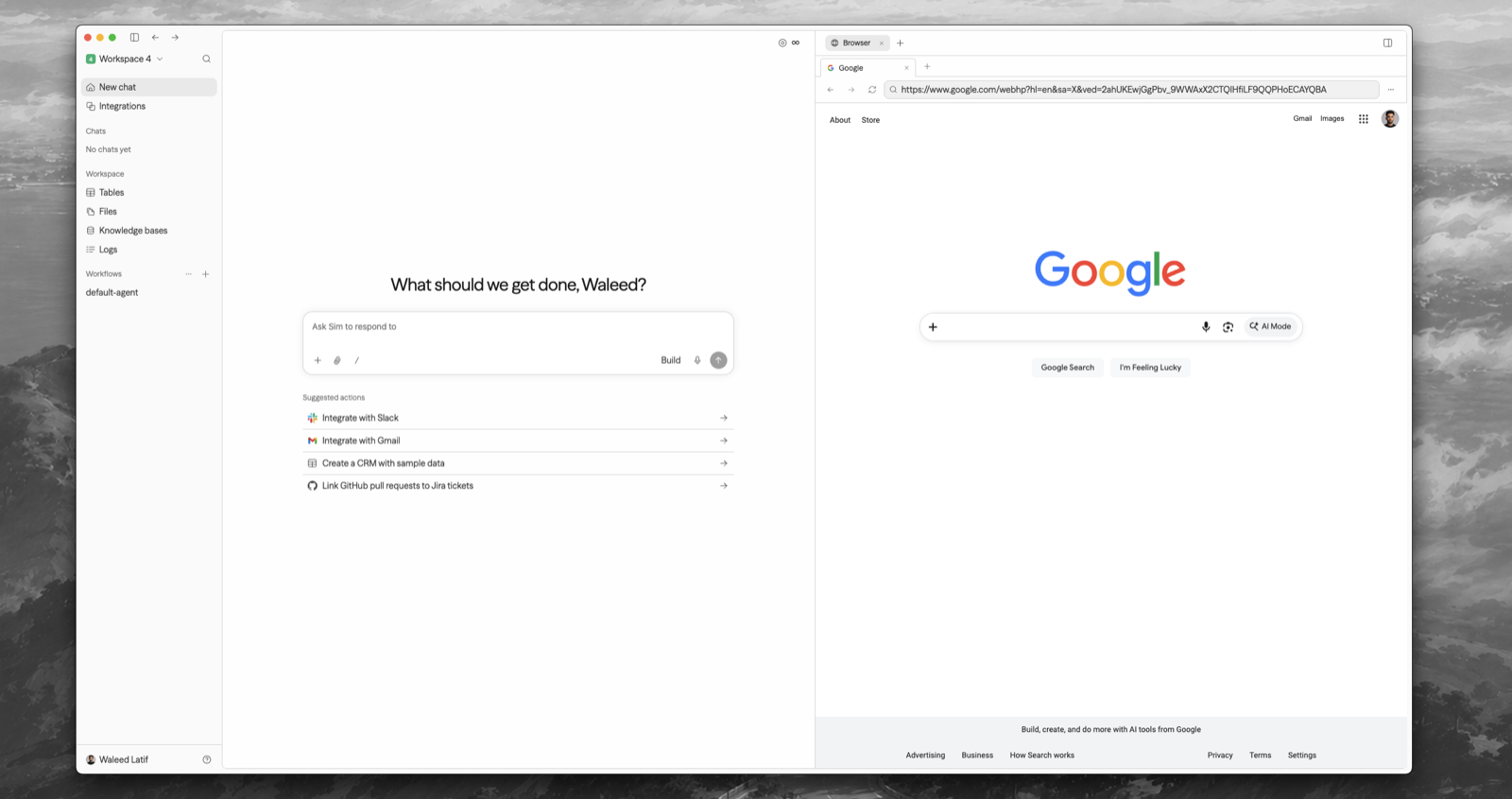
Sim — это общее рабочее пространство для создания, развёртывания и мониторинга AI-агентов и рабочих процессов, которым пользуются более 100 000 разработчиков. Агентов можно собирать визуально, в чате или с помощью кода.Это сайт, десктопное приложение или что-то, что я запускаю сам?И то, и другое, и третье. Есть облачная версия на sim.ai, open-source-развёртывание на своём сервере и десктопное приложение для macOS (12+, Apple Silicon и Intel), которое может работать с вашим собственным self-hosted-инстансом.
И то, и другое, и третье. Есть облачная версия на sim.ai, open-source-развёртывание на своём сервере и десктопное приложение для macOS (12+, Apple Silicon и Intel), которое может работать с вашим собственным self-hosted-инстансом.Как развернуть его на своём сервере?Установите Node.js 20+ и Docker, затем запустите 'npx sim-setup'. Мастер установки создаст папку sim/, подготовит базу данных, сгенерирует секреты, запишет .env и запустит всё через Docker Compose — клонировать репозиторий не нужно.
Установите Node.js 20+ и Docker, затем запустите 'npx sim-setup'. Мастер установки создаст папку sim/, подготовит базу данных, сгенерирует секреты, запишет .env и запустит всё через Docker Compose — клонировать репозиторий не нужно.Мне нужны платные API-ключи или можно подключить локальные модели?Подходит и то, и другое. Поддерживаются все крупные провайдеры LLM, а при развёртывании на своём сервере можно запускать и локальные модели через Ollama и vLLM.
Подходит и то, и другое. Поддерживаются все крупные провайдеры LLM, а при развёртывании на своём сервере можно запускать и локальные модели через Ollama и vLLM.Если я разверну его у себя, чат всё равно будет работать на серверах Sim?Да — Chat это сервис, управляемый Sim. Мастер установки сам подключит API-ключ для Chat (нужно просто войти в аккаунт, когда он откроет браузер); ключи можно посмотреть, создать или отозвать на sim.ai/selfhost/settings/chat-keys.
Да — Chat это сервис, управляемый Sim. Мастер установки сам подключит API-ключ для Chat (нужно просто войти в аккаунт, когда он откроет браузер); ключи можно посмотреть, создать или отозвать на sim.ai/selfhost/settings/chat-keys.С чем агенты могут работать из коробки?Более 1 000 интеграций и все крупные LLM — Slack, Notion, HubSpot, Salesforce, базы данных и не только. Агенты также могут использовать файлы, базы знаний и данные из структурированных таблиц в качестве контекста.
Более 1 000 интеграций и все крупные LLM — Slack, Notion, HubSpot, Salesforce, базы данных и не только. Агенты также могут использовать файлы, базы знаний и данные из структурированных таблиц в качестве контекста.Агент собирается перетаскиванием мышкой или написанием кода?Как вам удобнее: в README перечислены три способа — визуально, в диалоге или с помощью кода. В основе редактора сценариев лежит ReactFlow, поэтому визуальная сборка происходит на холсте с узлами.
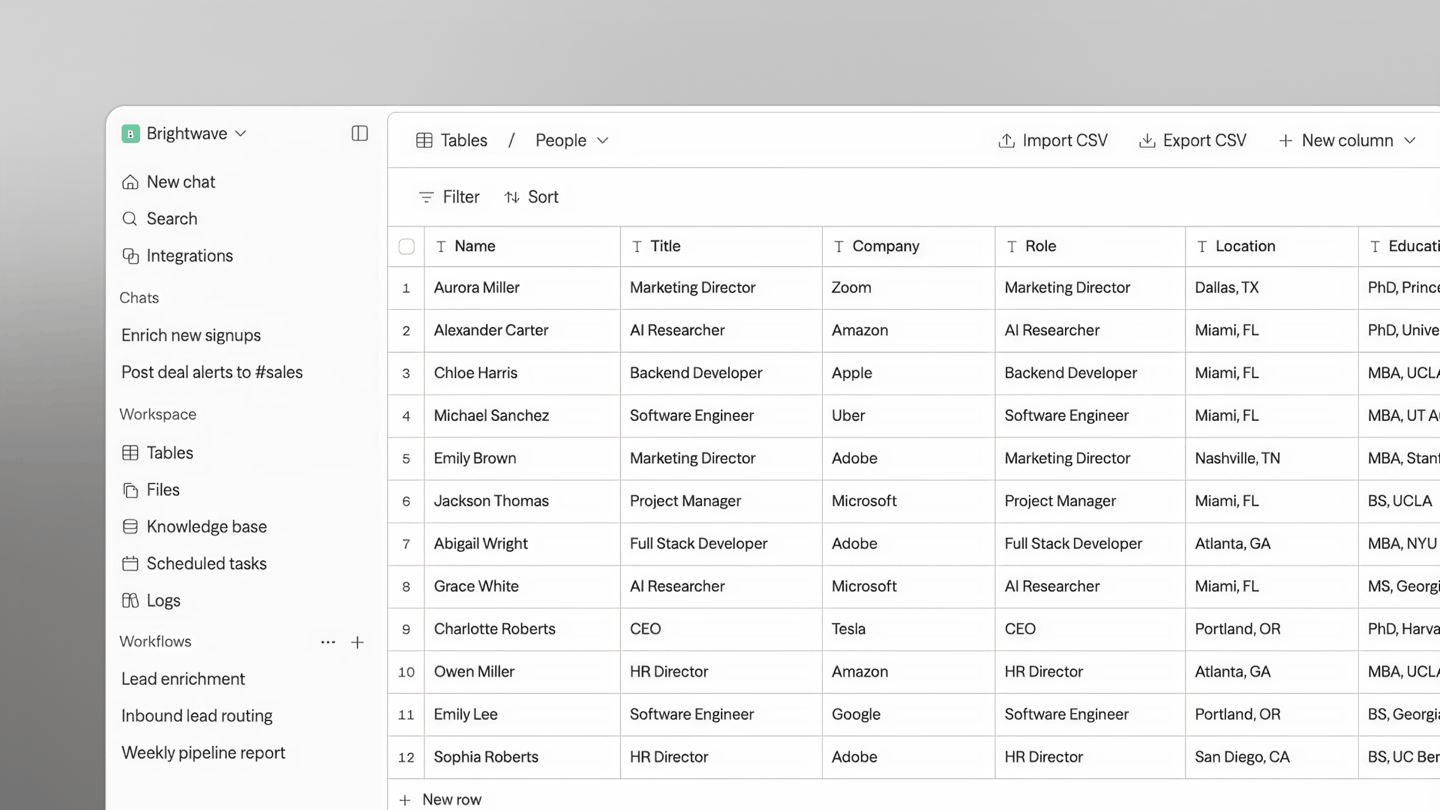
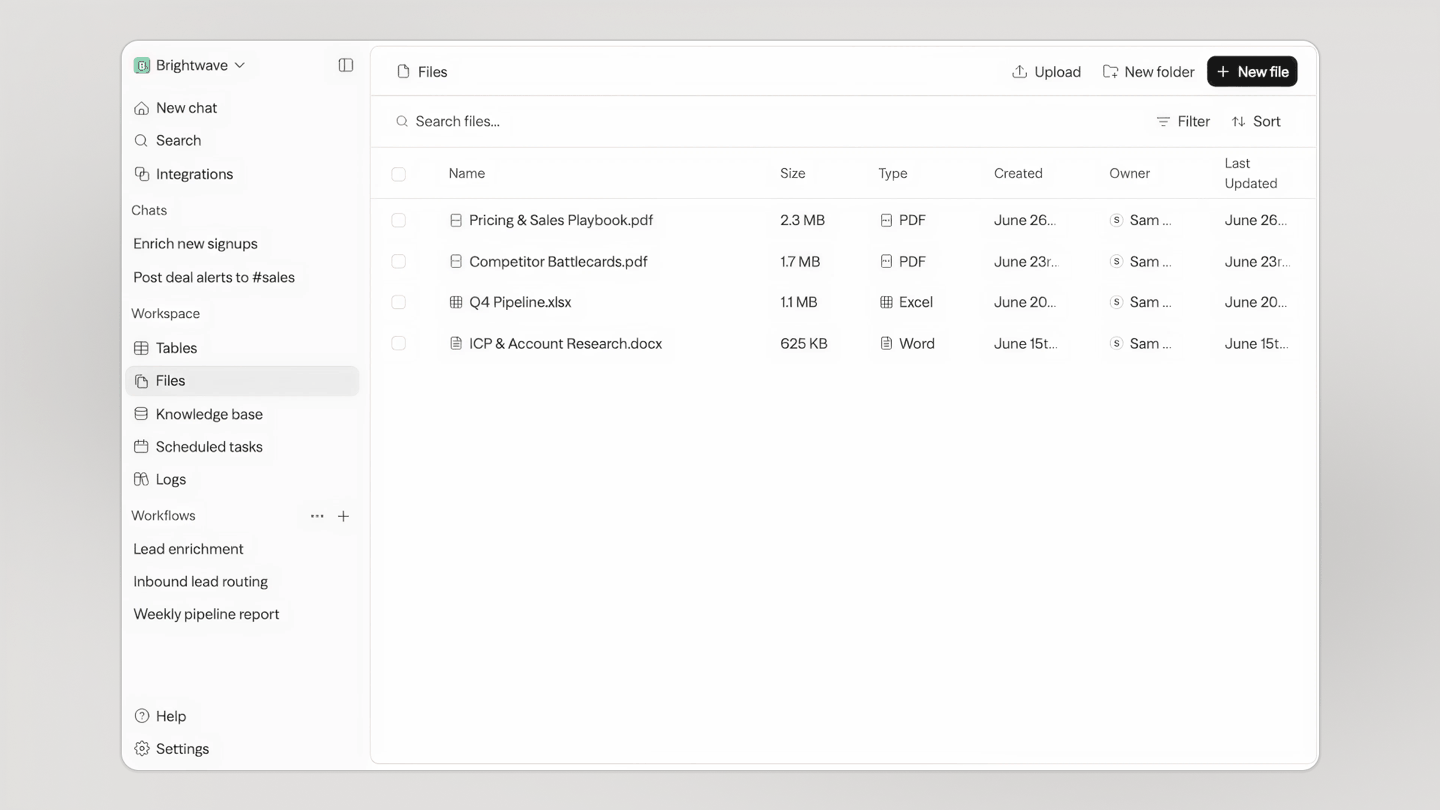
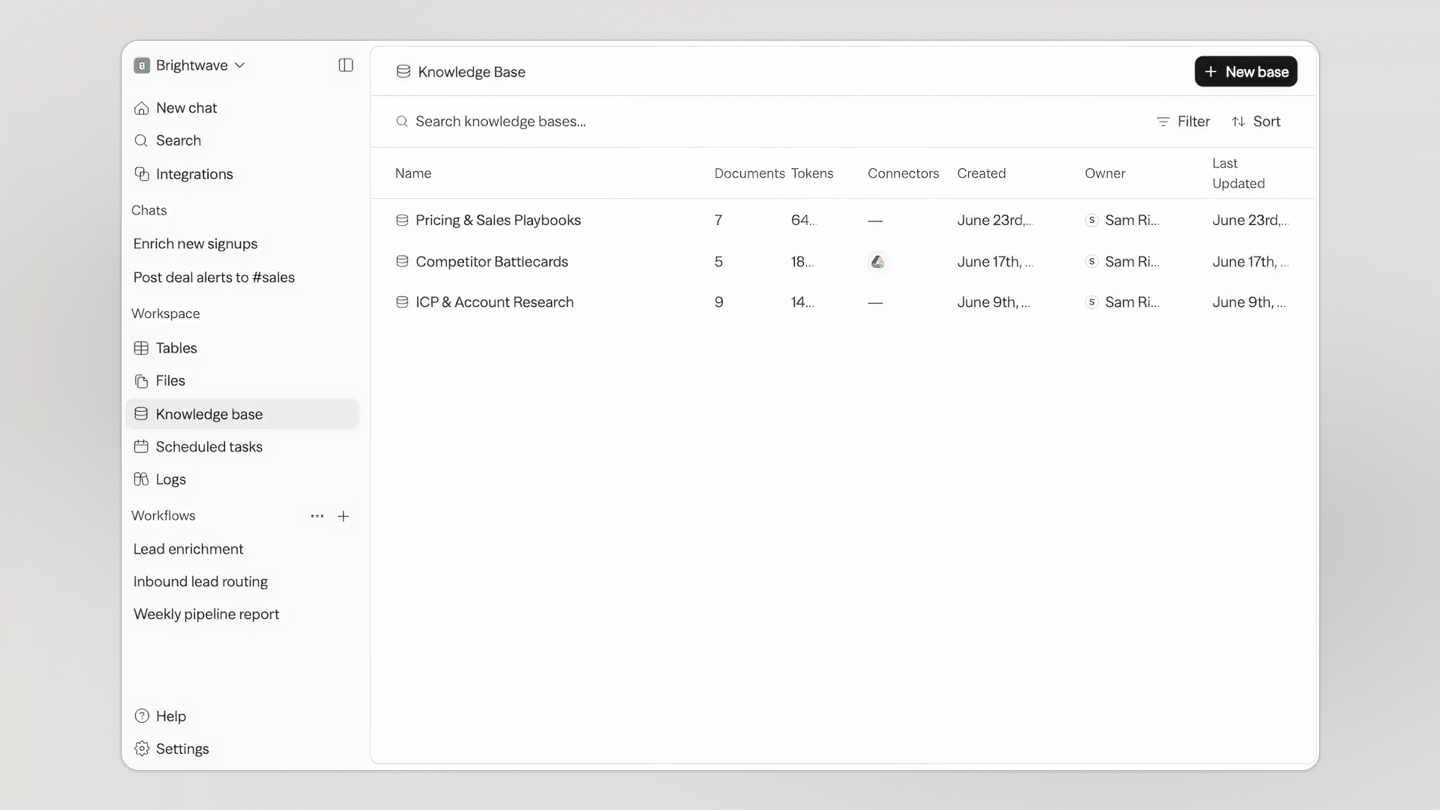
Как вам удобнее: в README перечислены три способа — визуально, в диалоге или с помощью кода. В основе редактора сценариев лежит ReactFlow, поэтому визуальная сборка происходит на холсте с узлами.Что ещё есть в рабочем пространстве, кроме чата и рабочих процессов?Таблицы (встроенная база данных, общая для вашей команды и всех агентов), Files (единое хранилище для всего) и Knowledge — память ваших агентов. Всё это доступно из браузера или десктопного приложения для Mac.
Таблицы (встроенная база данных, общая для вашей команды и всех агентов), Files (единое хранилище для всего) и Knowledge — память ваших агентов. Всё это доступно из браузера или десктопного приложения для Mac.Могу ли я посмотреть, что сделали мои агенты после запуска?Да — рабочее пространство отслеживает запуски, логи, расписания и активность рабочих процессов, так что наблюдать за поведением и отлаживать можно там же, где вы собираете агентов.
Да — рабочее пространство отслеживает запуски, логи, расписания и активность рабочих процессов, так что наблюдать за поведением и отлаживать можно там же, где вы собираете агентов.Which topics is it in?aiagents, agentic-workflow, low-code, no-code, vllm, workflow-automation, local-llm, knowledge-base, ollama, nextjs, artificial-intelligence, chatbot
aiagents, agentic-workflow, low-code, no-code, vllm, workflow-automation, local-llm, knowledge-base, ollama, nextjs, artificial-intelligence, chatbot