What is this?
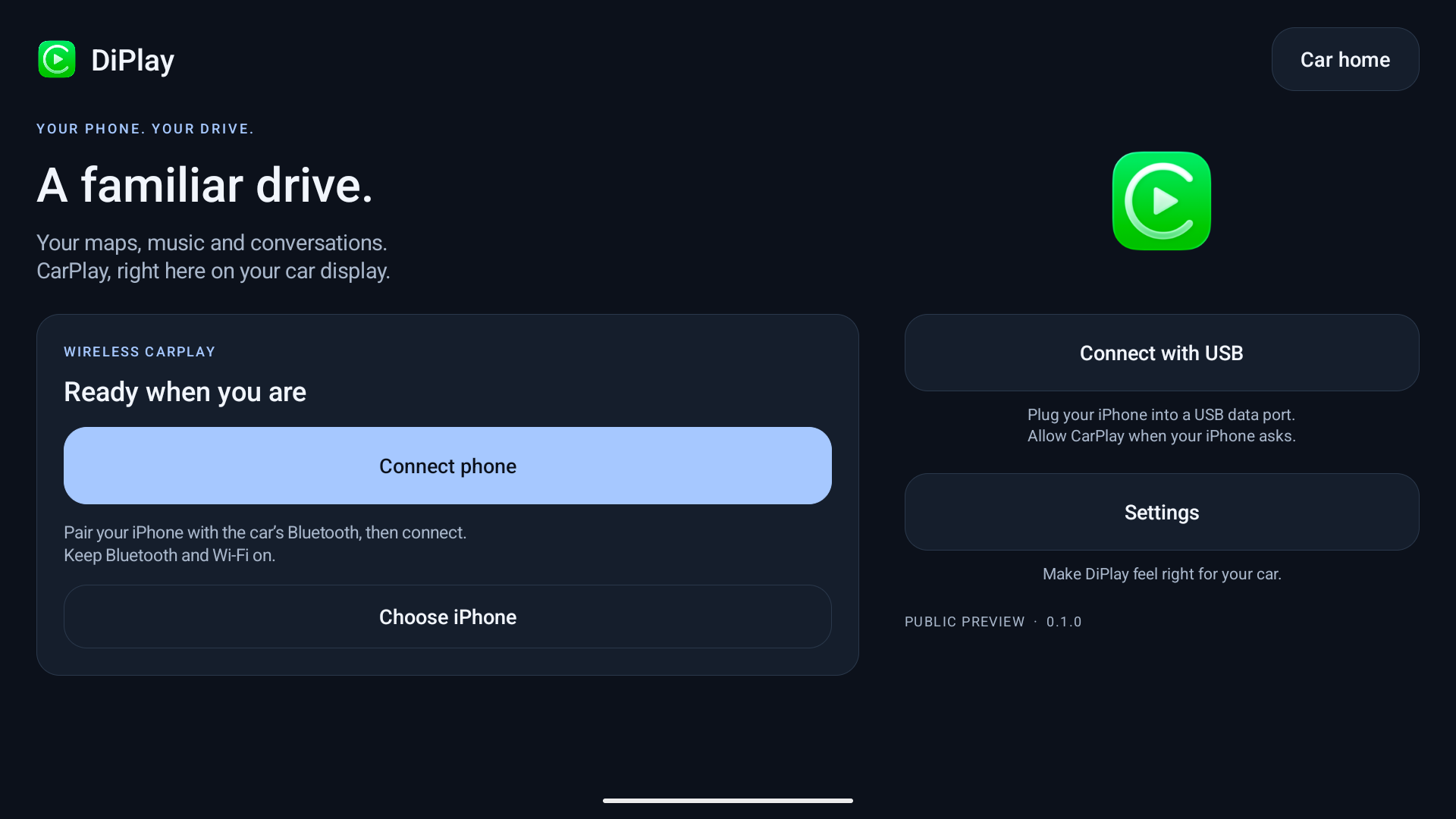
 DiPlay is an independent CarPlay receiver app for compatible BYD Android head units, offering both wired and wireless connections with a DiAuto-style interface.
DiPlay is an independent CarPlay receiver app for compatible BYD Android head units, offering both wired and wireless connections with a DiAuto-style interface.Does this install on the iPhone or on the car's head unit?It installs directly on the car's Android head unit as an APK; nothing is installed on the iPhone itself.
It installs directly on the car's Android head unit as an APK; nothing is installed on the iPhone itself.How do I install and connect it?Install the release APK on a head unit that permits APK installation, then connect by wired USB or wirelessly over Wi-Fi Direct (Android 10+) or the car's existing hotspot.
Install the release APK on a head unit that permits APK installation, then connect by wired USB or wirelessly over Wi-Fi Direct (Android 10+) or the car's existing hotspot.Do I need a jailbroken iPhone, a dongle, or a Mac to use this?No. Core CarPlay functionality needs none of those; only the optional dashboard-mode and battery-reporting features require ADB access.
No. Core CarPlay functionality needs none of those; only the optional dashboard-mode and battery-reporting features require ADB access.Is this an officially certified CarPlay solution, and will it keep working?No, it's not Apple-certified. The APK bundles an experimental accessory identity recovered from public Carlinkit firmware, with an extractable private key, and whether it keeps working after future iOS updates or across all head units is unresolved.
No, it's not Apple-certified. The APK bundles an experimental accessory identity recovered from public Carlinkit firmware, with an extractable private key, and whether it keeps working after future iOS updates or across all head units is unresolved.Will this work on head units from other car brands?The project focuses specifically on BYD cars; it may work elsewhere, but other brands are unsupported with no plans to add support or fix brand-specific issues.
The project focuses specifically on BYD cars; it may work elsewhere, but other brands are unsupported with no plans to add support or fix brand-specific issues.What happens to diagnostic reports?Diagnostics are exported locally and are only sent if you explicitly choose to share them.
Diagnostics are exported locally and are only sent if you explicitly choose to share them.What languages does the app support?The interface and website support English, Simplified Chinese, Arabic, Russian and Spanish, with the app language syncing to Android's per-app language setting on Android 13+.
The interface and website support English, Simplified Chinese, Arabic, Russian and Spanish, with the app language syncing to Android's per-app language setting on Android 13+.Can I run DiAuto and DiPlay side by side?Yes, DiPlay installs separately alongside DiAuto, but only one projection app can run at a time.
Yes, DiPlay installs separately alongside DiAuto, but only one projection app can run at a time.Does it support HUD navigation?Yes, on verified BYD firmware it shows HUD navigation with turn arrows, distance and street names directly on the head unit's display.
Yes, on verified BYD firmware it shows HUD navigation with turn arrows, distance and street names directly on the head unit's display.Why might it stop working someday?Its CarPlay access relies on an experimental accessory identity recovered from Carlinkit firmware rather than an officially issued one, so compatibility after future iOS updates isn't guaranteed.
Its CarPlay access relies on an experimental accessory identity recovered from Carlinkit firmware rather than an officially issued one, so compatibility after future iOS updates isn't guaranteed.What are similar projects?DiPlay-CN, DiPlay, LocationSpoofer, vivi-music, YumaPlayer, Podroid, xcertplay, android-airplay-server
DiPlay-CN, DiPlay, LocationSpoofer, vivi-music, YumaPlayer, Podroid, xcertplay, android-airplay-serverWhich topics is it in?wifi, usb, gpl, localization, agplv3, android-app, kotlin, apple, i18n, reverse-engineering, mobile-app, agpl
wifi, usb, gpl, localization, agplv3, android-app, kotlin, apple, i18n, reverse-engineering, mobile-app, agpl