







Что это такое?
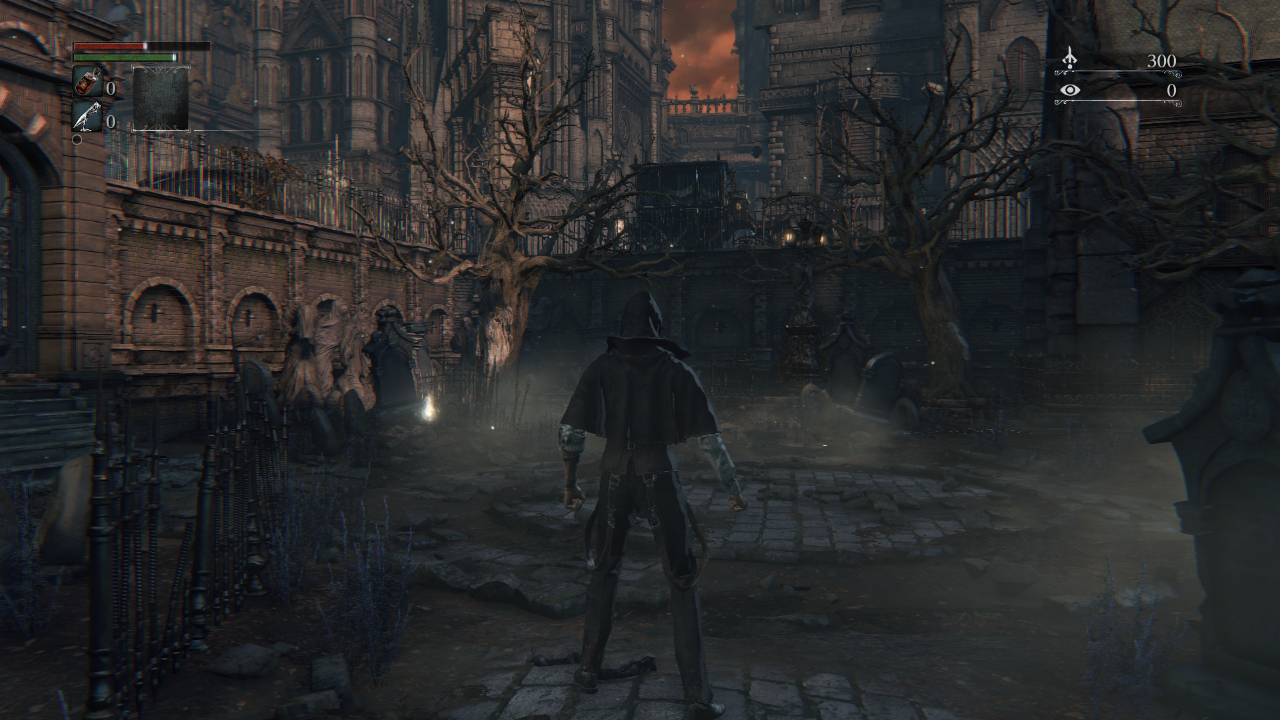
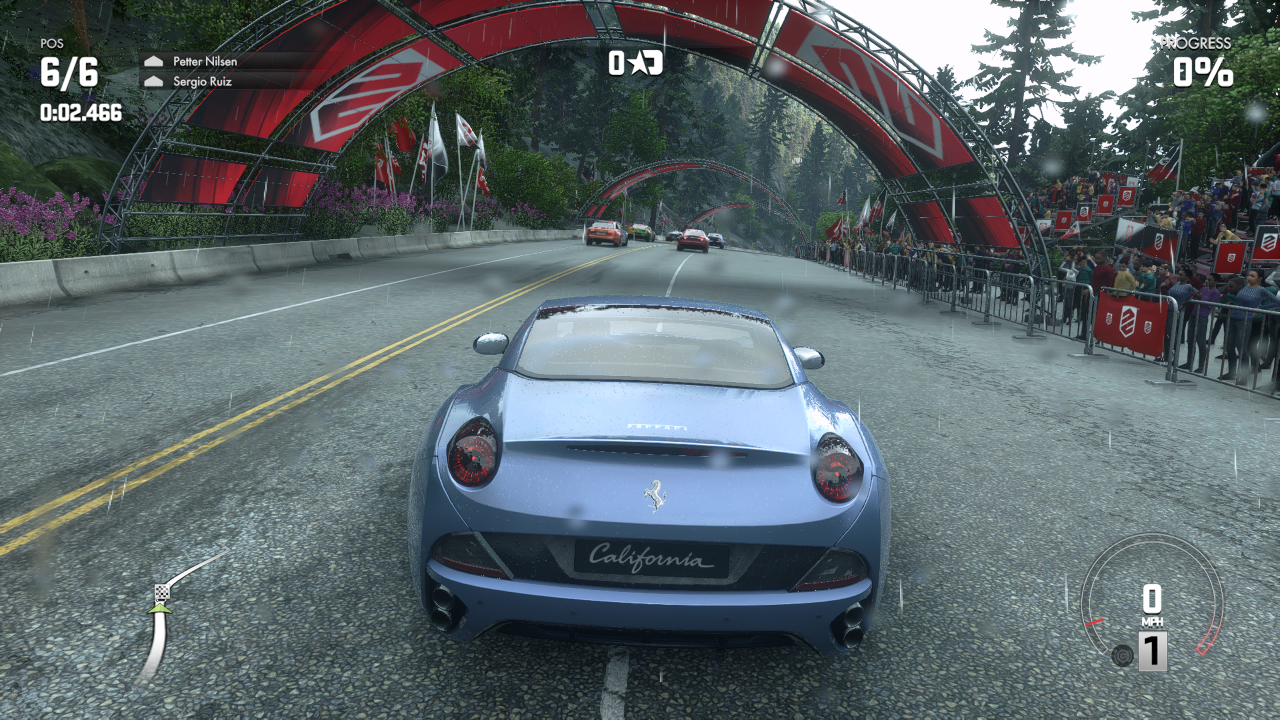
 shadPS4 — это ранний эмулятор PlayStation 4 для Windows, Linux, macOS и FreeBSD, написанный на C++. Он позволяет запускать настоящие игры для PS4 на компьютере.
shadPS4 — это ранний эмулятор PlayStation 4 для Windows, Linux, macOS и FreeBSD, написанный на C++. Он позволяет запускать настоящие игры для PS4 на компьютере.Это та самая программа, которую я скачаю и буду играть?Не совсем — этот репозиторий содержит ядро эмулятора без графического интерфейса. Обычному пользователю стоит скачать QtLauncher, который добавляет поверх этого ядра удобный интерфейс.
Не совсем — этот репозиторий содержит ядро эмулятора без графического интерфейса. Обычному пользователю стоит скачать QtLauncher, который добавляет поверх этого ядра удобный интерфейс.Как его запустить?Возьмите сборку QtLauncher с интерфейсом «наведи и кликни» или запустите ядро напрямую и посмотрите вывод с флагом --help, где перечислены все команды. Разработчики также могут собрать проект из исходников на Windows, Linux и macOS или внутри Docker.
Возьмите сборку QtLauncher с интерфейсом «наведи и кликни» или запустите ядро напрямую и посмотрите вывод с флагом --help, где перечислены все команды. Разработчики также могут собрать проект из исходников на Windows, Linux и macOS или внутри Docker.Мне что-нибудь нужно с настоящей PS4, чтобы играть?Да — определённые модули прошивки (файлы .sprx) нужно положить в папку sysmodules эмулятора, и снять их (сделать дамп) можно только со своей собственной консоли PlayStation 4, приобретённой легально.
Да — определённые модули прошивки (файлы .sprx) нужно положить в папку sysmodules эмулятора, и снять их (сделать дамп) можно только со своей собственной консоли PlayStation 4, приобретённой легально.Уже можно спокойно играть каждый день?Пока нет — shadPS4 находится на ранней стадии разработки, и безупречного опыта ждать не стоит. Команда выпускает небольшие регулярные обновления, как позволяет время.
Пока нет — shadPS4 находится на ранней стадии разработки, и безупречного опыта ждать не стоит. Команда выпускает небольшие регулярные обновления, как позволяет время.Он пойдёт на моём Mac?Только на Mac с чипом Apple Silicon под управлением macOS 26.0 или новее — Mac на процессорах Intel не поддерживаются. У сборок для Windows и Linux таких ограничений нет.
Только на Mac с чипом Apple Silicon под управлением macOS 26.0 или новее — Mac на процессорах Intel не поддерживаются. У сборок для Windows и Linux таких ограничений нет.Как узнать заранее, пойдёт ли моя игра, не пробуя её?Есть список совместимости игр shadPS4 Game Compatibility, где можно проверить, насколько хорошо идёт конкретная игра, прежде чем тратить на неё время.
Есть список совместимости игр shadPS4 Game Compatibility, где можно проверить, насколько хорошо идёт конкретная игра, прежде чем тратить на неё время.Мне нужен геймпад от PS4 или мой геймпад от Xbox подойдёт?Геймпады Xbox и DualShock работают сразу из коробки, а клавиатура и мышь настроены по умолчанию. Привязки кнопок можно менять в меню настроек, настройки сохраняются для каждой игры отдельно, на одну привязку можно назначить до трёх клавиш, а движение мыши можно привязать к стику.
Геймпады Xbox и DualShock работают сразу из коробки, а клавиатура и мышь настроены по умолчанию. Привязки кнопок можно менять в меню настроек, настройки сохраняются для каждой игры отдельно, на одну привязку можно назначить до трёх клавиш, а движение мыши можно привязать к стику.Какая технология используется для отрисовки игр с PS4?Графика выводится через Vulkan с SDL3 в связке, а компилятор шейдеров был создан по образцу Hades из эмулятора yuzu — это сильно помогло при эмуляции современной видеокарты AMD.
Графика выводится через Vulkan с SDL3 в связке, а компилятор шейдеров был создан по образцу Hades из эмулятора yuzu — это сильно помогло при эмуляции современной видеокарты AMD.Почему авторы это сделали?Проект начинался просто ради удовольствия. У команды мало свободного времени, поэтому запуск более сложных игр потребует времени, но авторы намерены выпускать небольшие регулярные обновления.
Проект начинался просто ради удовольствия. У команды мало свободного времени, поэтому запуск более сложных игр потребует времени, но авторы намерены выпускать небольшие регулярные обновления.What are similar projects?KytyPS5, rpcs3, gow3_pc, sharpemu, ps2-web-recomp, dolphin, mocktail, TheSimpsonsGameRecomp
KytyPS5, rpcs3, gow3_pc, sharpemu, ps2-web-recomp, dolphin, mocktail, TheSimpsonsGameRecomp