


What is this?
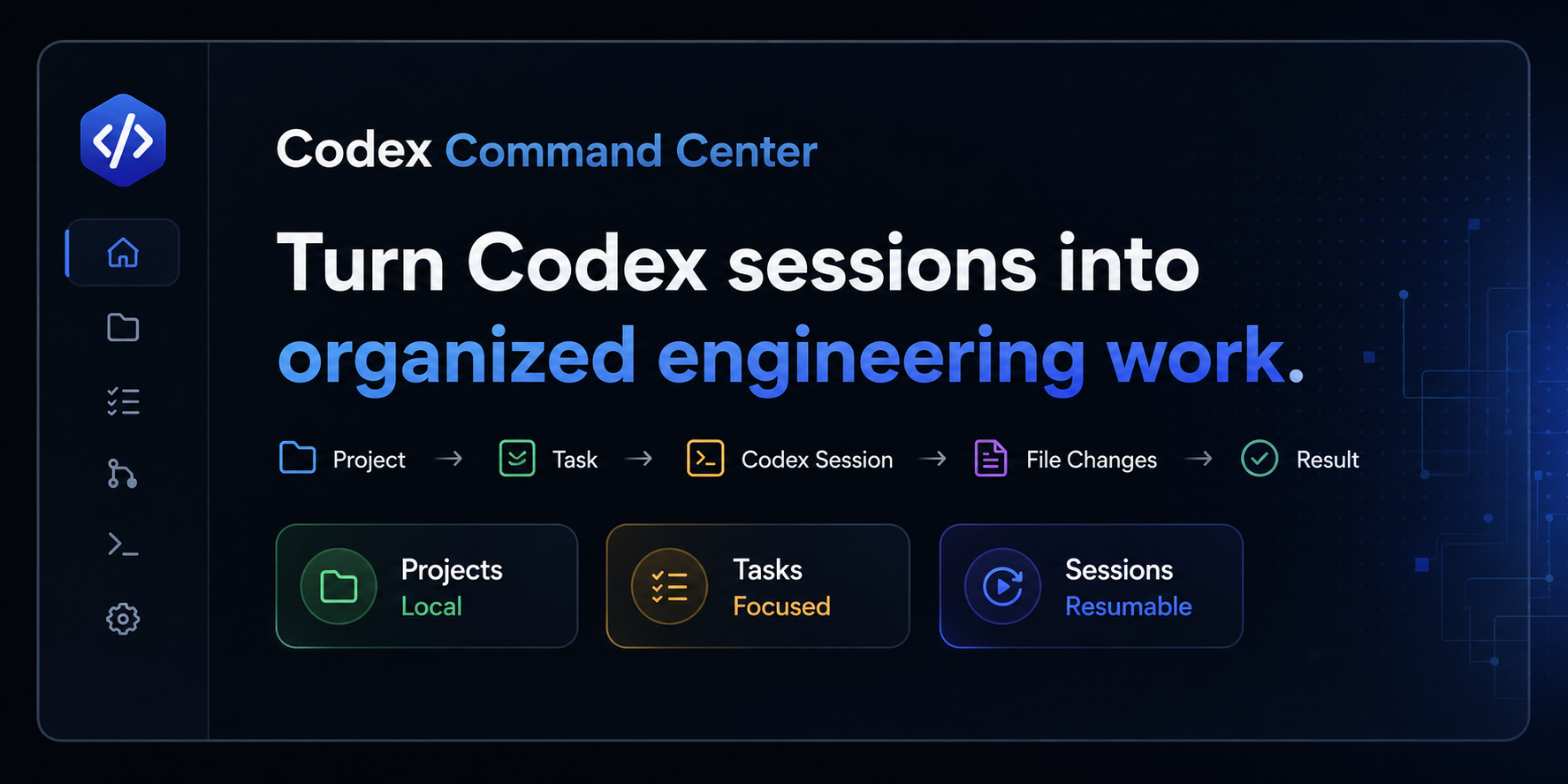
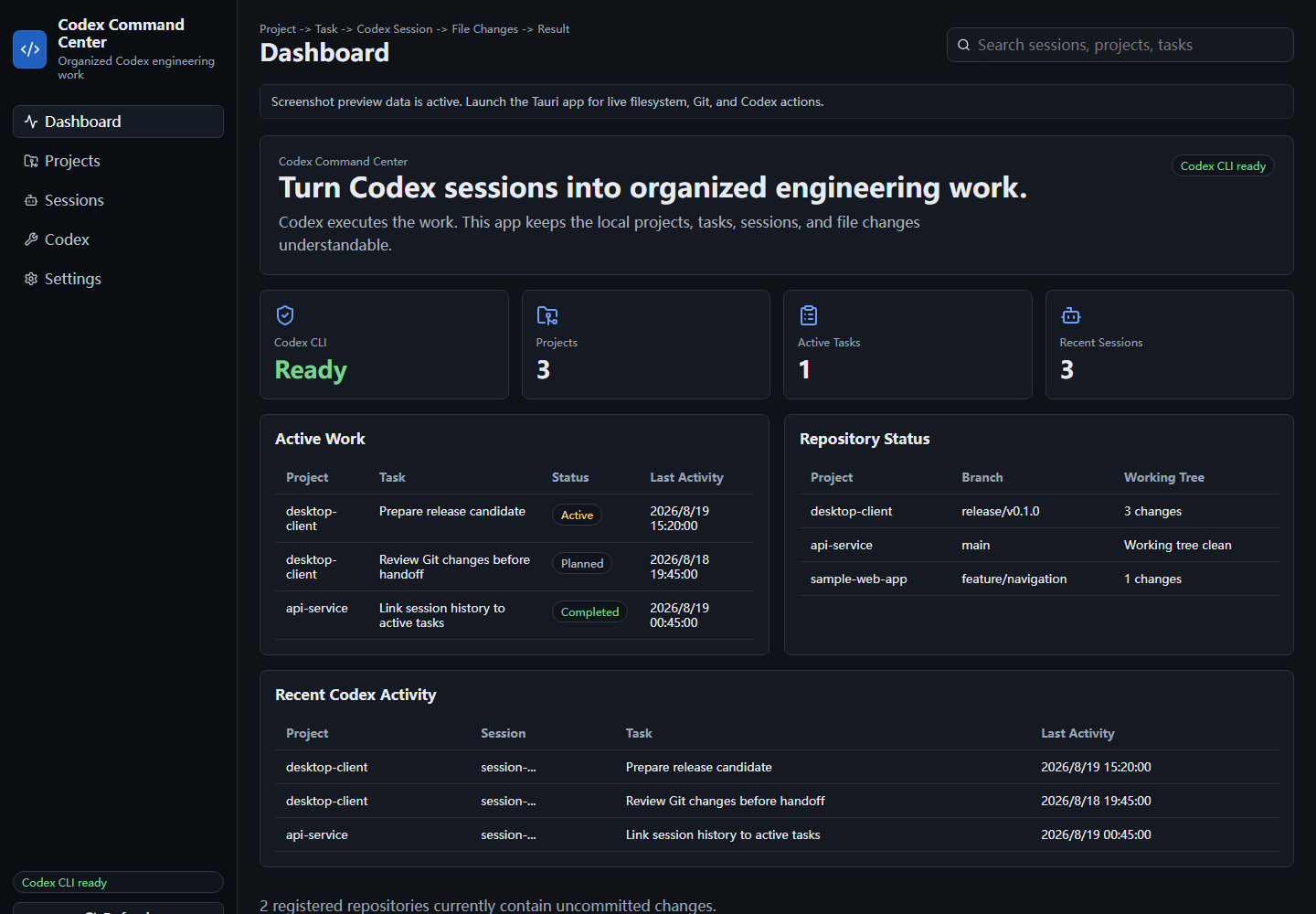
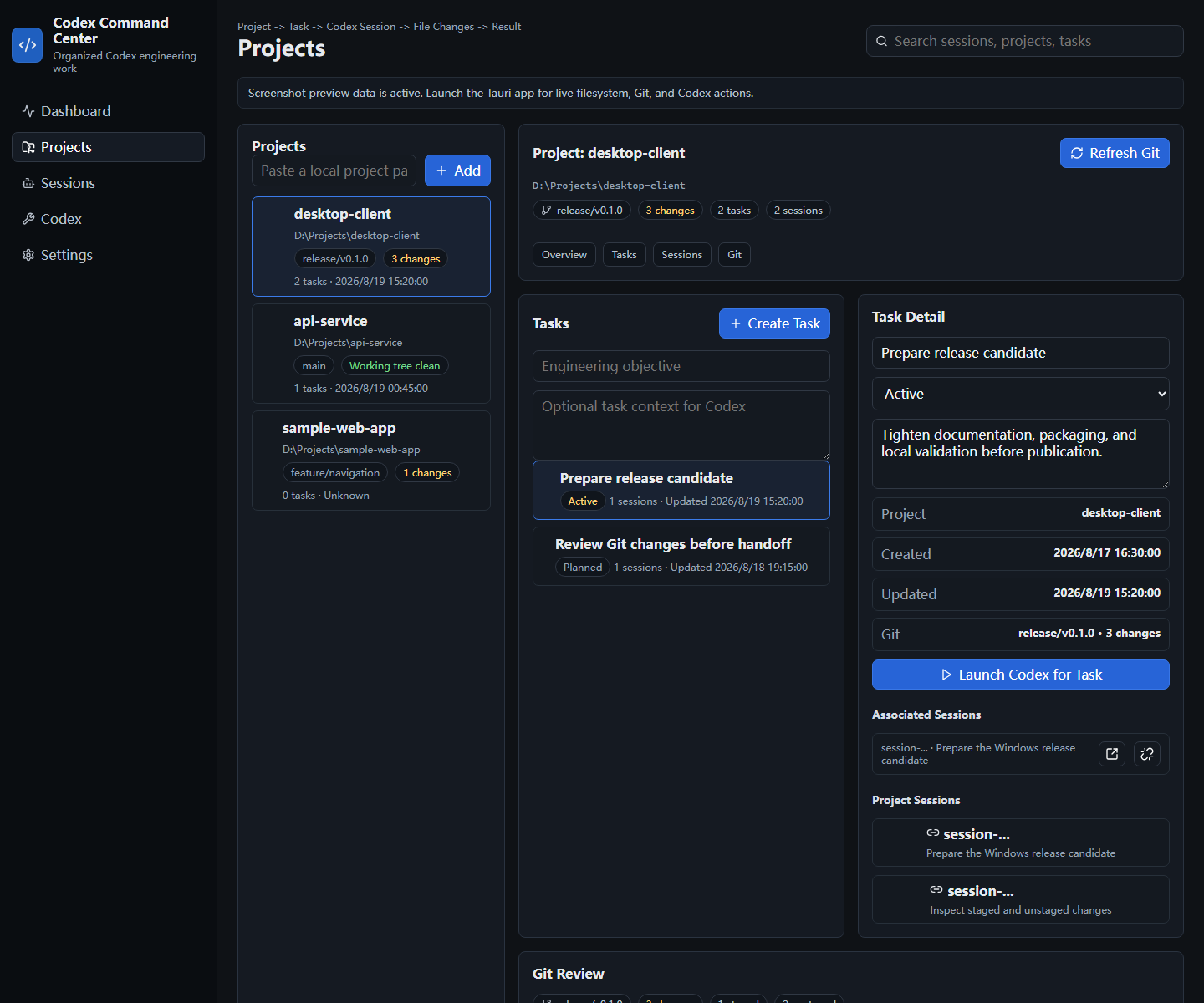
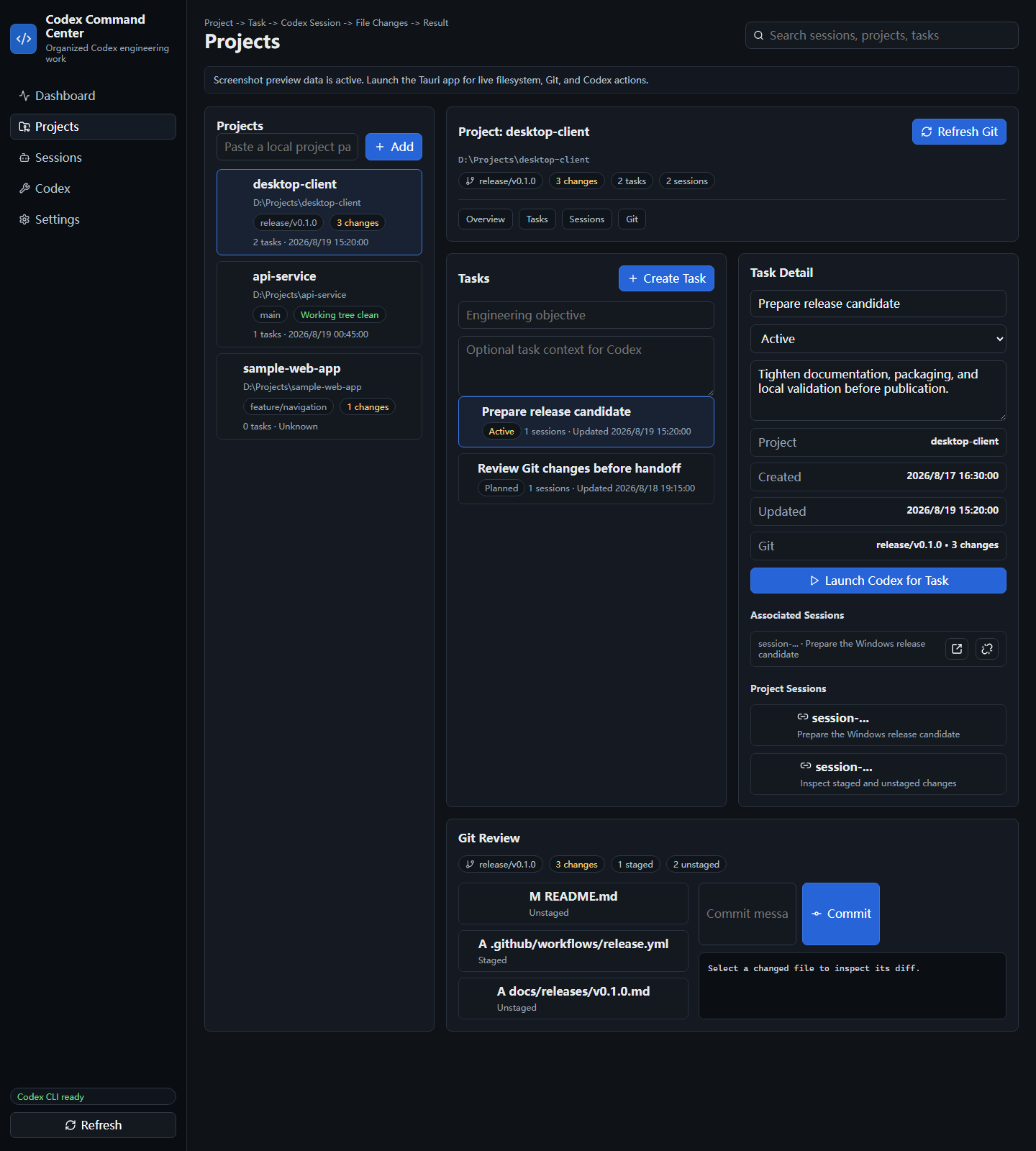
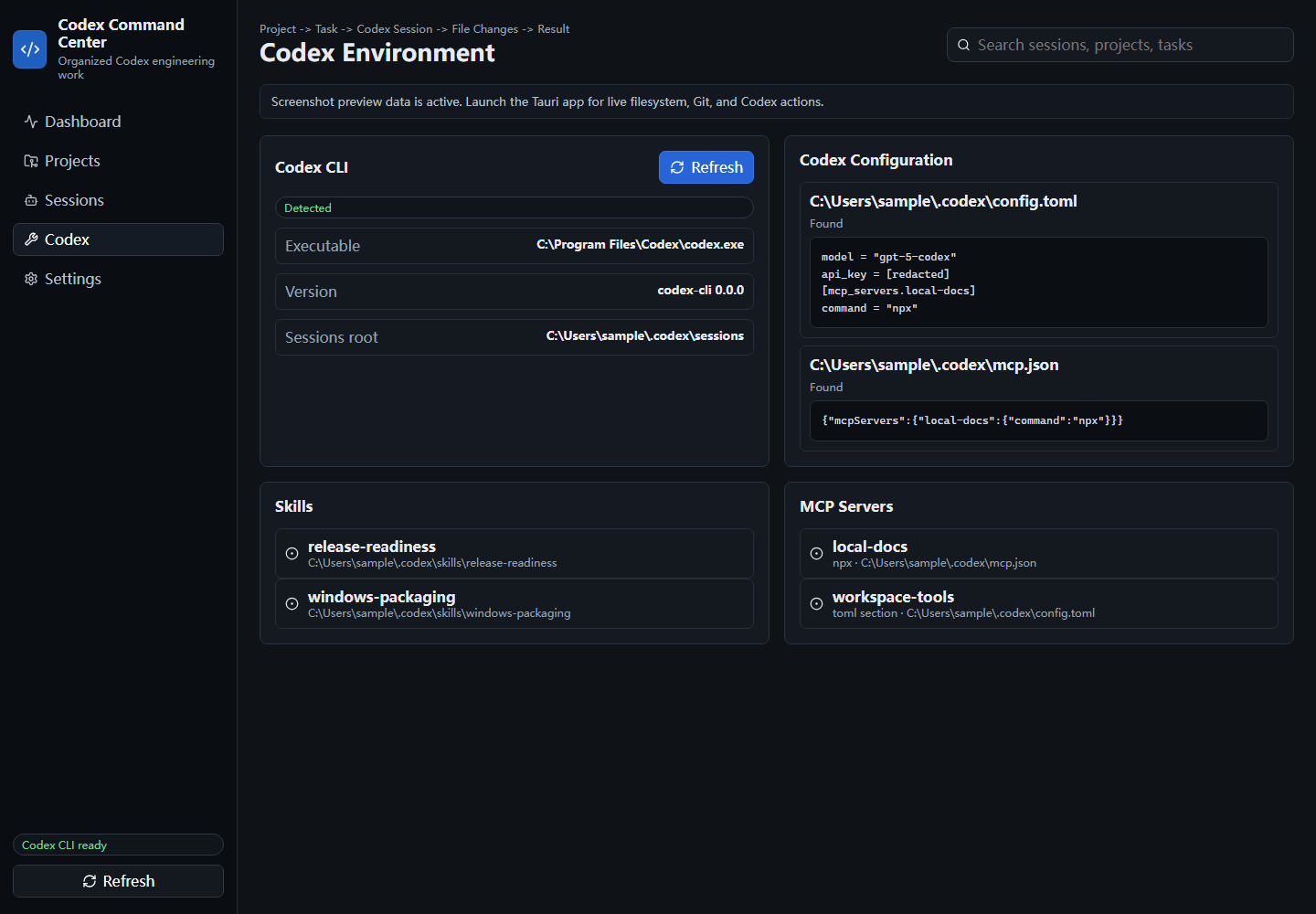
 Codex Command Center is a Windows-first, local-first desktop workspace that organizes Codex-based engineering work: projects, tasks, Codex sessions, Git changes, Skills, and MCP configuration, all in one place.
Codex Command Center is a Windows-first, local-first desktop workspace that organizes Codex-based engineering work: projects, tasks, Codex sessions, Git changes, Skills, and MCP configuration, all in one place.Is this a full IDE or something lighter?It's a focused organizing layer, not an IDE, terminal, chat client, or Git GUI replacement. It links to your local Codex CLI and Git rather than replacing them.
It's a focused organizing layer, not an IDE, terminal, chat client, or Git GUI replacement. It links to your local Codex CLI and Git rather than replacing them.How do I install and run it?Download a Windows binary from GitHub Releases: the NSIS setup executable (recommended), an MSI installer, or a standalone executable that runs without installation. Note that current release binaries are unsigned.
Download a Windows binary from GitHub Releases: the NSIS setup executable (recommended), an MSI installer, or a standalone executable that runs without installation. Note that current release binaries are unsigned.What do I need on my machine for it to work?You need Git on PATH for Git review and the Codex CLI on PATH to launch and resume sessions. Building from source additionally requires Node.js 24 plus Rust and Cargo.
You need Git on PATH for Git review and the Codex CLI on PATH to launch and resume sessions. Building from source additionally requires Node.js 24 plus Rust and Cargo.Any install pitfalls I should know about?Windows release binaries are currently unsigned, so you may see security warnings when installing. Windows 11 is the primary supported platform, so other OSes aren't officially covered.
Windows release binaries are currently unsigned, so you may see security warnings when installing. Windows 11 is the primary supported platform, so other OSes aren't officially covered.Does it send my code or Codex sessions anywhere?No. It keeps everything local, doesn't upload source code, sessions, or diffs, and redacts anything that looks like a key, token, or secret in configuration previews.
No. It keeps everything local, doesn't upload source code, sessions, or diffs, and redacts anything that looks like a key, token, or secret in configuration previews.What does the Git review feature actually let me do?It shows branch state, staged and unstaged files, and per-file diffs, and lets you stage, unstage, and commit changes directly from the app.
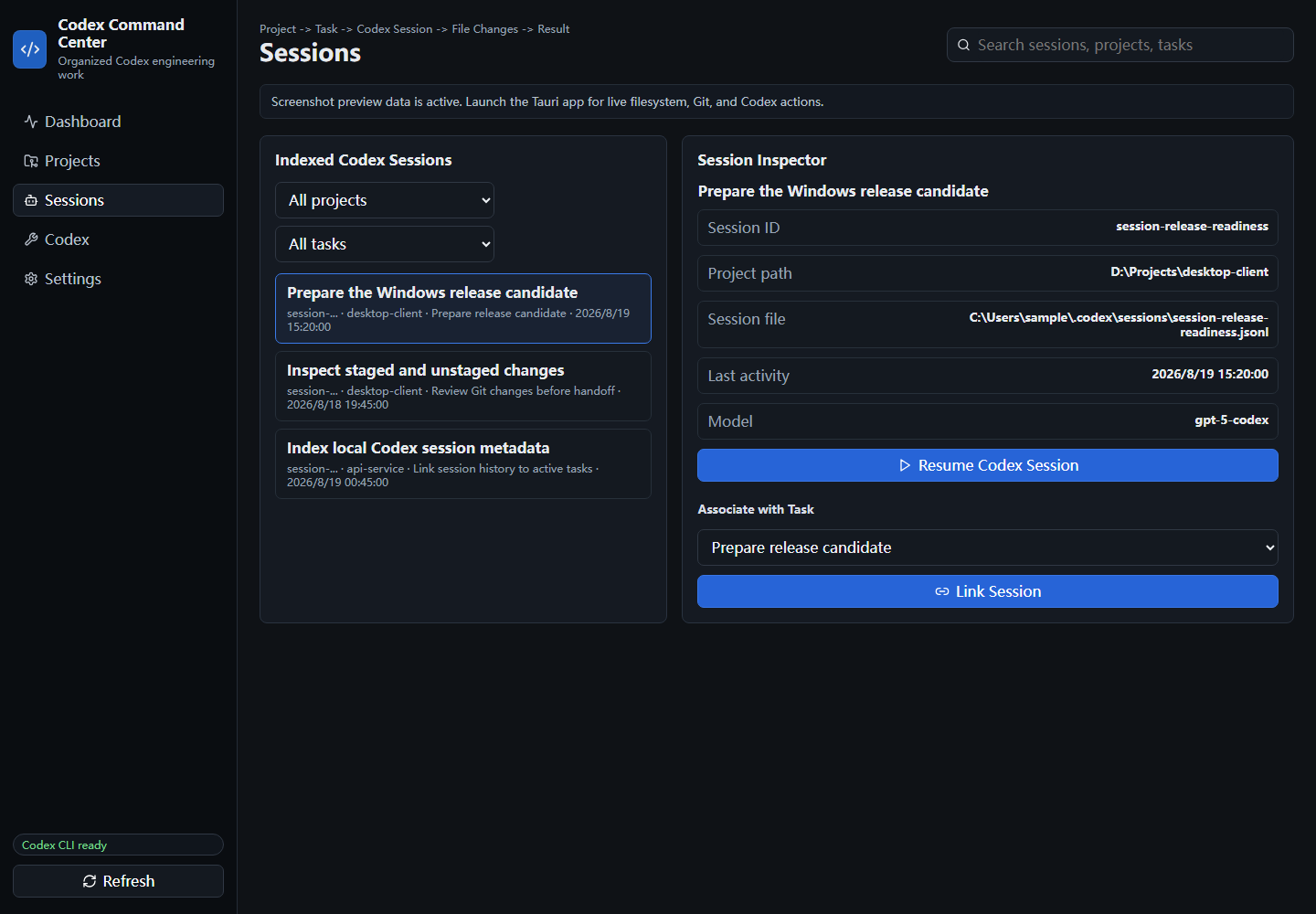
It shows branch state, staged and unstaged files, and per-file diffs, and lets you stage, unstage, and commit changes directly from the app.How does it discover my Codex sessions without messing them up?It indexes local Codex session metadata read-only, so you can link sessions to tasks and resume them through the Codex CLI without mutating the original session files.
It indexes local Codex session metadata read-only, so you can link sessions to tasks and resume them through the Codex CLI without mutating the original session files.Is this built from scratch?No, it evolved from the open-source CodMate project by Loocor and has been substantially reworked into a Windows-first, Codex-centric tool, with Apache-2.0 attribution preserved.
No, it evolved from the open-source CodMate project by Loocor and has been substantially reworked into a Windows-first, Codex-centric tool, with Apache-2.0 attribution preserved.Where does the app store its data?As local JSON under the user's local application data directory; registered projects are stored only as path references, not copies of source code.
As local JSON under the user's local application data directory; registered projects are stored only as path references, not copies of source code.What are similar projects?casbin-gateway, atlas, Codex-X, ai-manager, desktop-cc-gui, CodexMonitor, 1code, codex-provider-sync
casbin-gateway, atlas, Codex-X, ai-manager, desktop-cc-gui, CodexMonitor, 1code, codex-provider-syncWhich topics is it in?openai-codex, codex-cli, codex-skill, ai-coding, tauri, coding-agents, git, local-first, coding-agent, desktop, openai, rust
openai-codex, codex-cli, codex-skill, ai-coding, tauri, coding-agents, git, local-first, coding-agent, desktop, openai, rust