
Roam Control
Choose, test and move an iPhone's reported location from one clean Apple Maps interface.
Public beta: 0.9.0 (Build 29) · Requires: iOS 27+


Roam Control is a source-available SwiftUI app for location-based development, quality assurance and responsible personal testing on an iPhone you own and control. It supports fixed locations, walking routes, favourites, history, native on-device pairing and LocalDevVPN-compatible sessions.
Screenshots
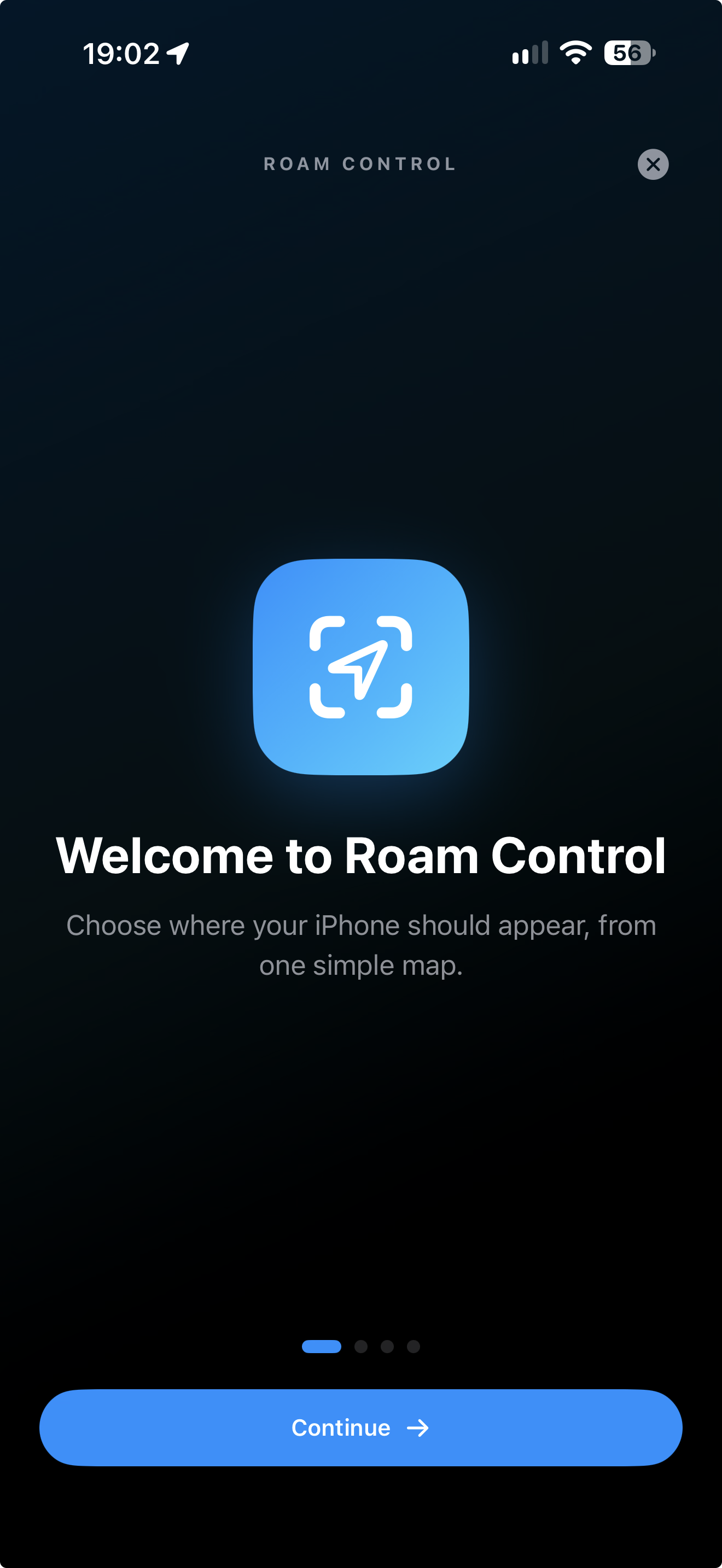
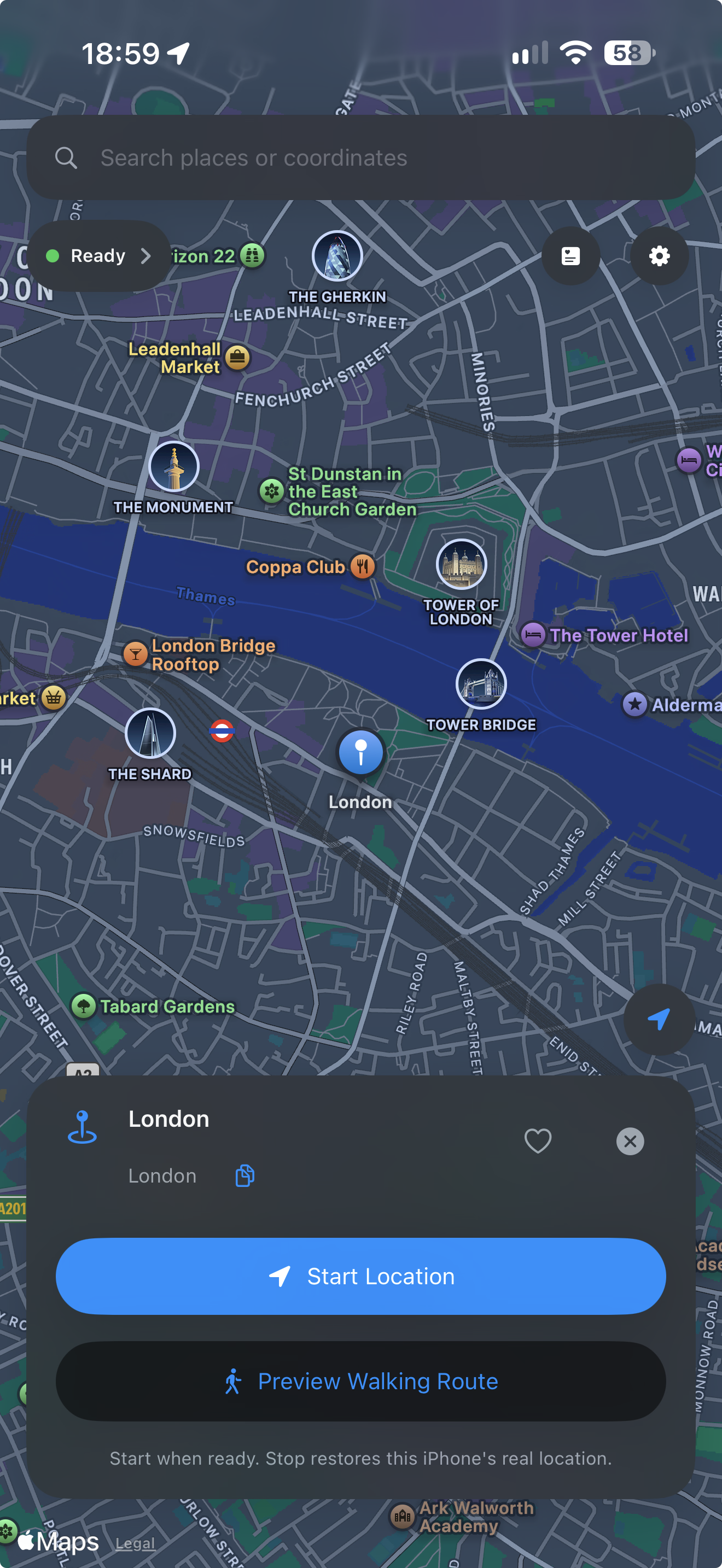
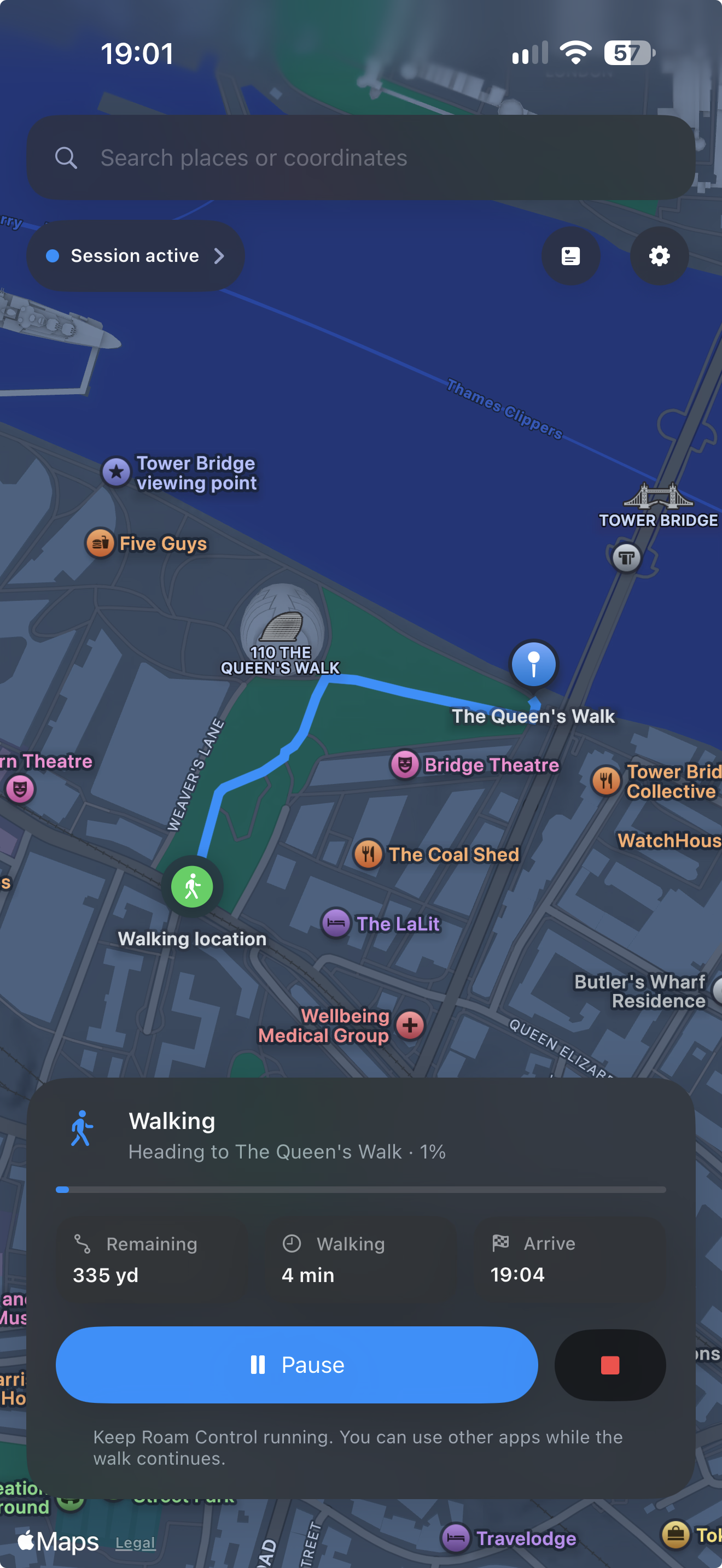
Welcome · Fixed location · Walking route
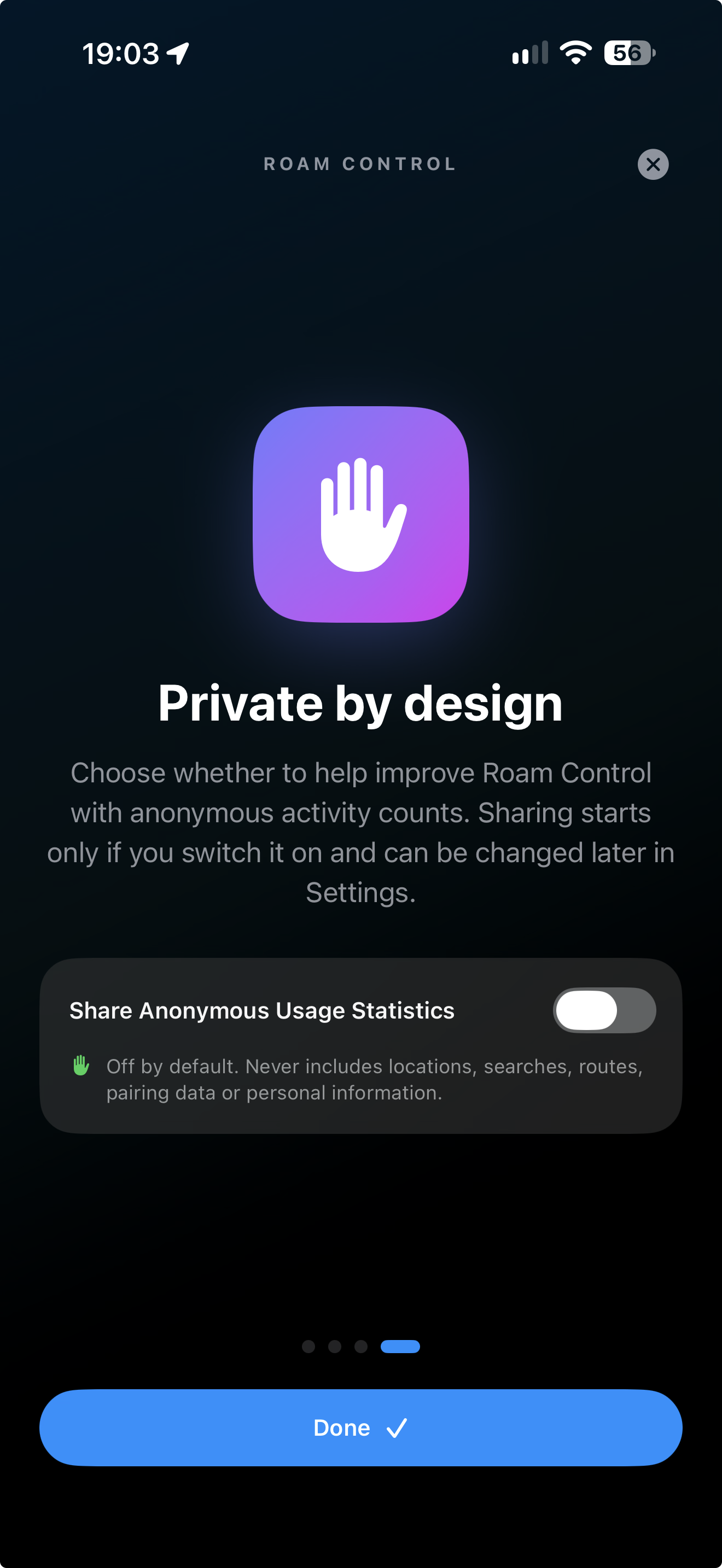
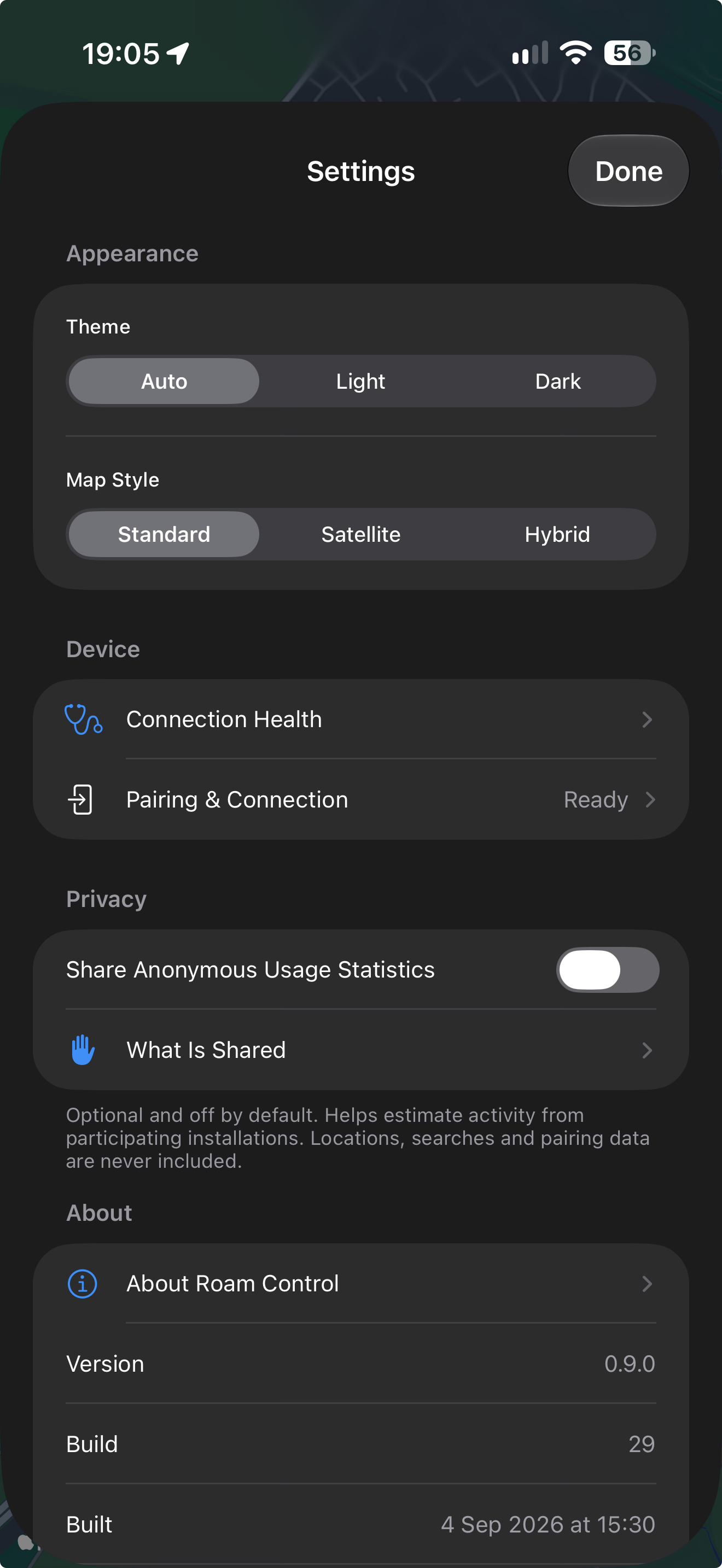
Private by design · Settings
Highlights
- Search places live with MapKit, enter coordinates or tap the map.
- Start a fixed reported location and update it without reconnecting.
- Preview an Apple Maps walking route before starting.
- Pause, resume, reverse or redirect an active walk.
- Save named favourites and revisit recent locations.
- Restore the real location explicitly when testing is finished.
- Recover safely after an interrupted fixed or walking session.
- Follow separate, guided LocalDevVPN flows for Wi-Fi and mobile data.
- Choose automatic, light or dark appearance and standard, satellite or hybrid maps.
- Use Dynamic Type, VoiceOver and Reduce Motion.
Install the public beta
Roam Control is not distributed through the App Store or TestFlight. Download the IPA attached to the matching GitHub Release and sign it with SideStore using your own Apple account.
You will need:
- An iPhone running iOS 27 or newer.
- Developer Mode enabled.
- LocalDevVPN.
- SideStore, or Xcode on a Mac.
Read the complete installation guide before installing. Free Apple accounts remain subject to Apple's app-count and seven-day refresh limits.
First-time setup
- Install and open Roam Control.
- Complete the four-page introduction.
- Tap Pair This iPhone on Device Setup.
- Open Settings → Privacy & Security → Developer Mode → Pair with Roam Control.
- Enter the six-digit code shown in Roam Control.
- Install and connect LocalDevVPN.
- Choose a location or walking route.
The pairing record is stored in the iPhone Keychain and is never uploaded.
Privacy
Locations, coordinates, searches, favourites, history, walking routes and pairing records stay on the iPhone.
Anonymous usage statistics are optional and off by default. When enabled, a narrow first-party sender reports only a fixed set of activity events, the app version/build and a hashed random installation identifier. It never sends locations, searches, routes, pairing data, device names or diagnostics. No third-party analytics SDK is embedded.
The public project has no live analytics destination or Apple signing team. A checkout therefore sends no statistics unless the builder deliberately supplies a private local configuration.
Read Privacy for the exact event and retention disclosure.
Responsible use
Roam Control is intended for development and testing on a device you own and control. Location simulation can affect every app using the iPhone's reported position. Restore the real location before using navigation, emergency, safety, transport or location-sharing features.
Do not use Roam Control to mislead another person, falsify evidence, access something you are not entitled to use, evade safeguards or breach a third-party service's rules. See Responsible Use.
Build from source
- Clone the repository and open
RoamControl.xcodeproj in Xcode 27 or newer.
- Select the Roam Control target.
- Choose your own Apple development team under Signing & Capabilities.
- Select a connected iPhone and press Run.
The iPhone simulator is useful for interface work but cannot complete the physical pairing handshake or start a location session.
Normal builds use the included Frameworks/RoamPairingFFI.xcframework. The framework contains arm64 iPhone and Apple Silicon simulator slices. Rebuild it only after changing Native/RoamPairingFFI; instructions are in the build and release guide.
How it works
Roam Control generates or imports an RPPairing record for the same iPhone and stores it in the device-only Keychain. When a location starts, it discovers that iPhone's remote-pairing service through LocalDevVPN, verifies the device identity and opens the encrypted developer session used to set or clear a simulated location.
The native engine is a narrow Rust-to-Swift bridge around the MIT-licensed idevice library, pinned to an exact revision.
Documentation
For casual help, beta discussion and feature ideas, join the Roam Control Discord.
For bugs and reproducible issues, please use GitHub Issues. For security-sensitive reports, use GitHub Security Advisories.
Contributing
Bug reports and focused improvements are welcome. Read CONTRIBUTING.md before opening an issue or pull request, and never upload pairing records, signing material, credentials or private location information.
Licence
Roam Control's current source is available under the PolyForm Noncommercial License 1.0.0. It may be used, modified and redistributed for non-commercial purposes under those terms. Commercial use requires separate permission from the project owner.
Roam Control 0.9.0 Beta 1 was released under the MIT Licence and remains available under those terms. The licence change applies to development after Beta 1 and does not revoke rights already granted for that release.
See Licensing for details. Bundled dependencies retain their own licences; see Third-party notices.

 Roam Control 是一款 SwiftUI iOS 应用,让你可以为开发、QA 和负责任的个人测试而选择、测试和移动 iPhone 上报的 GPS 位置。