


1.1K ·GitHub
What is this?
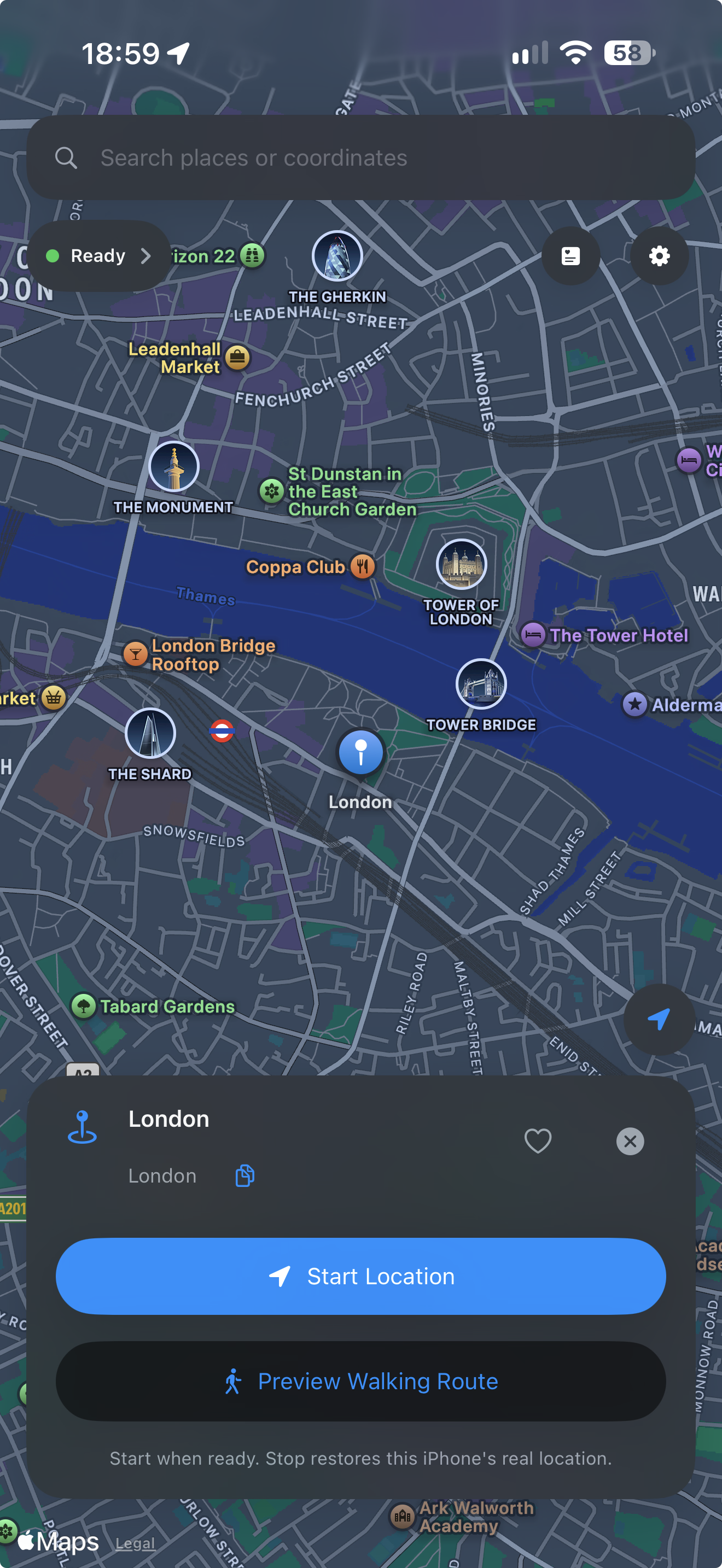
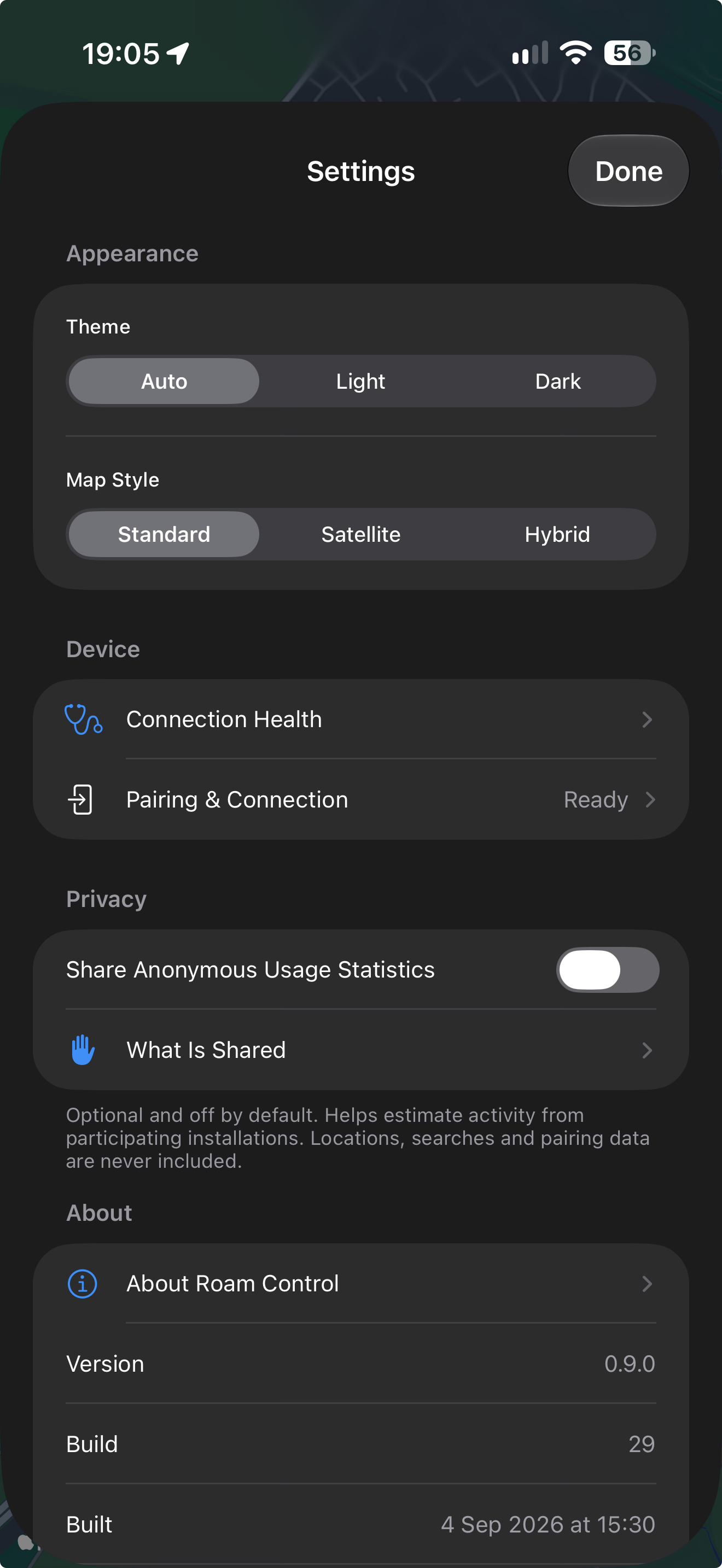
 Roam Control is a SwiftUI iOS app that lets you choose, test and move your iPhone's reported GPS location for development, QA and responsible personal testing.
Roam Control is a SwiftUI iOS app that lets you choose, test and move your iPhone's reported GPS location for development, QA and responsible personal testing.Is this a standalone app or something I add to Xcode?It's a self-contained iOS app you install and run on your own iPhone, not a library or Xcode plugin. Its native engine is a Rust-to-Swift bridge around the idevice library that handles the device pairing and location session.
It's a self-contained iOS app you install and run on your own iPhone, not a library or Xcode plugin. Its native engine is a Rust-to-Swift bridge around the idevice library that handles the device pairing and location session.How do I install it since it's not on the App Store?Download the IPA from the matching GitHub Release and sign it with SideStore (or build from source in Xcode) using your own Apple account, then pair it with your iPhone via Developer Mode using a six-digit code shown in the app.
Download the IPA from the matching GitHub Release and sign it with SideStore (or build from source in Xcode) using your own Apple account, then pair it with your iPhone via Developer Mode using a six-digit code shown in the app.What do I need before I can use it?An iPhone running iOS 27 or newer with Developer Mode enabled, LocalDevVPN installed and connected, and either SideStore or Xcode on a Mac for signing/installing the app.
An iPhone running iOS 27 or newer with Developer Mode enabled, LocalDevVPN installed and connected, and either SideStore or Xcode on a Mac for signing/installing the app.Any install pitfalls I should know about?Free Apple accounts are limited by Apple's app-count and seven-day refresh rules, and the iPhone simulator can only be used for interface work since it cannot complete the physical pairing handshake or start a real location session.
Free Apple accounts are limited by Apple's app-count and seven-day refresh rules, and the iPhone simulator can only be used for interface work since it cannot complete the physical pairing handshake or start a real location session.Does any of my location data leave the phone?No. Locations, searches, favourites, history, routes and pairing records all stay on the device; optional anonymous usage stats are off by default and never include location, search or pairing data.
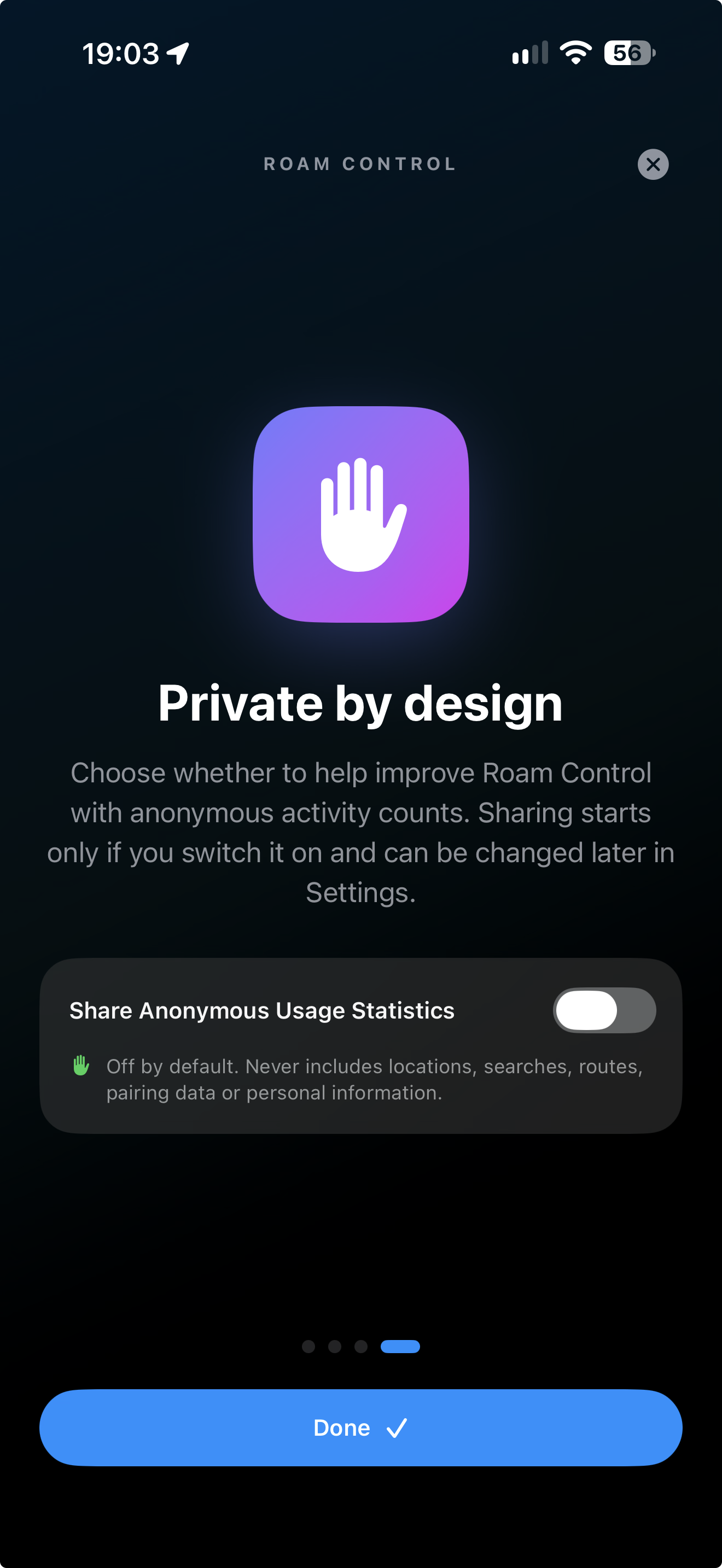
No. Locations, searches, favourites, history, routes and pairing records all stay on the device; optional anonymous usage stats are off by default and never include location, search or pairing data.What can I do with a simulated location besides setting a fixed point?You can preview and start Apple Maps walking routes, then pause, resume, reverse or redirect them mid-session, plus save named favourites and revisit recent locations.
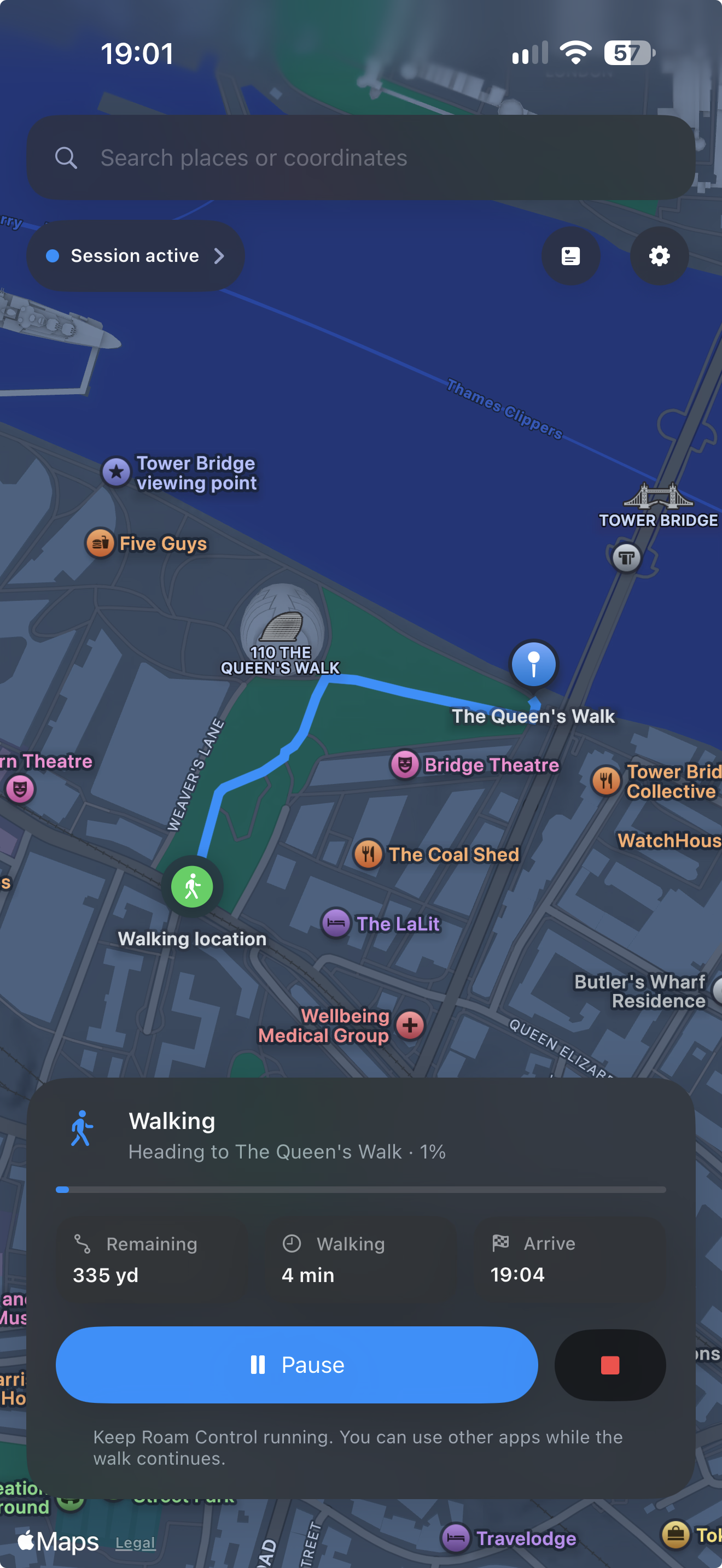
You can preview and start Apple Maps walking routes, then pause, resume, reverse or redirect them mid-session, plus save named favourites and revisit recent locations.Do I need to jailbreak my iPhone to use this?No, it works on a stock iPhone through sideloading with SideStore (or Xcode) and an on-device pairing handshake over LocalDevVPN, without jailbreaking.
No, it works on a stock iPhone through sideloading with SideStore (or Xcode) and an on-device pairing handshake over LocalDevVPN, without jailbreaking.What is LocalDevVPN used for here?Roam Control uses LocalDevVPN to discover the paired iPhone's remote-pairing service and open an encrypted developer session used to set or clear the simulated location.
Roam Control uses LocalDevVPN to discover the paired iPhone's remote-pairing service and open an encrypted developer session used to set or clear the simulated location.Can I undo the location change when I'm done testing?Yes, the app lets you explicitly restore the real location when testing is finished, and includes recovery handling if a fixed or walking session gets interrupted.
Yes, the app lets you explicitly restore the real location when testing is finished, and includes recovery handling if a fixed or walking session gets interrupted.What are similar projects?sill, iOS-GPS-Spoofer, zhoop, firefox-ios, zulu, omarchy-apple-dev, Signal-iOS, animated-tab-bar
sill, iOS-GPS-Spoofer, zhoop, firefox-ios, zulu, omarchy-apple-dev, Signal-iOS, animated-tab-barWhich topics is it in?beta, ffi, qa, iphone, geolocation, testing-tools, ios-app, swiftui, xcode, privacy-first, vpn, apple
beta, ffi, qa, iphone, geolocation, testing-tools, ios-app, swiftui, xcode, privacy-first, vpn, apple