Что это?
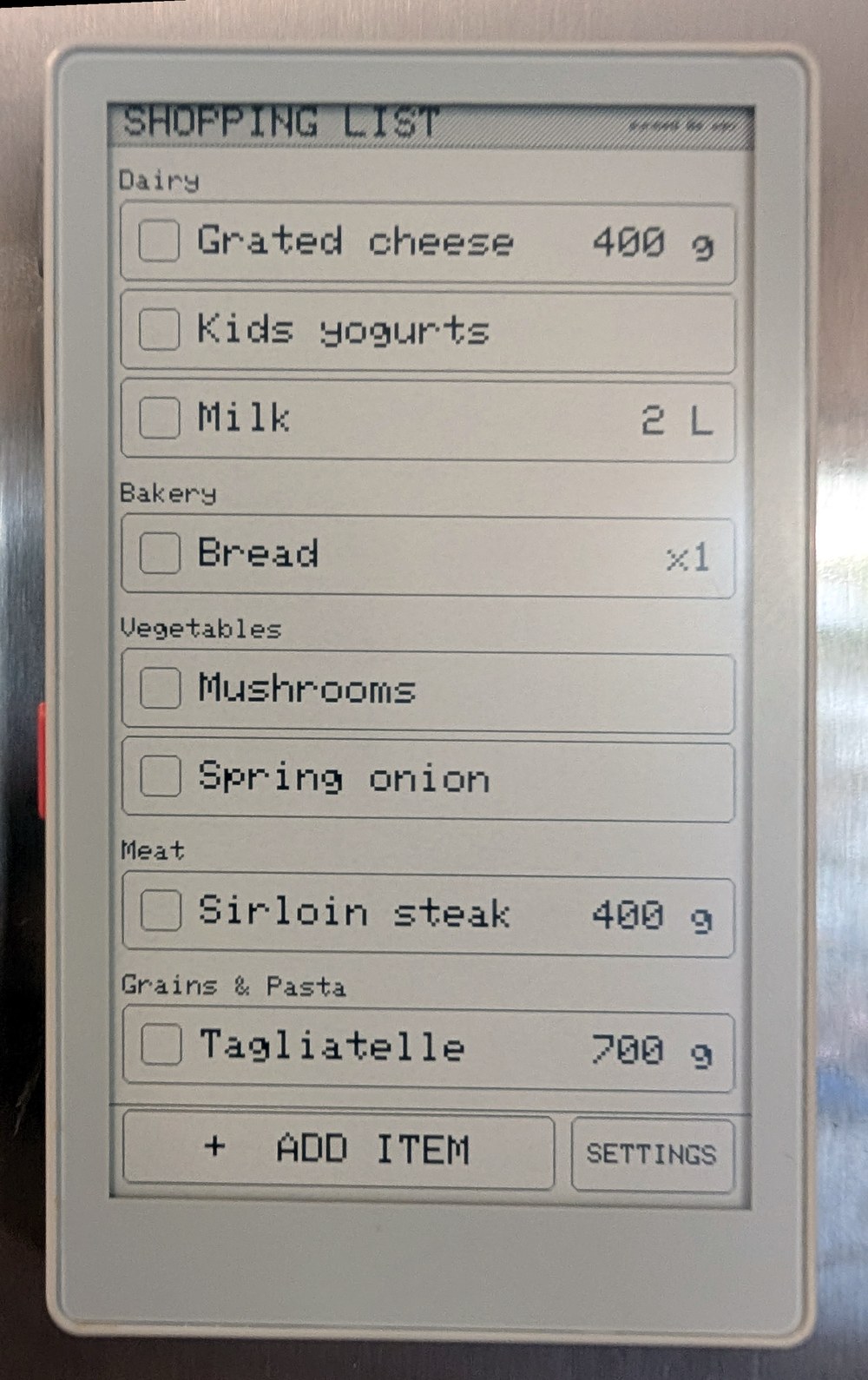
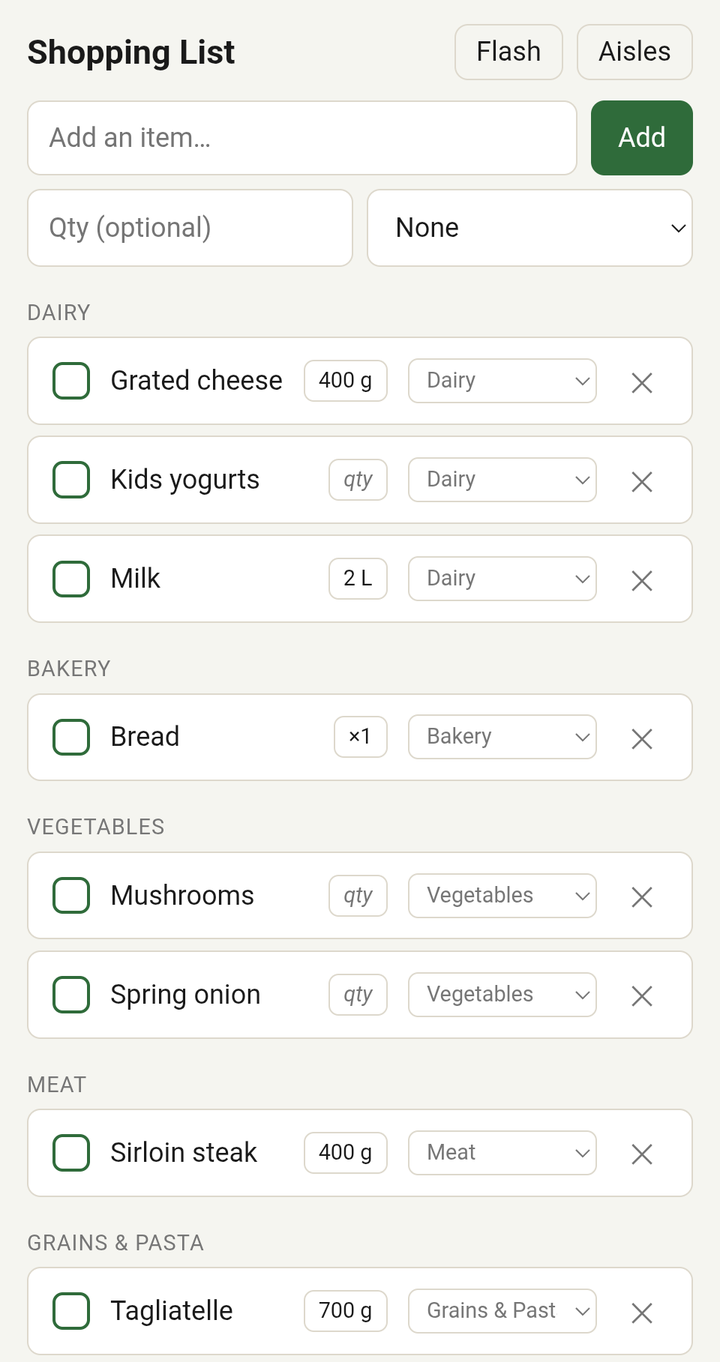
 Прошивка и сопутствующий сервер, которые превращают устройство M5Stack PaperMono с экраном на электронных чернилах в домашний список покупок: он живёт на холодильнике и синхронизируется с веб-приложением на телефоне.
Прошивка и сопутствующий сервер, которые превращают устройство M5Stack PaperMono с экраном на электронных чернилах в домашний список покупок: он живёт на холодильнике и синхронизируется с веб-приложением на телефоне.Это только прошивка или в комплекте есть и сервер?Это прошивка на C++ для железа PaperMono плюс небольшой сервер на Python FastAPI, который хранит список и синхронизирует его между устройством с электронными чернилами и веб-интерфейсом на телефоне.
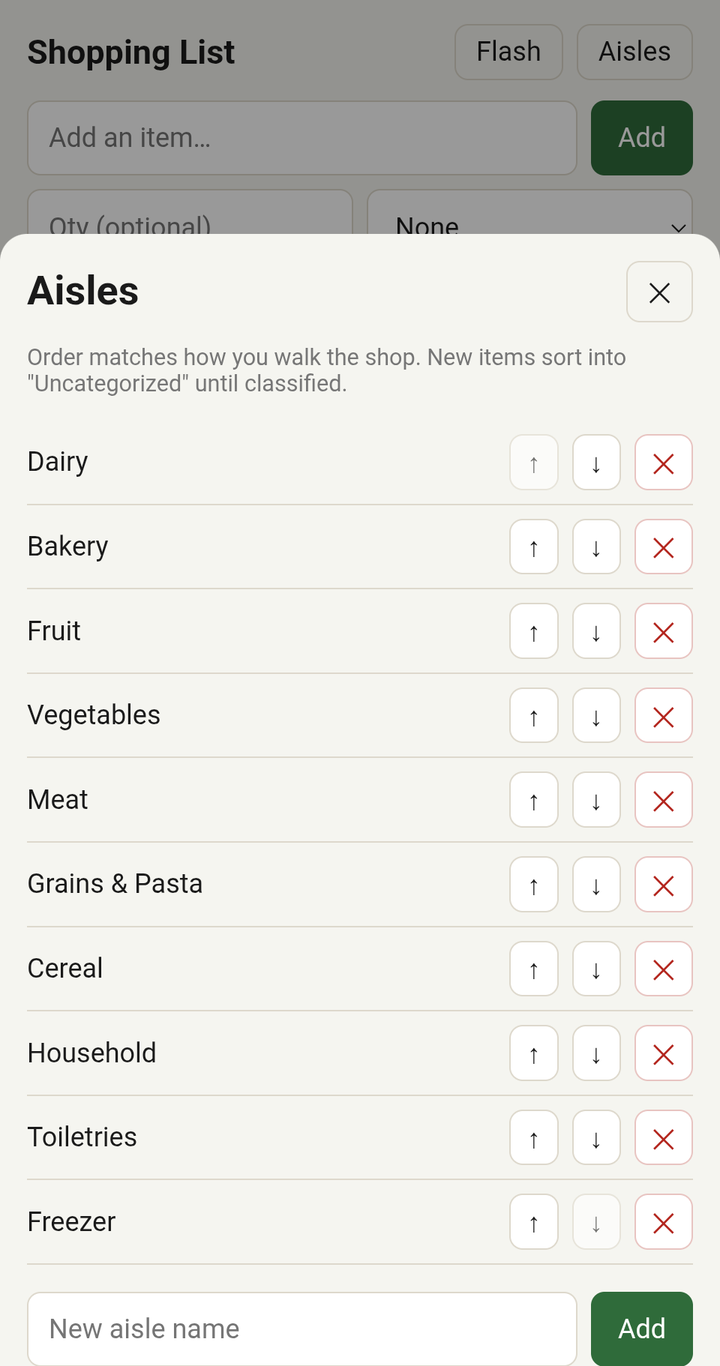
Это прошивка на C++ для железа PaperMono плюс небольшой сервер на Python FastAPI, который хранит список и синхронизирует его между устройством с электронными чернилами и веб-интерфейсом на телефоне.Как это запустить?Сначала запустите сервер и откройте его на телефоне, чтобы добавить отделы вашего магазина, затем соберите и прошейте прошивку на PaperMono с помощью PlatformIO.
Сначала запустите сервер и откройте его на телефоне, чтобы добавить отделы вашего магазина, затем соберите и прошейте прошивку на PaperMono с помощью PlatformIO.Что нужно для сборки и прошивки?PlatformIO и подключённый по USB-C PaperMono для прошивки устройства; серверу достаточно Python/FastAPI, при желании его можно запускать через Docker или systemd.
PlatformIO и подключённый по USB-C PaperMono для прошивки устройства; серверу достаточно Python/FastAPI, при желании его можно запускать через Docker или systemd.Какие сейчас есть ограничения?Настройки Wi-Fi на самом устройстве нет, так как учётные данные зашиты в прошивку; у сервера нет аутентификации, поэтому его стоит держать в локальной сети или за обратным прокси; протестирована только модель PaperMono C153.
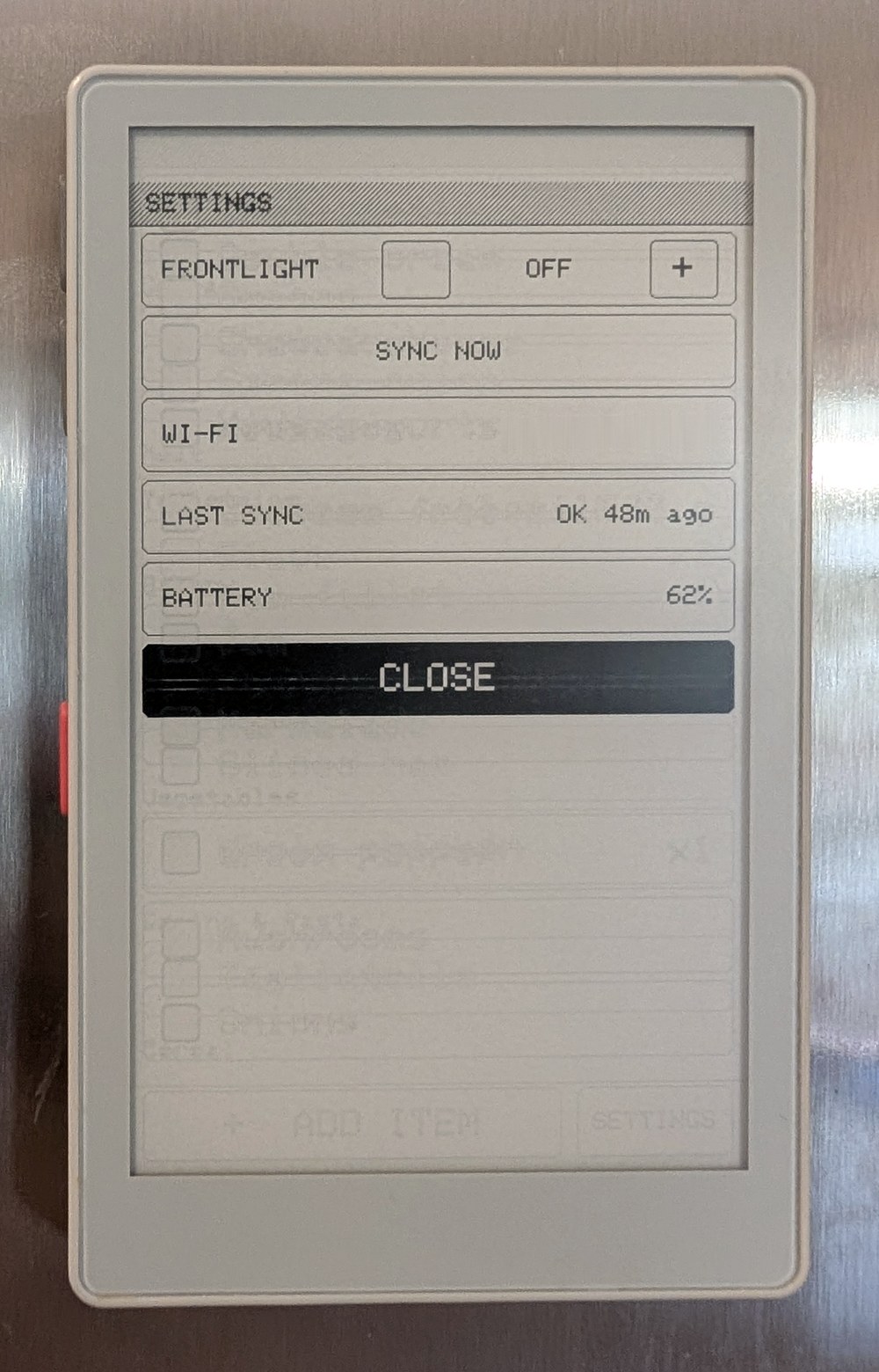
Настройки Wi-Fi на самом устройстве нет, так как учётные данные зашиты в прошивку; у сервера нет аутентификации, поэтому его стоит держать в локальной сети или за обратным прокси; протестирована только модель PaperMono C153.Список покупок работает без Wi-Fi?Да, отметка и добавление пунктов полностью работают офлайн; Wi-Fi включается примерно раз в час (или сразу после изменения) для синхронизации, а правки до этого момента выстраиваются в очередь во флеш-памяти.
Да, отметка и добавление пунктов полностью работают офлайн; Wi-Fi включается примерно раз в час (или сразу после изменения) для синхронизации, а правки до этого момента выстраиваются в очередь во флеш-памяти.Что представляет собой само железо PaperMono?Это устройство на ESP32-S3 с сенсорным экраном на электронных чернилах диагональю 3,97 дюйма и разрешением 480x800, которое этот проект превращает в дисплей списка покупок.
Это устройство на ESP32-S3 с сенсорным экраном на электронных чернилах диагональю 3,97 дюйма и разрешением 480x800, которое этот проект превращает в дисплей списка покупок.Новые пункты раскладываются по отделам автоматически?При желании да: когда сервер впервые видит название пункта, он может отправить его в Claude, чтобы отнести к нужному отделу, а если вы переместите его вручную, эта поправка сохранится.
При желании да: когда сервер впервые видит название пункта, он может отправить его в Claude, чтобы отнести к нужному отделу, а если вы переместите его вручную, эта поправка сохранится.Насколько хорош интерфейс на электронных чернилах на практике?Нажатия, прокрутка и ввод используют быстрое частичное обновление без мерцания; полное обновление принудительно выполняется каждые 10 частичных, чтобы ограничить остаточное изображение, а серые цвета выводятся однобитным точечным узором, поэтому выглядят одинаково в обоих режимах.
Нажатия, прокрутка и ввод используют быстрое частичное обновление без мерцания; полное обновление принудительно выполняется каждые 10 частичных, чтобы ограничить остаточное изображение, а серые цвета выводятся однобитным точечным узором, поэтому выглядят одинаково в обоих режимах.Могу ли я переиспользовать это для собственного проекта на PaperMono?Да, автор сделал это и как работающий список покупок, и как компактную, читабельную (~2400 строк на C++) отправную точку для других прошивок под PaperMono.
Да, автор сделал это и как работающий список покупок, и как компактную, читабельную (~2400 строк на C++) отправную точку для других прошивок под PaperMono.What are similar projects?tiny-engineer, RuView, kindle-wall-display, esp-sdr, WLED, ESP32Marauder, cardputer-ai, arduino-esp32
tiny-engineer, RuView, kindle-wall-display, esp-sdr, WLED, ESP32Marauder, cardputer-ai, arduino-esp32Which topics is it in?display, wifi, home-automation, esp32, embedded-systems, reverse-proxy, firmware, offline-first, iot, fastapi, embedded, hardware
display, wifi, home-automation, esp32, embedded-systems, reverse-proxy, firmware, offline-first, iot, fastapi, embedded, hardware