Android智能下拉刷新框架-SmartRefreshLayout





SmartRefreshLayout以打造一个强大,稳定,成熟的下拉刷新框架为目标,并集成各种的炫酷、多样、实用、美观的Header和Footer。
正如名字所说,SmartRefreshLayout是一个“聪明”或者“智能”的下拉刷新布局,由于它的“智能”,它不只是支持所有的View,还支持多层嵌套的视图结构。
它继承自ViewGroup 而不是FrameLayout或LinearLayout,提高了性能。
也吸取了现在流行的各种刷新布局的优点,包括谷歌官方的 SwipeRefreshLayout,
其他第三方的 Ultra-Pull-To-Refresh、TwinklingRefreshLayout 。
还集成了各种炫酷的 Header 和 Footer。
IOS版本
IOS版本:链接
国内加速
github 由于你懂的原因,下载速度缓慢,图片也无法查看,可以跳转 Gitee镜像
特点功能:
- 支持多点触摸
- 支持淘宝二楼和二级刷新
- 支持嵌套多层的视图结构 Layout (LinearLayout,FrameLayout...)
- 支持所有的 View(AbsListView、RecyclerView、WebView....View)
- 支持自定义并且已经集成了很多炫酷的 Header 和 Footer.
- 支持和 ListView 的无缝同步滚动 和 CoordinatorLayout 的嵌套滚动 .
- 支持自动刷新、自动上拉加载(自动检测列表惯性滚动到底部,而不用手动上拉).
- 支持自定义回弹动画的插值器,实现各种炫酷的动画效果.
- 支持设置主题来适配任何场景的 App,不会出现炫酷但很尴尬的情况.
- 支持设多种滑动方式:平移、拉伸、背后固定、顶层固定、全屏
- 支持所有可滚动视图的越界回弹
- 支持 Header 和 Footer 交换混用
- 支持 AndroidX
- 支持横向刷新
- 支持IOS
传送门
Demo
下载 APK-Demo

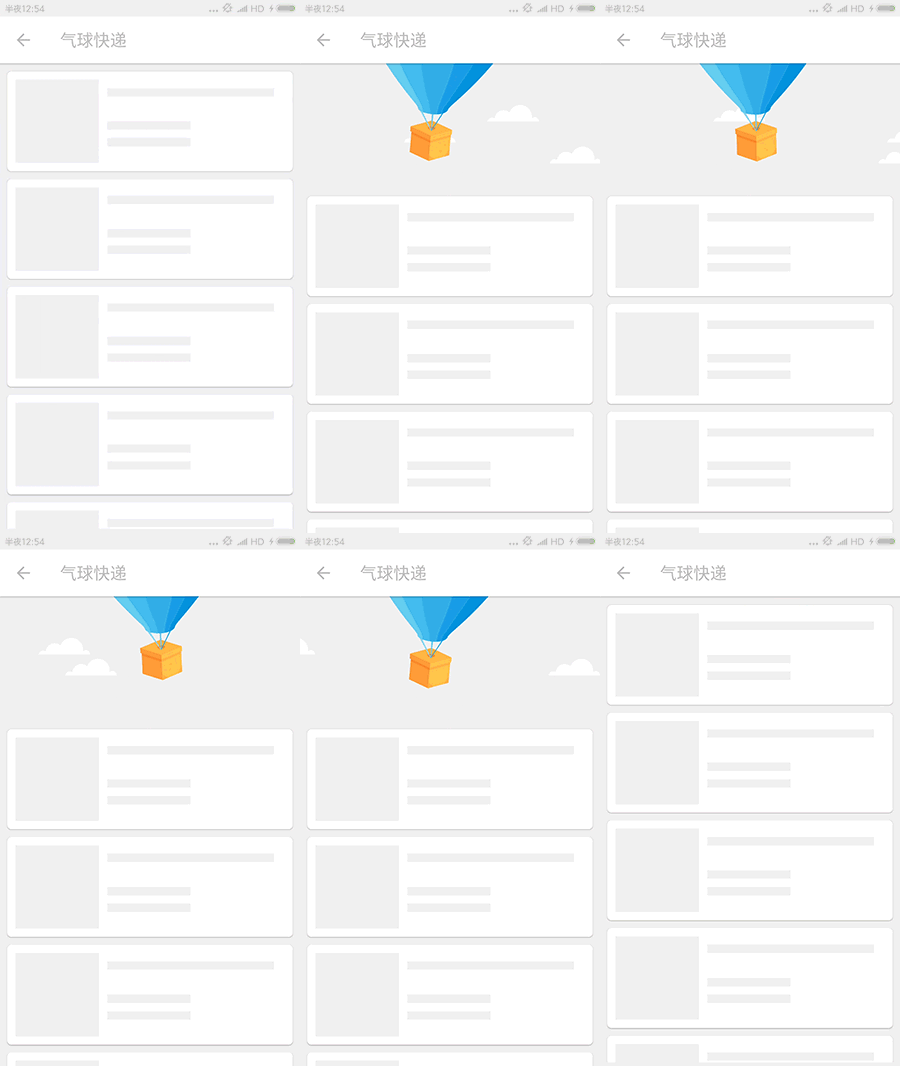
项目演示
| 个人首页 |
微博列表 |
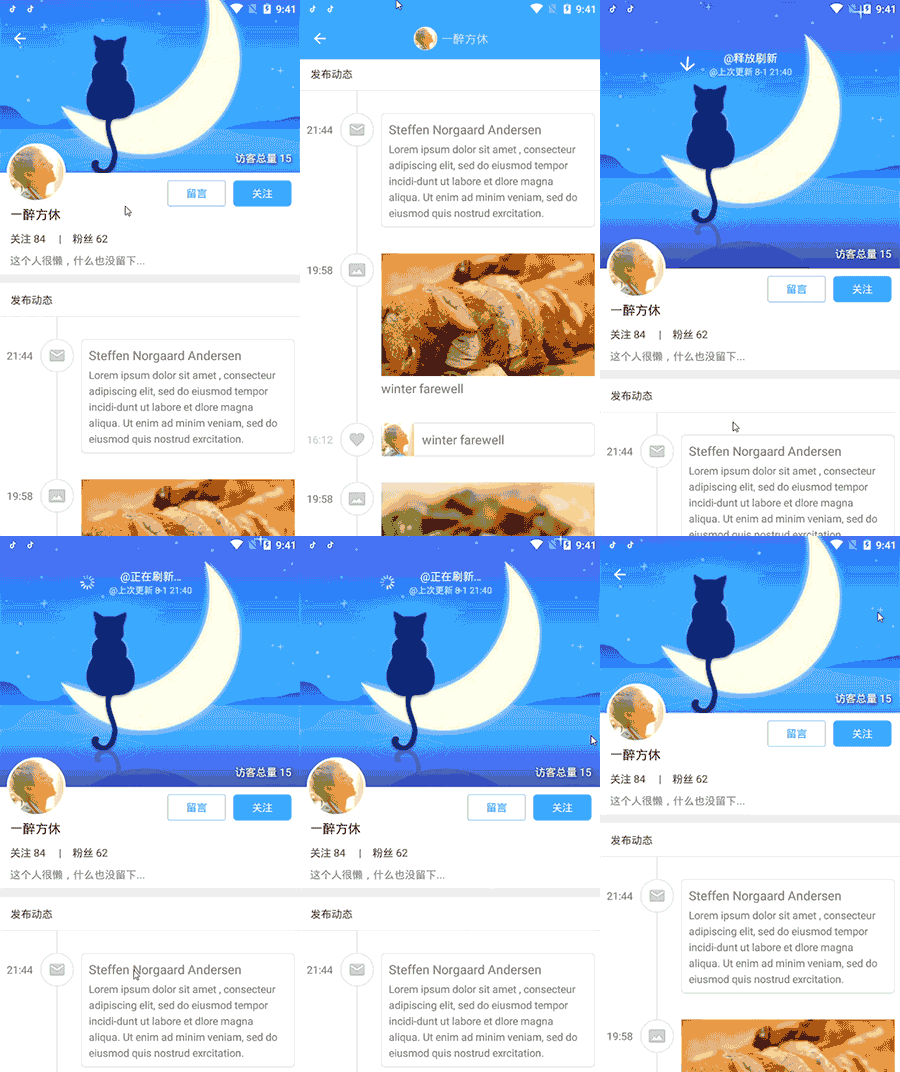 |
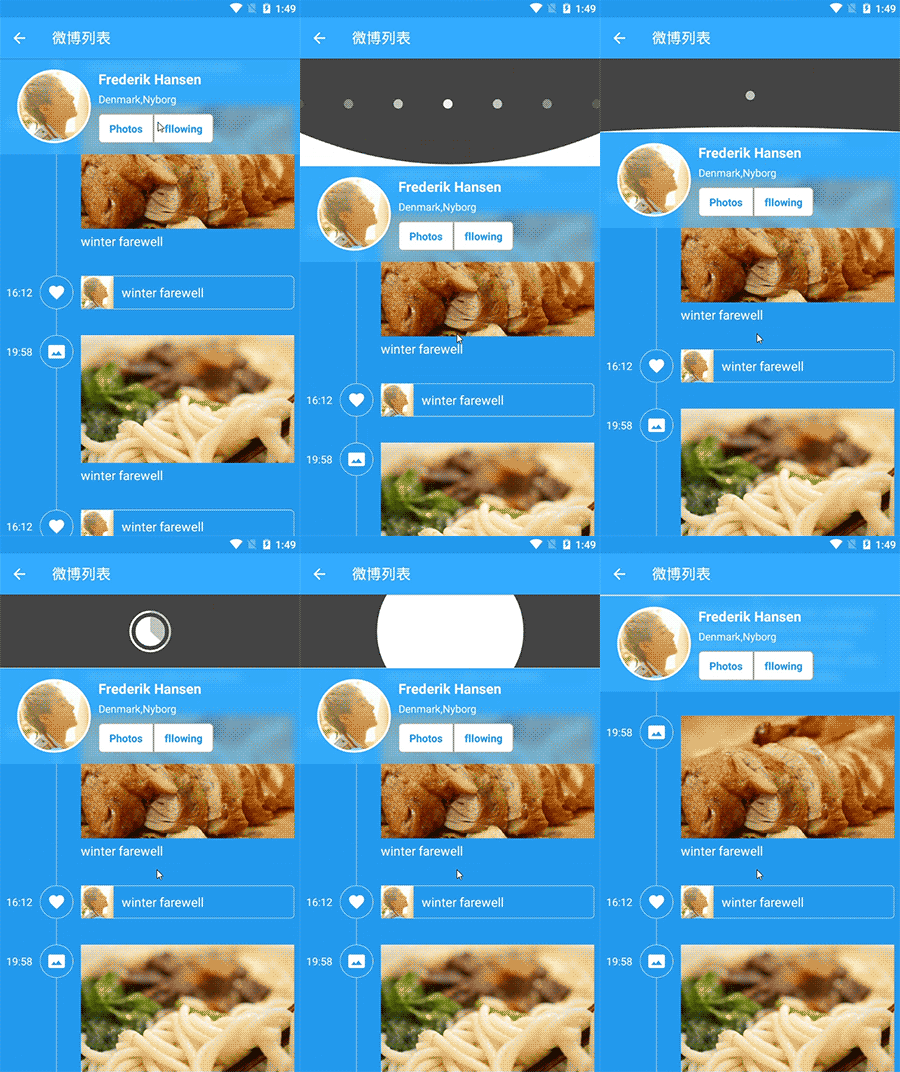 |
| 餐饮美食 |
个人中心 |
 |
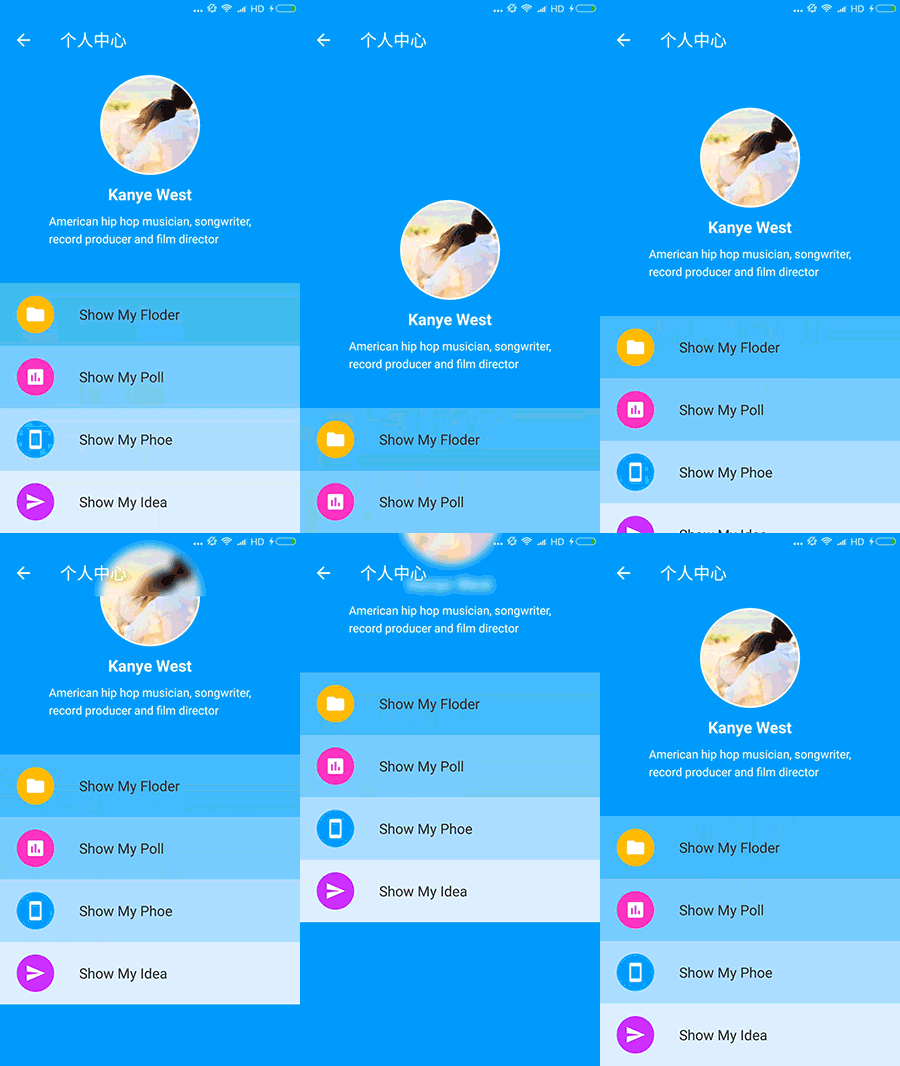 |
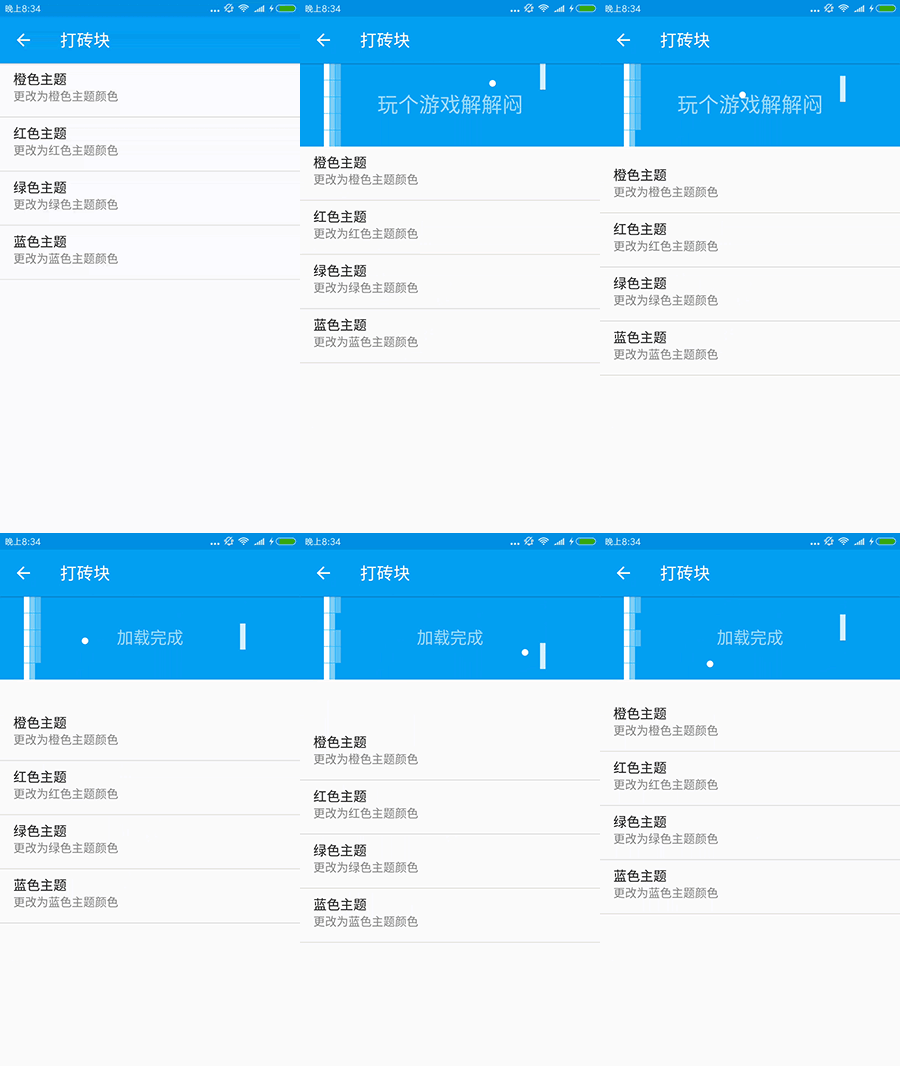
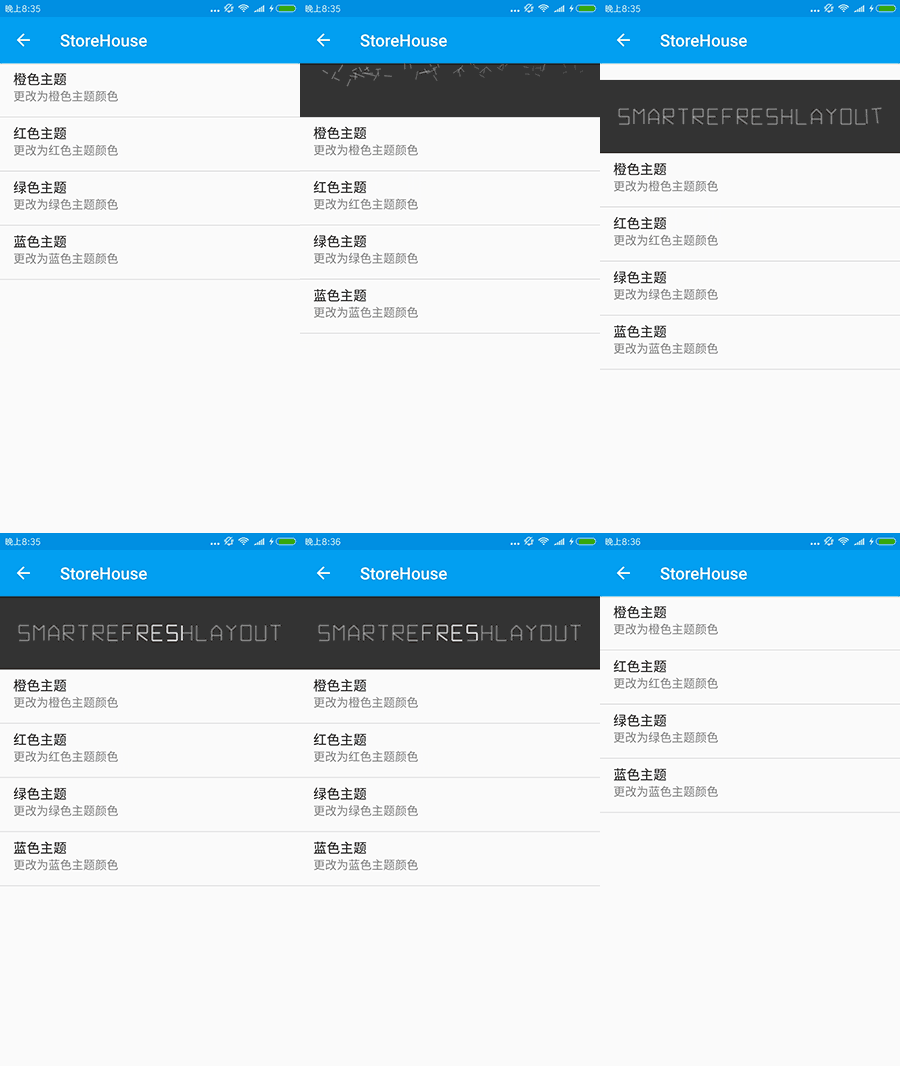
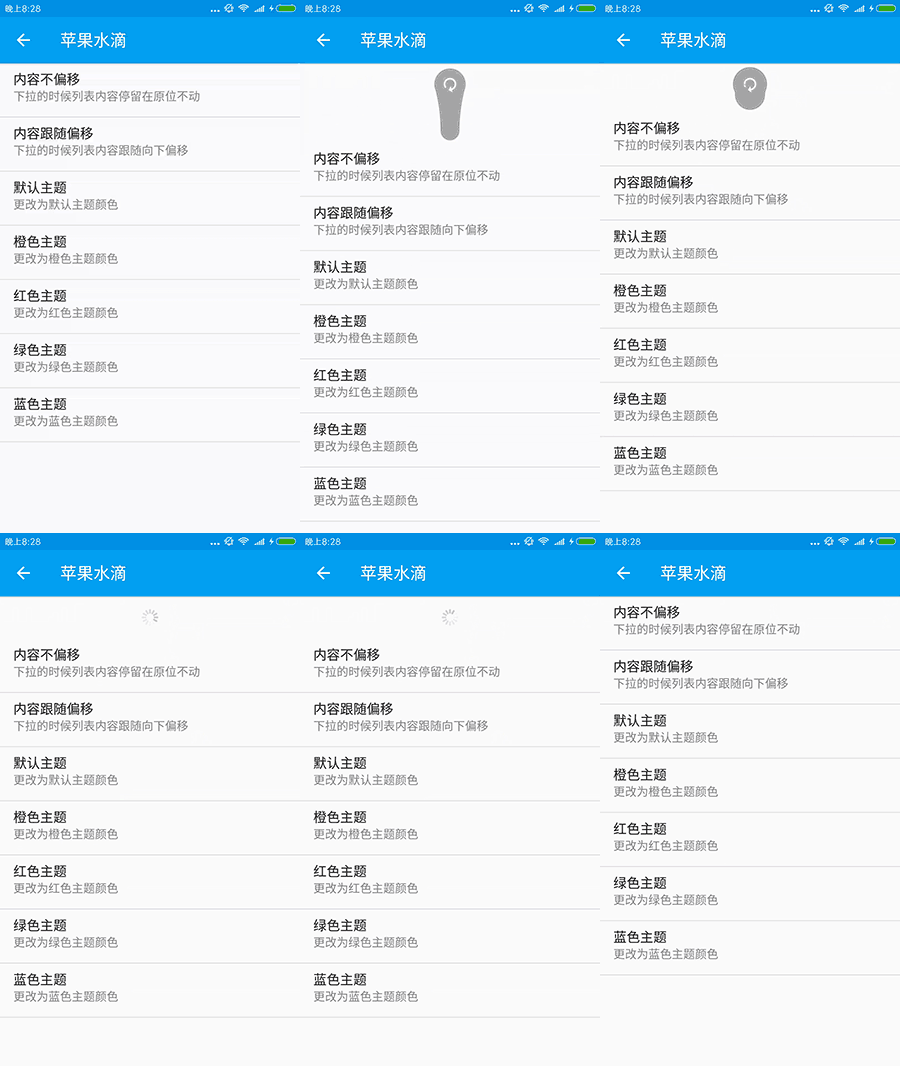
样式演示 Style
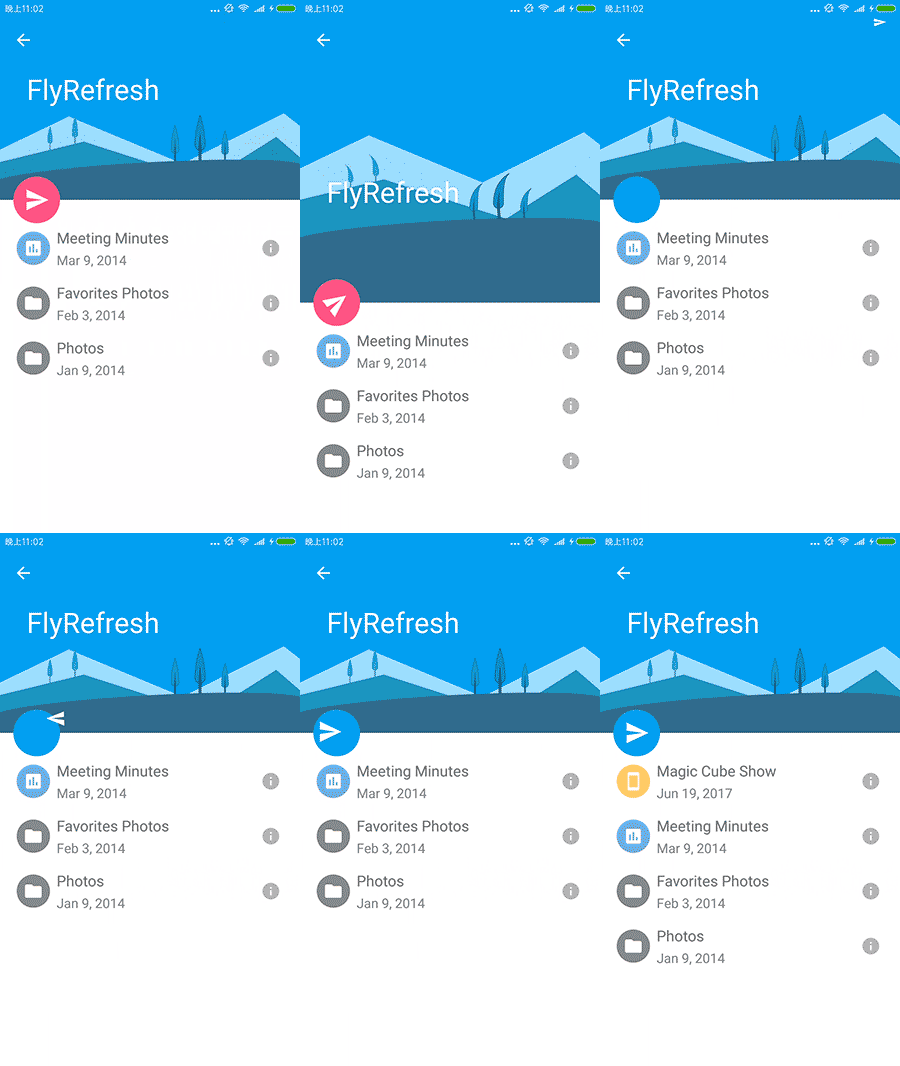
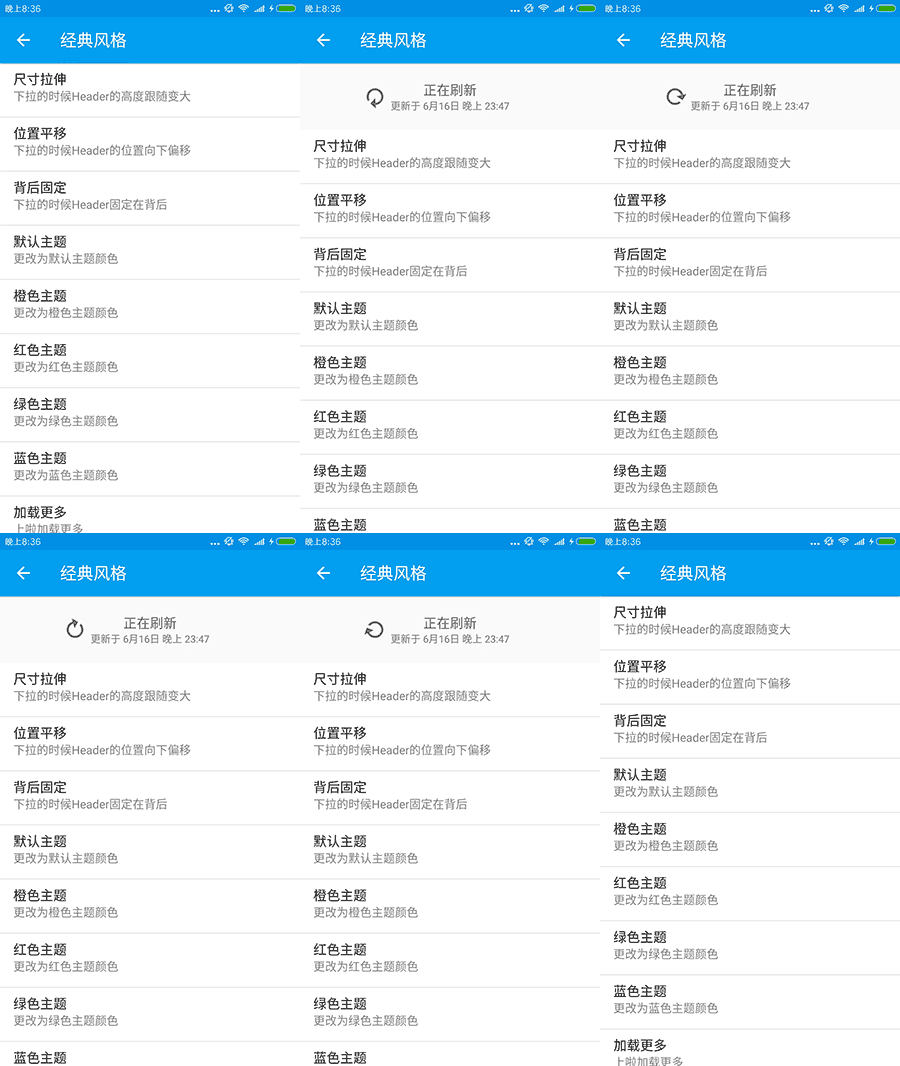
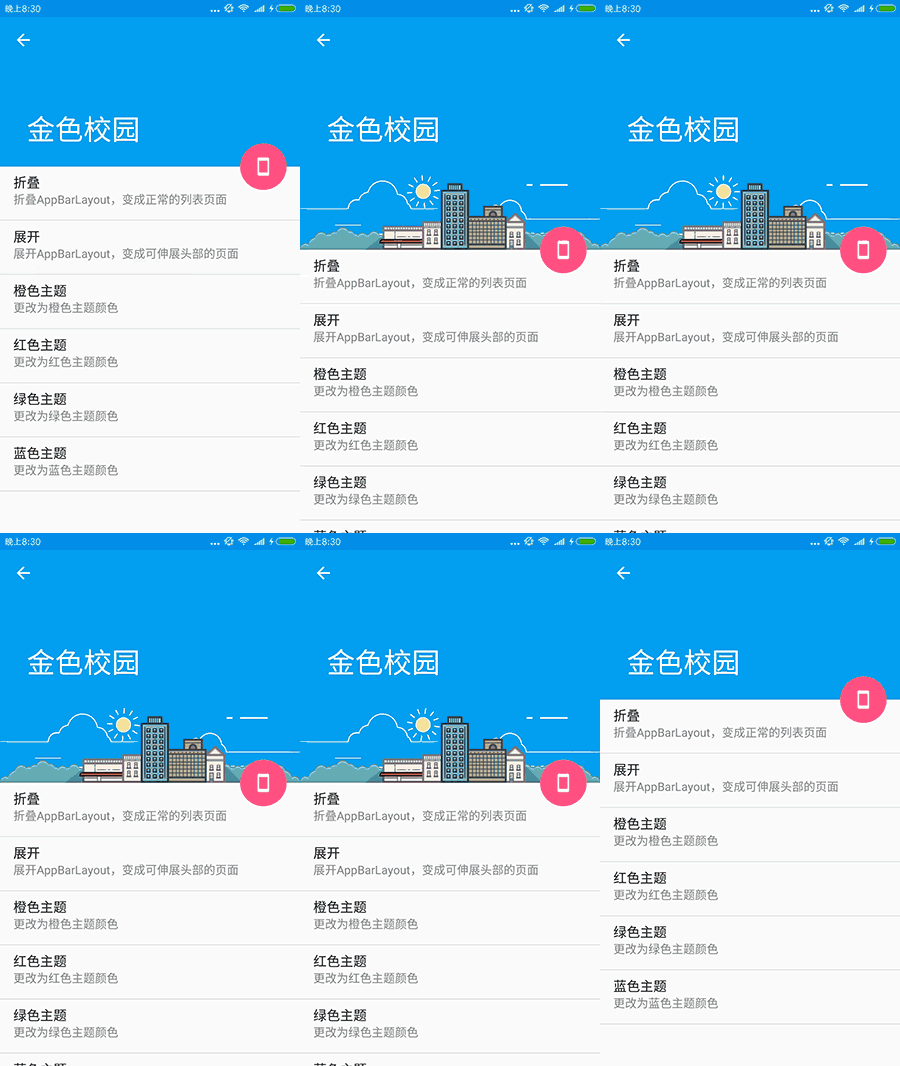
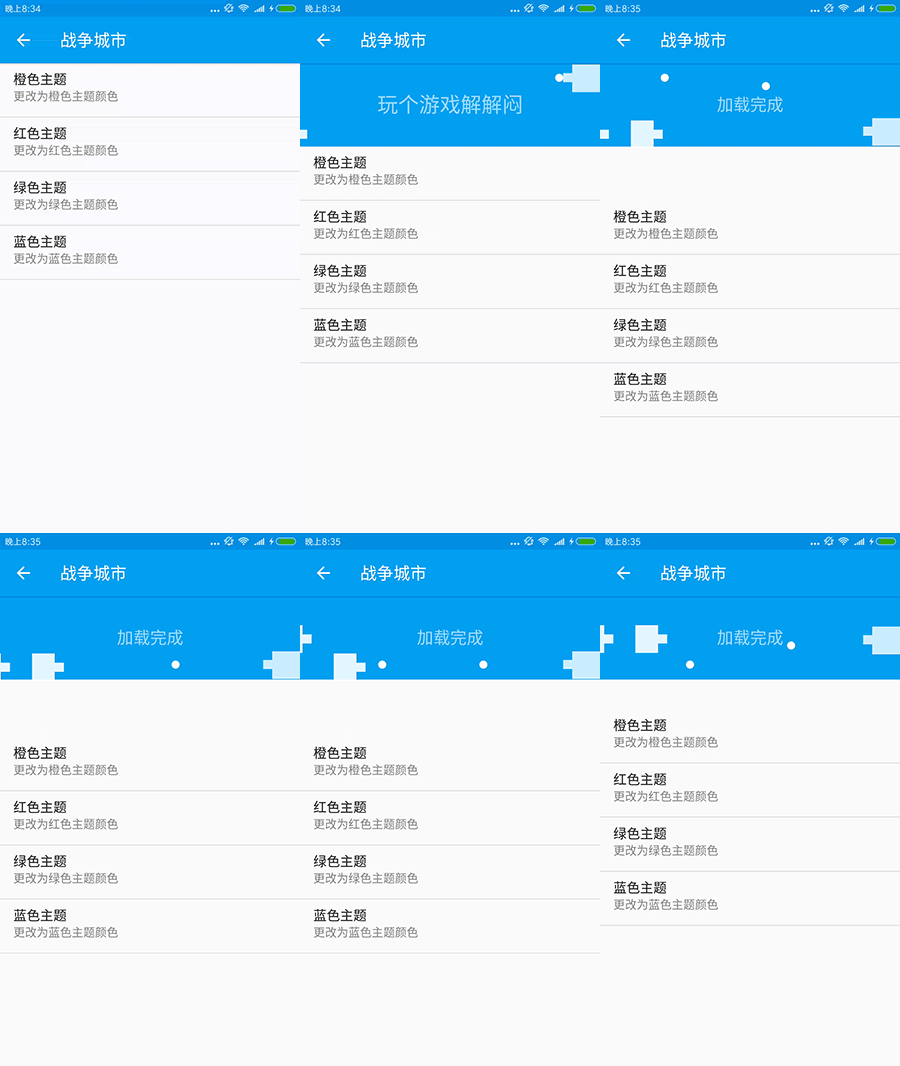
上面这两个是我自己实现的,下面的是我把github上其它优秀的Header进行的整理和集合还有优化:
看到这么多炫酷的Header,是不是觉得很棒?这时你或许会担心这么多的Header集成在一起,但是平时只会用到一个,是不是要引入很多无用的代码和资源?
V2.x 版本已经把依赖库拆分成8个包啦,用到的时候自行引用就可以啦!
- refresh-layout-kernel 核心必须依赖
- refresh-header-classics 经典刷新头
- refresh-header-radar 雷达刷新头
- refresh-header-falsify 虚拟刷新头
- refresh-header-material 谷歌刷新头
- refresh-header-two-level 二级刷新头
- refresh-footer-ball 球脉冲加载
- refresh-footer-classics 经典加载
注:在Demo中有些炫酷的 Header,他们并不具有实用性,所以没有打包上传仓库,所以无法直接添加依赖。
如果你确实想要在App中集成它们,请自行找到对应个 tag 的分支,把对应版本的Header源码拷贝到自己的项目中,作为自定义Header来使用。
需要源码引用的Header如下:
BezierCircleHeader
DeliveryHeader
DropBoxHeader
FlyRefreshHeader
FunGameBattleCityHeader
FunGameHitBlockHeader
PhoenixHeader
StoreHouseHeader
TaurusHeader
WaterDropHeader
WaveSwipeHeader
简单用例
1.在 build.gradle 中添加依赖
注:3.x 版本已经发布,主要升级为使用 androidx 替换 support, 并且目前尚未添加新功能, 如果你还需要使用 support 请使用 2.x 版本。
implementation 'androidx.appcompat:appcompat:1.0.0'                 //必须 1.0.0 以上

implementation  'io.github.scwang90:refresh-layout-kernel:3.0.0-alpha'      //核心必须依赖
implementation  'io.github.scwang90:refresh-header-classics:3.0.0-alpha'    //经典刷新头
implementation  'io.github.scwang90:refresh-header-radar:3.0.0-alpha'       //雷达刷新头
implementation  'io.github.scwang90:refresh-header-falsify:3.0.0-alpha'     //虚拟刷新头
implementation  'io.github.scwang90:refresh-header-material:3.0.0-alpha'    //谷歌刷新头
implementation  'io.github.scwang90:refresh-header-two-level:3.0.0-alpha'   //二级刷新头
implementation  'io.github.scwang90:refresh-footer-ball:3.0.0-alpha'        //球脉冲加载
implementation  'io.github.scwang90:refresh-footer-classics:3.0.0-alpha'    //经典加载
2.在XML布局文件中添加 SmartRefreshLayout
<?xml version="1.0" encoding="utf-8"?>
<com.scwang.smart.refresh.layout.SmartRefreshLayout xmlns:android="http://schemas.android.com/apk/res/android"
    android:id="@+id/refreshLayout"
    android:layout_width="match_parent"
    android:layout_height="match_parent">
    <com.scwang.smart.refresh.header.ClassicsHeader
        android:layout_width="match_parent"
        android:layout_height="wrap_content"/>
    <androidx.recyclerview.widget.RecyclerView
        android:id="@+id/recyclerView"
        android:layout_width="match_parent"
        android:layout_height="match_parent"
        android:overScrollMode="never"
        android:background="#fff" />
    <com.scwang.smart.refresh.footer.ClassicsFooter
        android:layout_width="match_parent"
        android:layout_height="wrap_content"/>
</com.scwang.smart.refresh.layout.SmartRefreshLayout>
3.在 Activity 或者 Fragment 中添加代码
RefreshLayout refreshLayout = (RefreshLayout)findViewById(R.id.refreshLayout);
refreshLayout.setRefreshHeader(new ClassicsHeader(this));
refreshLayout.setRefreshFooter(new ClassicsFooter(this));
refreshLayout.setOnRefreshListener(new OnRefreshListener() {
    @Override
    public void onRefresh(RefreshLayout refreshlayout) {
        refreshlayout.finishRefresh(2000/*,false*/);//传入false表示刷新失败
    }
});
refreshLayout.setOnLoadMoreListener(new OnLoadMoreListener() {
    @Override
    public void onLoadMore(RefreshLayout refreshlayout) {
        refreshlayout.finishLoadMore(2000/*,false*/);//传入false表示加载失败
    }
});
1.方法一 全局设置
public class App extends Application {
    //static 代码段可以防止内存泄露
    static {
        //设置全局的Header构建器
        SmartRefreshLayout.setDefaultRefreshHeaderCreator(new DefaultRefreshHeaderCreator() {
                @Override
                public RefreshHeader createRefreshHeader(Context context, RefreshLayout layout) {
                    layout.setPrimaryColorsId(R.color.colorPrimary, android.R.color.white);//全局设置主题颜色
                    return new ClassicsHeader(context);//.setTimeFormat(new DynamicTimeFormat("更新于 %s"));//指定为经典Header,默认是 贝塞尔雷达Header
                }
            });
        //设置全局的Footer构建器
        SmartRefreshLayout.setDefaultRefreshFooterCreator(new DefaultRefreshFooterCreator() {
                @Override
                public RefreshFooter createRefreshFooter(Context context, RefreshLayout layout) {
                    //指定为经典Footer,默认是 BallPulseFooter
                    return new ClassicsFooter(context).setDrawableSize(20);
                }
            });
    }
}
注意:方法一 设置的Header和Footer的优先级是最低的,如果同时还使用了方法二、三,将会被其它方法取代
2.方法二 XML布局文件指定
<com.scwang.smart.refresh.layout.SmartRefreshLayout
    xmlns:app="http://schemas.android.com/apk/res-auto"
    android:id="@+id/refreshLayout"
    android:layout_width="match_parent"
    android:layout_height="match_parent"
    android:background="#444444"
    app:srlPrimaryColor="#444444"
    app:srlAccentColor="@android:color/white"
    app:srlEnablePreviewInEditMode="true">
    <!--srlAccentColor srlPrimaryColor 将会改变 Header 和 Footer 的主题颜色-->
    <!--srlEnablePreviewInEditMode 可以开启和关闭预览功能-->
    <com.scwang.smart.refresh.header.ClassicsHeader
        android:layout_width="match_parent"
        android:layout_height="wrap_content"/>
    <TextView
        android:layout_width="match_parent"
        android:layout_height="match_parent"
        android:padding="@dimen/dimenPaddingCommon"
        android:background="@android:color/white"
        android:text="@string/description_define_in_xml"/>
    <com.scwang.smart.refresh.footer.ClassicsFooter
        android:layout_width="match_parent"
        android:layout_height="wrap_content"/>
</com.scwang.smart.refresh.layout.SmartRefreshLayout>
注意:方法二 XML设置的Header和Footer的优先级是中等的,会被方法三覆盖。而且使用本方法的时候,Android Studio 会有预览效果,如下图:

不过不用担心,只是预览效果,运行的时候只有下拉才会出现~
3.方法三 Java代码设置
final RefreshLayout refreshLayout = (RefreshLayout) findViewById(R.id.refreshLayout);
//设置 Header 为 贝塞尔雷达 样式
refreshLayout.setRefreshHeader(new BezierRadarHeader(this).setEnableHorizontalDrag(true));
//设置 Footer 为 球脉冲 样式
refreshLayout.setRefreshFooter(new BallPulseFooter(this).setSpinnerStyle(SpinnerStyle.Scale));
4.更多使用说明
混淆
SmartRefreshLayout 不需要添加混淆过滤代码,并且已经混淆测试通过,如果你在项目的使用中混淆之后出现问题,请及时通知我。
赞赏
如果你喜欢 SmartRefreshLayout 的设计,感觉 SmartRefreshLayout 帮助到了你,可以点右上角 "Star" 支持一下 谢谢! ^_^
你也还可以扫描下面的二维码~ 请作者喝一杯咖啡。



如果希望捐赠之后能获得相关的帮助,可以选择加入下面的付费群来取代普通捐赠,付费群可以直接获得作者的直接帮助,与问题反馈。
如果在捐赠留言中备注名称,将会被记录到列表中~ 如果你也是github开源作者,捐赠时可以留下github项目地址或者个人主页地址,链接将会被添加到列表中起到互相推广的作用
捐赠列表
友情链接
github/afKT/DevUtils
github/Loror
github/faith-hb/WidgetCase
github/Bamboy120315/Freedom
github/Tencent/APIJSON
github/dengyuhan
github/zrp2017
github/fly803/BaseProject
github/razerdp
github/SuperChenC/s-mvp
github/KingJA/LoadSir
github/jianshijiuyou
github/zxy198717
github/addappcn
github/RainliFu
github/sugarya
github/stormzhang
讨论
QQ解决群 - 602537182 (付费)
进群须知
自开群以来,还是有很多的朋友提出了很多问题,我也解决了很多问题,其中有大半问题是本库的Bug导致,也有些是使用者项目本
身的环境问题,这花费了我大量的时间,经过我的观察和测试,到目前为止,本库的bug已经越来越少,当然不能说完全没有,但是
已经能满足很大部分项目的需求。所以从现在起,我做出一个决定:把之前的讨论群改成解决群,并开启付费入群功能,专为解决大
家在使用本库时遇到的问题,不管是本库bug还是,特殊的项目环境导致(包含项目本身的bug)。
我也有自己的工作和娱乐时间,只有大家理解和支持我,我才能专心的为大家解决问题。不过用担心,我已经建立了另一个可以免费
进入的QQ讨论群。
QQ讨论群 - 914275312 (新) 477963933 (满) 538979188 (满)
进群须知
这个群,免费进入,大家可以相互讨论本库的相关使用和出现的问题,群主也会在里面解决问题,如果提出的问题,群成员不能帮助
解决,需要群主解决,但是要花费群主五分钟以上的时间(本库Bug除外),群主将不会解决这个问题,如果项目紧急,请付费进入解
决群解决(不过注意,付费群中群主会很认真很努力的解决问题,但也不能保证已经能完美解决)或者转换使用其他的刷新库。
温馨提示
加入群的答案在本文档中可以找到~
其他作品
MultiWaveHeader
SmartRefreshHorizontal
诗和远方
感谢
SwipeRefreshLayout
Ultra-Pull-To-Refresh
TwinklingRefreshLayout
BeautifulRefreshLayout
License
Copyright 2017 scwang90

Licensed under the Apache License, Version 2.0 (the "License");
you may not use this file except in compliance with the License.
You may obtain a copy of the License at

   http://www.apache.org/licenses/LICENSE-2.0

Unless required by applicable law or agreed to in writing, software
distributed under the License is distributed on an "AS IS" BASIS,
WITHOUT WARRANTIES OR CONDITIONS OF ANY KIND, either express or implied.
See the License for the specific language governing permissions and
limitations under the License.






 SmartRefreshLayout 是一个 Android 下拉刷新框架:用它包裹任意可滚动的视图,就能实现下拉刷新和上拉加载更多,还内置了几十种精美的动画头部和底部。