
16.5K ·GitHub
What is this?
 A resume builder: describe your CV once in a data file and get multiple beautifully designed resumes you can preview in the browser and export as PDF. Built with Vue and LESS.
A resume builder: describe your CV once in a data file and get multiple beautifully designed resumes you can preview in the browser and export as PDF. Built with Vue and LESS.Is this a website I visit or something I run myself?Something you run yourself: it is a local Node.js app. You clone it, start a dev server with 'npm run dev' and use it in your browser at localhost:8080.
Something you run yourself: it is a local Node.js app. You clone it, start a dev server with 'npm run dev' and use it in your browser at localhost:8080.How do I get it running?Clone the repository, cd into it and run 'npm install', then start 'npm run dev' — the page on port 8080 shows previews of every layout, and clicking one opens the resume in the same window.
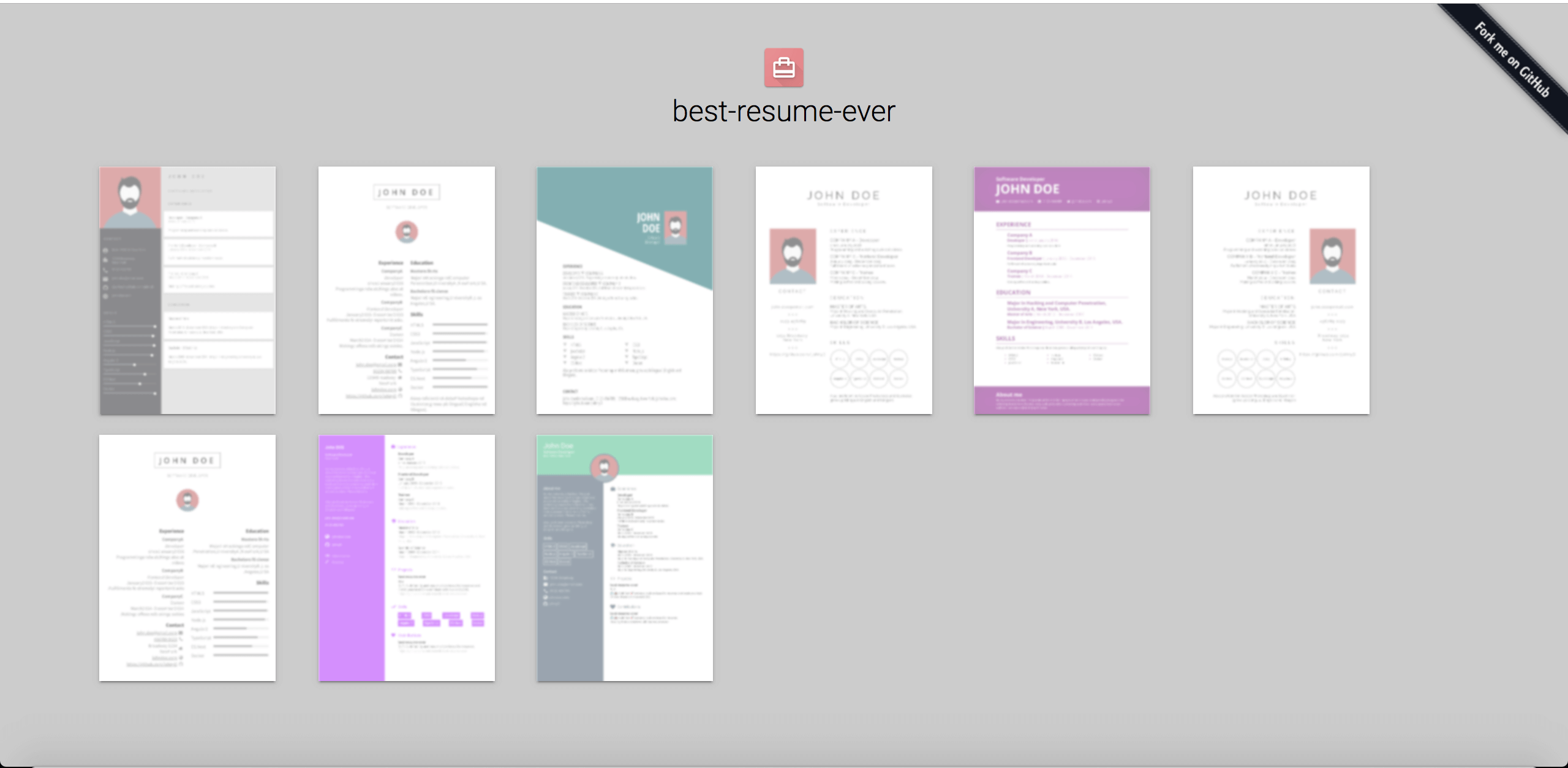
Clone the repository, cd into it and run 'npm install', then start 'npm run dev' — the page on port 8080 shows previews of every layout, and clicking one opens the resume in the same window.What do I need installed on my machine first?Node.js is the only prerequisite: the README asks for version 8.5.0 or higher, and the package metadata now requires Node 18+ with npm 6+.
Node.js is the only prerequisite: the README asks for version 8.5.0 or higher, and the package metadata now requires Node 18+ with npm 6+.Can I export the PDF while the preview server is still running?No — stop 'npm run dev' first. Running 'npm run export' while the dev server is active causes errors because the two npm commands run concurrently.
No — stop 'npm run dev' first. Running 'npm run export' while the dev server is active causes errors because the two npm commands run concurrently.Where do I enter my own details and photo?Everything lives in the resume/ directory: edit data.yml with your information and copy your picture there renamed to id.jpg, replacing the default profile picture.
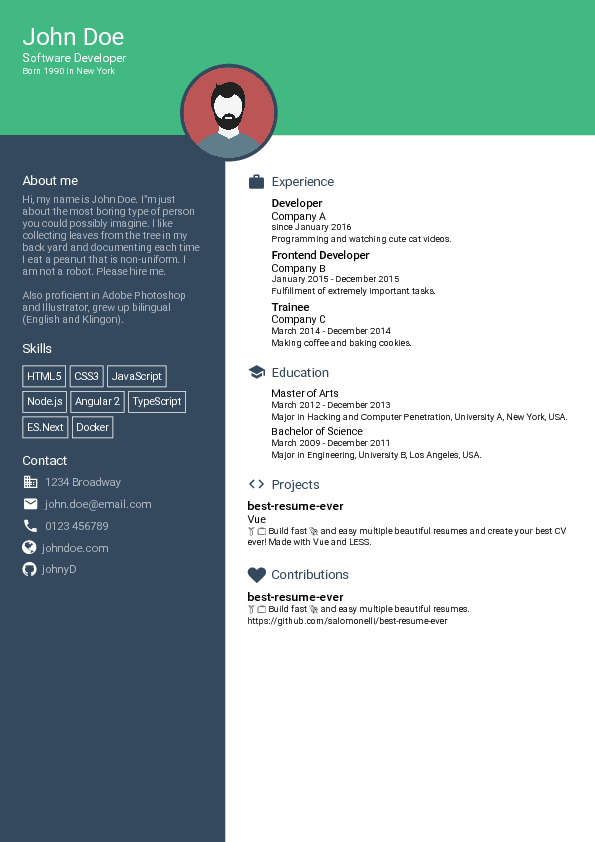
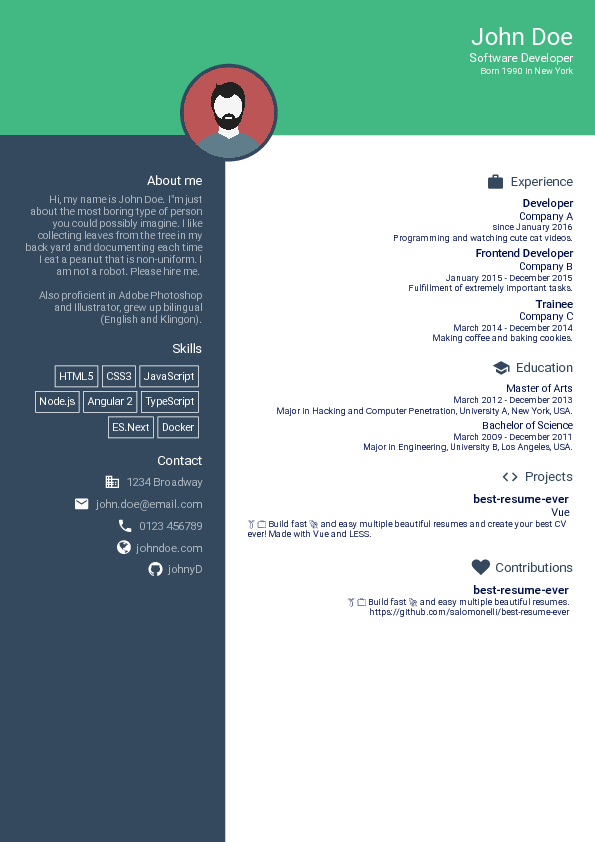
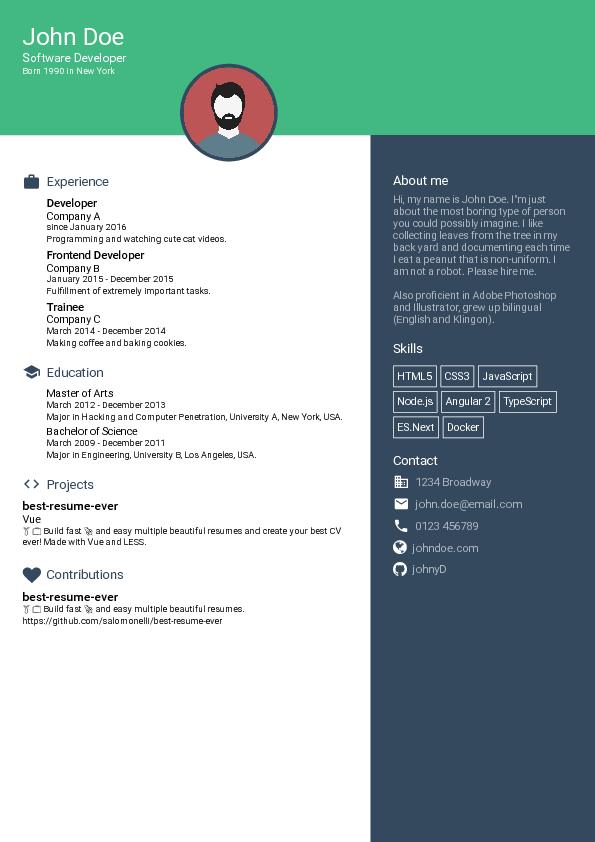
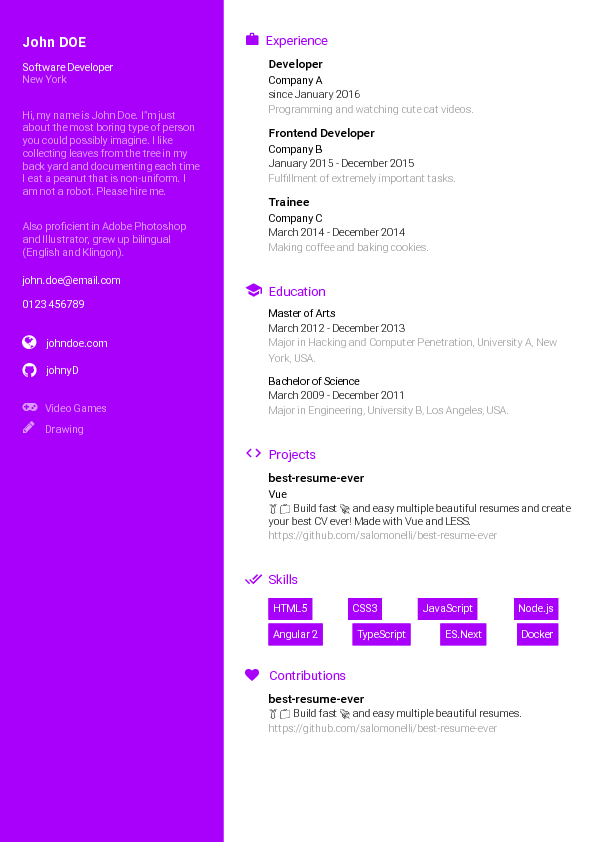
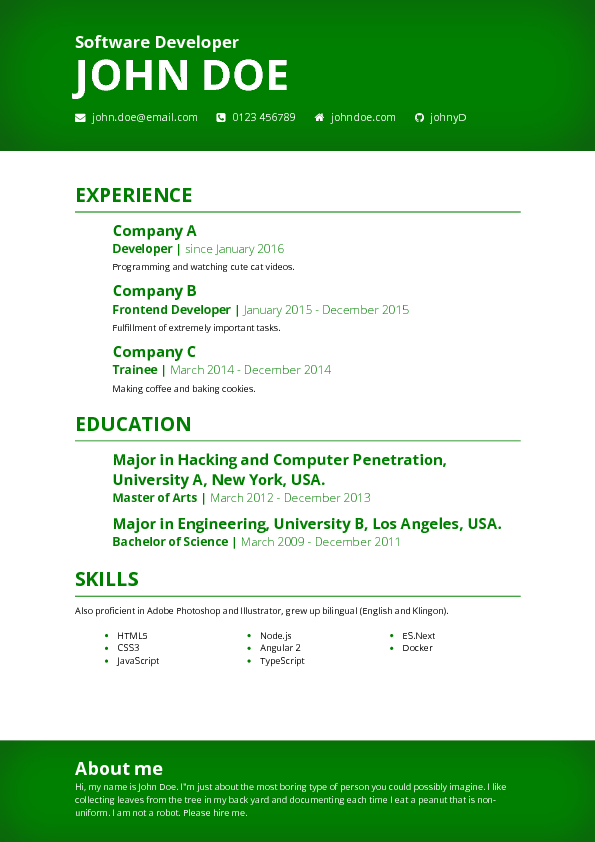
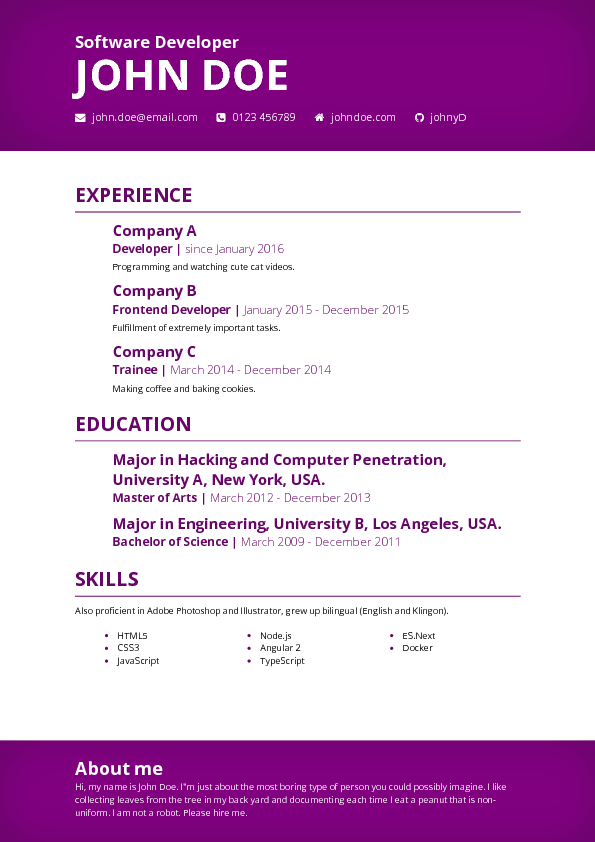
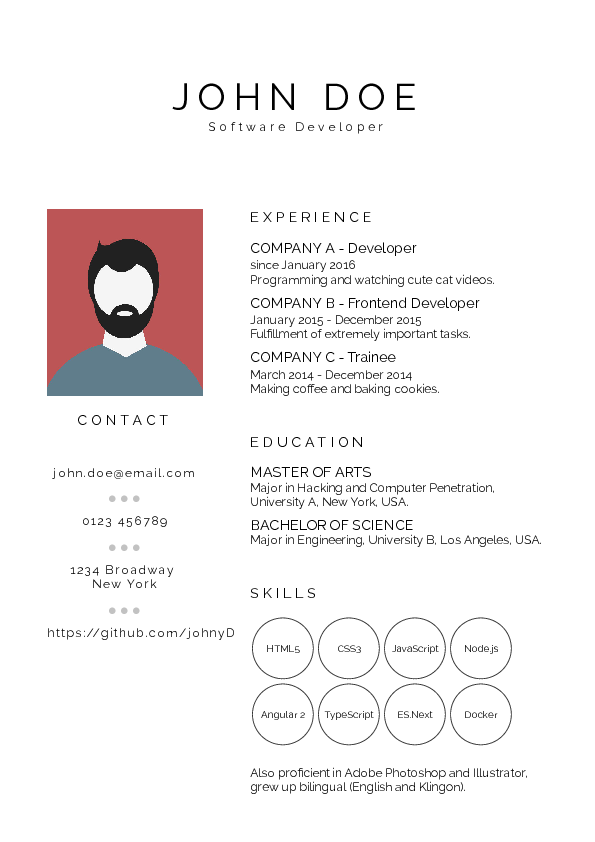
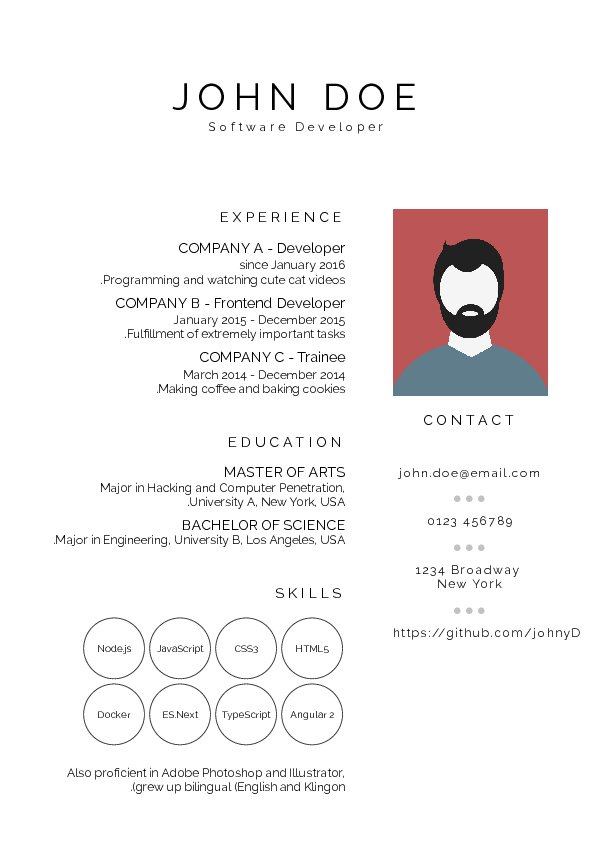
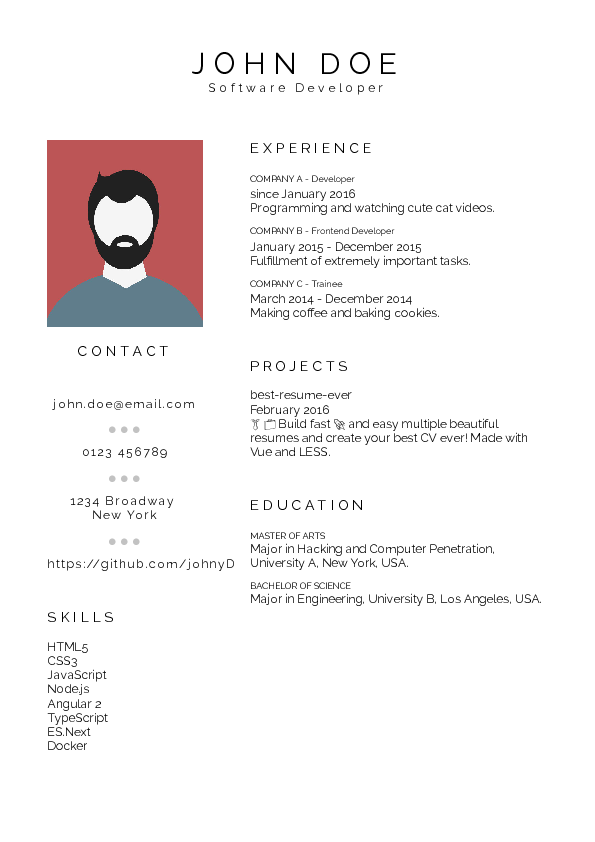
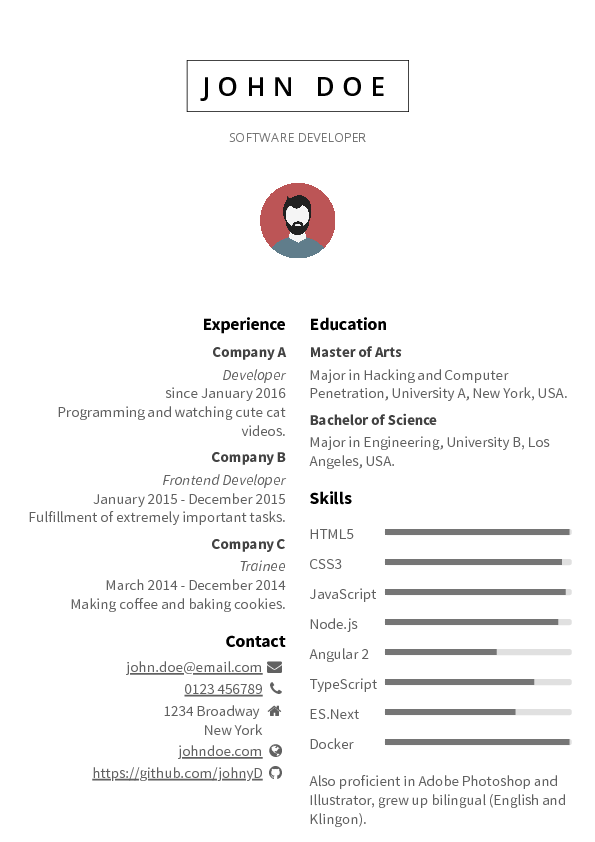
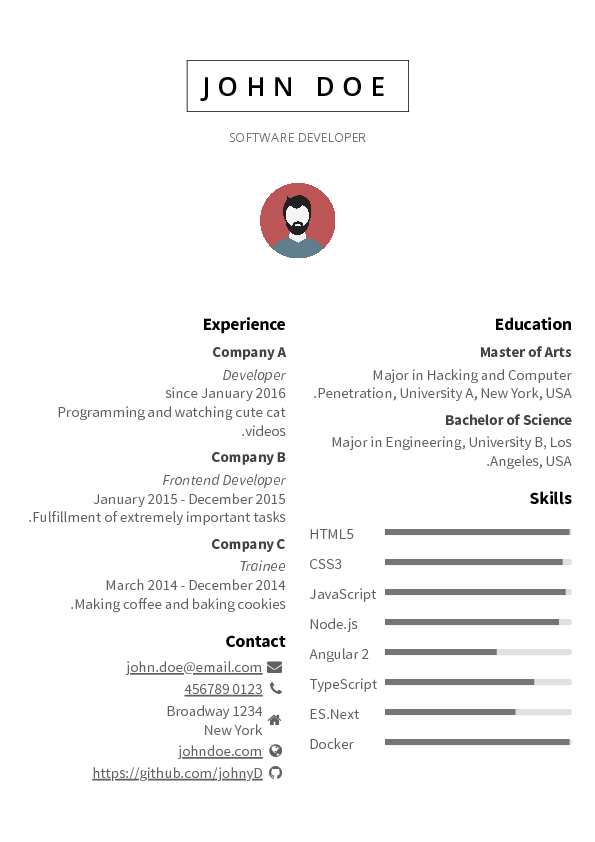
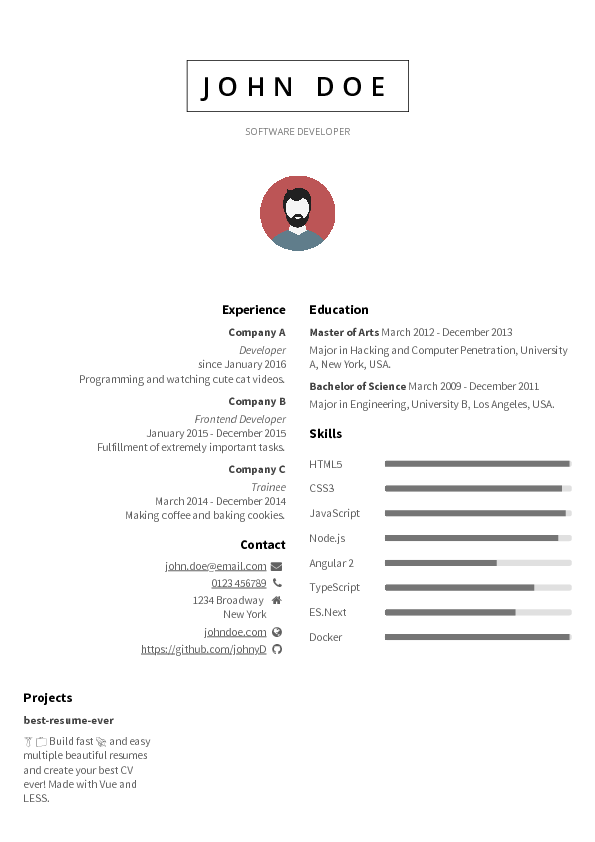
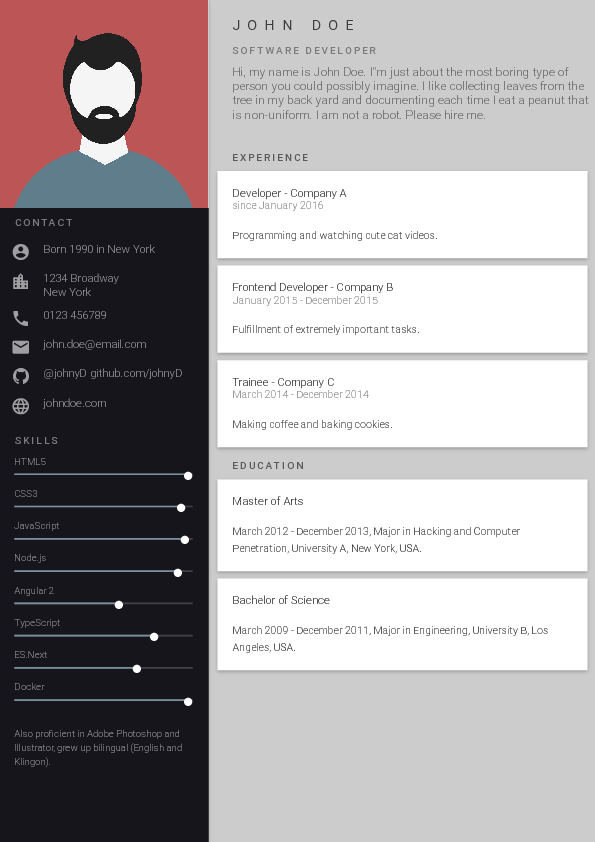
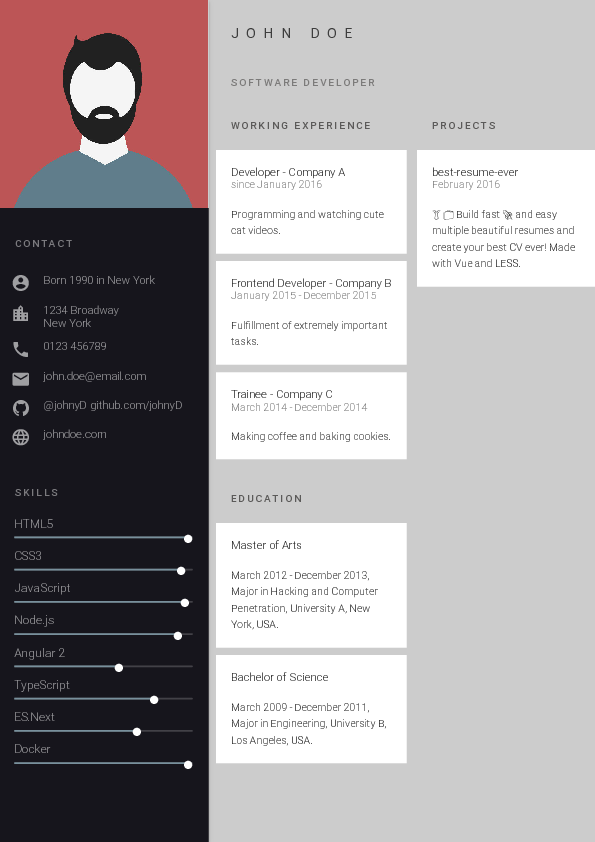
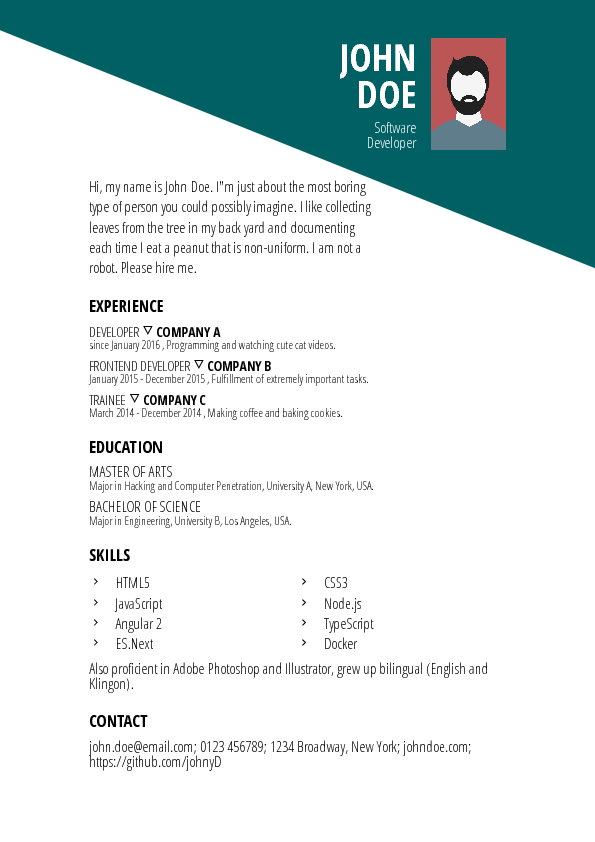
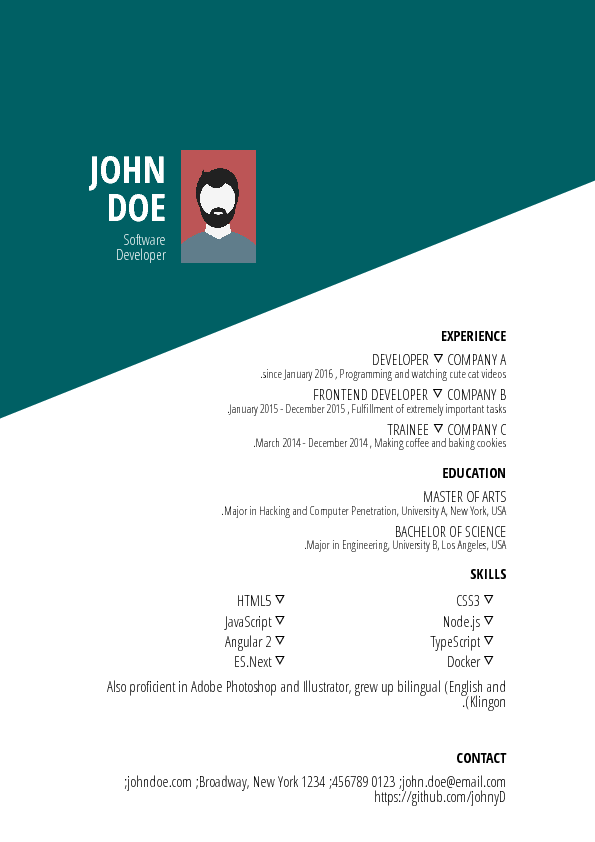
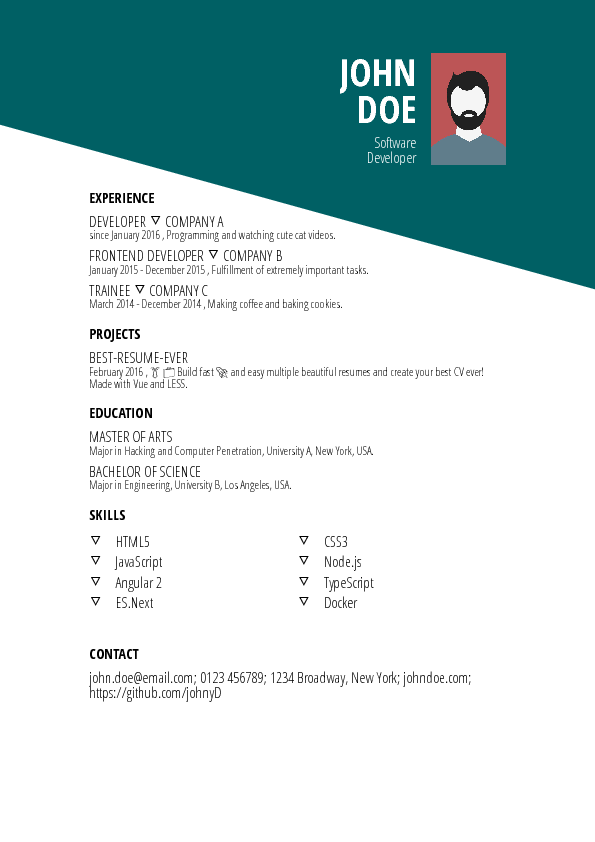
Everything lives in the resume/ directory: edit data.yml with your information and copy your picture there renamed to id.jpg, replacing the default profile picture.Which layouts can I pick from?The README showcases designs like Cool, Creative, Green, Purple, Side Bar (left and right), Material, Dark and Oblique — you click a layout in the browser to preview it.
The README showcases designs like Cool, Creative, Green, Purple, Side Bar (left and right), Material, Dark and Oblique — you click a layout in the browser to preview it.How does it turn my resume into a PDF file?The export runs on Puppeteer, a headless Chrome automation library, and writes all finished resumes into the pdf/ folder.
The export runs on Puppeteer, a headless Chrome automation library, and writes all finished resumes into the pdf/ folder.Can I design my own template?Yes — developer docs explain creating and updating templates. If you change an existing one, the project asks you to commit your edits as a new template instead.
Yes — developer docs explain creating and updating templates. If you change an existing one, the project asks you to commit your edits as a new template instead.What are similar projects?rendercv, Resume-Matcher, Awesome-CV, ASu-resume-skills, fe-interview, resume.github.com, ai-job-search, dossier
rendercv, Resume-Matcher, Awesome-CV, ASu-resume-skills, fe-interview, resume.github.com, ai-job-search, dossierWhich topics is it in?resume-builder, cv, resume, job-search, material-design, design, pdf, vue, css, web-app, productivity, gui
resume-builder, cv, resume, job-search, material-design, design, pdf, vue, css, web-app, productivity, gui