



Что это такое?
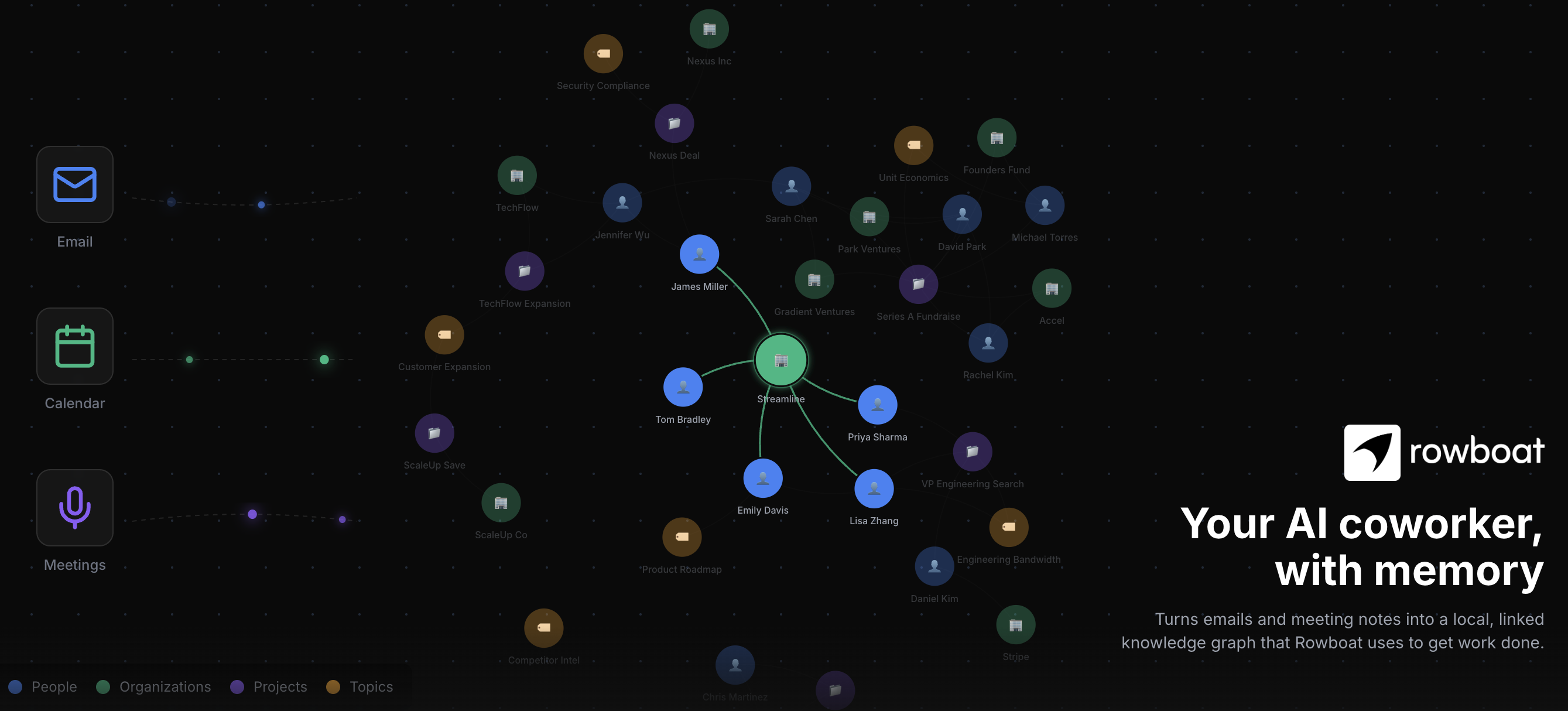
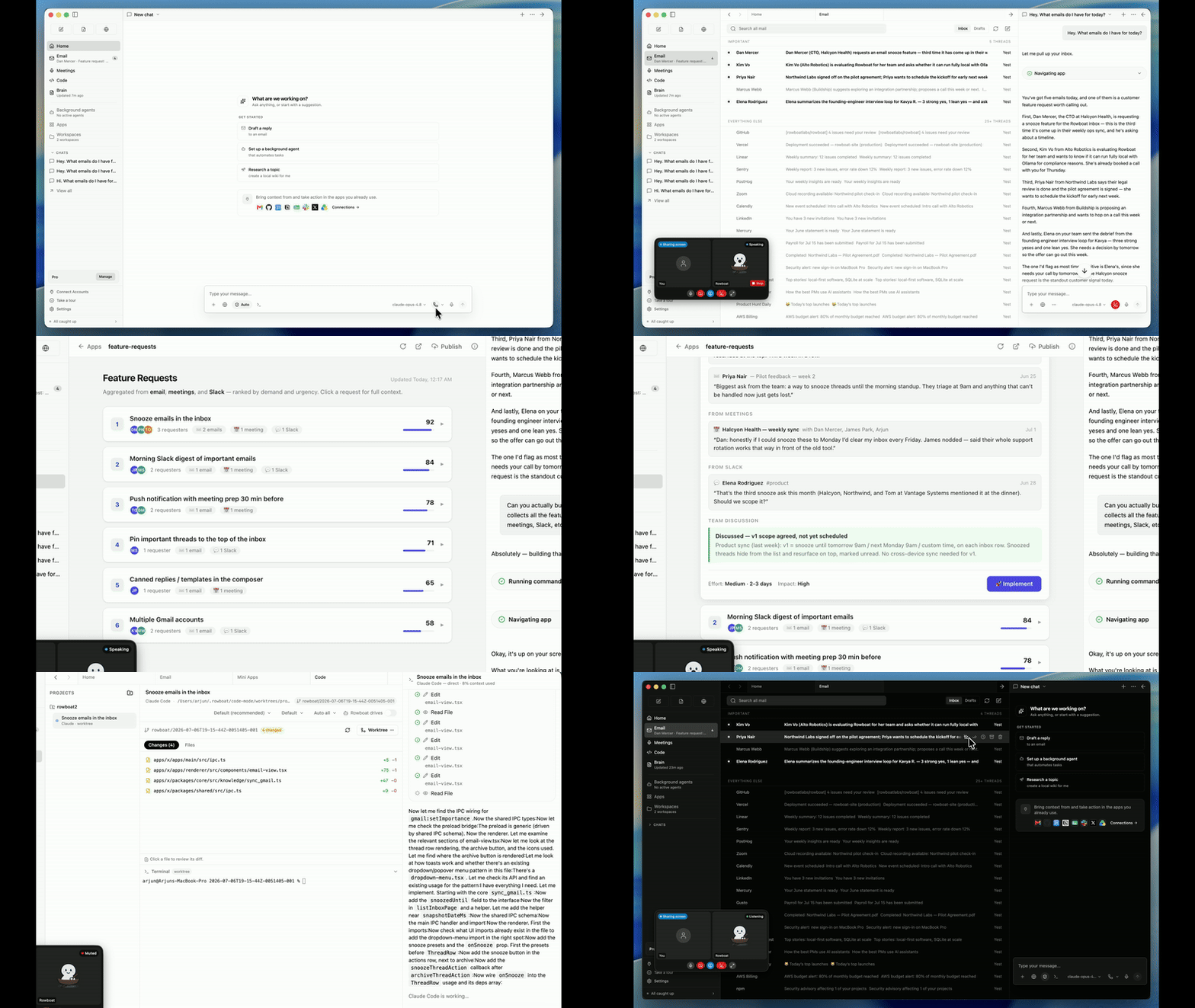
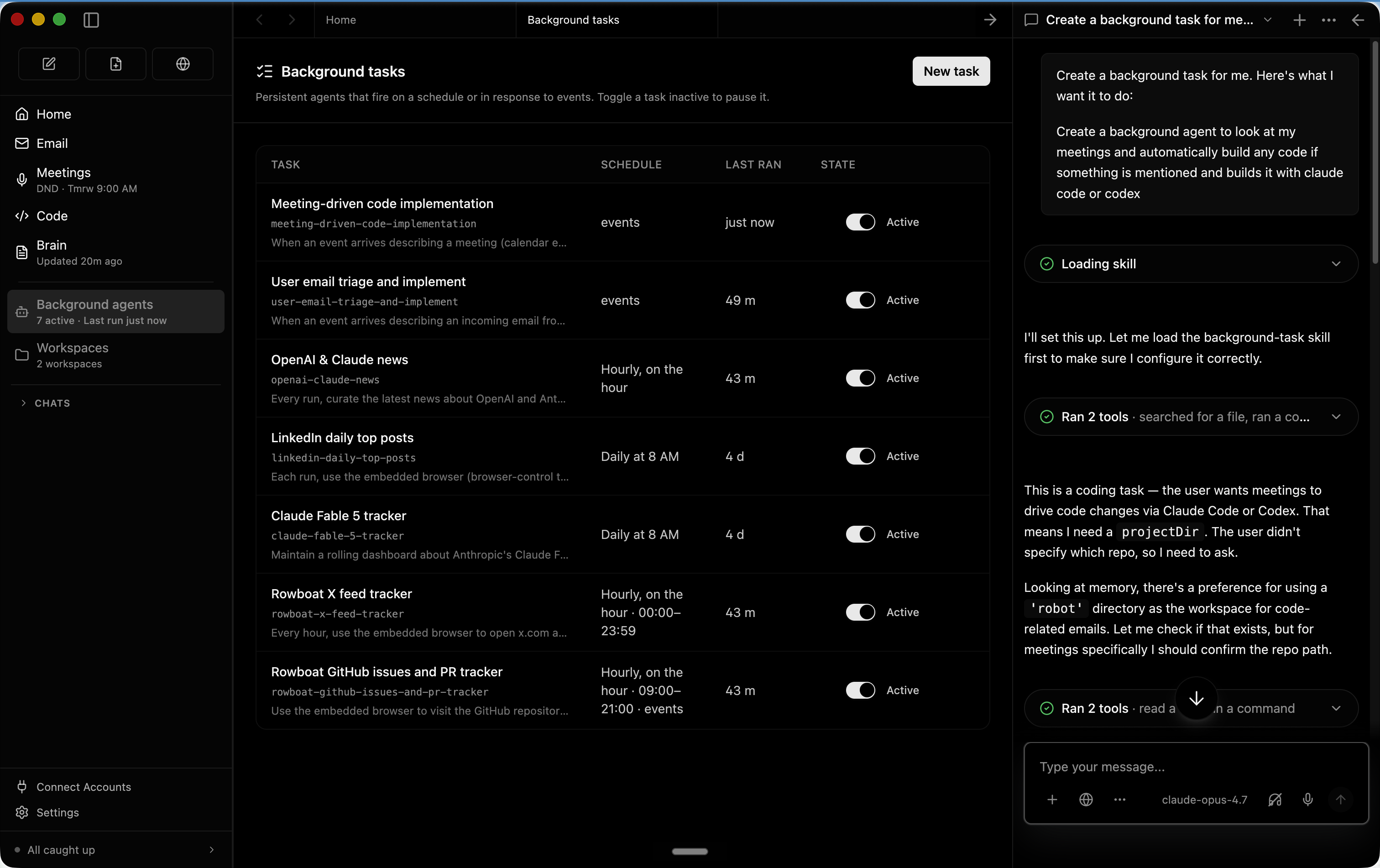
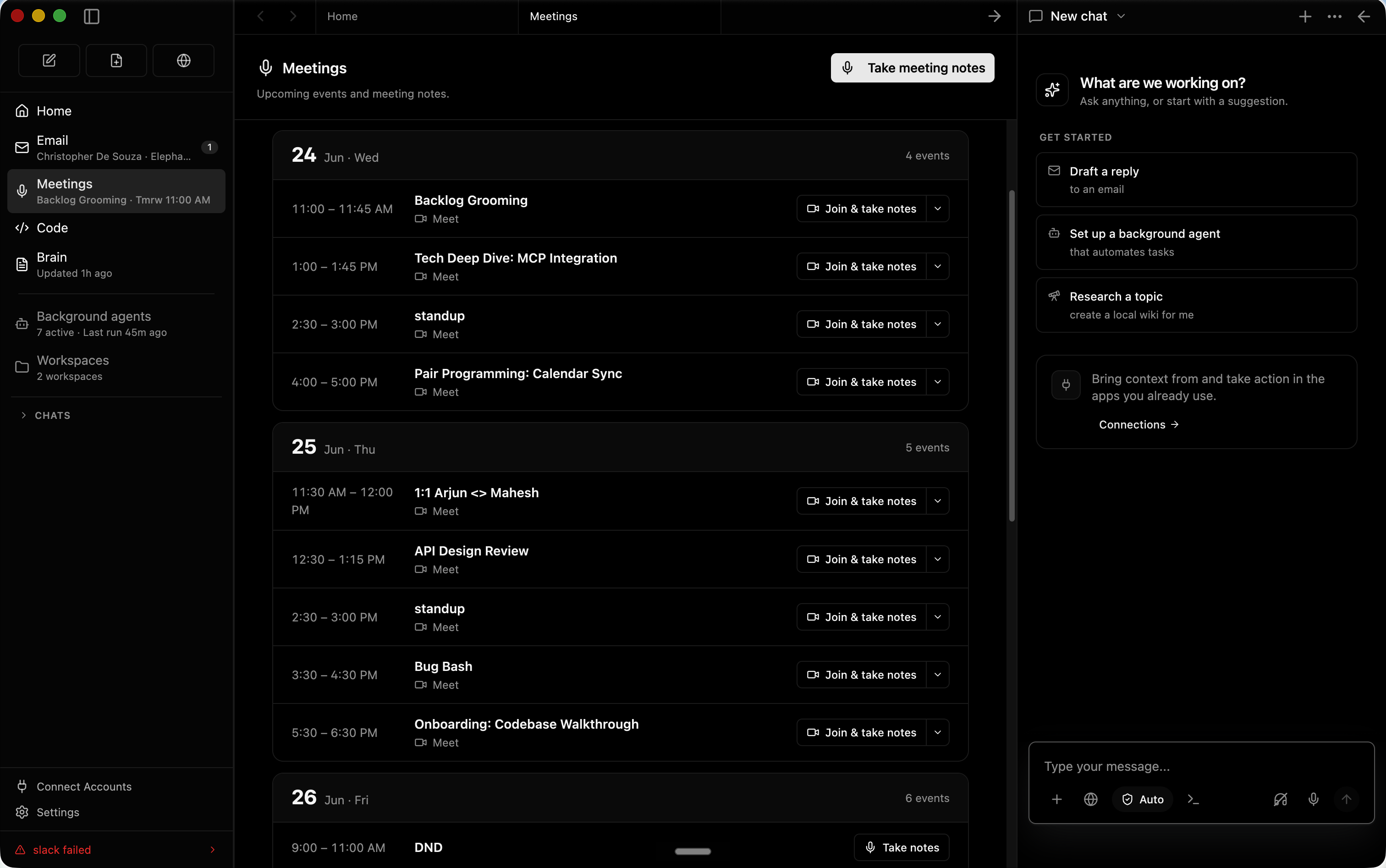
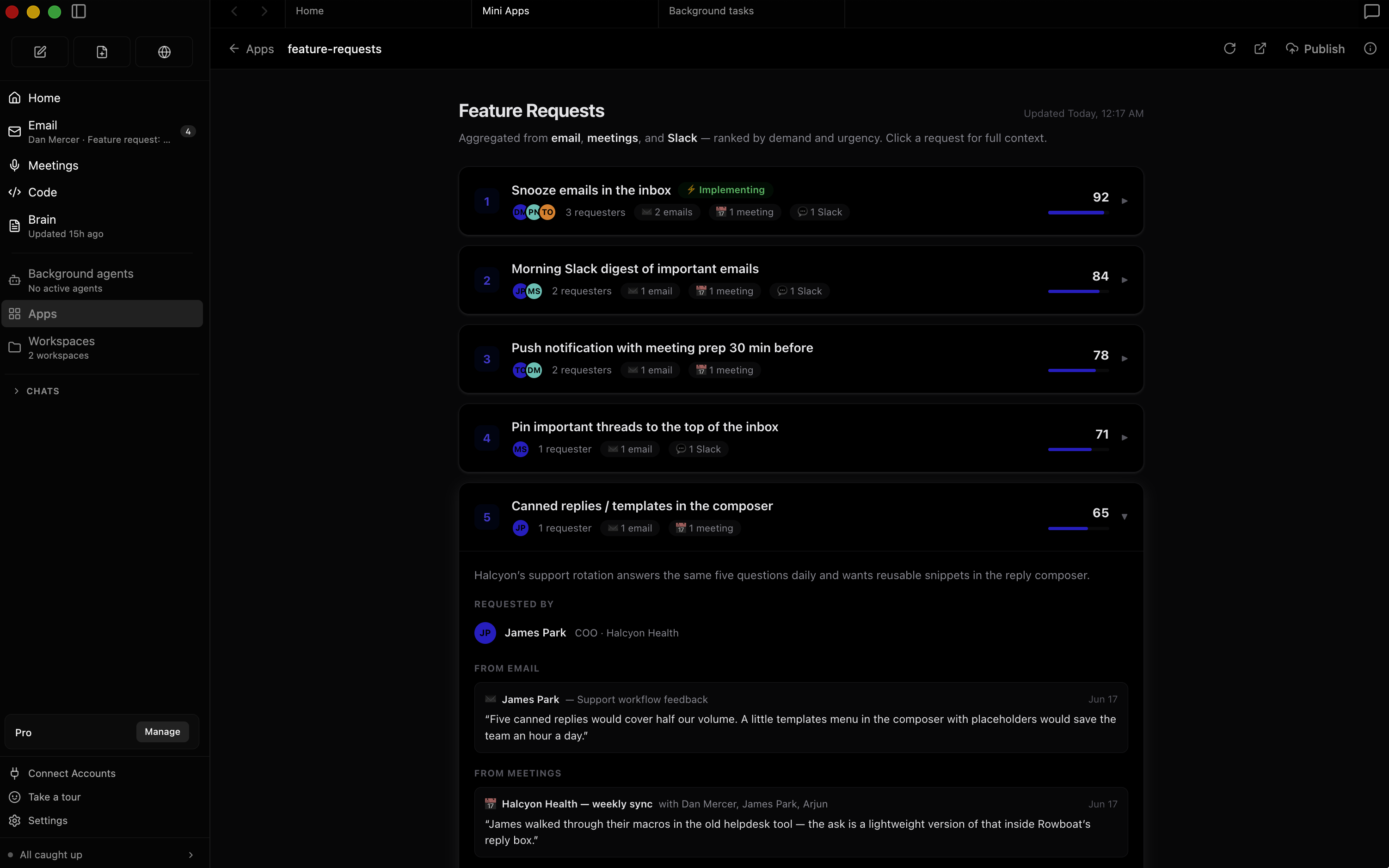
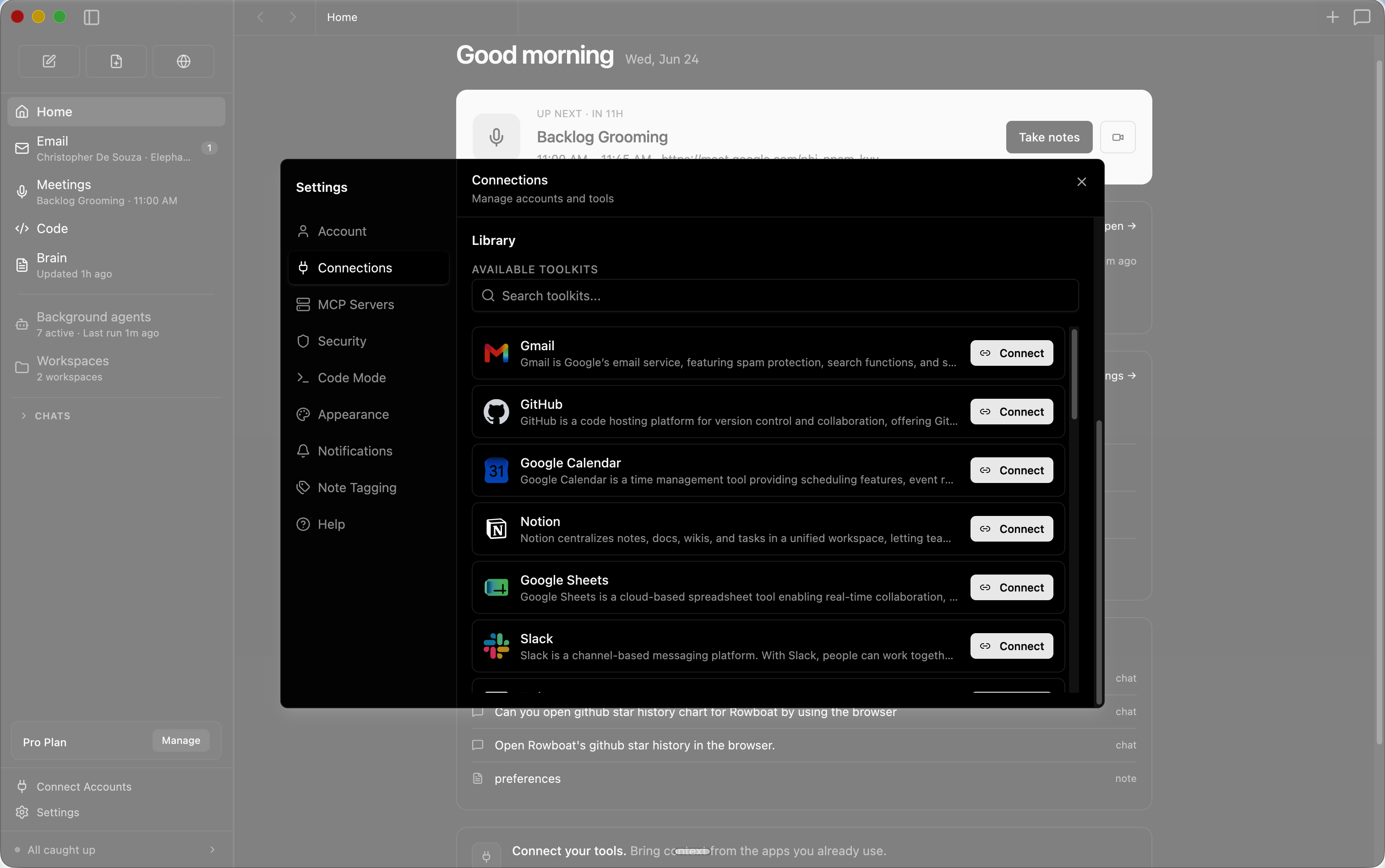
 Rowboat — это настольный AI-помощник, который помнит вашу работу. Он индексирует вашу почту, встречи и чаты в живой граф знаний и действует через встроенные инструменты: почту, заметки, браузер, режим кода, заметки со встреч и рабочие пространства.
Rowboat — это настольный AI-помощник, который помнит вашу работу. Он индексирует вашу почту, встречи и чаты в живой граф знаний и действует через встроенные инструменты: почту, заметки, браузер, режим кода, заметки со встреч и рабочие пространства.Это приложение, которое я устанавливаю на компьютер, или веб-сервис?Это настольное приложение, которое вы устанавливаете — сборки доступны для Mac, Windows и Linux, а данные остаются на вашем компьютере.
Это настольное приложение, которое вы устанавливаете — сборки доступны для Mac, Windows и Linux, а данные остаются на вашем компьютере.Как его запустить?Скачайте последний релиз для своей системы и установите его. Подключение Gmail, Calendar или Drive потребует одноразовой настройки Google-аккаунта.
Скачайте последний релиз для своей системы и установите его. Подключение Gmail, Calendar или Drive потребует одноразовой настройки Google-аккаунта.Нужны ли API-ключи, чтобы программа была полезной?Нет, основная часть работает без них. Необязательные ключи открывают дополнительные возможности: Deepgram для распознавания речи, ElevenLabs для озвучки, Exa для поиска в интернете, а также Composio или любой MCP-сервер для внешних инструментов — всё это кладётся в ~/.rowboat/config/.
Нет, основная часть работает без них. Необязательные ключи открывают дополнительные возможности: Deepgram для распознавания речи, ElevenLabs для озвучки, Exa для поиска в интернете, а также Composio или любой MCP-сервер для внешних инструментов — всё это кладётся в ~/.rowboat/config/.Можно ли запускать его полностью локально, включая модель?Да — он работает с локальными моделями через Ollama или LM Studio, либо с облачными моделями с вашим собственным API-ключом. Модель можно менять в любой момент.
Да — он работает с локальными моделями через Ollama или LM Studio, либо с облачными моделями с вашим собственным API-ключом. Модель можно менять в любой момент.Где хранятся мои данные?Всё остаётся на вашем компьютере в виде обычного Markdown — без проприетарных форматов и привязки к облачным сервисам. Вы можете в любой момент просмотреть, отредактировать, скопировать в резервную копию или удалить всё это.
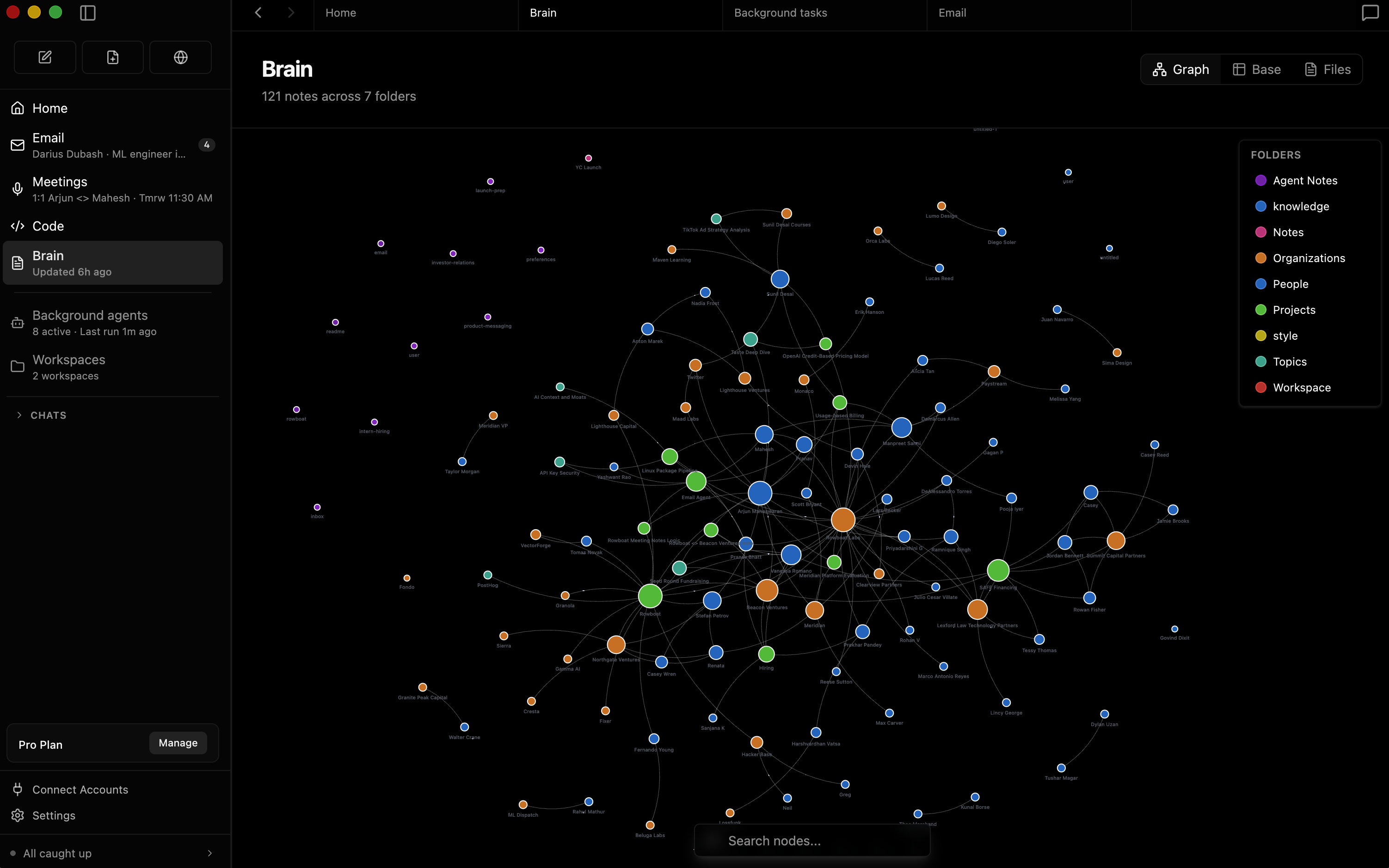
Всё остаётся на вашем компьютере в виде обычного Markdown — без проприетарных форматов и привязки к облачным сервисам. Вы можете в любой момент просмотреть, отредактировать, скопировать в резервную копию или удалить всё это.Чем это отличается от ассистентов, которые просто ищут по вашей истории?Rowboat хранит знания постоянно, а не собирает контекст заново по запросу: почта, встречи, Slack и переписки с ассистентом индексируются в граф знаний со перекрёстными ссылками в духе Obsidian, поэтому память накапливается со временем, связи можно изучать, а заметки остаются доступными для вашего редактирования.
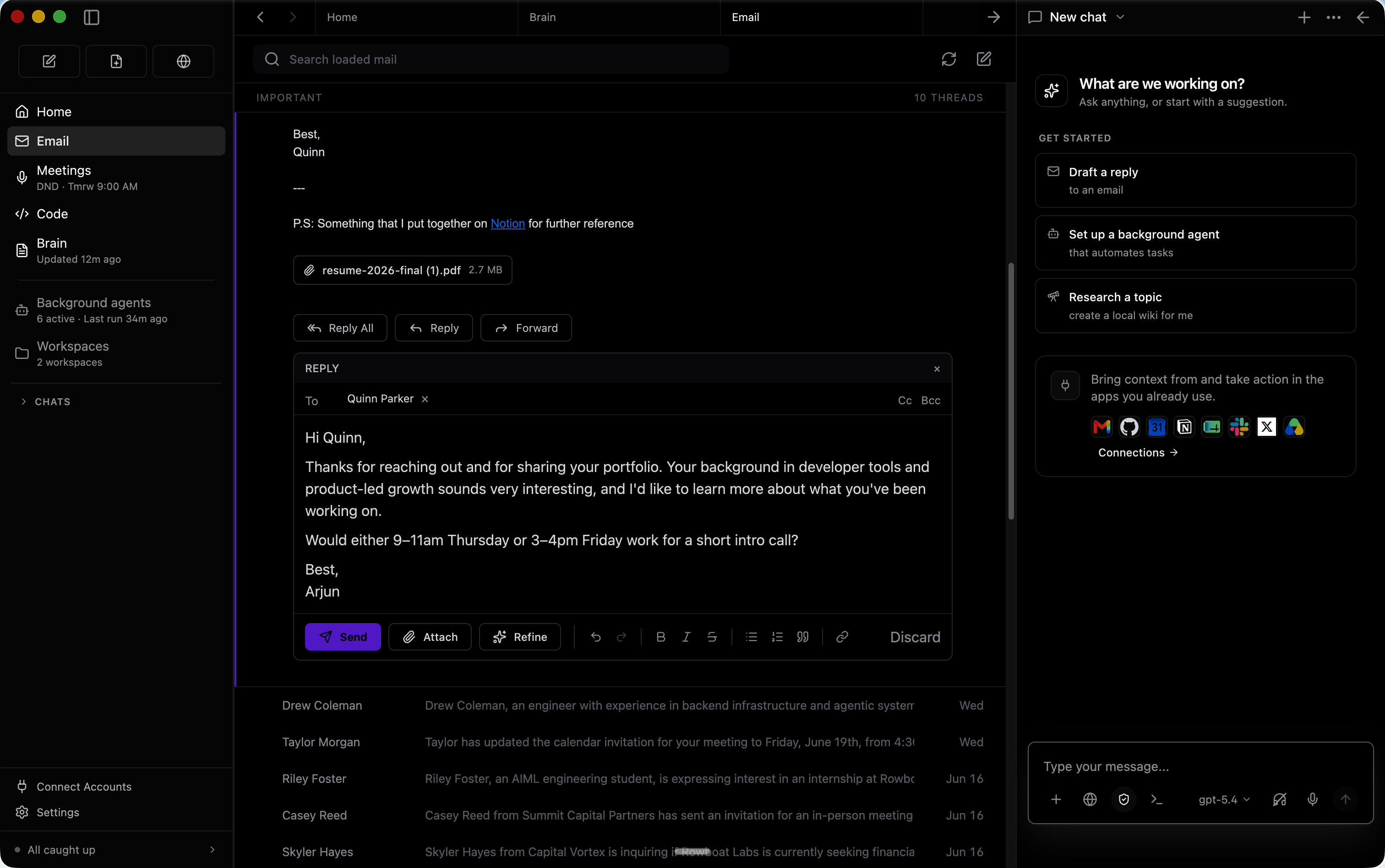
Rowboat хранит знания постоянно, а не собирает контекст заново по запросу: почта, встречи, Slack и переписки с ассистентом индексируются в граф знаний со перекрёстными ссылками в духе Obsidian, поэтому память накапливается со временем, связи можно изучать, а заметки остаются доступными для вашего редактирования.Что он делает с моей почтой?Встроенный почтовый клиент раскладывает письма на важные и всё остальное, а затем автоматически готовит черновики ответов на важные, используя весь контекст вашей работы.
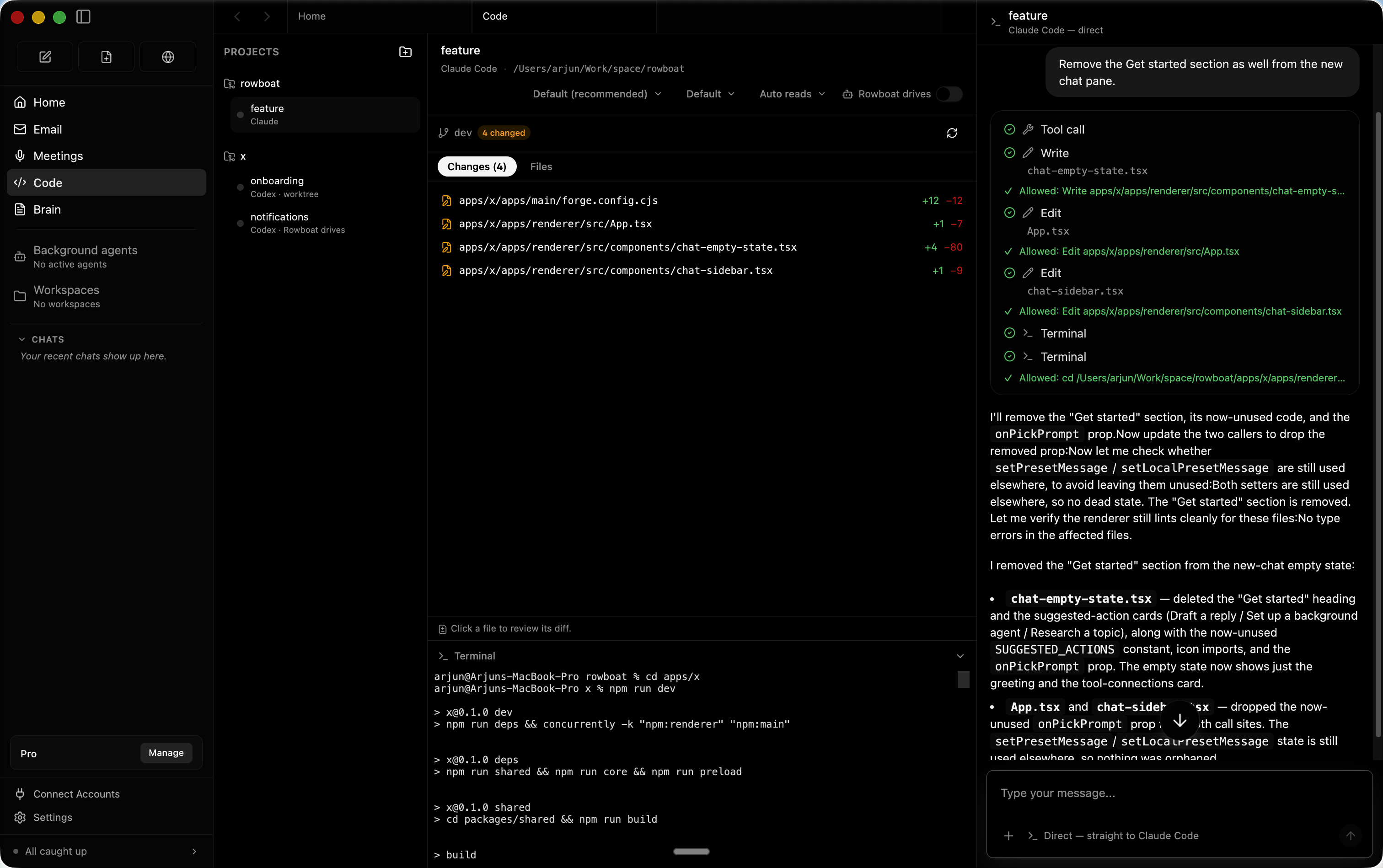
Встроенный почтовый клиент раскладывает письма на важные и всё остальное, а затем автоматически готовит черновики ответов на важные, используя весь контекст вашей работы.Может ли он запускать агентов, за которыми не нужно следить?Да — фоновые агенты запускаются по событиям, например при новом письме, или по расписанию, например каждый день в 8 утра, и умеют пользоваться инструментами, искать в интернете, открывать сайты и писать код с помощью Claude Code или Codex. Режим кода также запускает параллельных агентов для программирования, которых направляет контекст вашей работы.
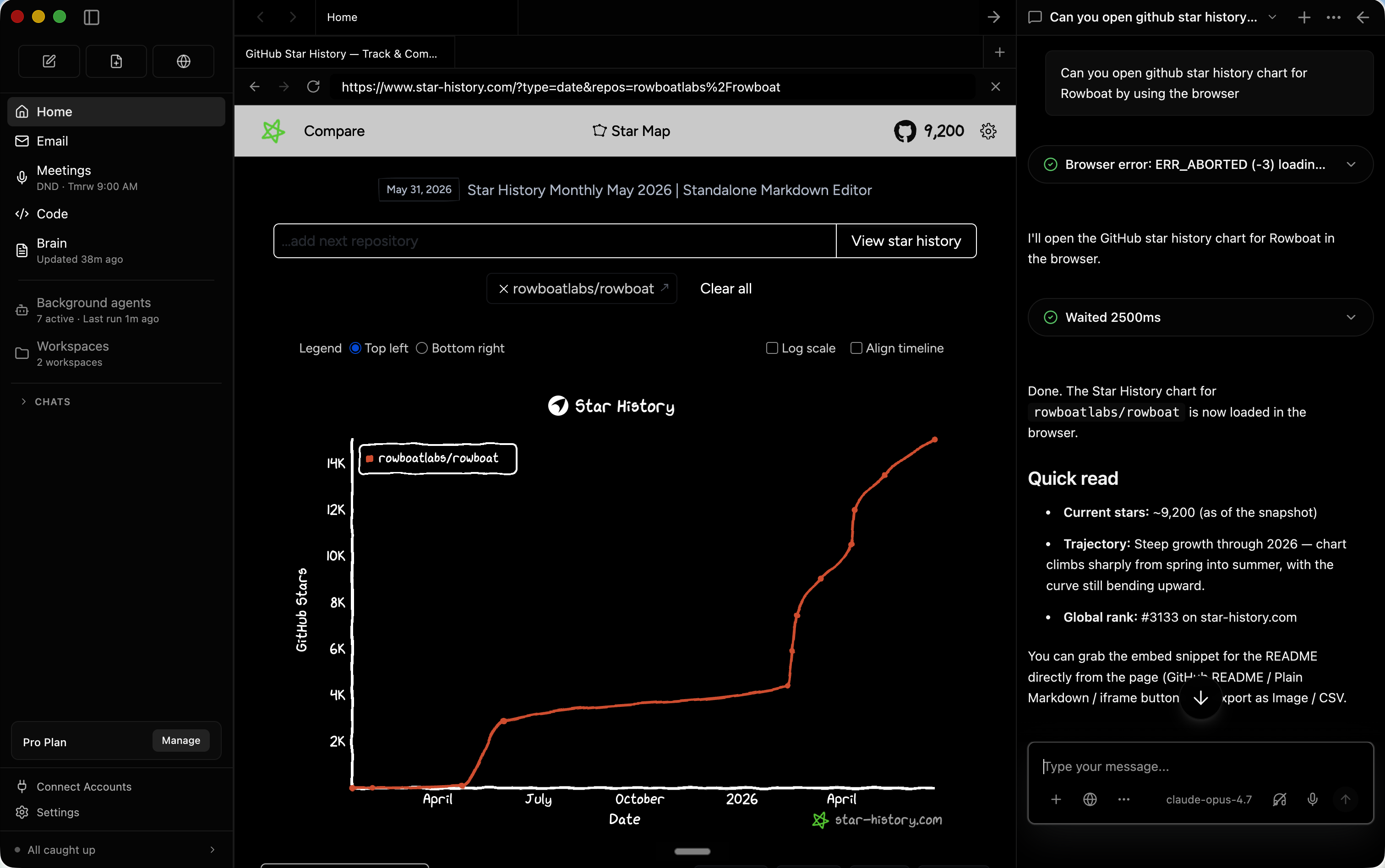
Да — фоновые агенты запускаются по событиям, например при новом письме, или по расписанию, например каждый день в 8 утра, и умеют пользоваться инструментами, искать в интернете, открывать сайты и писать код с помощью Claude Code или Codex. Режим кода также запускает параллельных агентов для программирования, которых направляет контекст вашей работы.Его работа в интернете изолирована от моих аккаунтов?В Rowboat есть собственный браузер для совместных задач в сети, изолированный от вашего основного браузера, поэтому вы логинитесь только в те аккаунты, к которым хотите дать ассистенту доступ.
В Rowboat есть собственный браузер для совместных задач в сети, изолированный от вашего основного браузера, поэтому вы логинитесь только в те аккаунты, к которым хотите дать ассистенту доступ.What are similar projects?brigade, open-knowledge, call.md, solomd, holaOS, mindshub, second-brain-os, openwhispr
brigade, open-knowledge, call.md, solomd, holaOS, mindshub, second-brain-os, openwhisprWhich topics is it in?meeting-notes, claude-cowork, multiagent, knowledge-management, knowledge-graph, note-taking, email, workflow-automation, browser-automation, chatgpt, local-llm, orchestration
meeting-notes, claude-cowork, multiagent, knowledge-management, knowledge-graph, note-taking, email, workflow-automation, browser-automation, chatgpt, local-llm, orchestration