Mailchimp Open Commerce (formerly Reaction Commerce)
Mailchimp Open Commerce is an API-first, headless commerce platform built using Node.js, MongoDB, and GraphQL. It plays nicely with npm, Docker and Kubernetes.
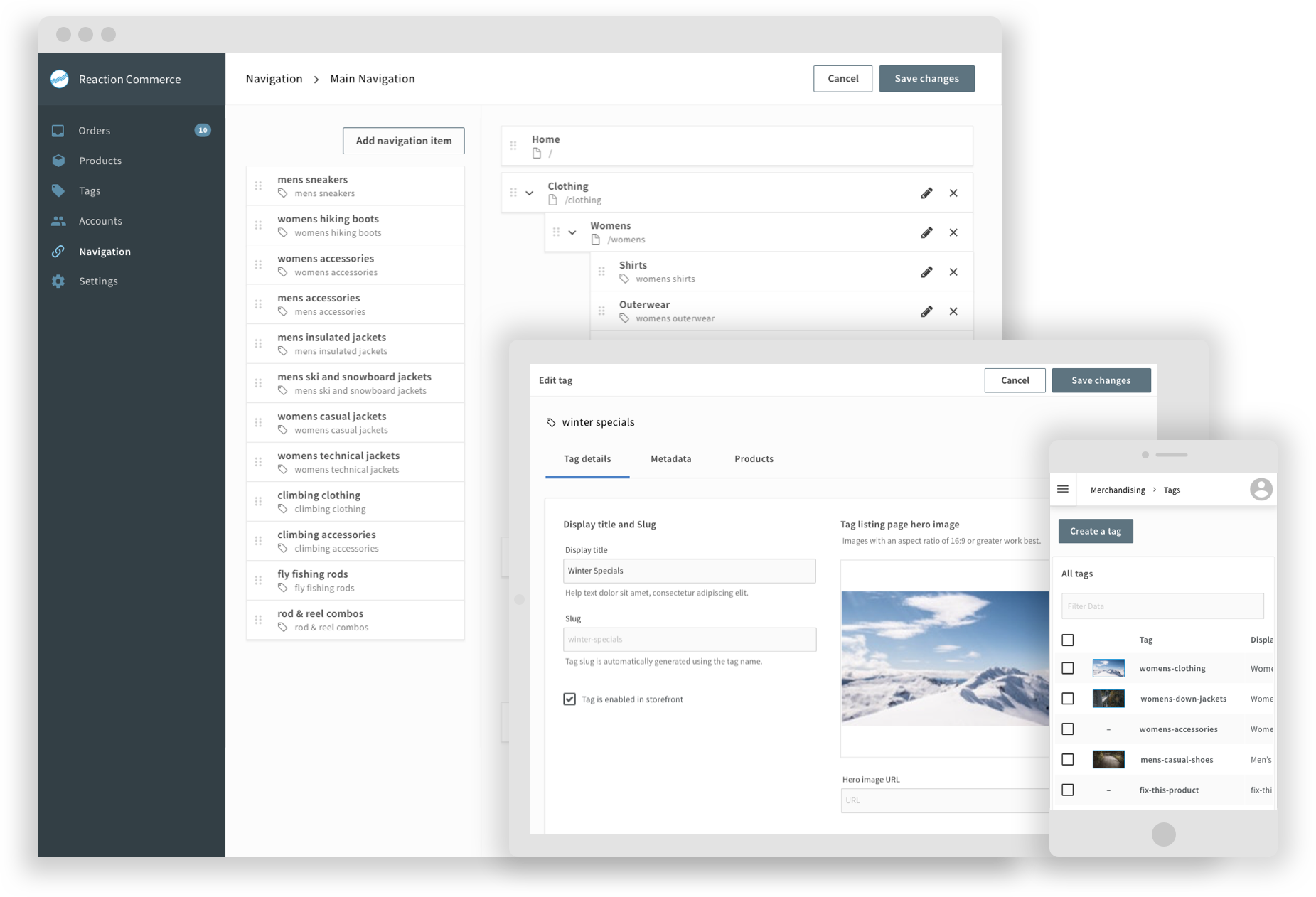
Features
| Fast | Returns data in split seconds, and faster queries mean faster web pages |
| Proven | Open Commerce fuels sites doing 10's of thousands of orders per day with 100's of thousands of products |
| Composable | A flexible plugin system allows you to pick and choose which integrations work best for you |
| Multi-tenant | Host multiple shops in the same installation |
| Scalable | Start out with a single server and scale up to hundreds |
| Flexible Products | Allows Products, with options and variants to fit a wide variety of needs |
| Inventory | Track inventory, allow or disallow backorders and more |
| Shipping | Integrate with a shipping rate provider or build your own custom table |
| Taxes | Integrate with a tax rate provider or build your own custom tax table |
| Fulfillment | Flexible fulfillment system allows you create your own fulfillment methods |
| Order Tracking | View and manage your orders in the included admin system |
| Emails | Customizable templates for Order confirmations and more |
| Open | Fully open source. Never be locked in again |
Getting started
To start working with your own project built on Mailchimp Open Commerce you can start by using our new CLI. The CLI is
the quickest and easiest way to develop on Open Commerce. It allows you to create and work with API, Admin, and Storefront projects all via the command line.
What you need
Install the CLI
First install the cli by running:
npm install -g reaction-cli
You can test to see if it has worked here by running:
reaction help
Creating a project
You can create your Open Commerce project by running:
reaction create-project api <your-project-name>
This will create an Open Commerce project in the directory .
Once this is complete, navigate to the project directory:
cd <your-project-name>
Install the project dependencies:
npm install
Finally, start the server in development mode:
reaction develop api
Note: Optionally, from within the project-directory you may issue the above command without mentioning the project type and the CLI would check your package.json for the "projectType" and pick it up from there. This expects that the project itself was built using the latest version of the CLI as explained in the above steps.
Example, instead of the above command, you may skip mentioning 'api' and just use:
reaction develop
This will start the Open Commerce GraphQL server and Mongo Server. Press Ctrl+C to stop.
- A sample custom plugin has been installed, and you should see its output in the logs. (Your Sample Plugin)
- To add a new plugin based on our plugin template run:
reaction create-plugin api <your-plugin-name>
Validate whether the plugin was created in the custom-packages
cd custom-packages
cd <your-plugin-name>
npm install
You now need to change back up to the root:
cd ../../
now you can run:
reaction develop
This plugin will now be loaded the next time you start Open Commerce.
Congratulations!! You're ready to start developing with Open Commerce
See the Complete CLI instructions for how to create your local storefront and admin.
Go to the complete installation instructions to see how to set up your store
API development
If you are working on core plugins (not developing plugins for your own installation) you should follow these
instructions
What you need
Install PNPM
npm i -g [email protected]
Clone and Start the source
git clone https://github.com/reactioncommerce/reaction.git
cd reaction
pnpm install
cp apps/reaction/.env.example apps/reaction/.env
Start dev-server with mongo on local:
## you must change MONGO_URL in the .env to mongodb://localhost:27017/reaction before start
pnpm run start:dev
Start dev-server with mongodb on docker
docker-compose up -d
pnpm run start:dev
Development Flow
- Make some changes in one or more packages.
- Add a changeset in that same PR.
- Repeat the process of making changes and adding changesets.
- Create PR
How to release
- Run
release action to create Version PR. This PR will remove all changeset files, bump up packages versions, update CHANGELOG files.
- Merge
Version PR into trunk, CircleCI will publish all the packages into npm.
Prerelease flows
- All PRs will be merged into
prerelease branch before triggering PRERELEASE action.
- Before merging PRs into
prerelease branch, please make sure that all the changesets are added.
- Manually trigger
PRERELEASE action to create Version Packages (next) PR. After merged, the changeset/action will bump up packages versions as {next-version}-next.{number}, update CHANGELOG files.
- Merge
Version Packages (next) PR into prerelease branch, action will publish all the packages into npm.
Get involved
Contribute
:star: If you like what you see, star us on GitHub.
Find a bug, a typo, or something that’s not documented well? We’d love for you to open an issue telling us what we can improve! This project uses commitlint, please use their commit message format.
We love your pull requests! Check out our Good First Issue and Help Wanted tags for good issues to tackle.
Check out our contributors guide for more information
License
Reaction is GNU GPLv3 Licensed

 Mailchimp Open Commerce(原名 Reaction Commerce)是一个开源、API 优先的无头电商平台,基于 Node.js、MongoDB 和 GraphQL 构建,用于搭建网上商店。