


What is this?
 Rio is a hardware-accelerated GPU terminal emulator written in Rust, designed to work as both a native desktop application and inside web browsers.
Rio is a hardware-accelerated GPU terminal emulator written in Rust, designed to work as both a native desktop application and inside web browsers.Can Rio run inside a web browser, or is it only a desktop app?Rio targets both desktops and browsers: its GPU-based rendering pipeline (built on wgpu) lets the same renderer work as a native desktop terminal or be compiled for browser environments.
Rio targets both desktops and browsers: its GPU-based rendering pipeline (built on wgpu) lets the same renderer work as a native desktop terminal or be compiled for browser environments.How do I install Rio?The README points to a dedicated Packaging section for platform packages and to the full install and usage instructions on the project's documentation site, rioterm.com.
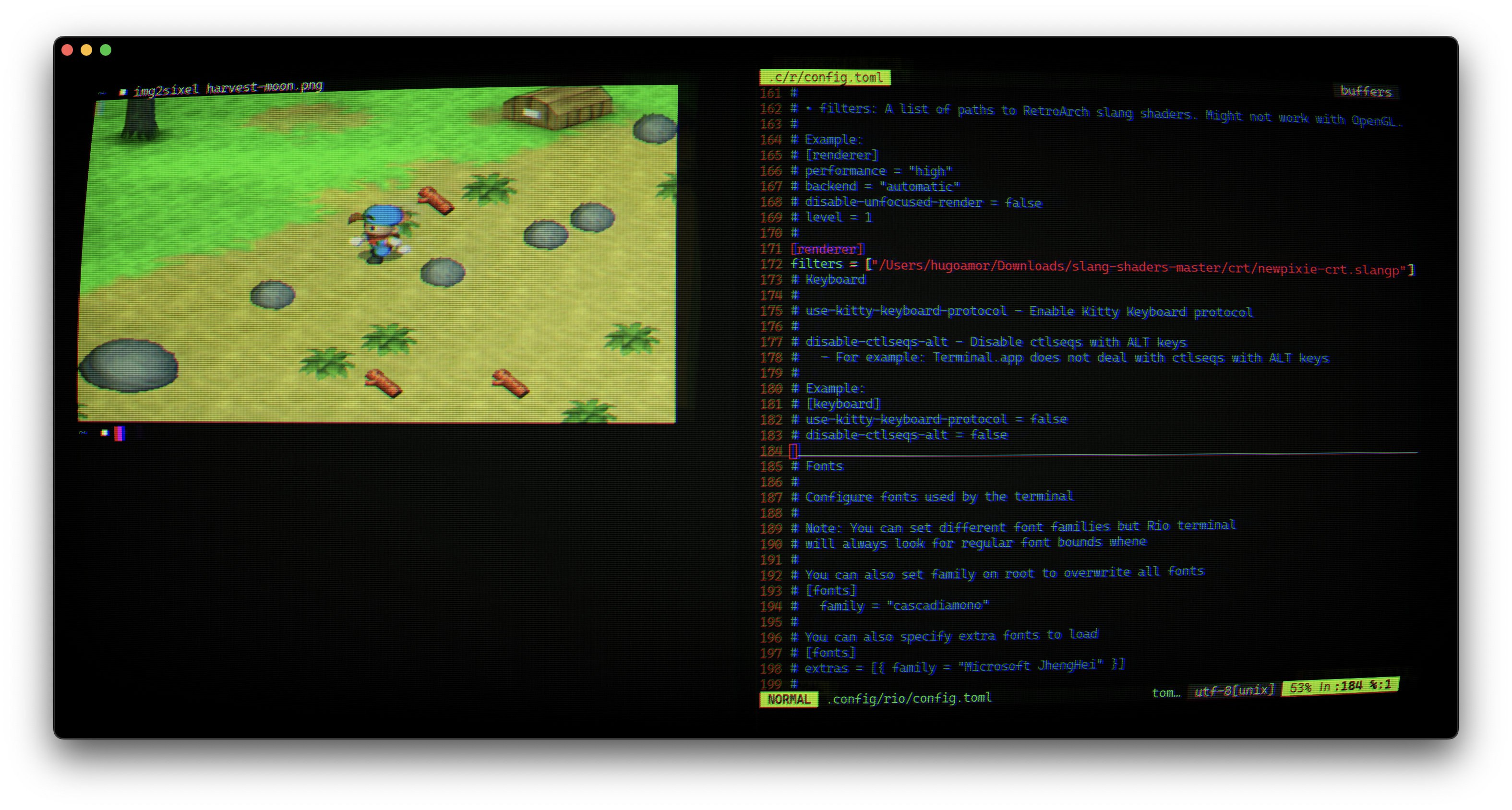
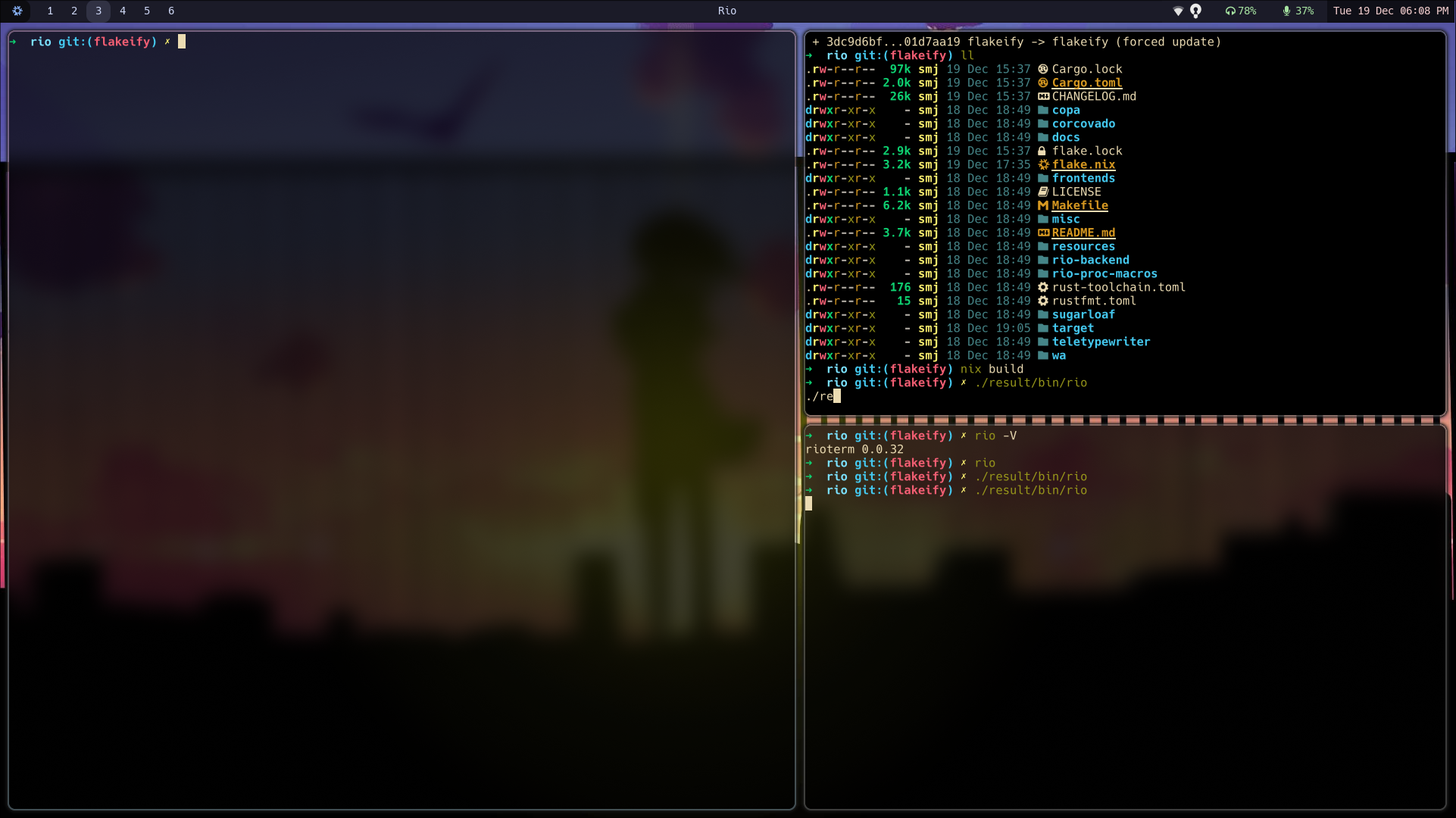
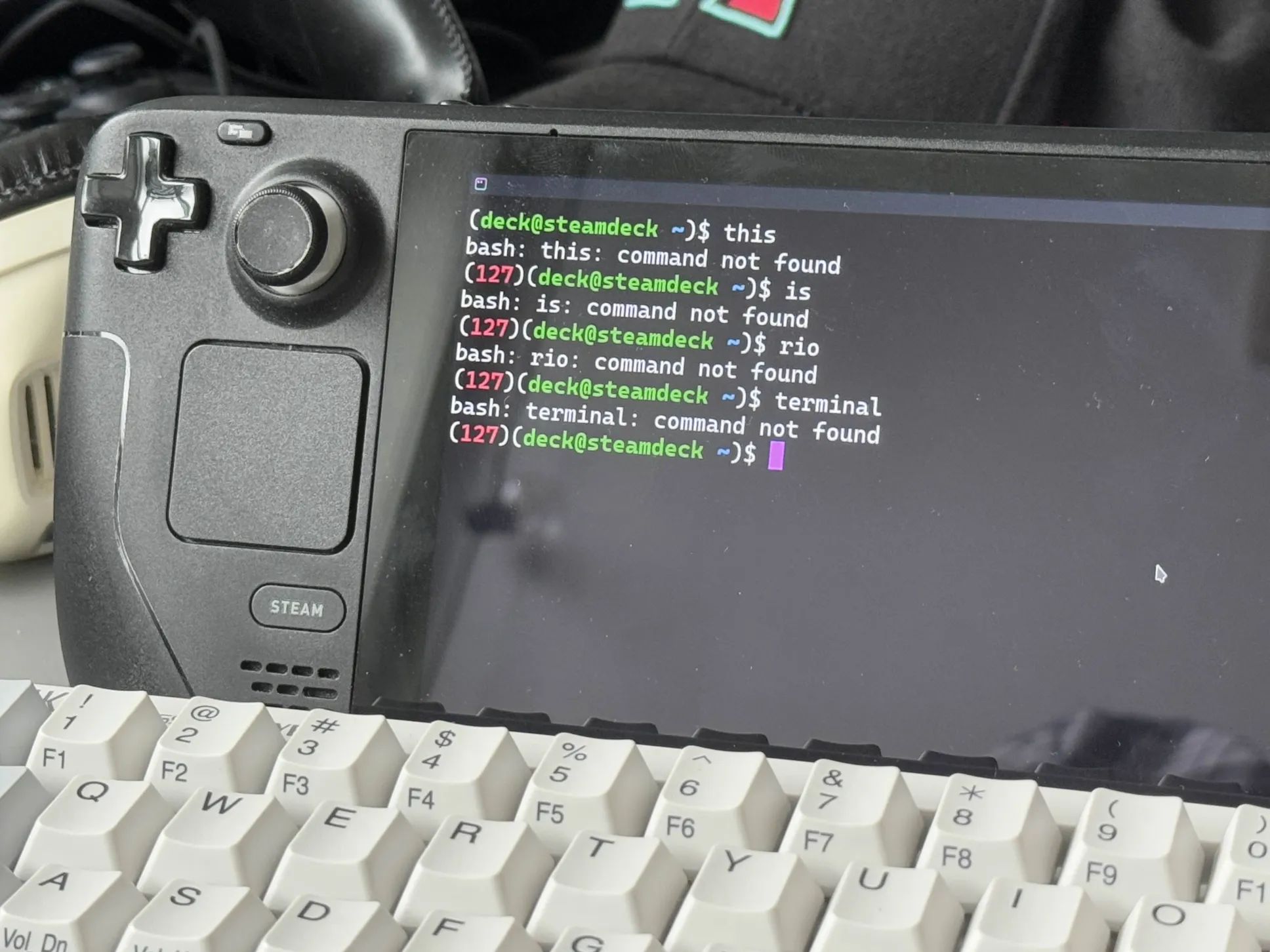
The README points to a dedicated Packaging section for platform packages and to the full install and usage instructions on the project's documentation site, rioterm.com.Which systems can I actually run Rio on?Rio runs natively on macOS and Linux desktops, as shown in the project's demos, and has even been demoed running on a Steam Deck, alongside browser-based execution.
Rio runs natively on macOS and Linux desktops, as shown in the project's demos, and has even been demoed running on a Steam Deck, alongside browser-based execution.Does Rio need a dedicated graphics card?Yes, Rio's rendering is GPU-accelerated via the wgpu library with backends such as Vulkan and Metal, so it relies on your system's GPU rather than CPU-based rendering.
Yes, Rio's rendering is GPU-accelerated via the wgpu library with backends such as Vulkan and Metal, so it relies on your system's GPU rather than CPU-based rendering.Why is GPU acceleration important for a terminal emulator?Rendering on the GPU lets Rio smoothly handle visual effects like blurred backgrounds, split panes and CRT-style display, as shown in its platform demos, instead of relying on slower CPU-based terminal rendering.
Rendering on the GPU lets Rio smoothly handle visual effects like blurred backgrounds, split panes and CRT-style display, as shown in its platform demos, instead of relying on slower CPU-based terminal rendering.What rendering technology powers Rio?Rio uses wgpu, a WebGPU implementation, with GPU backends such as Vulkan and Metal, which is also what enables it to target both desktop and browser environments.
Rio uses wgpu, a WebGPU implementation, with GPU backends such as Vulkan and Metal, which is also what enables it to target both desktop and browser environments.What are similar projects?wezterm, upterm, shell-rs, alacritty, ghostty, filmcraft, fframes, nvidia-macos-driver
wezterm, upterm, shell-rs, alacritty, ghostty, filmcraft, fframes, nvidia-macos-driverWhich topics is it in?wgpu, steamdeck, terminal-emulator, terminal-ui, rust-lang, terminal-emulators, console, metal, vulkan, gpu-acceleration, desktop, rust
wgpu, steamdeck, terminal-emulator, terminal-ui, rust-lang, terminal-emulators, console, metal, vulkan, gpu-acceleration, desktop, rust