


What is this?
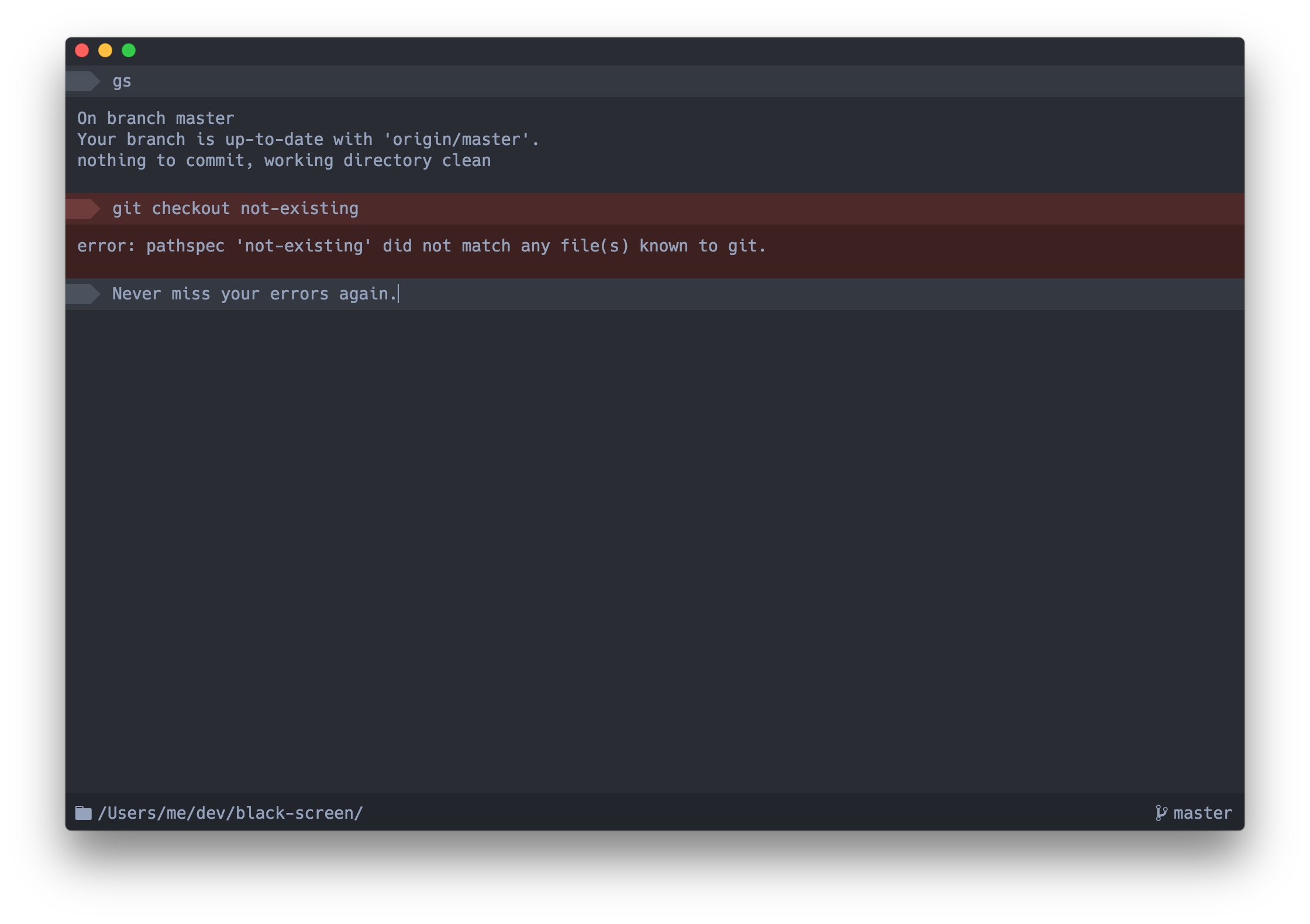
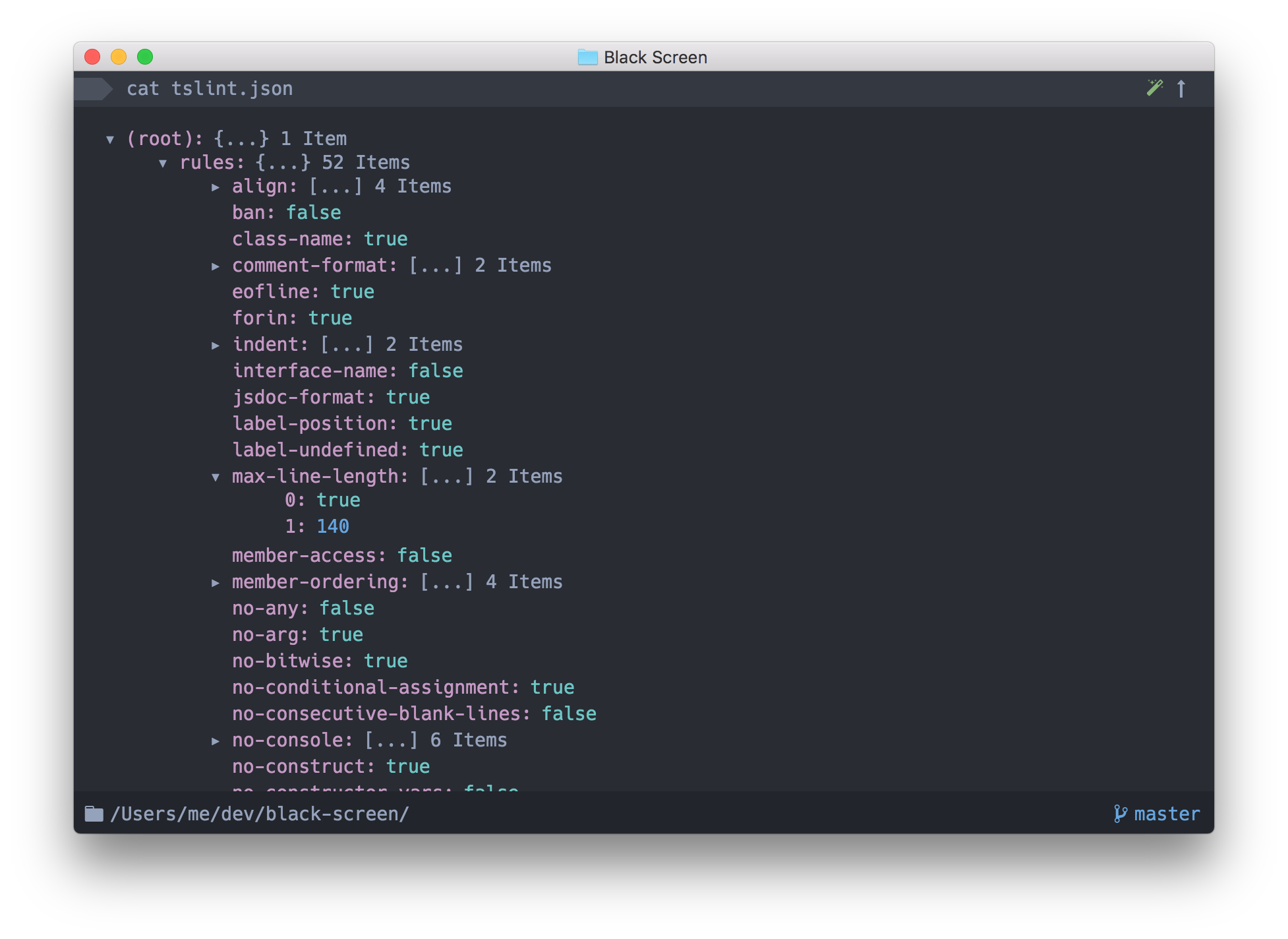
 Upterm (formerly Black Screen) is a terminal emulator that is also an interactive shell — the README calls it an IDE in the world of terminals. It is a desktop app built on Electron.
Upterm (formerly Black Screen) is a terminal emulator that is also an interactive shell — the README calls it an IDE in the world of terminals. It is a desktop app built on Electron.Do I need to install anything else to use it?Nothing for everyday use — it installs as a self-contained Electron desktop app. Node.js and npm are only needed if you want to build or debug it from source.
Nothing for everyday use — it installs as a self-contained Electron desktop app. Node.js and npm are only needed if you want to build or debug it from source.Is Upterm still maintained?No. Upterm is deprecated and archived: it lost its maintainer and gets no community activity, and the author no longer accepts pull requests or issues. The README recommends checking out Hyper instead.
No. Upterm is deprecated and archived: it lost its maintainer and gets no community activity, and the author no longer accepts pull requests or issues. The README recommends checking out Hyper instead.Can I run it on Windows?Not officially. Windows support is experimental at best — the README points to a Windows Support Issue that explains the potential workaround.
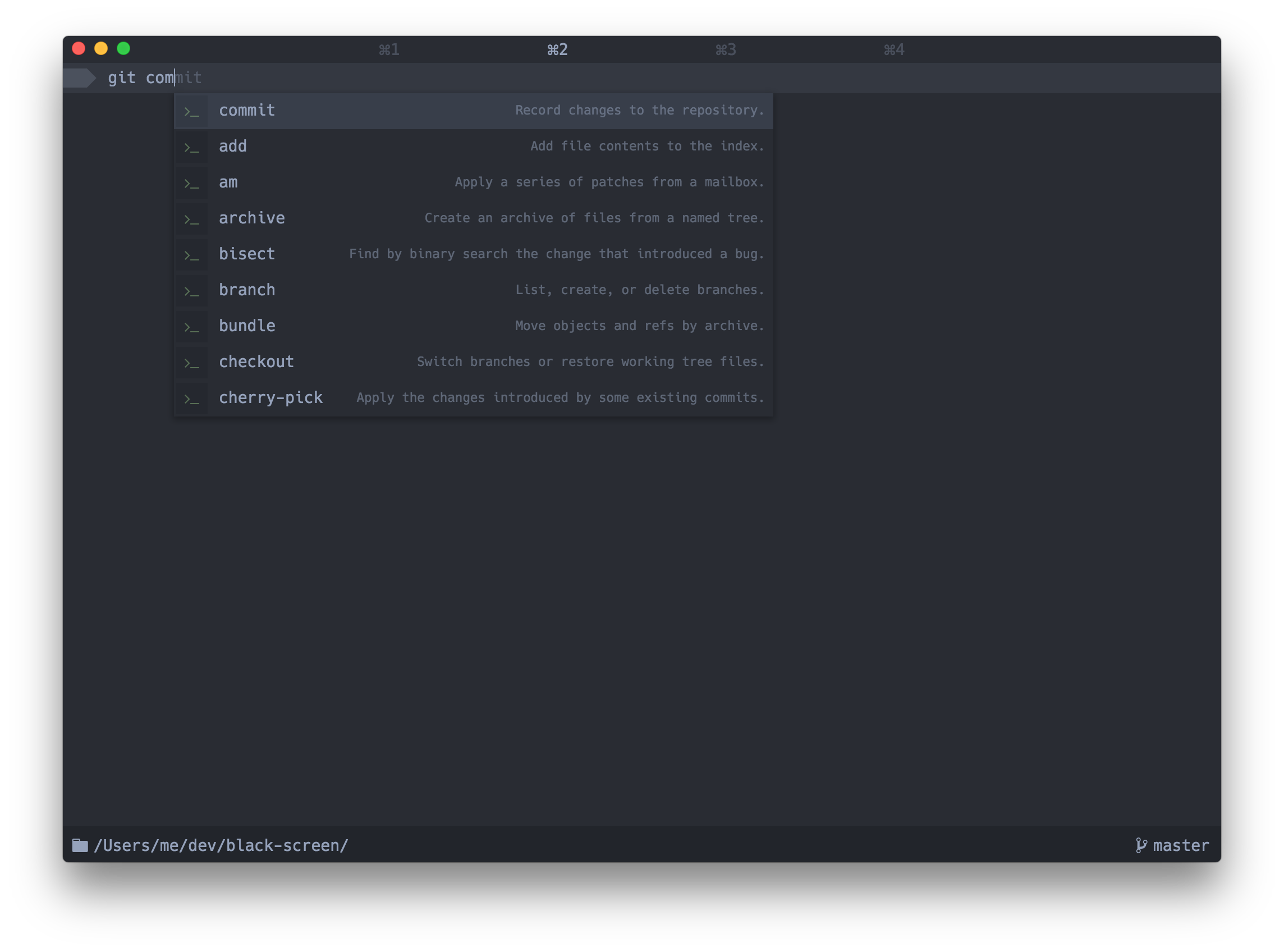
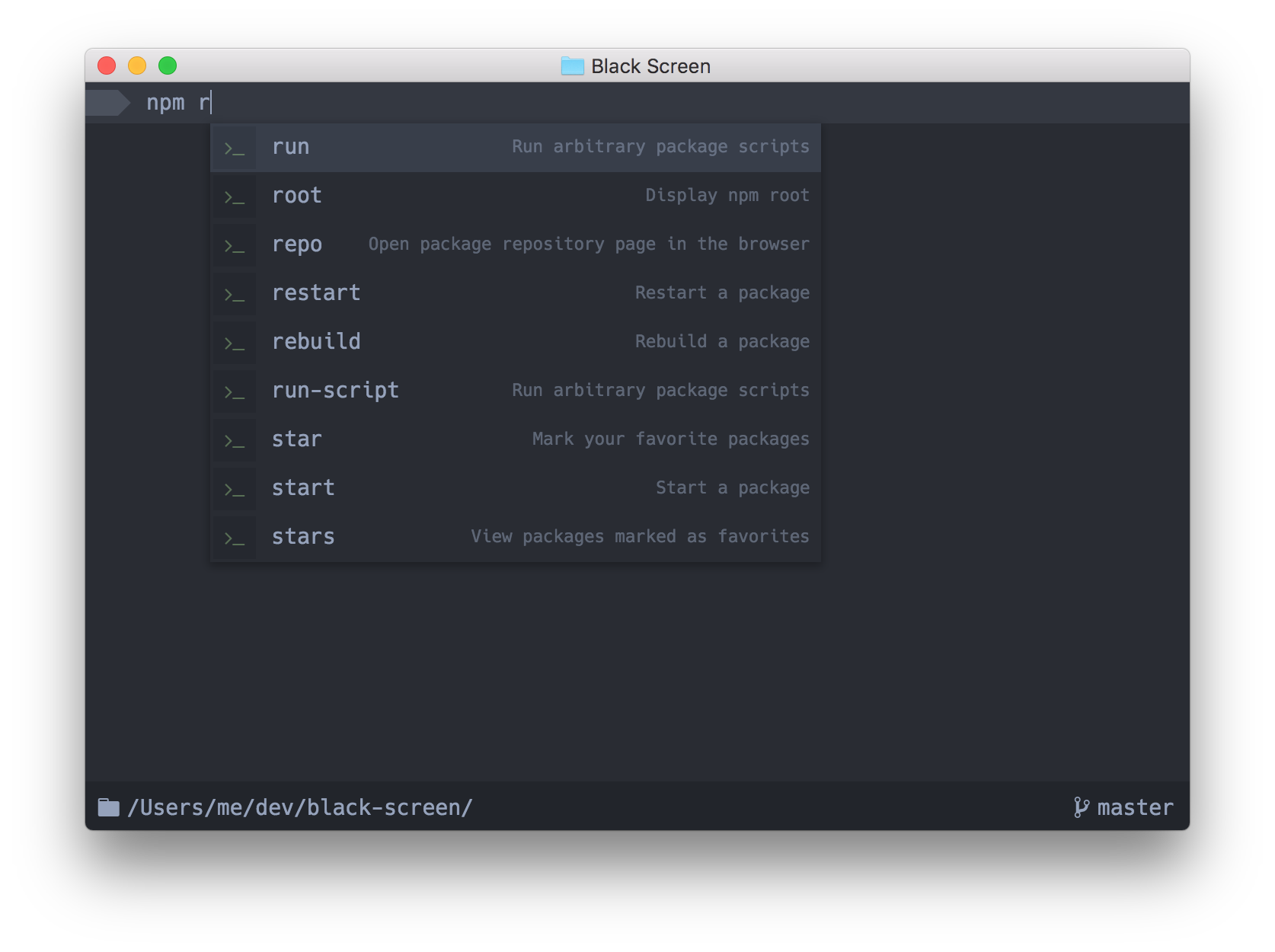
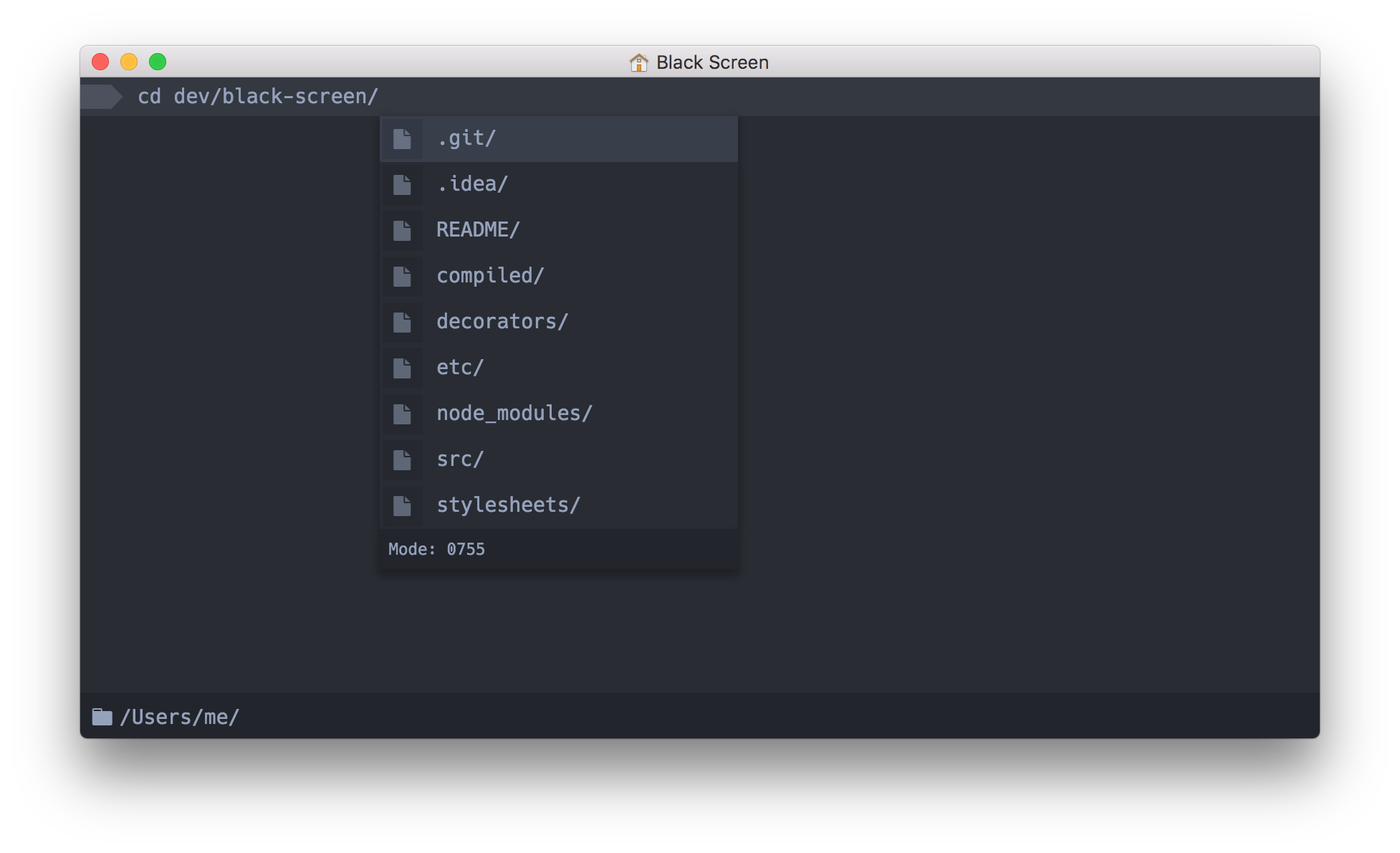
Not officially. Windows support is experimental at best — the README points to a Windows Support Issue that explains the potential workaround.What makes Upterm's autocompletion smarter than a plain terminal's?An autocompletion box appears as you type, and its right side shows useful context: expanded alias values, command descriptions, even the value of your previous directory (cd -).
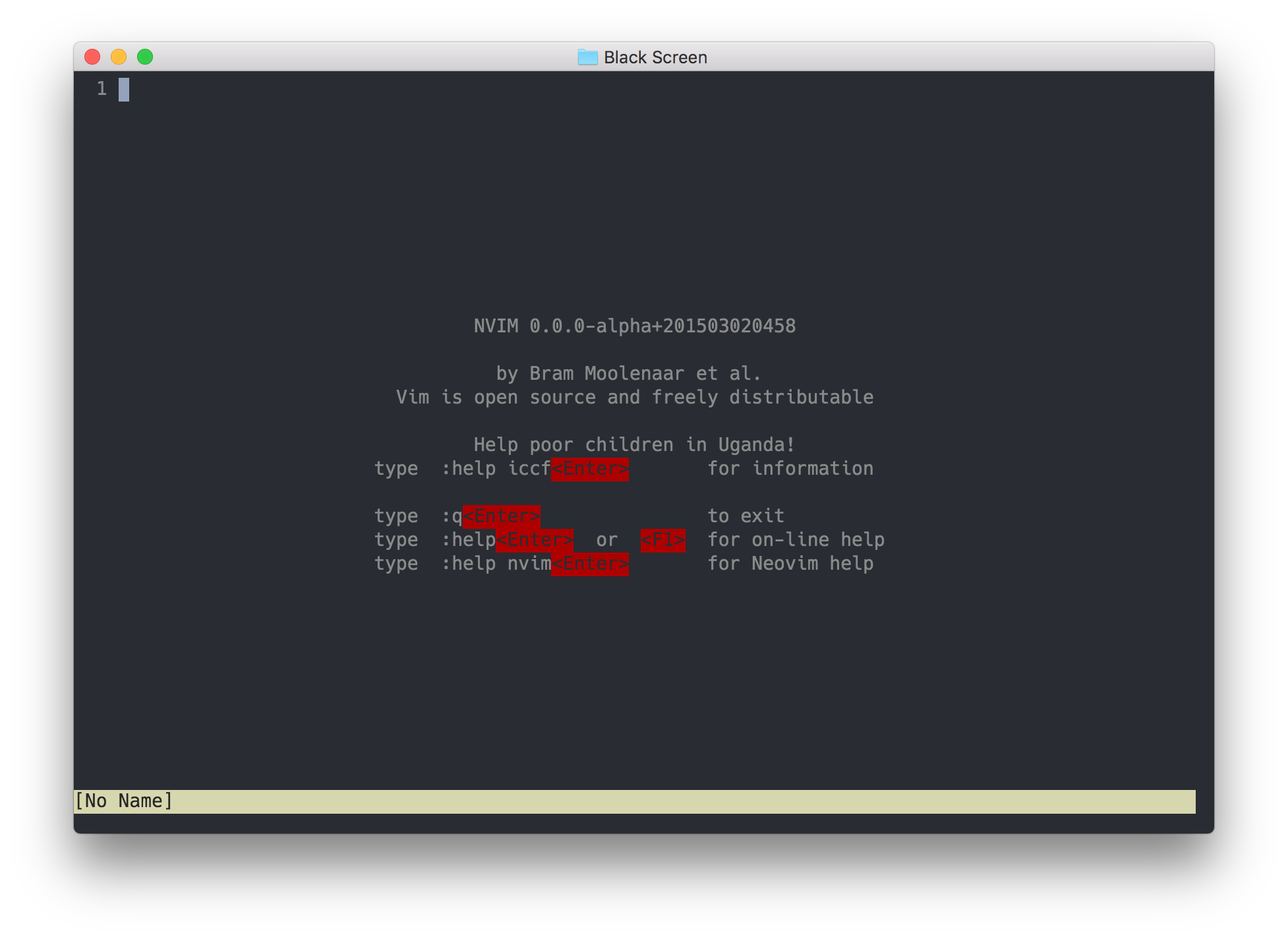
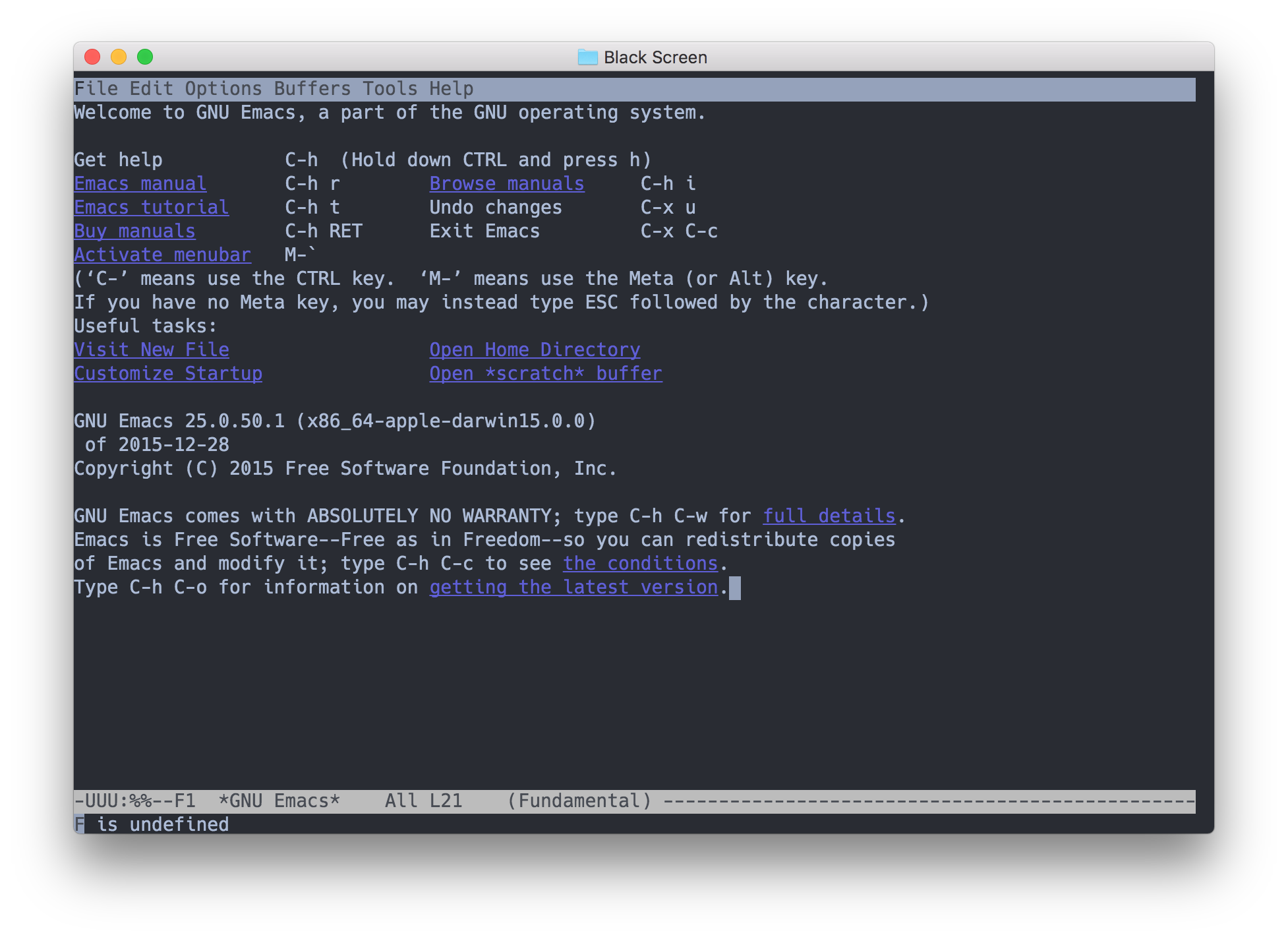
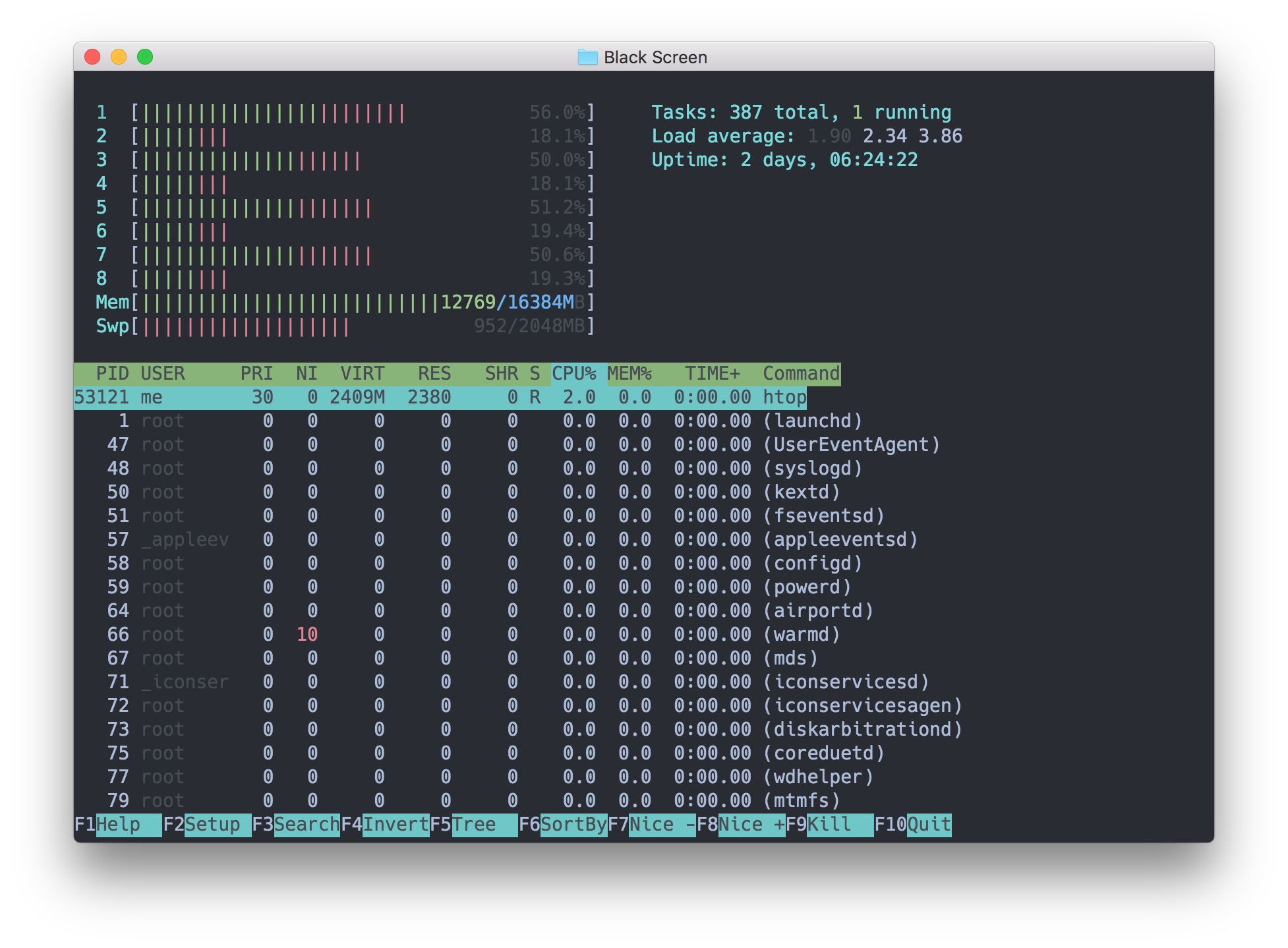
An autocompletion box appears as you type, and its right side shows useful context: expanded alias values, command descriptions, even the value of your previous directory (cd -).Will my usual command-line tools like vim and ssh work inside it?Yes — the README says all command-line programs, emacs, ssh and vim included, should work as expected; glitches were to be reported via issues.
Yes — the README says all command-line programs, emacs, ssh and vim included, should work as expected; glitches were to be reported via issues.What is Upterm built with?Electron, TypeScript and ReactJS — a typical web-tech desktop stack; the development setup also includes debugging instructions for Visual Studio Code.
Electron, TypeScript and ReactJS — a typical web-tech desktop stack; the development setup also includes debugging instructions for Visual Studio Code.Which topics is it in?tty, pty, terminal-emulator, terminal-emulators, console, ide, electron, shell, deprecated, command-line, desktop, command-line-tool
tty, pty, terminal-emulator, terminal-emulators, console, ide, electron, shell, deprecated, command-line, desktop, command-line-tool