


这是什么?
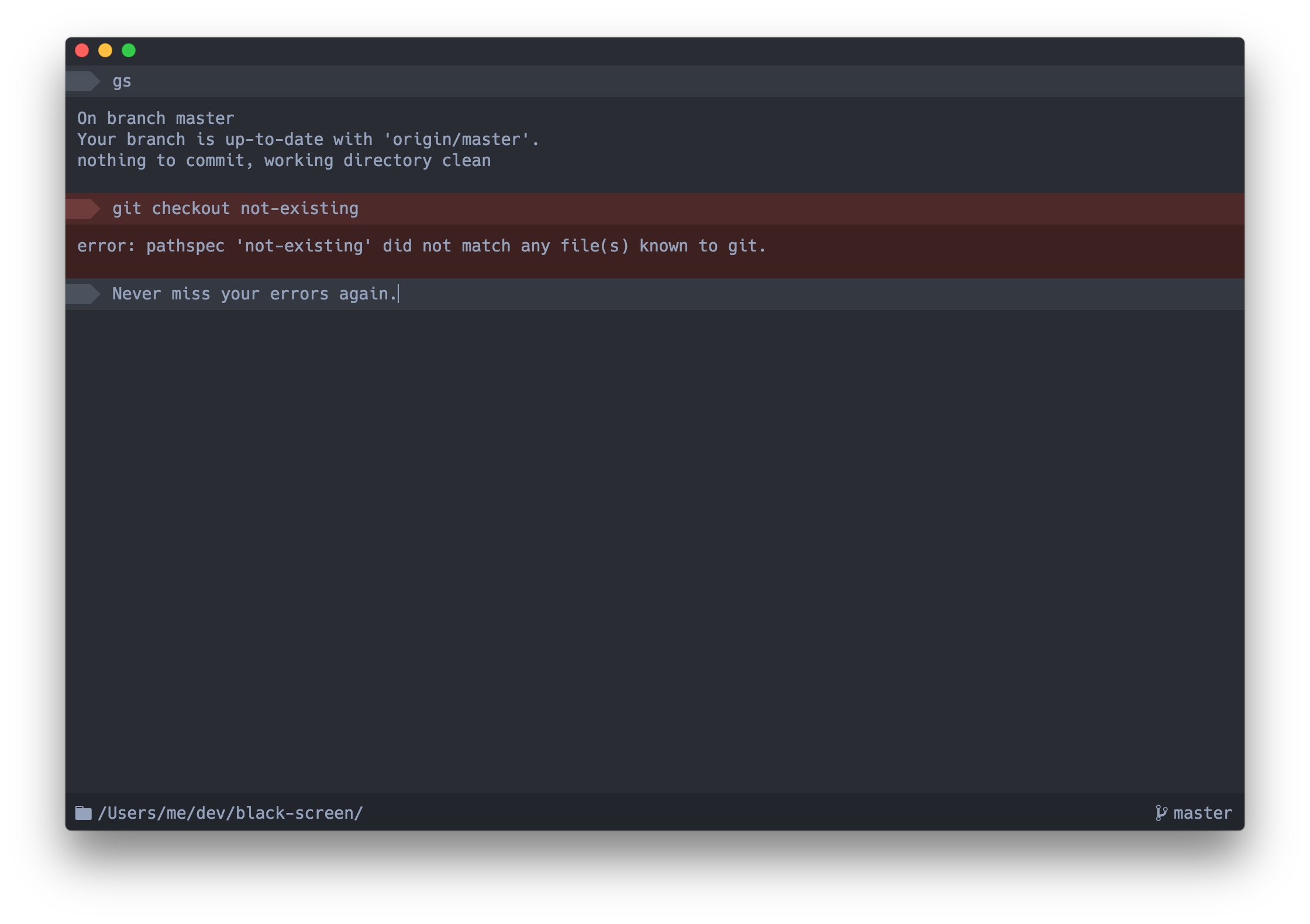
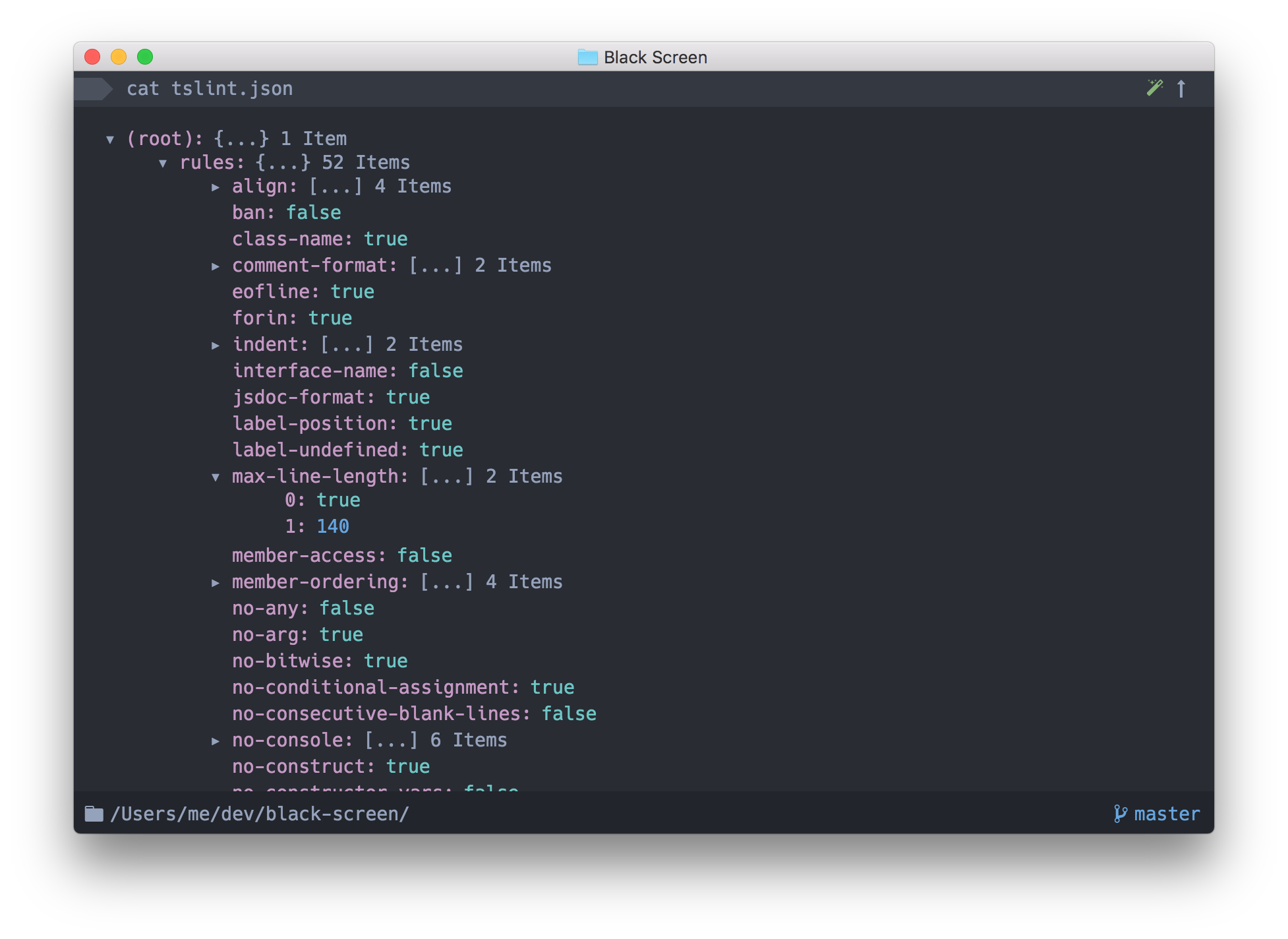
 Upterm(原名 Black Screen)是一个终端模拟器,同时也是一个交互式 shell——README 称它是终端世界里的 IDE。它是一个基于 Electron 的桌面应用。
Upterm(原名 Black Screen)是一个终端模拟器,同时也是一个交互式 shell——README 称它是终端世界里的 IDE。它是一个基于 Electron 的桌面应用。使用它还需要安装别的东西吗?日常使用不需要装任何东西——它本身就是一个独立完整的 Electron 桌面应用。只有想从源码构建或调试时,才需要 Node.js 和 npm。
日常使用不需要装任何东西——它本身就是一个独立完整的 Electron 桌面应用。只有想从源码构建或调试时,才需要 Node.js 和 npm。Upterm 还在维护吗?不在了。Upterm 已被弃用并归档:它失去了维护者,也没有社区活动,作者不再接受 pull request 和 issue。README 建议改用 Hyper。
不在了。Upterm 已被弃用并归档:它失去了维护者,也没有社区活动,作者不再接受 pull request 和 issue。README 建议改用 Hyper。能在 Windows 上运行吗?没有官方支持。Windows 支持充其量只是实验性的——README 指向了一个 Windows Support Issue,里面说明了可能的变通办法。
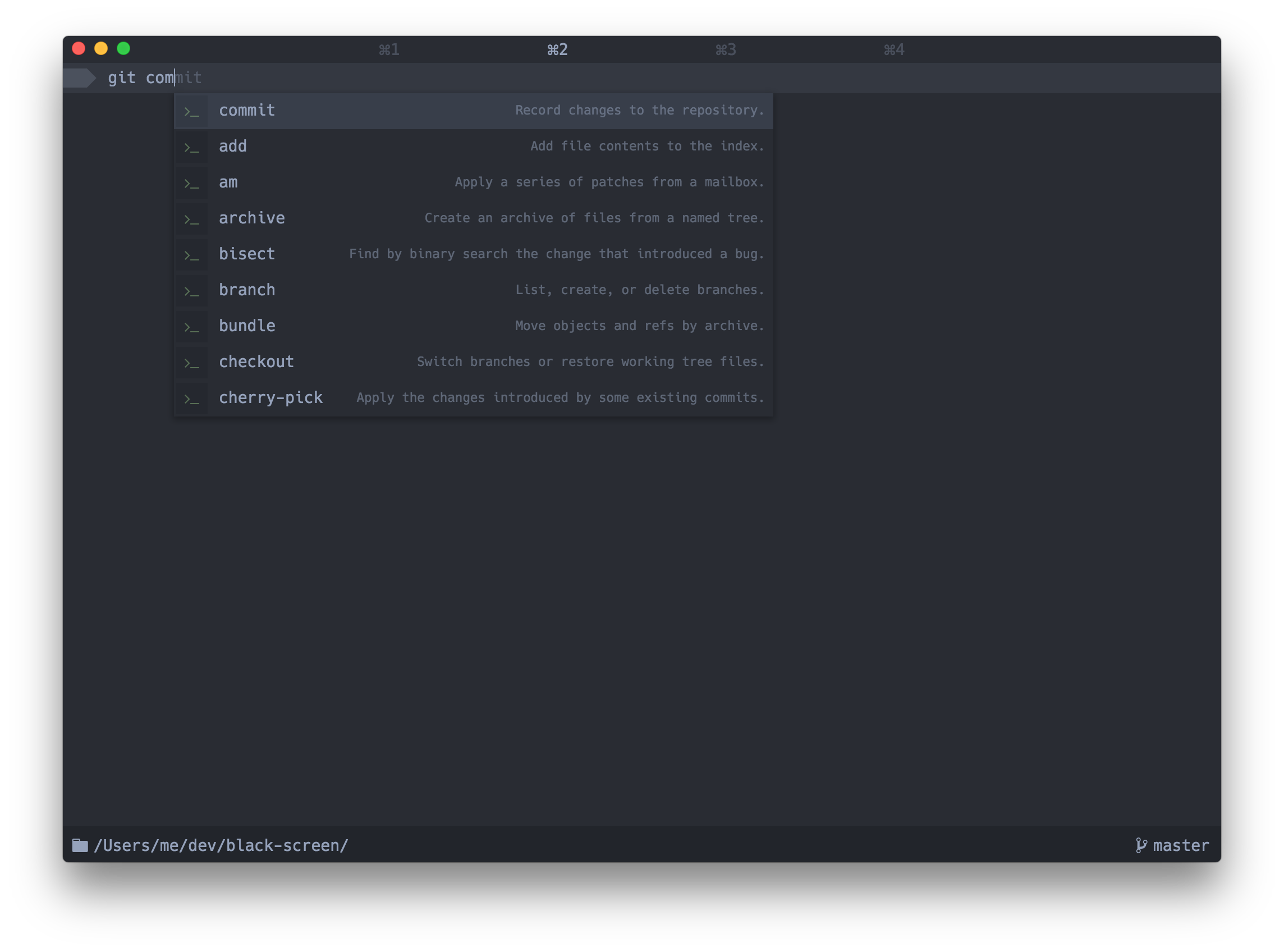
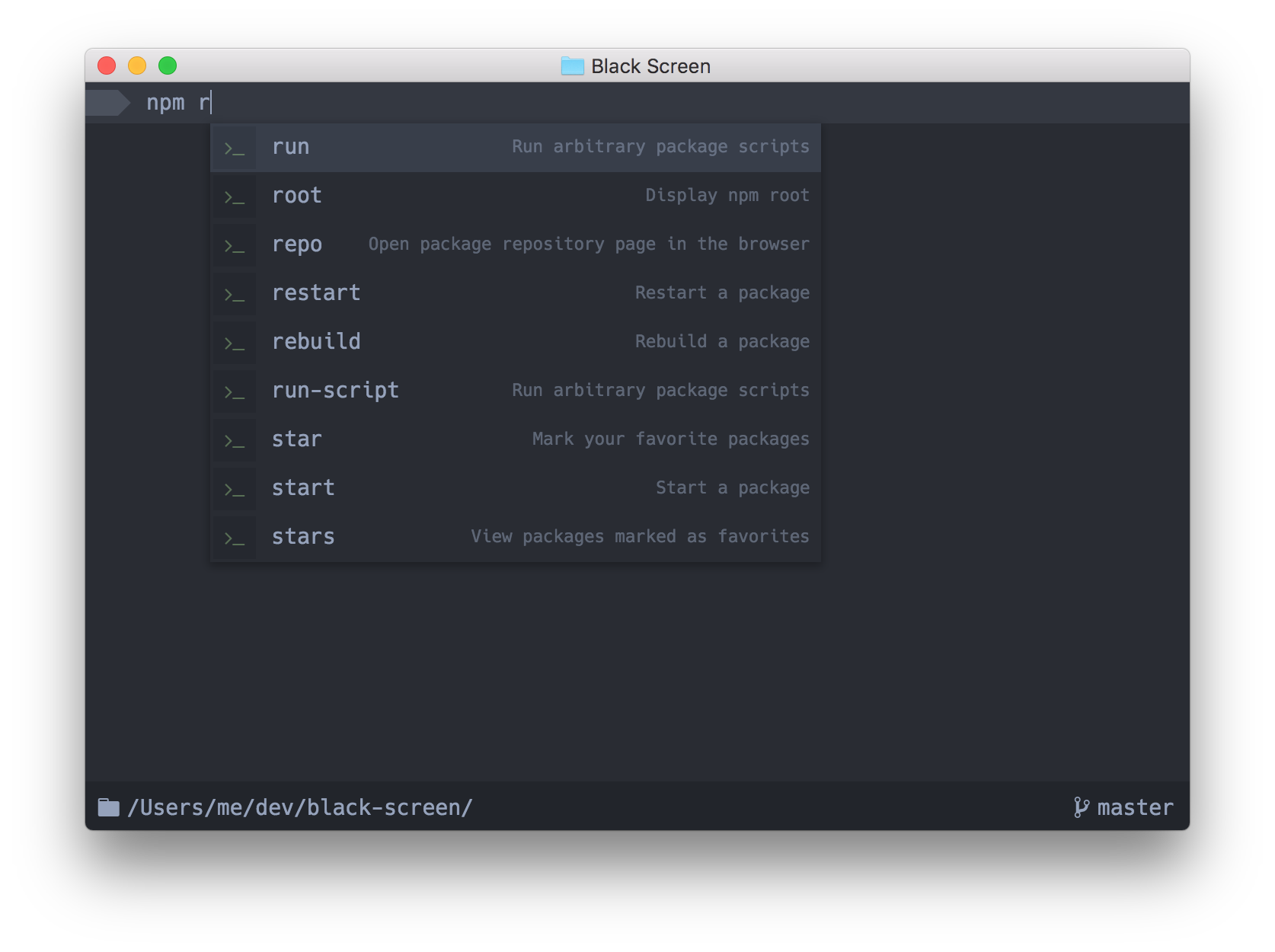
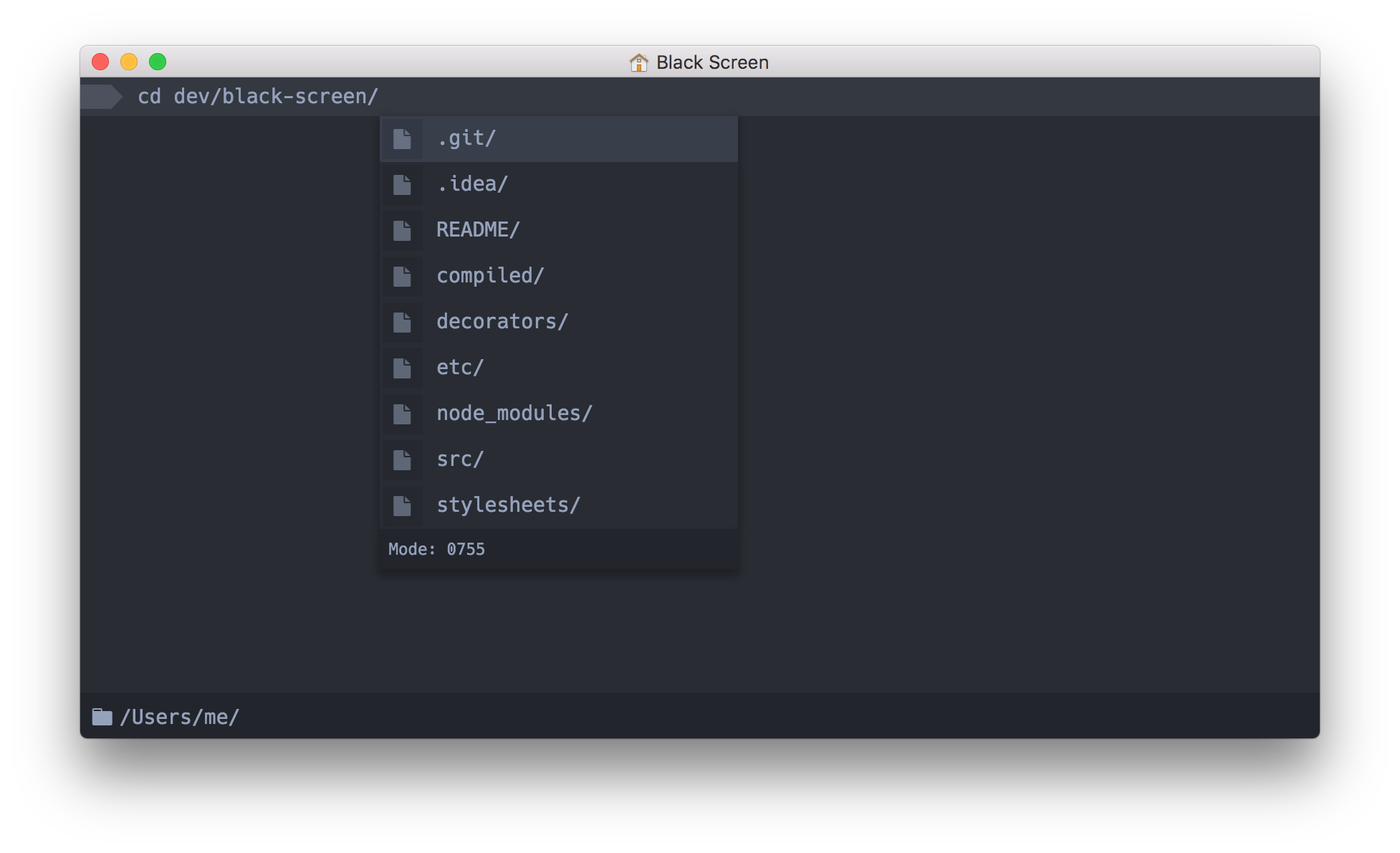
没有官方支持。Windows 支持充其量只是实验性的——README 指向了一个 Windows Support Issue,里面说明了可能的变通办法。Upterm 的自动补全比普通终端聪明在哪里?输入时会弹出一个自动补全框,右侧显示有用的上下文信息:展开后的别名值、命令说明,甚至是上一个目录的值(cd -)。
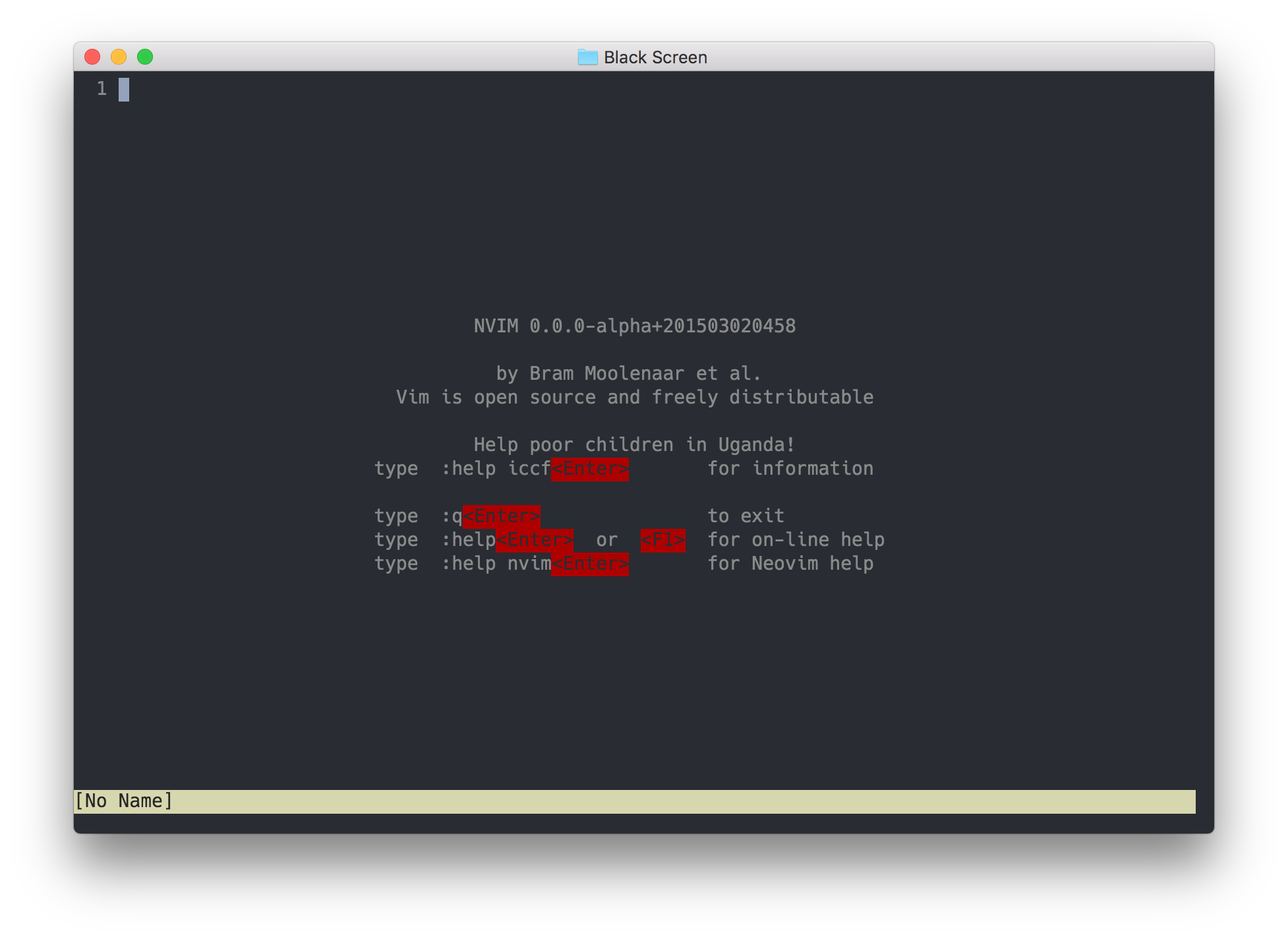
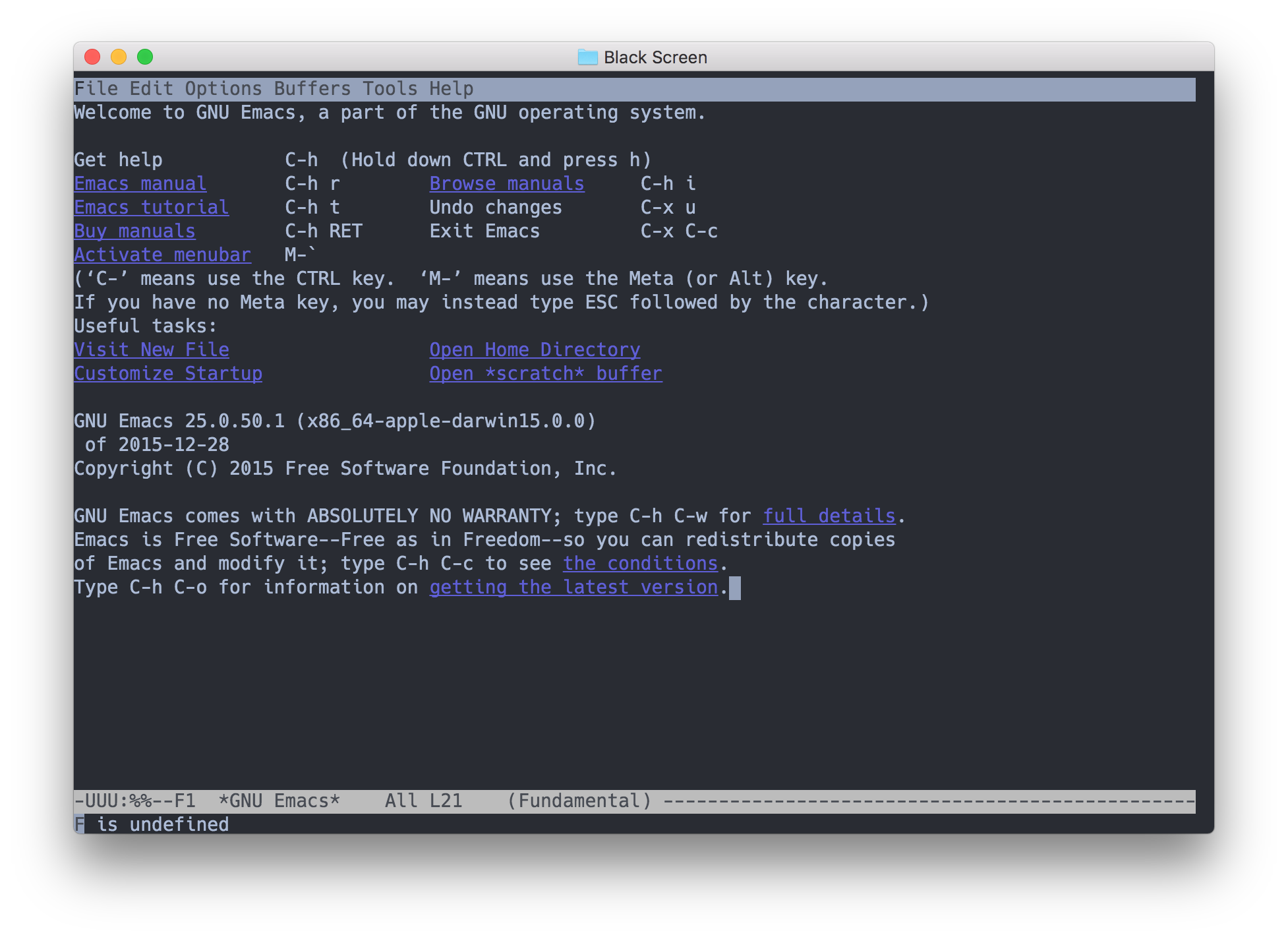
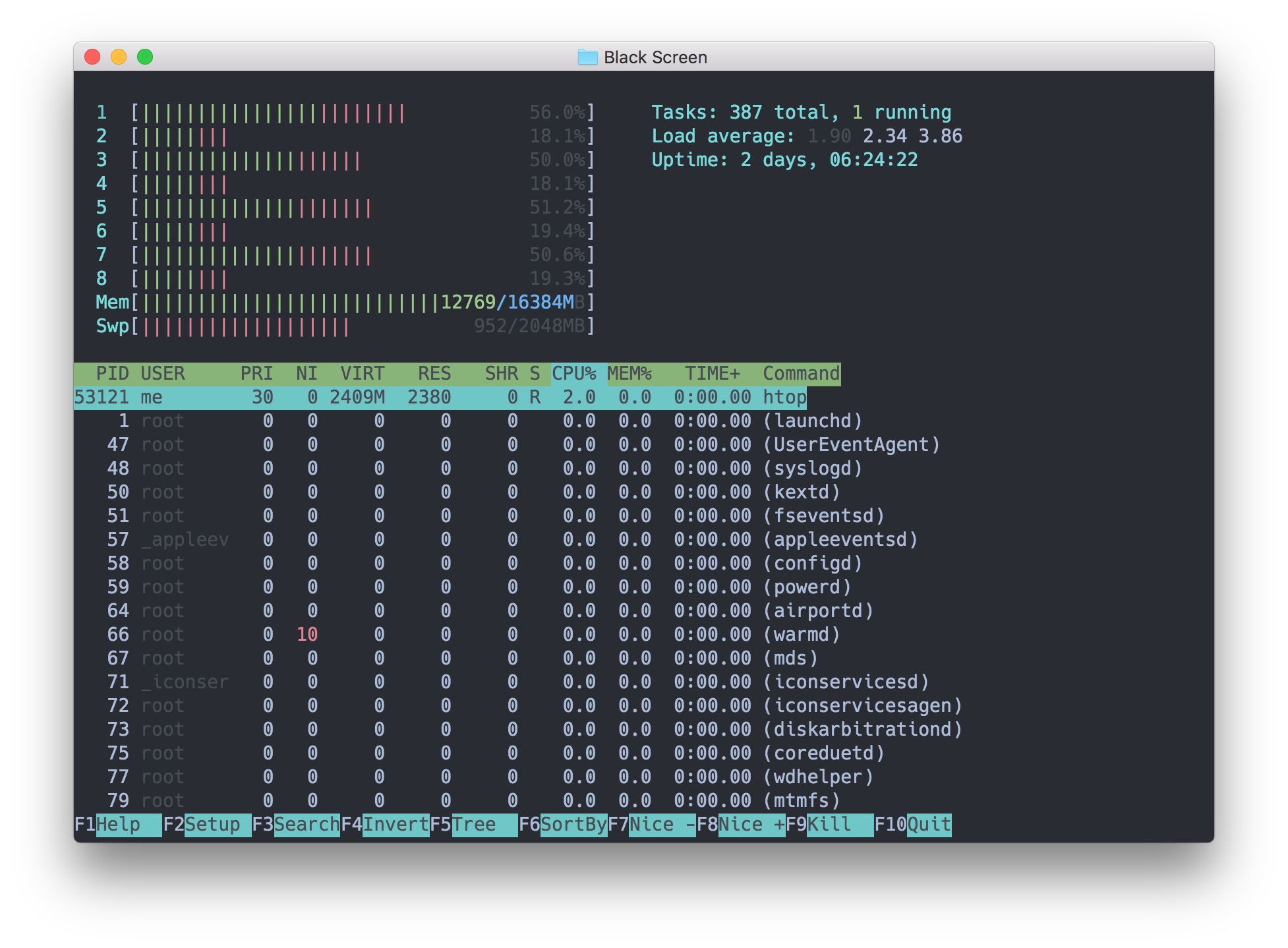
输入时会弹出一个自动补全框,右侧显示有用的上下文信息:展开后的别名值、命令说明,甚至是上一个目录的值(cd -)。我平时用的 vim、ssh 这类命令行工具在里面能正常用吗?可以——README 说所有命令行程序,包括 emacs、ssh 和 vim,都应该能正常工作;遇到问题可以通过 issue 反馈。
可以——README 说所有命令行程序,包括 emacs、ssh 和 vim,都应该能正常工作;遇到问题可以通过 issue 反馈。Upterm 是用什么开发的?Electron、TypeScript 和 ReactJS——典型的网页技术桌面开发组合;开发环境文档里还包含 Visual Studio Code 的调试说明。
Electron、TypeScript 和 ReactJS——典型的网页技术桌面开发组合;开发环境文档里还包含 Visual Studio Code 的调试说明。Which topics is it in?tty, pty, terminal-emulator, terminal-emulators, console, ide, electron, shell, deprecated, command-line, desktop, command-line-tool
tty, pty, terminal-emulator, terminal-emulators, console, ide, electron, shell, deprecated, command-line, desktop, command-line-tool