


Что это такое?
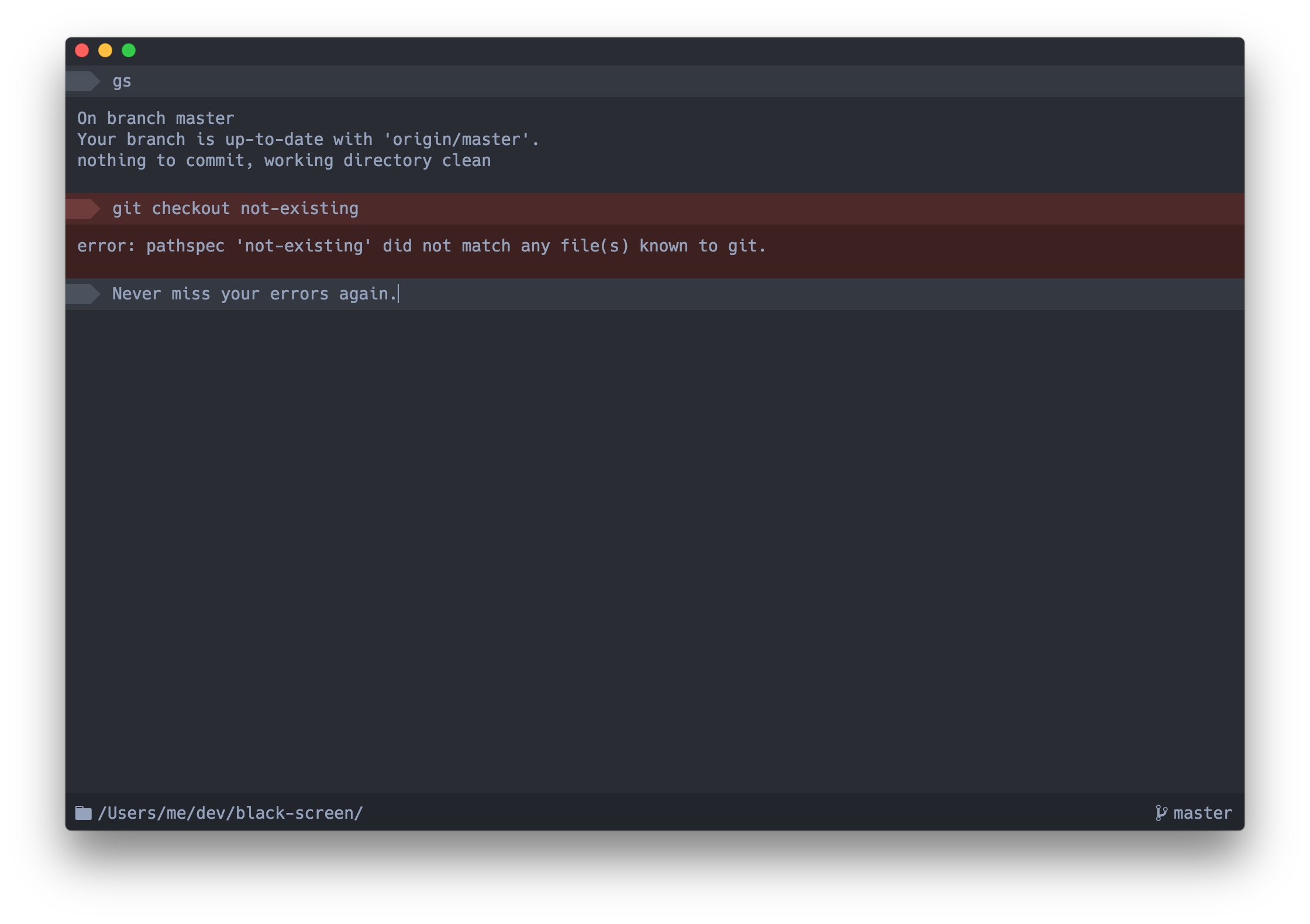
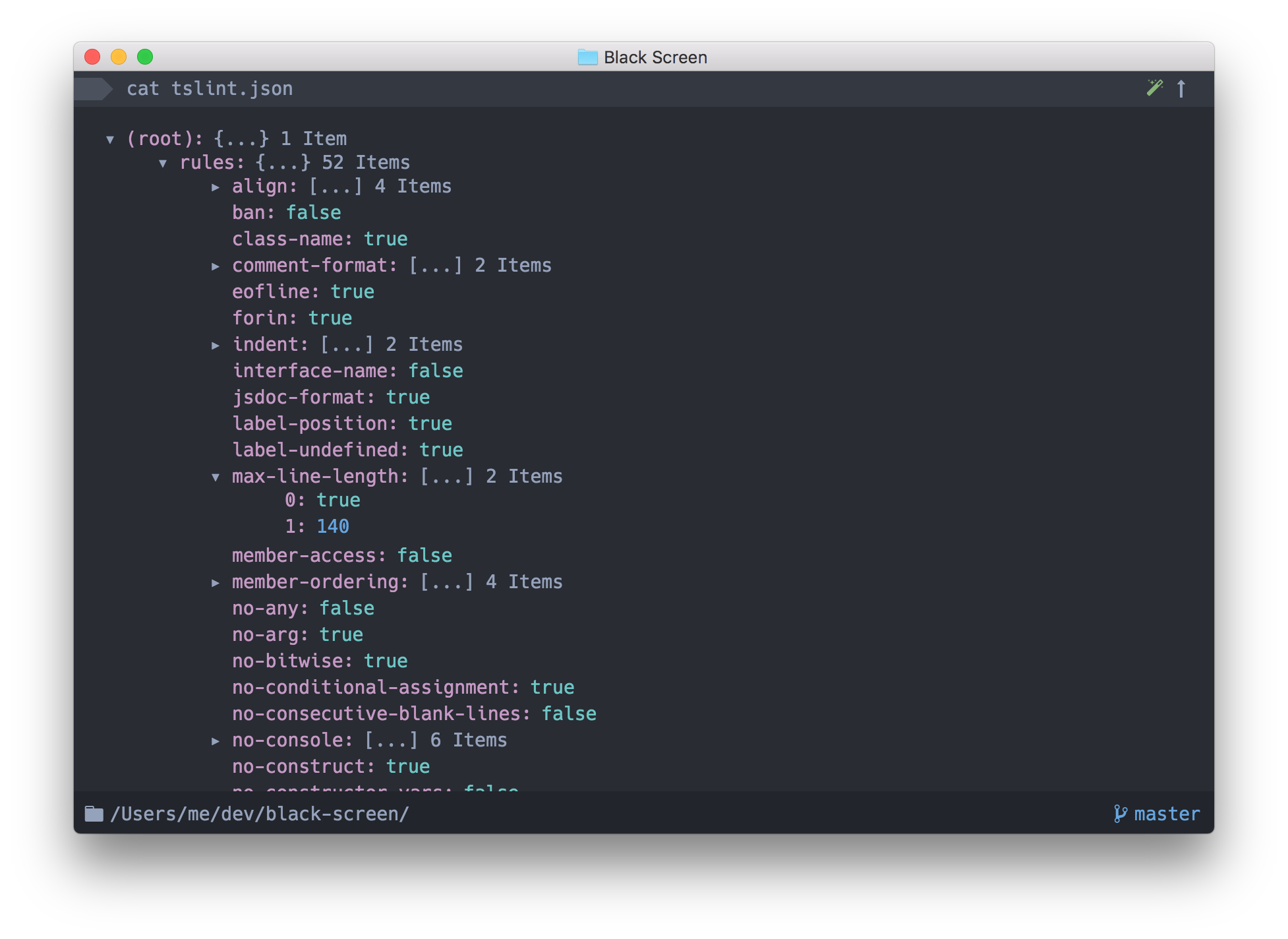
 Upterm (ранее Black Screen) — это эмулятор терминала, который одновременно является интерактивной оболочкой: в README его называют IDE в мире терминалов. Это настольное приложение на базе Electron.
Upterm (ранее Black Screen) — это эмулятор терминала, который одновременно является интерактивной оболочкой: в README его называют IDE в мире терминалов. Это настольное приложение на базе Electron.Нужно ли что-то ещё устанавливать для работы с ним?Для повседневного использования — ничего: он устанавливается как самодостаточное настольное приложение на Electron. Node.js и npm понадобятся только если вы хотите собрать его из исходников или заняться отладкой.
Для повседневного использования — ничего: он устанавливается как самодостаточное настольное приложение на Electron. Node.js и npm понадобятся только если вы хотите собрать его из исходников или заняться отладкой.Upterm ещё поддерживается?Нет. Upterm устарел и переведён в архив: проект остался без мейнтейнера, активности от сообщества нет, а автор больше не принимает pull request'ы и issues. В README предлагается обратить внимание на Hyper.
Нет. Upterm устарел и переведён в архив: проект остался без мейнтейнера, активности от сообщества нет, а автор больше не принимает pull request'ы и issues. В README предлагается обратить внимание на Hyper.Можно ли запустить его на Windows?Официально — нет. Поддержка Windows в лучшем случае экспериментальная: в README упоминается Windows Support Issue, где описан возможный обходной путь.
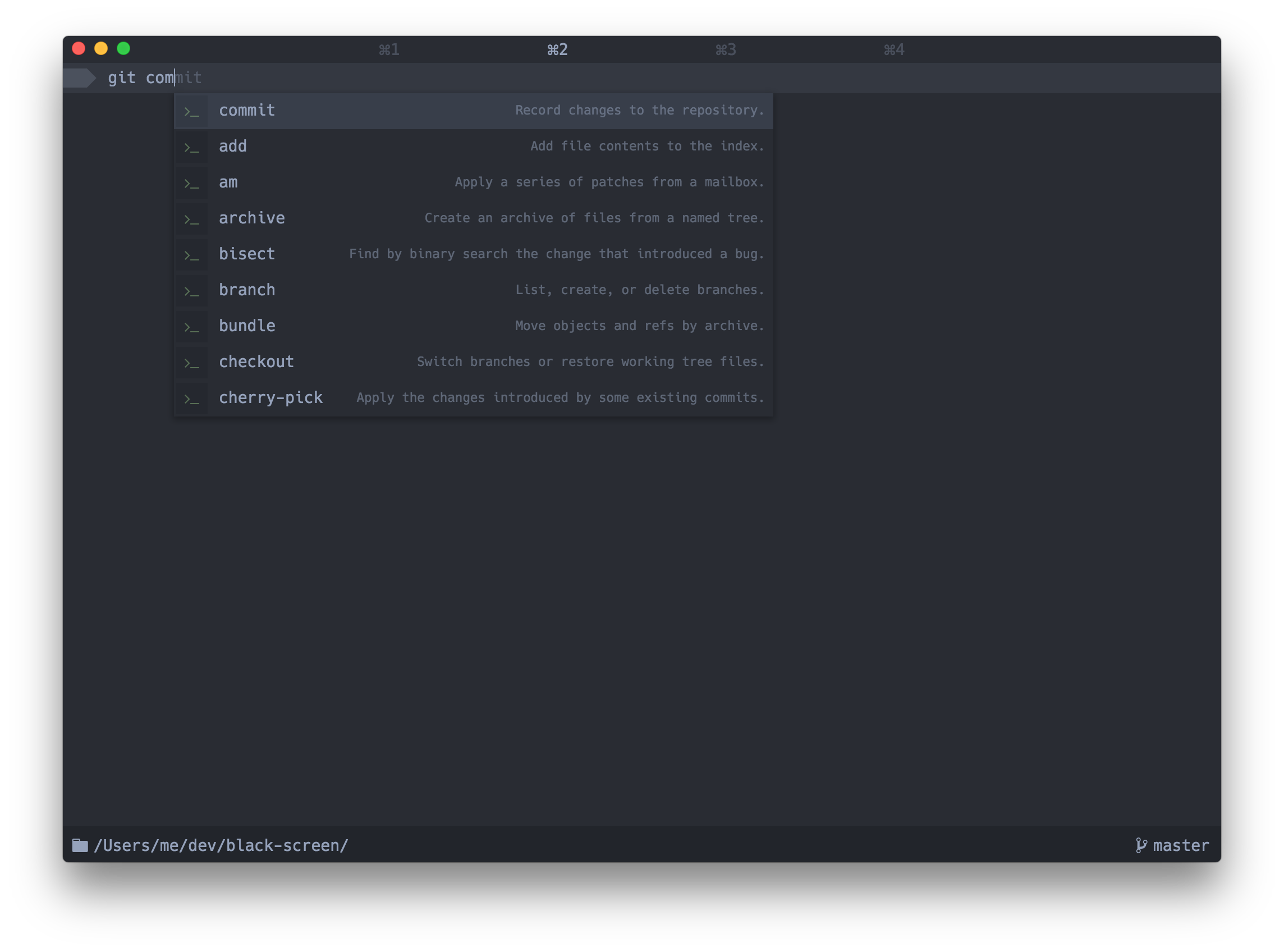
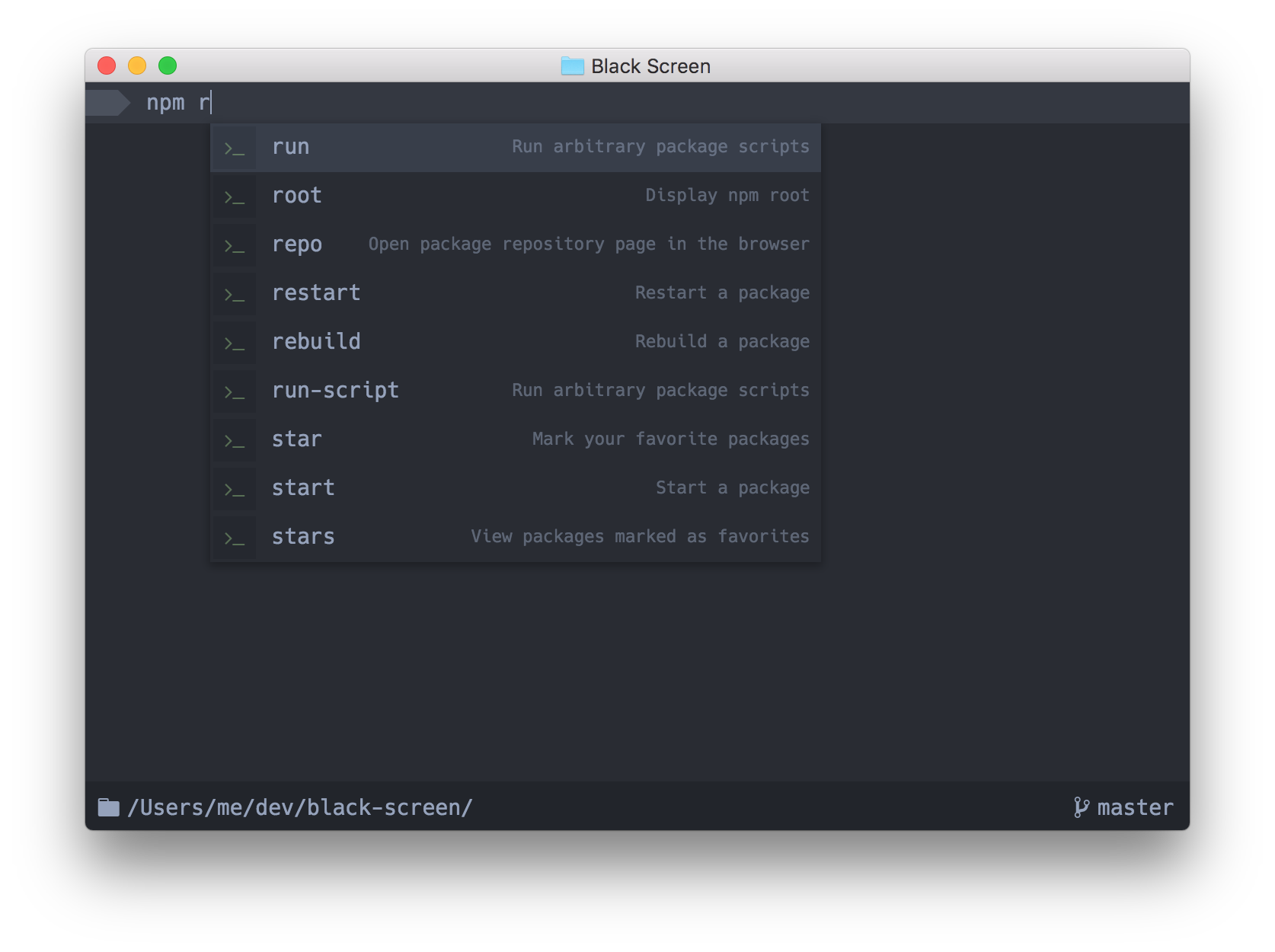
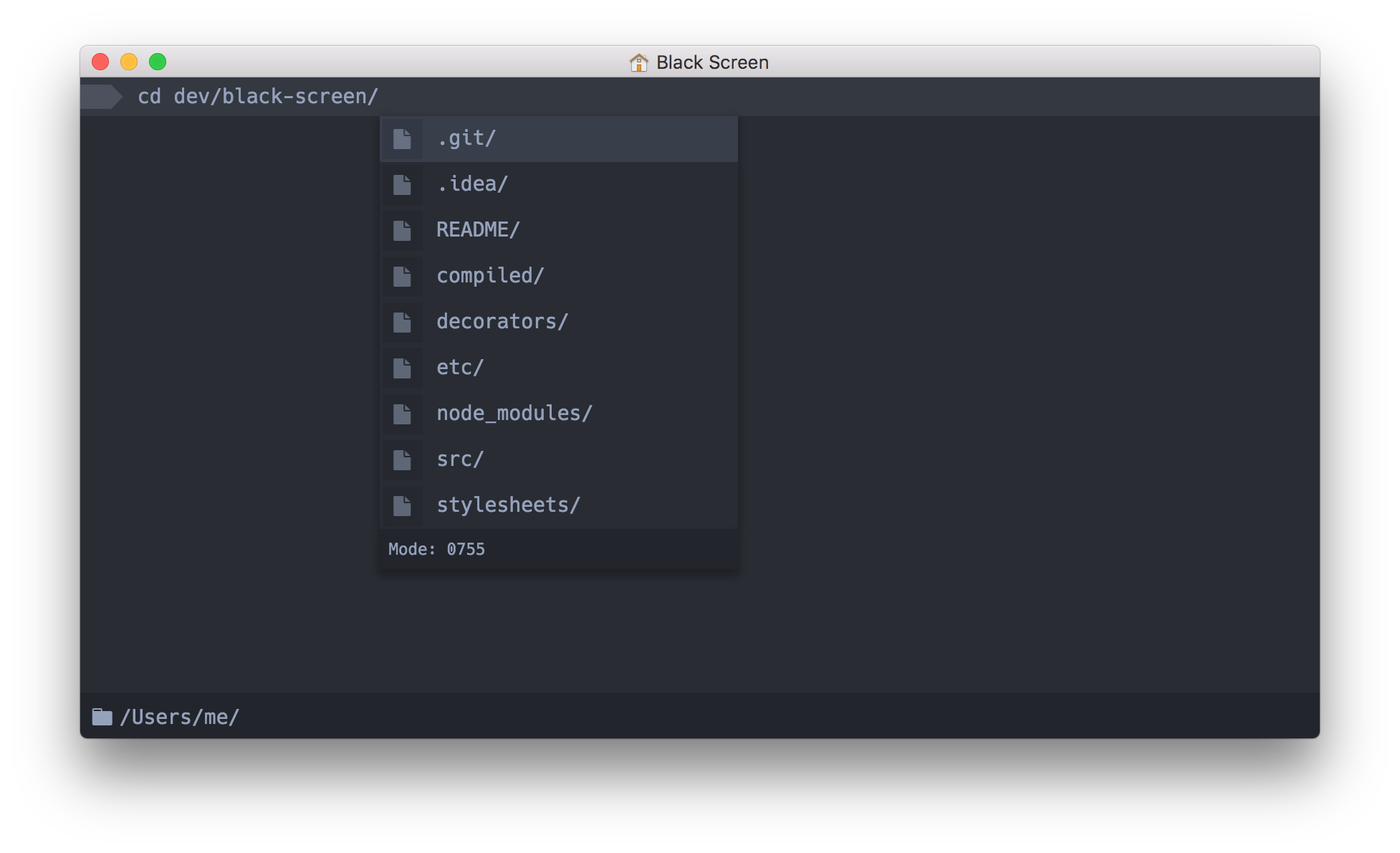
Официально — нет. Поддержка Windows в лучшем случае экспериментальная: в README упоминается Windows Support Issue, где описан возможный обходной путь.Чем автодополнение в Upterm умнее, чем в обычном терминале?По мере набора команды появляется окно автодополнения, а справа в нём выводится полезный контекст: раскрытые значения алиасов, описания команд и даже значение предыдущей директории (cd -).
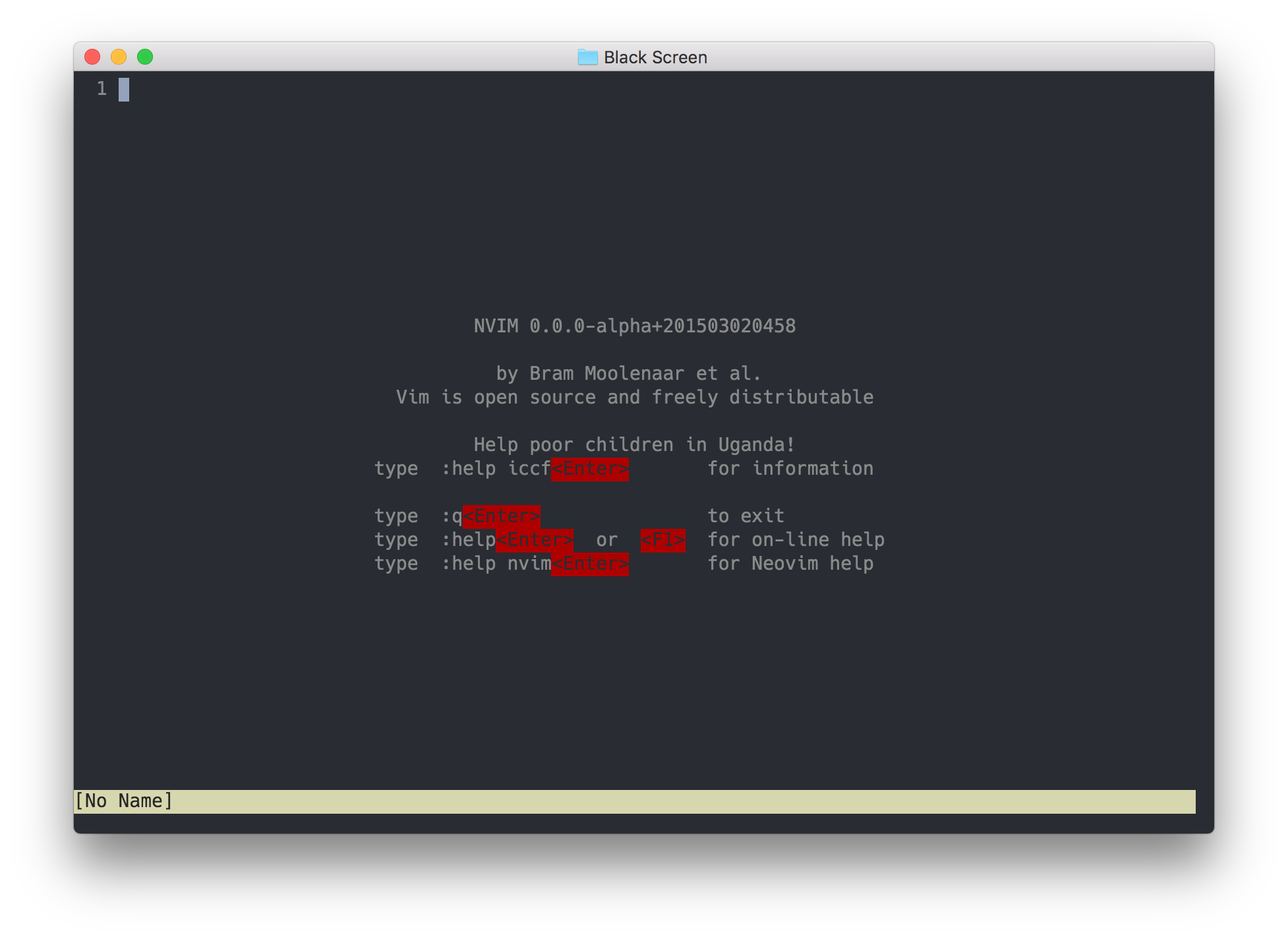
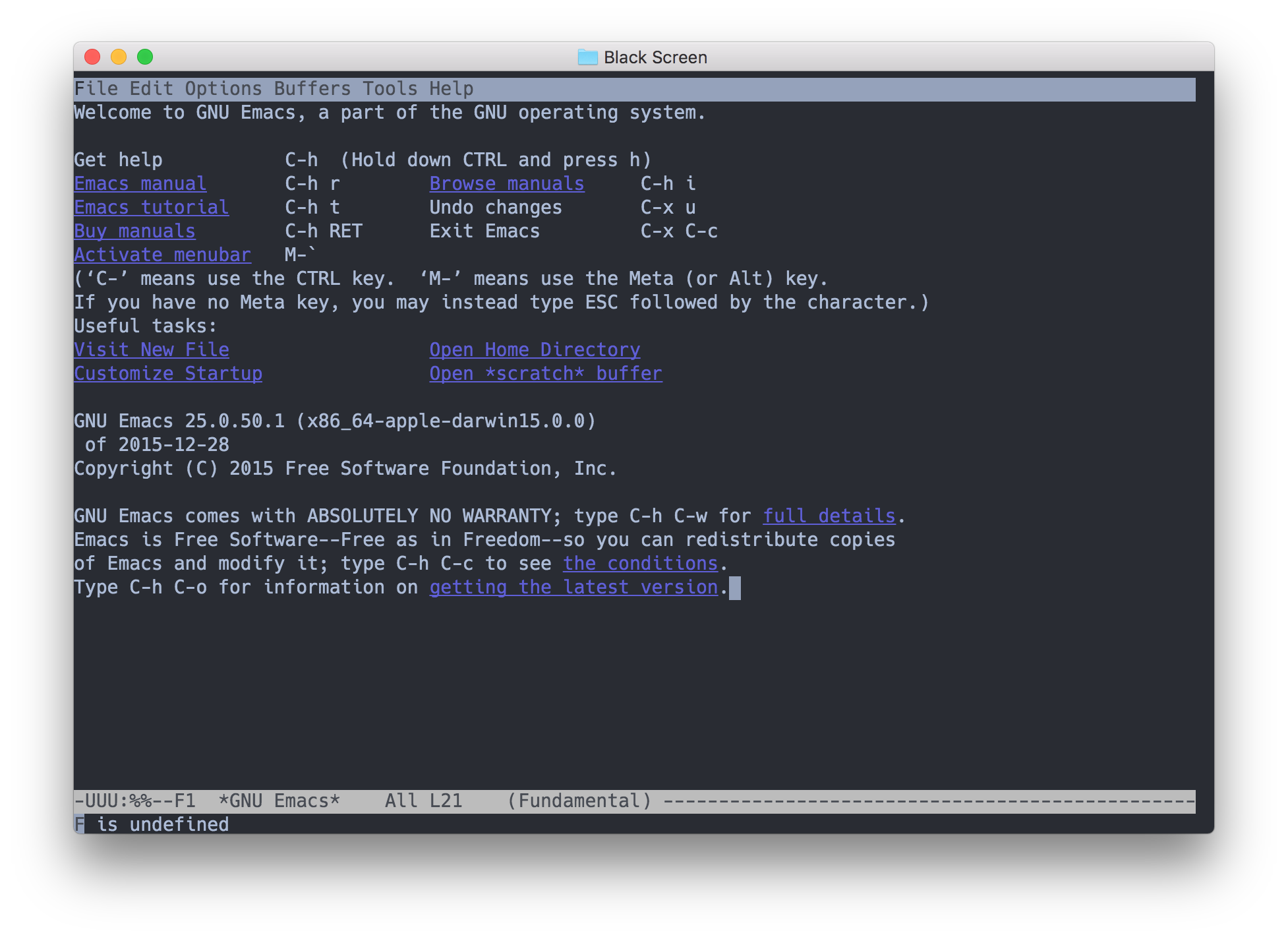
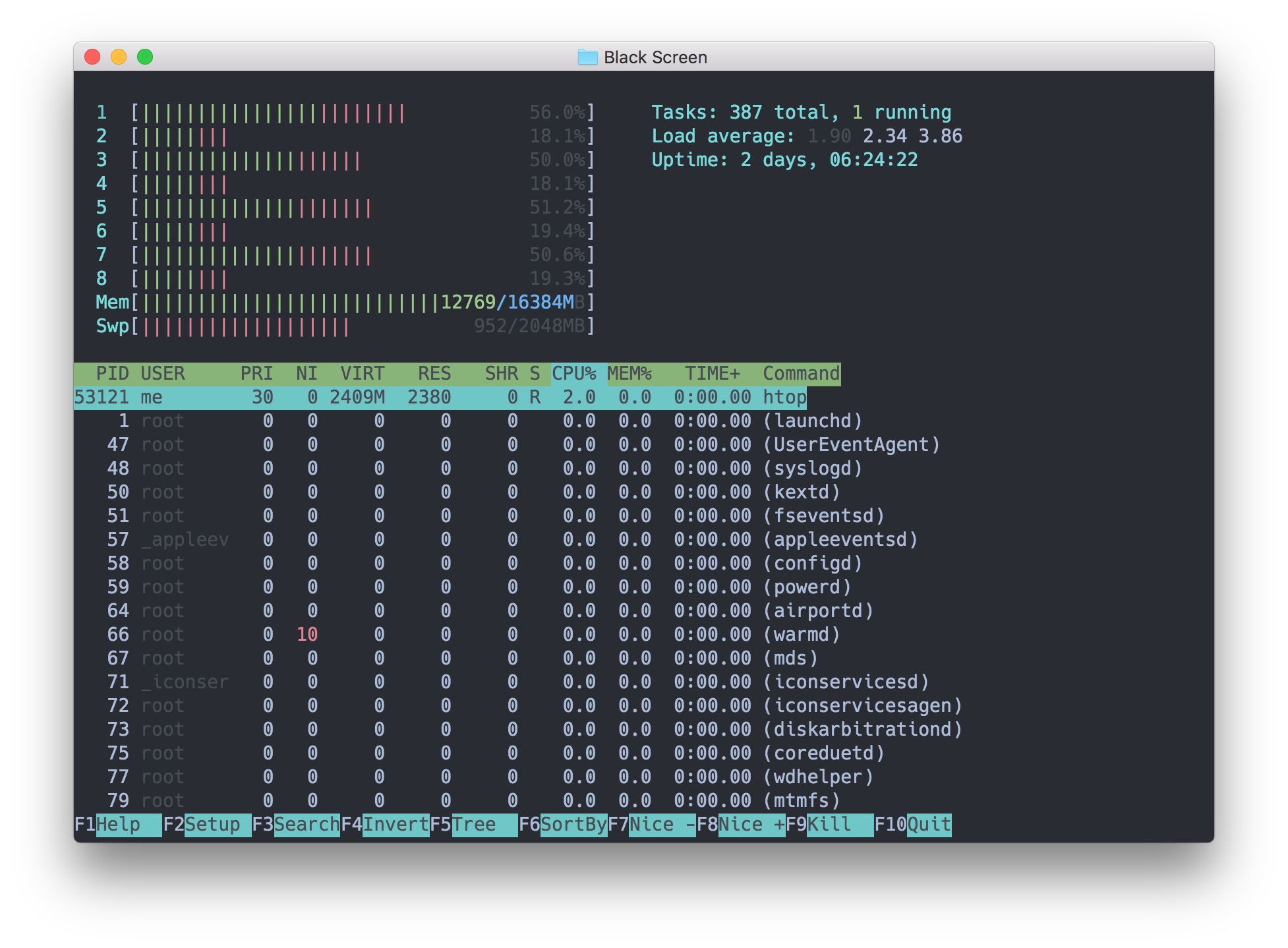
По мере набора команды появляется окно автодополнения, а справа в нём выводится полезный контекст: раскрытые значения алиасов, описания команд и даже значение предыдущей директории (cd -).Будут ли внутри работать мои привычные утилиты командной строки вроде vim и ssh?Да — в README сказано, что все программы командной строки, включая emacs, ssh и vim, должны работать как ожидается; о сбоях предлагалось сообщать через issues.
Да — в README сказано, что все программы командной строки, включая emacs, ssh и vim, должны работать как ожидается; о сбоях предлагалось сообщать через issues.На чём написан Upterm?Electron, TypeScript и ReactJS — типичный настольный стек на веб-технологиях; в инструкции по разработке также есть указания по отладке в Visual Studio Code.
Electron, TypeScript и ReactJS — типичный настольный стек на веб-технологиях; в инструкции по разработке также есть указания по отладке в Visual Studio Code.Which topics is it in?tty, pty, terminal-emulator, terminal-emulators, console, ide, electron, shell, deprecated, command-line, desktop, command-line-tool
tty, pty, terminal-emulator, terminal-emulators, console, ide, electron, shell, deprecated, command-line, desktop, command-line-tool