




What is this?
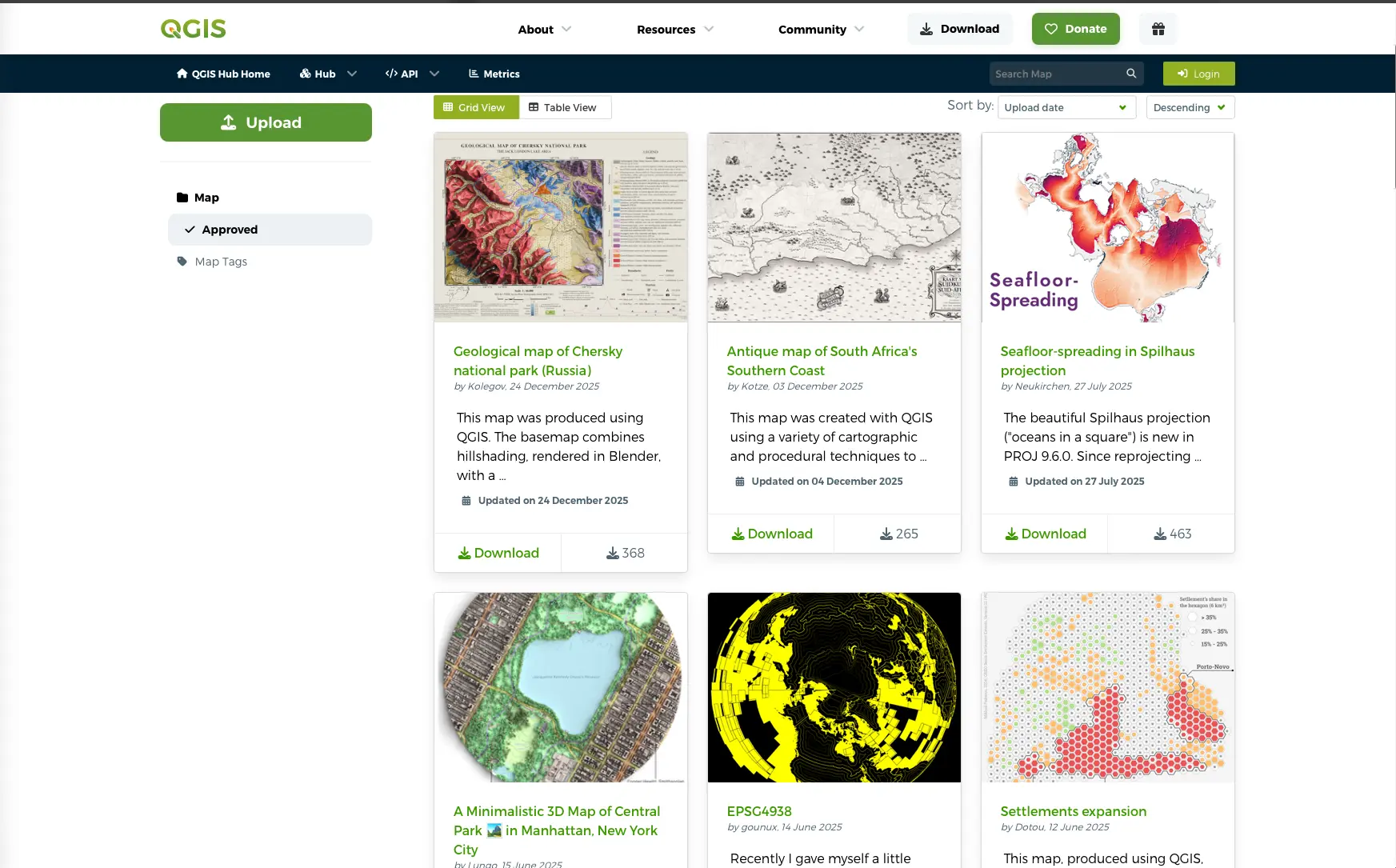
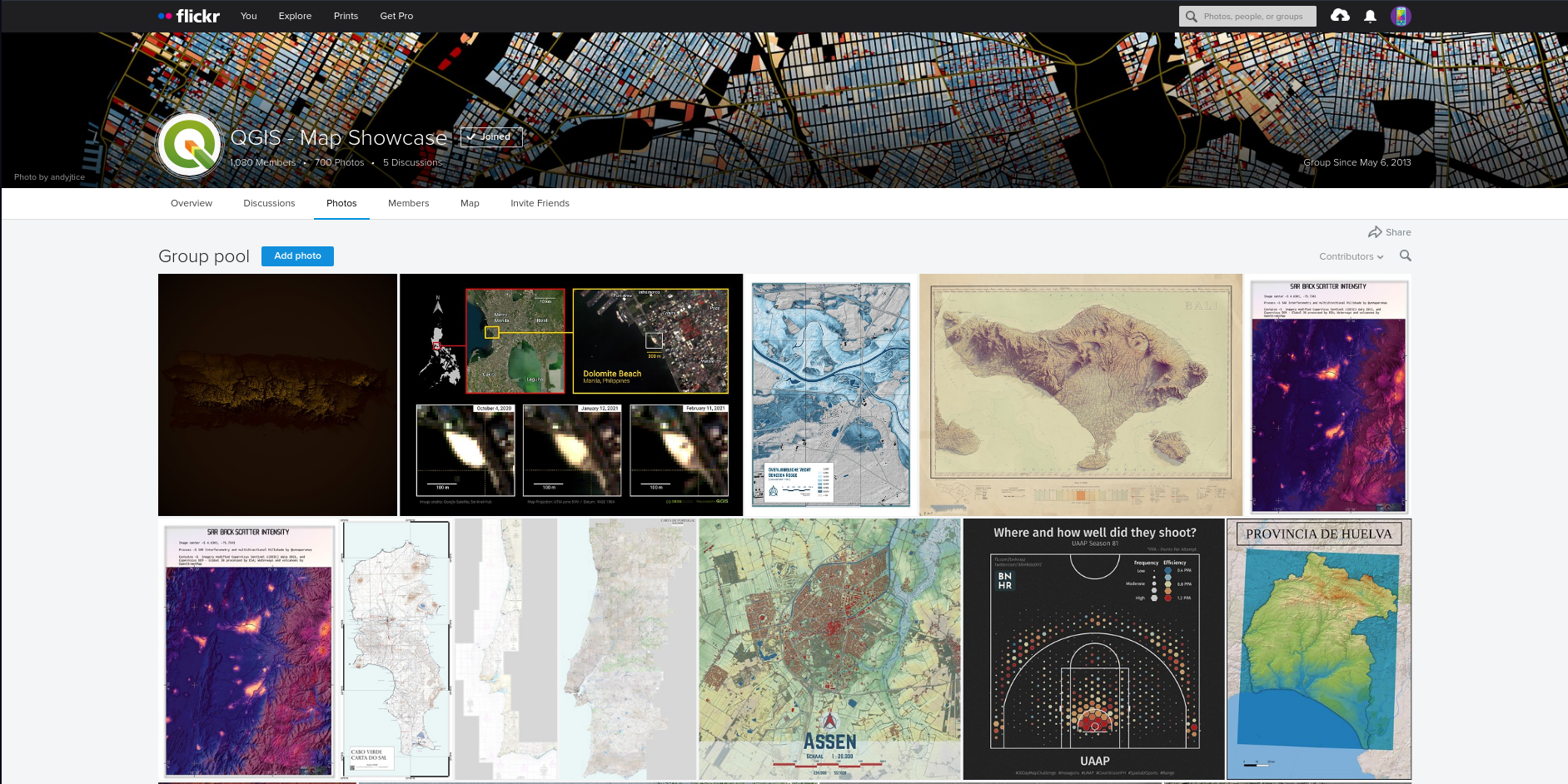
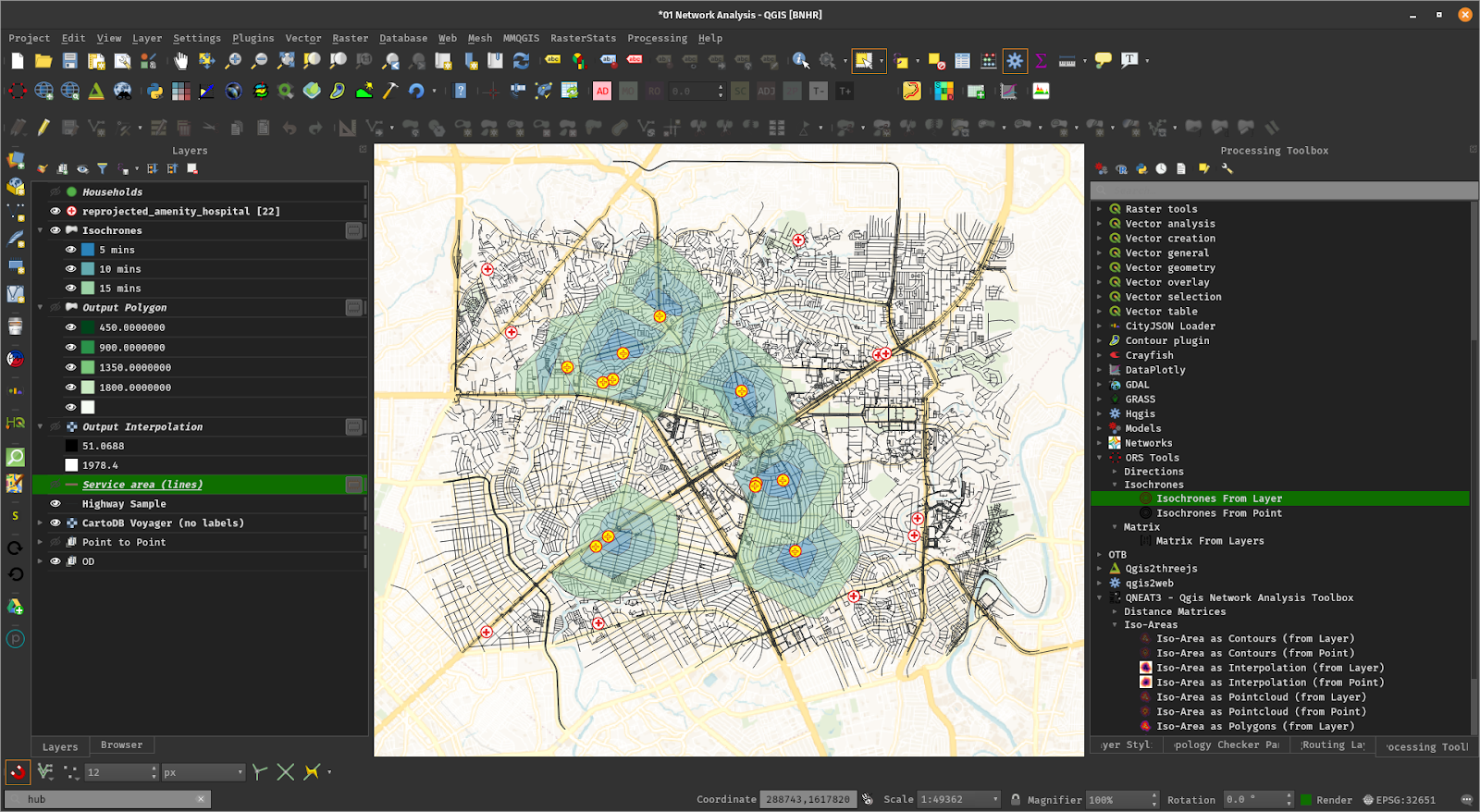
 QGIS is a free, open-source, cross-platform desktop GIS (geographic information system) for viewing, editing, and analyzing spatial data like maps, satellite imagery, and geospatial databases.
QGIS is a free, open-source, cross-platform desktop GIS (geographic information system) for viewing, editing, and analyzing spatial data like maps, satellite imagery, and geospatial databases.Is this a standalone desktop app or a library I embed in my code?Primarily a standalone desktop application with a GUI, but it also exposes a Python and C++ API so you can build headless or scripted applications on top of it (PyQGIS), and it includes a separate headless QGIS Server component.
Primarily a standalone desktop application with a GUI, but it also exposes a Python and C++ API so you can build headless or scripted applications on top of it (PyQGIS), and it includes a separate headless QGIS Server component.How do I install and start using QGIS?Download precompiled binaries from the QGIS.org download page and follow the install instructions, or use the building guide to compile from source; QGIS Server has its own separate getting-started docs.
Download precompiled binaries from the QGIS.org download page and follow the install instructions, or use the building guide to compile from source; QGIS Server has its own separate getting-started docs.Do I need to know GDAL or other GIS libraries to use it?No prior GIS library knowledge is required to use the app, but under the hood it relies on providers like GDAL, SAGA, GRASS and OrfeoToolbox for its 1000+ processing algorithms, and it's built with the Qt toolkit and C++.
No prior GIS library knowledge is required to use the app, but under the hood it relies on providers like GDAL, SAGA, GRASS and OrfeoToolbox for its 1000+ processing algorithms, and it's built with the Qt toolkit and C++.Which release branch should I pick, and is it stable?QGIS ships three parallel branches: Long Term Release (LTR), Latest Release (LR), and a Development/Nightly branch, with monthly point releases providing bug-fixes to LTR and LR, so you need to choose the right one for your stability needs.
QGIS ships three parallel branches: Long Term Release (LTR), Latest Release (LR), and a Development/Nightly branch, with monthly point releases providing bug-fixes to LTR and LR, so you need to choose the right one for your stability needs.Which operating systems does it run on?QGIS runs natively on Linux/Unix, Windows, and macOS, and QGIS Server additionally runs in a Docker container.
QGIS runs natively on Linux/Unix, Windows, and macOS, and QGIS Server additionally runs in a Docker container.What data formats and sources can QGIS work with?It supports raster, vector, mesh and point-cloud data across industry-standard formats (GeoPackage, GeoTIFF, Shapefiles, LAS/LAZ, NetCDF, GRIB and more), plus spatial databases like PostGIS, SQL Server, Oracle, and web services like WMS/WFS/WCS.
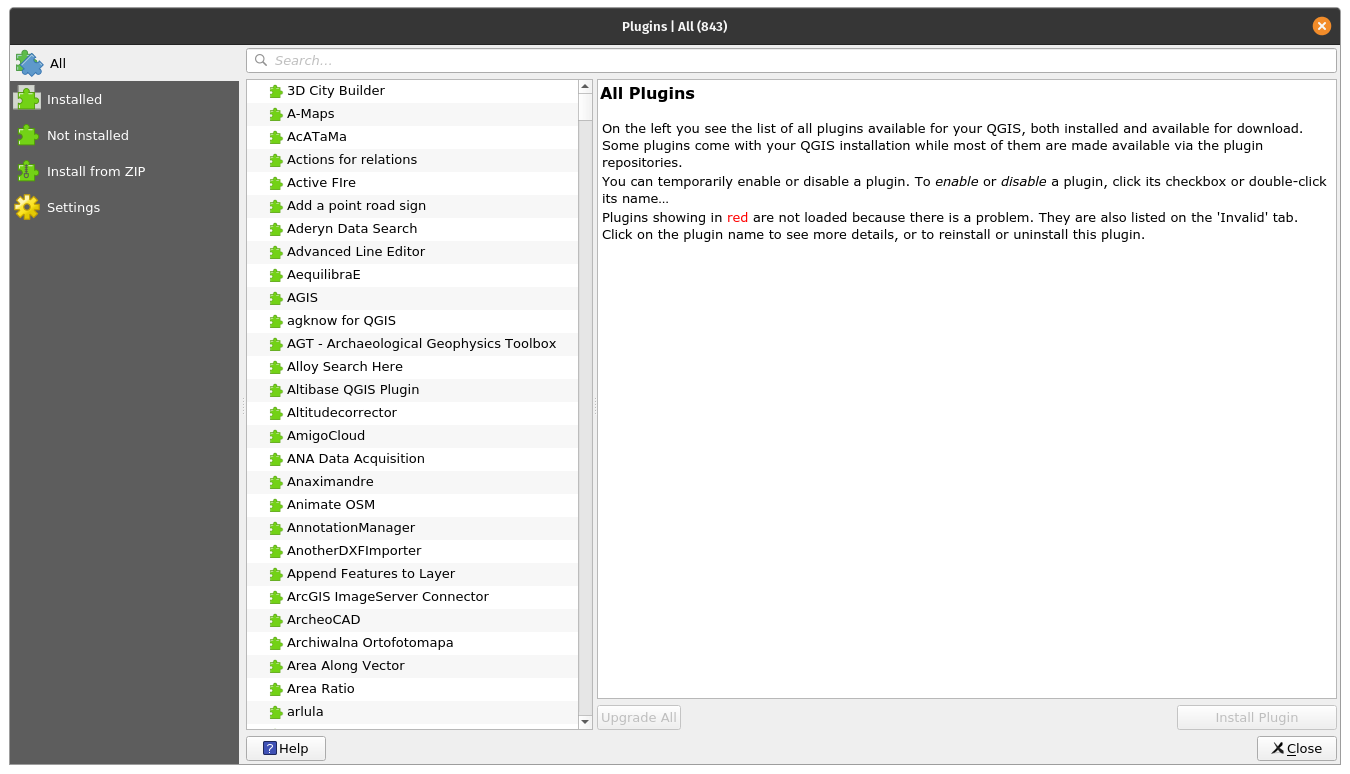
It supports raster, vector, mesh and point-cloud data across industry-standard formats (GeoPackage, GeoTIFF, Shapefiles, LAS/LAZ, NetCDF, GRIB and more), plus spatial databases like PostGIS, SQL Server, Oracle, and web services like WMS/WFS/WCS.Can I extend QGIS with plugins or scripts?Yes, it has a broad plugin ecosystem for data connectors, digitizing, analysis and charting tools, plus a rich expression engine and PyQGIS Python scripting for deep customization.
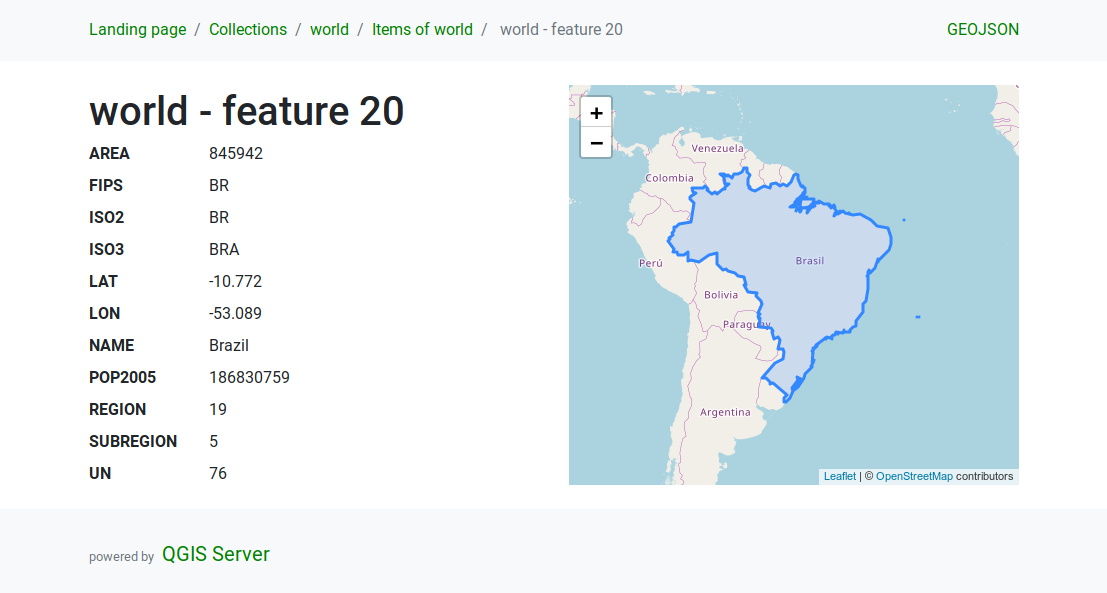
Yes, it has a broad plugin ecosystem for data connectors, digitizing, analysis and charting tools, plus a rich expression engine and PyQGIS Python scripting for deep customization.What is QGIS Server?It is a headless map server that shares the same codebase as desktop QGIS, runs on Linux, macOS, Windows or in Docker, and serves maps via standard protocols like WMS and WFS.
It is a headless map server that shares the same codebase as desktop QGIS, runs on Linux, macOS, Windows or in Docker, and serves maps via standard protocols like WMS and WFS.How much processing/analysis power does it offer out of the box?It ships 200+ native processing algorithms and gives access to 1000+ more via providers such as GDAL, SAGA and GRASS, along with a model designer for chaining custom geoprocessing workflows.
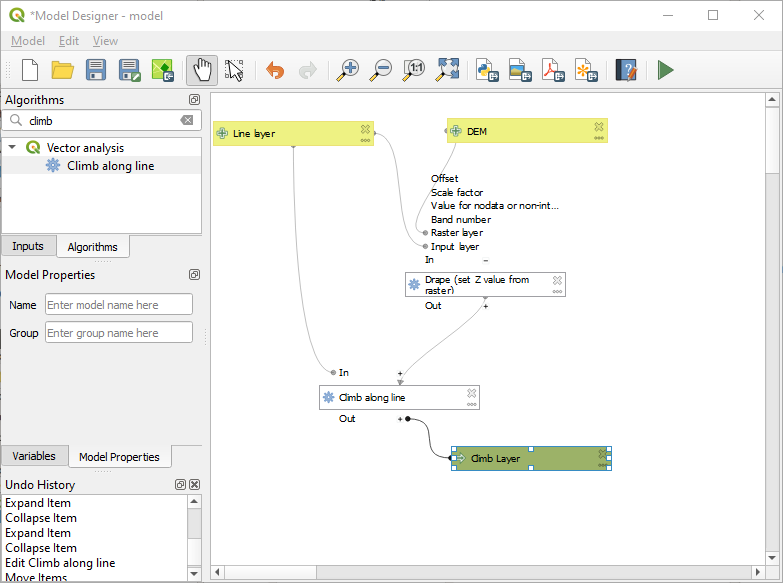
It ships 200+ native processing algorithms and gives access to 1000+ more via providers such as GDAL, SAGA and GRASS, along with a model designer for chaining custom geoprocessing workflows.What are similar projects?xbmc, project_superdex, GeoLibre, shotcut, KeymouseGo, ckeditor5, AirSim, FreeCAD
xbmc, project_superdex, GeoLibre, shotcut, KeymouseGo, ckeditor5, AirSim, FreeCADWhich topics is it in?vector, analysis, gis, plugins, unix, simulation, gplv2, customization, c++, framework, desktop-app, docker
vector, analysis, gis, plugins, unix, simulation, gplv2, customization, c++, framework, desktop-app, docker