493 ·GitHub
What is this?
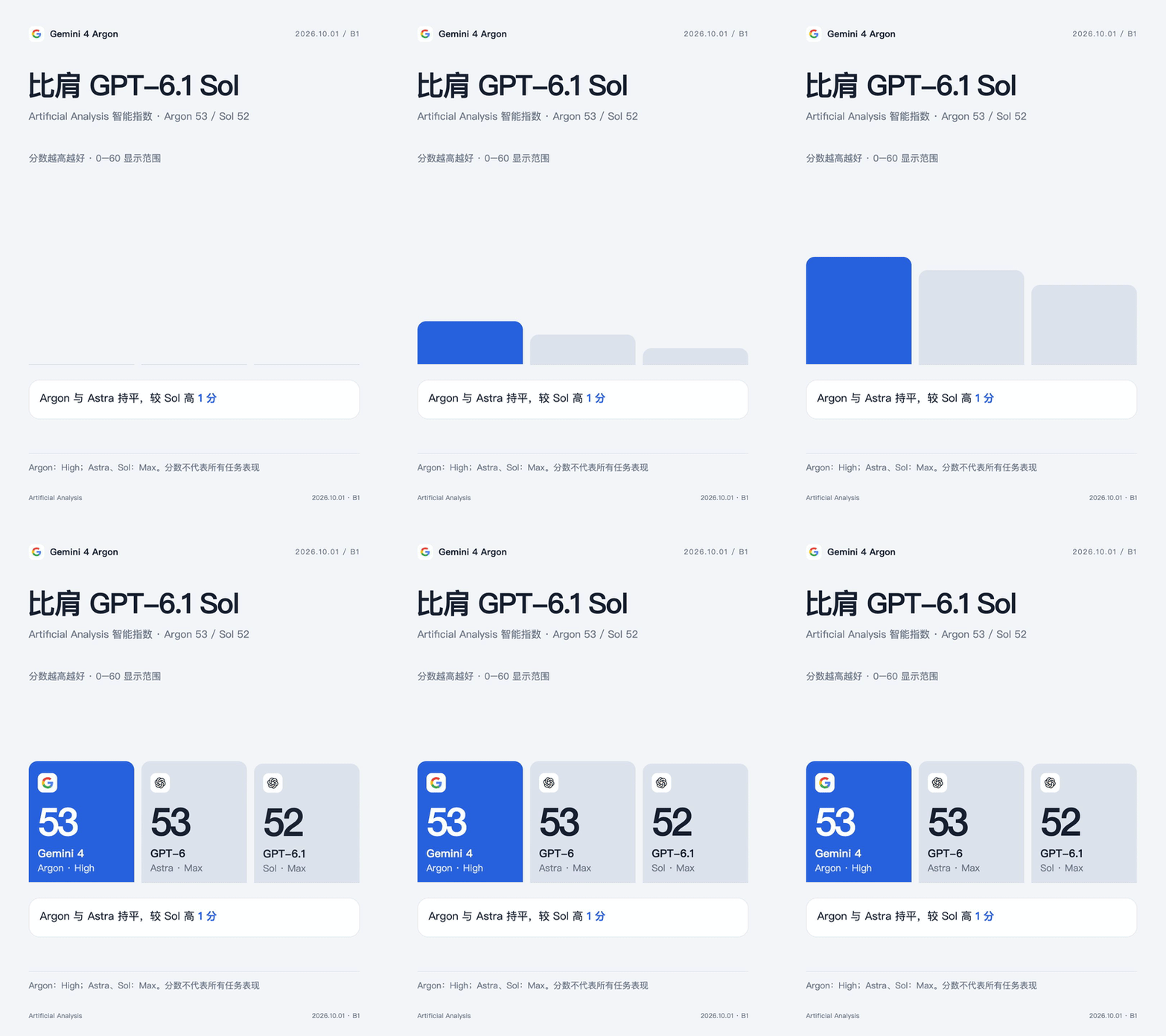
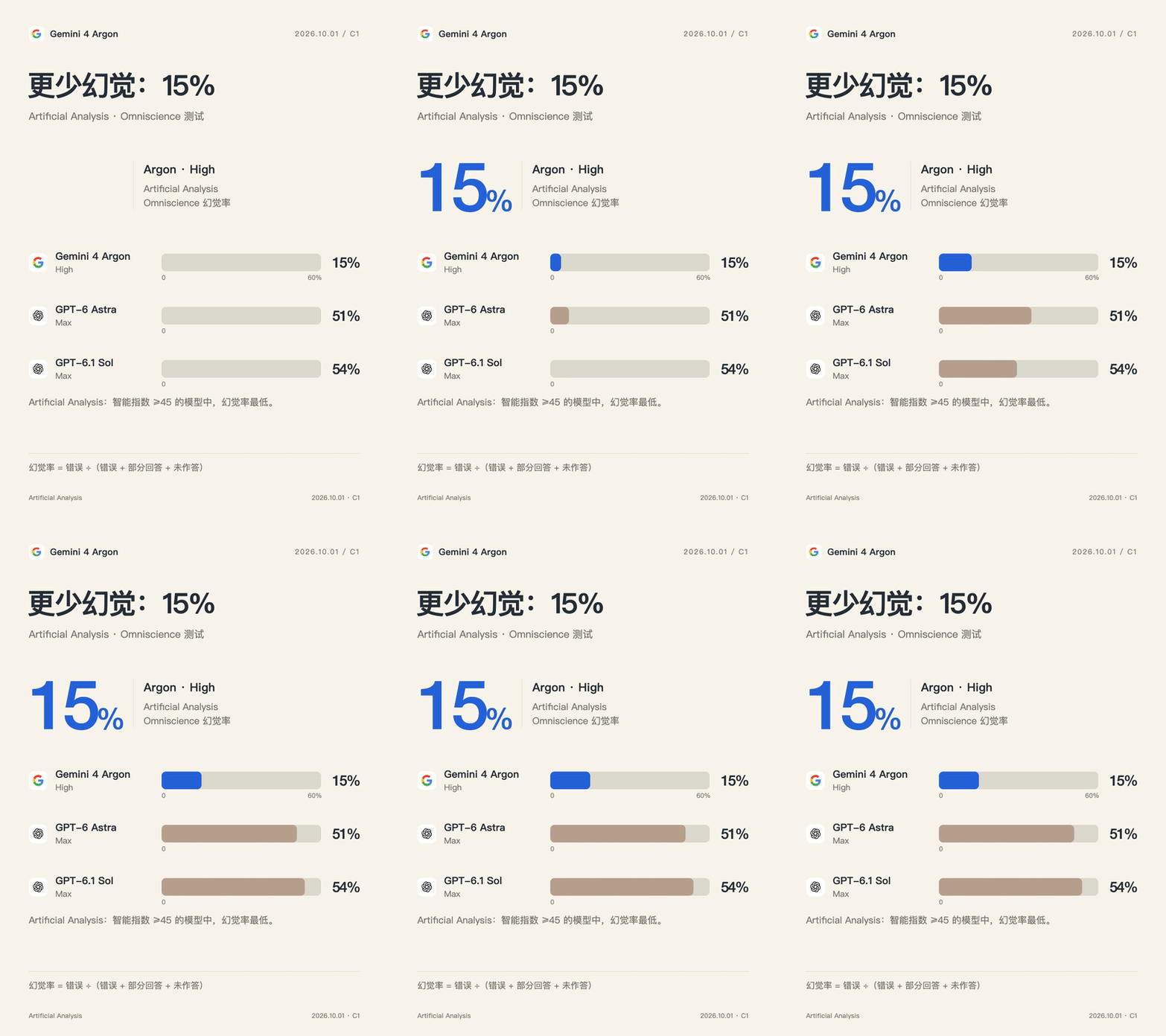
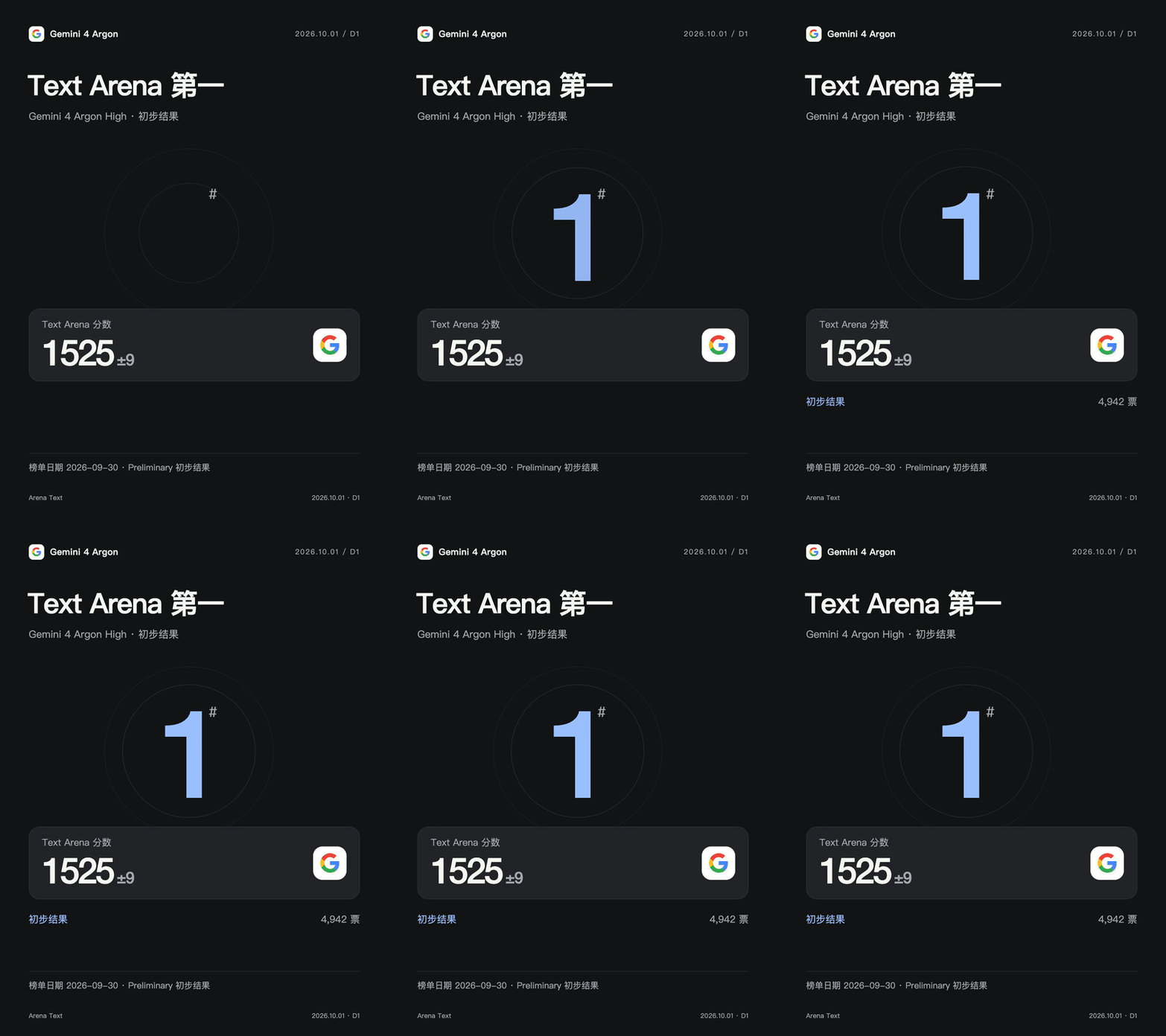
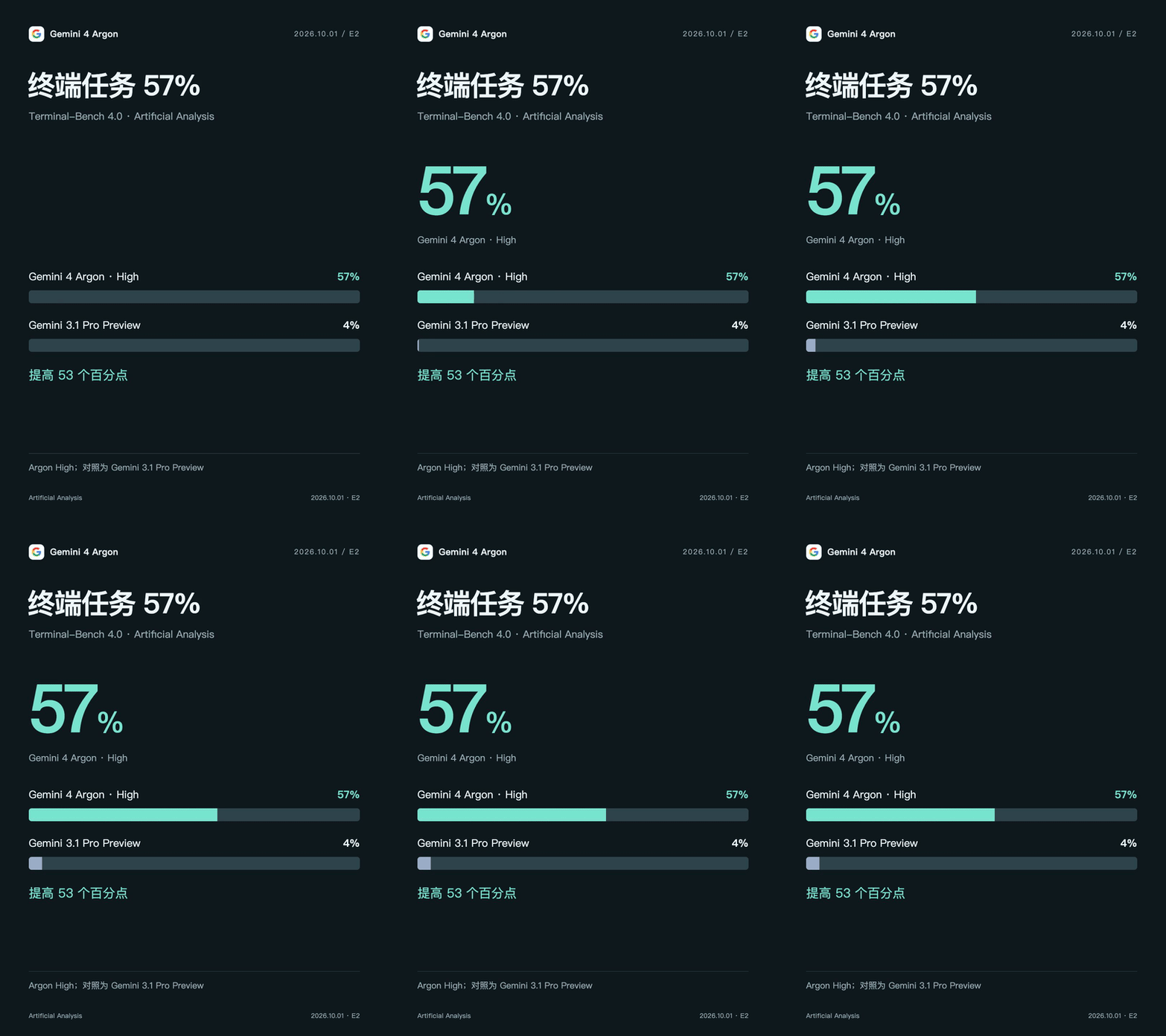
 LiveCanvas is a skill for AI coding assistants like Codex and Claude Code that turns a single sentence into a Live-style image: it researches the fact, designs a storyboard, builds a Remotion animation, and produces a cover, MP4, and (on macOS) an Apple Live Photo bundle.
LiveCanvas is a skill for AI coding assistants like Codex and Claude Code that turns a single sentence into a Live-style image: it researches the fact, designs a storyboard, builds a Remotion animation, and produces a cover, MP4, and (on macOS) an Apple Live Photo bundle.Is this a standalone app or a skill for AI coding assistants?It's not a standalone application — it's an agent skill package meant to be installed into an AI coding assistant such as Codex or Claude Code, which then uses it to generate the animations.
It's not a standalone application — it's an agent skill package meant to be installed into an AI coding assistant such as Codex or Claude Code, which then uses it to generate the animations.What do I need installed to generate the animations?You need Node.js, Python 3, and FFmpeg for the animation pipeline (dependencies installed via npm ci), plus fonts matching your content. Packaging a real Apple Live Photo additionally requires macOS and Xcode Command Line Tools.
You need Node.js, Python 3, and FFmpeg for the animation pipeline (dependencies installed via npm ci), plus fonts matching your content. Packaging a real Apple Live Photo additionally requires macOS and Xcode Command Line Tools.Does Live Photo packaging work on any computer?No — Live Photo packaging only works on macOS with Xcode Command Line Tools, and currently only supports silent H.264 video plus JPEG covers. The output isn't auto-imported into the Photos app, and the .pvt bundle may not preview directly in the iPhone Files app.
No — Live Photo packaging only works on macOS with Xcode Command Line Tools, and currently only supports silent H.264 video plus JPEG covers. The output isn't auto-imported into the Photos app, and the .pvt bundle may not preview directly in the iPhone Files app.What is Remotion used for here?Remotion (v4.0.530) is the React-based animation framework LiveCanvas uses to render the storyboard into video, which is then packaged into the final delivery assets.
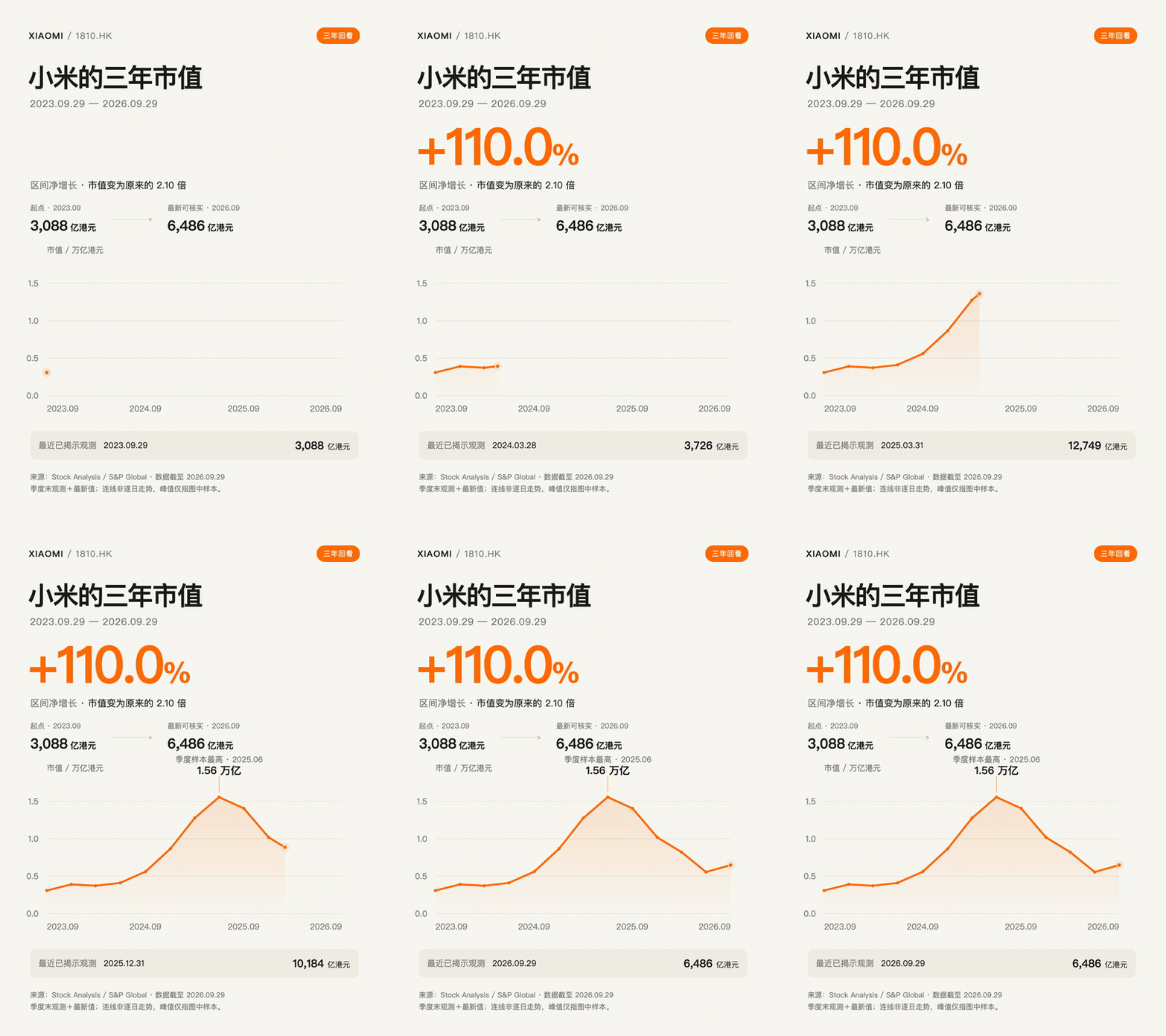
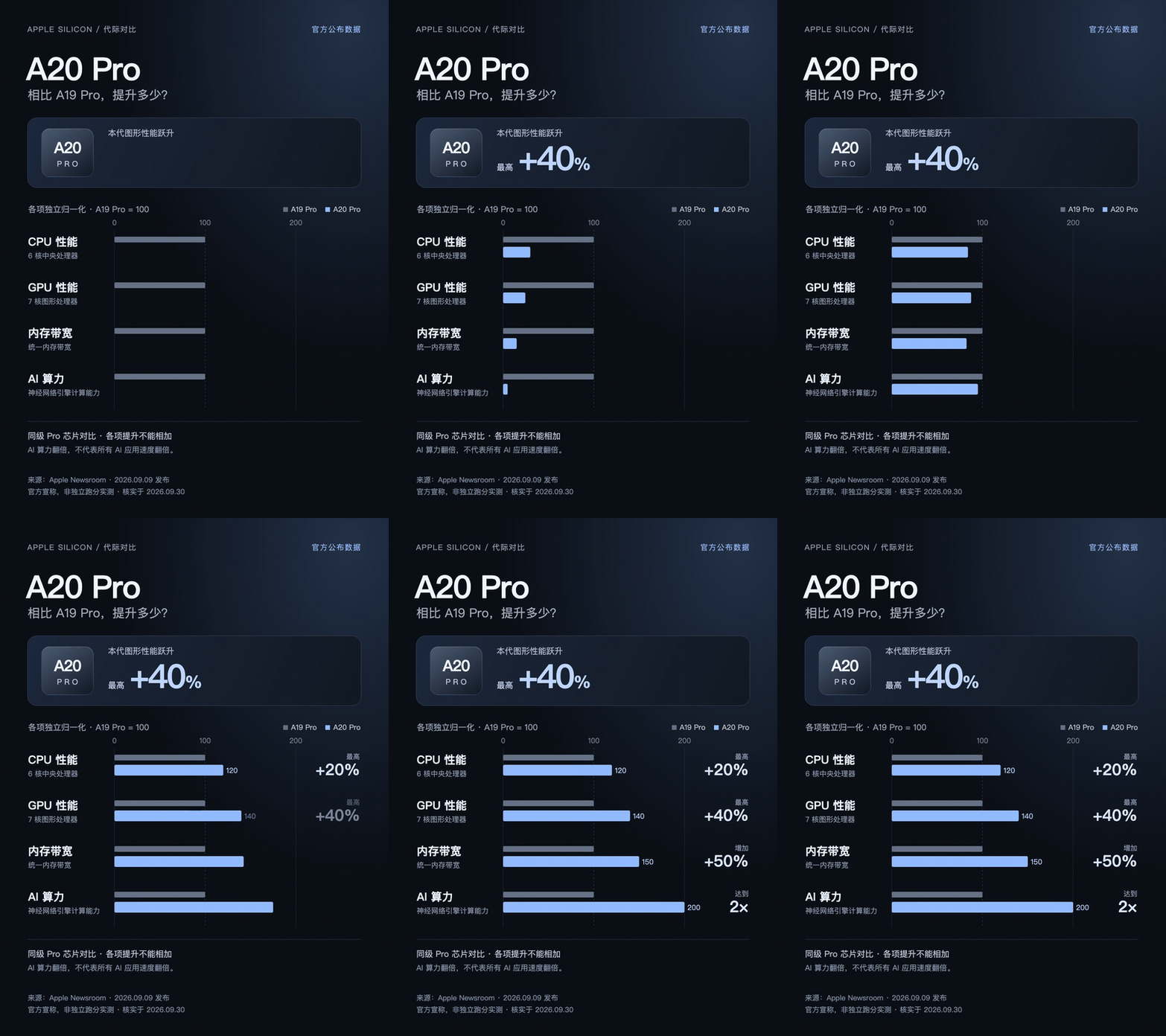
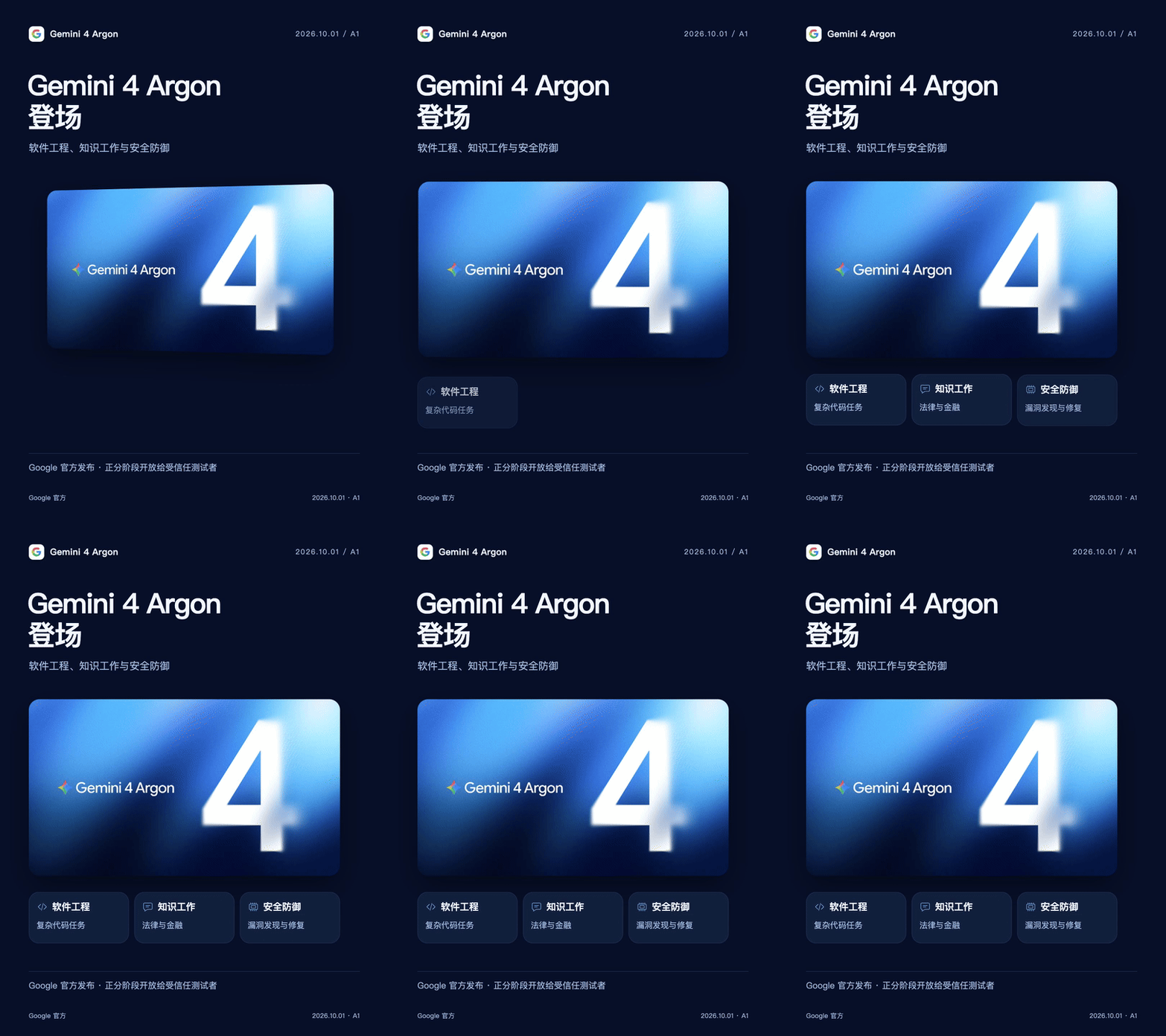
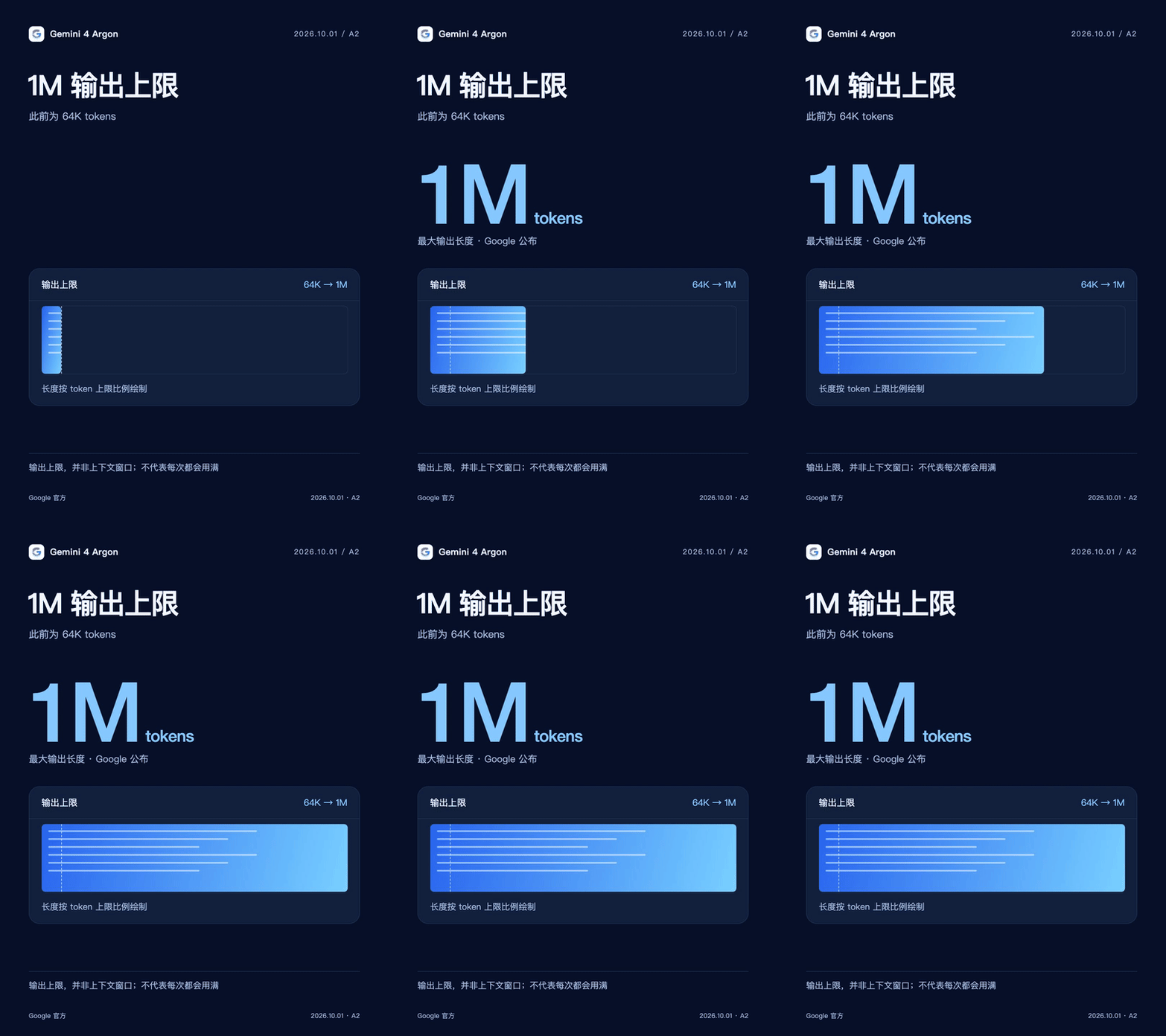
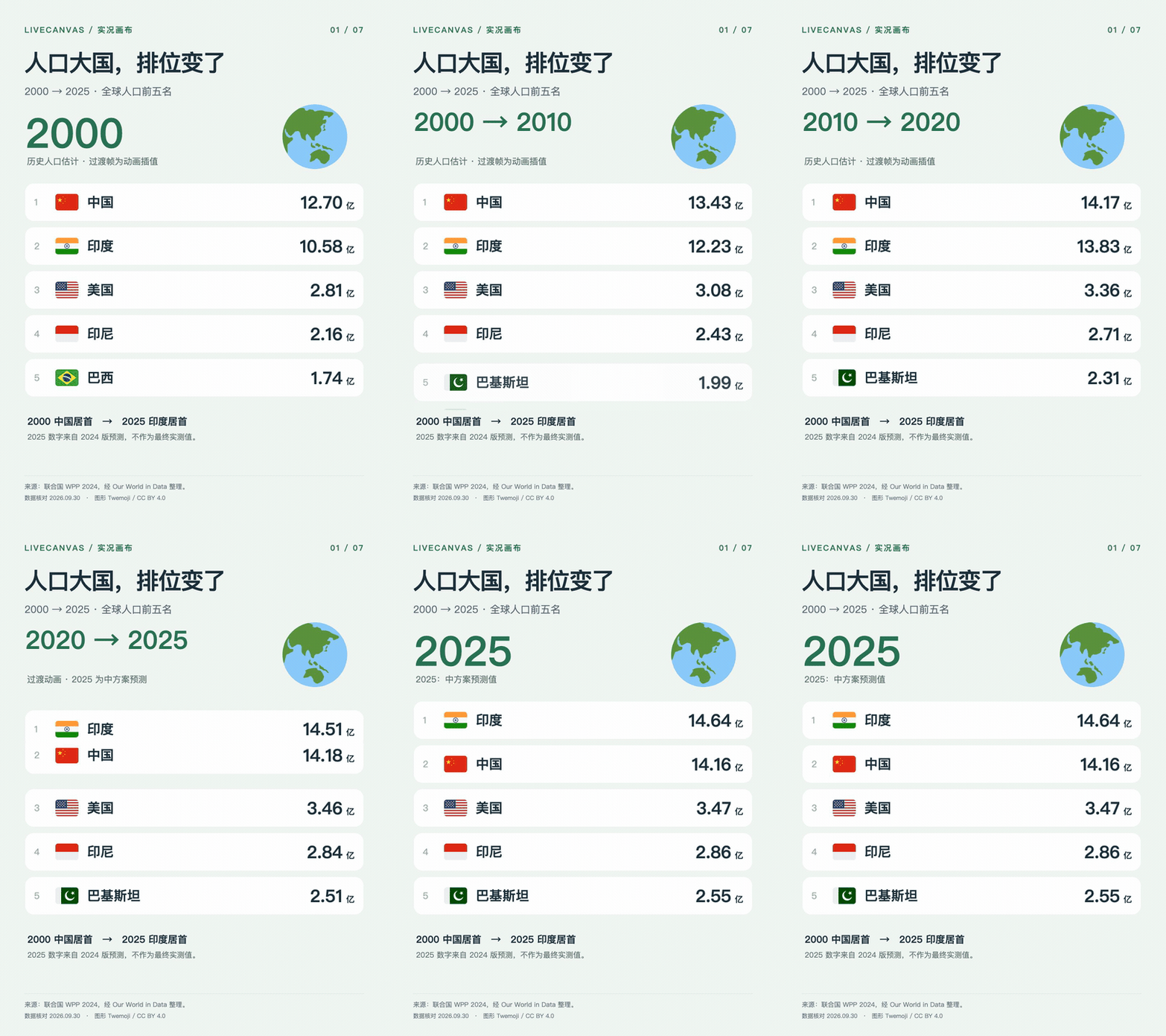
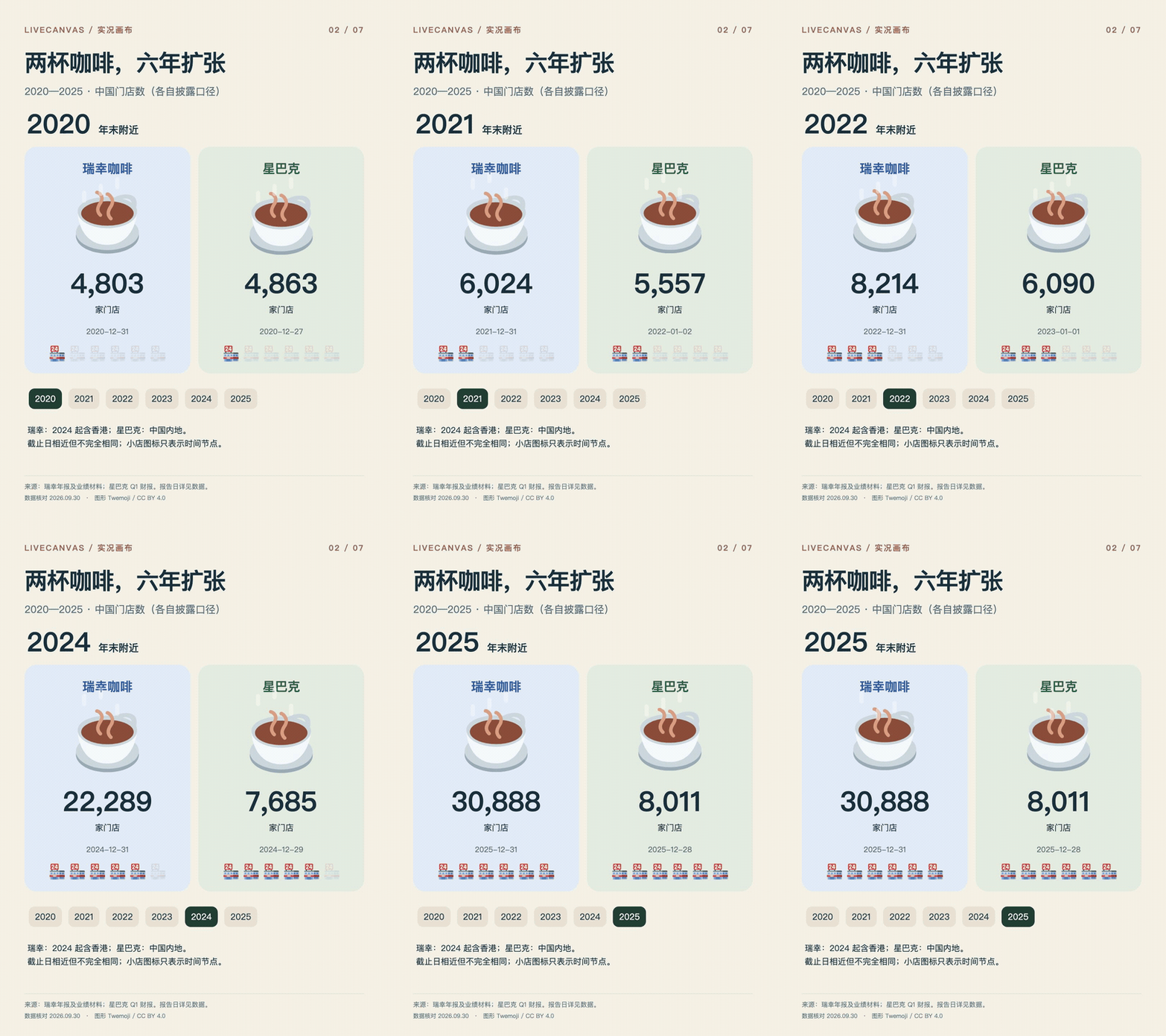
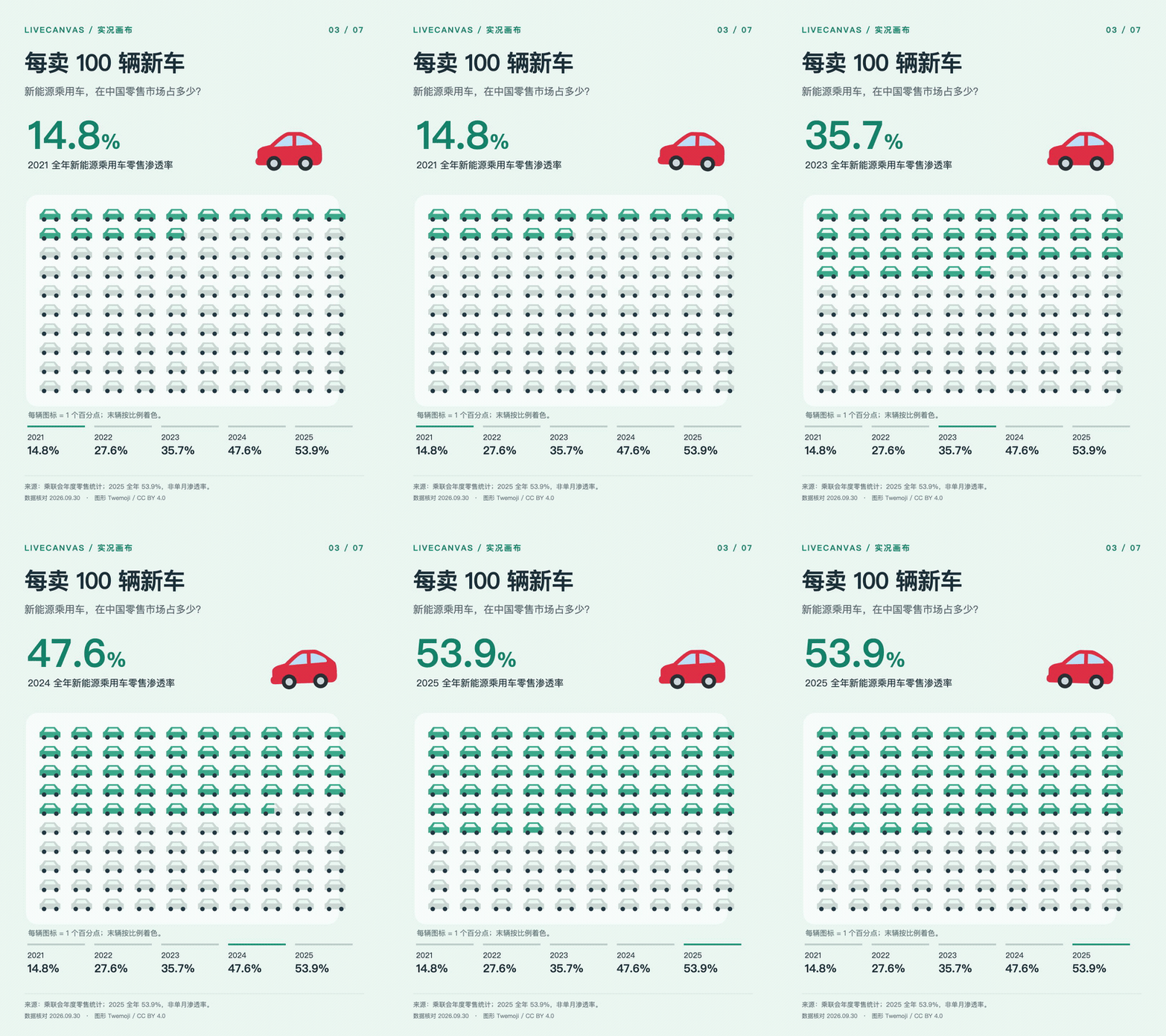
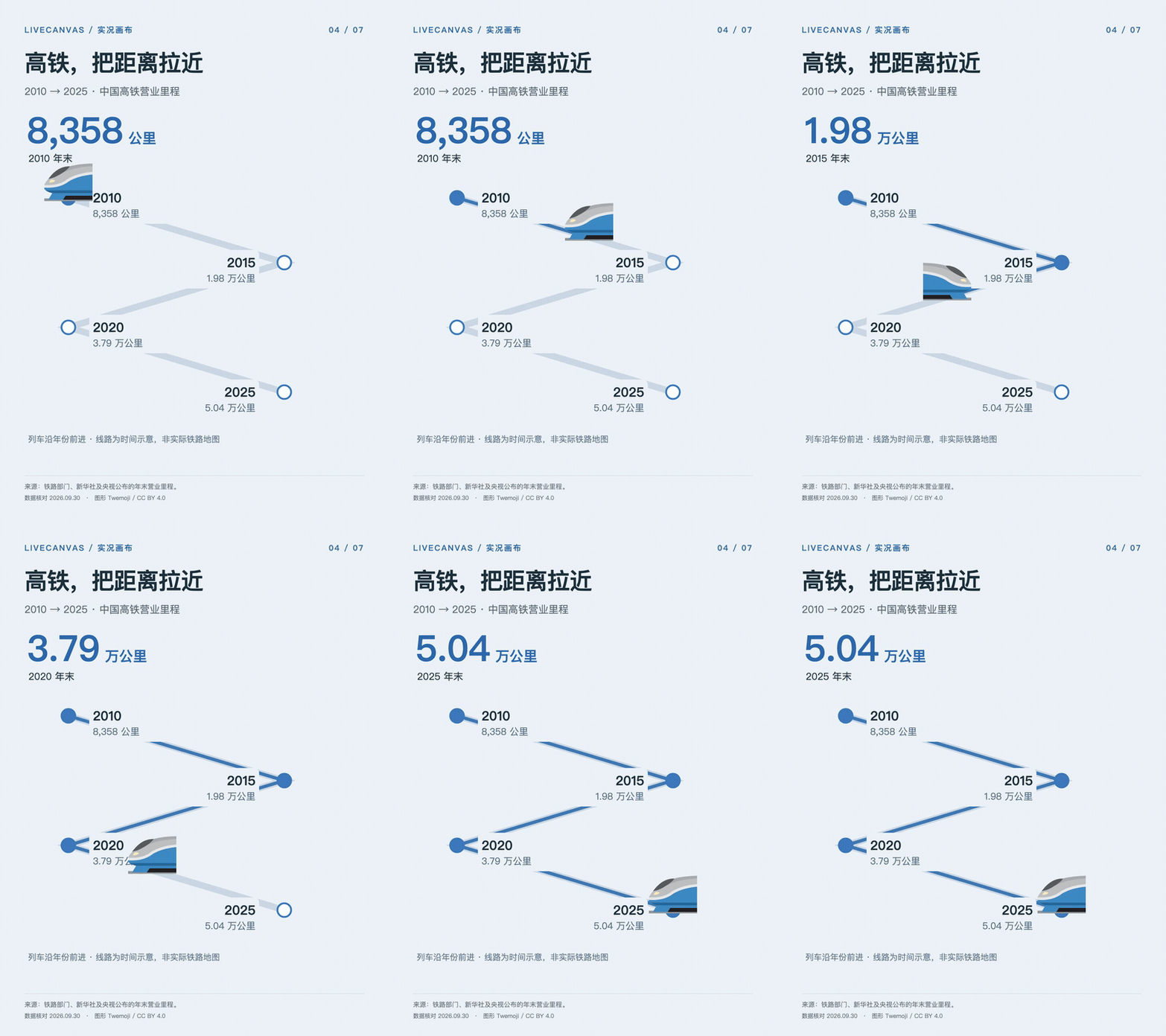
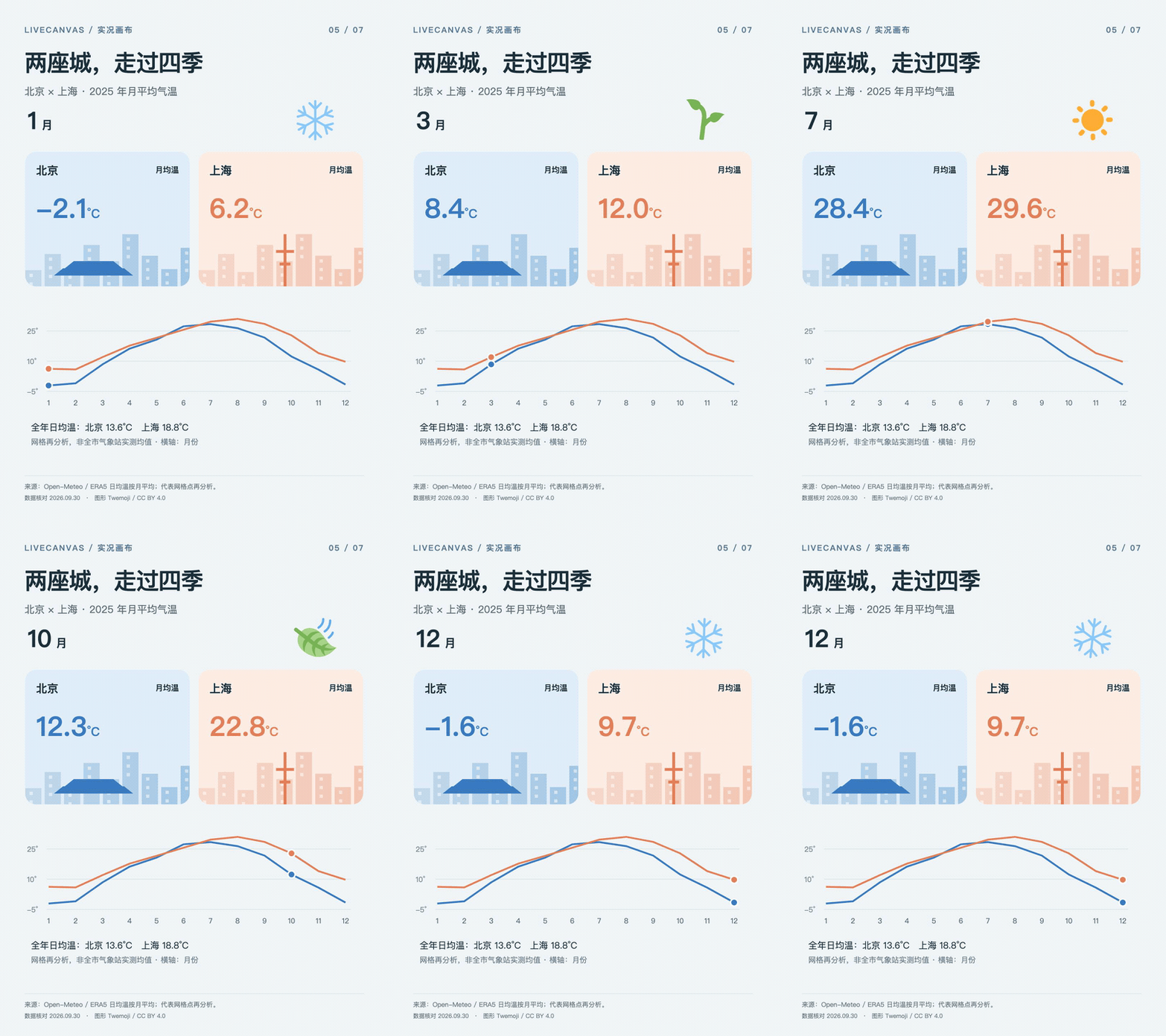
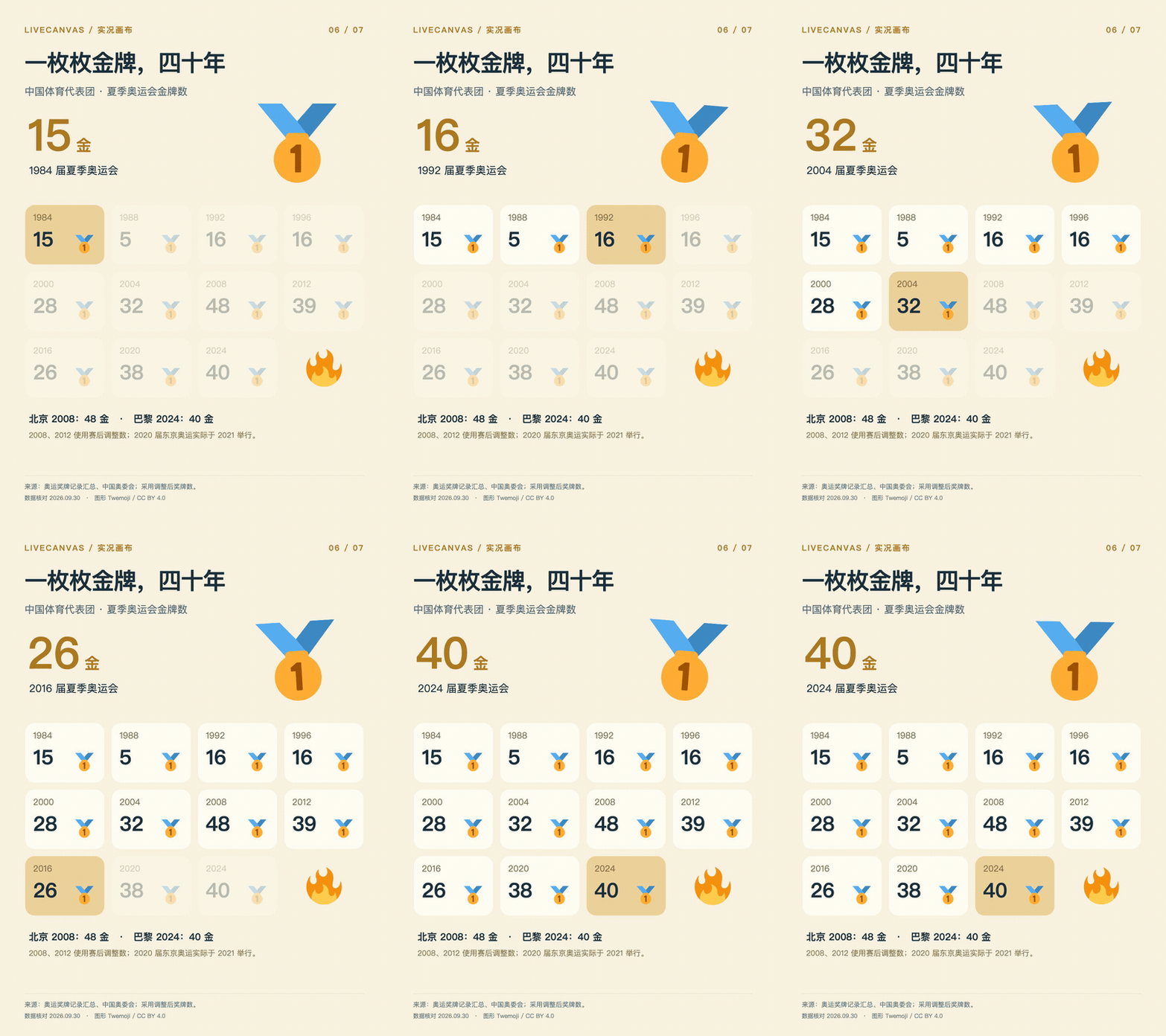
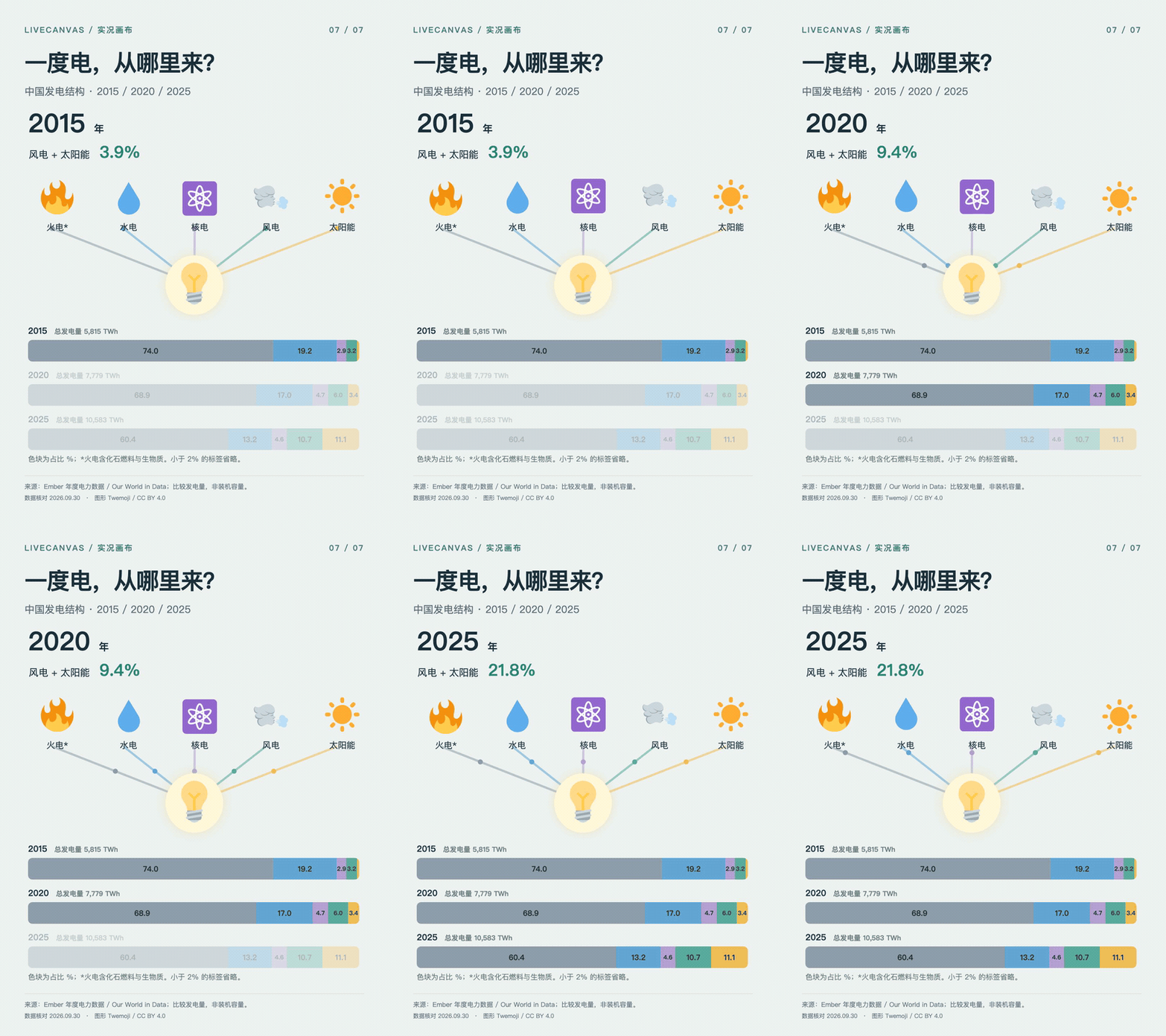
Remotion (v4.0.530) is the React-based animation framework LiveCanvas uses to render the storyboard into video, which is then packaged into the final delivery assets.What kinds of content can it animate?It supports images, emoji, scenes, timelines, and charts, as shown in demo pieces covering population counts, market caps, and Olympic medal counts.
It supports images, emoji, scenes, timelines, and charts, as shown in demo pieces covering population counts, market caps, and Olympic medal counts.What's included in the final output?A cover image, an MP4, notes on the data source, an editable project, and — where the environment supports it — a .pvt Apple Live Photo resource bundle.
A cover image, an MP4, notes on the data source, an editable project, and — where the environment supports it — a .pvt Apple Live Photo resource bundle.Is there a legacy name for this skill?Yes, it was previously called $livechart; for backward compatibility you can also drop the livechart/ folder into the same skills directory.
Yes, it was previously called $livechart; for backward compatibility you can also drop the livechart/ folder into the same skills directory.What are similar projects?guizang-product-video-skill, huashu-art-motion, onetake, herk-edit-kit, shuohao-skills, ai-promo-video-maker, oil-ui, saas-motion-kit
guizang-product-video-skill, huashu-art-motion, onetake, herk-edit-kit, shuohao-skills, ai-promo-video-maker, oil-ui, saas-motion-kitWhich topics is it in?remotion, motion-design, gif, codex-skill, ai-tools, content-creation, claude-skills, ffmpeg, apple, video-generation, design, skill
remotion, motion-design, gif, codex-skill, ai-tools, content-creation, claude-skills, ffmpeg, apple, video-generation, design, skill