WSL Dashboard

A modern, high-performance, lightweight, and low-memory WSL (Windows Subsystem for Linux) instance management dashboard. Built with Rust and Slint for a premium native experience.
Notice:
- WSL Dashboard is not distributed through the Microsoft Store.
- Any application listed there under the name "WSL Dashboard" is unauthorized and may be counterfeit.
- Please do not download it to avoid potential scams.




I18N : English | 简体中文 | 繁體中文 | हिन्दी | Español | Français | العربية | বাংলা | Português | Русский | اردو | Bahasa Indonesia | Deutsch | 日本語 | Türkçe | 한국어 | Italiano | Nederlands | Svenska | Čeština | Ελληνικά | Magyar | עברית | Norsk | Dansk | Suomi | Slovenčina | Slovenščina | Íslenska | Tiếng Việt | తెలుగు | Basa Jawa | ภาษาไทย | தமிழ் | Filipino | ਪੰਜਾਬੀ | Bahasa Melayu | Polski | Українська | فارسی | ಕನ್ನಡ | मराठी | Hausa | မြန်မာ | Oʻzbek | Azərbaycan | Cebuano | മലയാളം | سنڌي | አማርኛ
📑 Table of Contents
🌍 Language Support
English, Simplified Chinese, Traditional Chinese, Hindi, Spanish, French, Arabic, Bengali, Portuguese, Russian, Urdu, Indonesian, German, Japanese, Turkish, Korean, Italian, Dutch, Swedish, Czech, Greek, Hungarian, Hebrew, Norwegian, Danish, Finnish, Slovak, Slovenian, Icelandic, Vietnamese, Telugu, Javanese, Thai, Tamil, Filipino, Punjabi, Malay, Polish, Ukrainian, Persian, Kannada, Marathi, Hausa, Burmese, Uzbek, Azerbaijani, Cebuano, Malayalam, Sindhi, Amharic









































🚀 Key Features & Usage
- Modern Native UI: Intuitive GUI with Dark/Light mode support, smooth animations, and high-performance rendering powered by Skia.
- System Tray Integration: Full support for system tray minimizing (~10MB RAM usage), double-click to toggle, and a functional right-click menu.
- Intelligent Startup: Configure the dashboard to start with Windows, minimize to tray (silent mode with
/silent), and auto-shutdown distributions on exit.
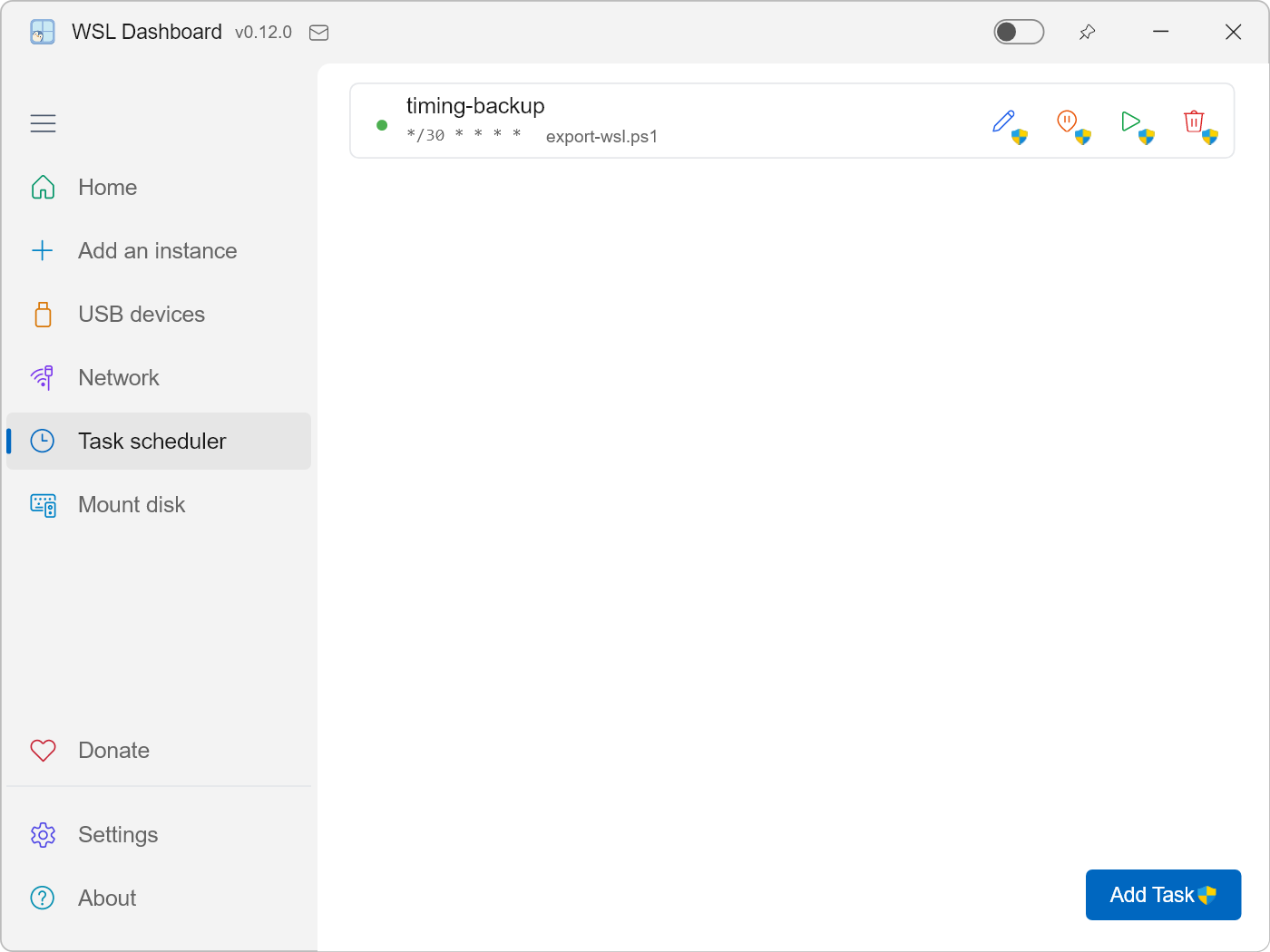
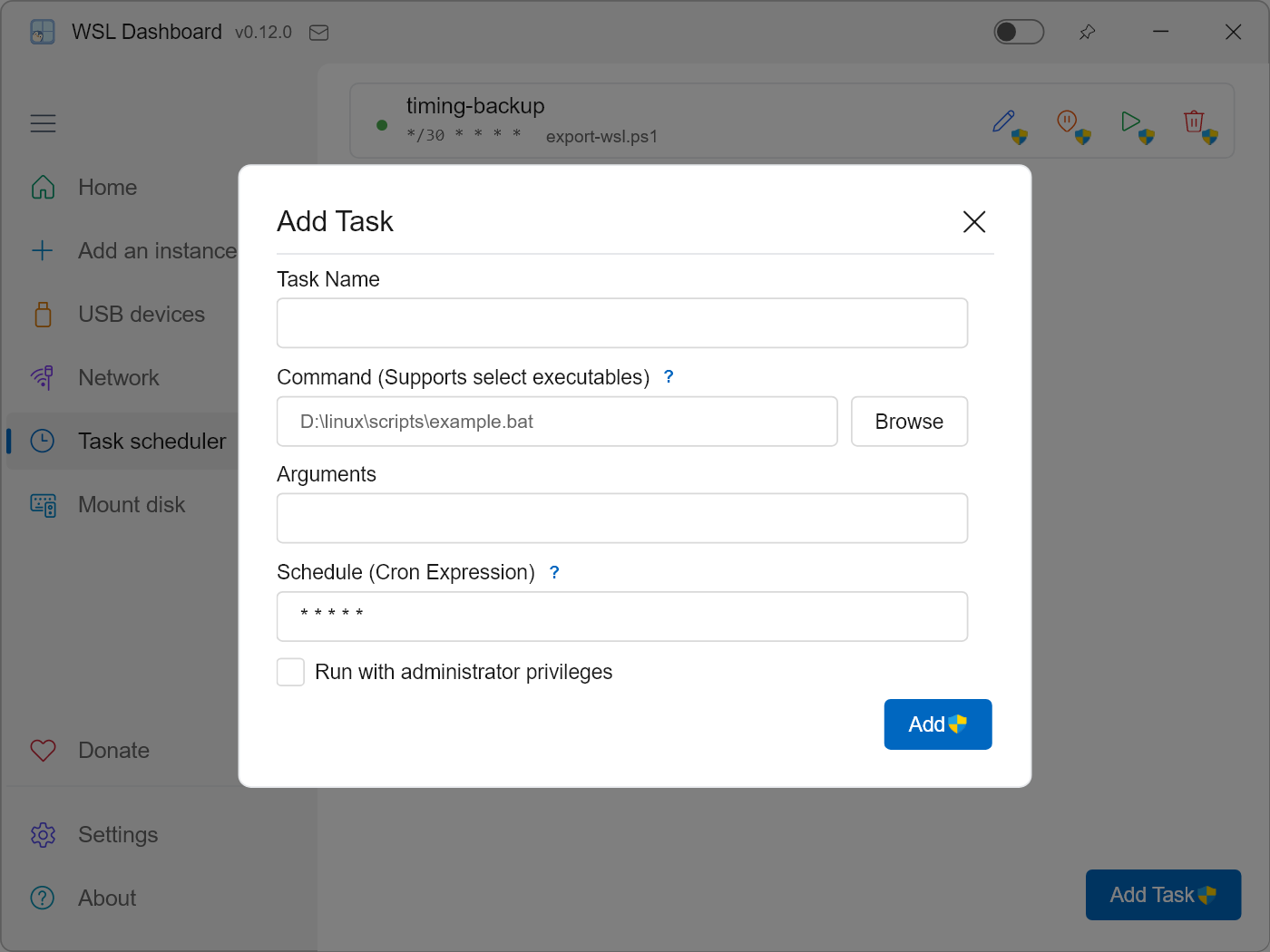
- Task Scheduler: Flexible task scheduler management, supporting automatic execution of scripts and commands in WSL instances at specified times or intervals for automated operations.
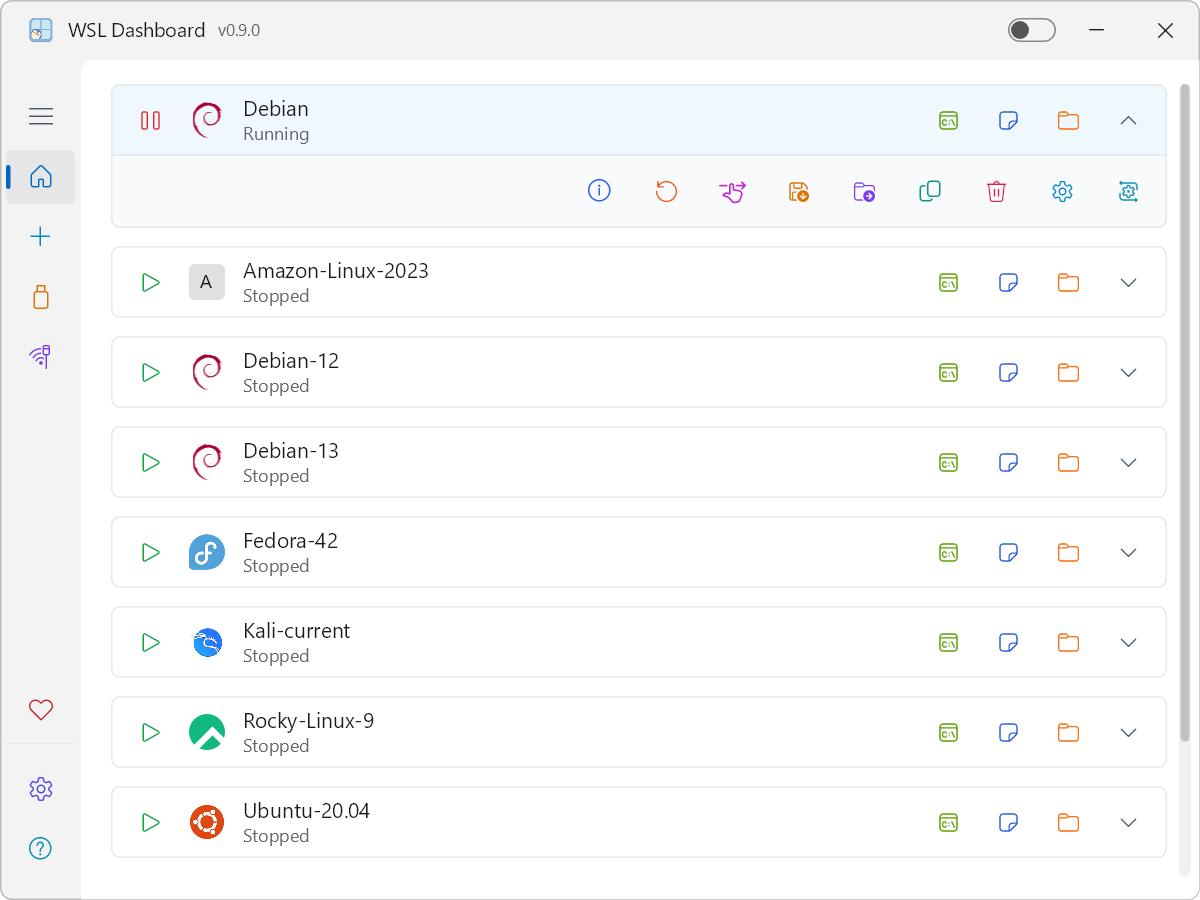
- Comprehensive Instance Control: One-click Start, Stop, Terminate, and Unregister. Real-time status monitoring and detailed insights into disk usage and file locations.
- Distro Management: Set as default, migration (Move VHDX to other drives), and export/clone to
.tar or .tar.gz archives.
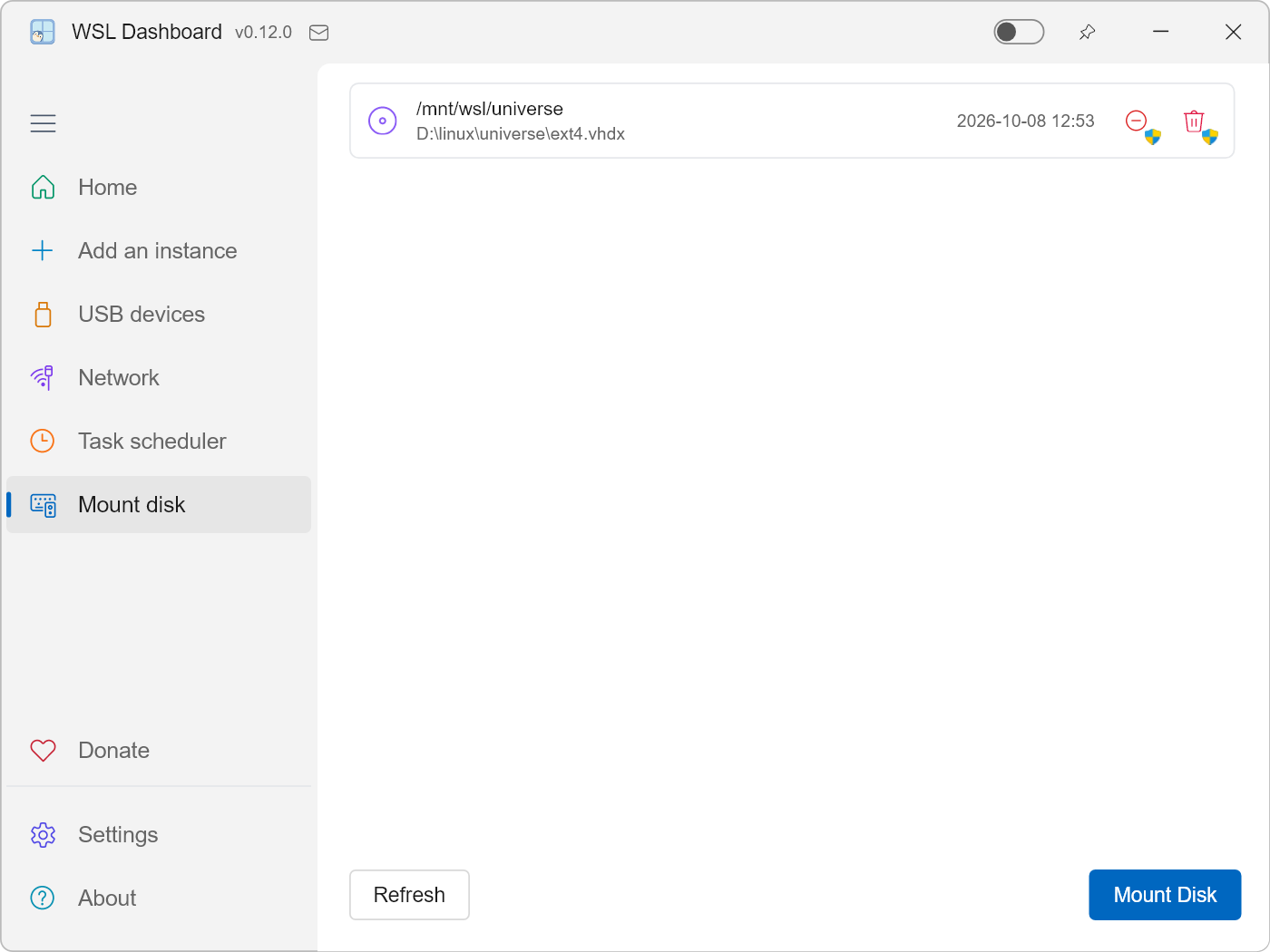
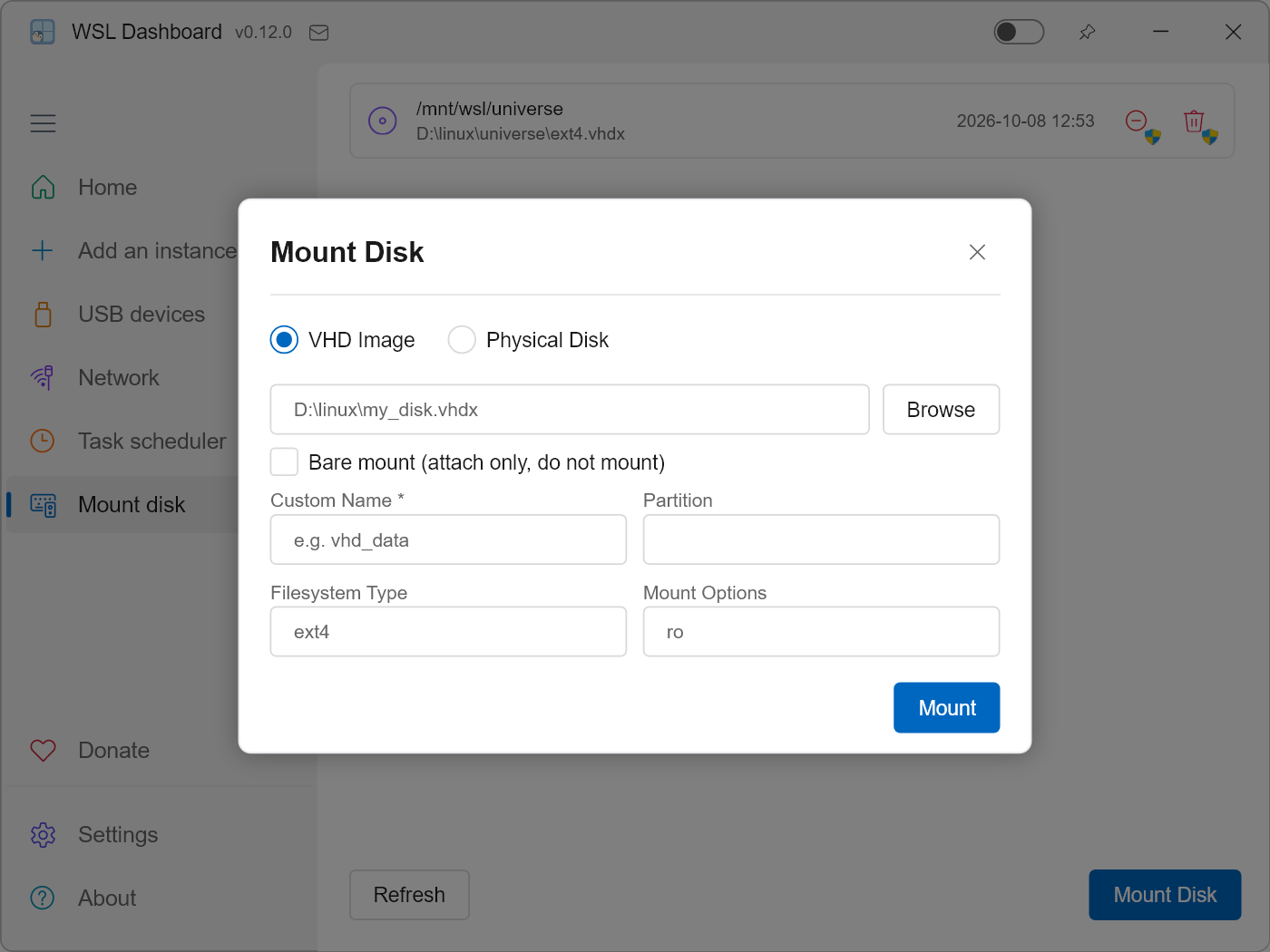
- Disk Mount: Directly mount and manage WSL instance VHDX virtual disks, supporting mount, unmount, and disk management operations, making it easy to transfer files between the host and WSL.
- Quick Integration: Instant launch into Terminal, VS Code, or File Explorer with customizable working directories and startup script hooks.
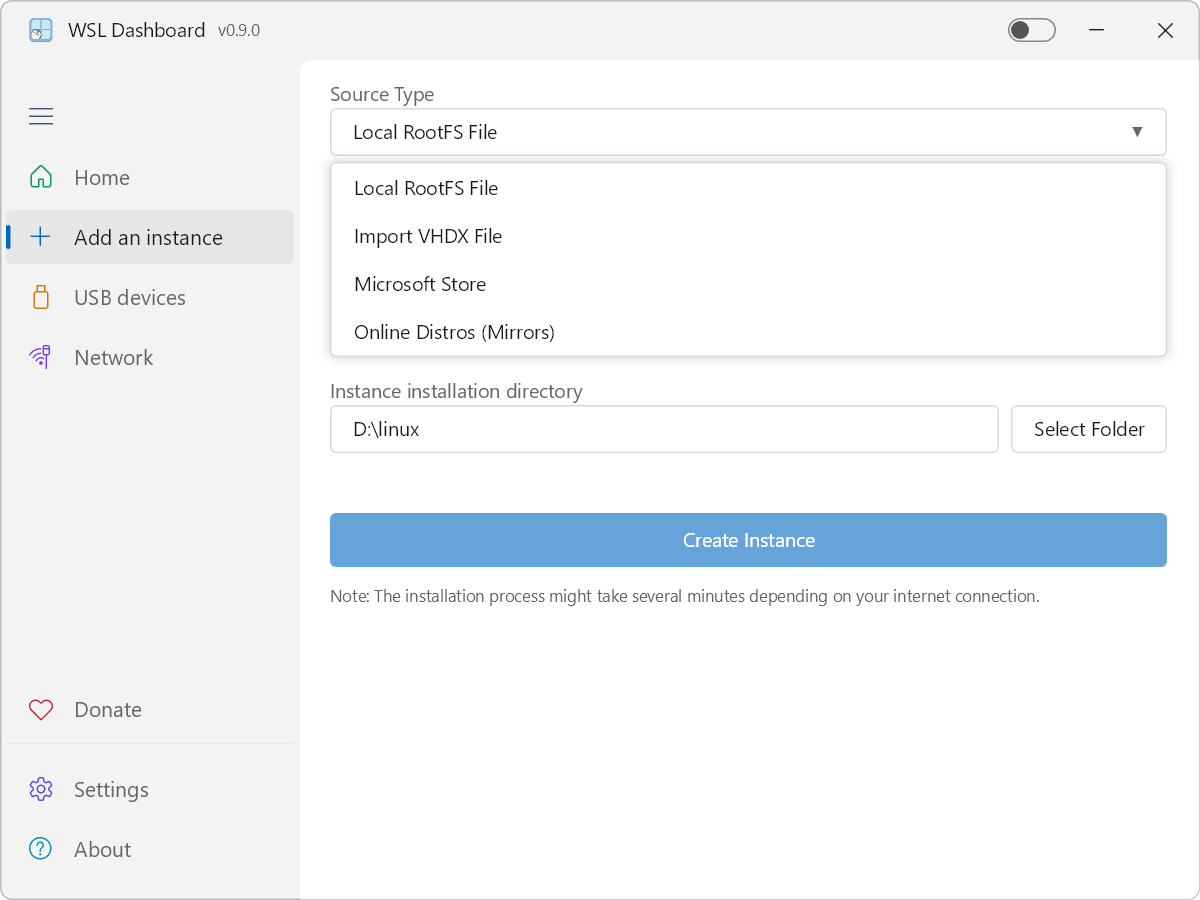
- Distro Installation: Install Linux distributions via Microsoft Store, GitHub, local files (RootFS/VHDX), or Online Mirrors (with auto speed-test to pick the fastest mirror and built-in RootFS download helper).
- Global Safety: Mutex locks for safe concurrent migration/backup operations and automatic Appx cleanup on removal.
- Ultra-Low Memory Footprint: Highly optimized for efficiency. Silent startup (system tray) uses only ~10MB RAM. Windowed mode usage varies by font complexity: ~18MB for standard languages (English, German, Spanish, etc.) and ~38MB for large font languages (Chinese, Japanese, Korean, etc.).
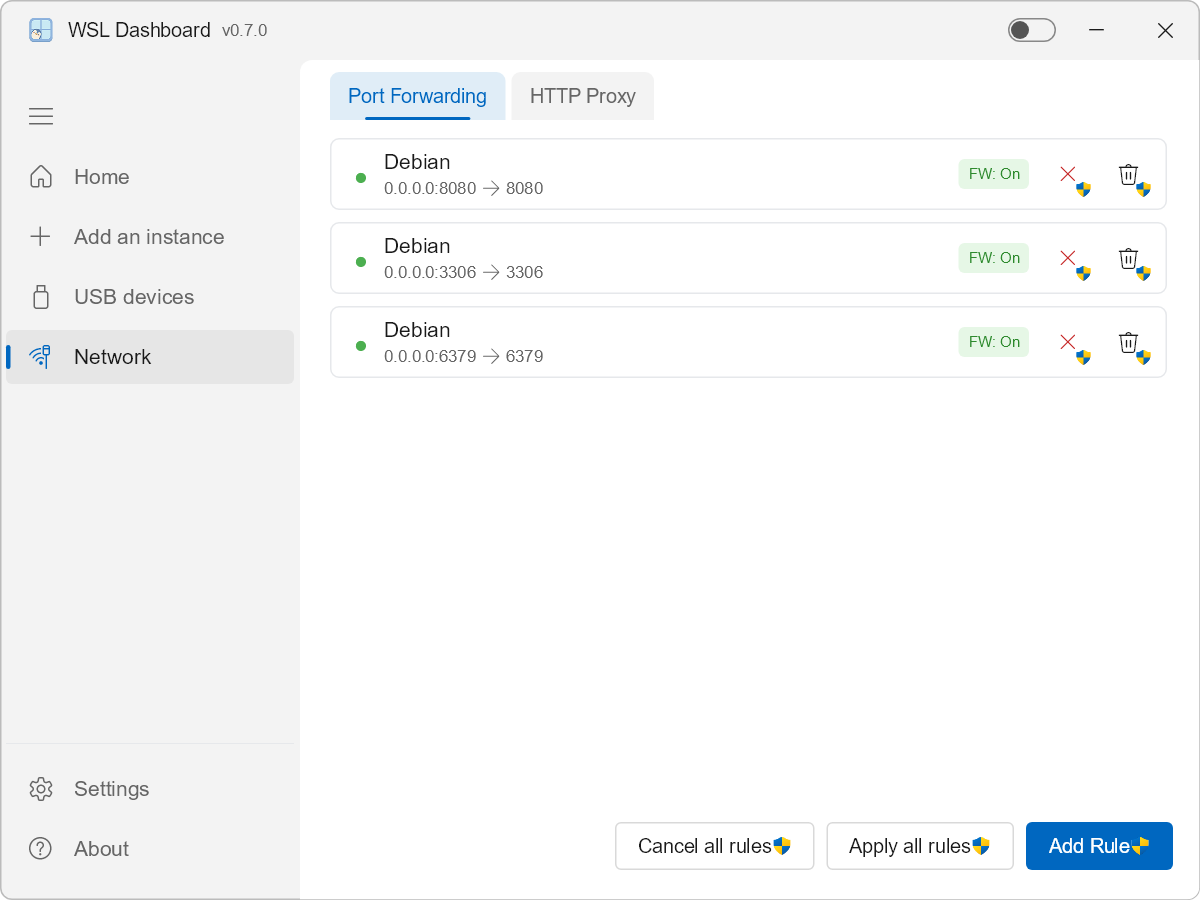
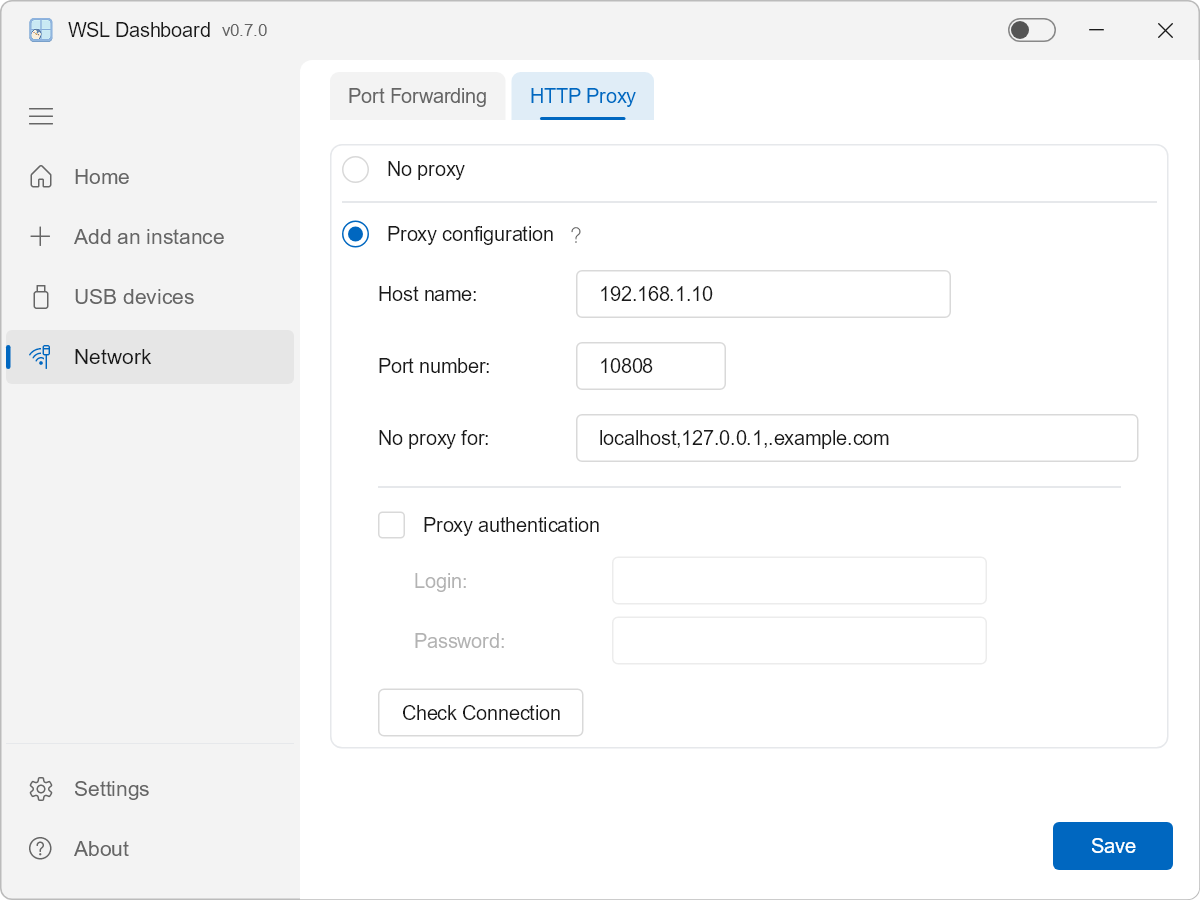
- Advanced Networking: Seamless port forwarding management (with automatic firewall rule creation) and global HTTP proxy configuration for unified connectivity.
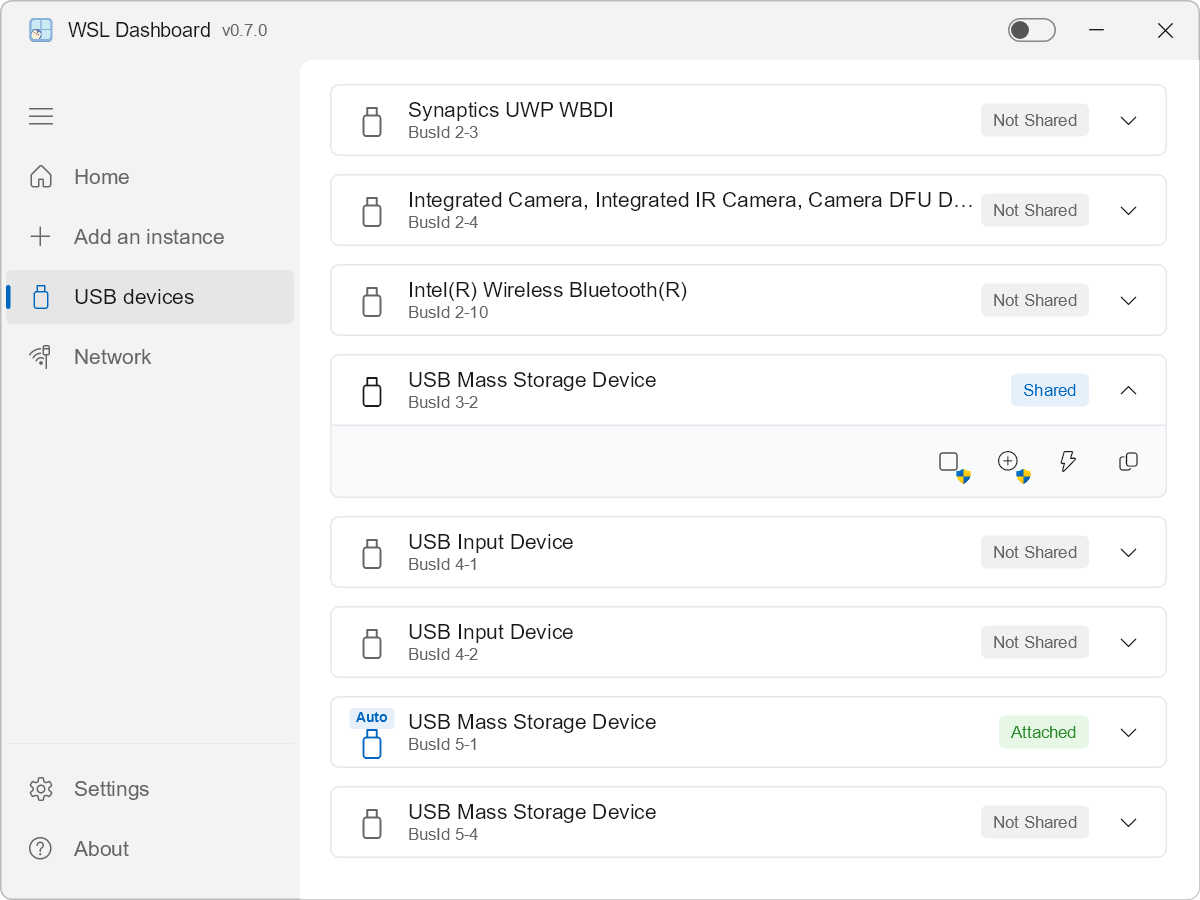
- USB Device Management: Full integration with
usbipd-win for effortless binding, attaching, and managing of local USB devices across your WSL instances directly from the dashboard UI.
⚙️ Configuration & Logs
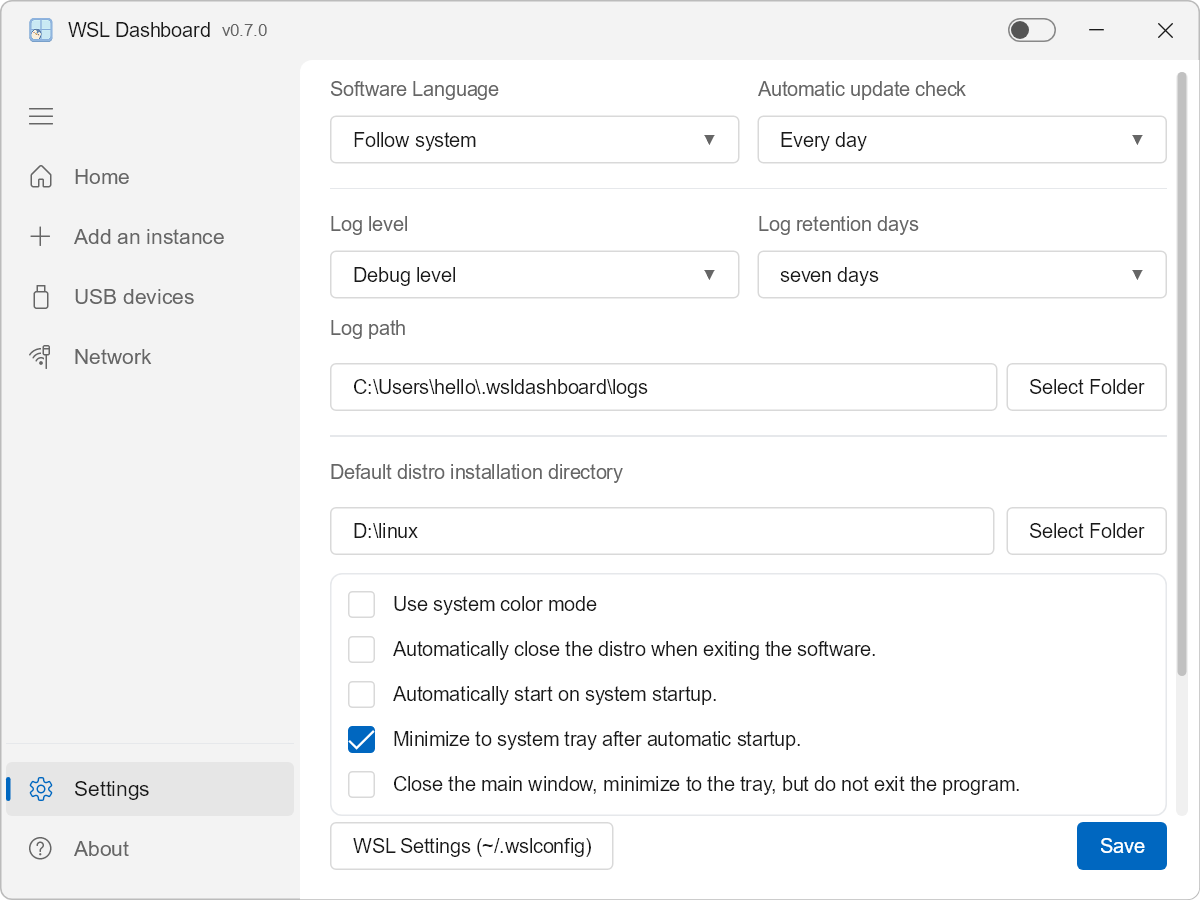
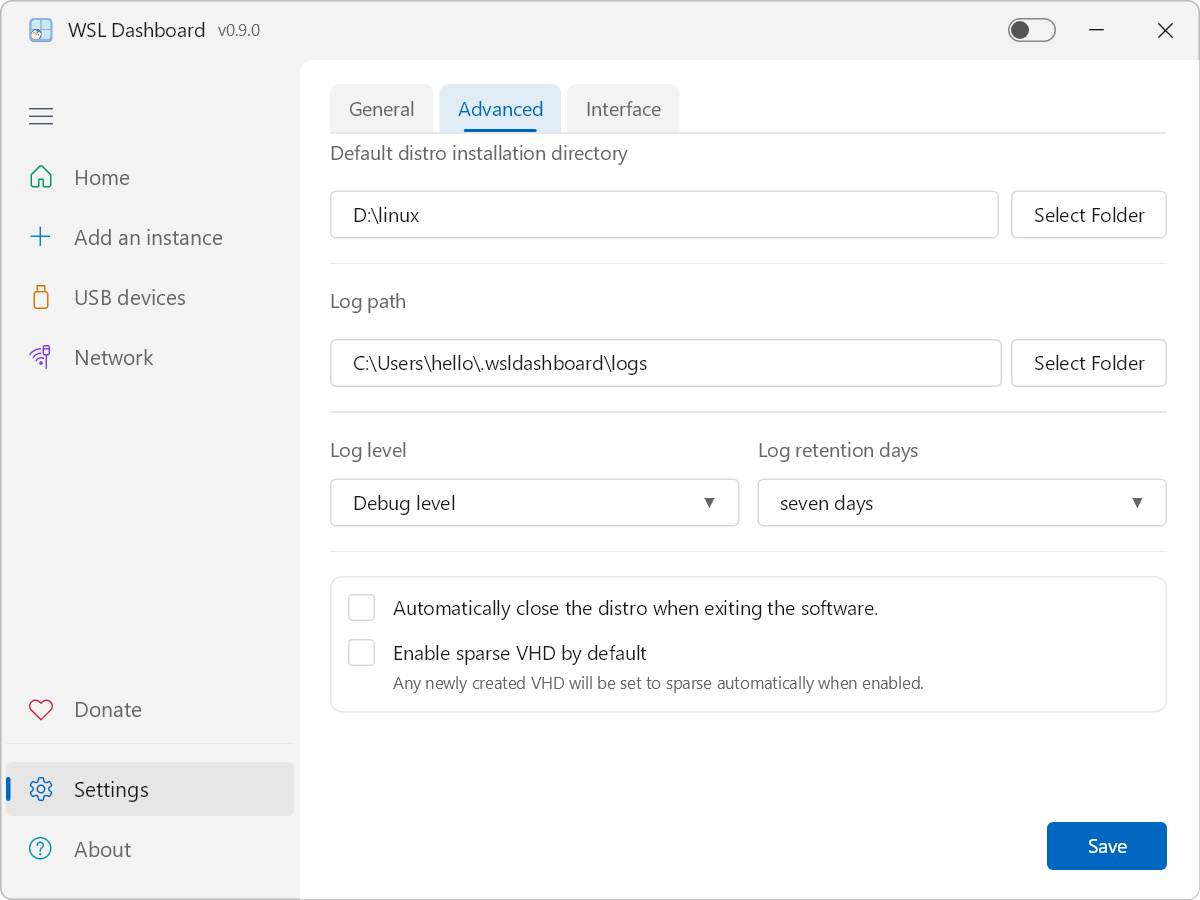
All configuration is managed through the Settings view:
- Choose the default installation directory for new WSL instances.
- Configure the log directory and log level (Error / Warn / Info / Debug / Trace).
- Pick the UI language or let it follow the system language.
- Toggle dark mode and whether the app can auto-shutdown WSL after operations.
- Configure how often the app checks for updates (daily, weekly, biweekly, monthly).
- Enable automatic startup on system boot (with automatic path repair).
- Set the app to minimize to the system tray on startup for a distraction-free experience.
- Configure the close button to minimize to the system tray instead of exiting.
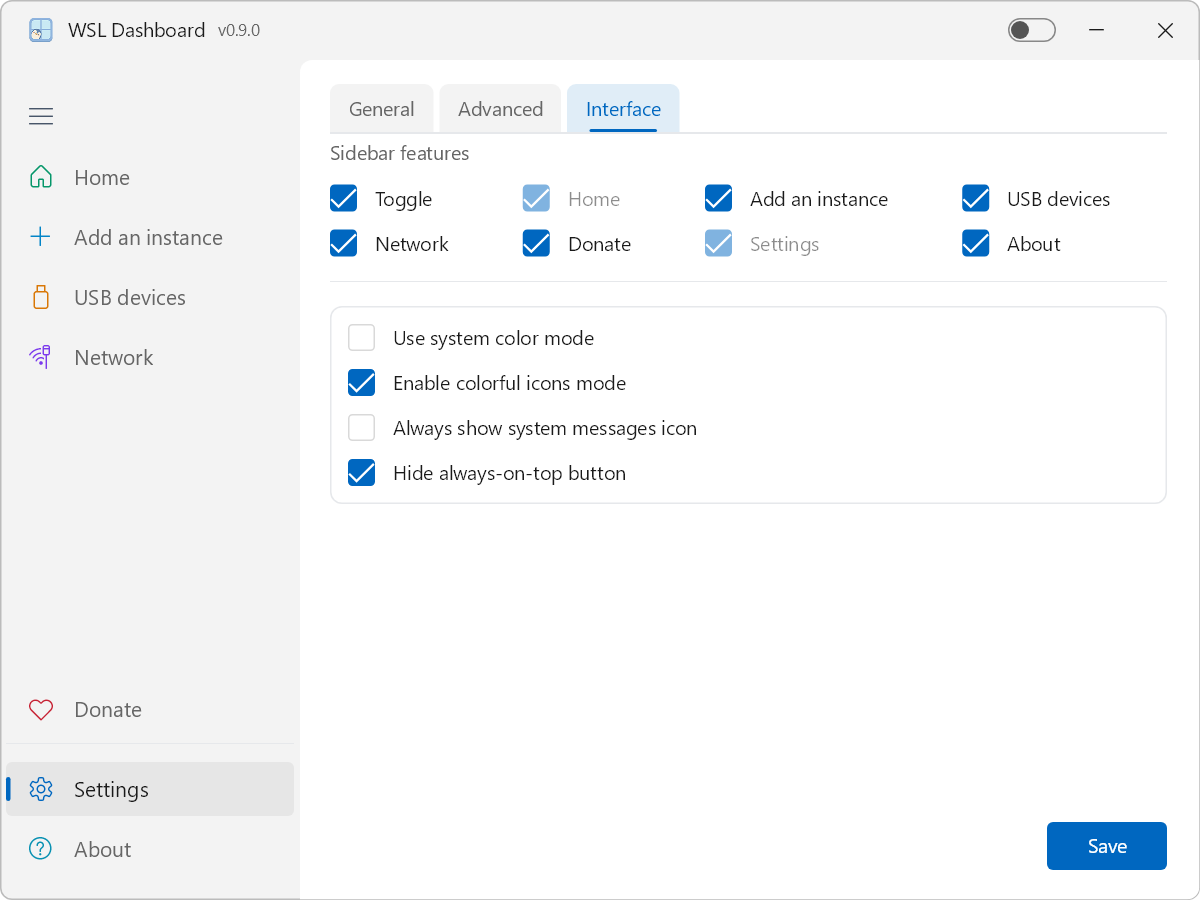
- Customize the sidebar by toggling the visibility of specific feature tabs.
Log files are written to the configured log directory and can be attached when reporting issues.
🖼️ Screenshots
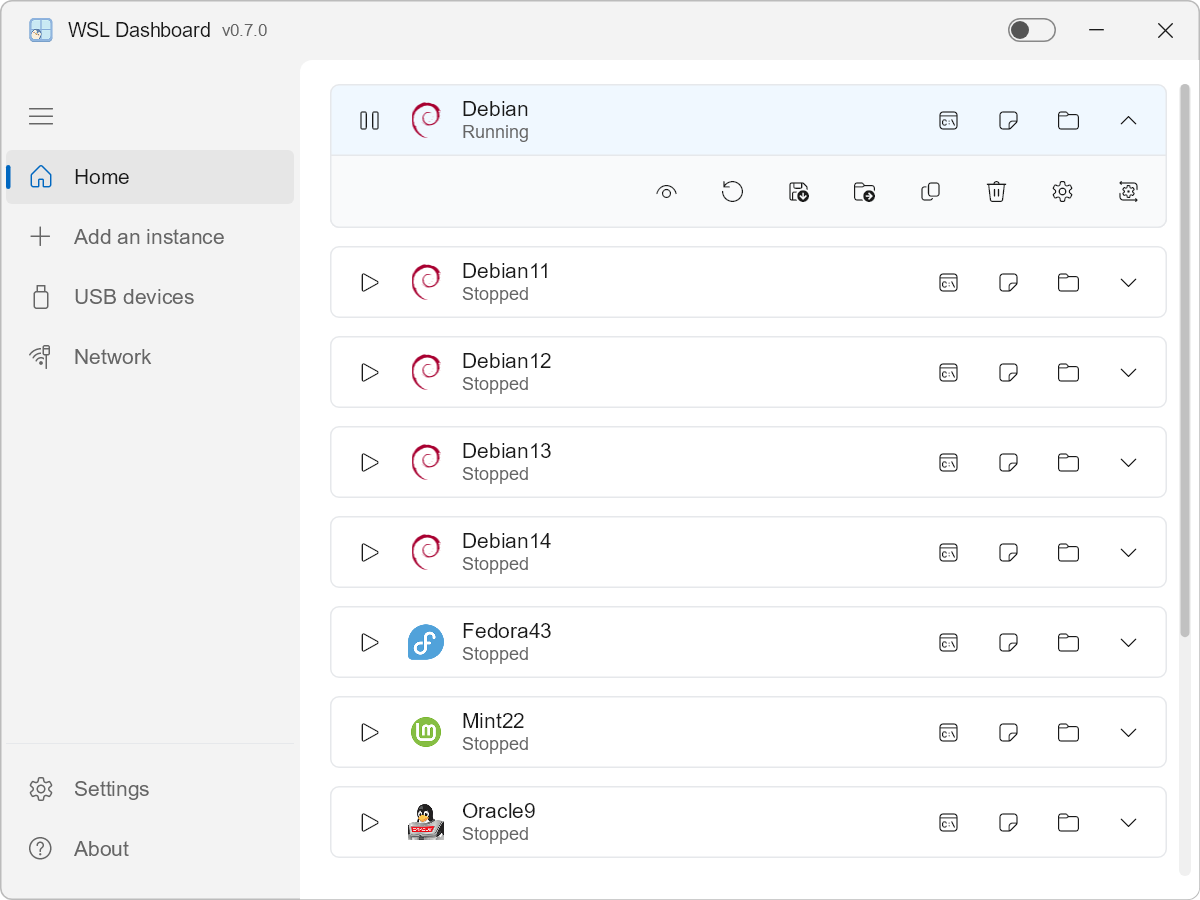
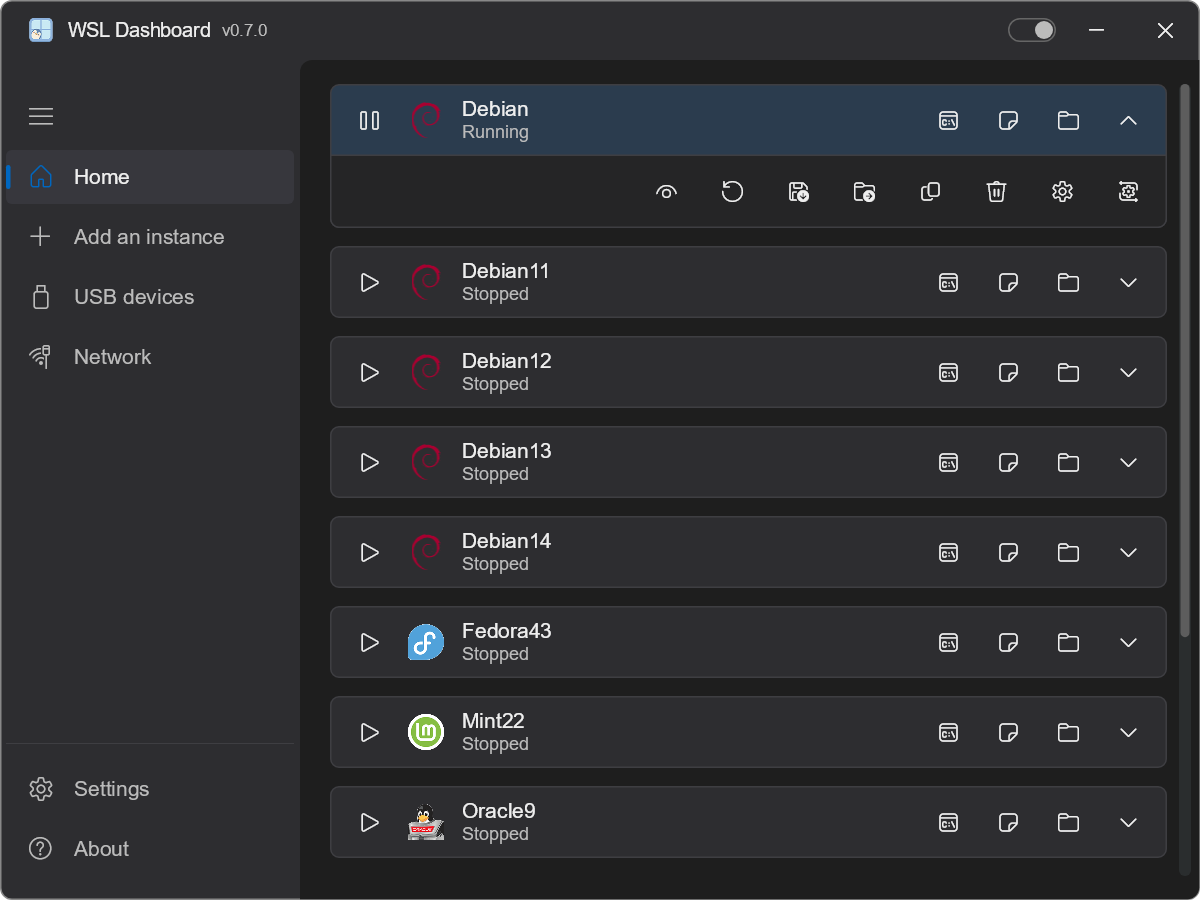
Home (Light & Dark Mode)
Network
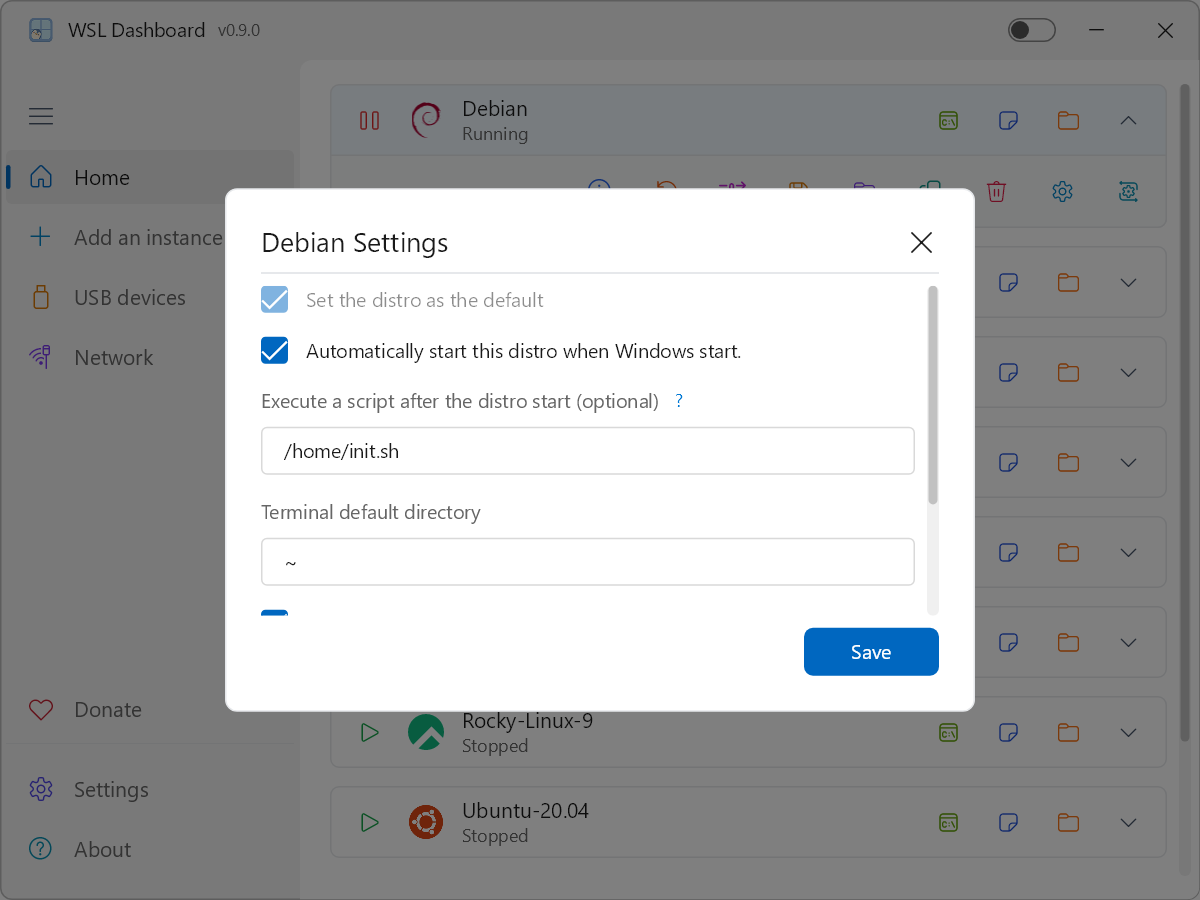
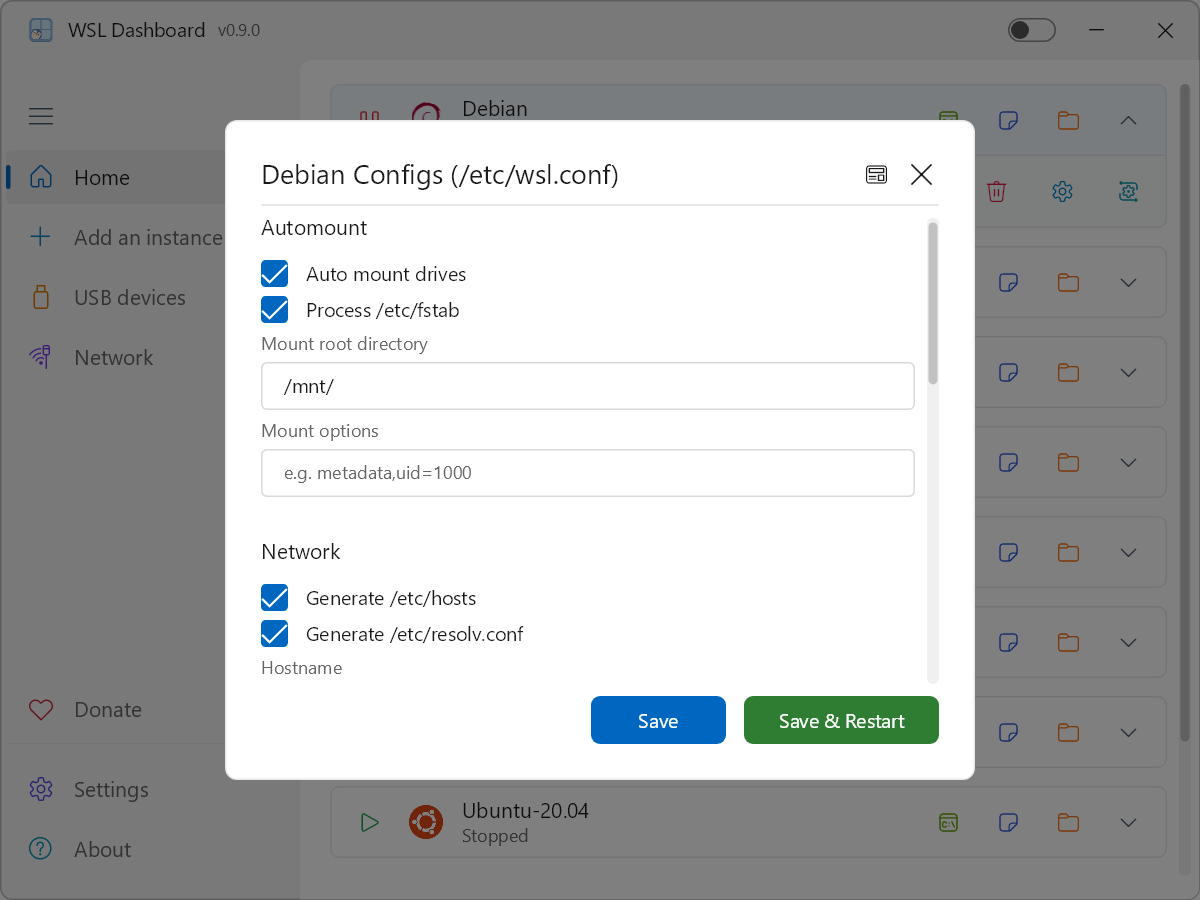
Add Instance & Settings
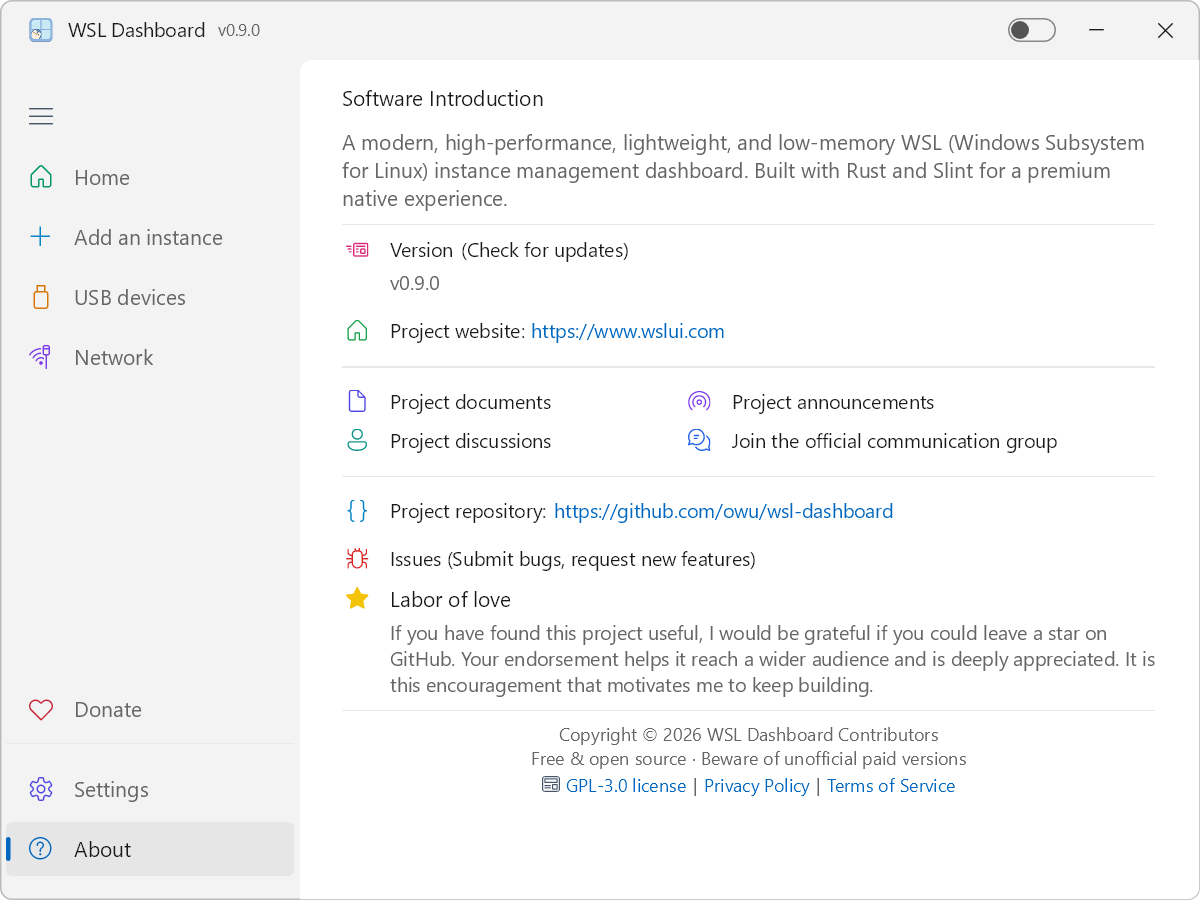
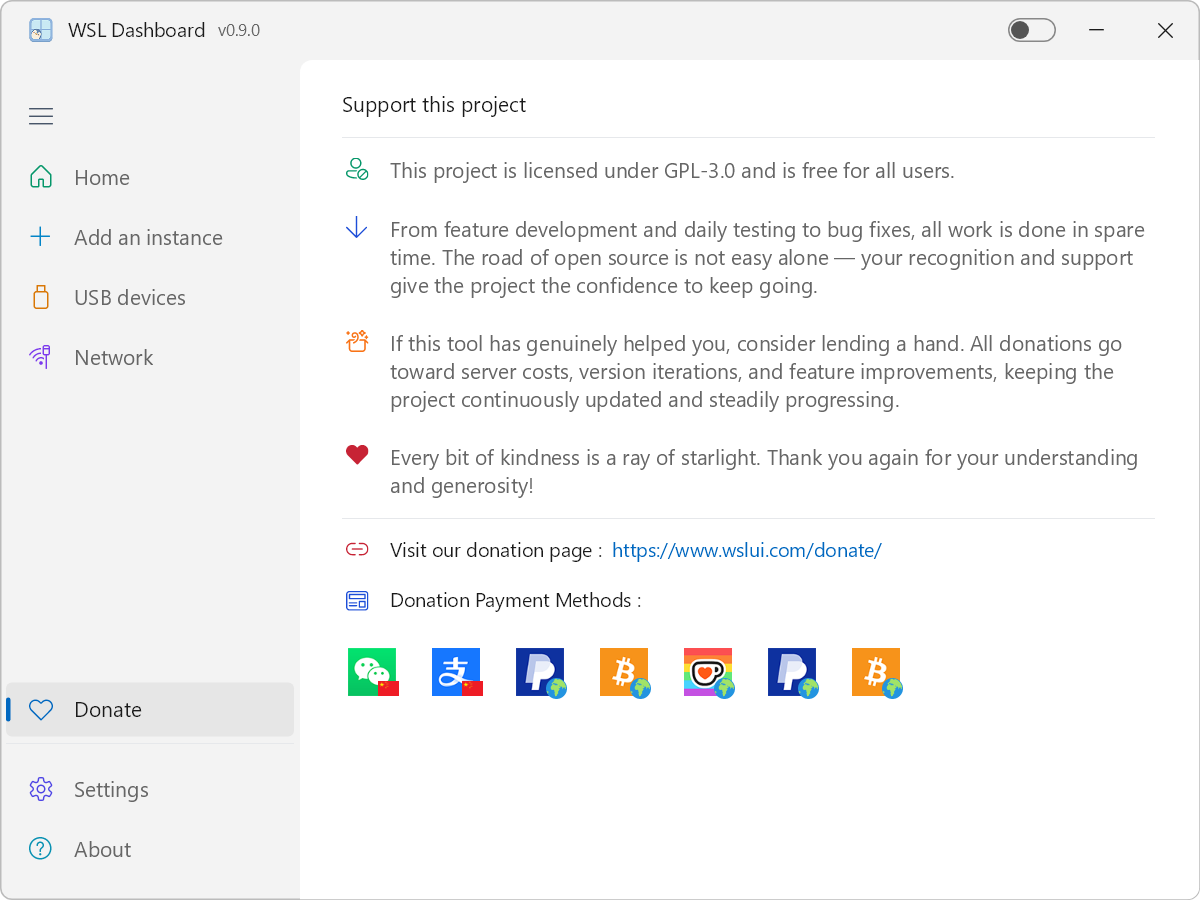
About & Donate
Disk Mount
Task Scheduler
🎬 Operation Demo
Help us improve! Watch our intro video and share your thoughts.
💻 System Requirements
- Windows 10 or Windows 11 with WSL enabled (WSL 2 recommended).
- At least one WSL distribution installed, or permission to install new ones.
- 64-bit CPU; 4 GB RAM or more recommended for smooth multi-distro usage.
📦 Installation
Option 1: Visit the project website (Recommended)
We recommend visiting the official website to download, as it offers multiple mirror links for a smoother experience:
Go to the Download page and choose the mirror suitable for your region.
Option 2: Install via winget
You can install WSLDashboard directly from the Windows Package Manager (winget), using either the moniker or the full package identifier:
# Search (case-insensitive)
winget search wsl-dashboard
# or
winget search WSLDashboard

# Install (pick one)
winget install wsl-dashboard
# or
winget install Owu.WSLDashboard
The winget package identifier is Owu.WSLDashboard and the moniker is wsl-dashboard (case-insensitive). Either works.
For more information, visit the WinGet community repository.
Option 3: Download prebuilt binary
You can also download the precompiled release directly:
- Go to the GitHub Releases page.
- Download the latest
wsldashboard executable for Windows.
- Extract (if packaged) and run
wsldashboard.exe.
No installer is required; the app is a single portable binary.
Option 4: Build from source
Ensure you have the Rust toolchain (Rust 1.92+ or newer) installed.
Clone the repository:
git clone https://github.com/owu/wsl-dashboard.git
cd wsl-dashboard
Build and run:
- Core: Implemented in Rust for memory safety and zero-cost abstractions.
- UI Framework: Slint with high-performance Skia rendering backend.
- Async Runtime: Tokio for non-blocking system commands and I/O.
- Performance Highlights:
- Responsiveness: Near-instant startup and real-time WSL status monitoring.
- Efficiency: Ultra-low resource usage (see Key Features for details).
- Portability: Optimized release build produces a single compact executable.
Welcome to the official WSL UI community groups! Join our channels to discuss usage tips, report issues, get the latest updates, and connect with the developers and other users.
| Global Group (Telegram) |
Chinese Group (WeChat) |
 |
 |
| Scan to join |
Scan to join |
A big thank you to the following communities for their support:
Your contributions and feedback make this project possible!
❤️ Support this project
- This project is licensed under GPL-3.0 and is free for all users.
- From feature development and daily testing to bug fixes, all work is done in spare time. The road of open source is not easy alone — your recognition and support give the project the confidence to keep going.
- If this tool has genuinely helped you, consider lending a hand. All donations go toward server costs, version iterations, and feature improvements, keeping the project continuously updated and steadily progressing.
- Every bit of kindness is a ray of starlight. Thank you again for your understanding and generosity!
Visit our donation page: https://www.wslui.com/donate/
⭐️ Labor of love
If you have found this project useful, I would be grateful if you could leave a star on GitHub. Your endorsement helps it reach a wider audience and is deeply appreciated. It is this encouragement that motivates me to keep building.
📄 License
This project is licensed under the GPL-3.0 – see the LICENSE file for details.
Built with ❤️ for the WSL Community.

 WSL Dashboard is a GUI manager for WSL built in Rust with a Slint UI, letting you install, start, stop, unregister, and configure your WSL distros from one place with a lightweight, low-memory footprint.