
















Что это такое?
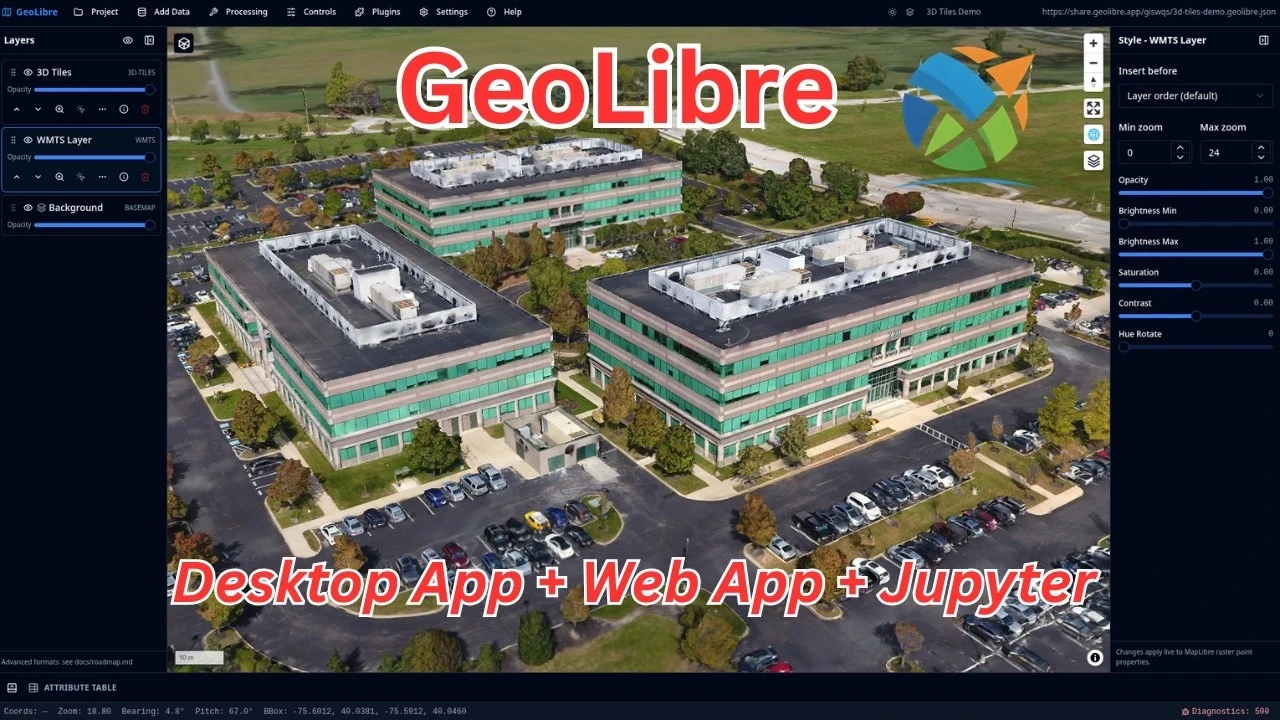
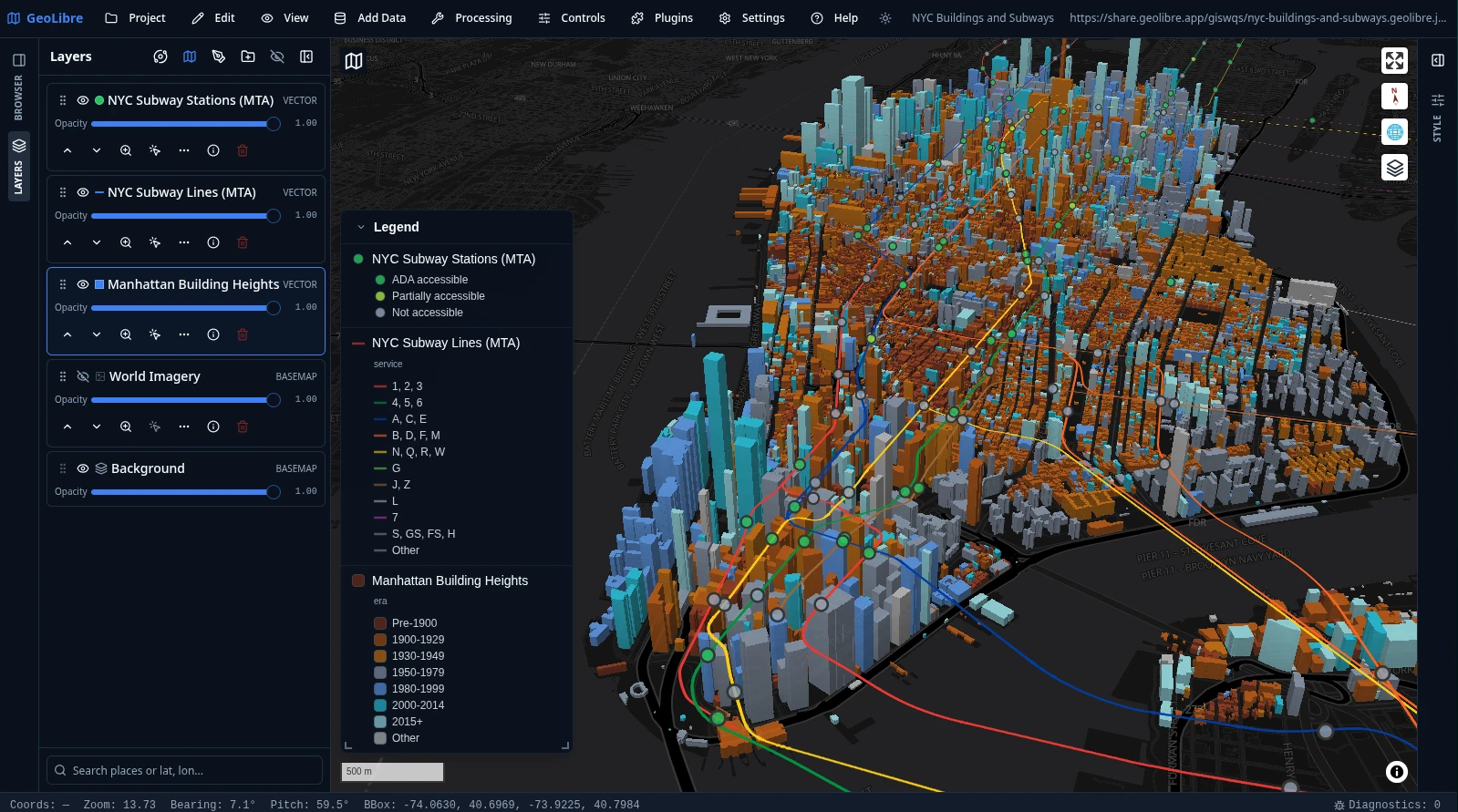
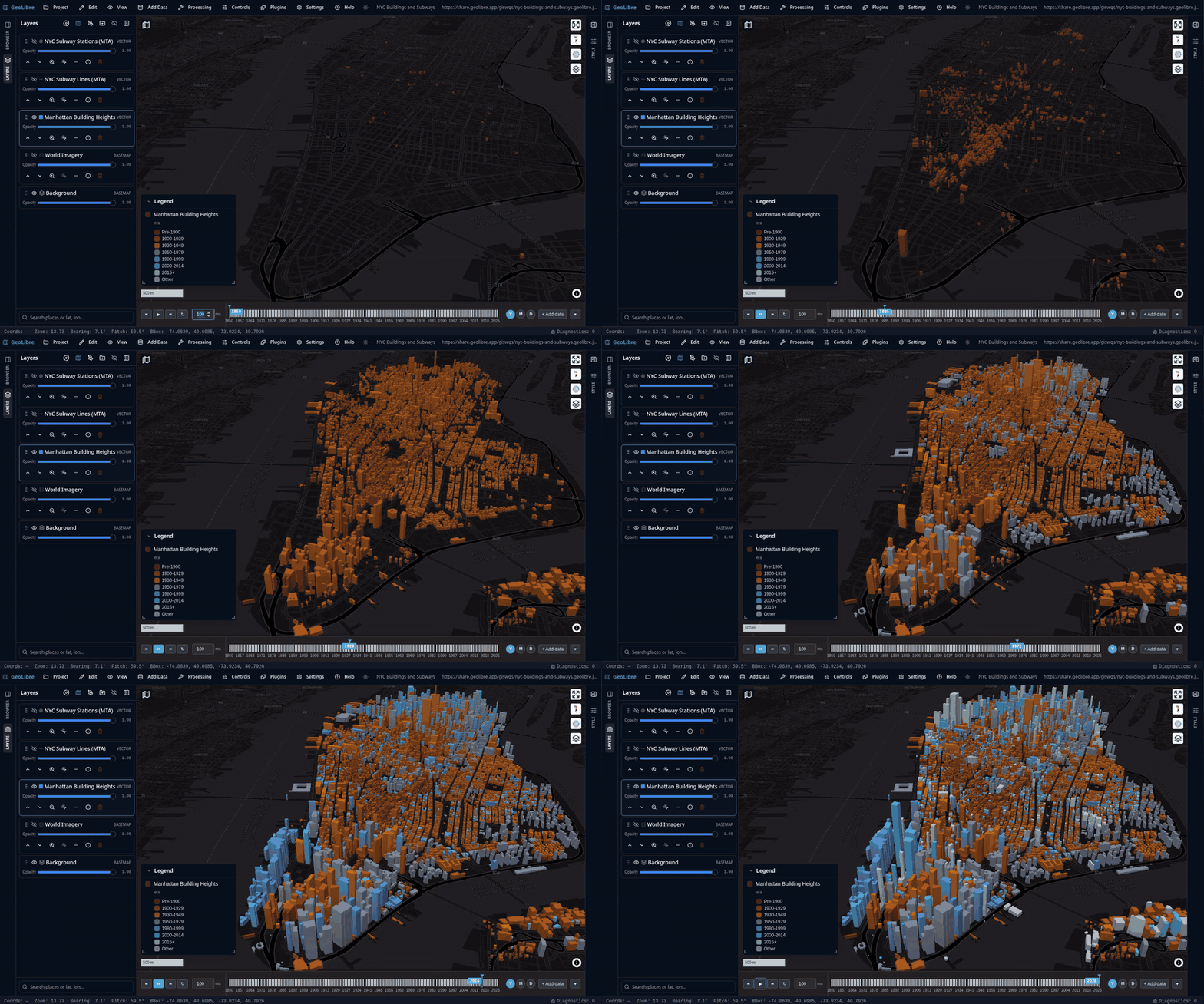
 GeoLibre — это бесплатная ГИС-платформа с открытым исходным кодом, ориентированная на облачную работу, для визуализации, изучения и анализа геопространственных данных. Она работает в браузере, на компьютере, на телефоне и внутри блокнотов Jupyter.
GeoLibre — это бесплатная ГИС-платформа с открытым исходным кодом, ориентированная на облачную работу, для визуализации, изучения и анализа геопространственных данных. Она работает в браузере, на компьютере, на телефоне и внутри блокнотов Jupyter.Это одно приложение или отдельные приложения для каждой платформы?Это одно и то же рабочее пространство на всех платформах: нативное настольное приложение (Tauri), нативные приложения для Android и iOS и адаптивное веб-приложение. Все они используют один формат проектов и один набор функций.
Это одно и то же рабочее пространство на всех платформах: нативное настольное приложение (Tauri), нативные приложения для Android и iOS и адаптивное веб-приложение. Все они используют один формат проектов и один набор функций.Как мне его запустить?Откройте GeoLibre Web в любом браузере, ничего не устанавливая, или скачайте настольный установщик для Windows/macOS/Linux, получите версию из Mac App Store или сборки для iOS/Android из магазинов приложений, добавьте расширение для Chrome или установите Python-пакет через pip для Jupyter.
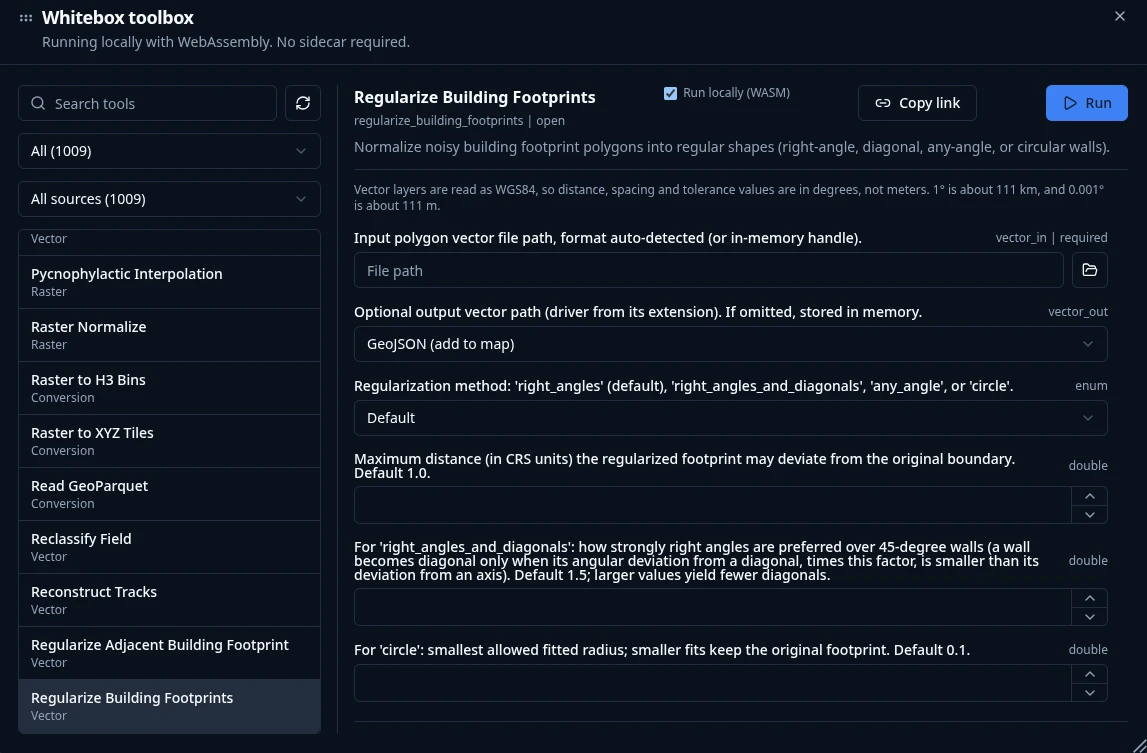
Откройте GeoLibre Web в любом браузере, ничего не устанавливая, или скачайте настольный установщик для Windows/macOS/Linux, получите версию из Mac App Store или сборки для iOS/Android из магазинов приложений, добавьте расширение для Chrome или установите Python-пакет через pip для Jupyter.Нужно ли мне сначала установить Python или настроить сервер, чтобы пользоваться инструментами геообработки?Нет — более 1000 инструментов геообработки работают полностью в браузере благодаря WebAssembly со встроенным вводом-выводом растровых и векторных данных, поэтому не нужно устанавливать ни вспомогательный Python-процесс, ни сервер.
Нет — более 1000 инструментов геообработки работают полностью в браузере благодаря WebAssembly со встроенным вводом-выводом растровых и векторных данных, поэтому не нужно устанавливать ни вспомогательный Python-процесс, ни сервер.Версия из Mac App Store — то же самое, что обычная загрузка для macOS?Не совсем — версия из App Store работает в песочнице macOS, поэтому, если нужен неограниченный доступ к файловой системе, лучше использовать прямой установщик для настольной версии.
Не совсем — версия из App Store работает в песочнице macOS, поэтому, если нужен неограниченный доступ к файловой системе, лучше использовать прямой установщик для настольной версии.Мои геоданные куда-нибудь загружаются?Нет — GeoLibre хранит всё локально: обработка происходит на вашем компьютере без участия сервера, и никакие данные с него не уходят.
Нет — GeoLibre хранит всё локально: обработка происходит на вашем компьютере без участия сервера, и никакие данные с него не уходят.Могу ли я управлять GeoLibre из Python или R вместо графического интерфейса?Да — Python-пакет может встраивать полноценное приложение в блокноты Jupyter и управлять им (есть вспомогательная функция DashMap для Dash), а R-пакет строит интерактивные карты в RStudio, Quarto и Shiny.
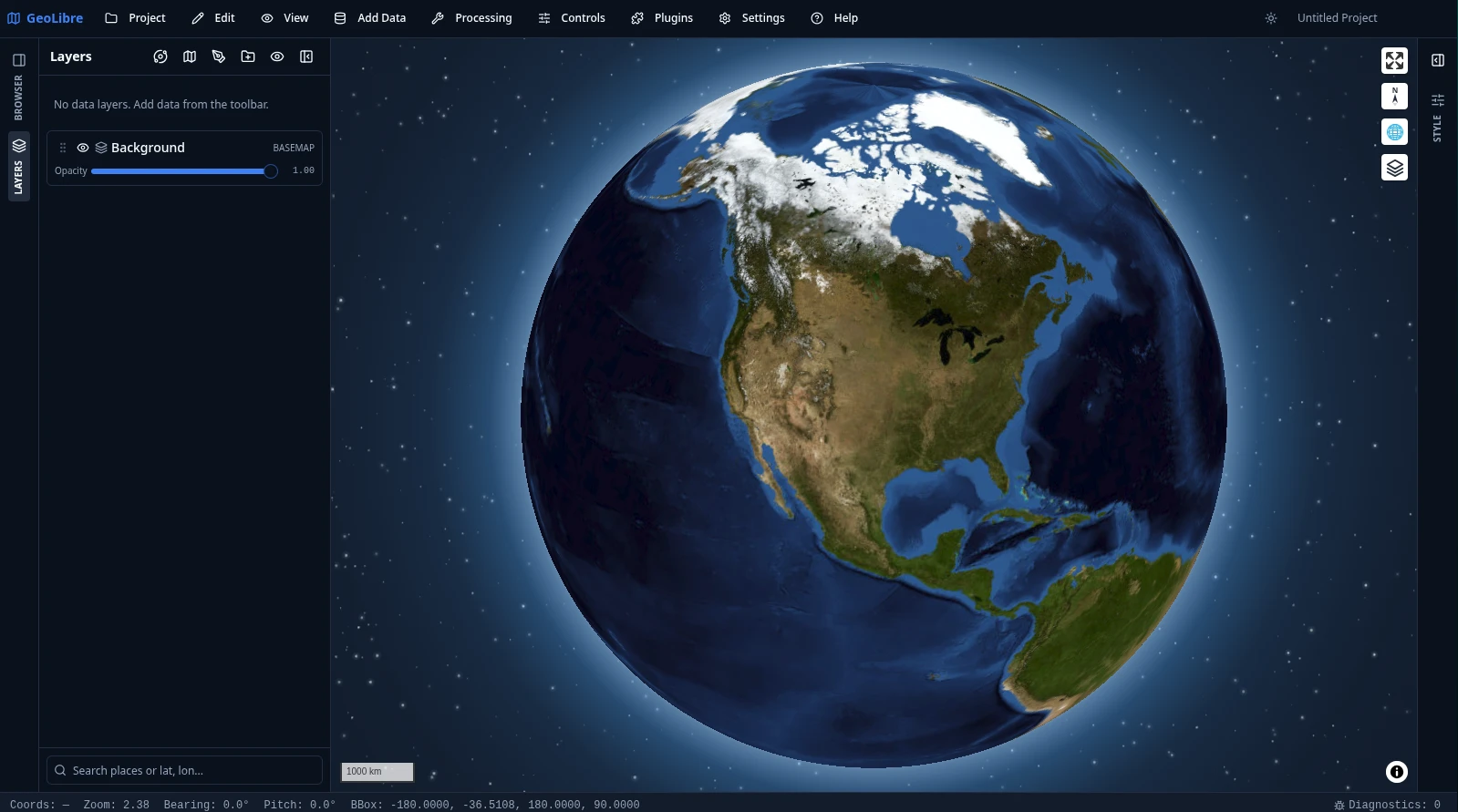
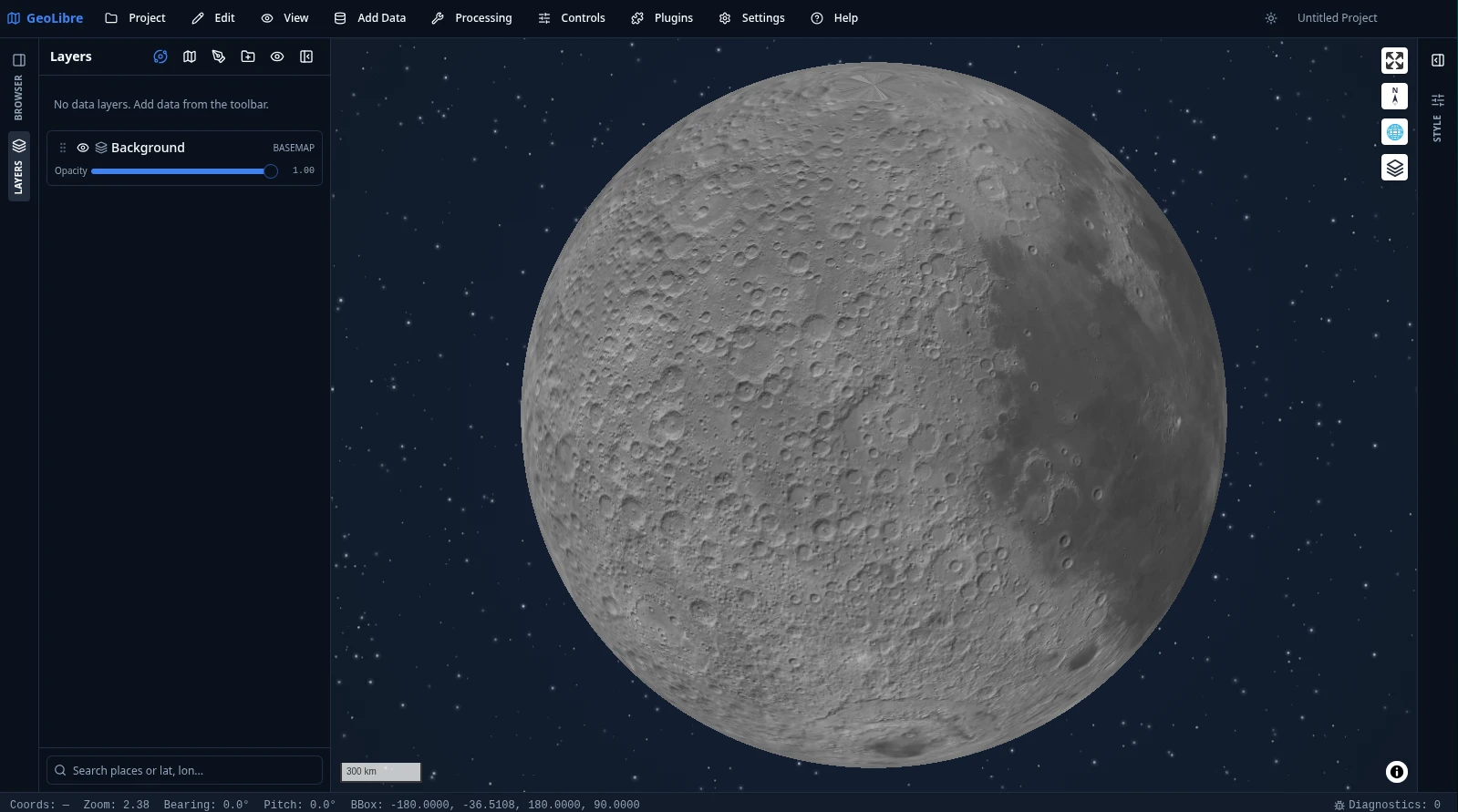
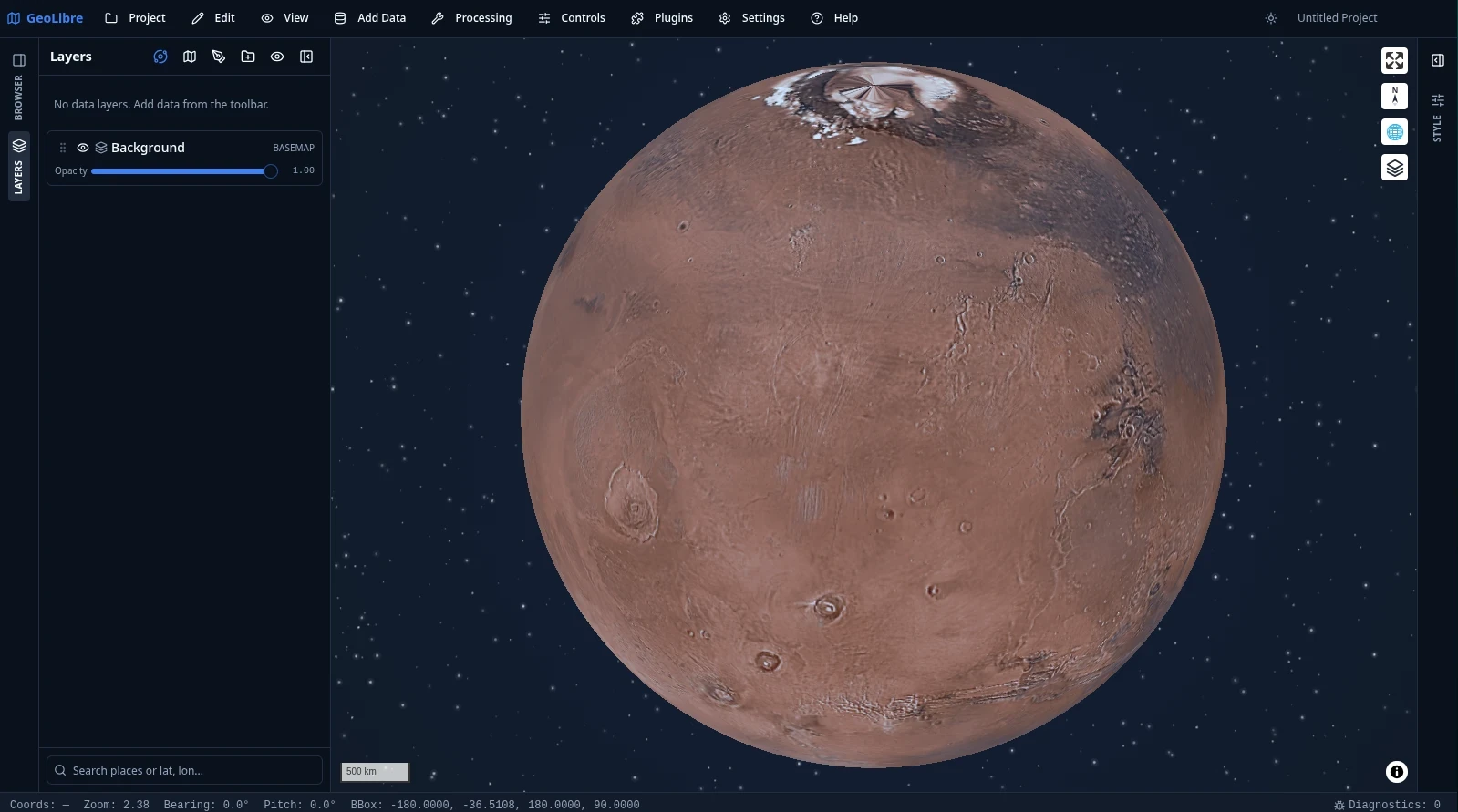
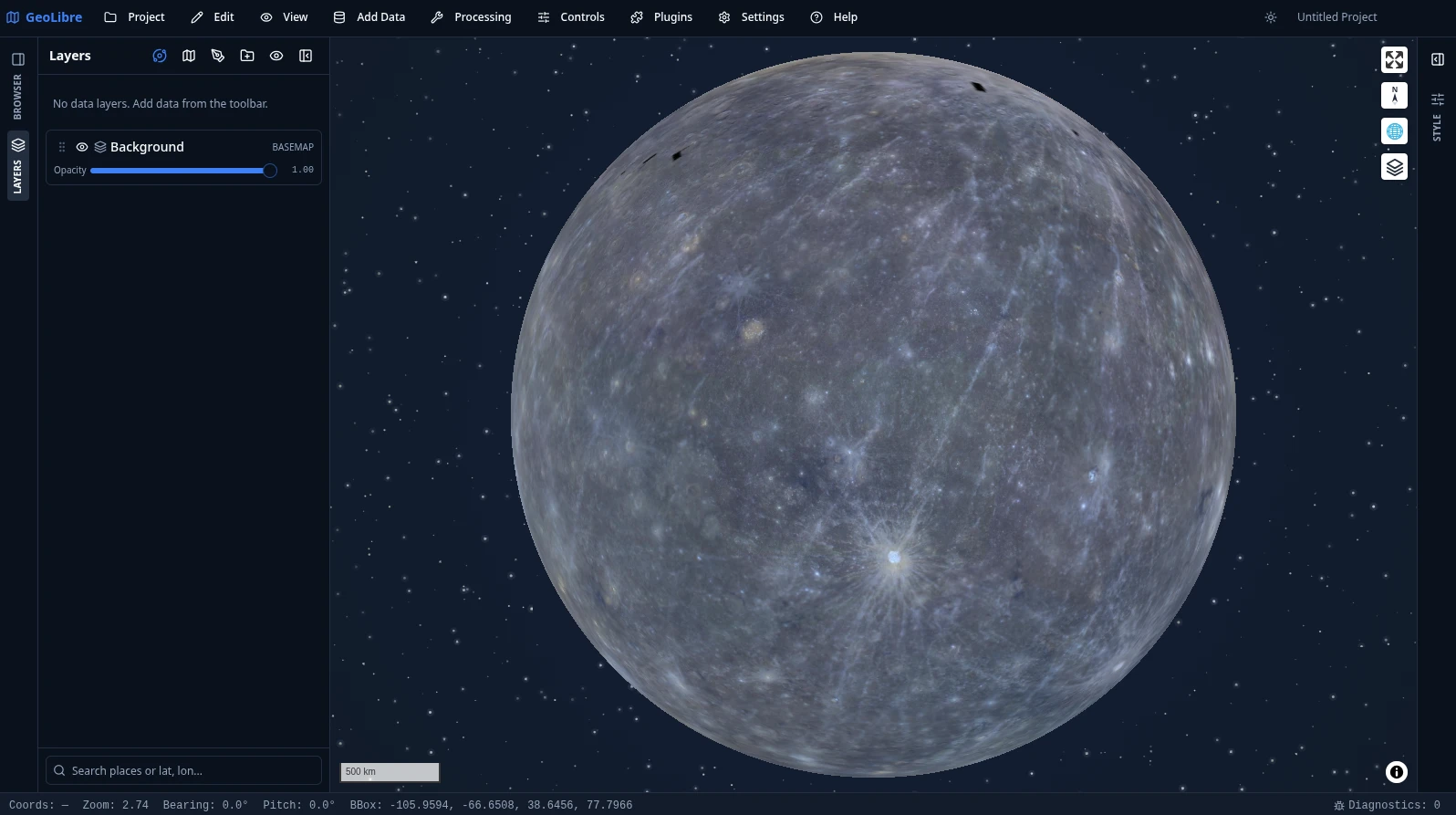
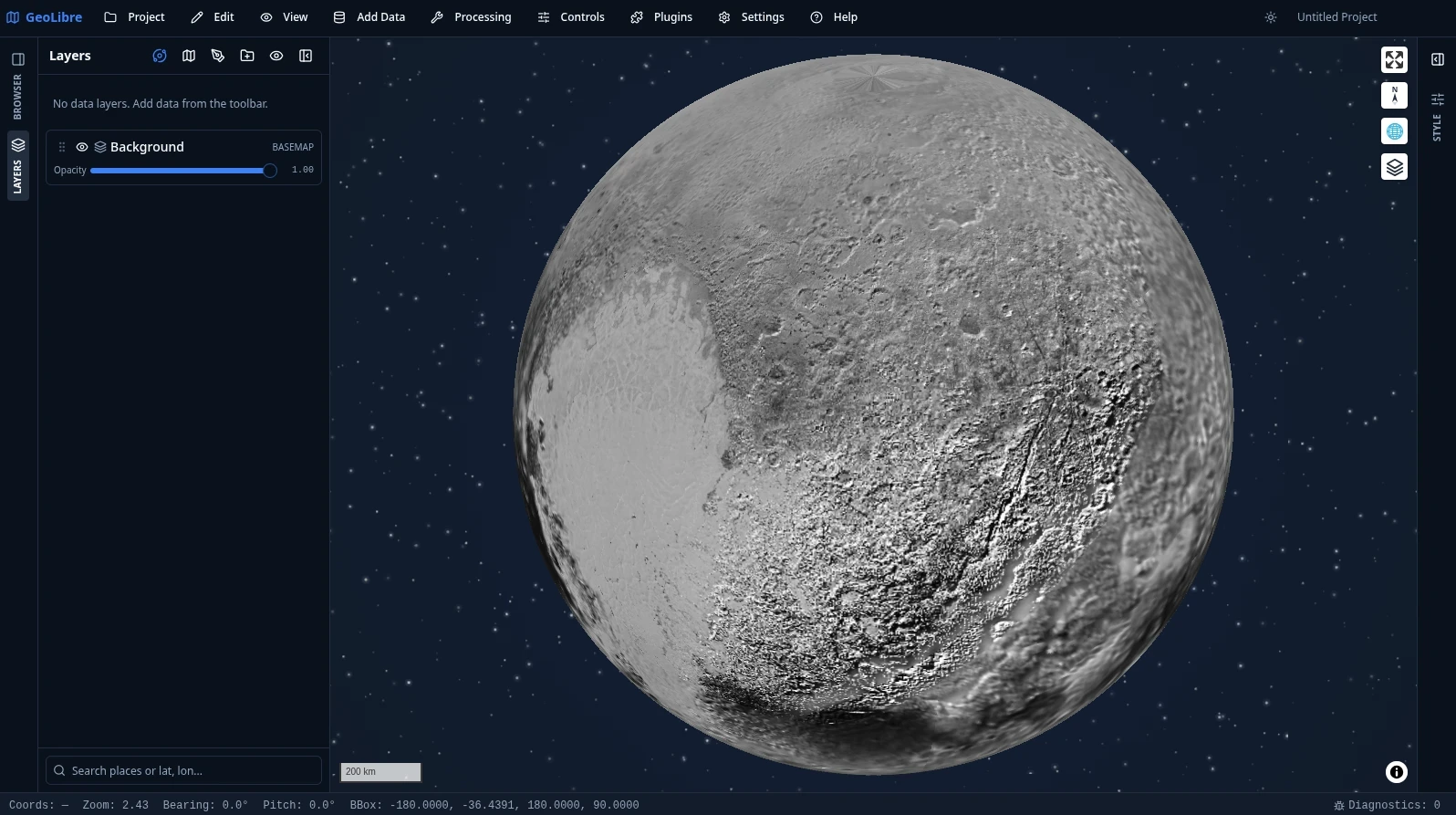
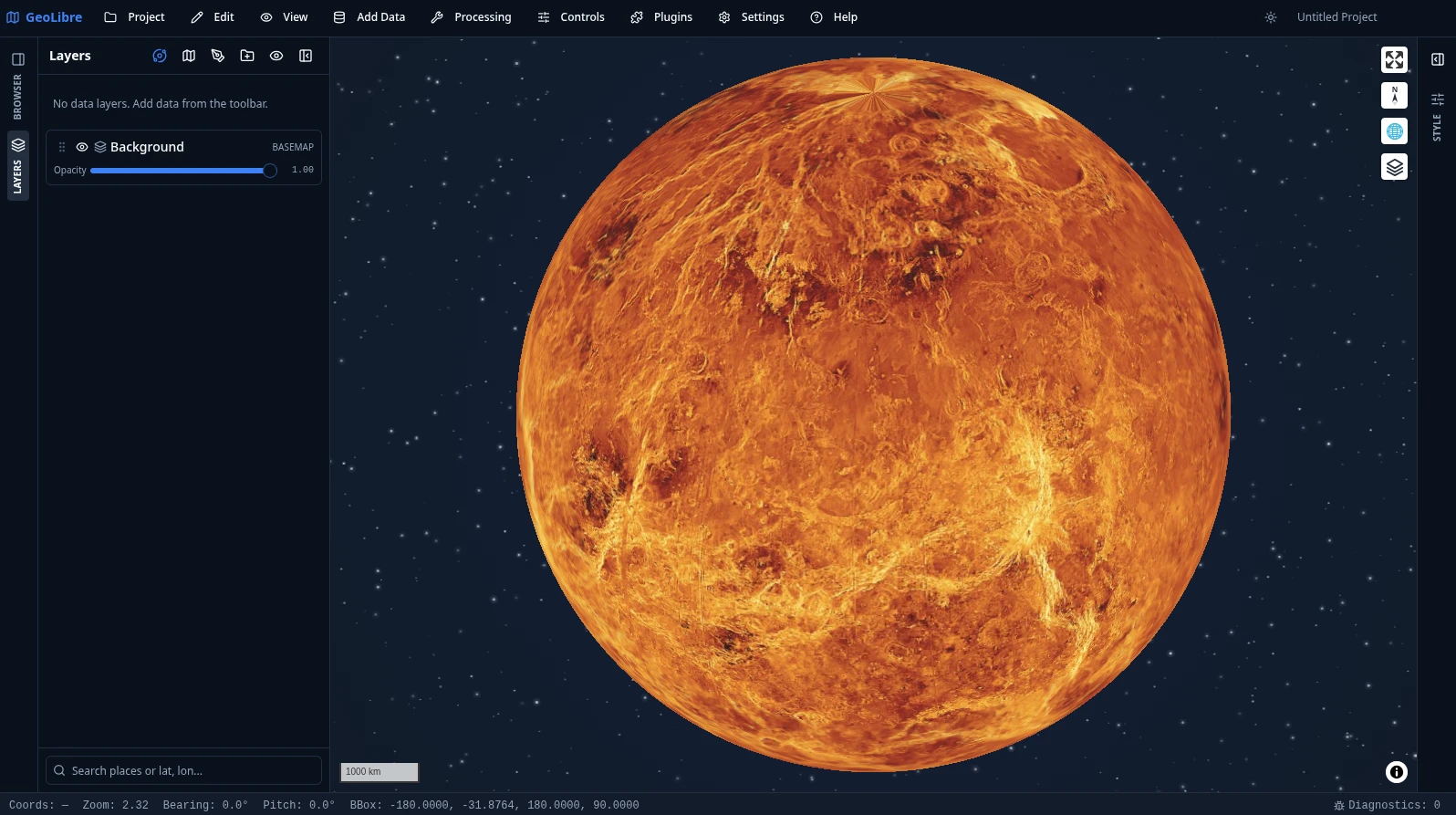
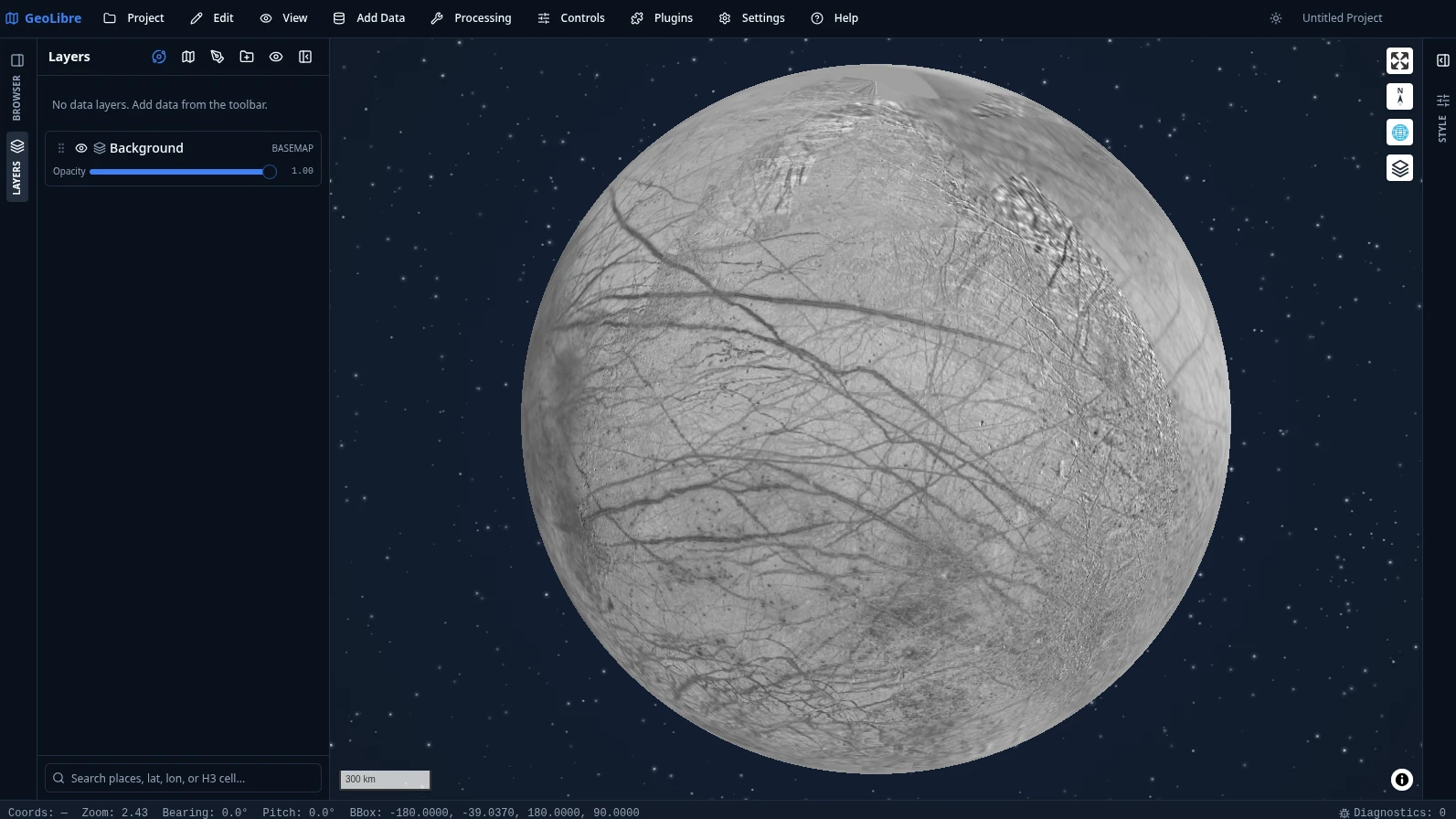
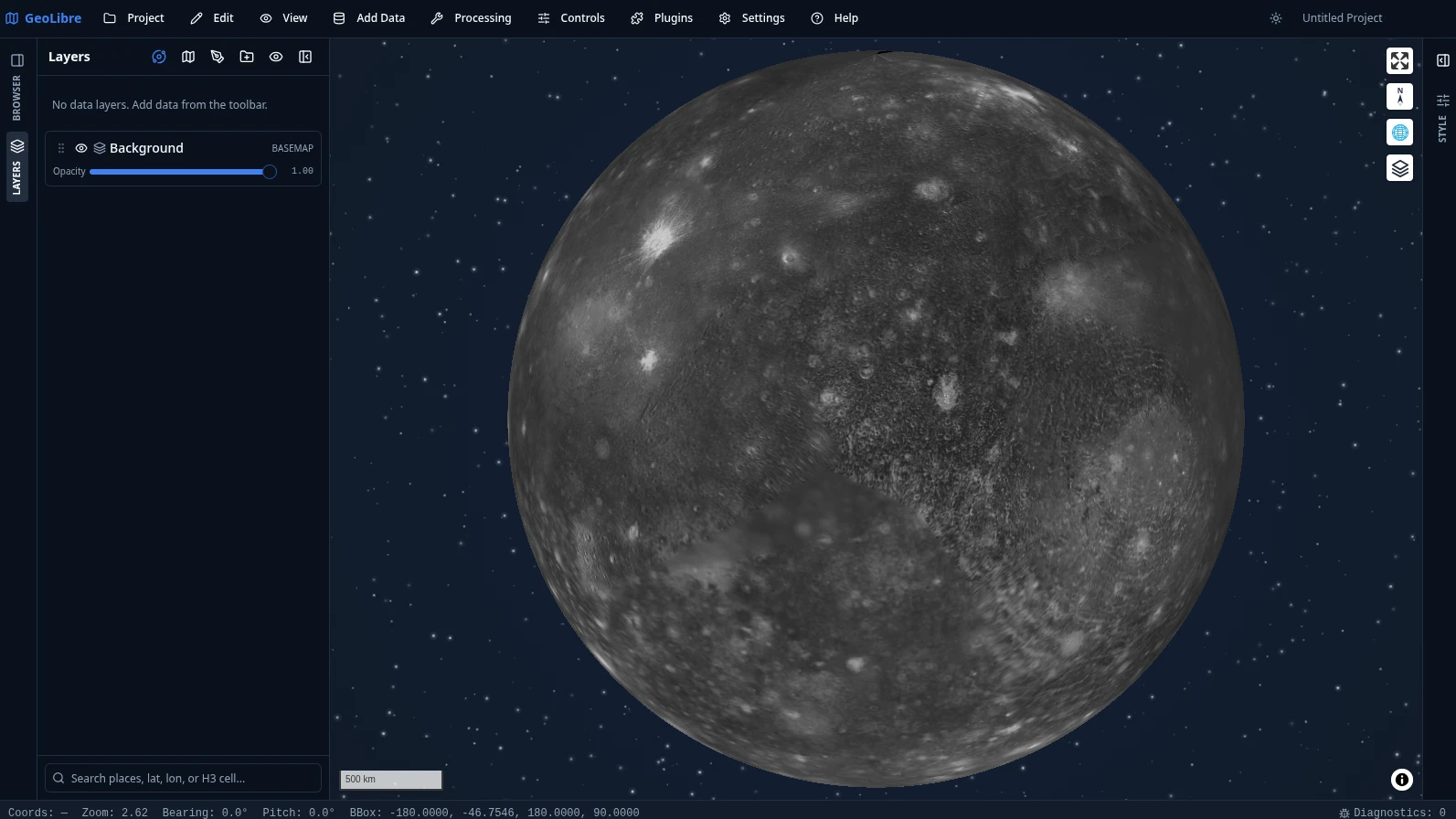
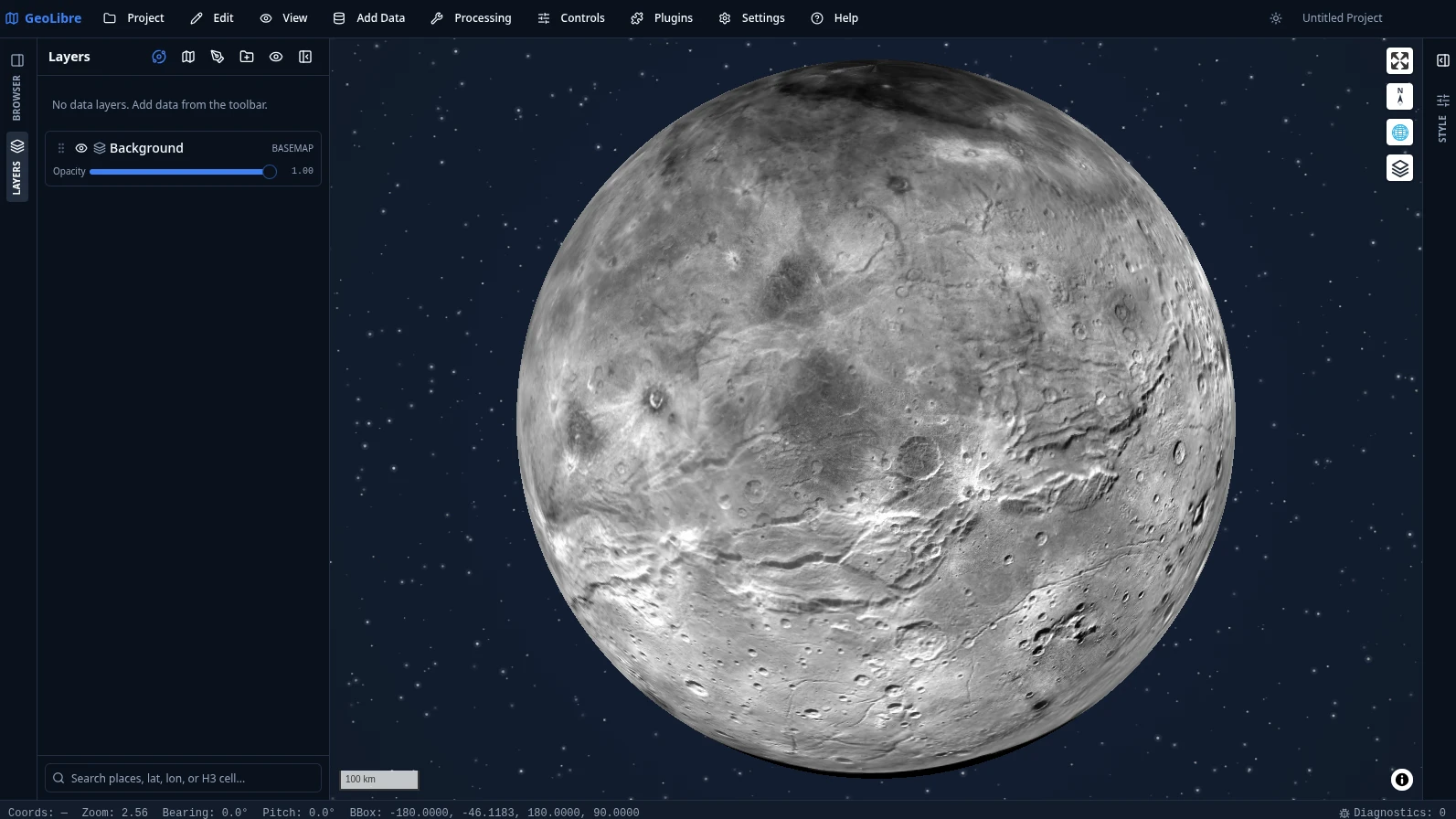
Да — Python-пакет может встраивать полноценное приложение в блокноты Jupyter и управлять им (есть вспомогательная функция DashMap для Dash), а R-пакет строит интерактивные карты в RStudio, Quarto и Shiny.Может ли GeoLibre строить карты других планет, а не только Земли?Да — в нём есть базовые карты Луны, Марса, Меркурия, Венеры, Титана, Плутона и галилеевых спутников, а эллипсоиды задаются для каждого проекта отдельно, чтобы измерения соответствовали небесному телу, которое отображается на карте.
Да — в нём есть базовые карты Луны, Марса, Меркурия, Венеры, Титана, Плутона и галилеевых спутников, а эллипсоиды задаются для каждого проекта отдельно, чтобы измерения соответствовали небесному телу, которое отображается на карте.Могу ли я открыть в GeoLibre наборы данных, которые нашёл на разных сайтах?Да — расширение для Chrome позволяет забрать наборы данных с любой веб-страницы и сразу открыть их в GeoLibre.
Да — расширение для Chrome позволяет забрать наборы данных с любой веб-страницы и сразу открыть их в GeoLibre.Сколько инструментов геообработки включено и что они охватывают?Более 1000 инструментов, в том числе 313 для векторных данных, 256 для растровых, 154 для дистанционного зондирования, 100 для гидрологии, 99 для анализа рельефа и 65 для LiDAR. Все они доступны для просмотра в меню Processing.
Более 1000 инструментов, в том числе 313 для векторных данных, 256 для растровых, 154 для дистанционного зондирования, 100 для гидрологии, 99 для анализа рельефа и 65 для LiDAR. Все они доступны для просмотра в меню Processing.What are similar projects?kepler.gl, MapStage, NextChat, maplibre-gl-js, os, cesium, perspective, data-formulator
kepler.gl, MapStage, NextChat, maplibre-gl-js, os, cesium, perspective, data-formulatorWhich topics is it in?maplibre, tauri-app, duckdb, gis, geospatial, jupyter, tauri, cloud-native, chrome-extension, browser-extension, wasm, data-visualization
maplibre, tauri-app, duckdb, gis, geospatial, jupyter, tauri, cloud-native, chrome-extension, browser-extension, wasm, data-visualization