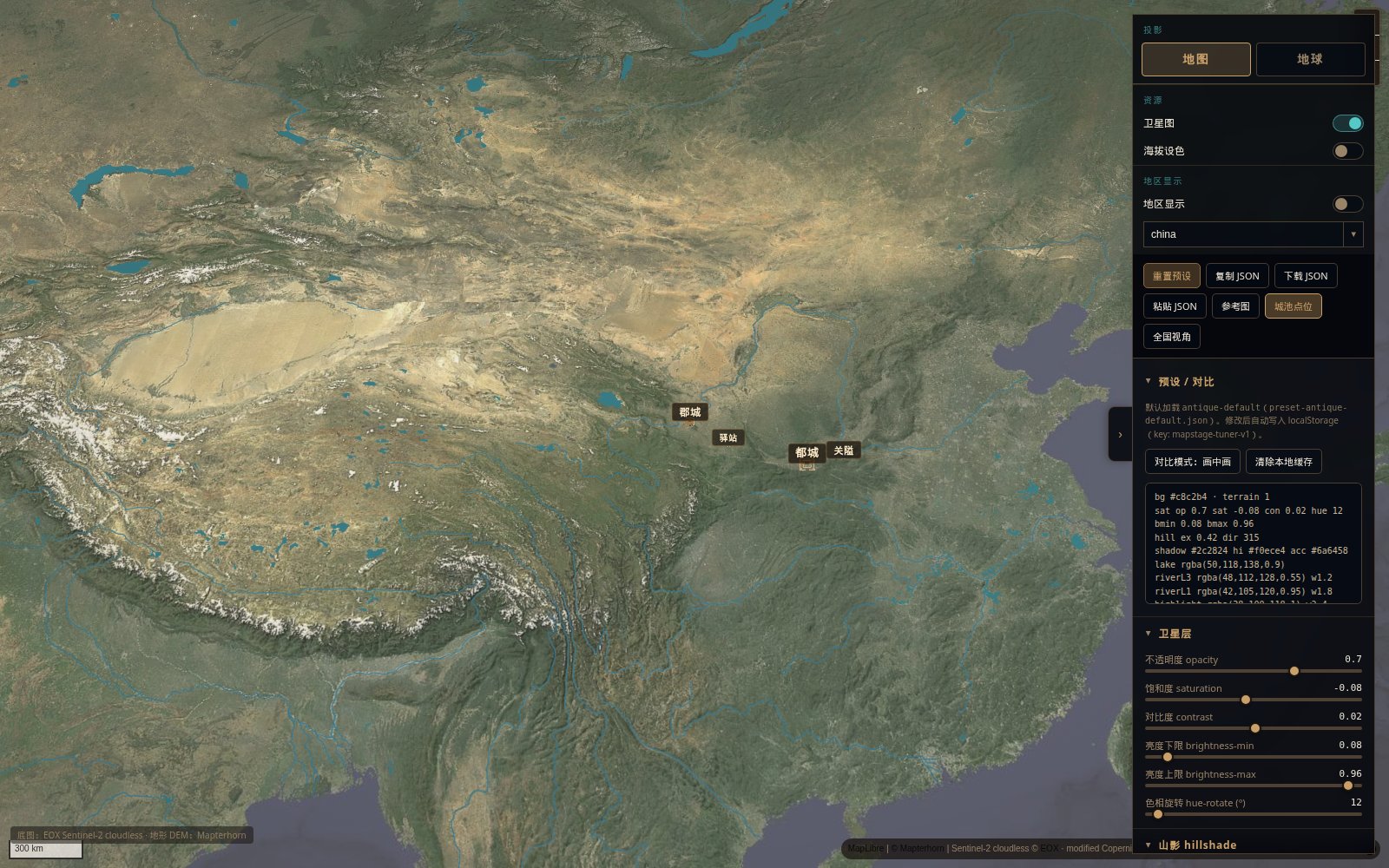
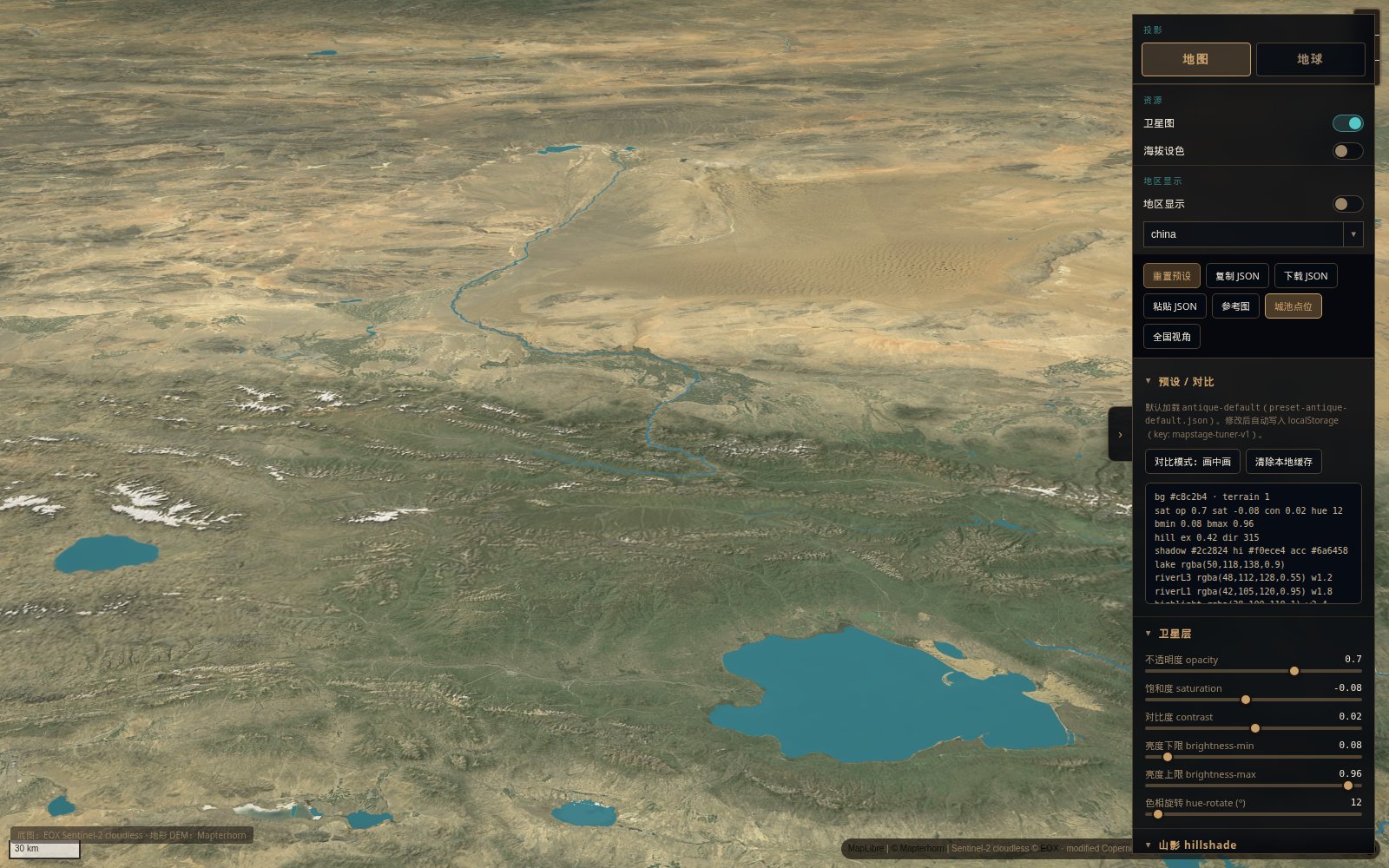
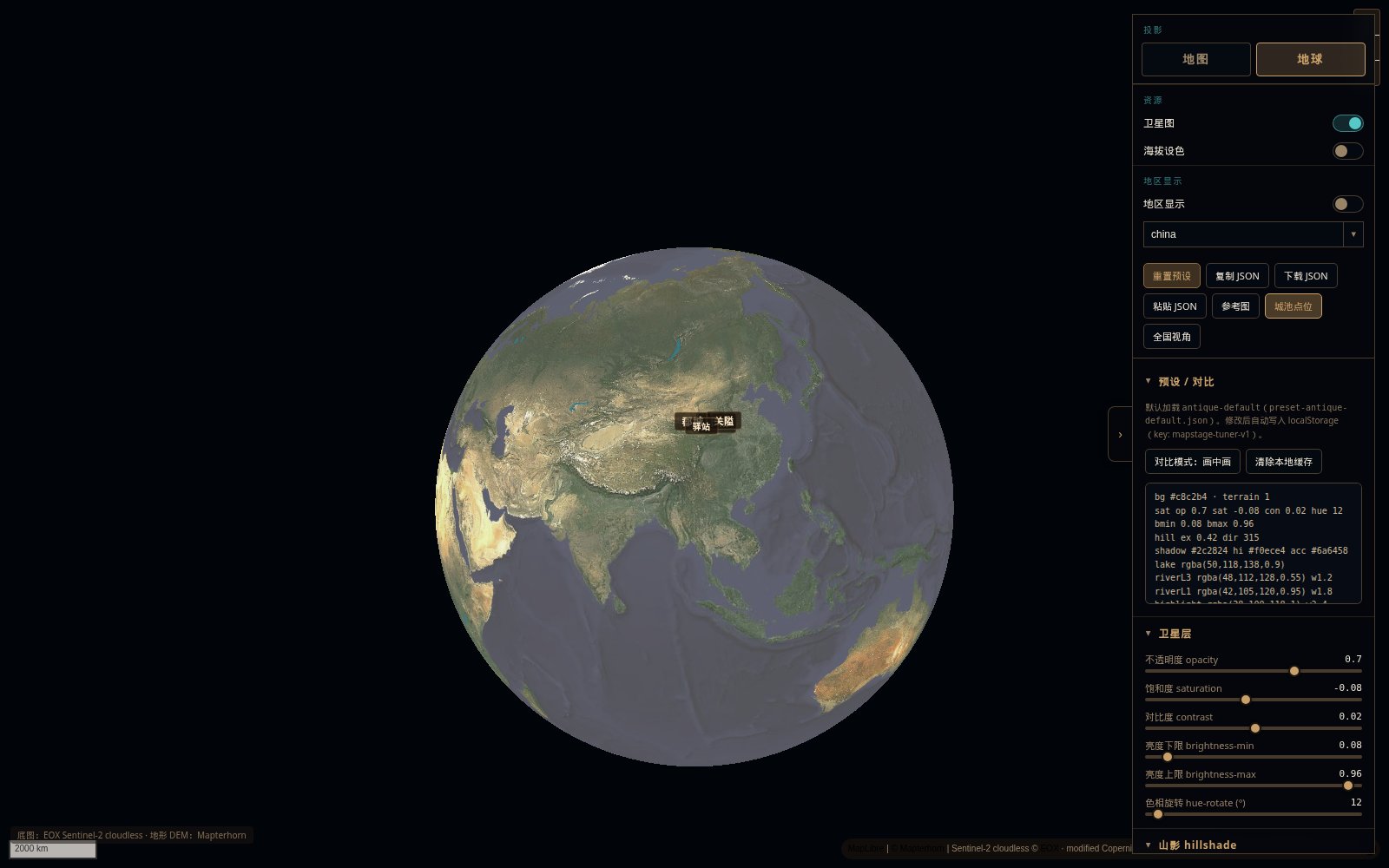
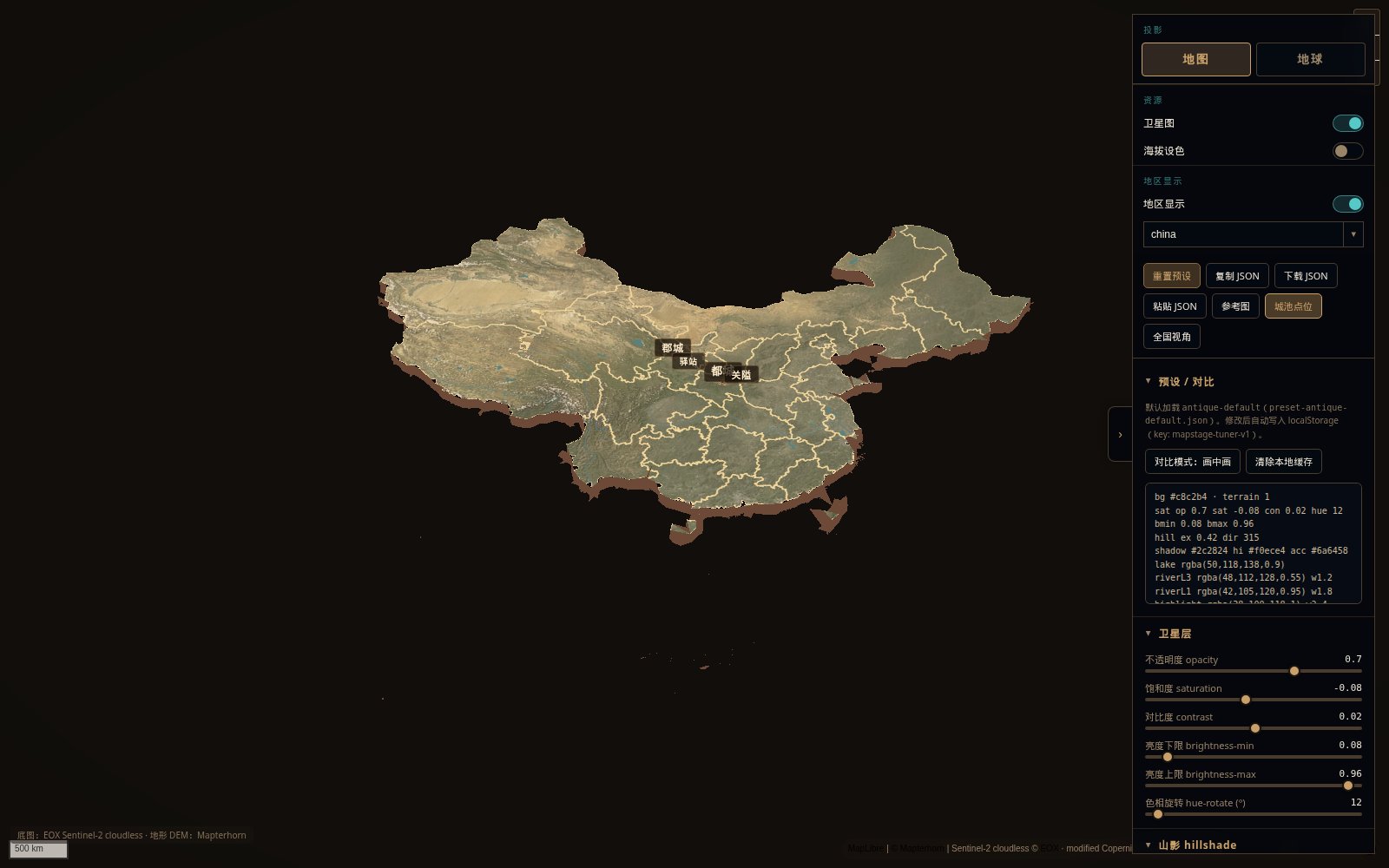
What is this?
 MapStage is an open-source live tuner for maps and globes — you tweak satellite imagery, hypsometric relief, 3D terrain and region-isolate effects, then export the look as a JSON preset. It also ships as an installable 'agent skill' so AI coding agents can drive the same tuner.
MapStage is an open-source live tuner for maps and globes — you tweak satellite imagery, hypsometric relief, 3D terrain and region-isolate effects, then export the look as a JSON preset. It also ships as an installable 'agent skill' so AI coding agents can drive the same tuner.Is this a web app I open in a browser, or something I install as an agent skill?Both — there is a live demo hosted on GitHub Pages you can use directly with no install, and the repo also contains a 'mapstage/' folder that can be installed separately as a skill for AI coding agents.
Both — there is a live demo hosted on GitHub Pages you can use directly with no install, and the repo also contains a 'mapstage/' folder that can be installed separately as a skill for AI coding agents.How do I get started with the tuner?Just open the live demo and use 'Copy JSON' to export a preset — no install needed. To edit or run offline, clone the repo and run the local tuner command, then open the local URL printed in the terminal (not file://).
Just open the live demo and use 'Copy JSON' to export a preset — no install needed. To edit or run offline, clone the repo and run the local tuner command, then open the local URL printed in the terminal (not file://).Do I need internet access to see satellite imagery and terrain?Yes — the default EOX Sentinel-2 satellite basemap and the Mapterhorn DEM terrain/hillshade are fetched at runtime from external servers and are not bundled with the project.
Yes — the default EOX Sentinel-2 satellite basemap and the Mapterhorn DEM terrain/hillshade are fetched at runtime from external servers and are not bundled with the project.Can I use the default satellite tiles commercially?No by default — the EOX tiles are typically non-commercial with attribution required, and the project grants no rights to any commercial map vendor; you can swap in your own licensed tile URL via a gitignored local config file.
No by default — the EOX tiles are typically non-commercial with attribution required, and the project grants no rights to any commercial map vendor; you can swap in your own licensed tile URL via a gitignored local config file.Can I use my own map tiles instead of the default satellite imagery?Yes — create a map-tiles.config.local.js (gitignored) pointing at any tile URL you're licensed to use; it overrides the default EOX Sentinel-2 cloudless basemap.
Yes — create a map-tiles.config.local.js (gitignored) pointing at any tile URL you're licensed to use; it overrides the default EOX Sentinel-2 cloudless basemap.What does 'region isolate' do?It's an optional mode that isolates a chosen region from the surrounding map, turning it into a standalone 3D terrain island.
It's an optional mode that isolates a chosen region from the surrounding map, turning it into a standalone 3D terrain island.What are the 'city tiers' feature?HanCity3D renders settlements by tier — capital, large, medium, small, pass, station and ordos — letting you control which cities and markers appear as you zoom.
HanCity3D renders settlements by tier — capital, large, medium, small, pass, station and ordos — letting you control which cities and markers appear as you zoom.Can I save and reuse a look I create in the tuner?Yes — the 'Copy JSON' button exports a versioned preset including camera position and resource switches, which you can paste back into the tuner or an agent.
Yes — the 'Copy JSON' button exports a versioned preset including camera position and resource switches, which you can paste back into the tuner or an agent.What are similar projects?maplibre-gl-js, GeoLibre, gods-eye-view, cesium, turf, fireworks-open-eli5, city-roads, marco-polo.skill
maplibre-gl-js, GeoLibre, gods-eye-view, cesium, turf, fireworks-open-eli5, city-roads, marco-polo.skillWhich topics is it in?maplibre, mapping, gis, geospatial, github-pages, interactive, agent-skill, visualization, 3d, skill, china, web-app
maplibre, mapping, gis, geospatial, github-pages, interactive, agent-skill, visualization, 3d, skill, china, web-app