



4.1K ·GitHub
Что это такое?
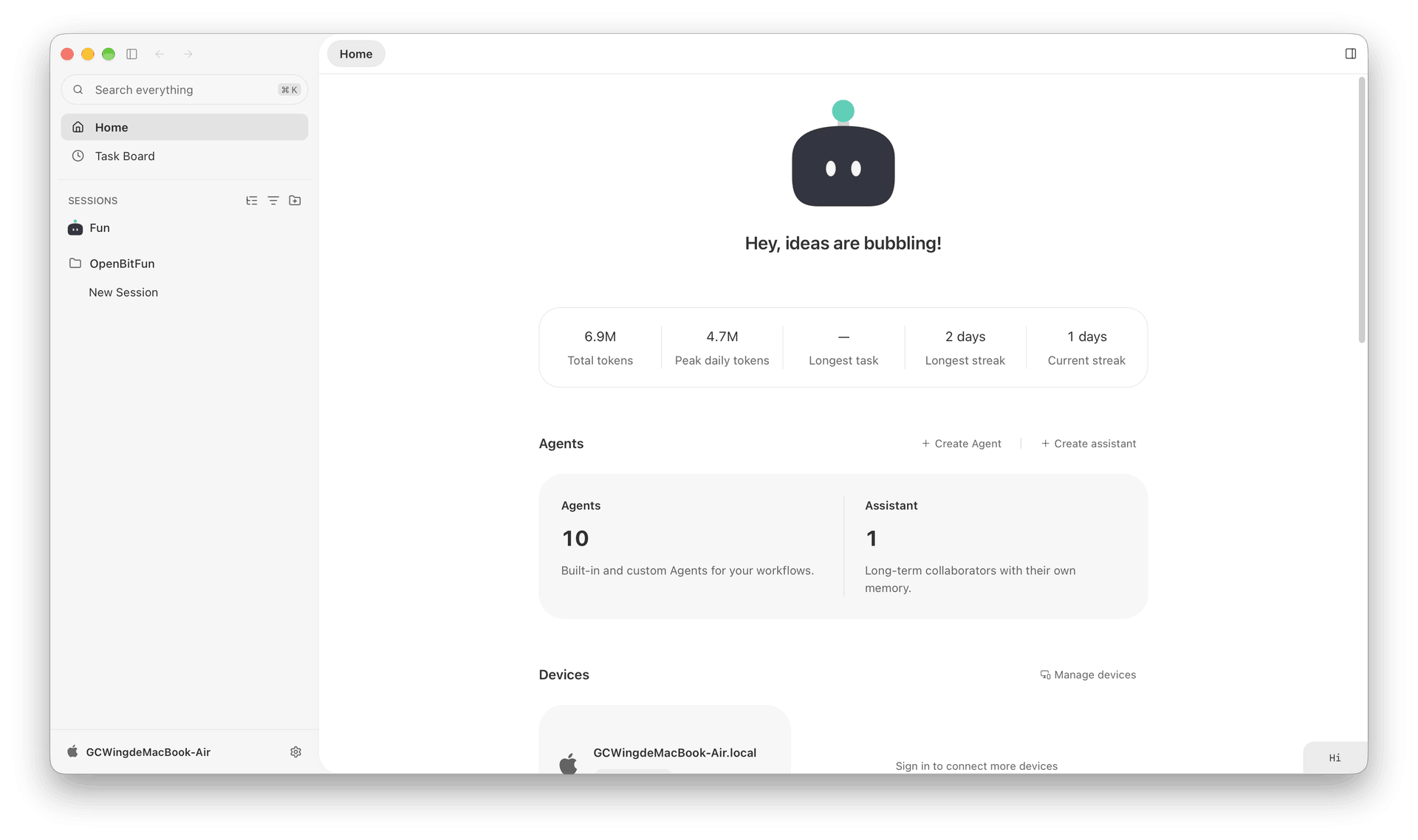
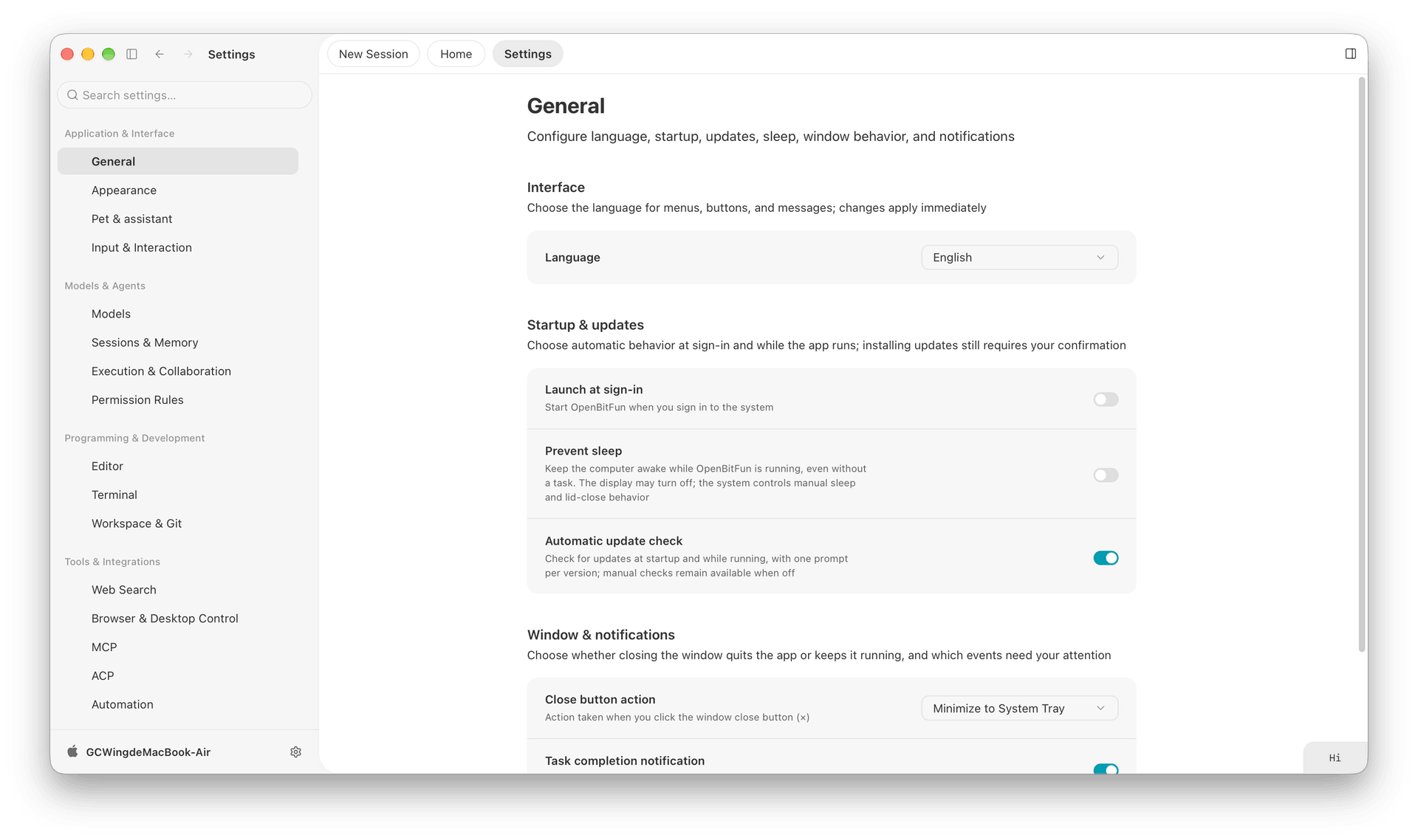
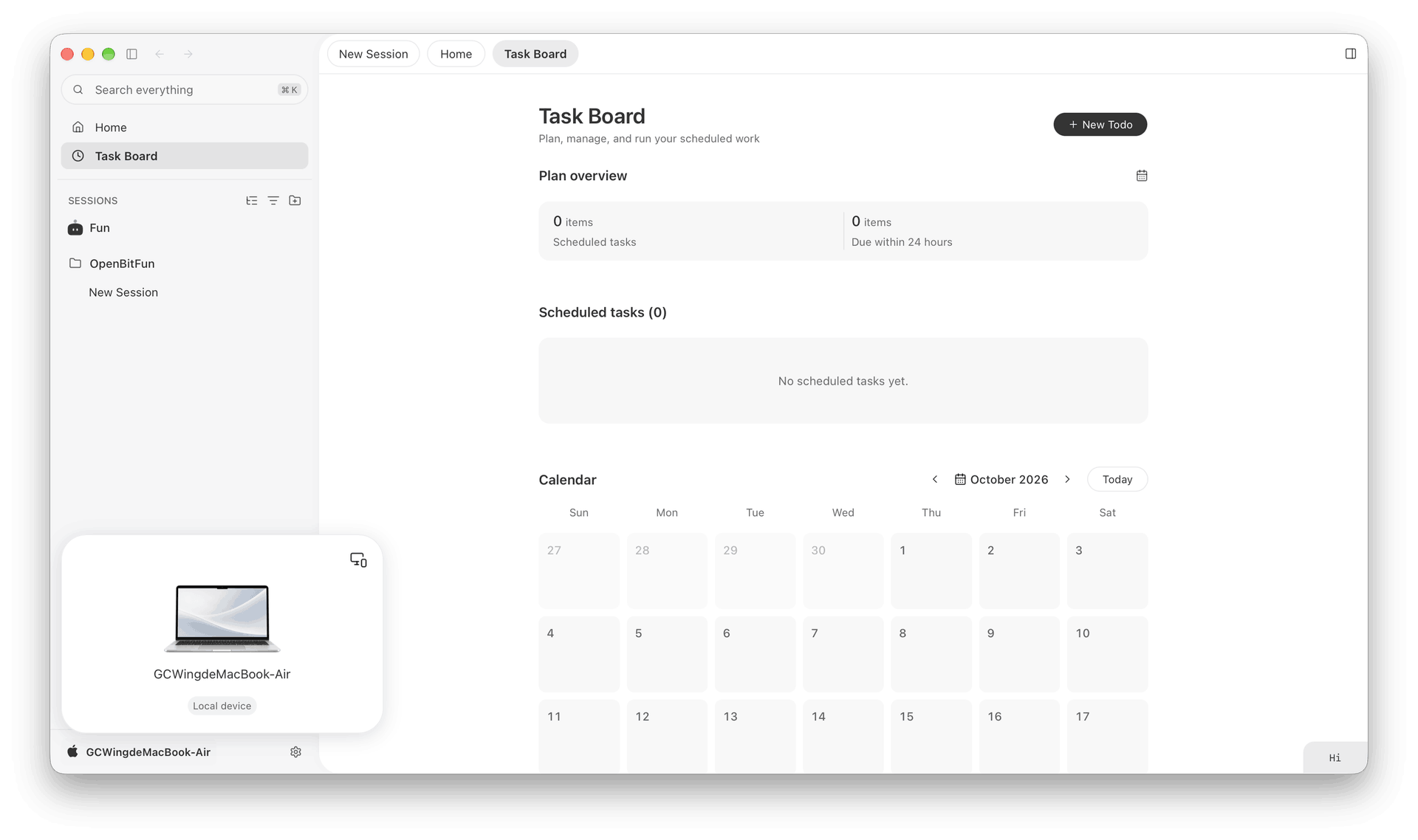
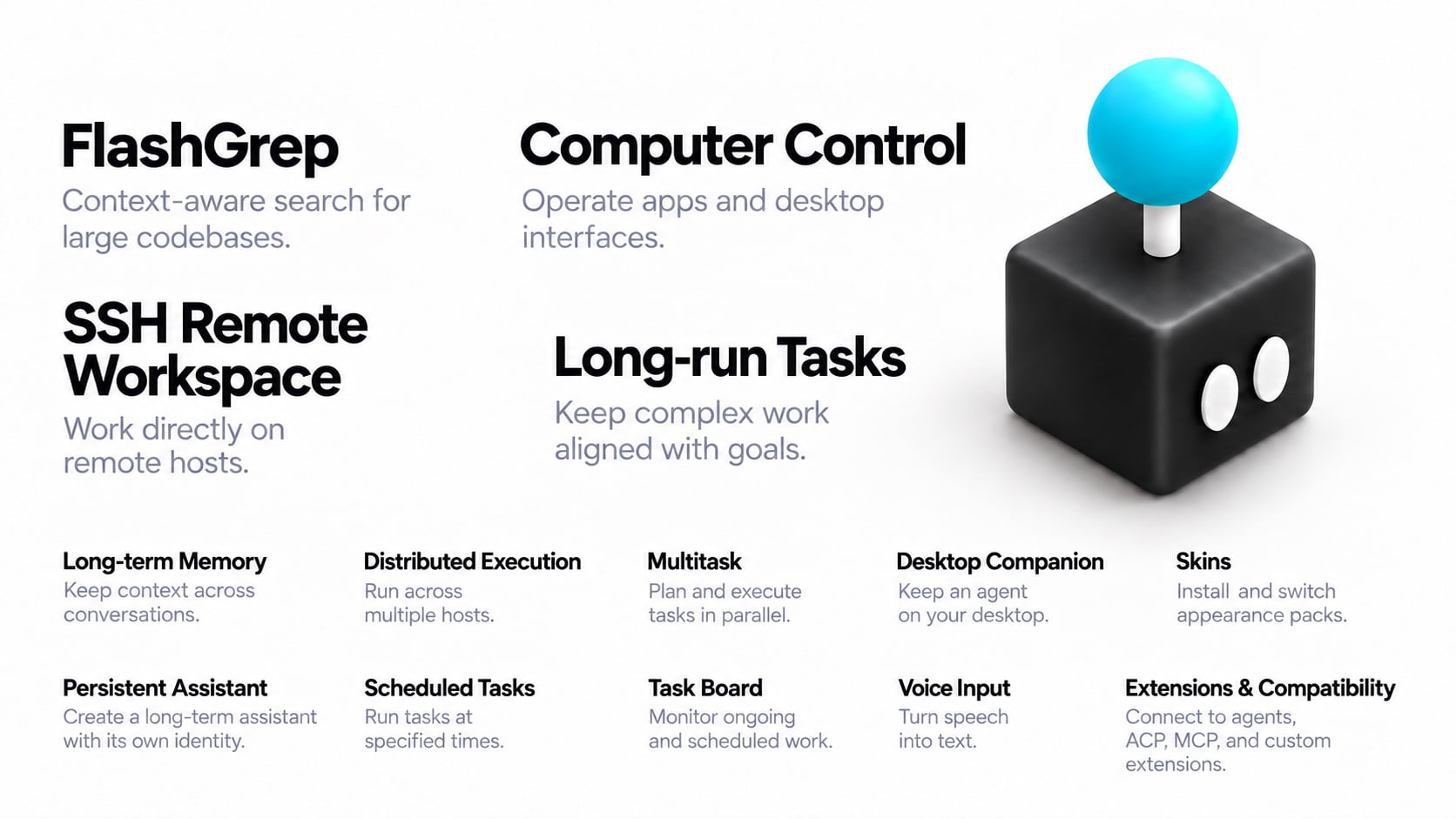
 OpenBitFun — это открытое рабочее пространство с агентами, которое легко настраивается. Оно построено на агентной среде выполнения на Rust и десктопном приложении и предназначено для любой работы, а не только для разработки ПО.
Это полноценное десктопное приложение или просто библиотека для среды выполнения?Это полноценное рабочее пространство: агентная среда выполнения на Rust, десктопное приложение и CLI, которые используют одни и те же возможности выполнения. Это не библиотека, которую подключают к другому проекту.
Это полноценное рабочее пространство: агентная среда выполнения на Rust, десктопное приложение и CLI, которые используют одни и те же возможности выполнения. Это не библиотека, которую подключают к другому проекту.Как это запустить?Скачайте пакет для Windows, macOS или Linux со страницы официальной загрузки, установите его, настройте модель и откройте рабочее пространство.
Скачайте пакет для Windows, macOS или Linux со страницы официальной загрузки, установите его, настройте модель и откройте рабочее пространство.Обновление со старого релиза 0.2.x пройдёт без проблем?Нет, 1.0.0 не совместима с данными устаревшей версии 0.2.x, поэтому для переноса нужны OpenBitFun Data Tools. А они сейчас поддерживают только стабильные релизы 0.2.17-0.2.19.
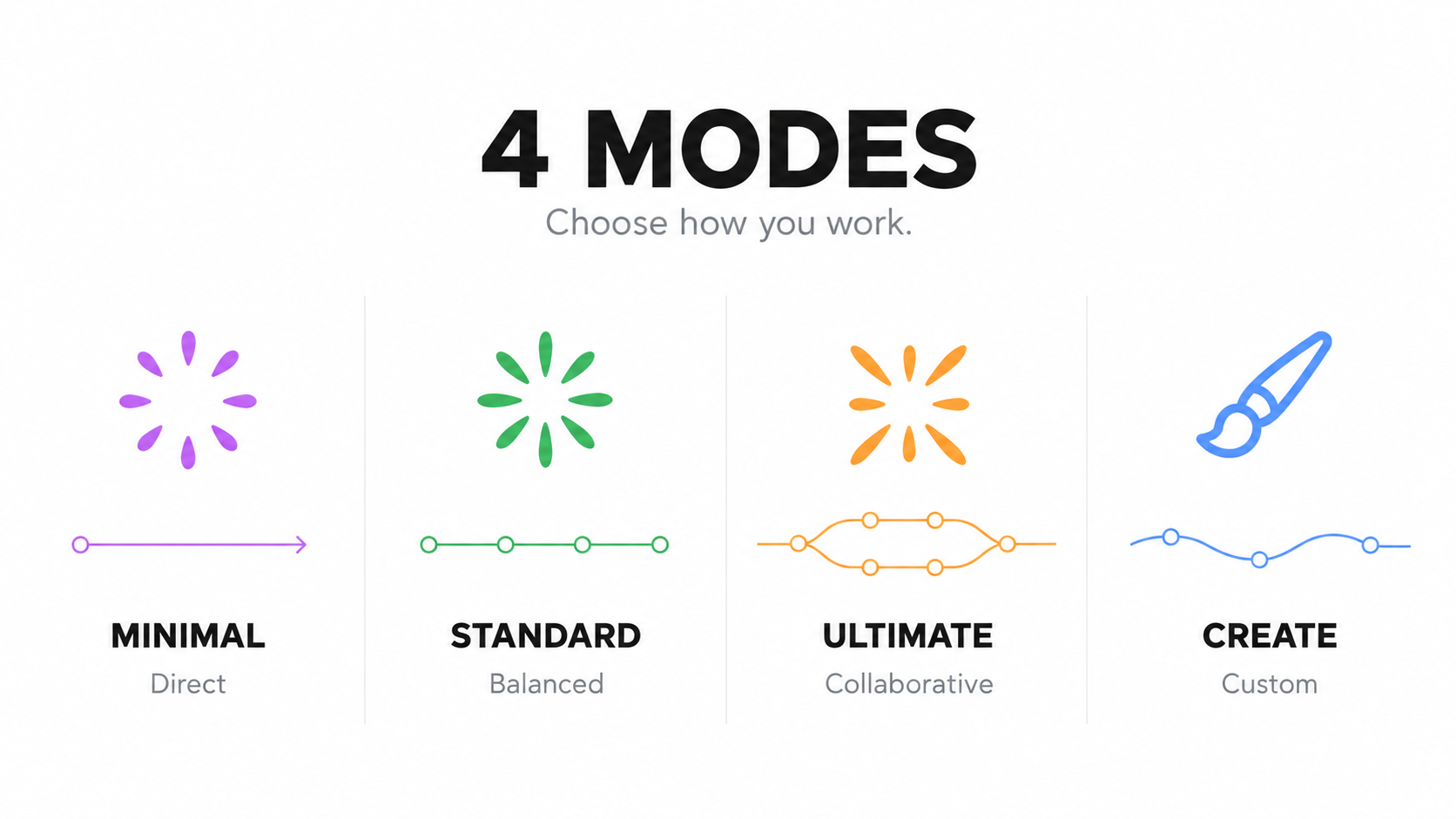
Нет, 1.0.0 не совместима с данными устаревшей версии 0.2.x, поэтому для переноса нужны OpenBitFun Data Tools. А они сейчас поддерживают только стабильные релизы 0.2.17-0.2.19.Могу ли я продолжать работу над той же задачей с телефона или из браузера?Да, можно начать задачу на компьютере и продолжить её на мобильном устройстве или в браузере. Работа продолжается на том устройстве, которое её выполняет, а синхронизацией между устройствами занимается сервер Relay, который вы развёртываете самостоятельно.
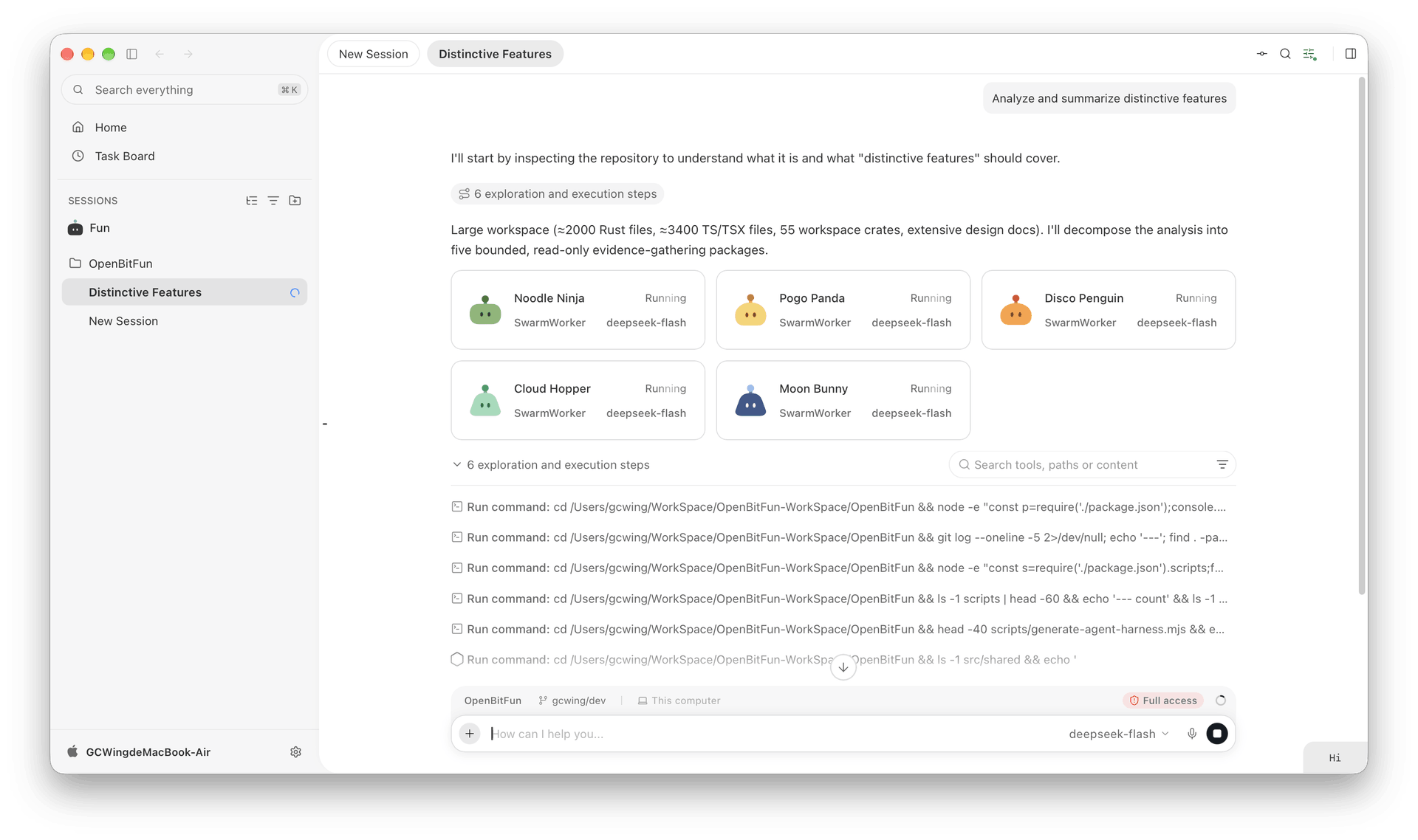
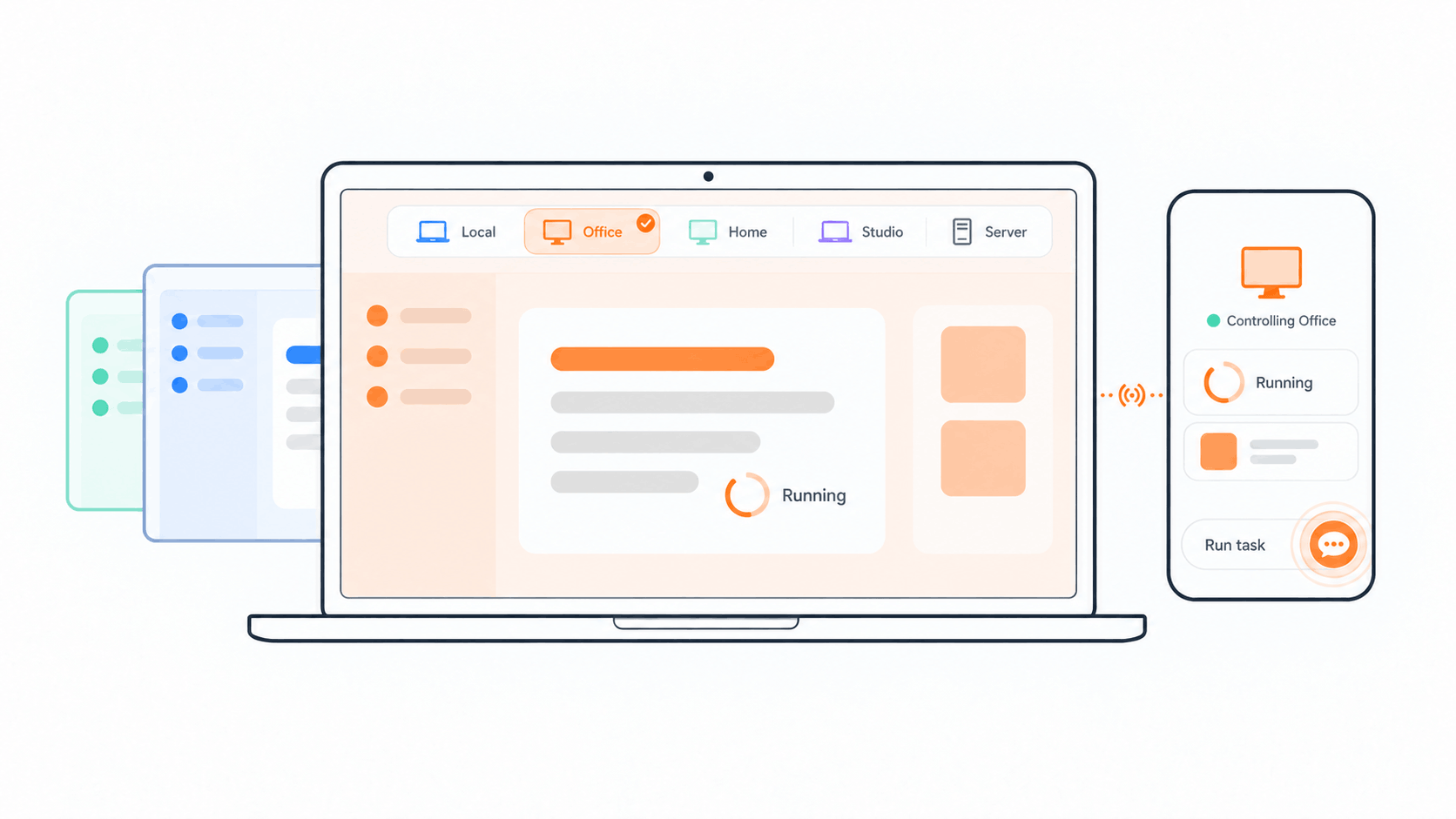
Да, можно начать задачу на компьютере и продолжить её на мобильном устройстве или в браузере. Работа продолжается на том устройстве, которое её выполняет, а синхронизацией между устройствами занимается сервер Relay, который вы развёртываете самостоятельно.Что делают четыре режима Agent Harness?Minimal отвечает за быстрое прямое взаимодействие, Standard разбивает обычные многошаговые задачи на циклы «план — работа — проверка», Ultimate делит сложные задачи между несколькими агентами, а Creative предназначен для создания Mini App и настройки самого рабочего пространства.
Minimal отвечает за быстрое прямое взаимодействие, Standard разбивает обычные многошаговые задачи на циклы «план — работа — проверка», Ultimate делит сложные задачи между несколькими агентами, а Creative предназначен для создания Mini App и настройки самого рабочего пространства.Что такое Mini App?Mini App сочетает небольшой специализированный интерфейс с диалогом с агентом. Вы описываете нужду, например панель аналитики Git, агент создаёт инструмент, а вы дорабатываете его через чат. Можно повторно использовать свои приложения или просматривать Mini App Marketplace.
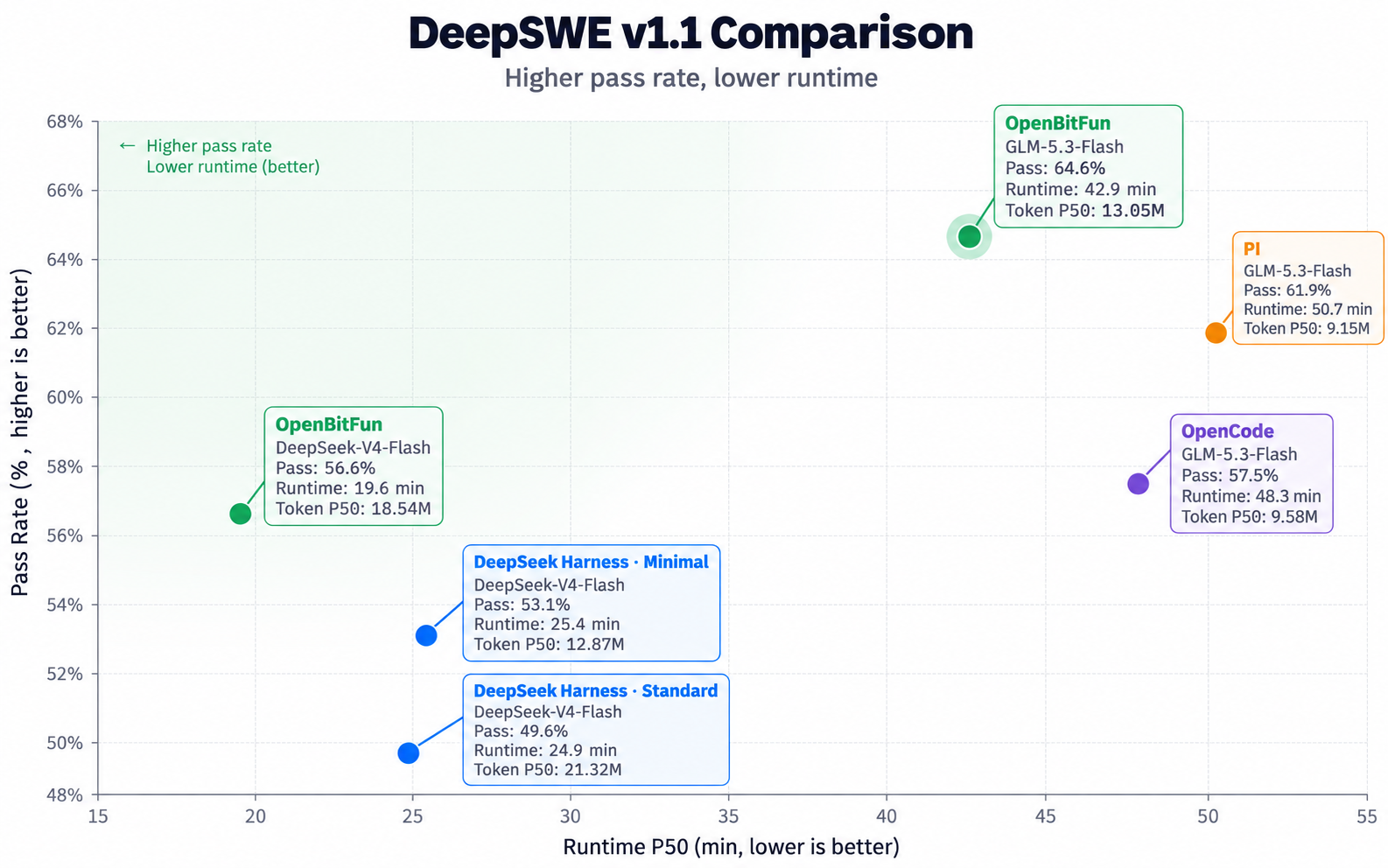
Mini App сочетает небольшой специализированный интерфейс с диалогом с агентом. Вы описываете нужду, например панель аналитики Git, агент создаёт инструмент, а вы дорабатываете его через чат. Можно повторно использовать свои приложения или просматривать Mini App Marketplace.Насколько хорошо она показывает себя в тестах на программирование?В оценке DeepSWE v1.1 OpenBitFun показала долю успешно решённых задач 64,6% с GLM-5.3-Flash (медианное время работы 42,9 мин) и 56,6% с DeepSeek-V4-Flash (медианное время работы 19,6 мин).
В оценке DeepSWE v1.1 OpenBitFun показала долю успешно решённых задач 64,6% с GLM-5.3-Flash (медианное время работы 42,9 мин) и 56,6% с DeepSeek-V4-Flash (медианное время работы 19,6 мин).Можно ли настроить или расширить сам OpenBitFun?Да: можно создавать узкоспециализированных агентов, подключать инструменты через MCP, превращать рабочие процессы в Skills, использовать Hooks, устанавливать скины интерфейса или даже попросить собственного Code Agent OpenBitFun изменить интерфейс и исходный код среды выполнения.
Да: можно создавать узкоспециализированных агентов, подключать инструменты через MCP, превращать рабочие процессы в Skills, использовать Hooks, устанавливать скины интерфейса или даже попросить собственного Code Agent OpenBitFun изменить интерфейс и исходный код среды выполнения.Какие есть похожие проекты?qwen-code, Baize, mindshub, openpencil, deepseek-harness-desktop, dsh_desktop, brigade, MemOS
qwen-code, Baize, mindshub, openpencil, deepseek-harness-desktop, dsh_desktop, brigade, MemOSВ каких он темах?agent-teams, cowork, ai-sdk, computer-use-agent, glm, vibe-coding, agentic, ai-coding, tauri, openclaw, dsh-plugin, deepseek
agent-teams, cowork, ai-sdk, computer-use-agent, glm, vibe-coding, agentic, ai-coding, tauri, openclaw, dsh-plugin, deepseek- Автор
- openBitFun
- Размер
- 266.4 MB
- Звёзды
- 4.1K
- Обновлён
- КоммитNov 18Релизv1.0.11Nov 16
- Возраст
- 9 мес
- Коммиты · 90 дней