








What is this?
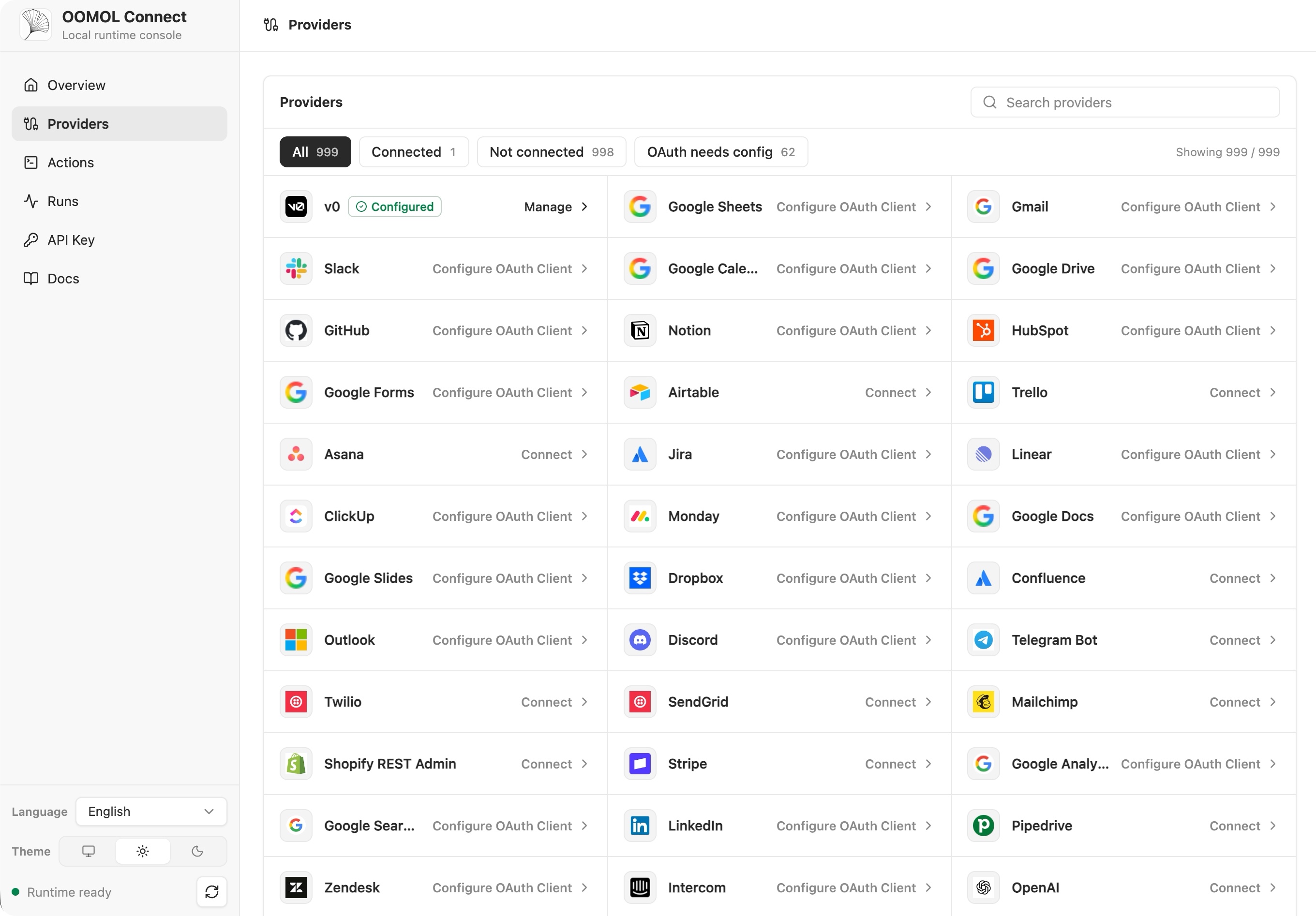
 OpenConnector is an open-source connector gateway that lets AI agents authenticate to and call 1,000+ SaaS providers (GitHub, Gmail, Notion, Slack, BigQuery, etc.) through a shared catalog of prebuilt Actions, acting as an open alternative to Pipedream or Composio.
OpenConnector is an open-source connector gateway that lets AI agents authenticate to and call 1,000+ SaaS providers (GitHub, Gmail, Notion, Slack, BigQuery, etc.) through a shared catalog of prebuilt Actions, acting as an open alternative to Pipedream or Composio.Is this a gateway I run myself, or a hosted service I just call?Both: you can self-host it locally or on your own infrastructure with Docker or Node.js and manage your own storage and OAuth apps, or use OOMOL's hosted runtime with managed OAuth, with the same provider and Action contracts in either mode.
Both: you can self-host it locally or on your own infrastructure with Docker or Node.js and manage your own storage and OAuth apps, or use OOMOL's hosted runtime with managed OAuth, with the same provider and Action contracts in either mode.How do I get it running?Start the self-hosted runtime via Docker Compose, which pulls the ghcr.io/oomol-lab/open-connector image, or build from source; then open the local Web Console and generated API reference to configure it.
Start the self-hosted runtime via Docker Compose, which pulls the ghcr.io/oomol-lab/open-connector image, or build from source; then open the local Web Console and generated API reference to configure it.What do I need before connecting an OAuth provider?You need OAuth client credentials from an app you register with each provider yourself, unless you use OOMOL-hosted connectors, which supply ready-made OAuth apps; GitHub is the simplest case since it can authenticate with just a personal access token.
You need OAuth client credentials from an app you register with each provider yourself, unless you use OOMOL-hosted connectors, which supply ready-made OAuth apps; GitHub is the simplest case since it can authenticate with just a personal access token.Any install pitfalls when switching to PostgreSQL?PostgreSQL migrations are not automatic: you must run 'npm run runtime:migrate' before starting a version with pending migrations, since server startup only checks schema readiness and never applies the DDL itself.
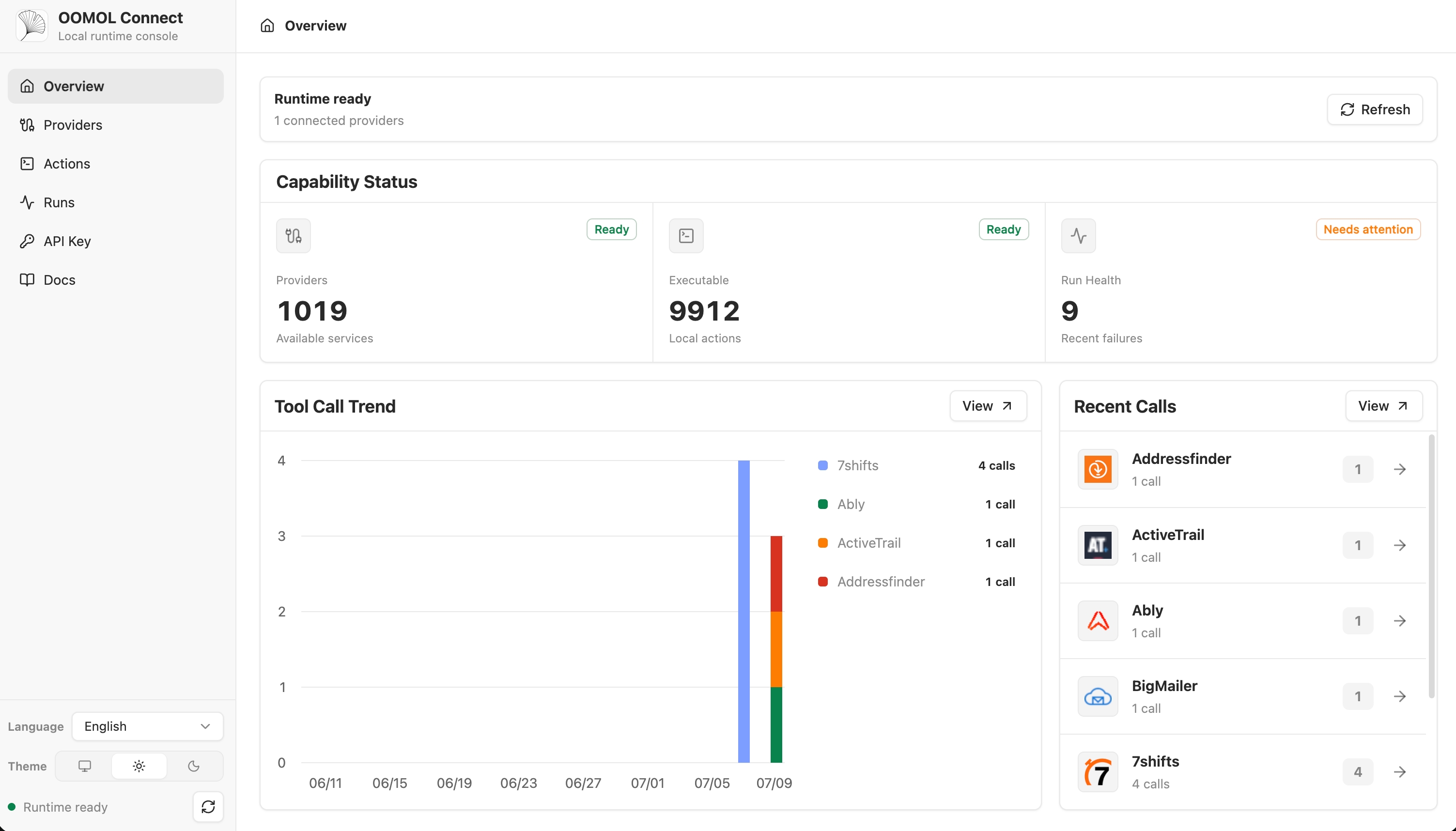
PostgreSQL migrations are not automatic: you must run 'npm run runtime:migrate' before starting a version with pending migrations, since server startup only checks schema readiness and never applies the DDL itself.How do agents and apps actually talk to it?Through whichever interface fits your stack: the TypeScript Connector SDK from app code, the 'oo' CLI as a local agent relay, MCP for MCP-capable agent hosts, or direct HTTP/OpenAPI calls, plus a Web Console for admin and debugging.
Through whichever interface fits your stack: the TypeScript Connector SDK from app code, the 'oo' CLI as a local agent relay, MCP for MCP-capable agent hosts, or direct HTTP/OpenAPI calls, plus a Web Console for admin and debugging.Do agents ever see my raw provider credentials?No, provider secrets stay behind the runtime boundary; agents only receive action metadata, safe account labels, and execution results needed for a run.
No, provider secrets stay behind the runtime boundary; agents only receive action metadata, safe account labels, and execution results needed for a run.What does the Apache-2.0 license actually cover here?The Apache-2.0 license covers the repository's source code, scripts, scaffolding, tests and docs, but it does not grant any rights to third-party providers, their trademarks, logos, or brand assets included in the catalog for identification purposes only.
The Apache-2.0 license covers the repository's source code, scripts, scaffolding, tests and docs, but it does not grant any rights to third-party providers, their trademarks, logos, or brand assets included in the catalog for identification purposes only.Can I deploy this on Kubernetes?Yes, there is a hardened Helm chart with PVC-backed SQLite or PostgreSQL state, migration hooks, Ingress, autoscaling, and NetworkPolicy toggles for teams running their own clusters.
Yes, there is a hardened Helm chart with PVC-backed SQLite or PostgreSQL state, migration hooks, Ingress, autoscaling, and NetworkPolicy toggles for teams running their own clusters.What is Wanta and how does it relate to OpenConnector?Wanta is a separate open-source desktop AI agent app, powered by OpenCode, that uses OpenConnector under the hood to let its agent work with connected SaaS services like Gmail, Slack, and Notion.
Wanta is a separate open-source desktop AI agent app, powered by OpenCode, that uses OpenConnector under the hood to let its agent work with connected SaaS services like Gmail, Slack, and Notion.What storage options does the runtime support?The Node runtime uses SQLite by default and can switch to PostgreSQL 15+, with temporary file transit stored either locally or in S3-compatible storage.
The Node runtime uses SQLite by default and can switch to PostgreSQL 15+, with temporary file transit stored either locally or in S3-compatible storage.Can I try it without setting up OAuth first?Yes, the quickstart includes running a no-auth Action against the local runtime to verify everything works before connecting a real credentialed provider.
Yes, the quickstart includes running a no-auth Action against the local runtime to verify everything works before connecting a real credentialed provider.What are similar projects?trueforge, executor, anythingmcp, goshen-email, buzzkit, casdoor, open-webui, electric
trueforge, executor, anythingmcp, goshen-email, buzzkit, casdoor, open-webui, electricWhich topics is it in?agent-tools, api-gateway, openapi, cloudflare-workers, oauth, model-context-protocol, kubernetes, postgresql, docker-compose, sdk, cloud, database
agent-tools, api-gateway, openapi, cloudflare-workers, oauth, model-context-protocol, kubernetes, postgresql, docker-compose, sdk, cloud, database