
4.9K ·GitHub
Что это?
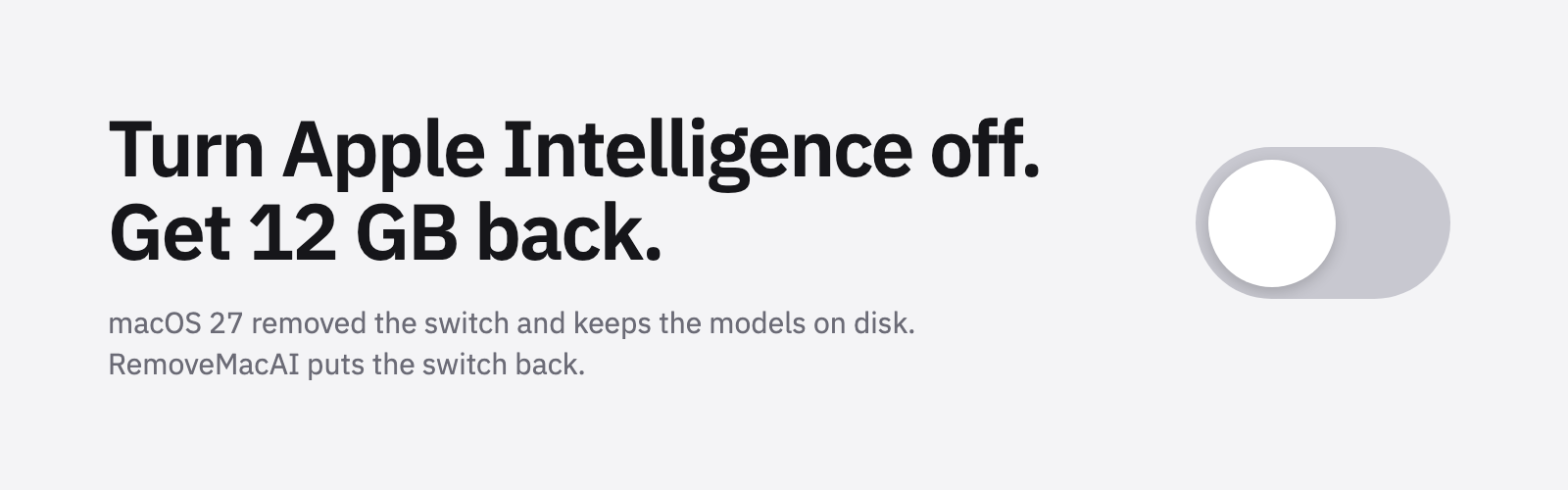
 RemoveMacAI — утилита для macOS 27, которая отключает функции Apple Intelligence (Siri, Writing Tools, Genmoji, генерацию изображений и другое), удаляет уже скачанные для них AI-модели и блокирует повторную загрузку этих моделей в macOS, причём каждое изменение обратимо.
RemoveMacAI — утилита для macOS 27, которая отключает функции Apple Intelligence (Siri, Writing Tools, Genmoji, генерацию изображений и другое), удаляет уже скачанные для них AI-модели и блокирует повторную загрузку этих моделей в macOS, причём каждое изменение обратимо.Это приложение с графическим интерфейсом или то, что запускают из Terminal?Она поставляется и как нативное приложение macOS, и как CLI с именем removemacai, у которого есть команды вроде status, off, revert и features — для скриптов или работы в терминале.
Она поставляется и как нативное приложение macOS, и как CLI с именем removemacai, у которого есть команды вроде status, off, revert и features — для скриптов или работы в терминале.Для этого нужен Apple Silicon?Да, требуется Apple Silicon, и поддерживается только macOS 27; конкретно на 27.0.1 нужна версия 0.2.3 или новее.
Да, требуется Apple Silicon, и поддерживается только macOS 27; конкретно на 27.0.1 нужна версия 0.2.3 или новее.Это заработает на Mac с Intel или на macOS 26?Нет, macOS 26 и более старые версии не поддерживаются, а поскольку обязателен Apple Silicon, Mac на Intel тоже исключаются.
Нет, macOS 26 и более старые версии не поддерживаются, а поскольку обязателен Apple Silicon, Mac на Intel тоже исключаются.RemoveMacAI отправляет какие-то мои данные куда-либо?Нет, она работает полностью локально: сама не делает сетевых запросов и не собирает никаких данных.
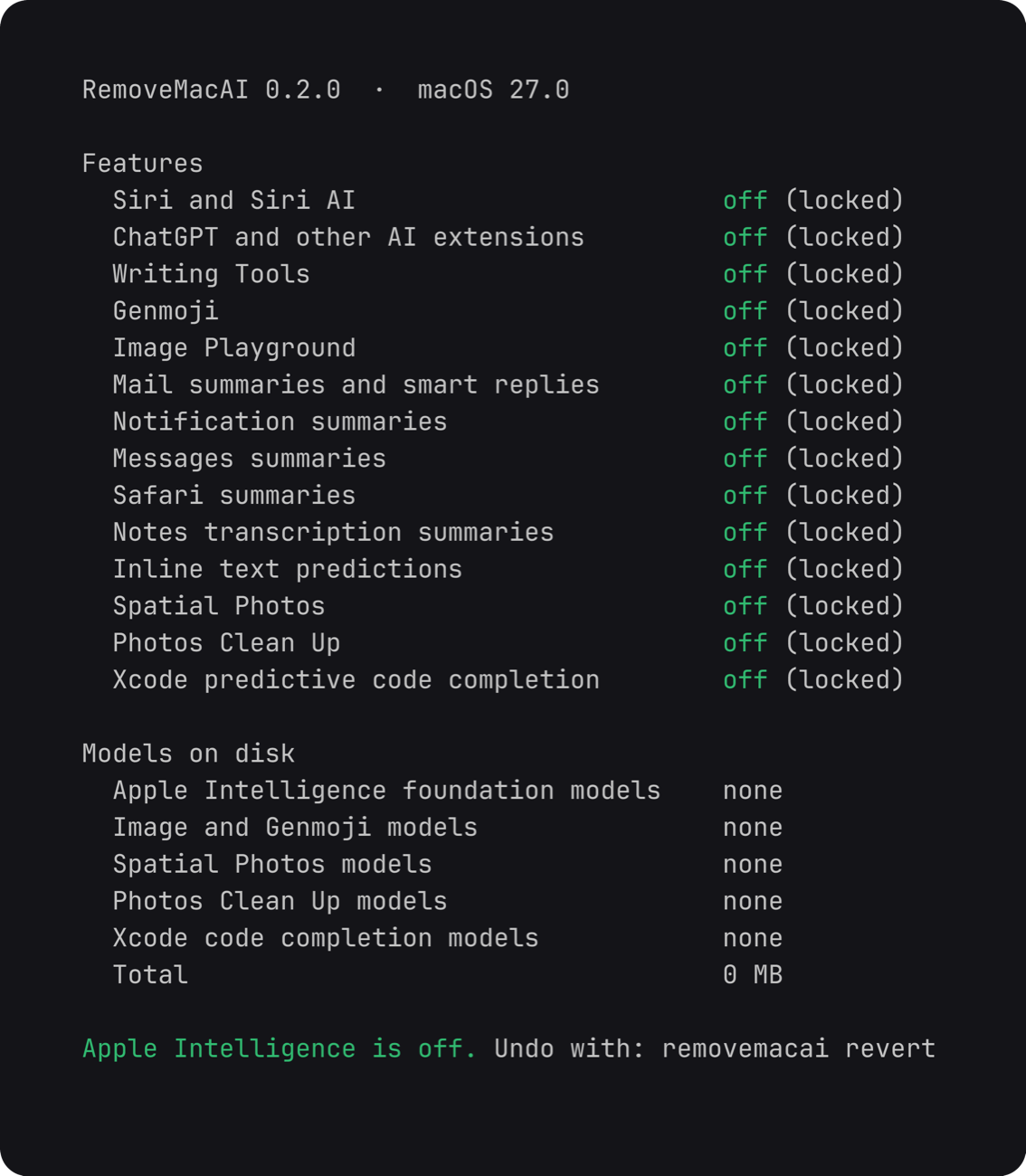
Нет, она работает полностью локально: сама не делает сетевых запросов и не собирает никаких данных.Что именно она отключает?Она выключает Siri (включая Hey Siri), Writing Tools, Genmoji, Image Playground, расширение ChatGPT, сводки в Mail/Messages/Safari/Notes, встроенные текстовые подсказки, Spatial Photos, Photos Clean Up и предиктивное дополнение кода в Xcode, а также удаляет соответствующие локальные модели.
Она выключает Siri (включая Hey Siri), Writing Tools, Genmoji, Image Playground, расширение ChatGPT, сводки в Mail/Messages/Safari/Notes, встроенные текстовые подсказки, Spatial Photos, Photos Clean Up и предиктивное дополнение кода в Xcode, а также удаляет соответствующие локальные модели.Могу ли я потом отменить изменения?Да, команда removemacai revert отменяет всё, и macOS заново скачает модели, когда какая-нибудь функция в следующий раз в них понадобится.
Да, команда removemacai revert отменяет всё, и macOS заново скачает модели, когда какая-нибудь функция в следующий раз в них понадобится.Отключение этого заодно выключает диктовку?Нет, диктовка использует отдельную настройку, и её речевые модели остаются нетронутыми.
Нет, диктовка использует отдельную настройку, и её речевые модели остаются нетронутыми.Как она мешает macOS заново скачивать удалённые модели?Установленный конфигурационный профиль перенаправляет запрос на скачивание каждой модели на закрытый локальный порт, поэтому сервису ассетов Apple не удастся снова её получить, пока профиль не удалён.
Установленный конфигурационный профиль перенаправляет запрос на скачивание каждой модели на закрытый локальный порт, поэтому сервису ассетов Apple не удастся снова её получить, пока профиль не удалён.What are similar projects?macspace-releases, macos-sysdata, FluentCleaner, PureMac, tendedero, greenbubbles, OpenYoink, apfel
macspace-releases, macos-sysdata, FluentCleaner, PureMac, tendedero, greenbubbles, OpenYoink, apfelWhich topics is it in?apple-intelligence, bloatware-removal, system-cleaner, debloat, privacy-tools, offline-first, privacy-first, apple, macos-app, homebrew, app, apple-silicon
apple-intelligence, bloatware-removal, system-cleaner, debloat, privacy-tools, offline-first, privacy-first, apple, macos-app, homebrew, app, apple-silicon