ttfx
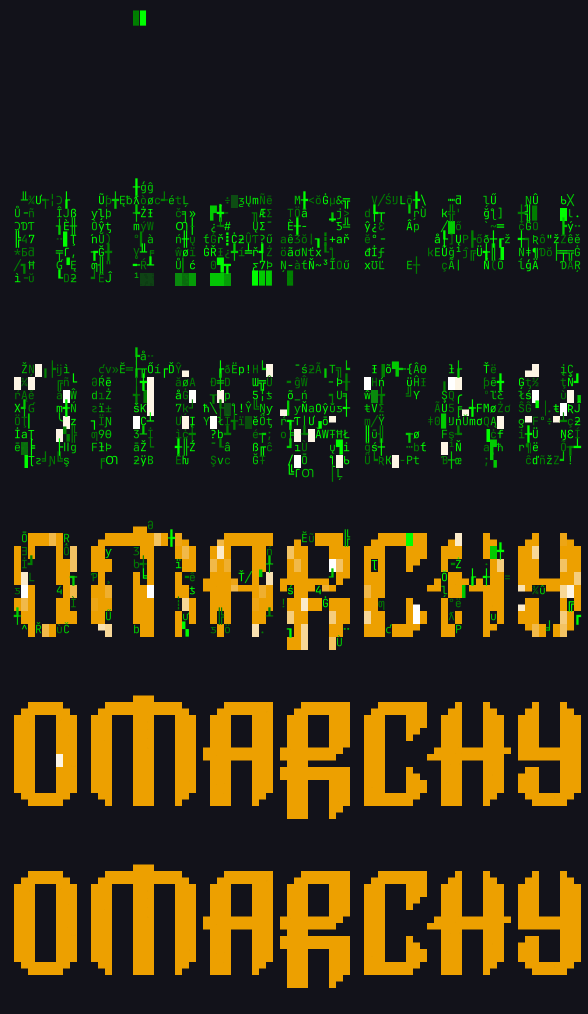
Terminal text effects as a single static binary. Pipe text in, pick an effect:
ls -la | ttfx decrypt
cat banner.txt | ttfx beams
fortune | ttfx --random-effect
git log --oneline -10 | ttfx matrix
Credit where it's due
This is a port of TerminalTextEffects
(TTE) by ChrisBuilds. Every effect, the animation engine,
and the command-line interface are their design — this project translates that work to Rust
and adds nothing of its own to the art. If you like what you see here, star the original.
TTE is MIT licensed and so is this port; the original copyright is preserved in
LICENSE and NOTICE. Please file effect ideas upstream, where they belong.
Why a port
TTE is a Python package. That's the right call for a library, but for a shell toy that lives in
your prompt pipeline it means an interpreter, an install step, and ~65 ms of import before the
first frame. ttfx is one dependency-free binary that starts in under a millisecond.
That difference is the whole reason this exists, and it compounds: once running, ttfx renders
every effect hundreds of times faster than Python TTE. Time to render each whole animation at
200×50 cells (46 lines of 190 characters), pacing disabled so this measures throughput rather
than sleep():
| Effect |
Frames |
Python TTE |
ttfx |
Faster |
| beams |
754 |
7,193 ms |
8.2 ms |
876× |
| binarypath |
2,003 |
19,489 ms |
57.3 ms |
340× |
| blackhole |
1,814 |
11,714 ms |
39.8 ms |
294× |
| bouncyballs |
9,169 |
8,665 ms |
19.7 ms |
439× |
| bubbles |
12,207 |
12,991 ms |
25.6 ms |
506× |
| burn |
3,178 |
8,276 ms |
11.1 ms |
746× |
| colorshift |
528 |
6,614 ms |
13.7 ms |
482× |
| crumble |
1,958 |
8,343 ms |
34.3 ms |
243× |
| decrypt |
5,506 |
10,134 ms |
11.7 ms |
868× |
| errorcorrect |
5,252 |
7,232 ms |
11.5 ms |
626× |
| expand |
314 |
3,651 ms |
11.9 ms |
306× |
| fireworks |
1,503 |
16,502 ms |
42.4 ms |
389× |
| highlight |
129 |
1,418 ms |
2.5 ms |
559× |
| laseretch |
14,490 |
18,051 ms |
26.4 ms |
683× |
| matrix ¹ |
2,315 |
— |
— |
— |
| middleout |
245 |
2,549 ms |
7.1 ms |
360× |
| orbittingvolley |
1,169 |
1,967 ms |
10.6 ms |
186× |
| overflow |
313 |
2,723 ms |
9.9 ms |
276× |
| pour |
7,252 |
6,783 ms |
12.0 ms |
567× |
| print |
10,065 |
8,020 ms |
5.8 ms |
1,387× |
| rain |
4,853 |
5,166 ms |
13.4 ms |
384× |
| randomsequence |
207 |
1,223 ms |
2.8 ms |
443× |
| rings |
1,580 |
13,003 ms |
73.8 ms |
176× |
| scattered |
438 |
4,055 ms |
15.1 ms |
269× |
| slice |
400 |
2,703 ms |
5.8 ms |
464× |
| slide |
375 |
2,643 ms |
8.3 ms |
317× |
| smoke |
645 |
4,016 ms |
5.8 ms |
694× |
| spotlights |
832 |
9,848 ms |
27.7 ms |
355× |
| spray |
718 |
3,364 ms |
19.4 ms |
174× |
| swarm |
5,242 |
16,675 ms |
69.8 ms |
239× |
| sweep |
220 |
1,663 ms |
3.3 ms |
508× |
| synthgrid |
687 |
2,602 ms |
5.2 ms |
497× |
| thunderstorm ¹ |
1,083 |
— |
— |
— |
| unstable |
552 |
5,014 ms |
22.4 ms |
223× |
| vhstape |
727 |
6,872 ms |
17.8 ms |
387× |
| waves |
635 |
10,656 ms |
11.7 ms |
914× |
| wipe |
138 |
1,346 ms |
2.4 ms |
552× |
ttfx is 423× faster than Python TTE (geometric mean over the 35 effects that run to
completion; median 439×, range 174×–1,387×). Starting up to draw a single character takes 0.8 ms
against 66 ms.
¹ matrix and thunderstorm run for a fixed wall-clock duration, so Python and ttfx finish at the
same moment; what ttfx buys there is a far higher frame rate inside that window.
Measured on an AMD Ryzen 9 9955HX with ttfx 0.5.0 against TerminalTextEffects 0.15.0 on CPython
3.14.7, both pinned to two cores, output to /dev/null: ttfx best of five runs, Python best of
two. Reproduce it with tools/fx/speed.py --python (see tools/fx/speed.py --help for installing
Python TTE).
For energy rather than speed, python3 tools/tests/bench_energy.py [effect ...] reports the
joules one paced run costs, read from the CPU's RAPL counters (Linux, needs root to read them).
The effects
All 37, each animating the Omarchy logo. Every frame below came out of the Rust binary — and is
byte-identical to what the Python original produces from the same input and seed.
|
|
beams
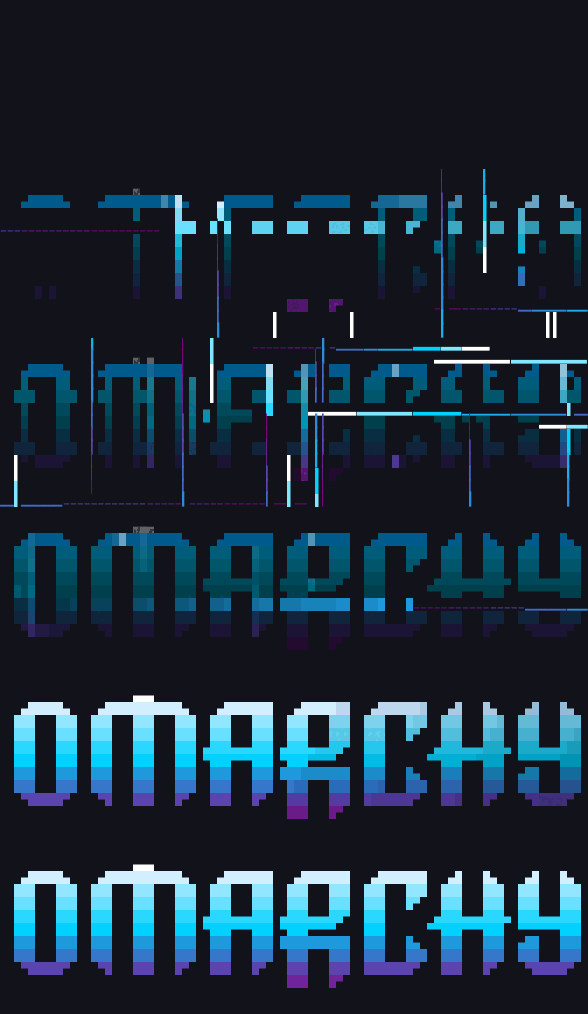
Create beams which travel over the canvas illuminating the characters behind them |
binarypath
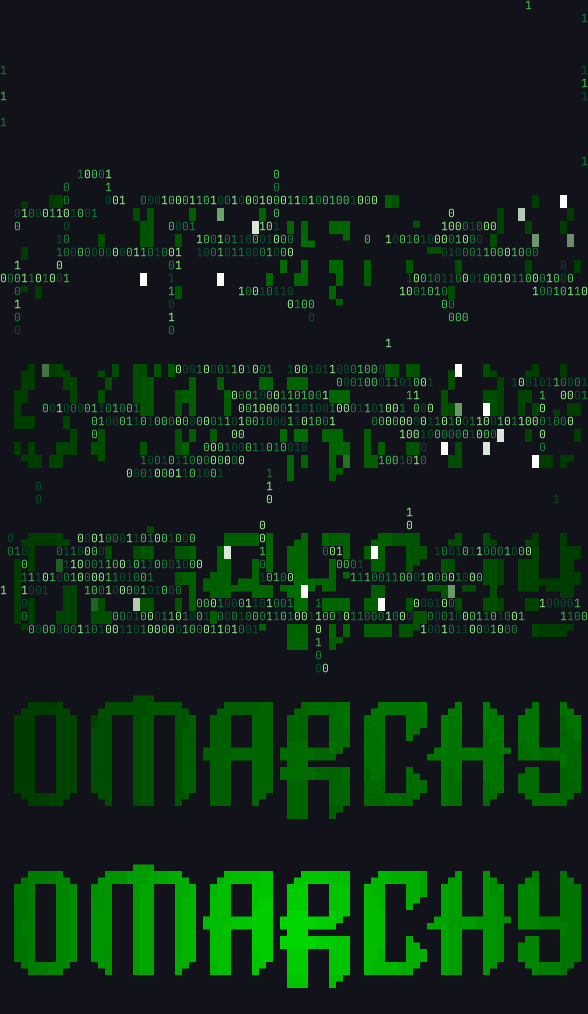
Binary representations of each character move towards the home coordinate of the character |
blackhole
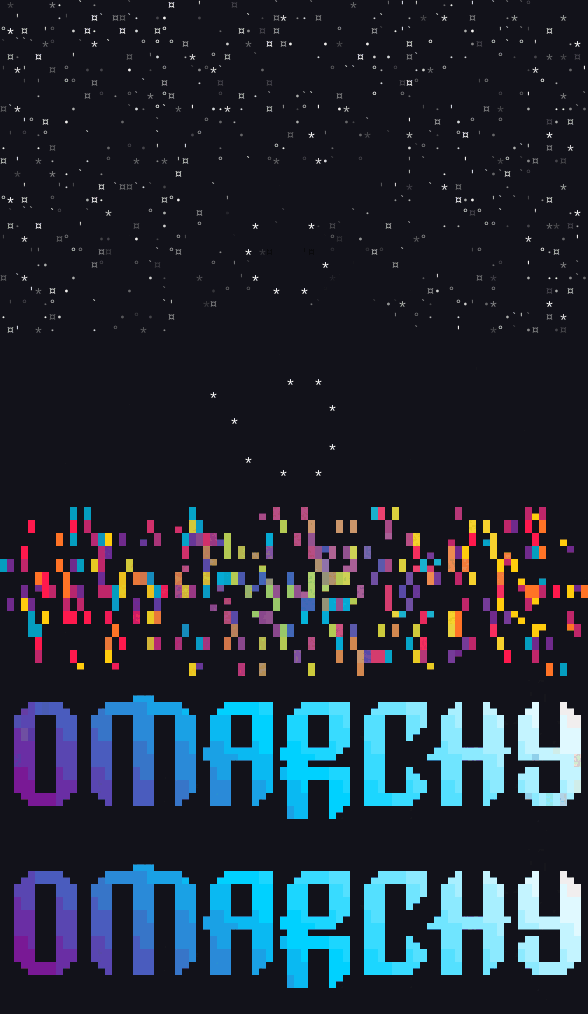
Characters are consumed by a black hole and explode outwards |
bouncyballs
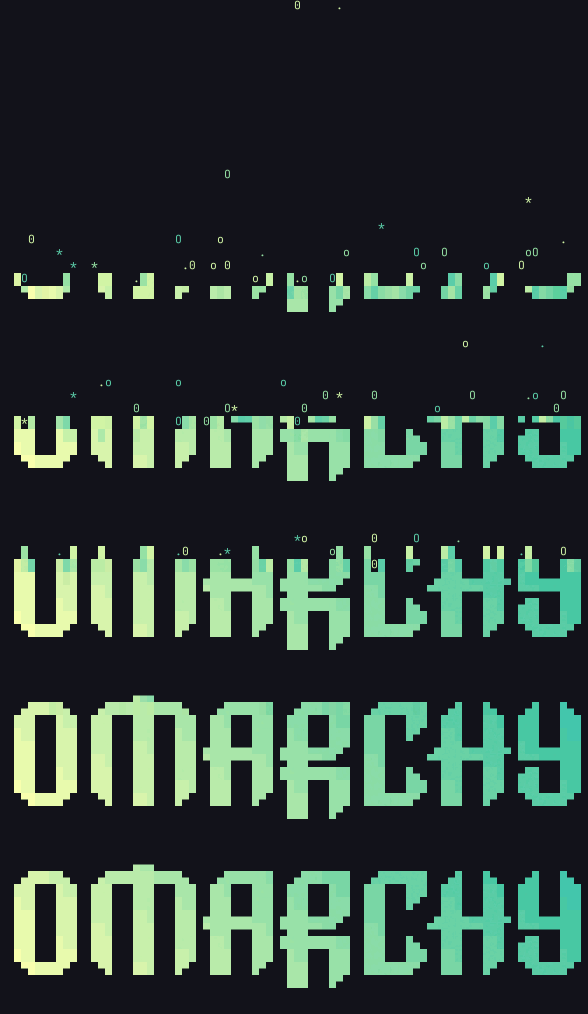
Characters are bouncy balls falling from the top of the canvas |
bubbles
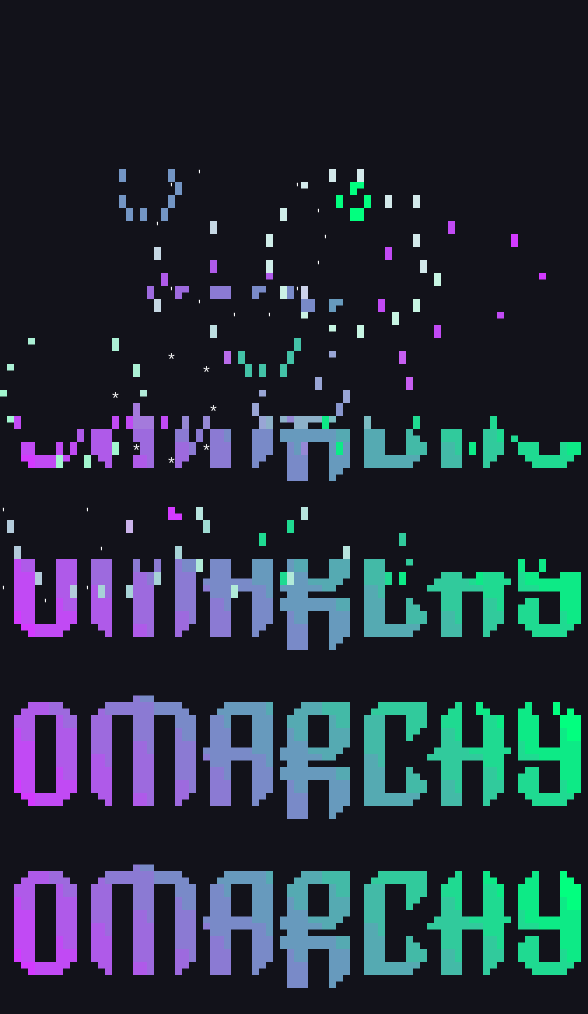
Characters are formed into bubbles that float down and pop |
burn
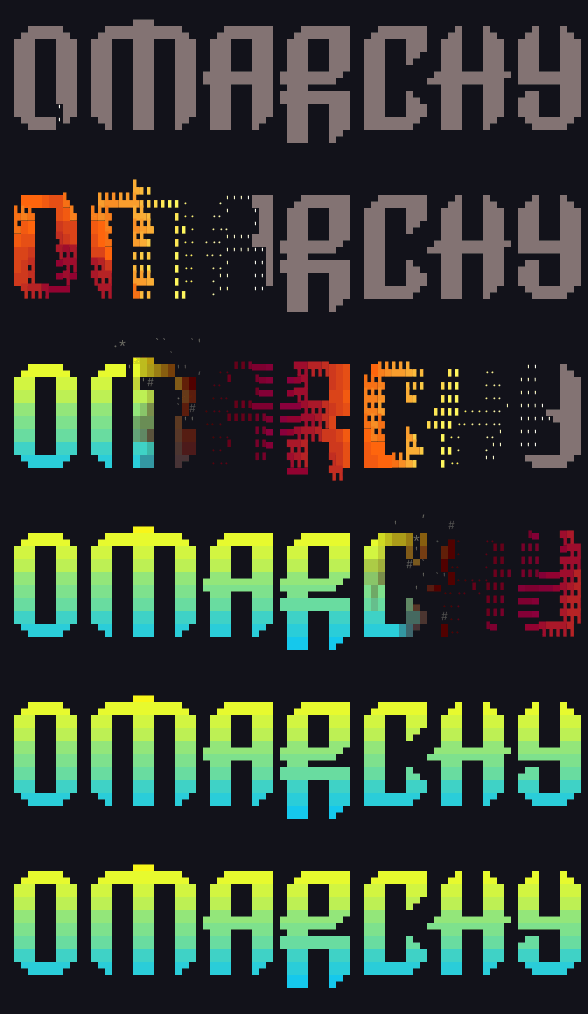
Burns vertically in the canvas |
colorshift
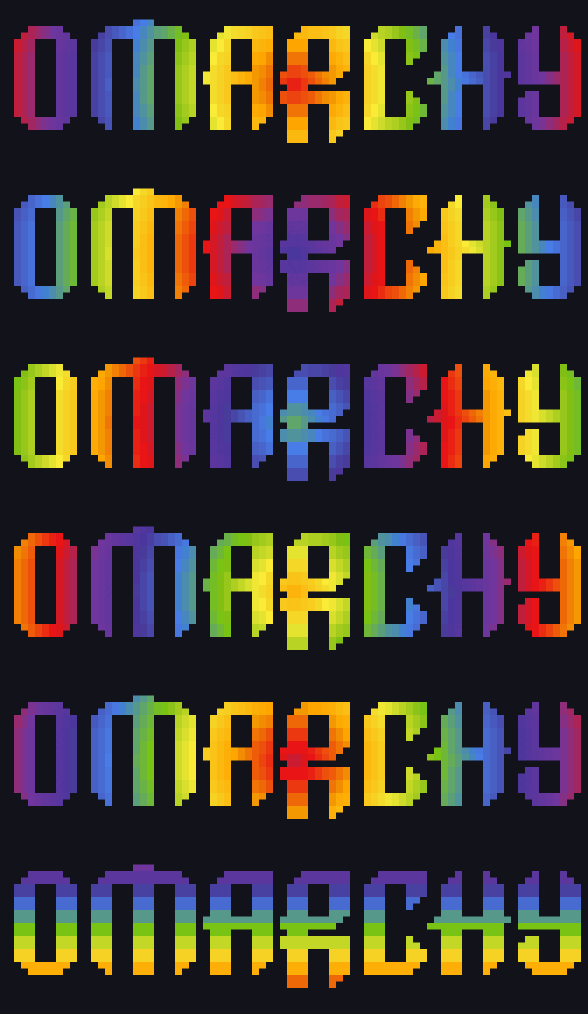
Display a gradient that shifts colors across the terminal |
crumble
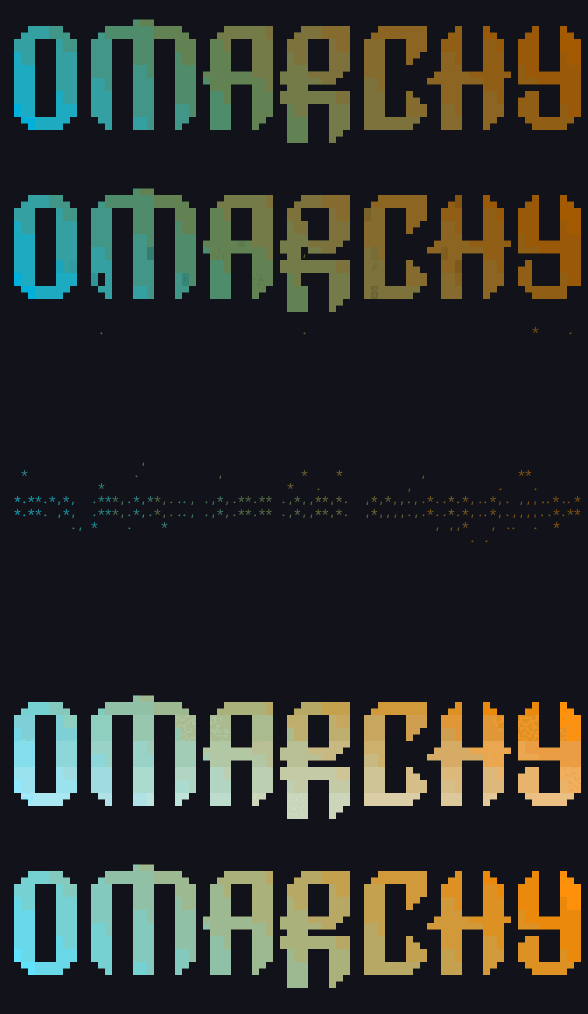
Characters lose color and crumble into dust, vacuumed up, and reformed |
decrypt
Display a movie style decryption effect |
errorcorrect
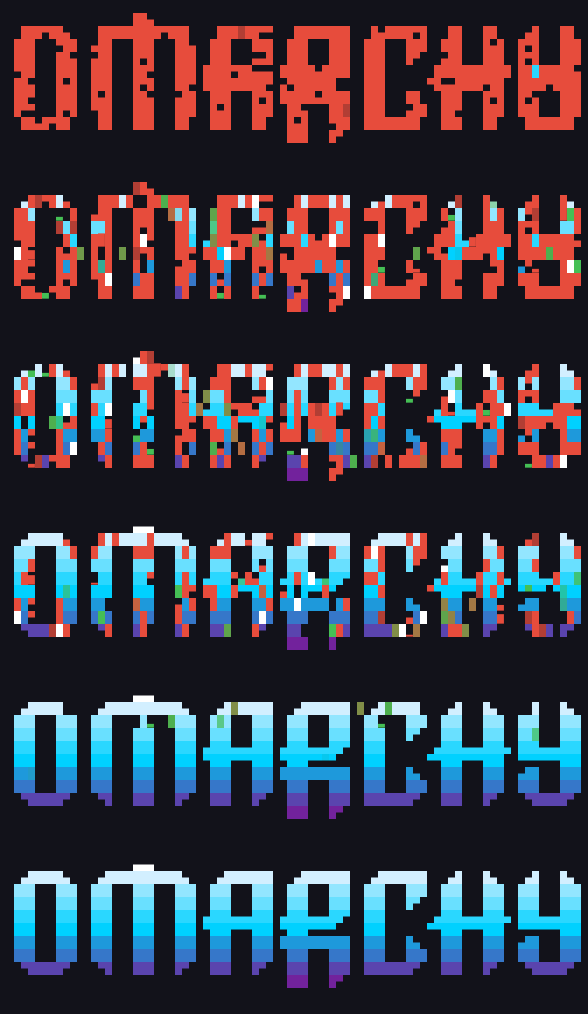
Some characters start in the wrong position and are corrected in sequence |
expand
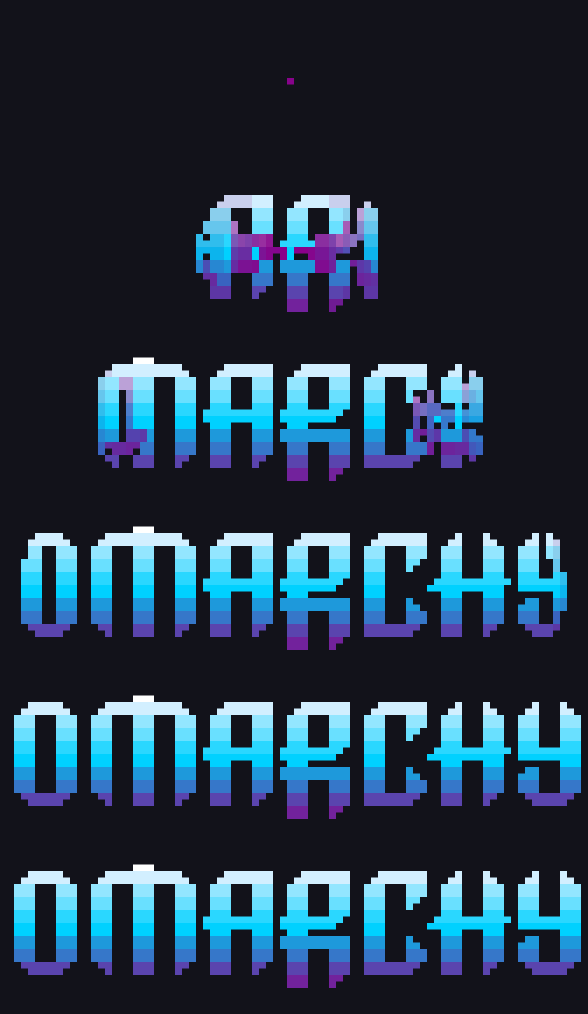
Expands the text from a single point |
fireworks
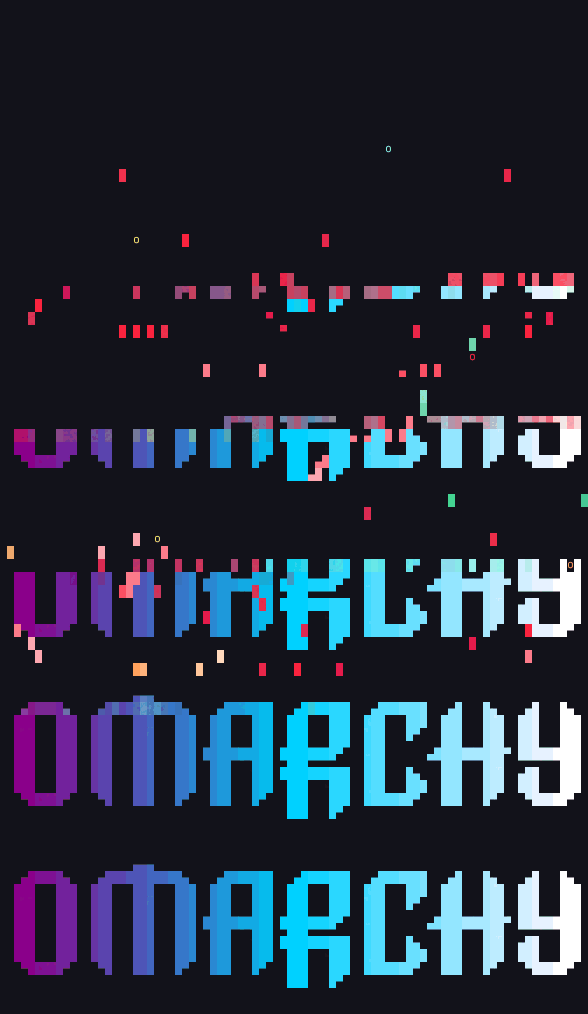
Characters launch and explode like fireworks and fall into place |
highlight
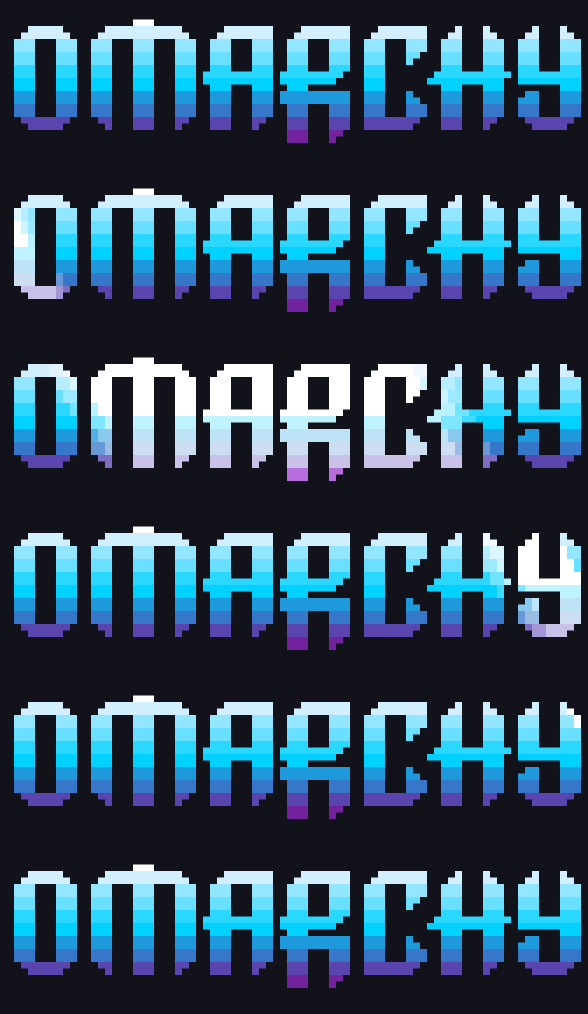
Run a specular highlight across the text |
laseretch
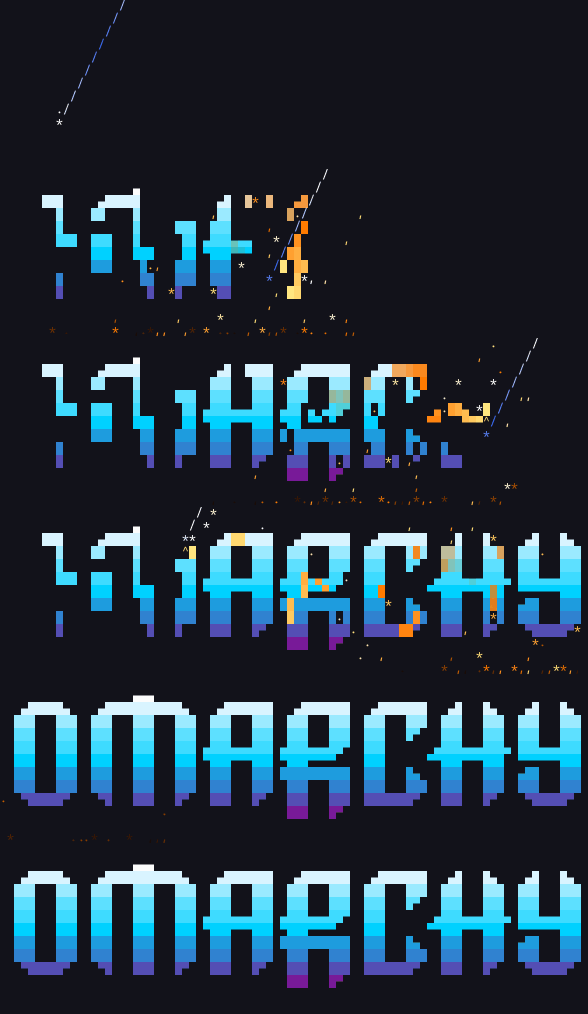
A laser etches characters onto the terminal |
matrix
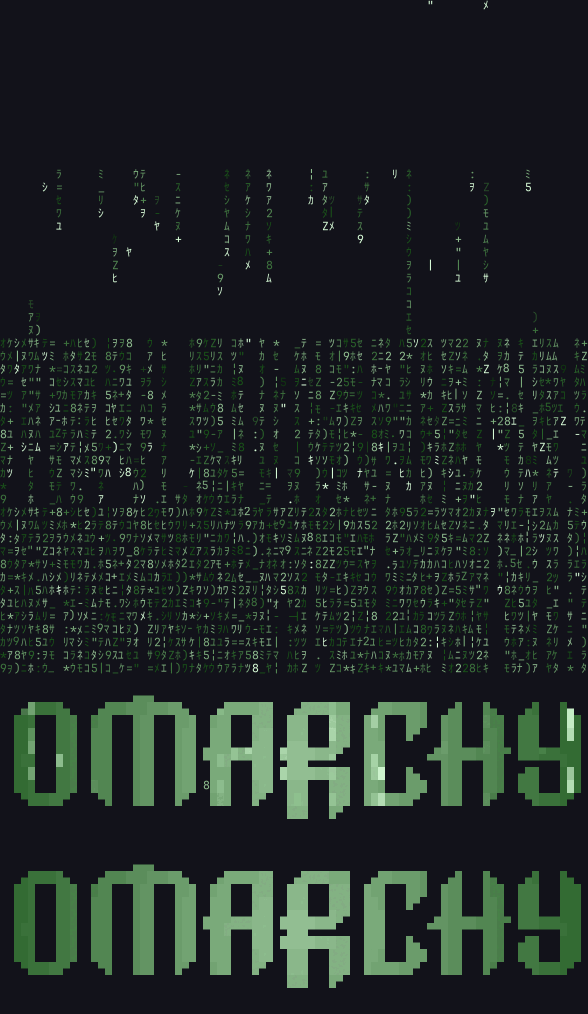
Matrix digital rain effect |
middleout
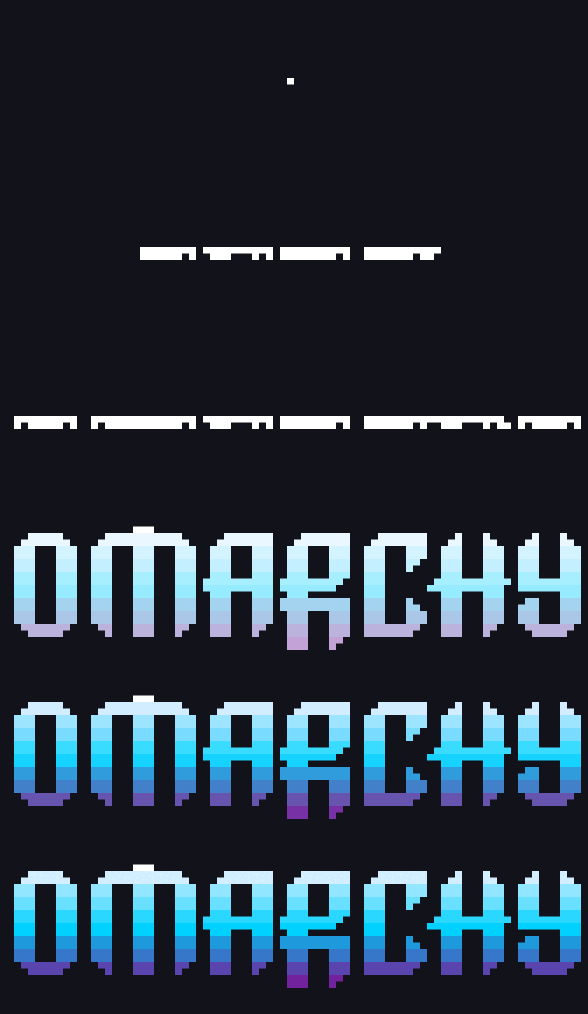
Text expands in a single row or column in the middle of the canvas then out |
orbittingvolley
Four launchers orbit the canvas firing volleys of characters inward to build the input text from the center out |
overflow
Input text overflows and scrolls the terminal in a random order until eventually appearing ordered |
pour
Pours the characters into position from the given direction |
print
Lines are printed one at a time following a print head. Print head performs line feed, carriage return |
rain
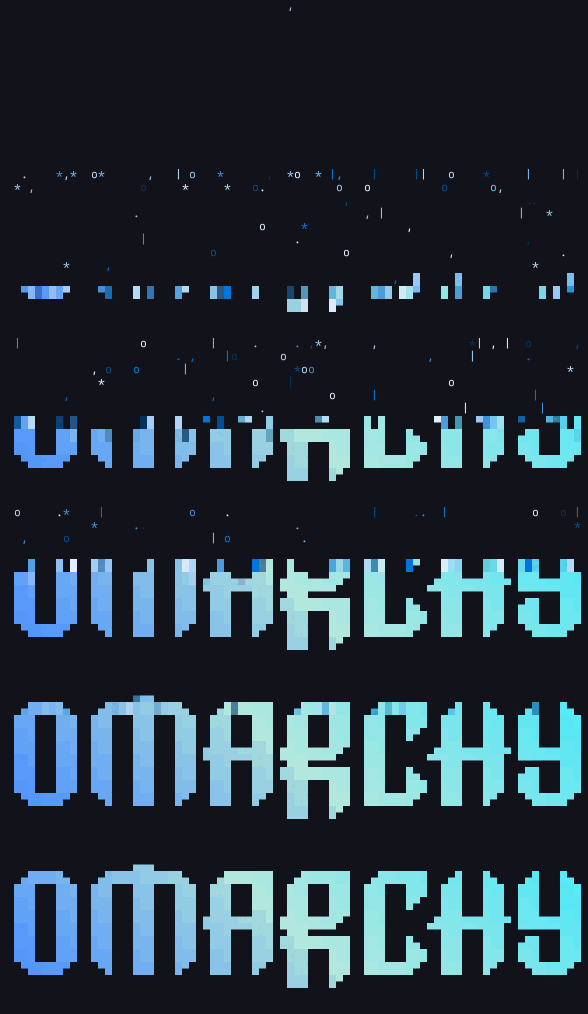
Rain characters from the top of the canvas |
randomsequence
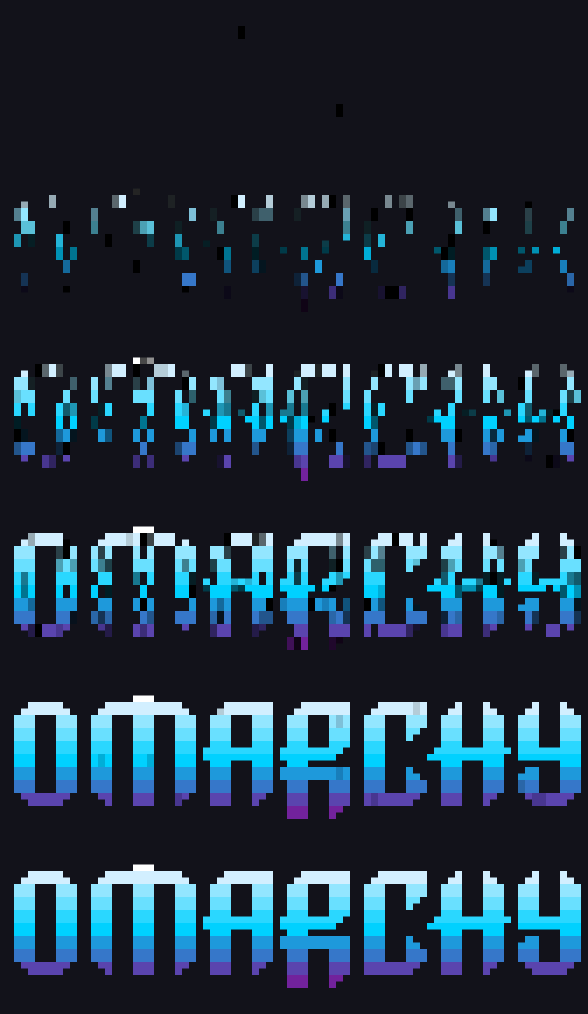
Prints the input data in a random sequence |
rings
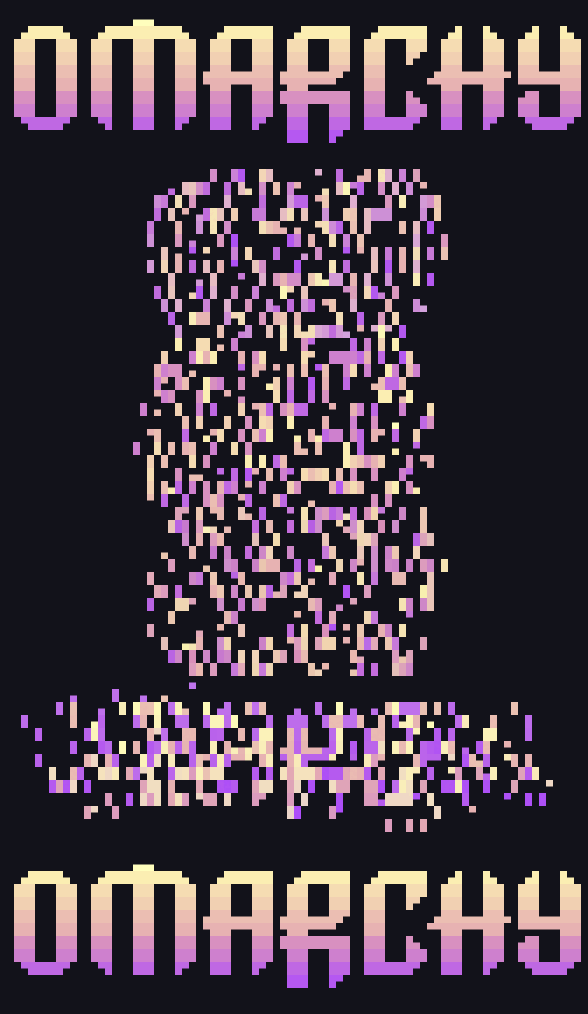
Characters are dispersed and form into spinning rings |
scattered
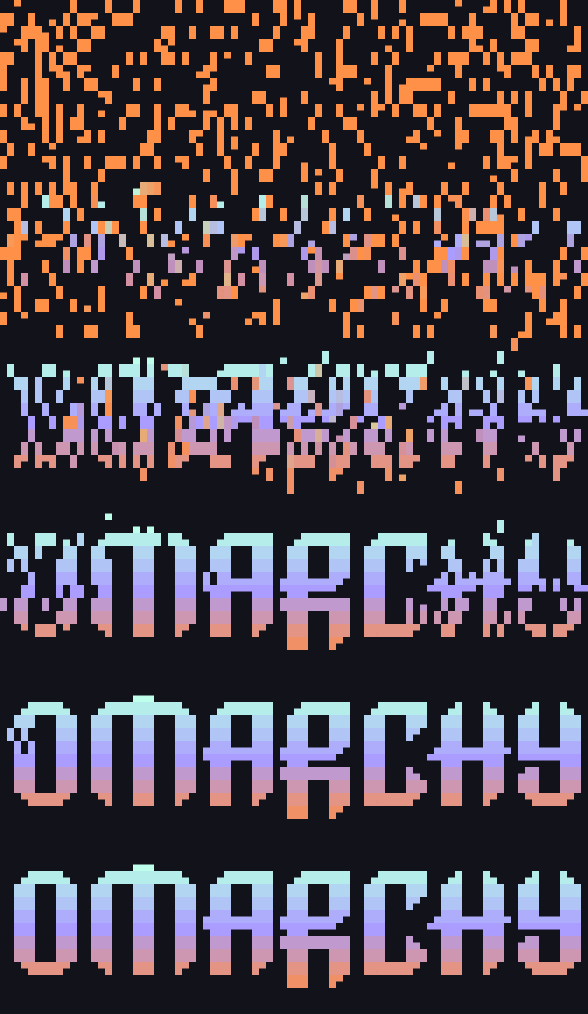
Text is scattered across the canvas and moves into position |
slice
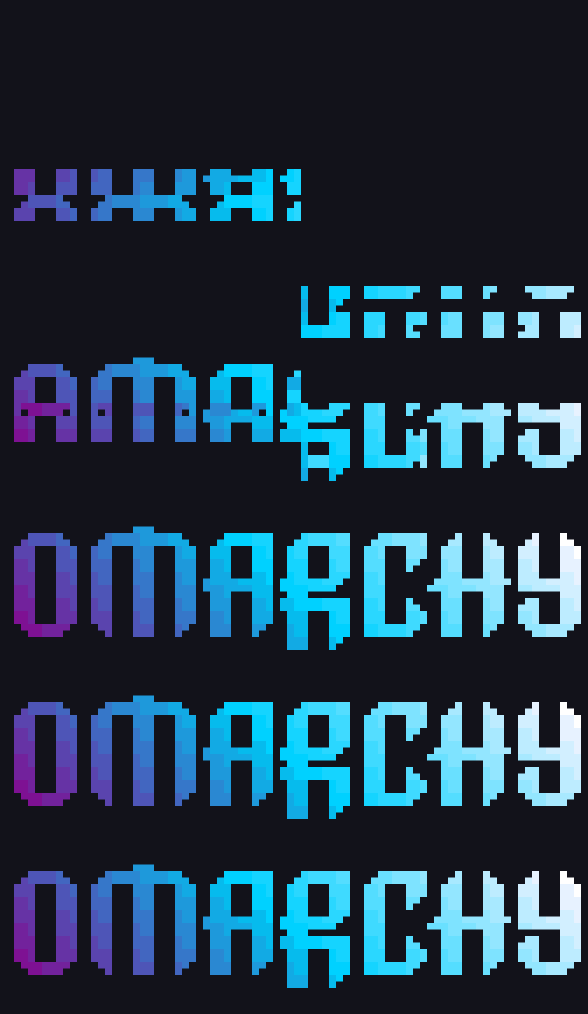
Slices the input in half and slides it into place from opposite directions |
slide
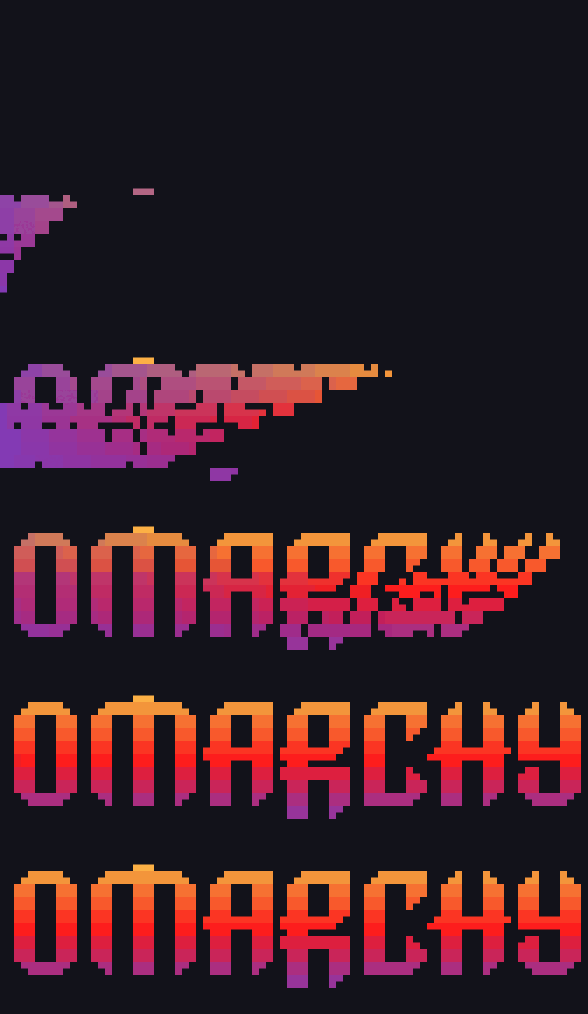
Slide characters into view from outside the terminal |
smoke
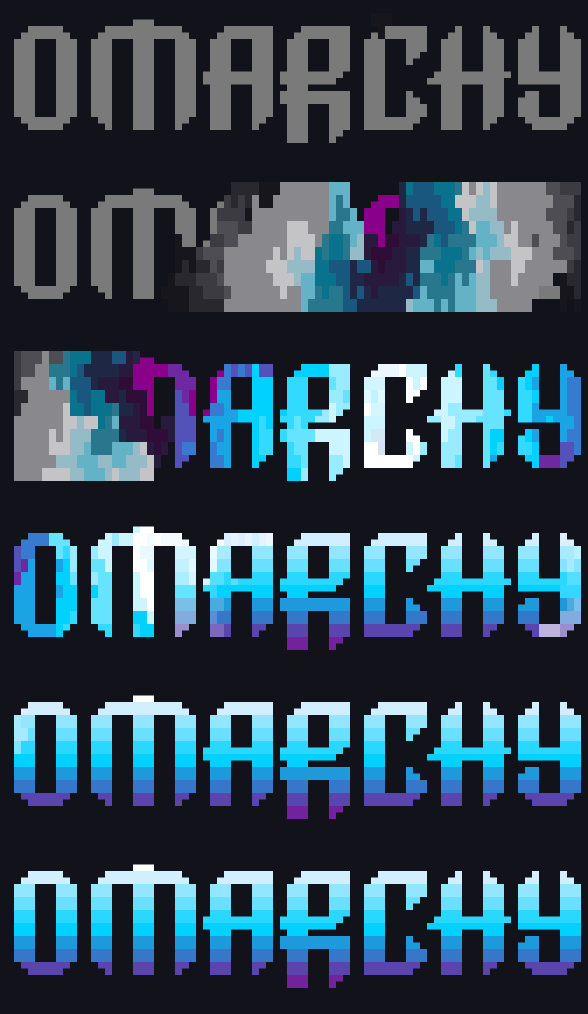
Smoke floods the canvas colorizing any characters it crosses |
spotlights
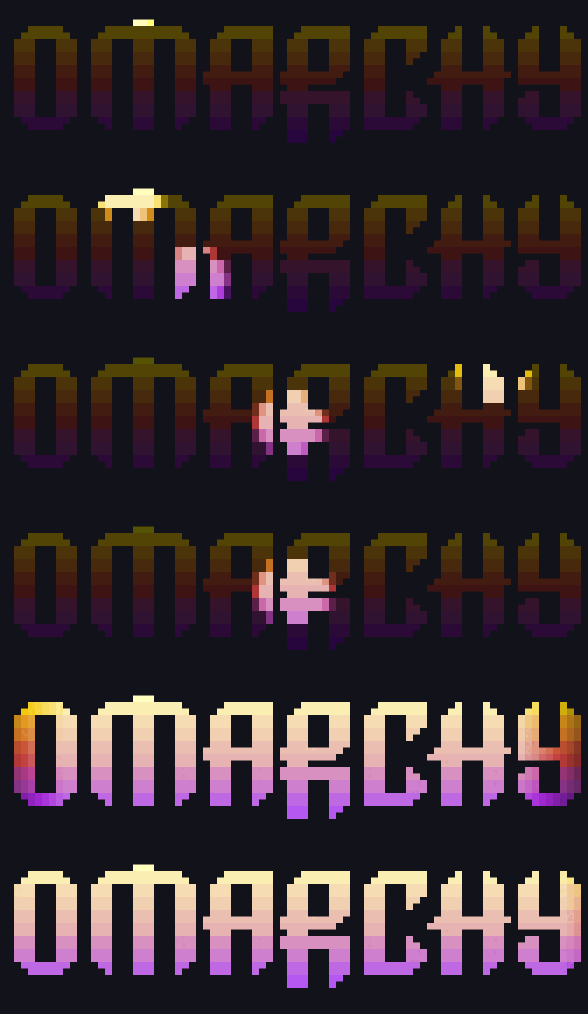
Spotlights search the text area, illuminating characters, before converging in the center and expanding |
spray
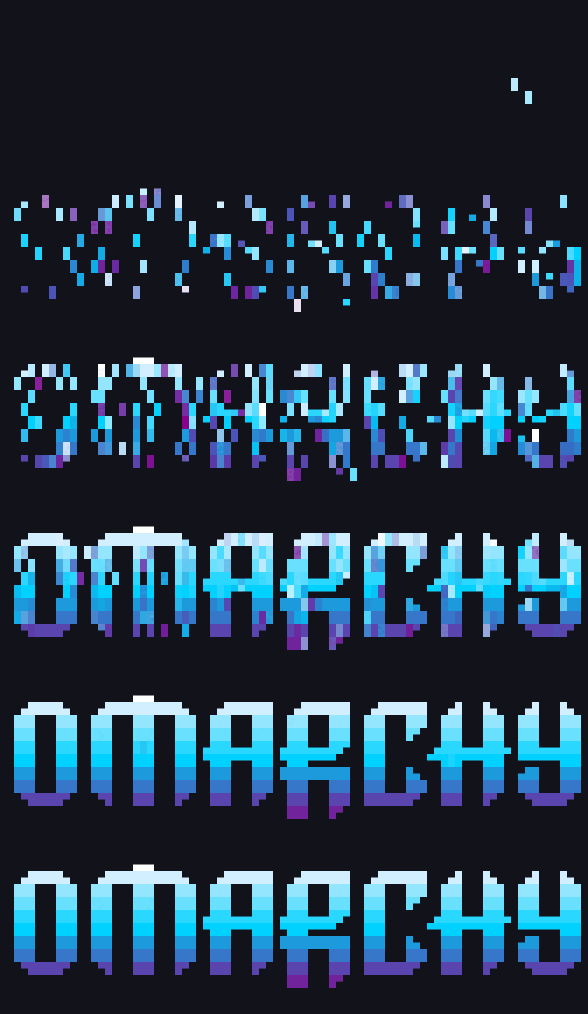
Draws the characters spawning at varying rates from a single point |
swarm
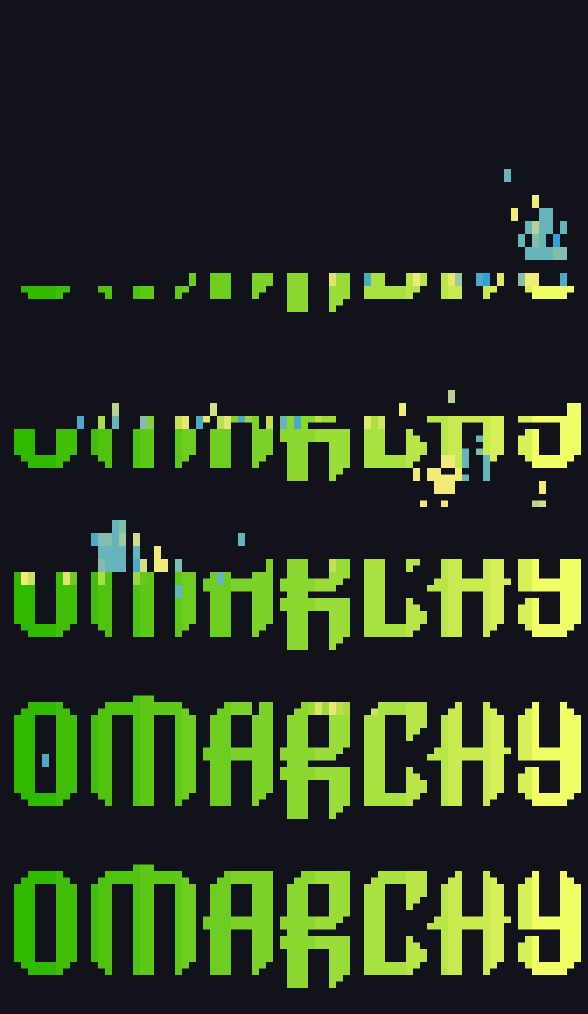
Characters are grouped into swarms and move around the terminal before settling into position |
sweep
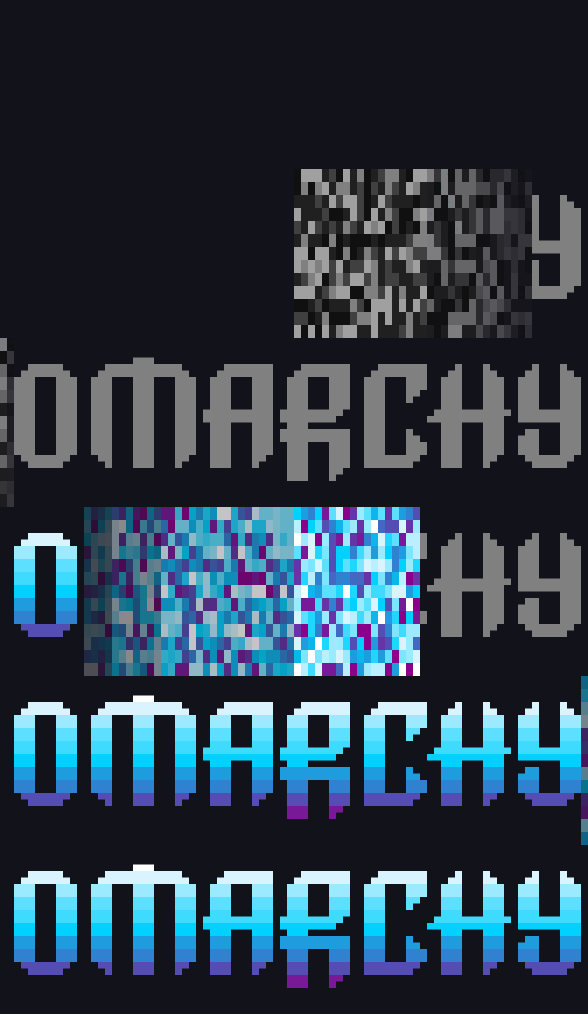
Sweep across the canvas to reveal uncolored text, reverse sweep to color the text |
synthgrid
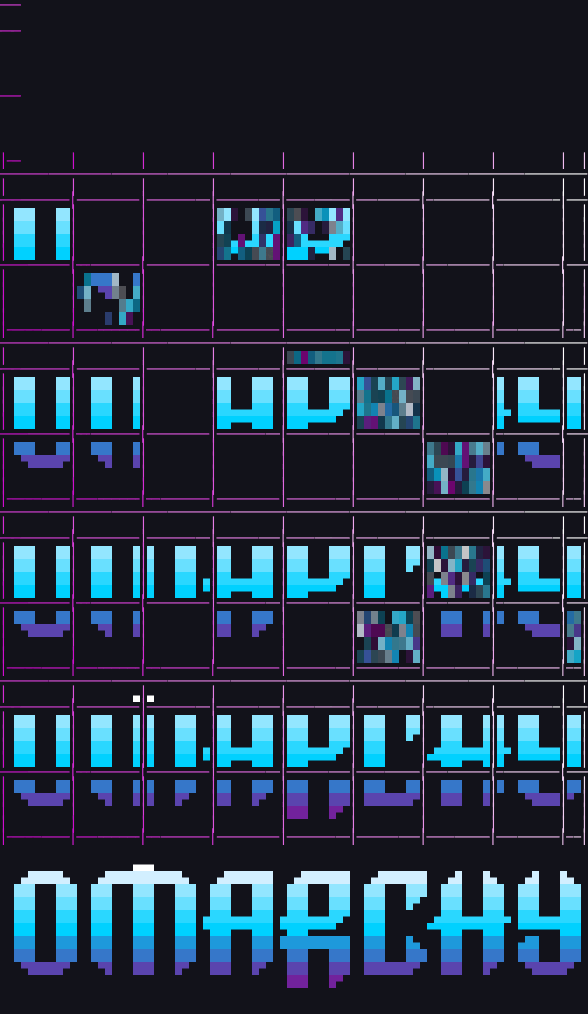
Create a grid which fills with characters dissolving into the final text |
thunderstorm
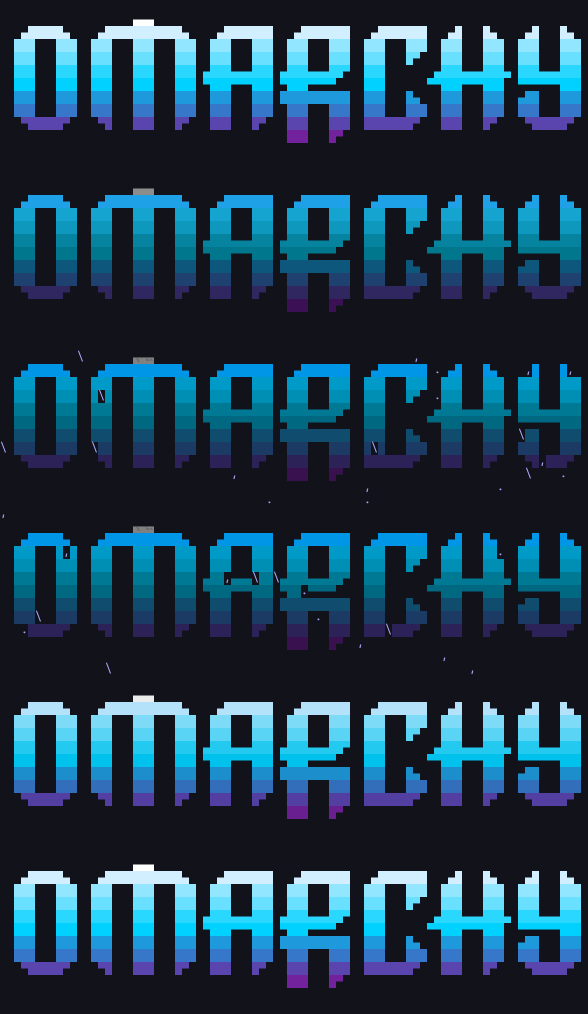
Create a thunderstorm in the terminal |
unstable
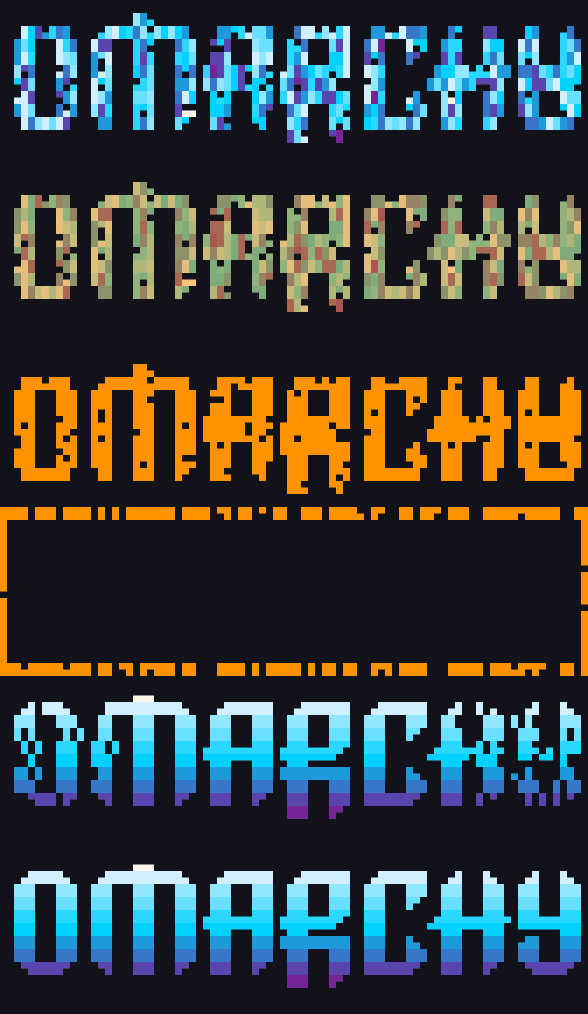
Spawn characters jumbled, explode them to the edge of the canvas, then reassemble them in the correct layout |
vhstape
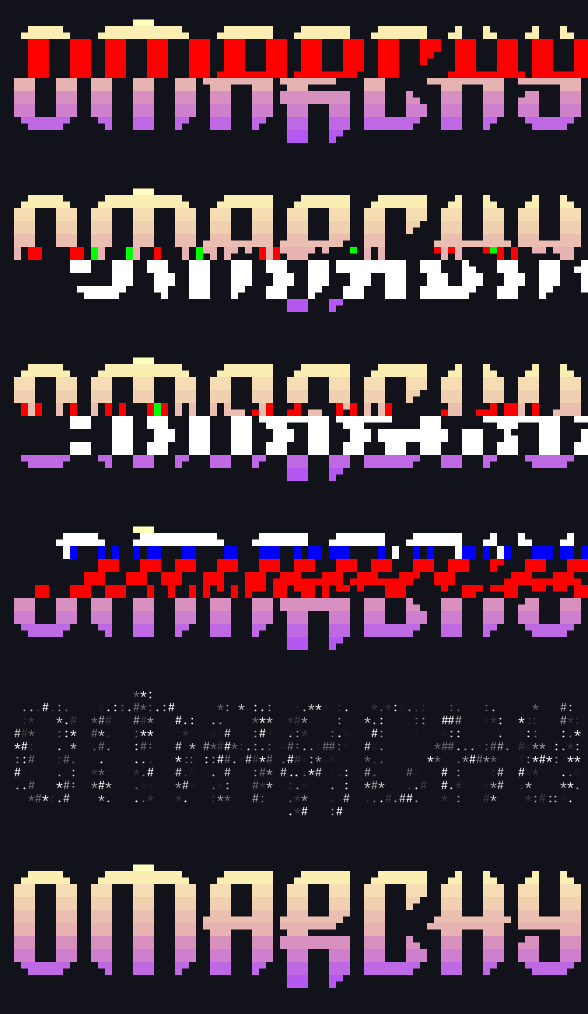
Lines of characters glitch left and right and lose detail like an old VHS tape |
waves
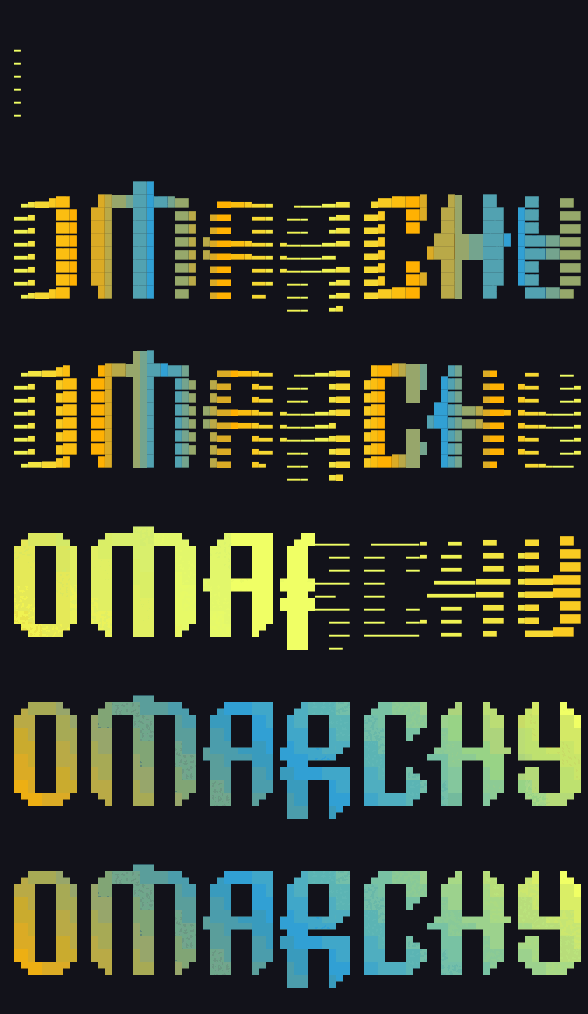
Waves travel across the terminal leaving behind the characters |
wipe
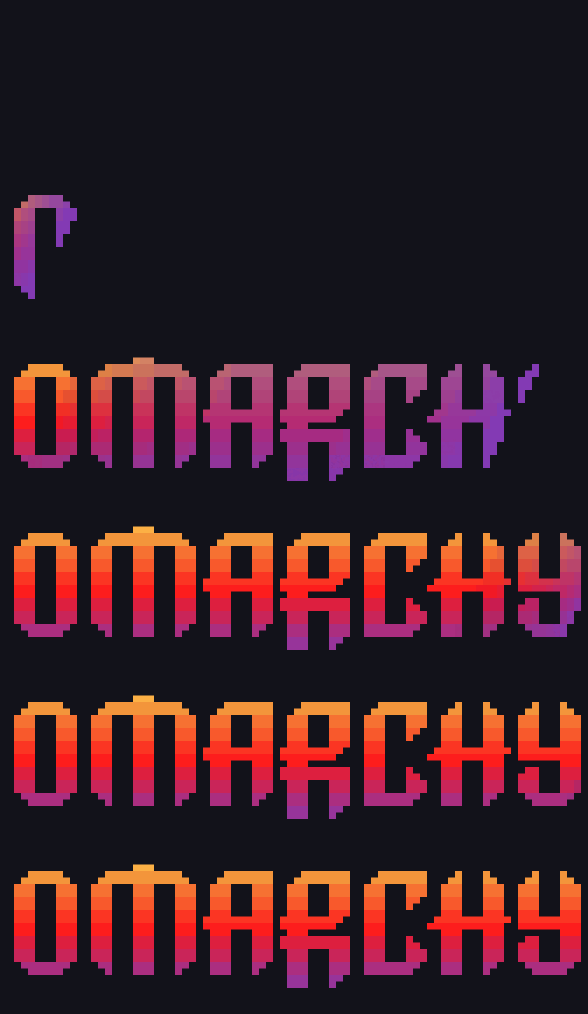
Wipes the text across the terminal to reveal characters |
|
Every effect takes its own options — ttfx <effect> --help. A few of the GIFs above shorten a
timed phase so the loop stays watchable (matrix --rain-time 3, thunderstorm --storm-time 3,
vhstape --total-glitch-time 250, spotlights --search-duration 80, errorcorrect --error-pairs 0.5); everything else is stock.
Fidelity
This is a parity port, not a reimplementation-in-spirit. Given the same input, config, and
random draws, ttfx produces byte-identical frames to the Python original — verified
mechanically in CI against a pinned upstream checkout (v0.15.0), not by eyeballing.
| Suite |
Checks |
What it proves |
tools/parity/run_suite.sh |
354 |
every effect's frame stream, byte for byte, across configs and seeds |
tools/parity/tty_compare.sh |
41 |
the full terminal byte stream — canvas prep, cursor moves, teardown |
tools/tests/cli_corpus.sh |
19 |
exit codes and stdout/stderr routing |
tools/tests/*_behavior.py |
pty |
what only a real terminal shows: resize restarts, signal teardown |
cargo test |
goldens + traces |
easing/geometry/gradient values and engine state machines |
./bin/test runs the lot, which is all CI does.
Making that possible meant reproducing upstream's quirks deliberately, not "fixing" them:
Python's banker's rounding, gradients built from integer floor division rather than float
interpolation, a bezier arc-length approximation that drops its final segment, and looping
scenes that report themselves complete on every tick. They're catalogued in
plan.md; the places where Python's unordered iteration had to be pinned down are
in docs/ordering-inventory.md.
Two deliberate differences. Random number generation is not bit-compatible with CPython —
ttfx uses xoshiro256++, so --seed is reproducible within ttfx but won't match Python's
Mersenne Twister. (The parity harness swaps a shared PRNG into both sides, which is what makes
frame comparison possible at all.) And Python plugin effects aren't supported, since there's
no interpreter to load them.
Usage
<producer> | ttfx [terminal options] <effect> [effect options]

ttfx --help                 # all 37 effects and the terminal options
ttfx <effect> --help        # options for one effect
ttfx --random-effect        # surprise me (--include-effects / --exclude-effects to filter)
ttfx --print-completion bash|zsh
Terminal options (canvas size and anchoring, color handling, frame rate, text wrapping) go
before the effect name; effect options after it. Option names and defaults match tte, so
existing invocations work with the binary name swapped.
Building
cargo build --release
cargo build --release --target x86_64-unknown-linux-musl   # static, ~3.3 MB
./bin/test runs every suite. It needs python3, and the parity half needs a copy of
upstream, which it clones at the pinned commit on first run:
./tools/parity/fetch_reference.sh # what bin/test calls; safe to run by hand
Upstream is not vendored here — the harness fetches it, because it's their code.
Scope
Linux and macOS. Built for Omarchy originally; nothing targets a
specific libc, and CI runs the tests and CLI corpus on both platforms. The byte-exact
parity suites stay pinned to Linux/glibc — Apple's libm rounds a few transcendentals a
last-ulp differently, which quantization hides in real frames but a bit-exact comparison
would surface.
License
MIT — see LICENSE, which carries both this project's copyright and the original
TerminalTextEffects copyright, and NOTICE for the attribution in full.

 ttfx 是一个单一的静态 Rust 二进制,用于渲染终端文本动画效果——你把文本通过管道送入,再从 37 种效果库(beams、matrix、fireworks 等)中选择一种。它是 Python 项目 TerminalTextEffects(TTE)逐行移植的 Rust 版本。