







What is this?
 Nota is a free, open-source digital audio workstation (DAW) for macOS, Windows and Linux. It has no subscription, no account and no paid tiers.
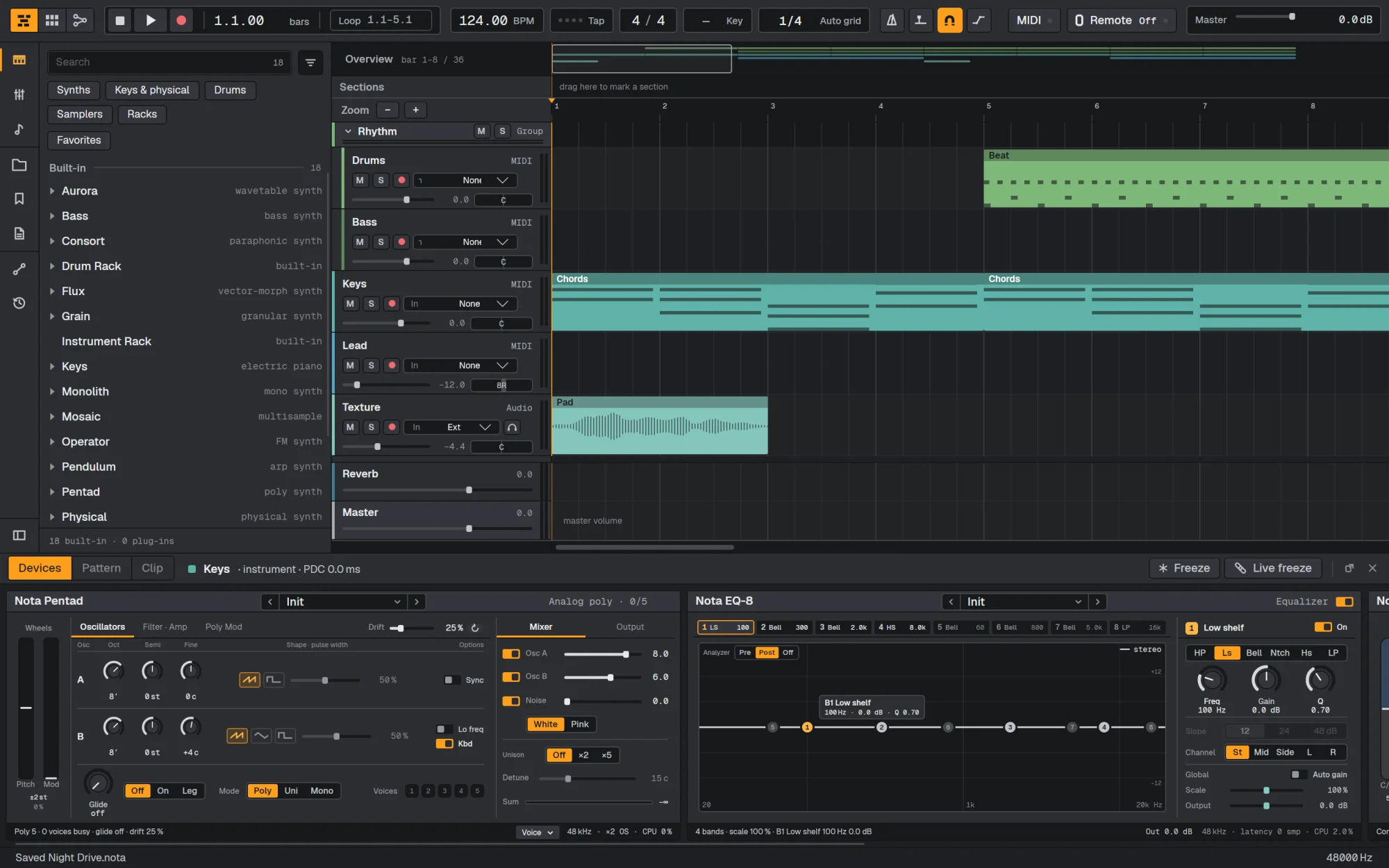
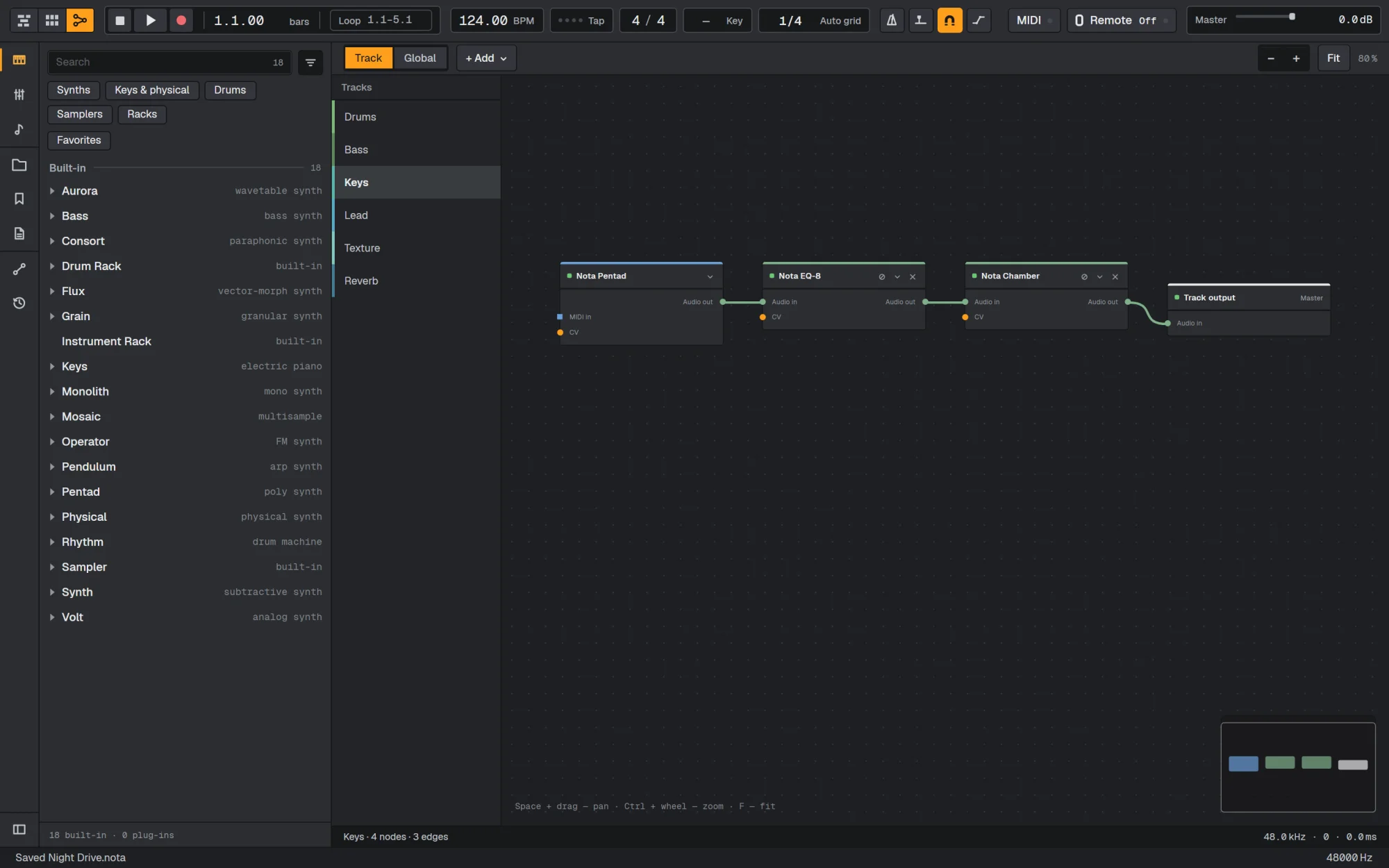
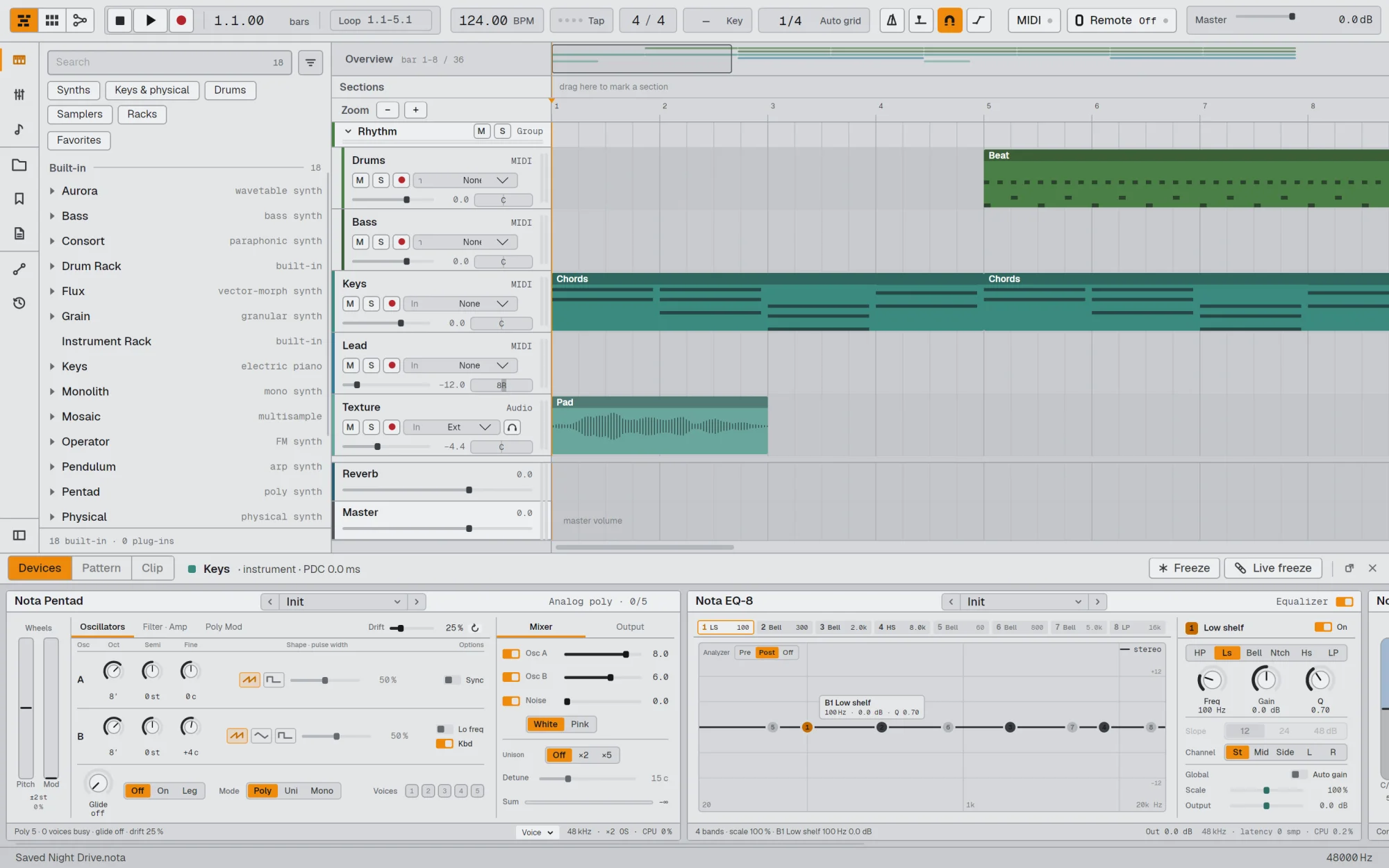
Is it a plugin or a standalone app?It's a standalone desktop music studio with its own timeline, clip grid, piano roll, mixer and built-in instruments. It can also host third-party VST3 plugins, and Audio Units on macOS.
It's a standalone desktop music studio with its own timeline, clip grid, piano roll, mixer and built-in instruments. It can also host third-party VST3 plugins, and Audio Units on macOS.How do I get it running?Download the file for your system from the latest GitHub release: a .dmg on macOS, a Setup .exe on Windows, or an AppImage on Linux. Then install or run it.
Download the file for your system from the latest GitHub release: a .dmg on macOS, a Setup .exe on Windows, or an AppImage on Linux. Then install or run it.Do I need anything else installed first?Regular users just pick the build for their CPU: Apple Silicon or Intel on macOS, x64 or ARM on Windows and Linux. Building from source needs .NET 10, Avalonia 12 and a C++20 toolchain, as described in BUILD.md.
Regular users just pick the build for their CPU: Apple Silicon or Intel on macOS, x64 or ARM on Windows and Linux. Building from source needs .NET 10, Avalonia 12 and a C++20 toolchain, as described in BUILD.md.Any install pitfalls?The builds aren't signed with a paid Apple or Microsoft certificate, so the first launch shows a warning. On macOS use System Settings > Privacy & Security > Open Anyway. On Windows click More info, then Run anyway. On Linux make the AppImage executable with chmod +x.
The builds aren't signed with a paid Apple or Microsoft certificate, so the first launch shows a warning. On macOS use System Settings > Privacy & Security > Open Anyway. On Windows click More info, then Run anyway. On Linux make the AppImage executable with chmod +x.Which systems and CPUs are supported?macOS 13 or newer on Apple Silicon and Intel, Windows 10 and 11 on x64 and ARM, and Linux on x64 and ARM as an AppImage.
macOS 13 or newer on Apple Silicon and Intel, Windows 10 and 11 on x64 and ARM, and Linux on x64 and ARM as an AppImage.Does the AI feature send my project anywhere?AI control is optional and off by default. It runs as a local MCP server, so an assistant such as Claude can work in your open project only after you turn it on.
AI control is optional and off by default. It runs as a local MCP server, so an assistant such as Claude can work in your open project only after you turn it on.What does it include out of the box?About 35 built-in instruments and effects, including subtractive, wavetable, FM, granular and physical-modelling synths, a drum machine, EQ, compressors, reverbs, delays and an arpeggiator.
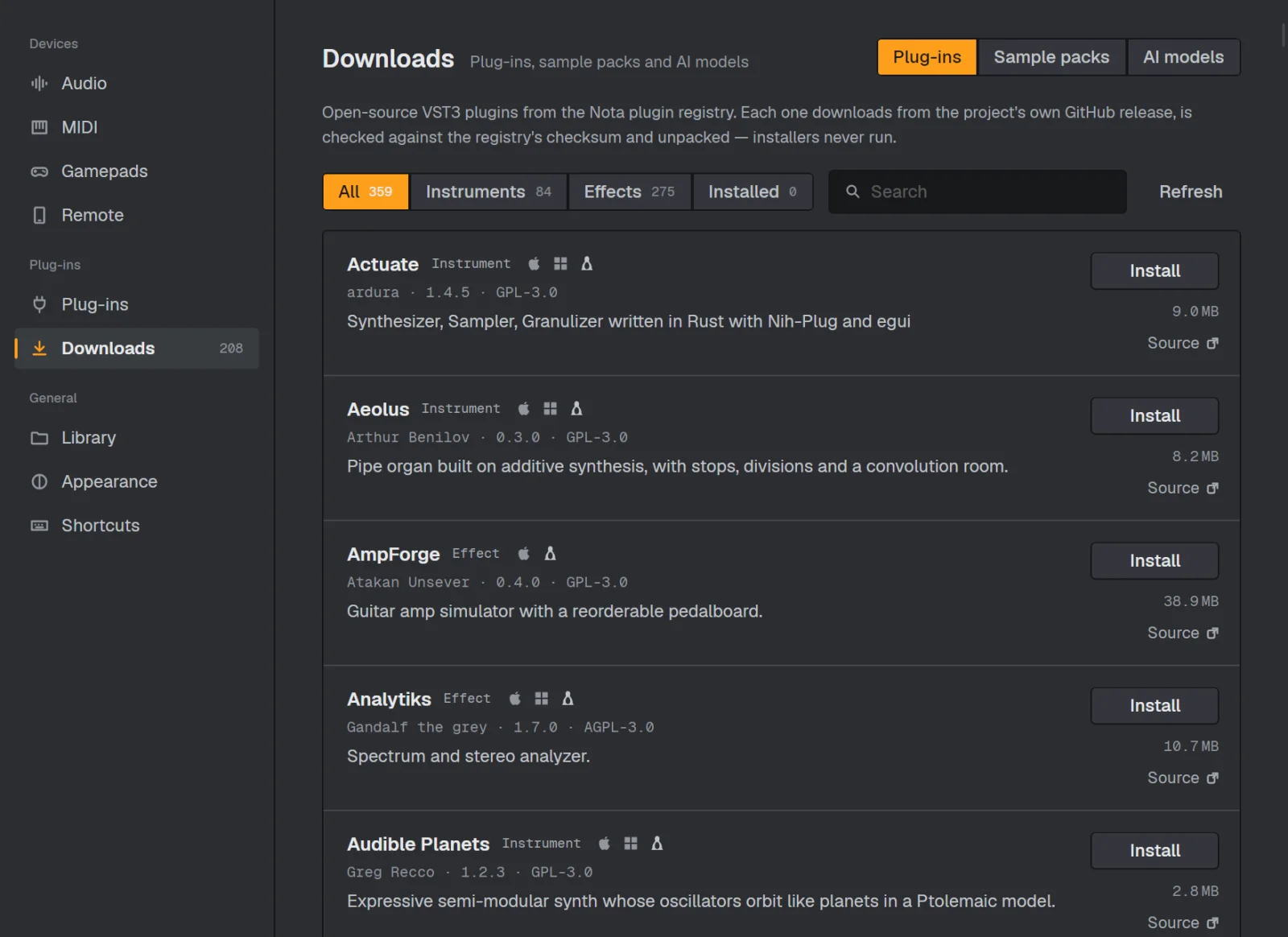
About 35 built-in instruments and effects, including subtractive, wavetable, FM, granular and physical-modelling synths, a drum machine, EQ, compressors, reverbs, delays and an arpeggiator.Can I use my existing VST plugins?Yes. VST3 works on every platform and Audio Units on macOS. Settings > Downloads also installs 200+ free open-source plugins, such as Surge XT and Dexed, in one click.
Yes. VST3 works on every platform and Audio Units on macOS. Settings > Downloads also installs 200+ free open-source plugins, such as Surge XT and Dexed, in one click.Can my phone act as a controller?Yes. Scan a QR code with Nota Remote to play pads and keys, use an XY pad or ride the mixer over Wi-Fi or USB, with nothing to install on the phone.
Yes. Scan a QR code with Nota Remote to play pads and keys, use an XY pad or ride the mixer over Wi-Fi or USB, with nothing to install on the phone.Why did the author build it?The author, Egor Khindikaynen aka Ambertape, built it for their own music and later opened it up as open source. Most of the code was written with AI assistance, with design decisions guided by the author.
The author, Egor Khindikaynen aka Ambertape, built it for their own music and later opened it up as open source. Most of the code was written with AI assistance, with design decisions guided by the author.What are similar projects?LYNX-SHARE, dexed, ableton-live-11-desktop, soundcraft, pro-tools-desktop, riff, lmms, 0700-AAM
LYNX-SHARE, dexed, ableton-live-11-desktop, soundcraft, pro-tools-desktop, riff, lmms, 0700-AAMWhich topics is it in?daw, digital-audio-workstation, synthesizer, avalonia, dsp, music-production, midi, cpp20, audio-processing, music, plugin-system, c#
daw, digital-audio-workstation, synthesizer, avalonia, dsp, music-production, midi, cpp20, audio-processing, music, plugin-system, c#