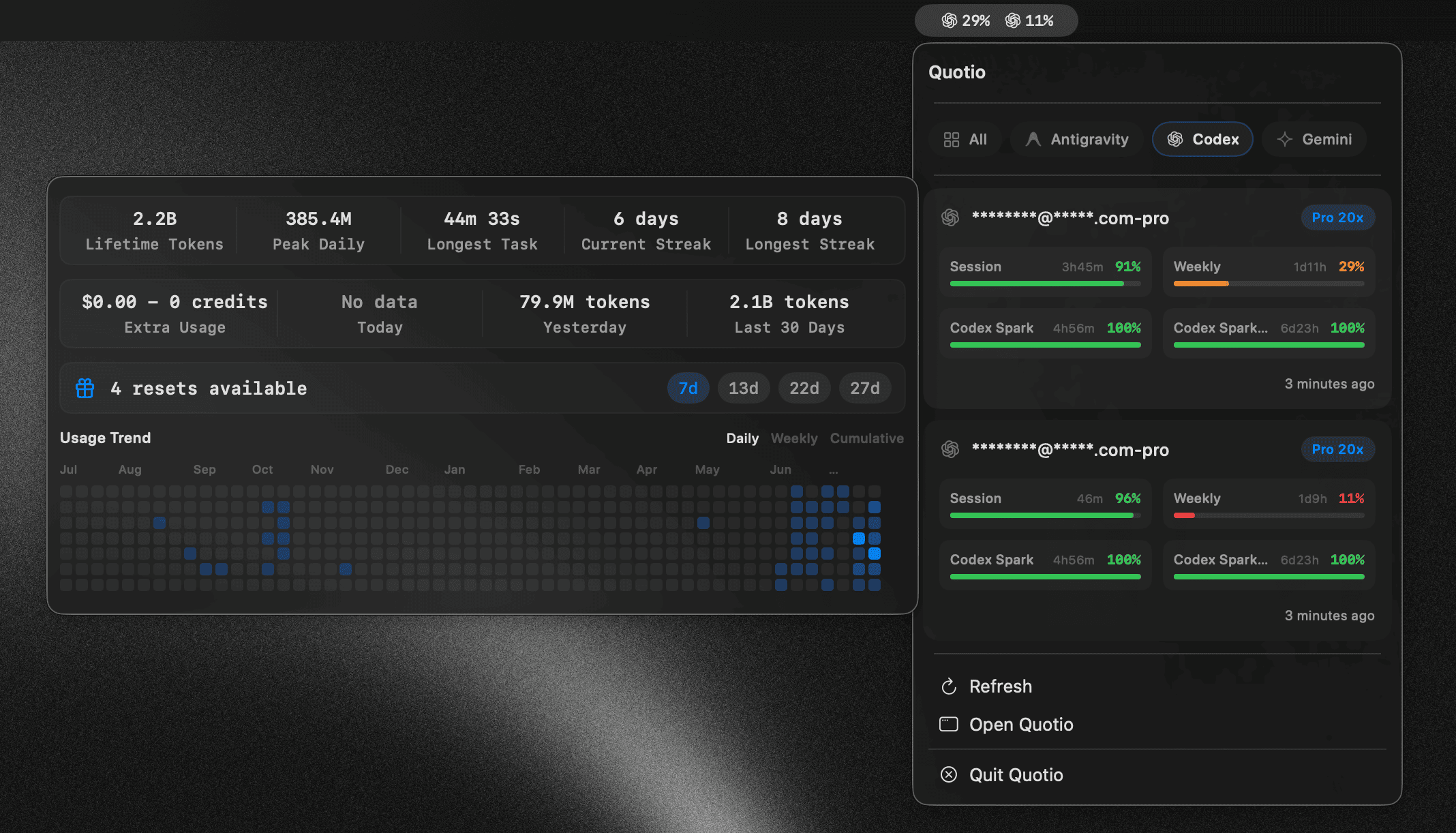



What is this?
 Quotio is a native macOS menu bar app for managing CLIProxyAPI, a local proxy server that unifies multiple AI provider accounts (Claude, OpenAI Codex, Qwen, Vertex AI, iFlow, Antigravity, Kiro, GitHub Copilot) with quota tracking and automatic failover.
Quotio is a native macOS menu bar app for managing CLIProxyAPI, a local proxy server that unifies multiple AI provider accounts (Claude, OpenAI Codex, Qwen, Vertex AI, iFlow, Antigravity, Kiro, GitHub Copilot) with quota tracking and automatic failover.Is this a coding assistant itself, or does it just manage my AI accounts?It is a management app that runs a local proxy server; your actual coding agents like Claude Code or OpenCode point at this proxy instead of calling each provider directly.
It is a management app that runs a local proxy server; your actual coding agents like Claude Code or OpenCode point at this proxy instead of calling each provider directly.How do I install and set it up?Install via Homebrew or download the signed, notarized .dmg from the Releases page (or build from source in Xcode), then start the proxy, connect your provider accounts via OAuth, and auto-configure your CLI agents.
Install via Homebrew or download the signed, notarized .dmg from the Releases page (or build from source in Xcode), then start the proxy, connect your provider accounts via OAuth, and auto-configure your CLI agents.What do I need to run it?You need macOS 14.0 (Sonoma) or later and an internet connection, since each provider account is authenticated via OAuth.
You need macOS 14.0 (Sonoma) or later and an internet connection, since each provider account is authenticated via OAuth.Can I use Cursor or Trae as providers through Quotio?No, Cursor and Trae are only auto-detected for quota monitoring and cannot be used as proxy providers.
No, Cursor and Trae are only auto-detected for quota monitoring and cannot be used as proxy providers.How does the auto-failover work when an account hits its quota?Quotio switches between connected accounts using either a Round Robin or Fill First routing strategy, cooling down accounts that run out of quota.
Quotio switches between connected accounts using either a Round Robin or Fill First routing strategy, cooling down accounts that run out of quota.Which AI coding CLIs can Quotio auto-configure?It can point Claude Code, Codex CLI, Amp CLI, OpenCode, and Factory Droid at its local proxy with one click.
It can point Claude Code, Codex CLI, Amp CLI, OpenCode, and Factory Droid at its local proxy with one click.Can I check my quotas without starting the proxy server?Yes, Standalone Quota Mode lets you view quota and accounts without running the proxy, for quick checks.
Yes, Standalone Quota Mode lets you view quota and accounts without running the proxy, for quick checks.What languages does the app support?Quotio's interface is available in English, Vietnamese, and Simplified Chinese.
Quotio's interface is available in English, Vietnamese, and Simplified Chinese.What are similar projects?cockpit-tools, rayburst, macos-sysdata, openusage, what-the-port, CodexBar, opencodex, workbuddy-switch
cockpit-tools, rayburst, macos-sysdata, openusage, what-the-port, CodexBar, opencodex, workbuddy-switchWhich topics is it in?auto-update, menubar, github-copilot, notifications, ai-tools, oauth, multilingual, swift, proxy, dashboard, rust, productivity
auto-update, menubar, github-copilot, notifications, ai-tools, oauth, multilingual, swift, proxy, dashboard, rust, productivity